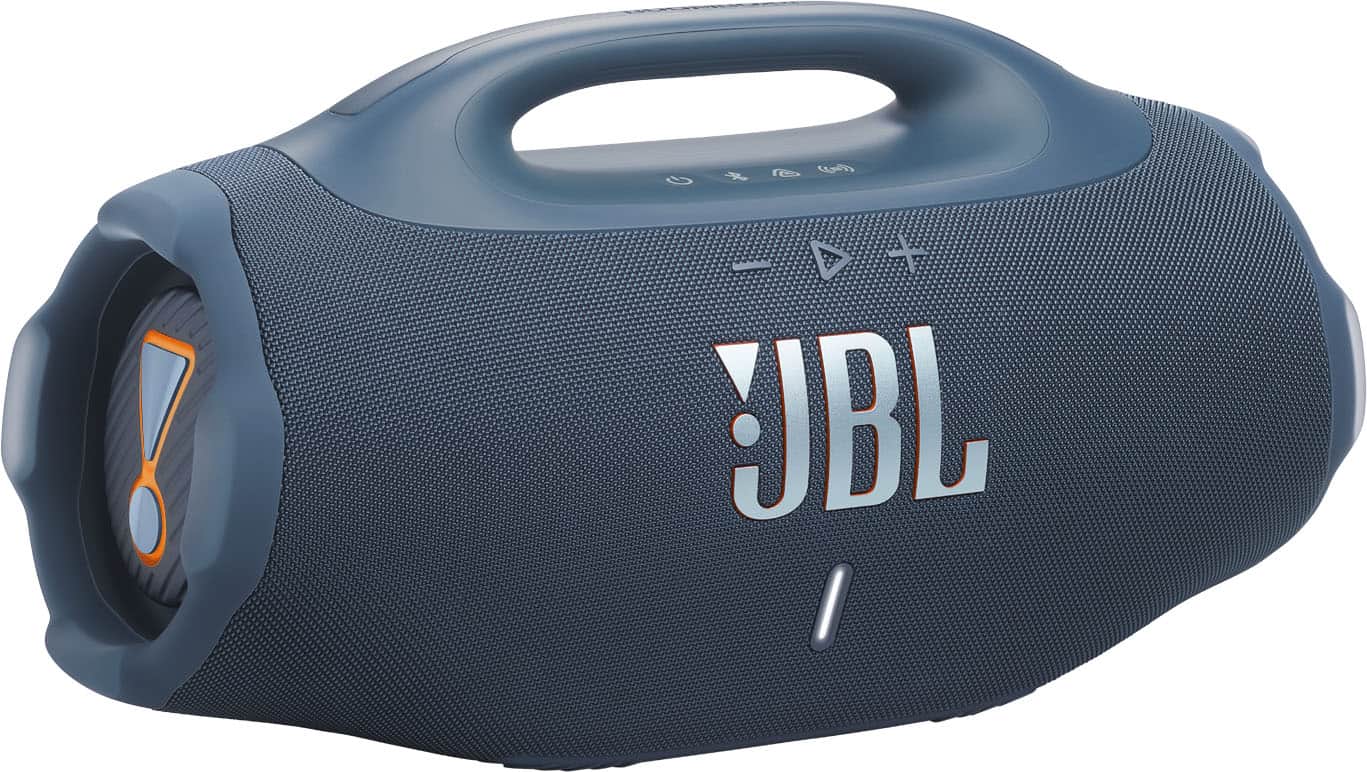
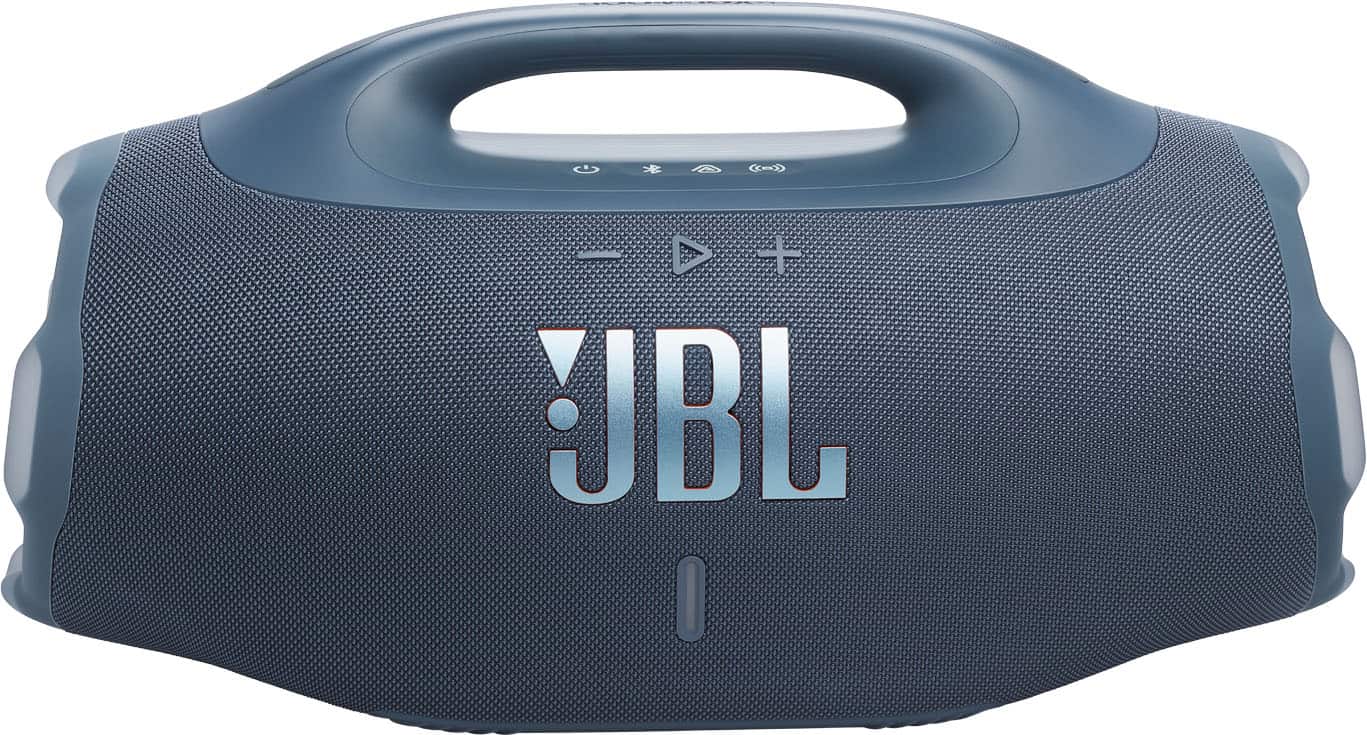
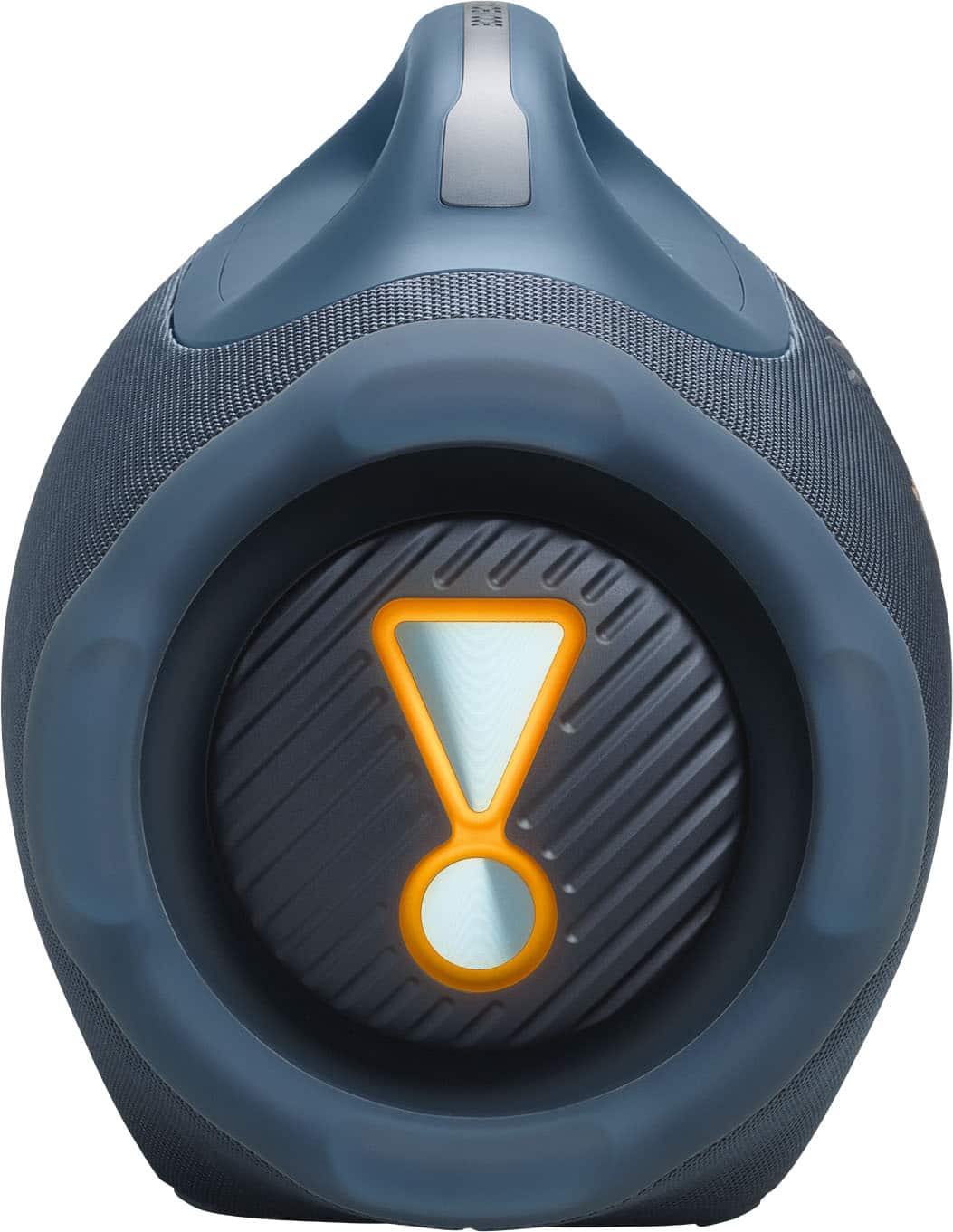
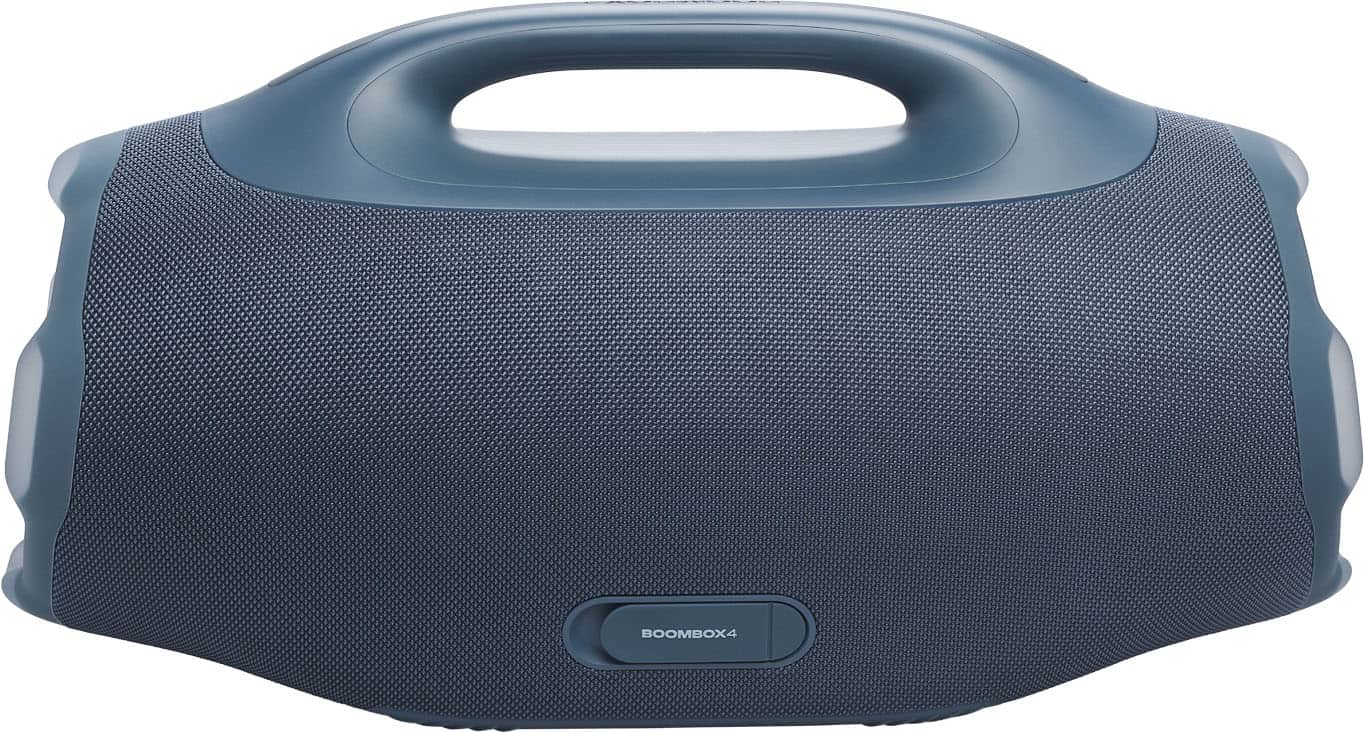
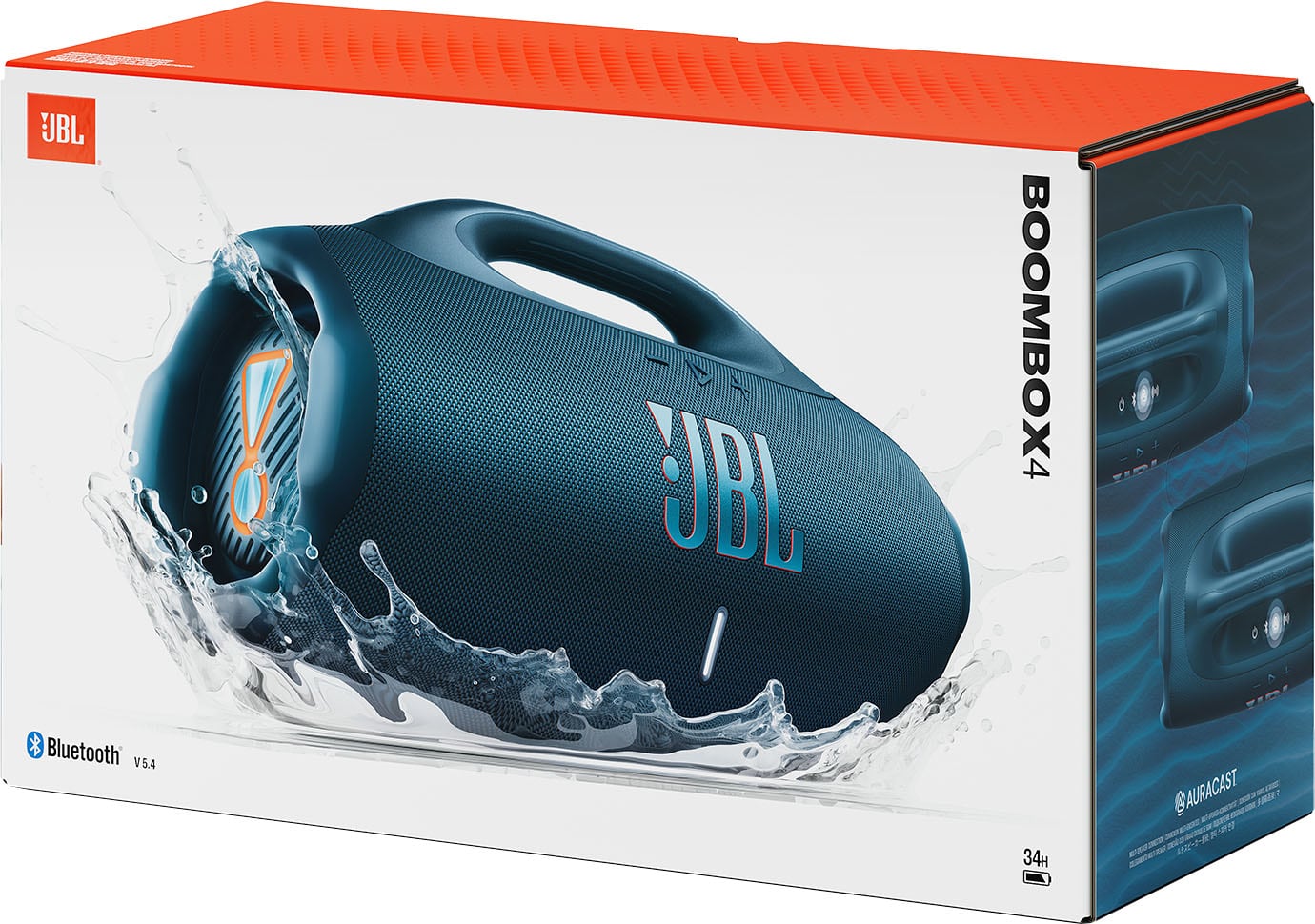
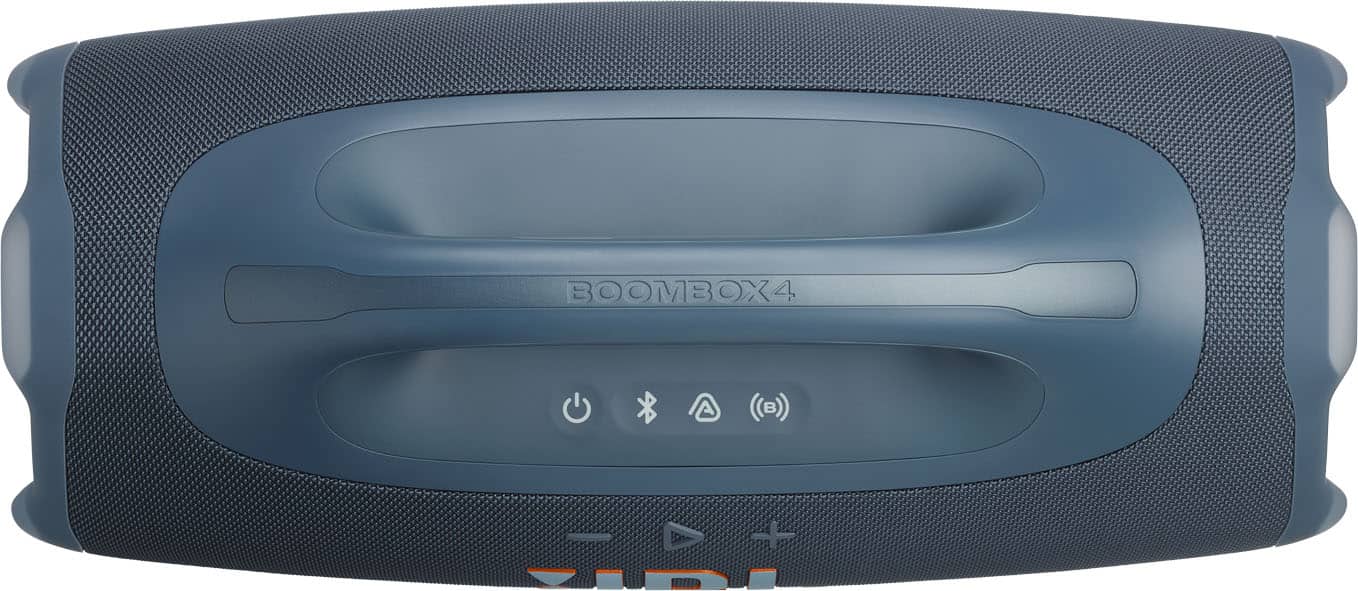
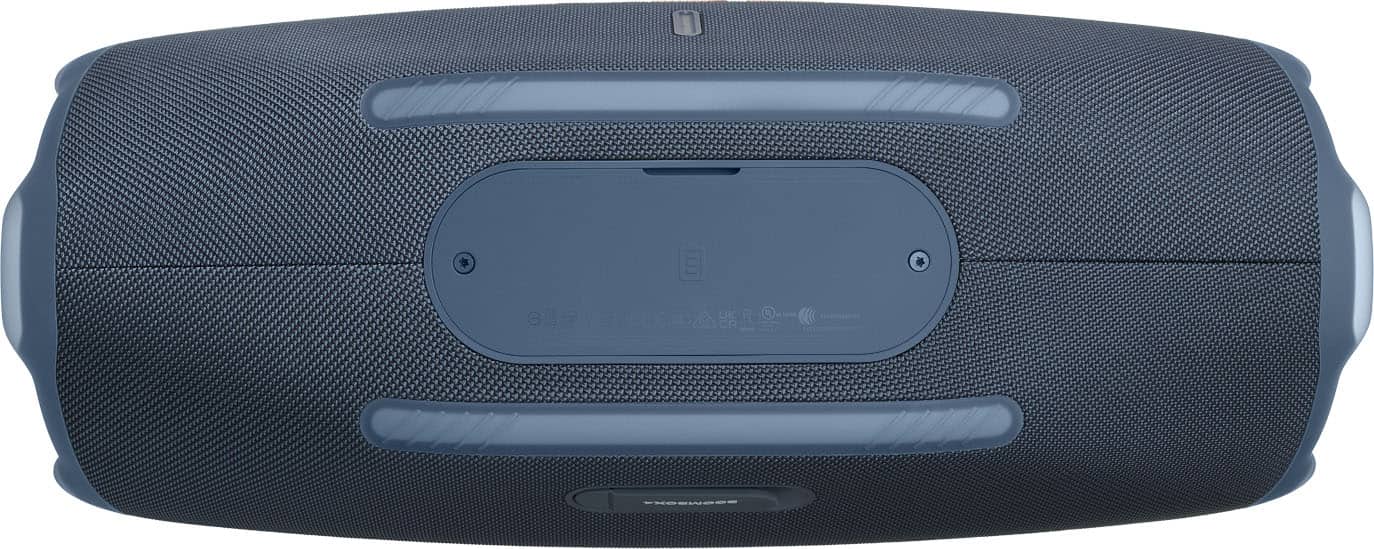
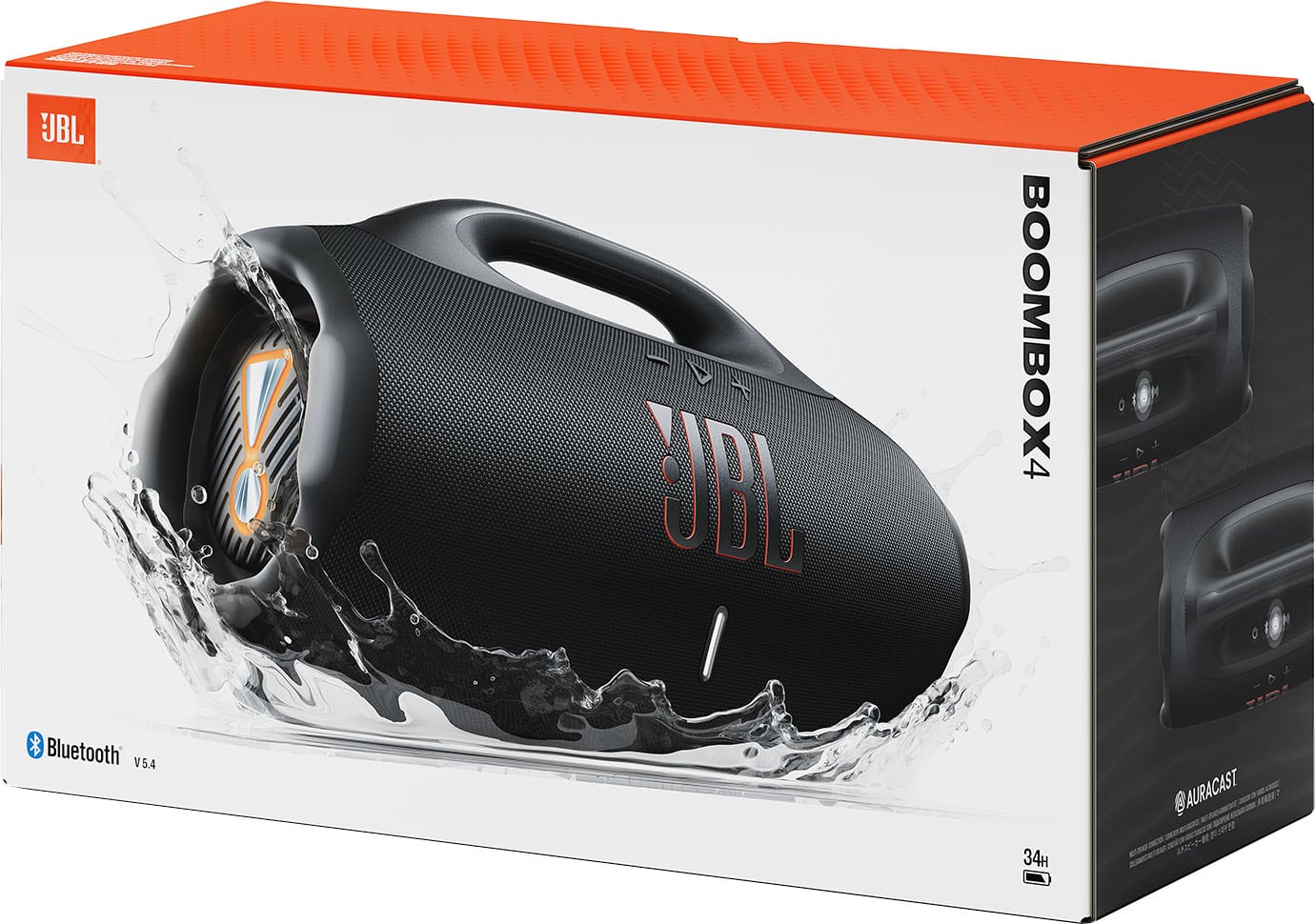
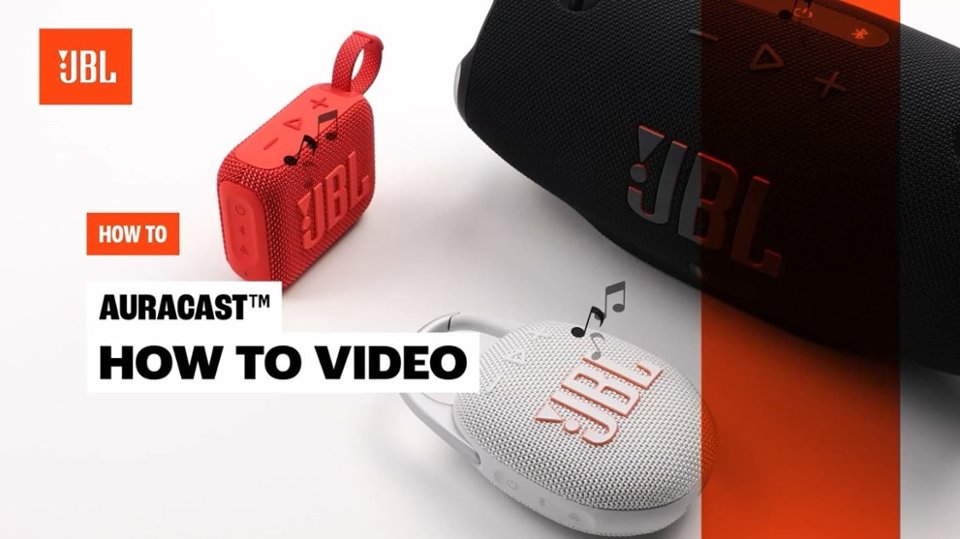
A:AnswerThanks for your question. Yes, you can use the Boombox 4 while it is plugged in. Its AC mode actively boosts the total power output to deliver even louder, deeper sound.
A:AnswerThanks for your inquiry. Our JBL Boombox 4 delivers powerful sound with a high‑output speaker system, and its charging specifications are designed for fast and reliable performance. It features a USB‑C charging port that supports multiple power levels (5V/3A, 9V/3A, 15V/2A, and 20V/1.5A), giving you flexible charging options depending on your power source.
A:AnswerThanks for your inquiry. Our JBL Boombox 4 features a 99.02Wh rechargeable Lithium-ion battery and has a published music playtime of up to 28 hours (plus an additional 6 hours with Playtime Boost), which is the maximum battery time you will get when listening at background levels.
A:AnswerThanks for your inquiry. The USB-C port on our JBL Boombox 4 serves two main purposes: it allows for lossless audio playback and acts as a power bank to charge your other devices. Please note that you cannot recharge the Boombox 4 itself through the USB-C port; it must be plugged into a wall outlet using the standard AC power cord. If you need further assistance, please contact our customer support directly.
A:AnswerThanks for your question. We sell the specific battery pack for our JBL Boombox 4, and it’s currently available on our website. You can find it here: https://www.jbl.com/BATTERY600-CHARGING-CASE.html
A:AnswerThanks for your question. Our JBL Boombox 4 is now available for pre-order in the US. Pre-orders are expected to ship on Sunday, September 28, 2025.
A:AnswerThanks for your question. Our JBL Boombox 4 does not support music playback from a USB drive. However, it does support lossless audio playback when you connect it directly to your laptop or other audio device using the USB-C port.