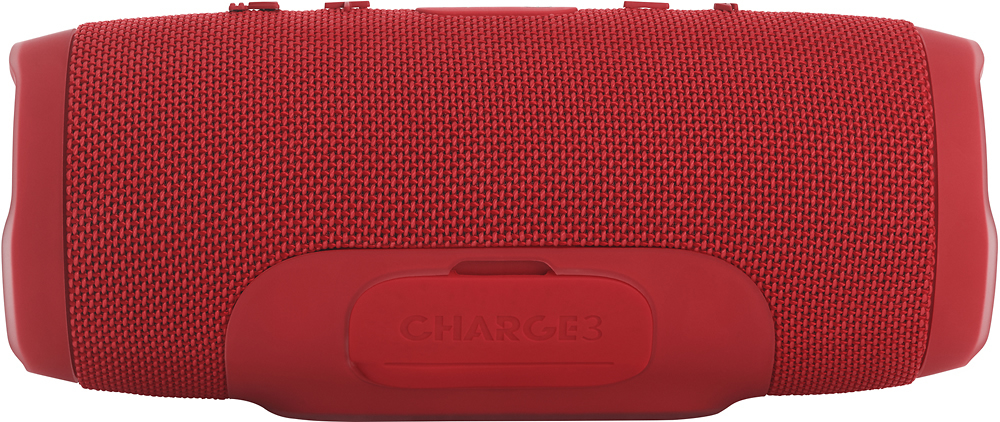
A:AnswerOne make sure the laptop is bluetooth enabled. then on windows 10 go to settings then devices turn on bluetooth, then select add bluetooth device. make sure to have the bluetooth device ready to pair and then open that up so the device shows up in the laptop's bluetooth scan select the device you wish to connect and then let it pair. from there it should always show up in your paired devices list and upon your laptop turn on its bluetooth and the device powering up they should auto connect. sometimes you have to manually select the device from the paired device list again to relink the connection.
A:AnswerI don't think it'd be loud enough for player walk ups, but for warm up music I think it would. It doesn't sound tiny by any means. I use it in the outdoor area at my gym and it definitely overpowers any and everyone else's music.
A:AnswerI've used the pulse2 and flip at the pool and used the charge 2 at the gym. I would suggest more than 1 for a pool party. With the JBL app, you can pair multiple speakers together.