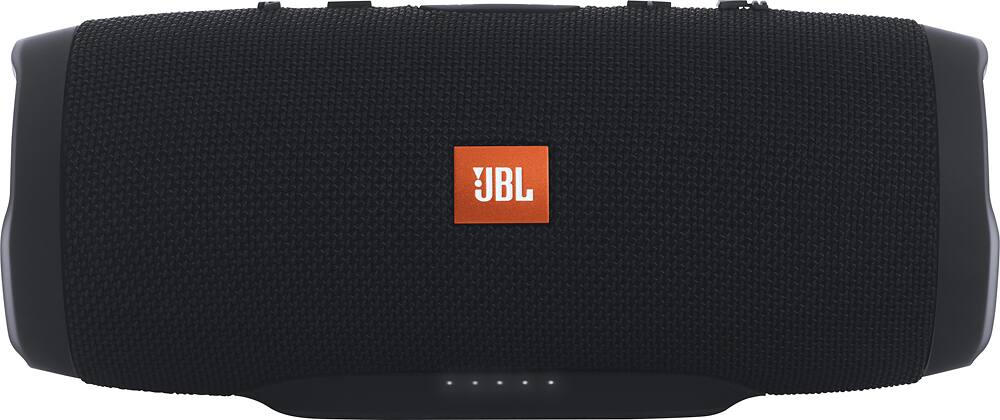
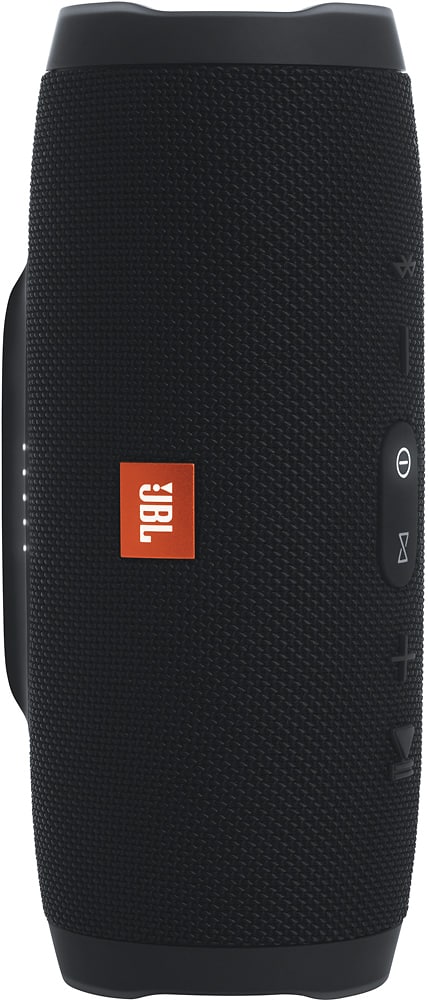
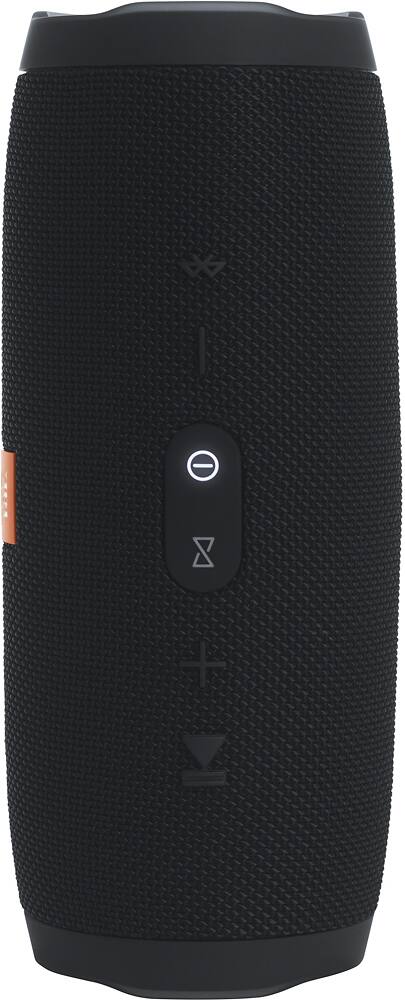
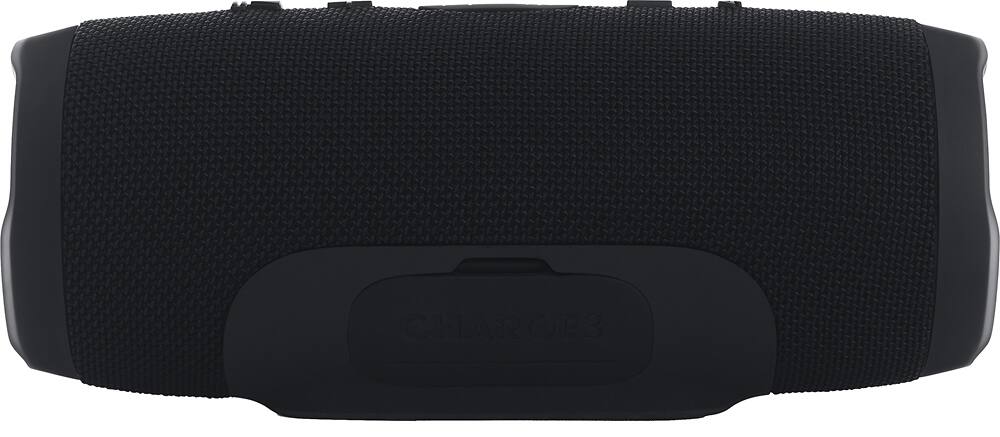
A:AnswerIf you buy the JBL Charge 3 you can only Connect 2 of them together but if you download the JBL Connect App on your smartphone you can update both of them so that they can have JBL Connect+ and then you will be able to link up to 100 JBL Speakers That also have JBL Connect+
A:AnswerWe would like to work with you directly to help you with your issue. Please prepare your proof of purchase and submit a case request at https://www.jbl.com/support-contact.html and the Customer Service Team will be more than happy to assist you.
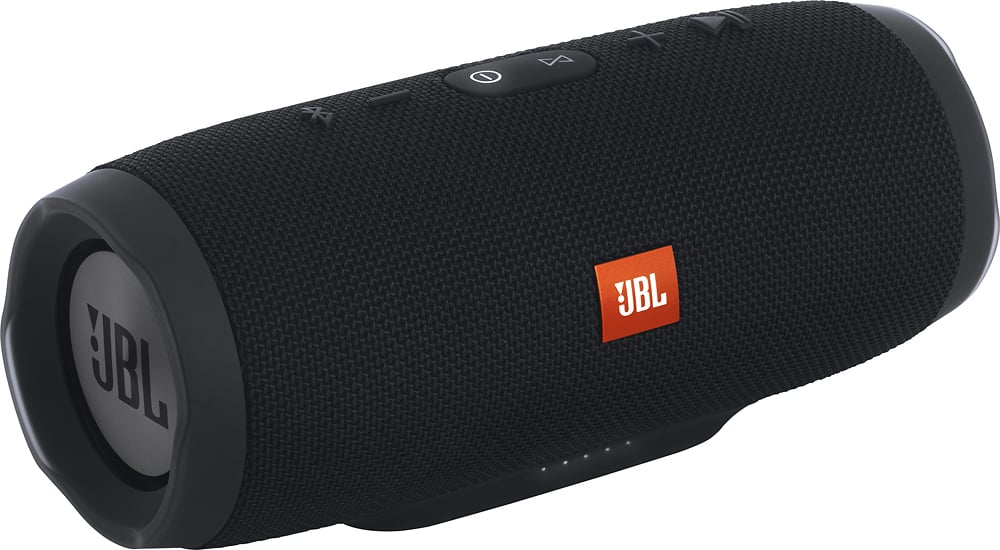
A:AnswerOne make sure the laptop is bluetooth enabled. then on windows 10 go to settings then devices turn on bluetooth, then select add bluetooth device. make sure to have the bluetooth device ready to pair and then open that up so the device shows up in the laptop's bluetooth scan select the device you wish to connect and then let it pair. from there it should always show up in your paired devices list and upon your laptop turn on its bluetooth and the device powering up they should auto connect. sometimes you have to manually select the device from the paired device list again to relink the connection.