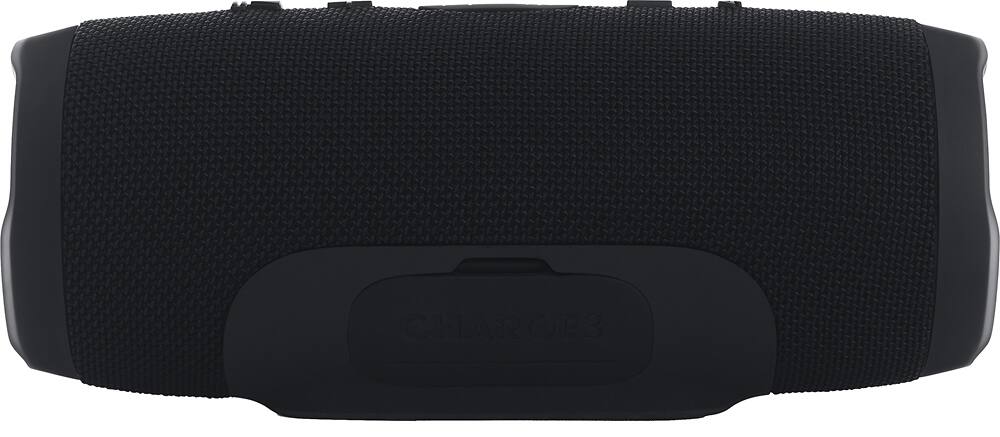
A:AnswerBut this only puts the two in mono or "party mode" I have an android work device that I downloaded the app to do this but otherwise they only pair in mono without the app it seems.
A:AnswerThe Charge 3 produces 2x10 watts.
If you need further assistance, please submit a case request at https://www.harmanaudio.com/support-contact.html and the Customer Service Team will be more than happy to assist you.
A:AnswerWe would like to work with you directly to help you with your issue. Please submit a case request at https://www.jbl.com/support-contact.html and the Customer Service Team will be more than happy to assist you.
A:AnswerSo I have a JBL charge 3 that would crackle then shut off. At first I thought like so many out there that it was the battery. Ordered a new battery and still did the same thing. Would shut down after a while for no reason. Lights acted funny, rebooted many many times. Then I thought it was the charge port. Replaced that as well. Still had the same issues. Then I decided to check the connector at the motherboard where the battery connects to and realized it was kind of loose. I wiggled it a bit and it just fell right out. That’s when I decided to use some glue to glue it back into place. And so far it is holding and the radio is blasting once again! I’m sure it would have been better to have it re soldered but I’m testing this out for a while to see if this holds and if it does then I’ll figure out my next move. Hope this helps others out there!
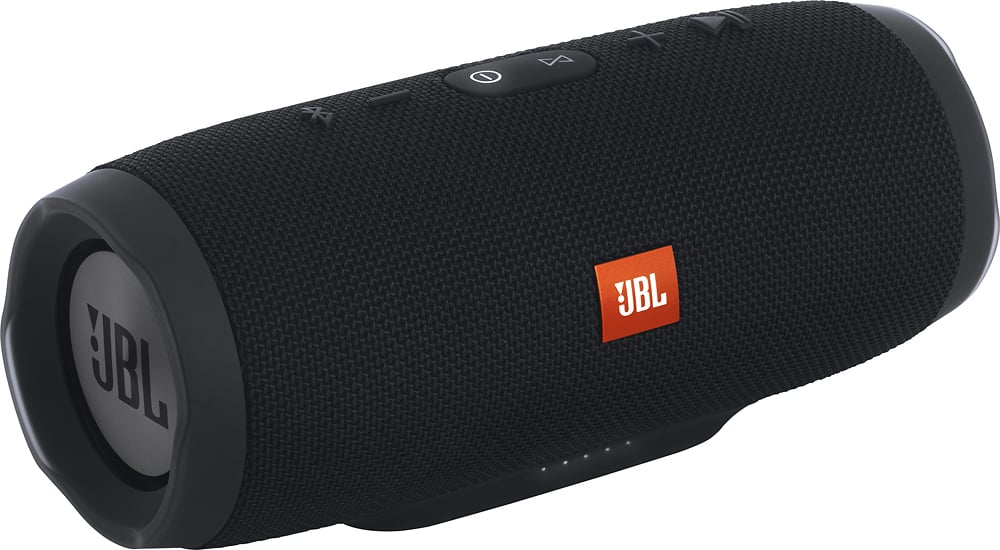
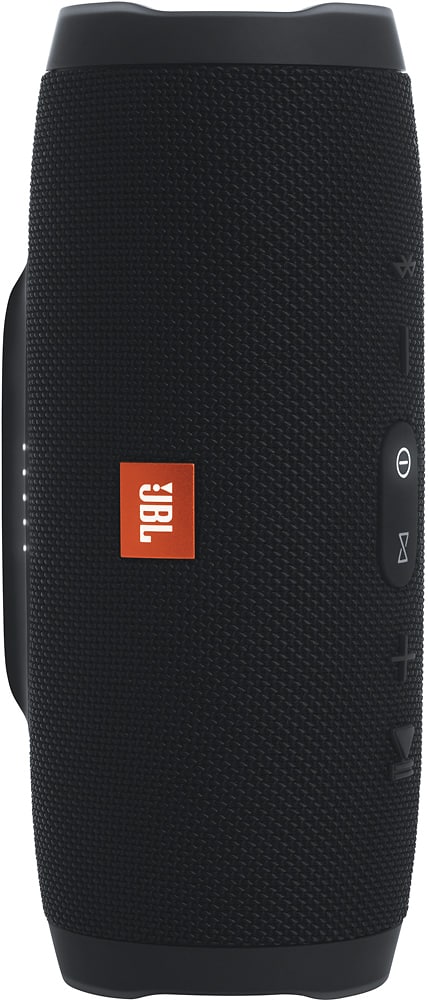
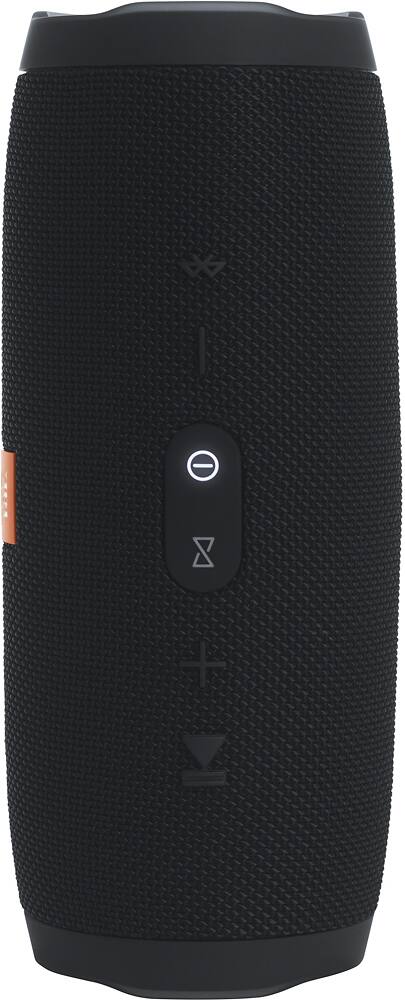
A:AnswerIn power ON mode press and hold the "Volume +" and "Play" buttons at the same time for more than 3 seconds -> Unit will power Off by itself. Now the unit is reset to factory default