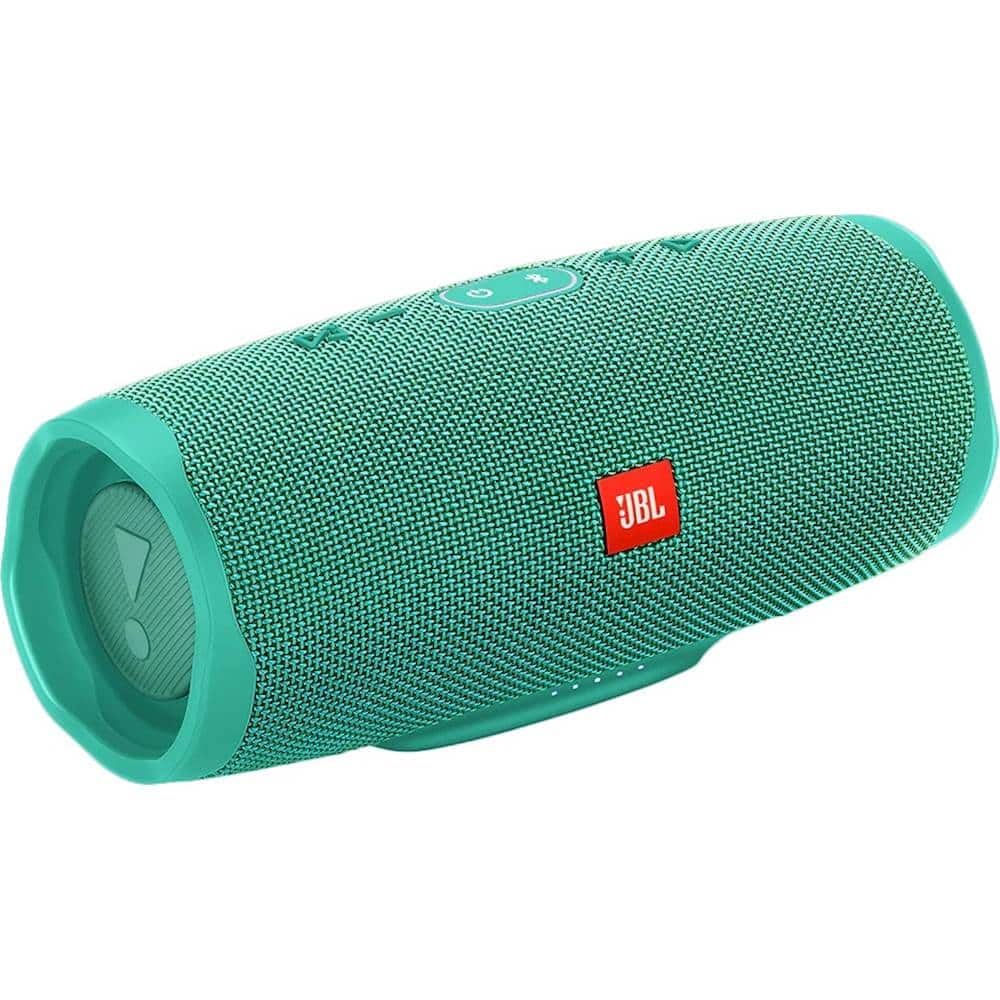
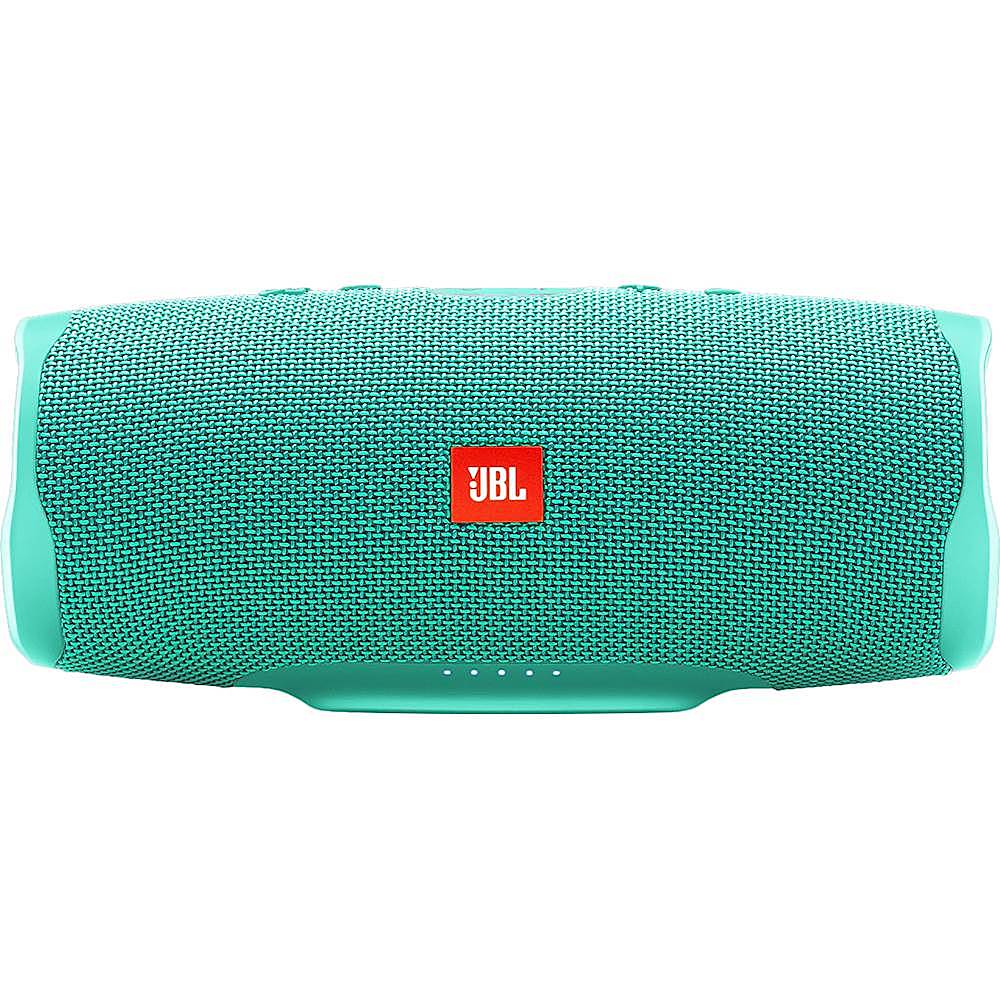
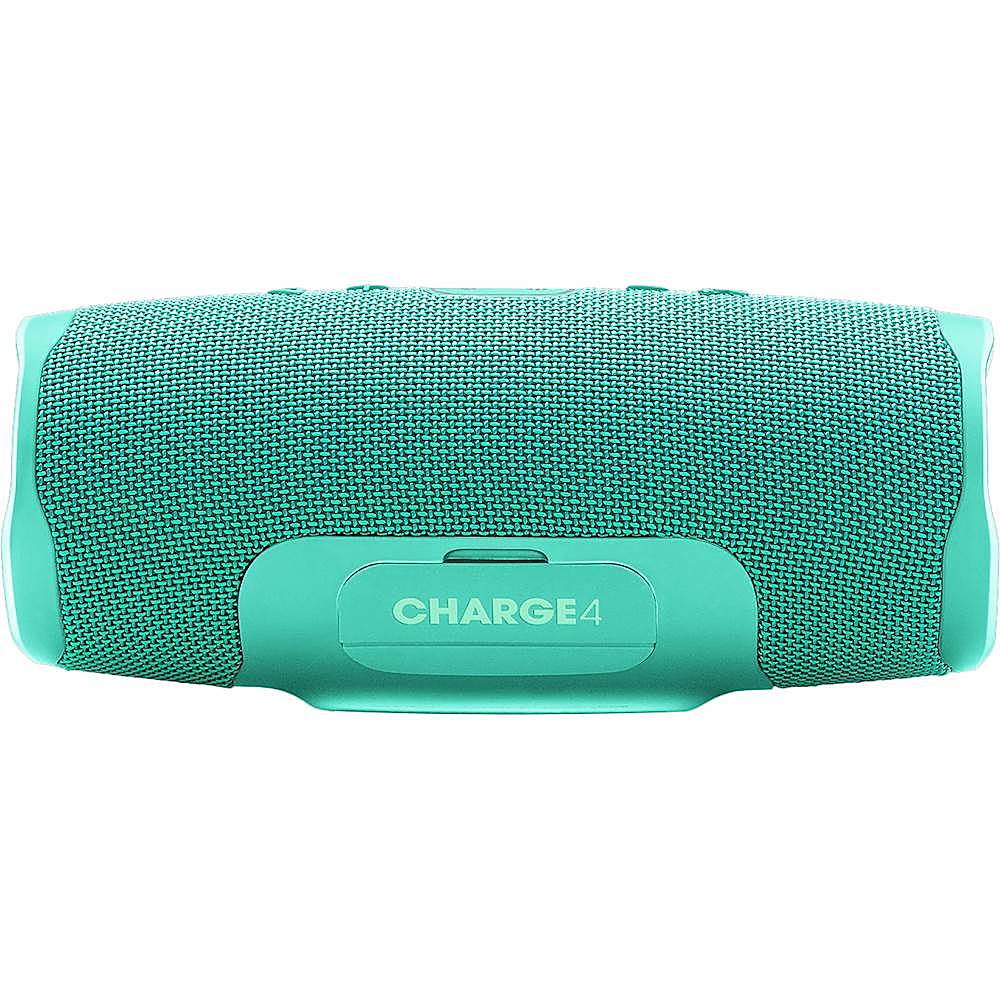
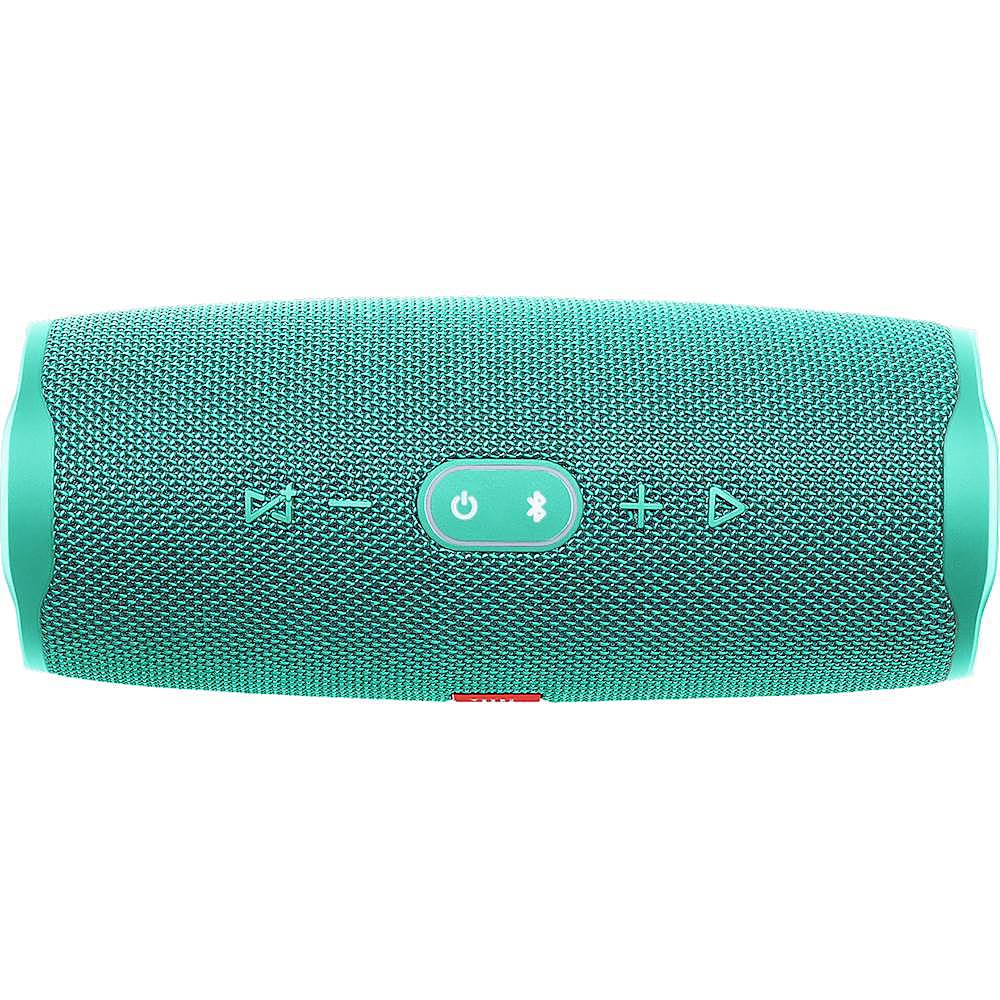
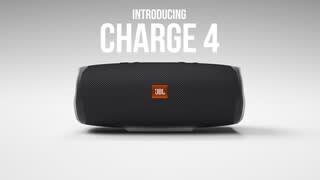
A:AnswerHi, you would have to PAIR both speakers to the computer, one first and then the other one,rename them if possible once both speakers have been paired send music to only one of them, when you have the music already going turn the 2nd speaker ON, press the connect button on both devices, if you still encounter issues connecting please contact our tech support line.
A:AnswerHi there, one JBL Charge 4 will connect to a phone/source device while the second one will connect to the Charge 4 which is connected to the device so they could play the same music from one source.
A:AnswerOur JBL Charge 4 is waterproof with an IPX7 rating. (IPX7 means it can survive immersion in 1 meter or 3.3 feet for up to 30 minutes.)To maintain the looks and functions of your speaker, please make sure to rinse it with fresh water after using it at a swimming pool or the ocean, then dry off all covers and areas where water can gather. The standard for waterproofing is for tap water. Chemicals and salt in your pool or the ocean can damage the waterproof seals or harm the surface finish over time if not rinsed off after use.
A:AnswerIt would depend on the surroundings. Optimal distance is 5 meters. Without any wireless interference and physical obstructions, it can go up to 10 meters.
A:AnswerDon't know the answer to that question per se. However, JBL does say that this unit is waterproof up to 20' depth. I would say that the pouring rain will not provide any obstacle to the performance of this unit.