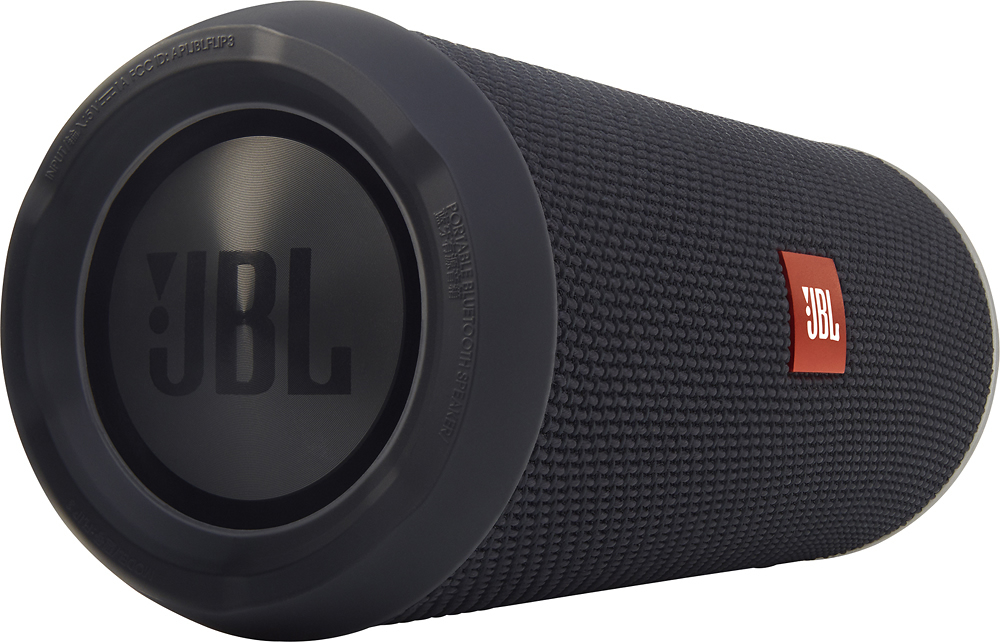
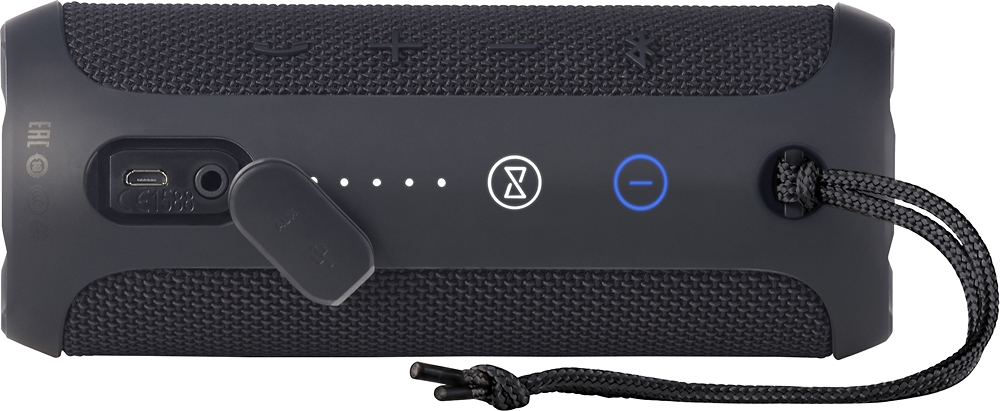
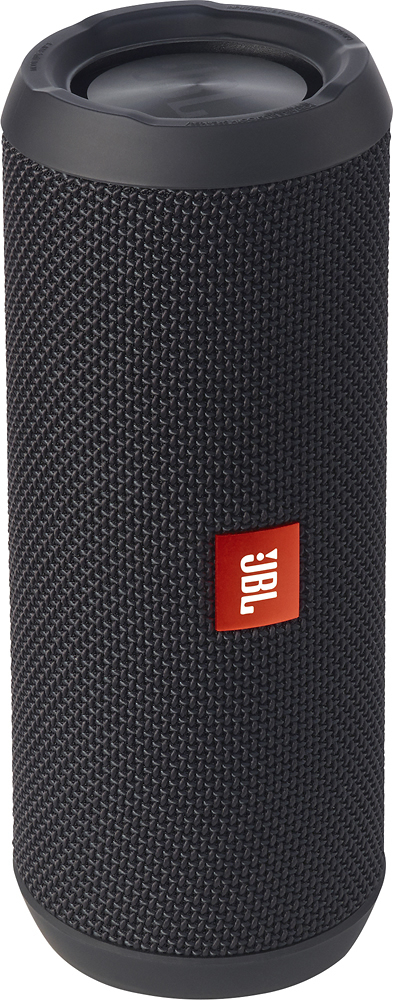
A:AnswerIt is splash proof, but not waterproof.
Don't place it near a pool where a lot of water can hit it. But a few drops of rain haven't hurt mine yet. Just a few though.
Best to keep it dry.
A:AnswerThere is no mount, and add to the fact that it is round, so you would have to place it in a niche somewhere to keep it from rolling around in a boat. One thing of note: The rope/string that is attached to the speaker could be tied to something in the boat that would keep it held. I think that would work fine. But no mount is included.
A:AnswerYes. The FLIP 3 has power saving features. It is auto sensing and will turn off if no audio signal is detected for approximately 10 minutes. Please turn the volume on the FLIP 3 down a bit, and then crank up the volume on your source device to get to the level you desire. This will send a signal to the FLIP 3 and it should stay on without any issues.
A:AnswerYou can connect up to 100 JBL speakers wirelessly via Bluetooth. You can double the volume or listen to stereo sound. JBL has different technologies to connect multiple speakers. It's not possible to connect all speakers together. Below, you can see an overview of which speakers connect you and how you do this.
Which speakers can I connect?
JBL Connect
The following speakers have the JBL Connect function and can be connected to each other:
* JBL Flip 3
* JBL Charge 3
* JBL Pulse 2
* JBL Clip 2
JBL Connect+
The following speakers have the JBL Connect+ function and can be connected to each other:
* JBL Flip 4
* JBL Xtreme 2
* JBL Pulse 3
* JBL Charge 4
* JBL Boombox
PartyBoost
The following speakers have the PartyBoost function and can be connected to each other:
* JBL Flip 5
* JBL Pulse