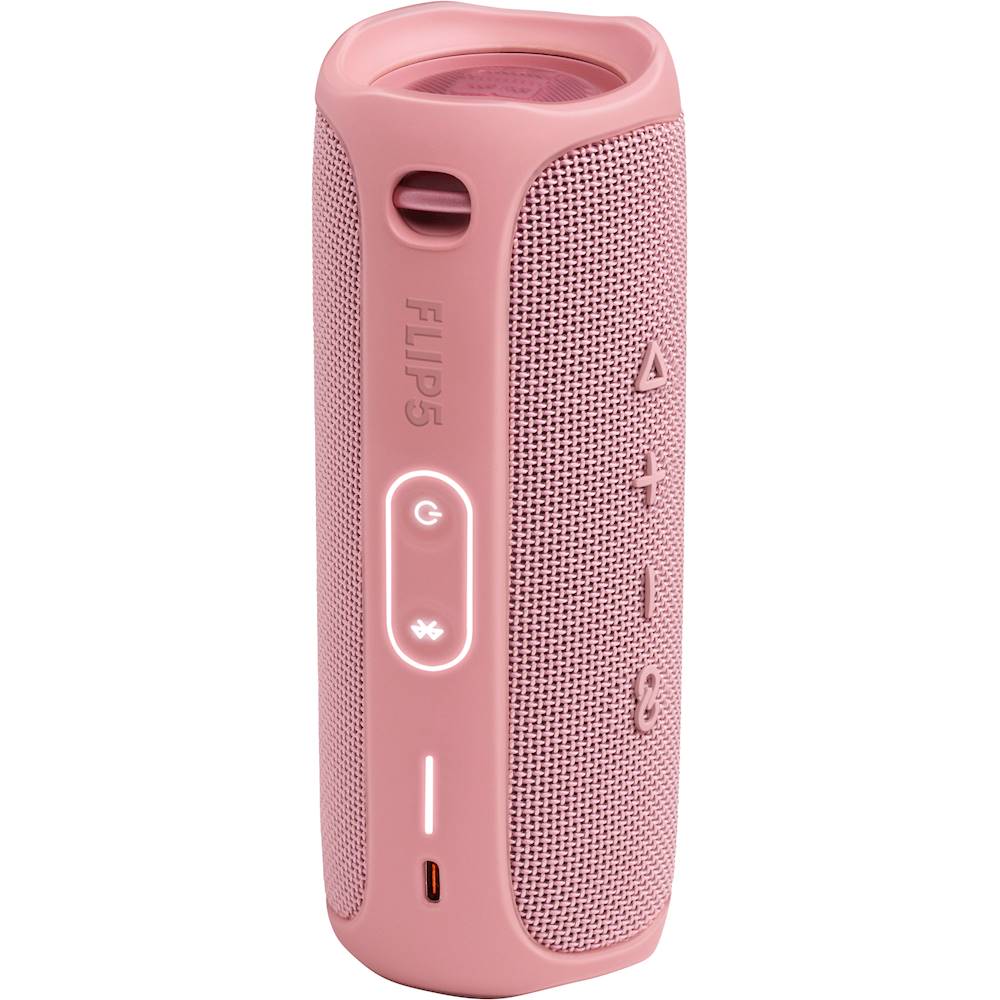
A:AnswerPress bluetooth button then search for it on laptop (if this dosent work hold volume up+play button until the speaker turns off-this reset your speaker) then connect your laptop 1st and you should be good to go (you can add other devices to bluetooth afterwards, its just a weird bug with apple id)
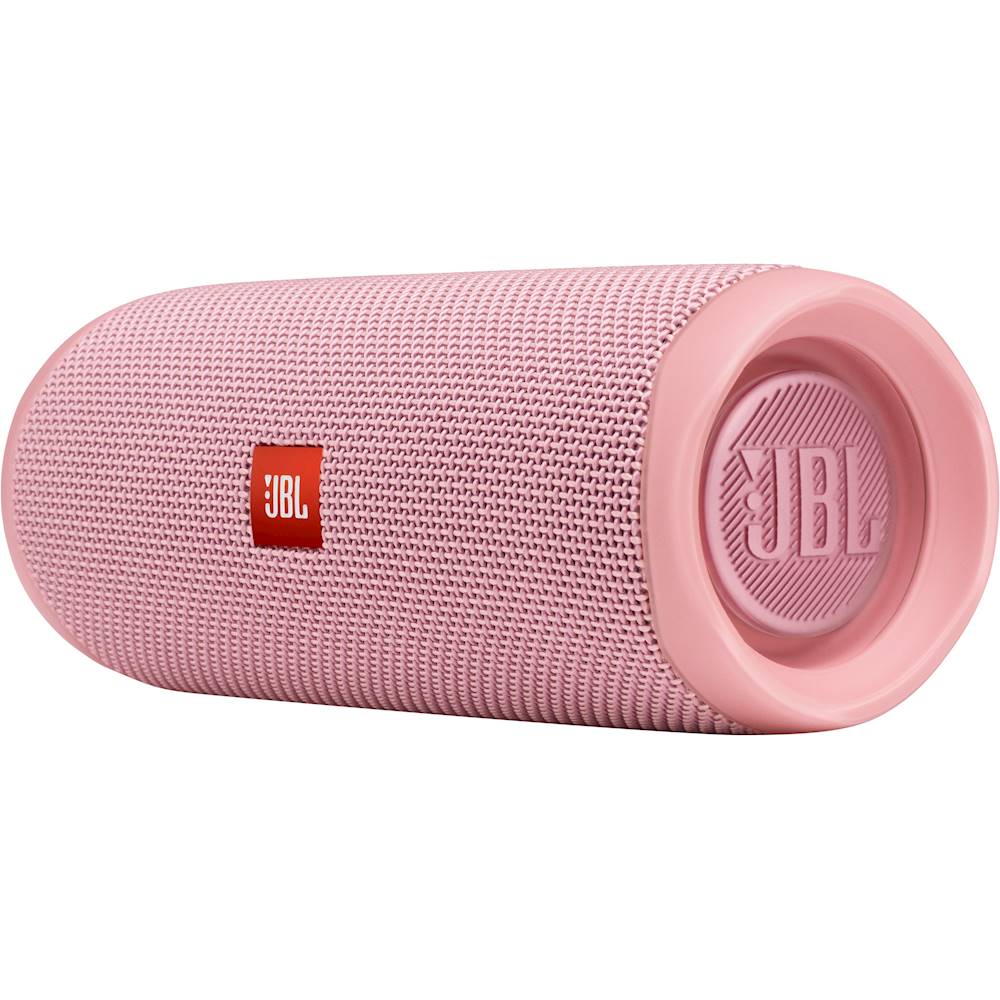
A:AnswerThanks for your question our JBL Flip 5 has an output power of 20W RMS. If you have more questions, please let us know so we can help you. https://bit.ly/2zwFkYM
A:AnswerThanks for asking, Lisa. We need to know the specific model of your JBL Flip so we could look into this. Please contact our Customer Support Team through this link: https://www.jbl.com/support-contact.html
A:AnswerYes, products from different suppliers may have different execution in the design, but the quality should be identical. Unfortunately, we don't have any information on what version (TL/GG/CS) resellers have.
A:AnswerThe optimal distance of the JBL PartyBoost is 5 meters away from the other speaker. Obstructions will make the connection weaker and may show audio drop outs.
A:AnswerOur JBL Flip 5's USB Port doesn't act as an audio input and is only used for charging. You may only connect a Bluetooth device to it as it doesn't have any wired connection. For more information about the speaker, check it out here: https://www.jbl.com/bluetooth-speakers/JBL+FLIP+5-.html