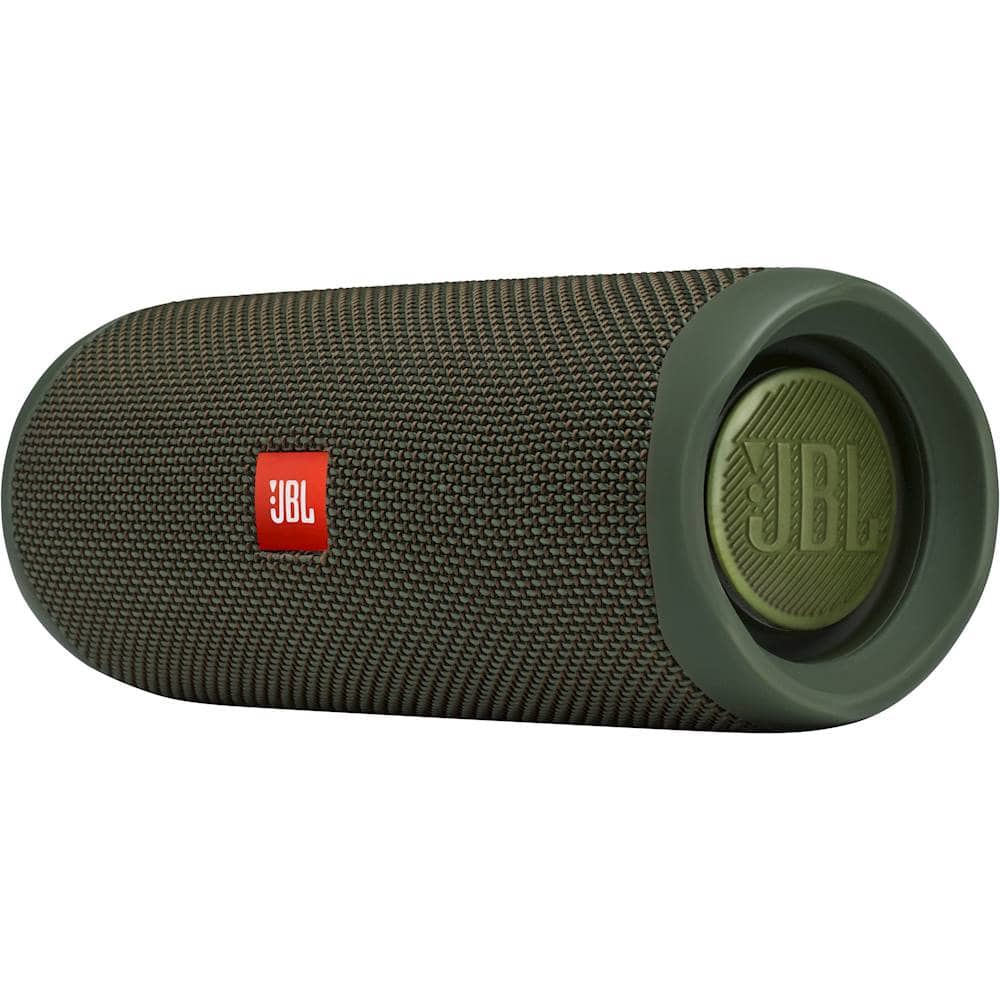
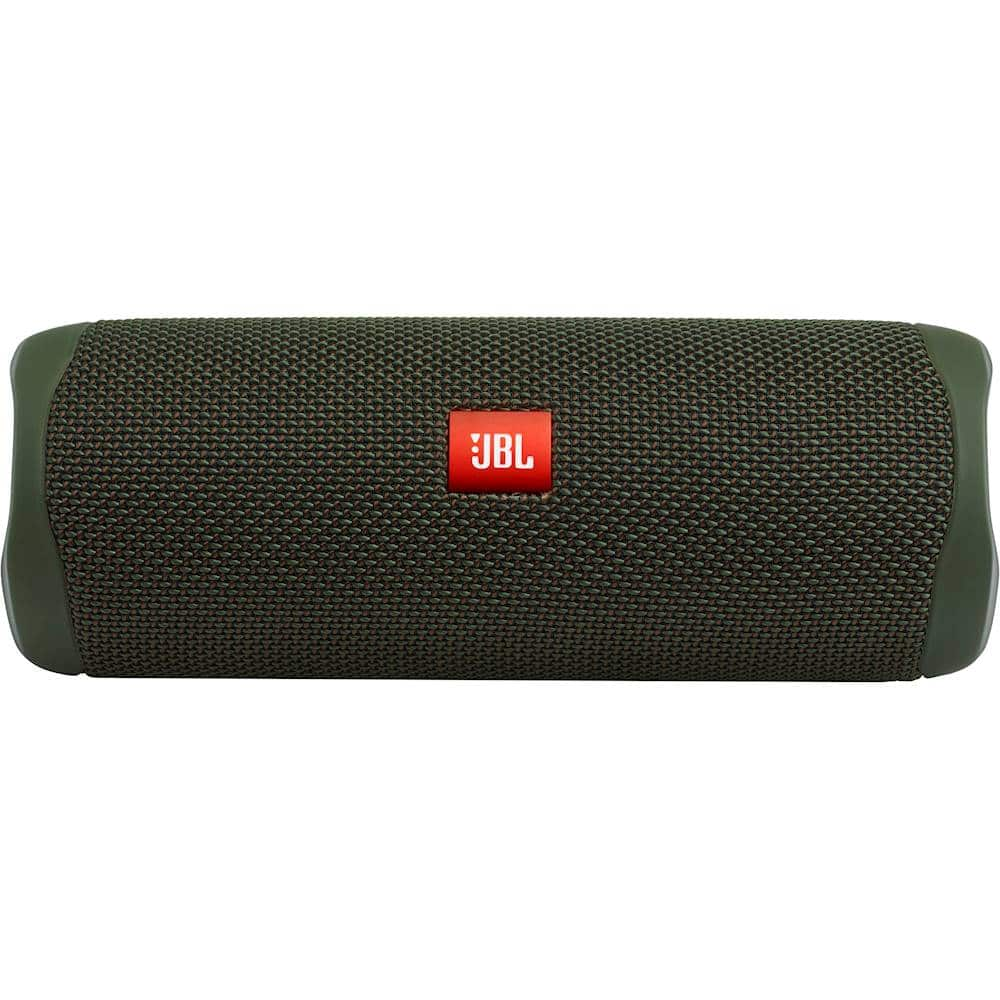
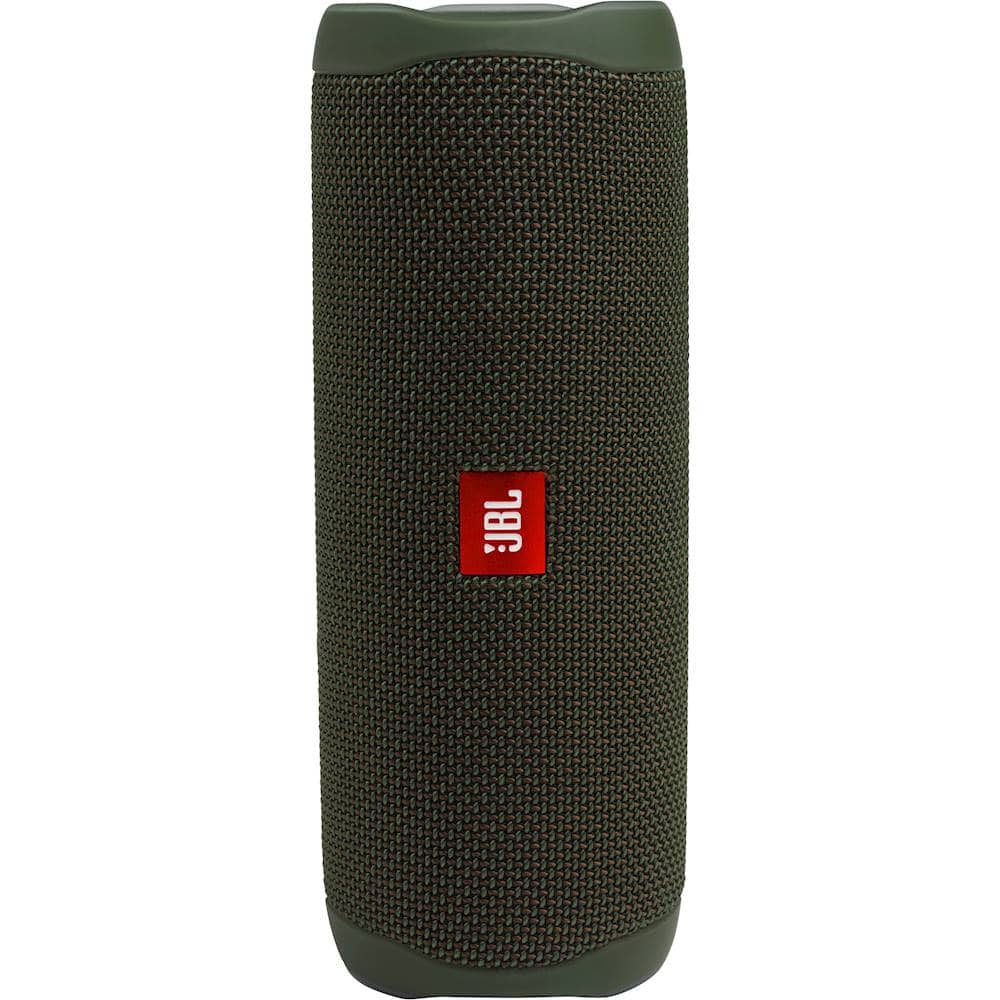
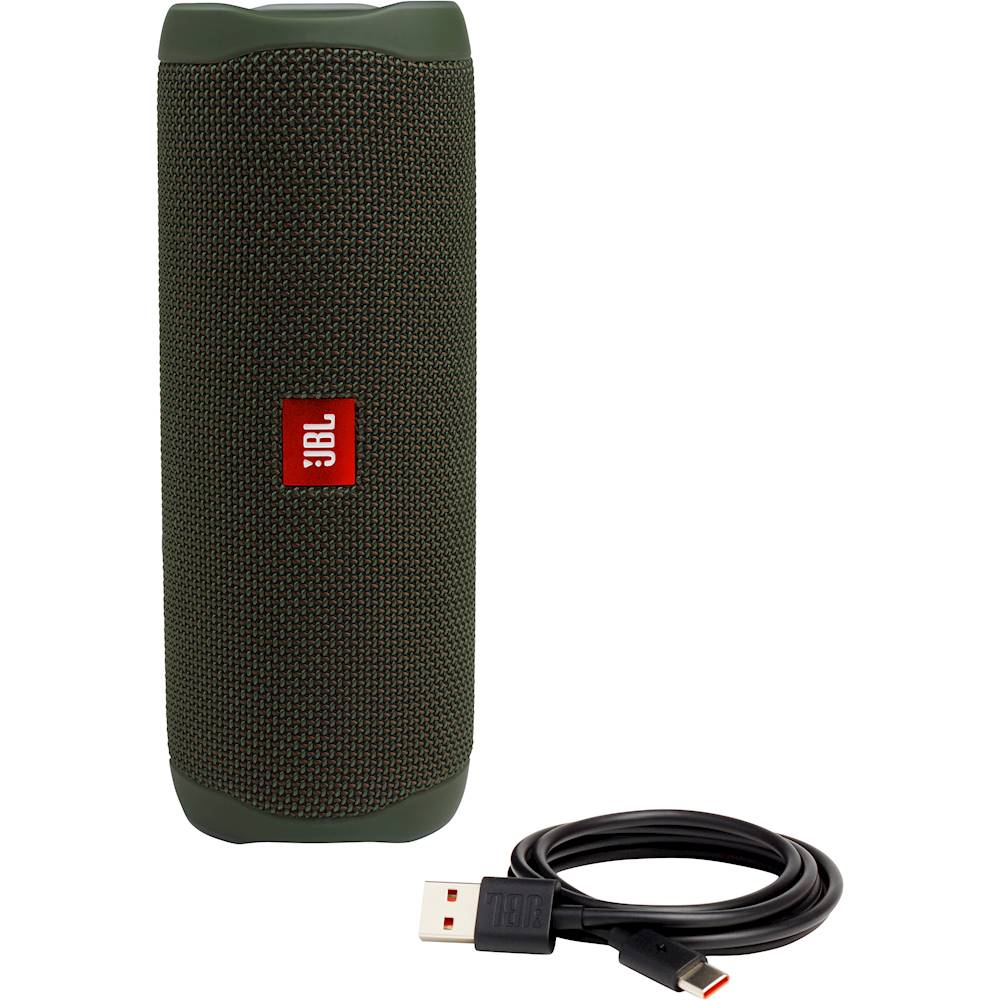
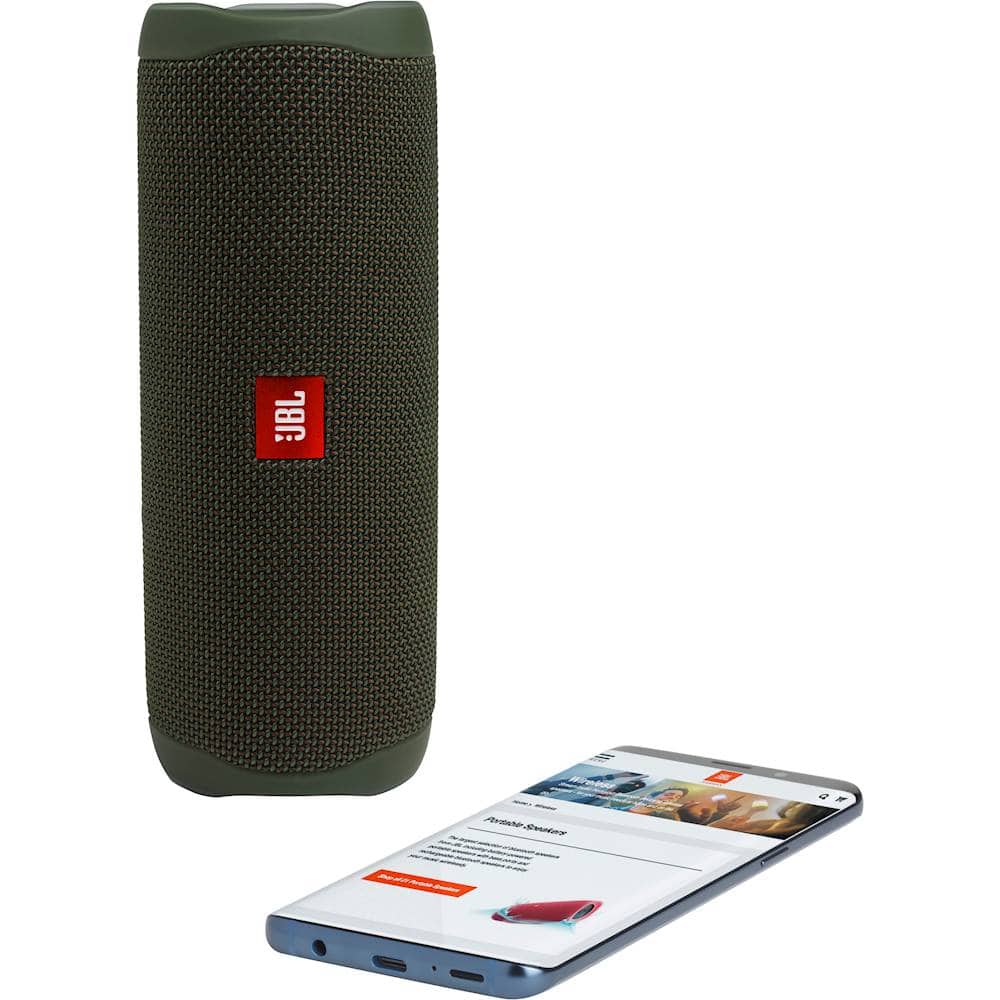
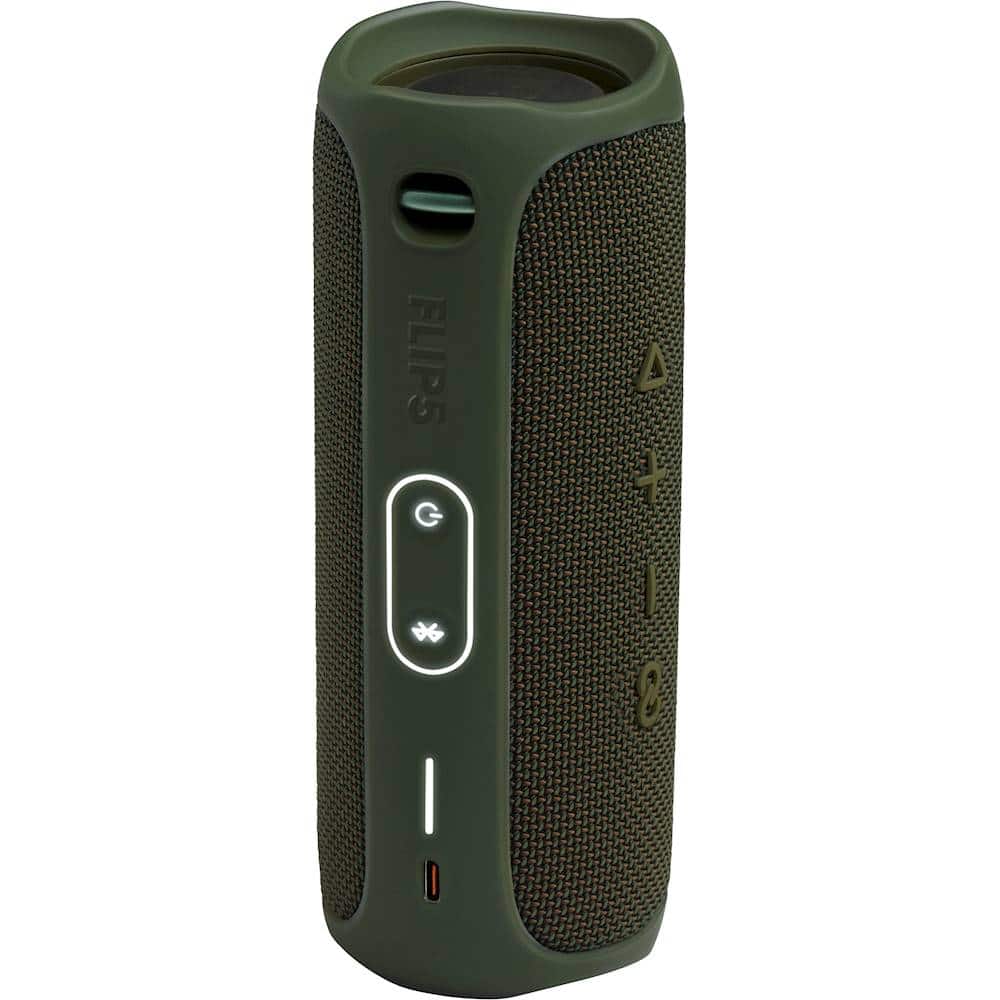
A:AnswerWe don't sell internal parts of our portable speakers. If you need any assistance with troubleshooting, please reach out to our Customer Support.
A:Answerim no expert but it could be that maybe its battery has worn out over the years ive never hesrd of someone replacing its battery it could just be worn out because of how old the model is im not sure if the charge 2 is water proof maybe it could be that or the battery simply being worn out! sorry if i didnt quite answer your question
A:AnswerWe'd like to get more information from you so we can check your options. Kindly reach out to our JBL Customer Support team for assistance - https://support.jbl.com/us/en/.
A:AnswerHi, there is an audible alert when you turn the JBL FLIP 5 either ON or OFF, we find it helpful for the visually impaired customers.
The start up or turn OFF alerts can be disabled through the JBL CONNECT app available for IOS and Android.
A:AnswerThe BT range of the JBL FLIP 5 is 20-25m, when indoors, this range could be affected by walls, windows, metal structures or sources of interferance