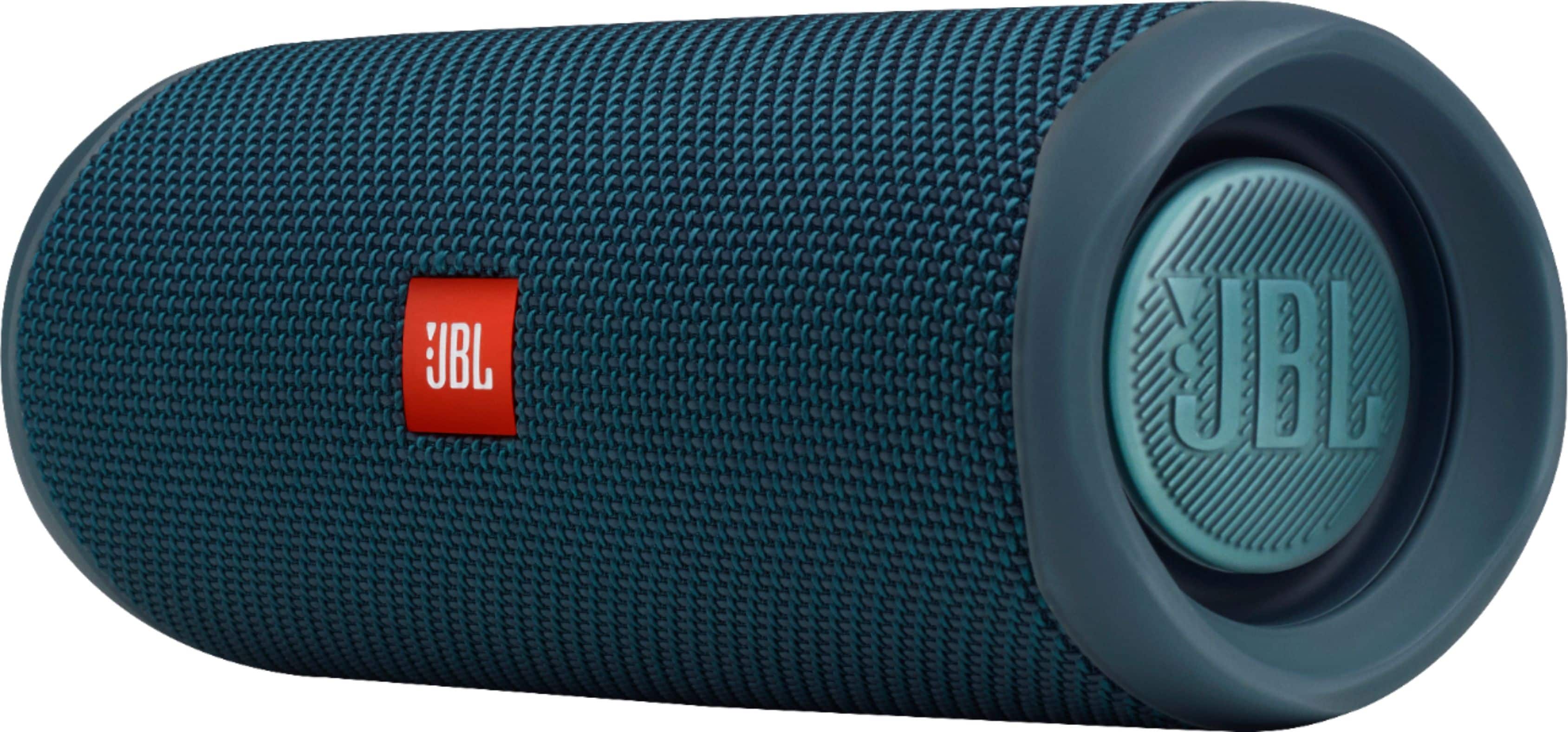
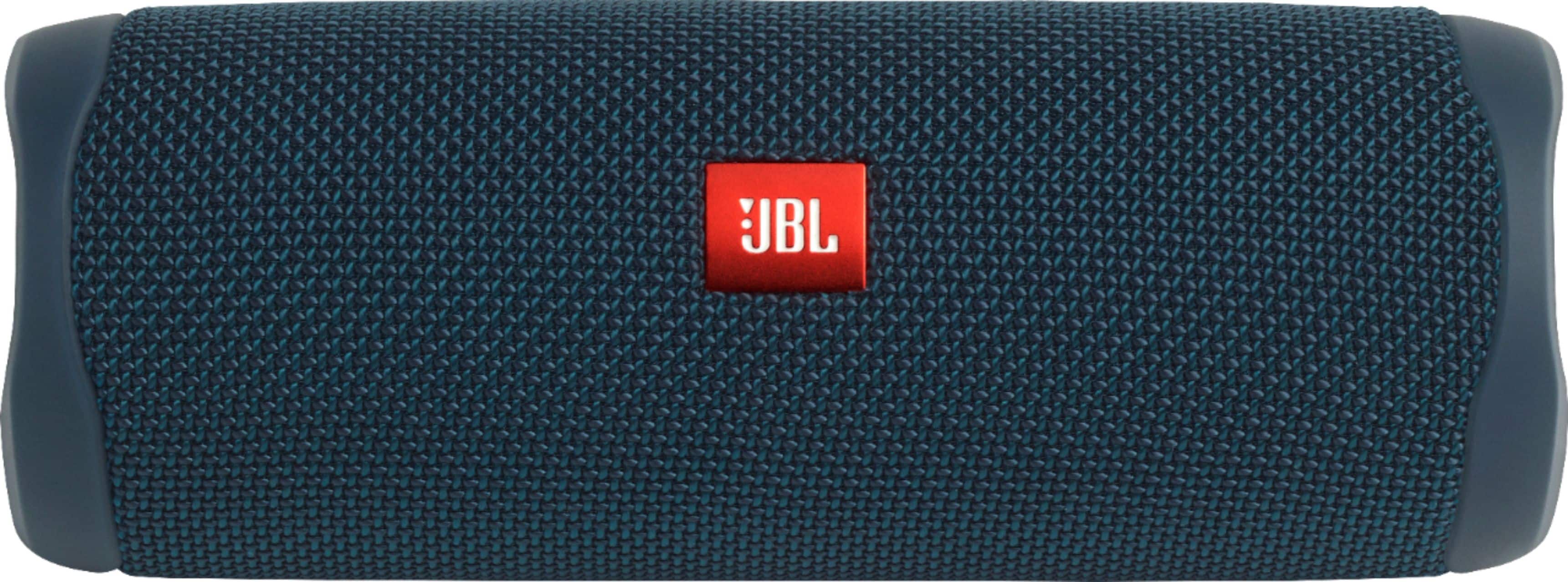
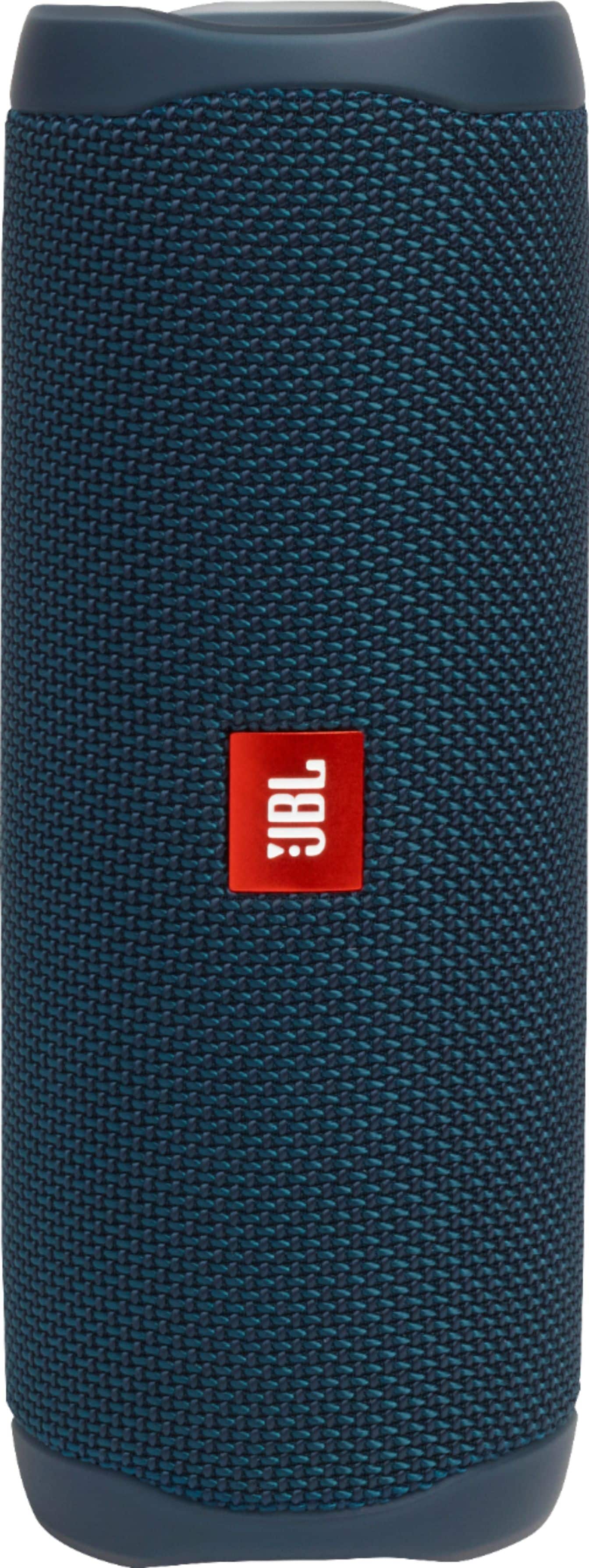
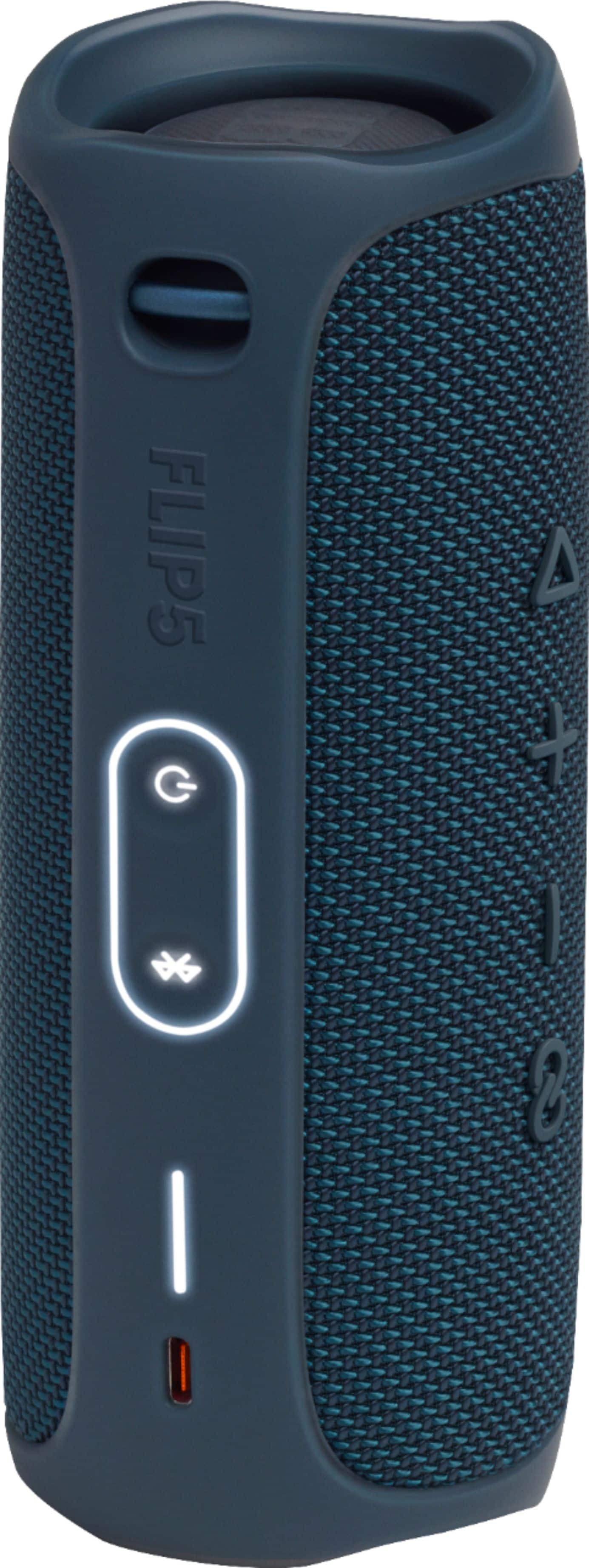
A:AnswerOur JBL Flip 5 doesn't have a magnet to have it attached to surfaces. You may check custom mounts from third-party sellers for your JBL Flip 5.
A:AnswerThanks for your inquiry. Please note that our JBL Flip 5 is mainly a Bluetooth speaker and it relies on the connected source device for music. You may check on your source device for the your subscriptions.
A:AnswerOur JBL Flip 5 can only be paired with other JBL portable speakers with the PartyBoost function, such as the Flip 5, Pulse 4, Boombox 2, and the Xtreme 3. It will not work on non-JBL speakers.
A:AnswerOur JBL Flip 5 has Bluetooth capability that you can use to pair it with mobile phones, tablets, and laptops. If your Echo Device support BT connectivity with Bluetooth speakers, then it should work with our JBL Flip 5.
A:AnswerJbl are useless and so is the piece of crap flip five useless piece of poop speakers. My wife and kids bought ones for 30 dollars and they are immensely better. My jbl pops and hisses and it makes me nuts. Jbl blames your wifi and not their crappy speaker. Run from it my friend, as soon as you can and thanks for morning my speech, dick hammers
A:AnswerOur JBL Flip 5 has Bluetooth version 4.2. The range of it while connected to your other Partyboost compatible speakers can go from 10-15 meters tops, this could vary depending on the environment. Blockages such as walls and other wireless signals like WiFi and Bluetooth devices can also cause interference.
A:AnswerOur JBL Flip 5 can pair more than two JBL Flip 5 speakers using the Partyboost feature. You could also pair it with PartyBoost-enabled speakers like JBL Xtreme 3, Charge 5, and Pulse 4. You also have an option to pair 2 Flip 5's together for stereo mode using the JBL App.
A:AnswerI don't think you can charge a phone with the Flip 5. The one port it has is for charging the Flip 5, not for charging from the Flip 5 to another device.