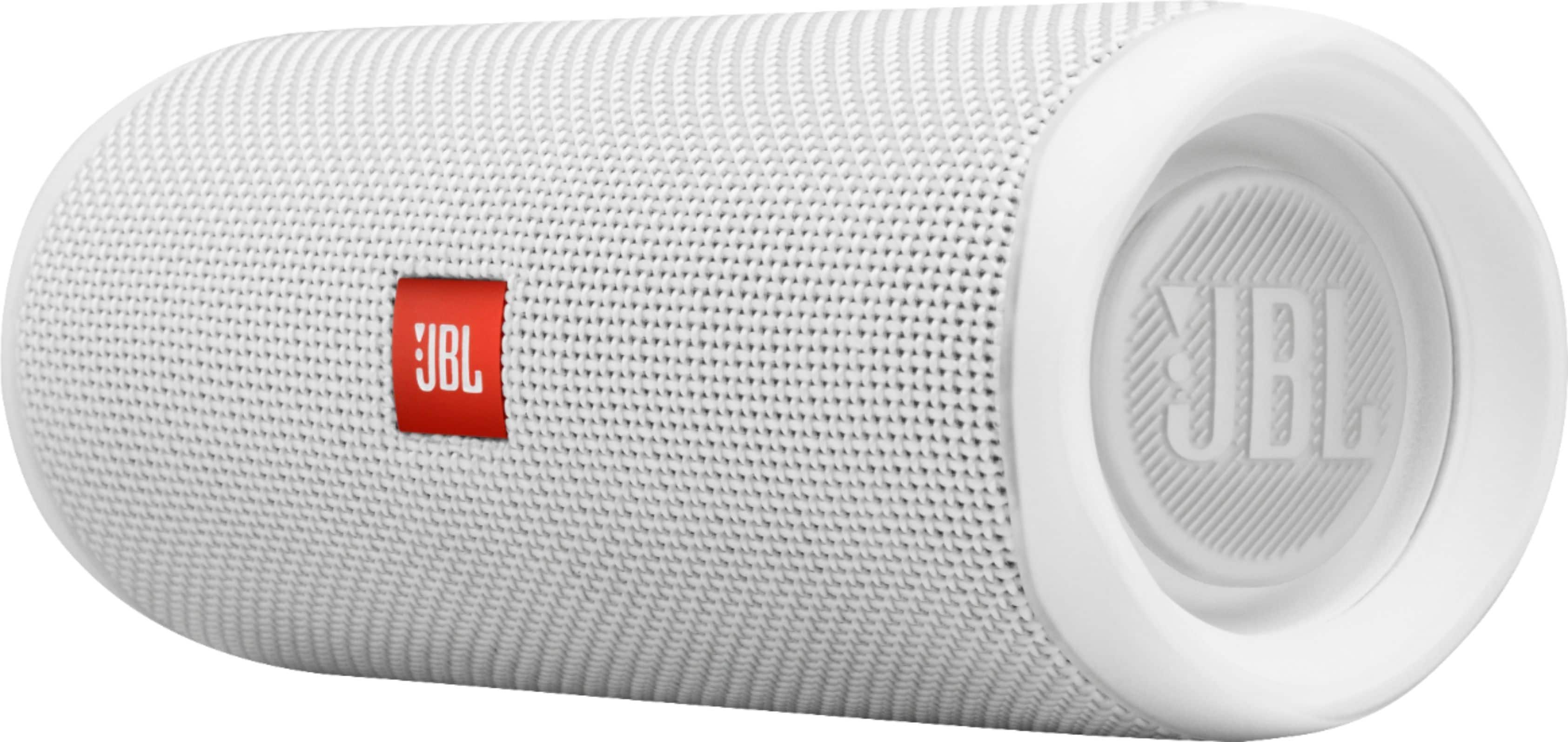
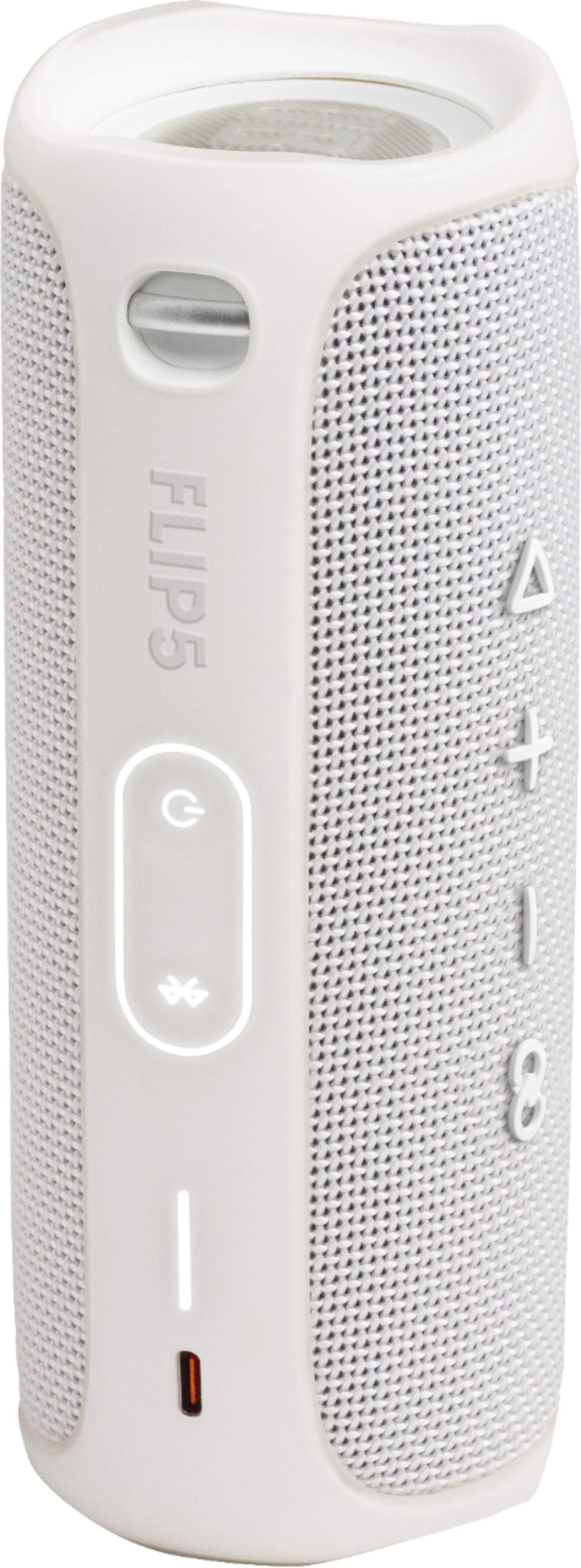
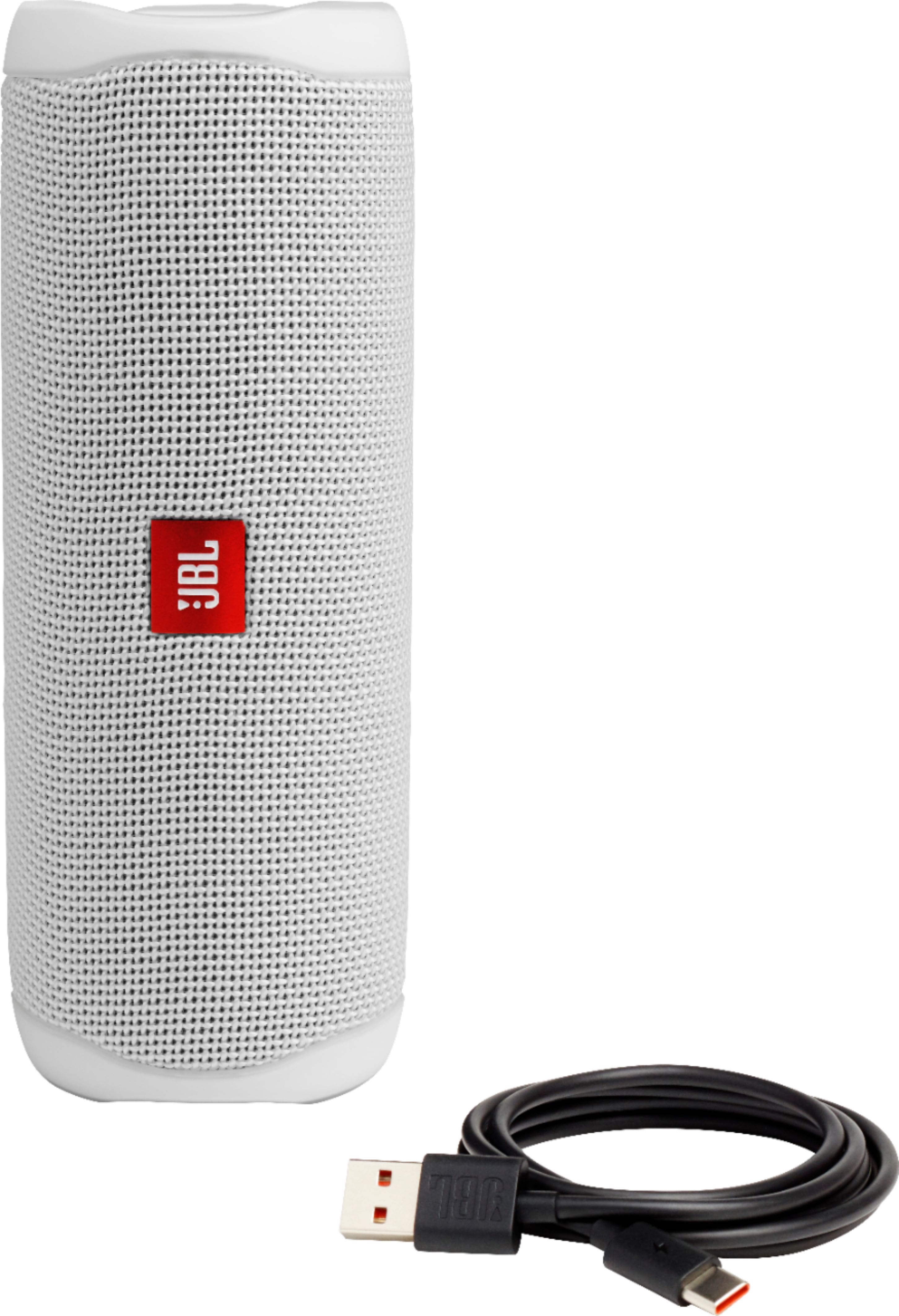
A:AnswerOur JBL Flip 5 is designed for music. It can't receive calls since it has no mic and speakerphone function. However, you may check our JBL Flip 4 which has a built-in microphone that can be used as a speakerphone.
A:AnswerOur JBL Flip 5 can only be set up in stereo mode with our JBL Portable app via phone or tablet. Our JBL Portable app is the only one that has the option to set a PartyBoost speaker to stereo mode. Unfortunately, it's not available for smart TVs.
A:AnswerYou could buy a USB power adapter from any big box stores. Please make sure to get a minimum rating of 3 Ampere. Getting a lower current rating will make the charging slower.
A:AnswerOur JBL Flip 5 doesn't support MS Teams, Skype, or other similar services. If the speaker/headphones support the Bluetooth Profile HSP, most likely VOIP programs will work. For more information, please review this support link article: https://bit.ly/2xHKO5a
A:AnswerOur JBL Flip 5 should be able to play music while charging. We'd like to work with you directly so we can check your options. Please contact customer service at. https://bit.ly/2WocMfi