A:AnswerThe speaker comes with a usb c port charger. It’s very short though so I would recommend using a longer charger like for a phone or the Nintendo switch adapter.
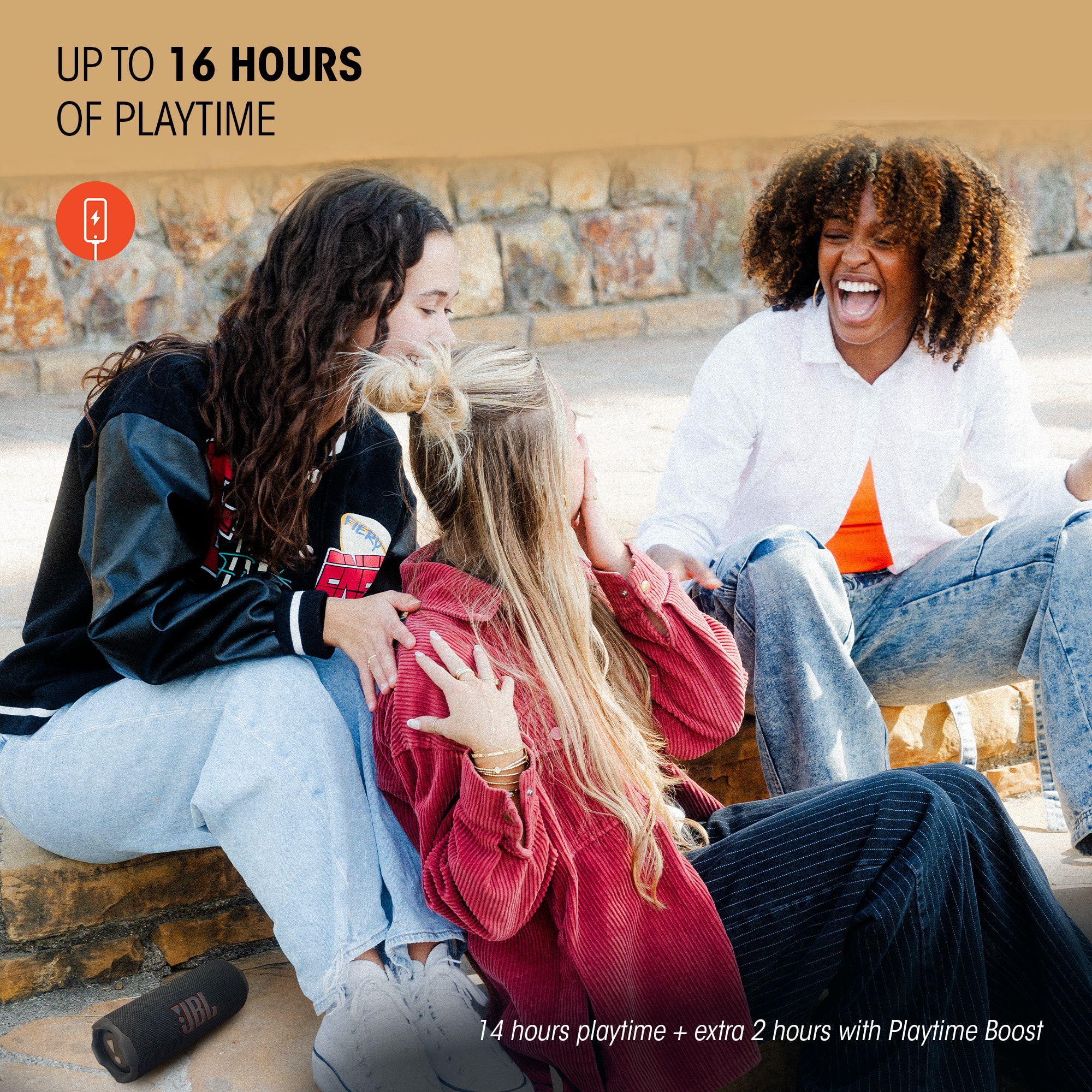
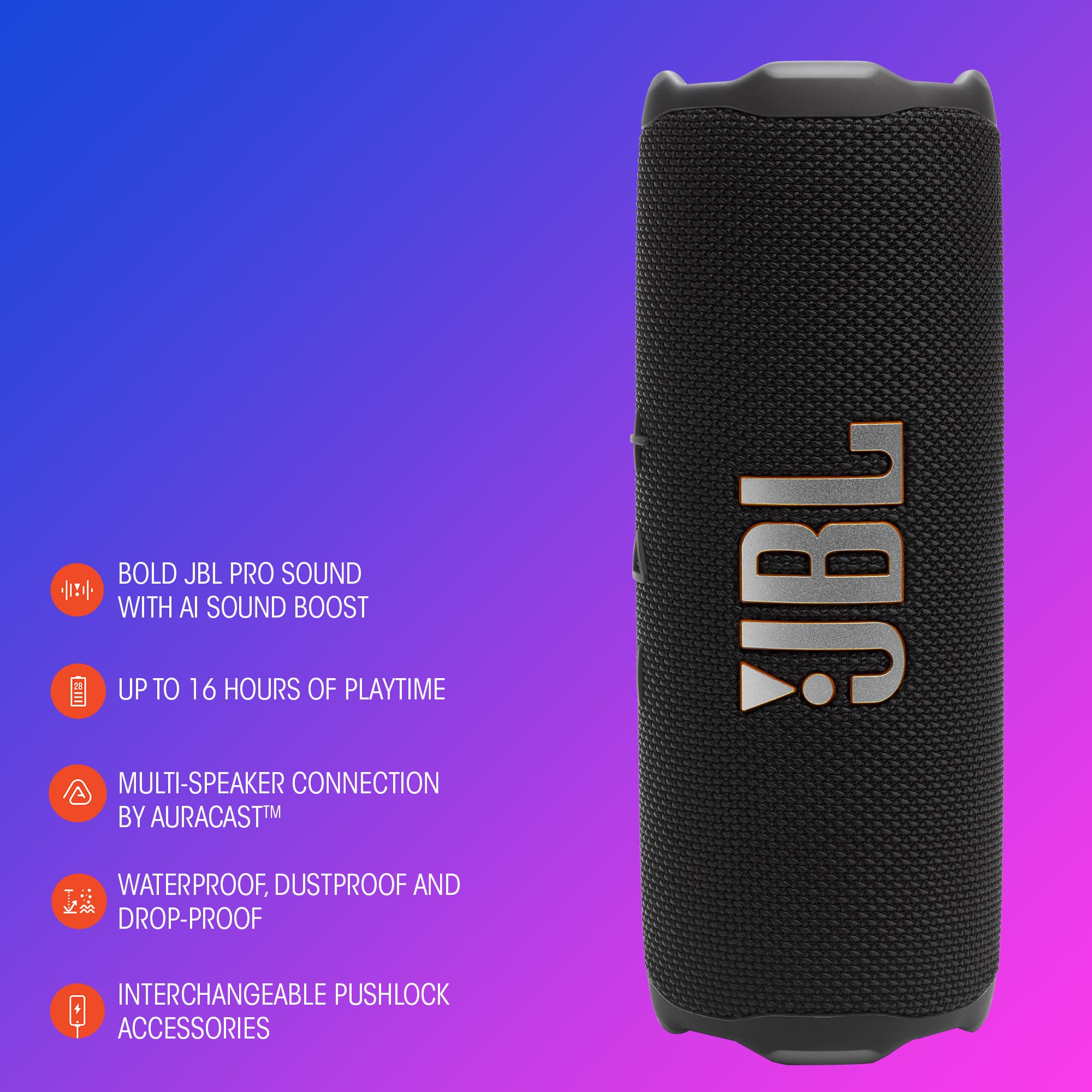
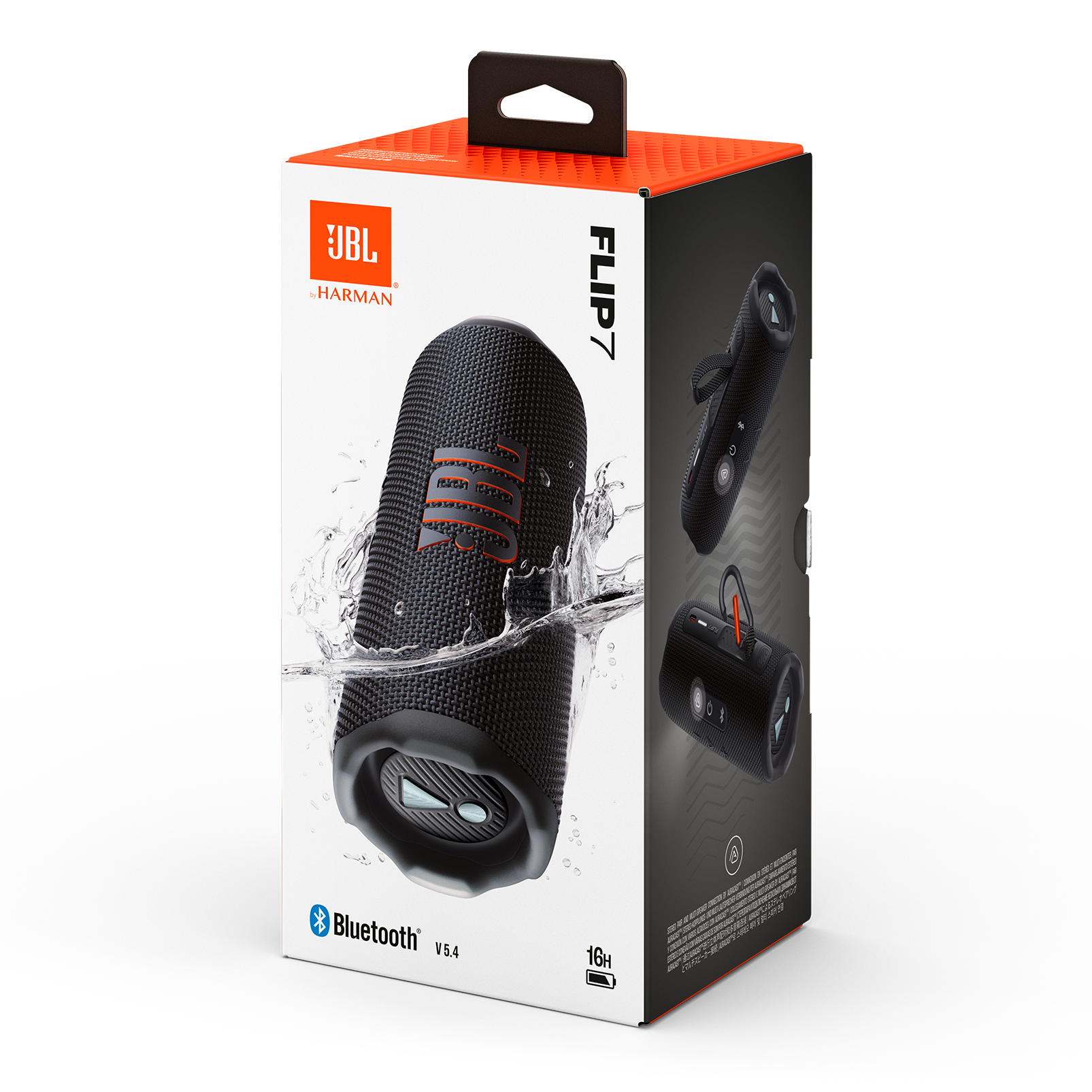
A:AnswerThanks for your question. Our JBL Flip 7 offers up to 14 hours of playtime on a full charge, though this may vary depending on volume level and audio content.
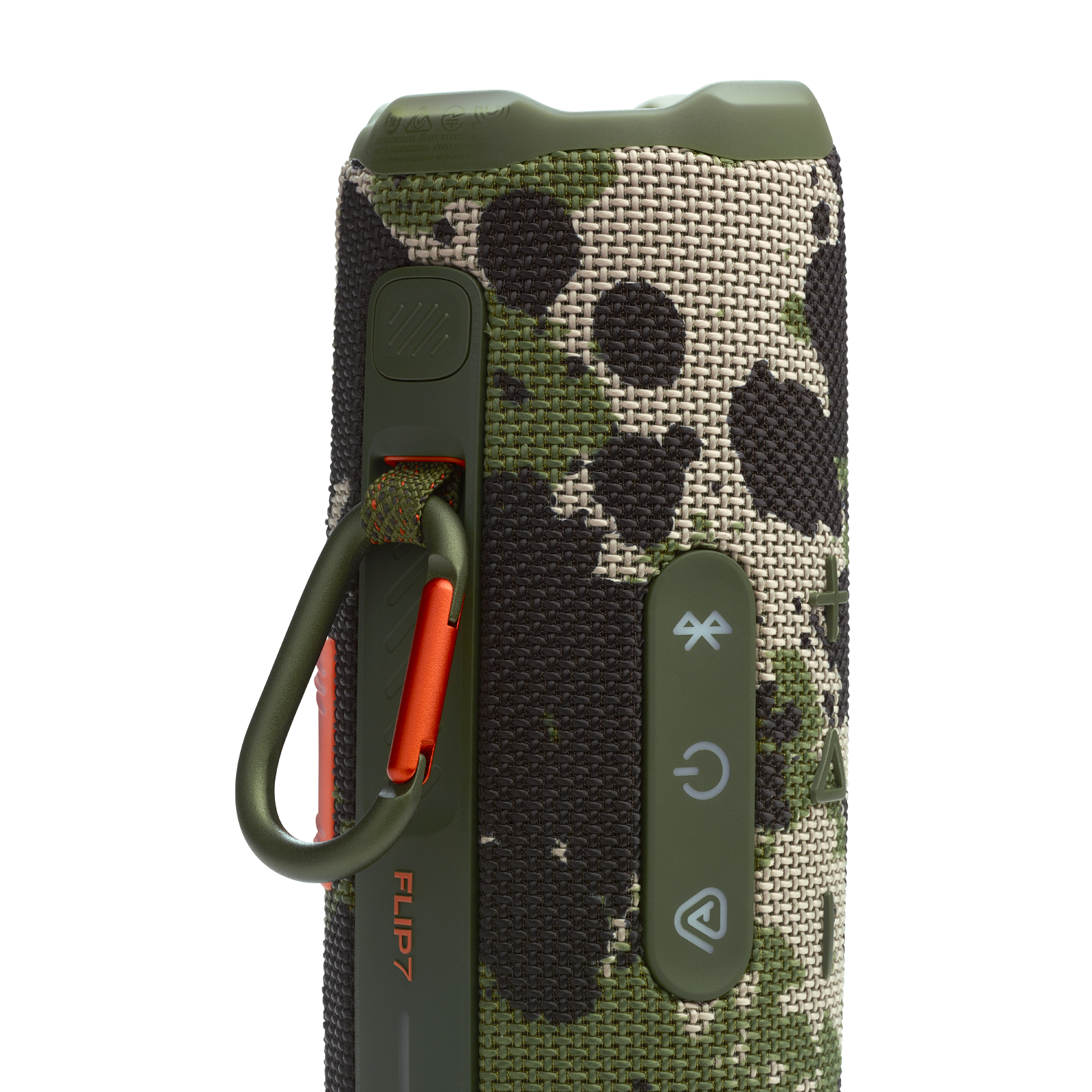
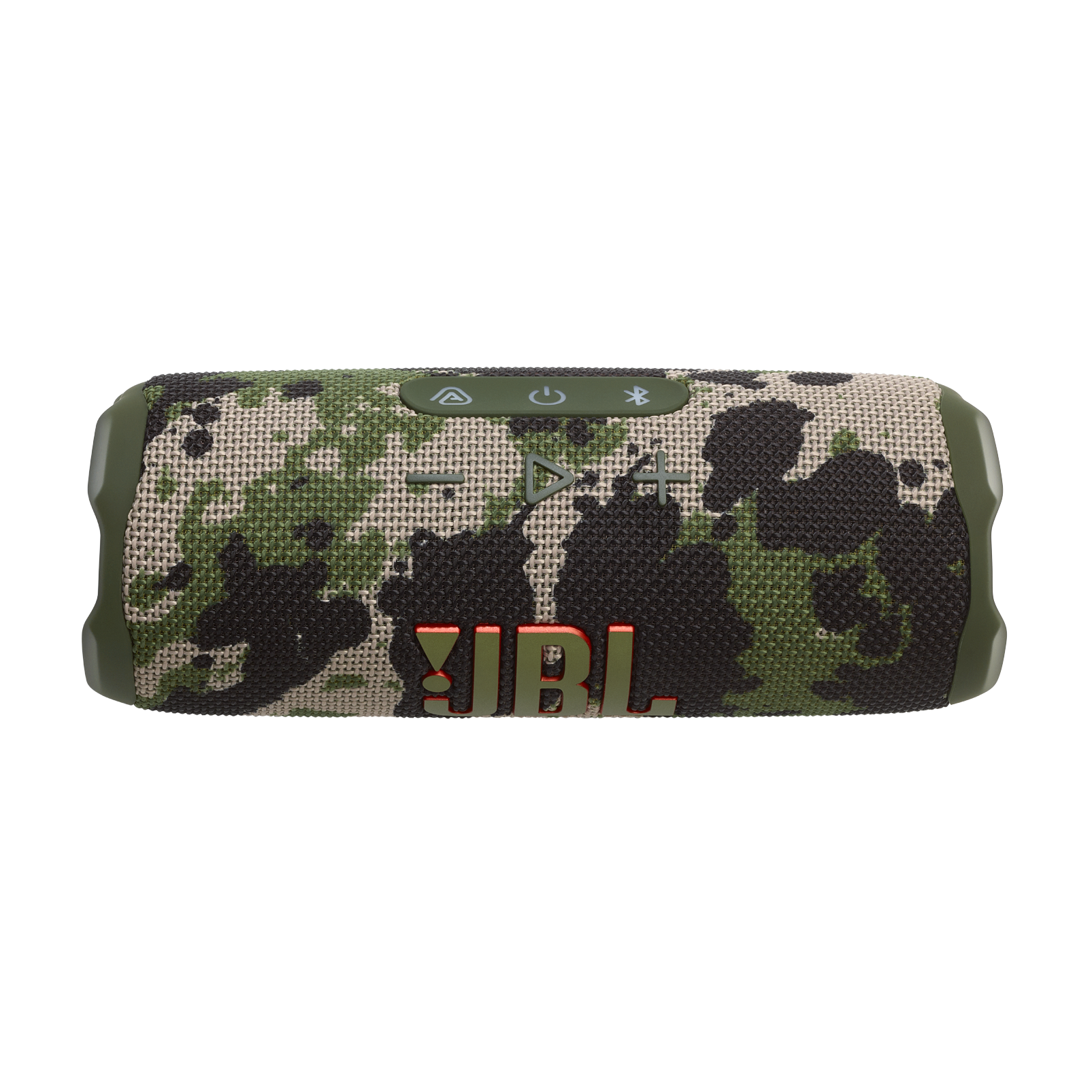
A:AnswerThank you for your inquiry. No, to pair the JBL Flip 7 to your device, you'll have to turn on the speaker and click the Bluetooth button first then turn on the Bluetooth of your source device and select the name of the unit on the Bluetooth list. You may use the JBL Portable app for speaker configuration and software upgrade.
A:AnswerThanks for your question. Our JBL Flip 7 does not have a built-in voice assistant, microphone, or speakerphone feature, so you can not talk to it or ask it questions directly. You can play music by connecting your phone or device via Bluetooth and using your device’s controls or voice assistant instead.
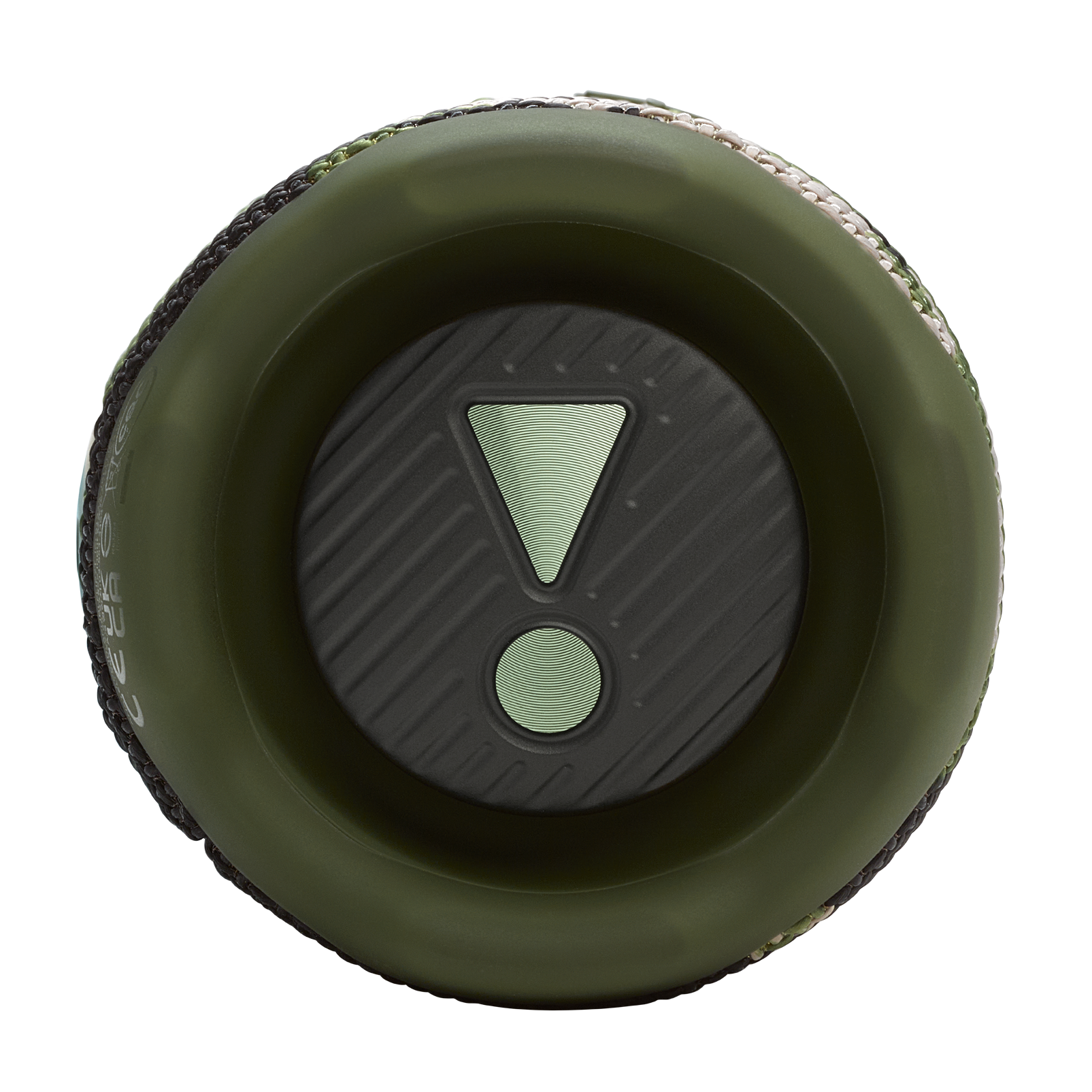
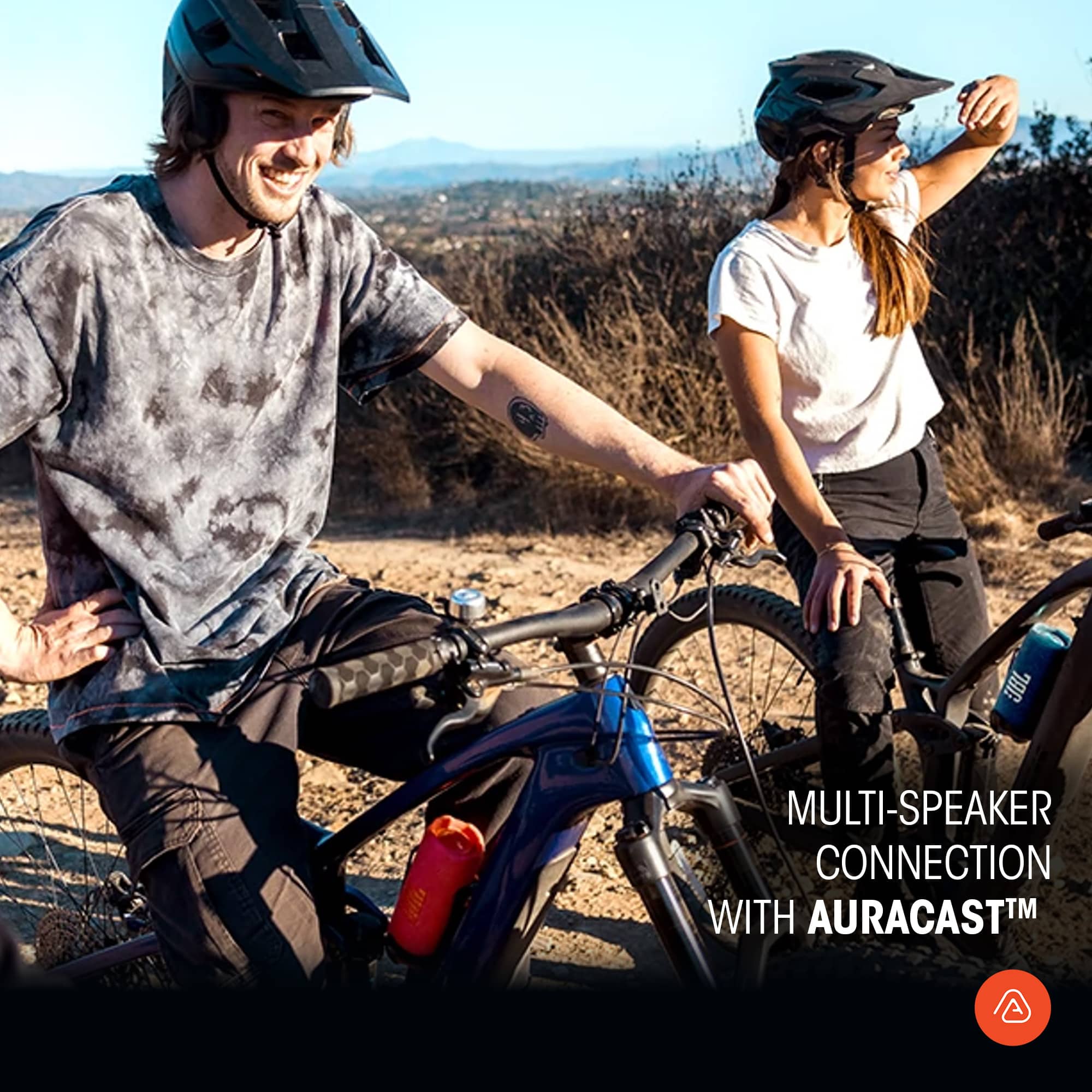
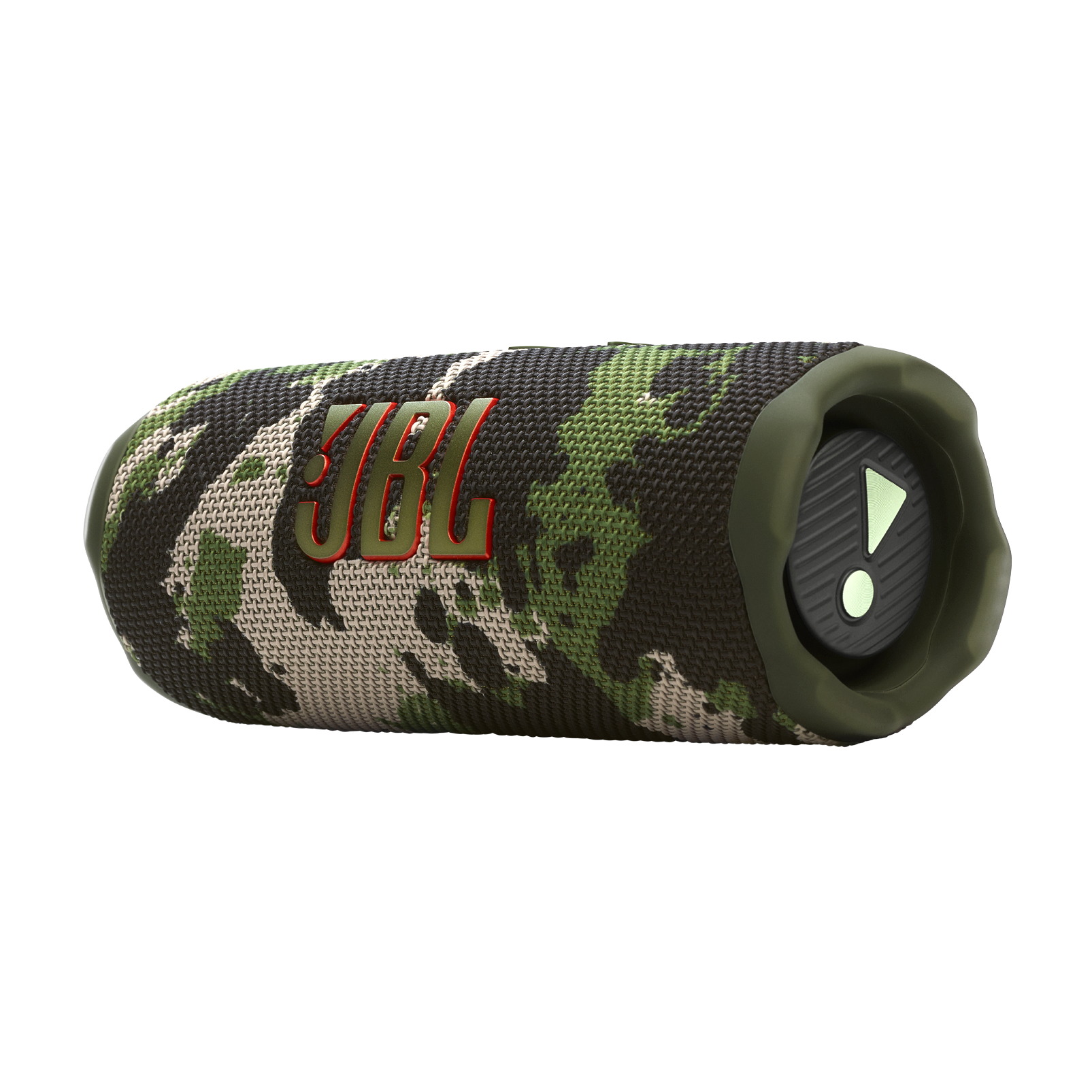
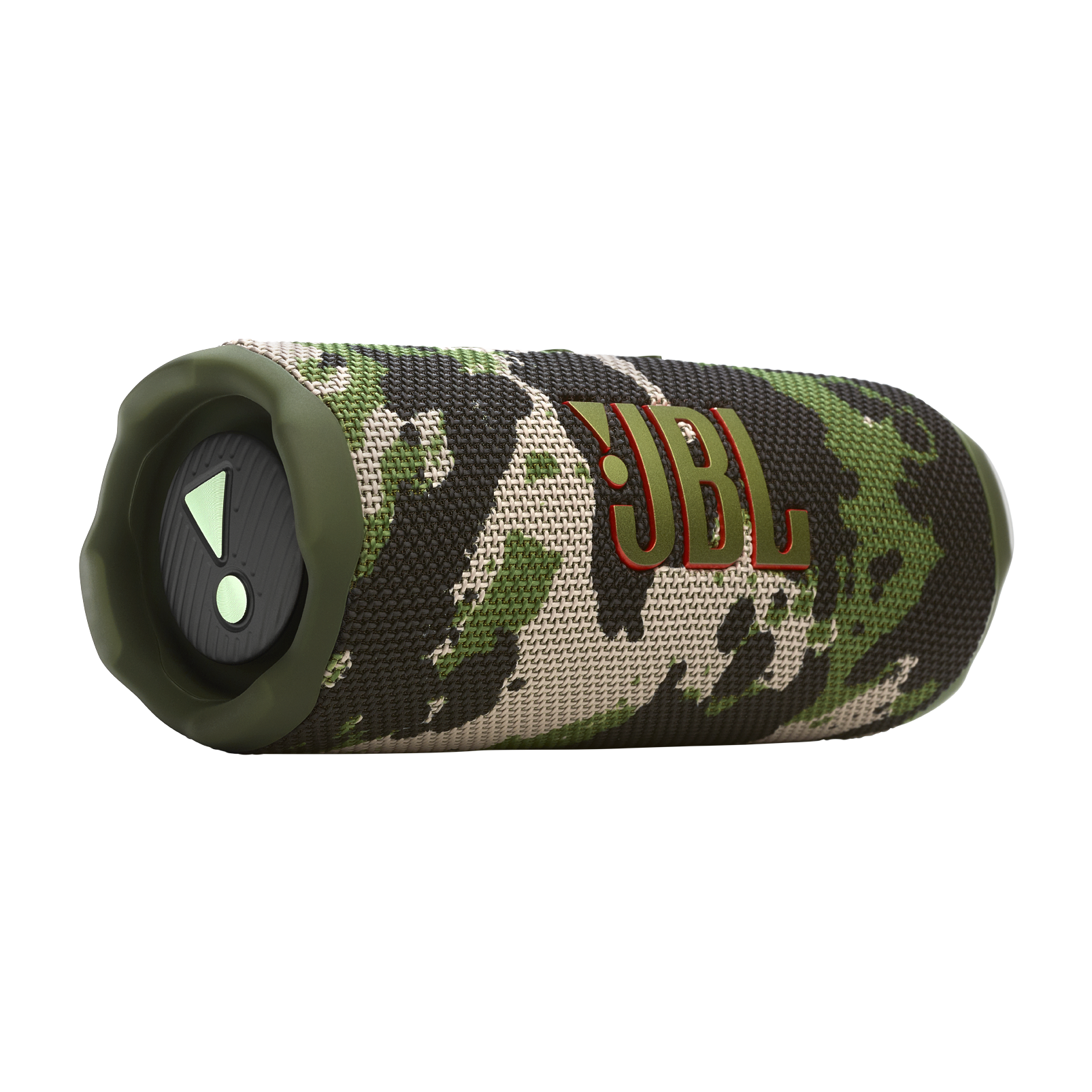
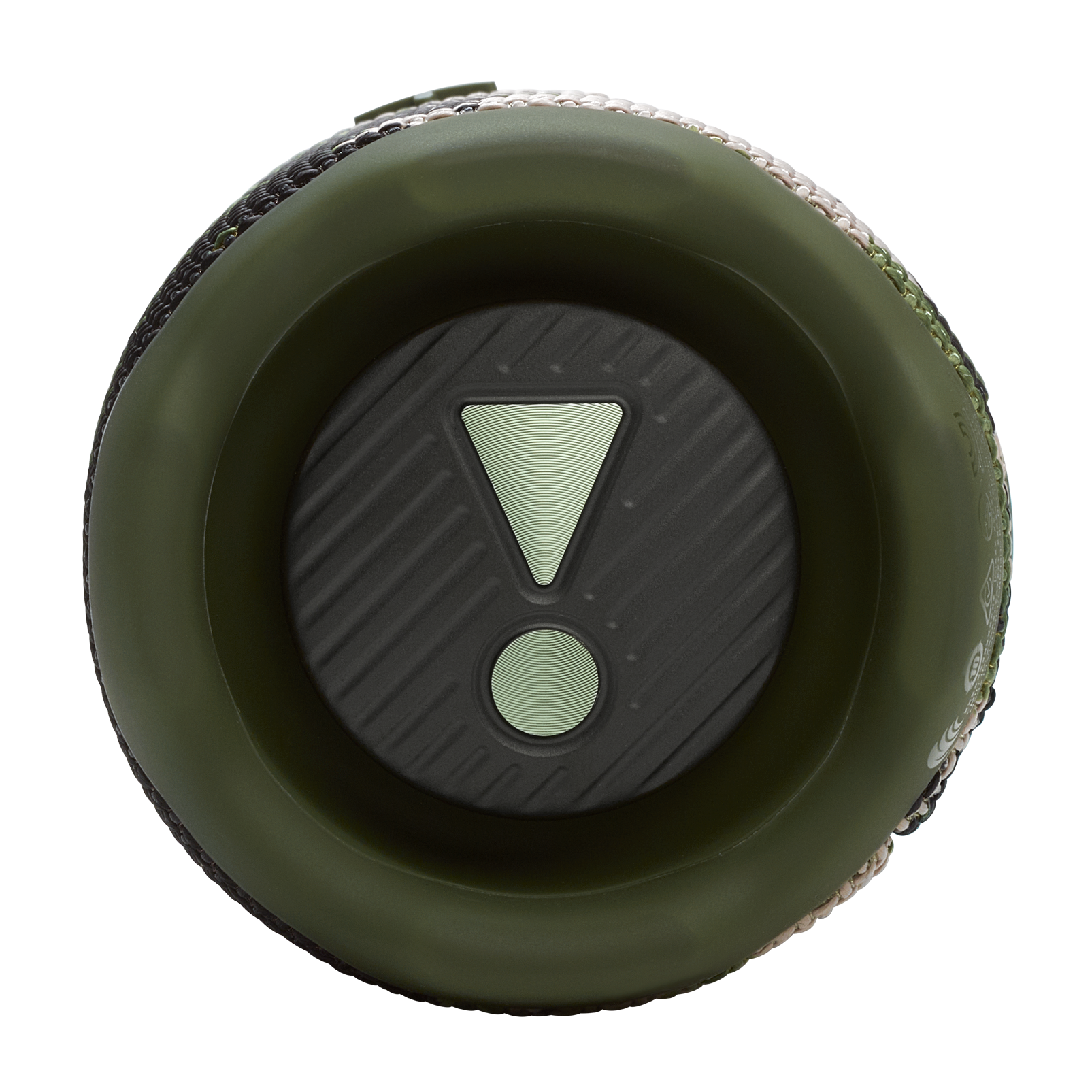
A:AnswerThank you for your inquiry. The sides of our JBL Flip 7 are the passive radiators of the speakers. For stereo, you may connect two of these speakers to each other via Auracast.