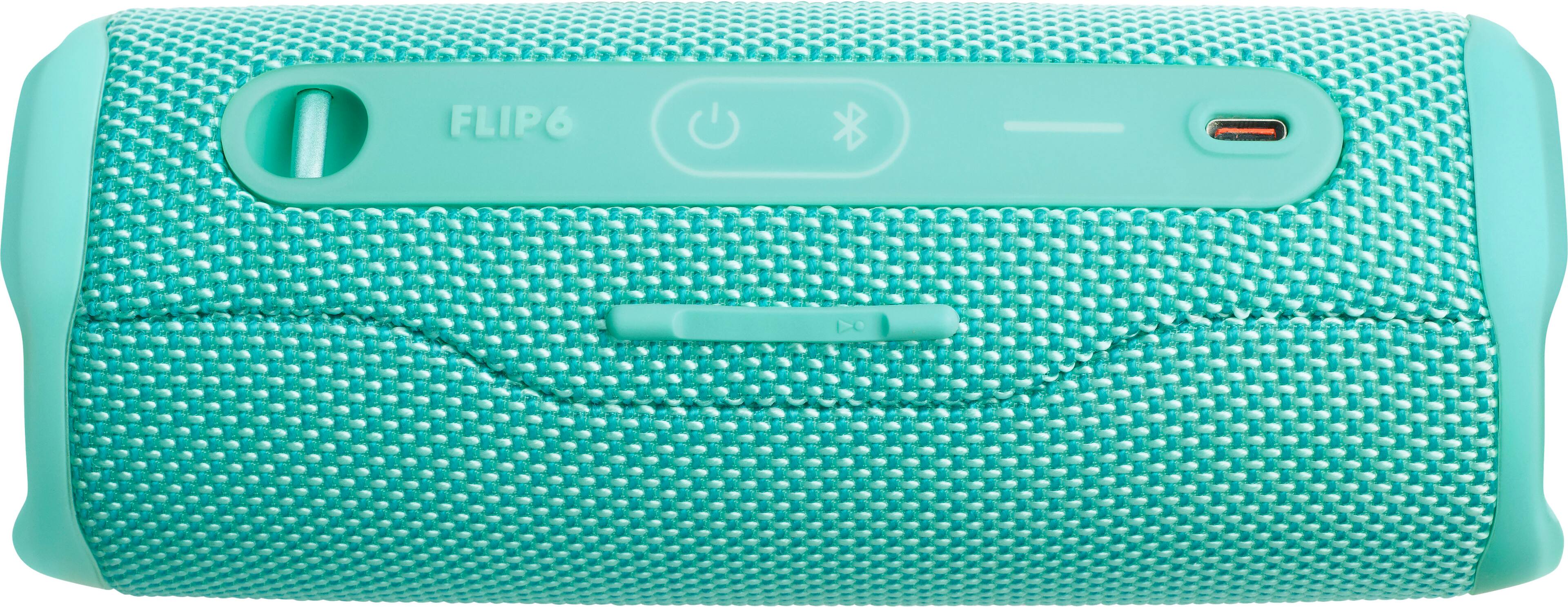
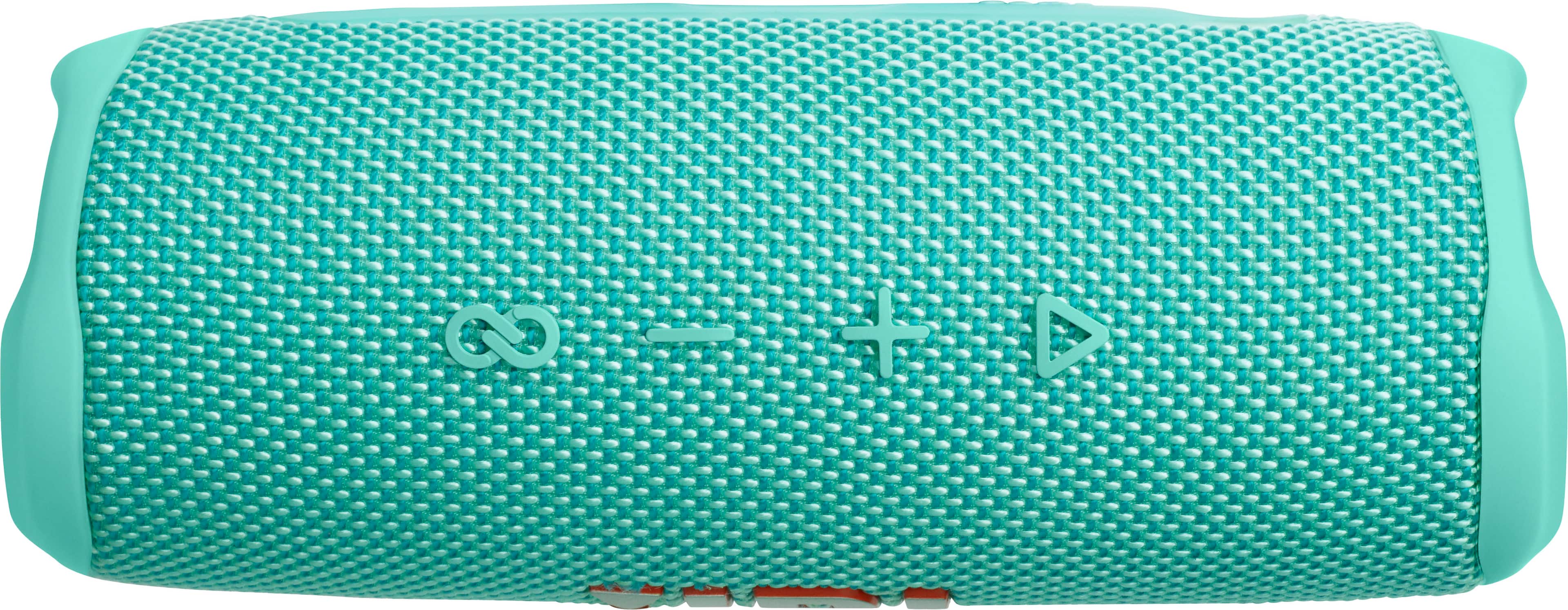
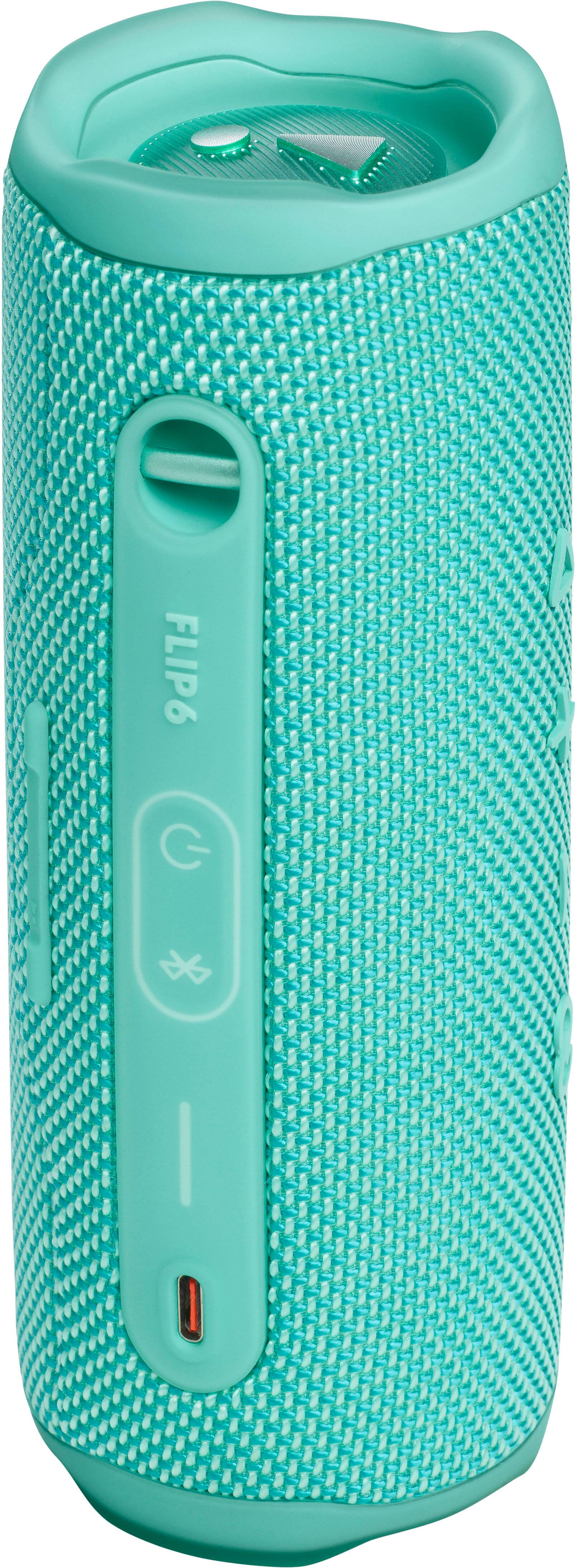
A:AnswerWe're here to help with your JBL Flip 6. Please restart your Bluetooth connection, ensure your source device and speaker are within the Bluetooth range of 10m, and don’t stand too close to the Wi-Fi router and appliances like microwaves that can interfere with the connection. Also, if you’re using an equalizer, set it back to default settings. Some equalizers can cause sound distortion or static in speakers. If you need more help, please contact our customer support.
A:AnswerTry to call JBL they will give you support and there’s a way to actually reset the whole speaker I don’t remember how but if you give them a call to help you there really good about it
A:AnswerHere's the Signal-to-noise ratio as well as the output power of our JBL Flip 6:
Signal-to-noise ratio: >80dB
Output power: 20W RMS for woofer, 10W RMS for tweeter