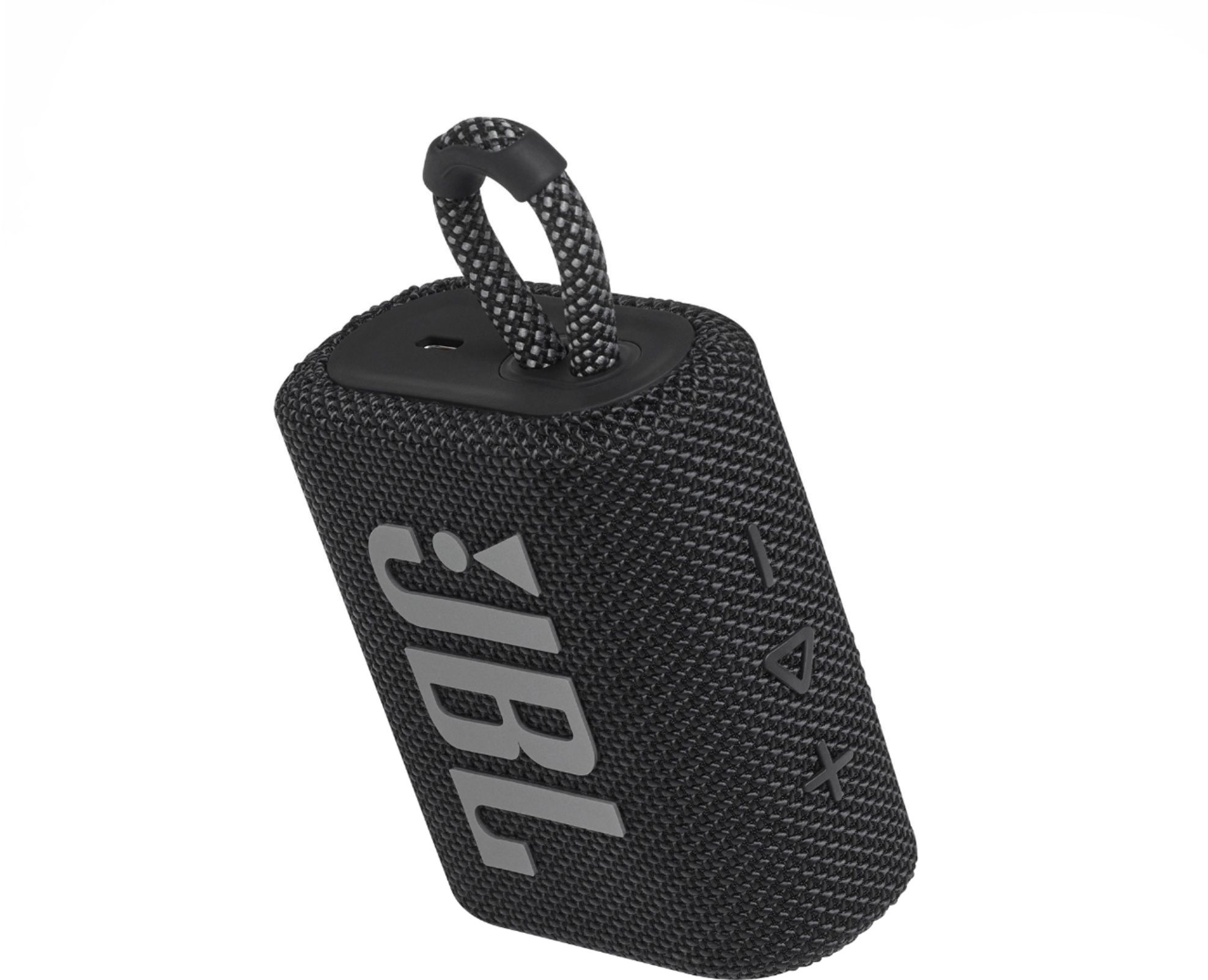
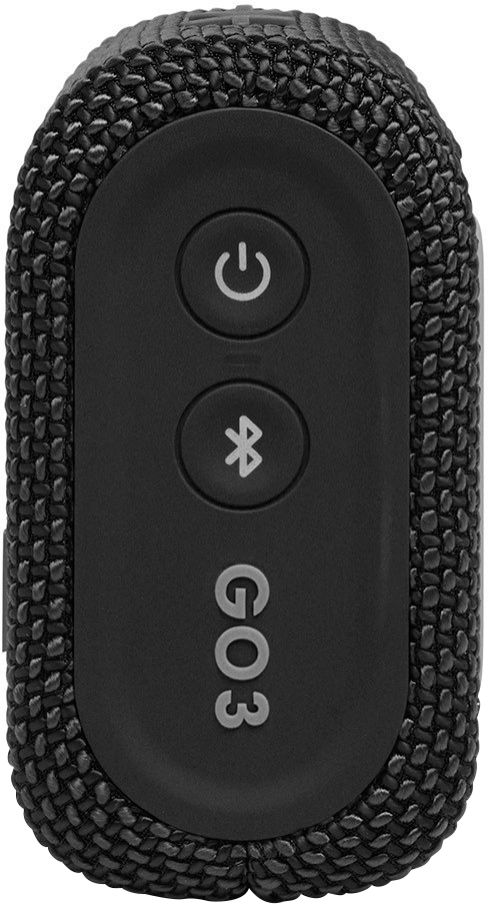
A:AnswerThere is no harm in leaving your JBL GO 3 connected to electricity at all times. The battery will not overcharge. You can pick it up, unplug it from the charger and be on your way, knowing that you have a full charge. However, if you’d like to conserve electrical energy, disconnect from charging.
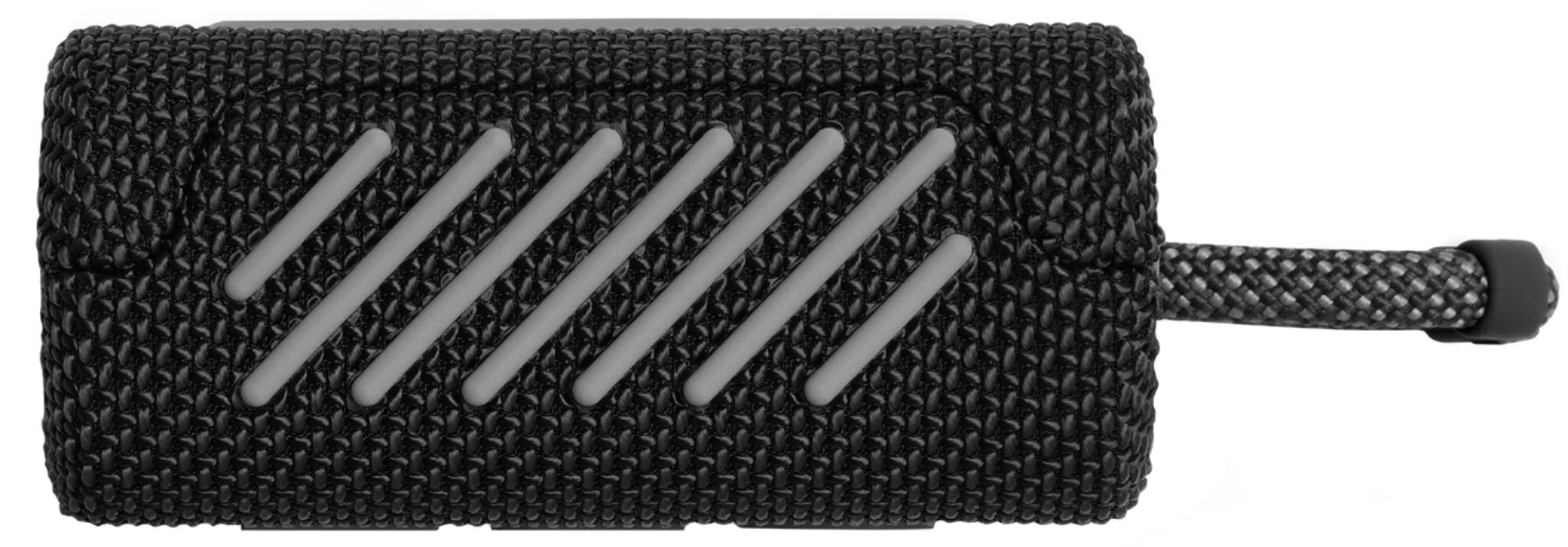
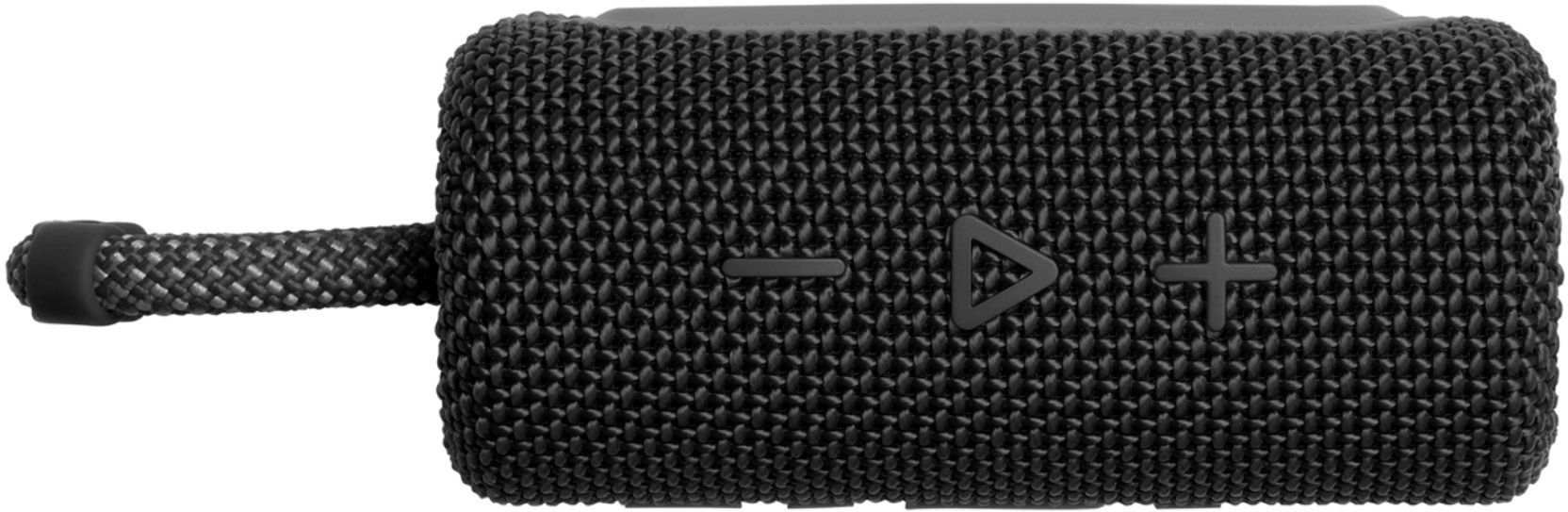
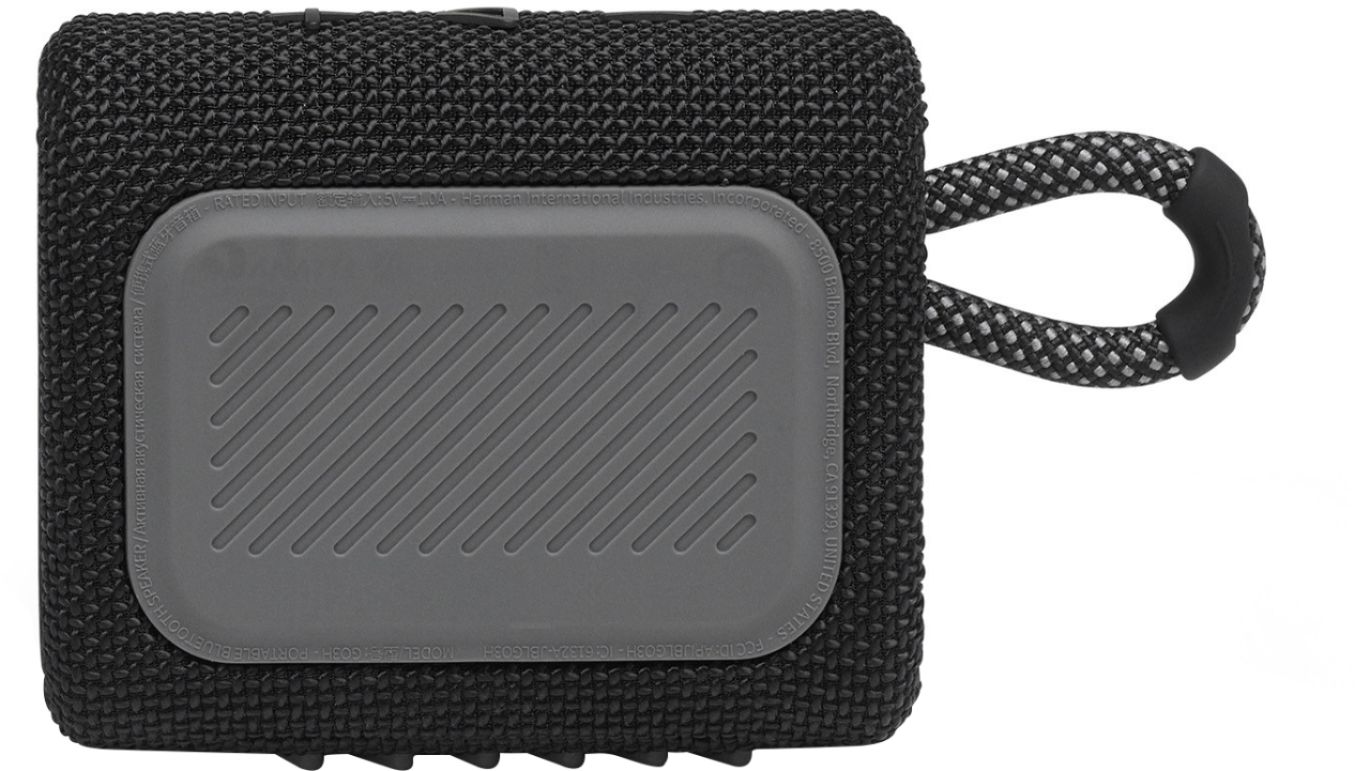
A:AnswerDimensions are 3.5" wide x 3.0" tall x 1.5" thick. About the size of 2 decks of playing cards (if you remember those!).
It weighs just under 0.5 pounds (8 oz).
A:AnswerYou may access and download the quick start guide and spec sheet at the documents and downloads section of the JBL Go 3 here: https://www.jbl.com/bluetooth-speakers/GO+3-.html
A:Answerif you have checked the bluetooth connection with another device that is working fine, and also checked the speaker by connecting it to a different device, and it is still having the problem, then i hope you already returned it! i have a few jbl bluetooth speakers and none of them skip like that unless there's a bluetooth problem. good luck.
A:AnswerThanks for reaching out. Our JBL - GO3 Portable Waterproof Wireless Speaker comes with a type-C cable which can be used with a USB charger, rated at least 2 amps.