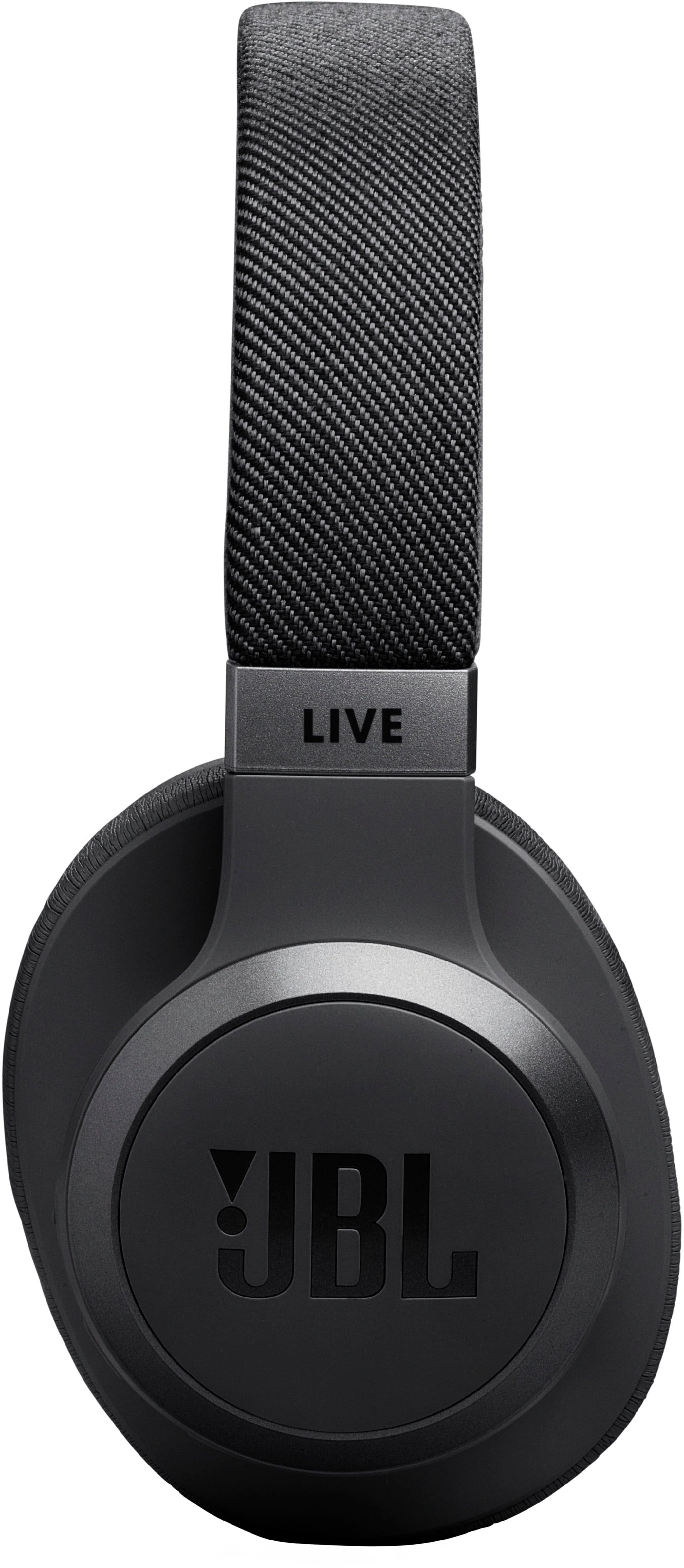
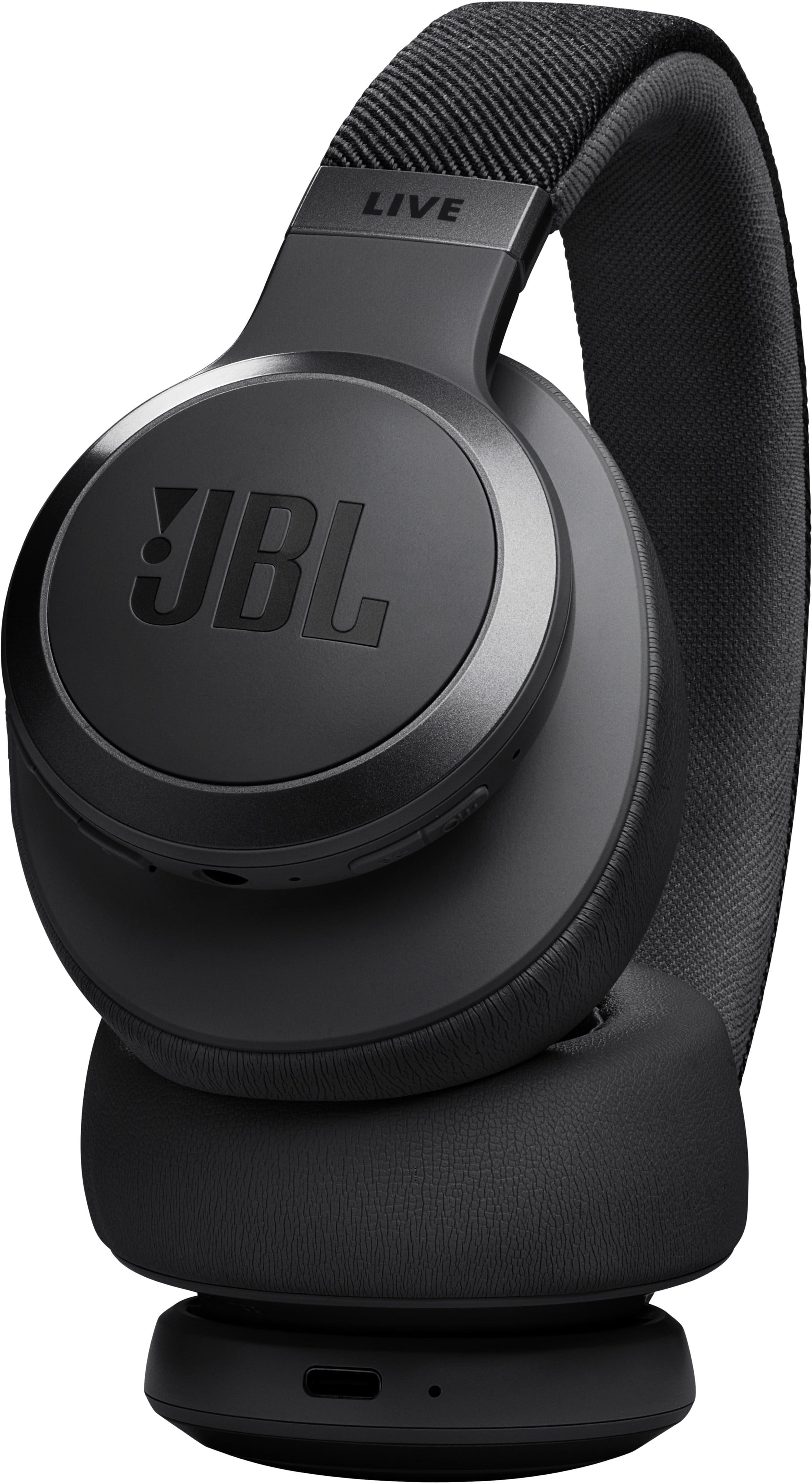
A:AnswerI perferred these over "certain head sets" lets say. These were the clear choice. The sound quality is great. Im not sure exactly how much bass you are looking for. These are pretty loud. I cant hear when someone is trying to talk to me.
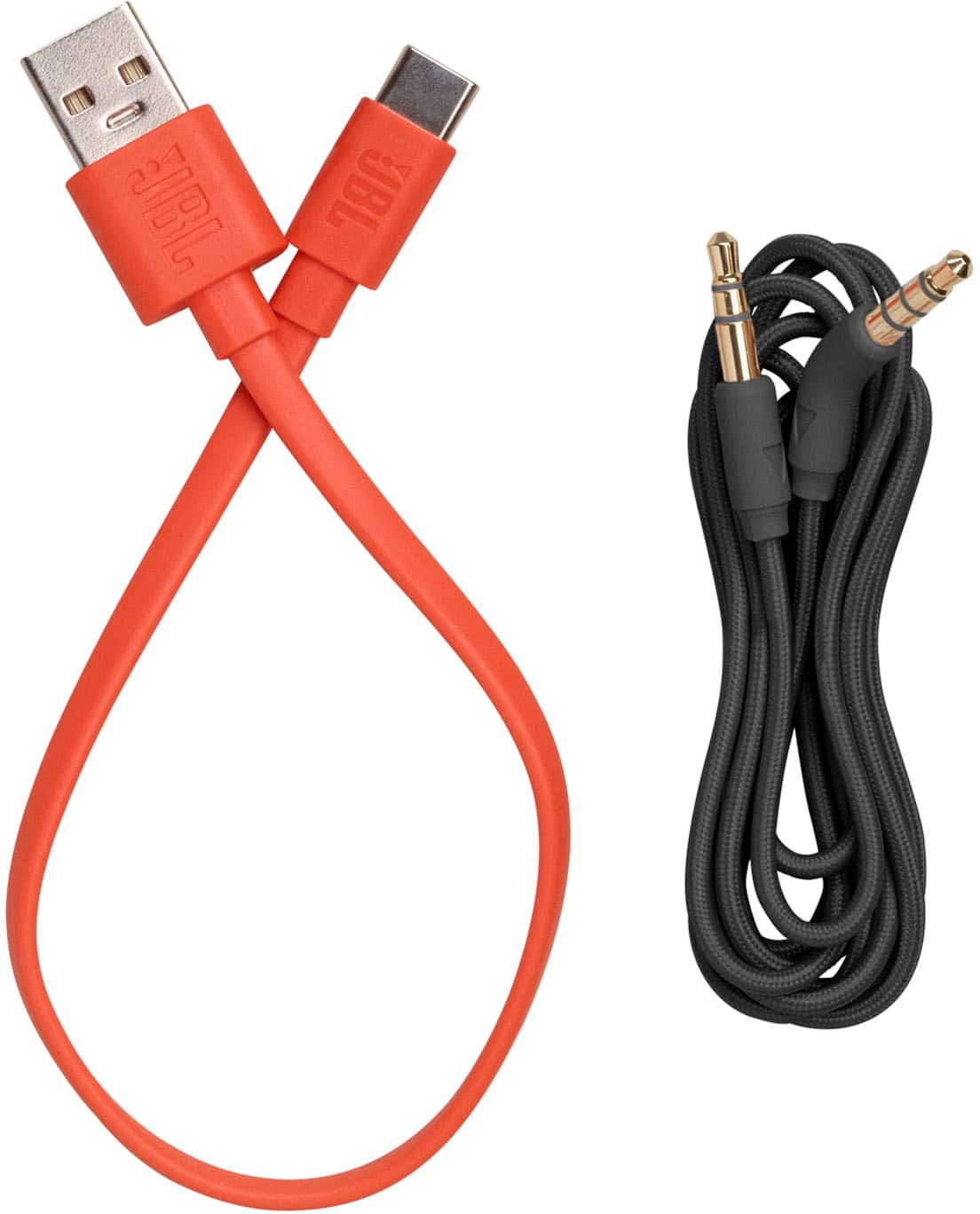
A:AnswerThanks for your question. Our JBL Live 770NC offers both a wired audio cable (3.5mm) and Bluetooth connectivity. We recommend checking your landline phone to see if it has the same connection options.
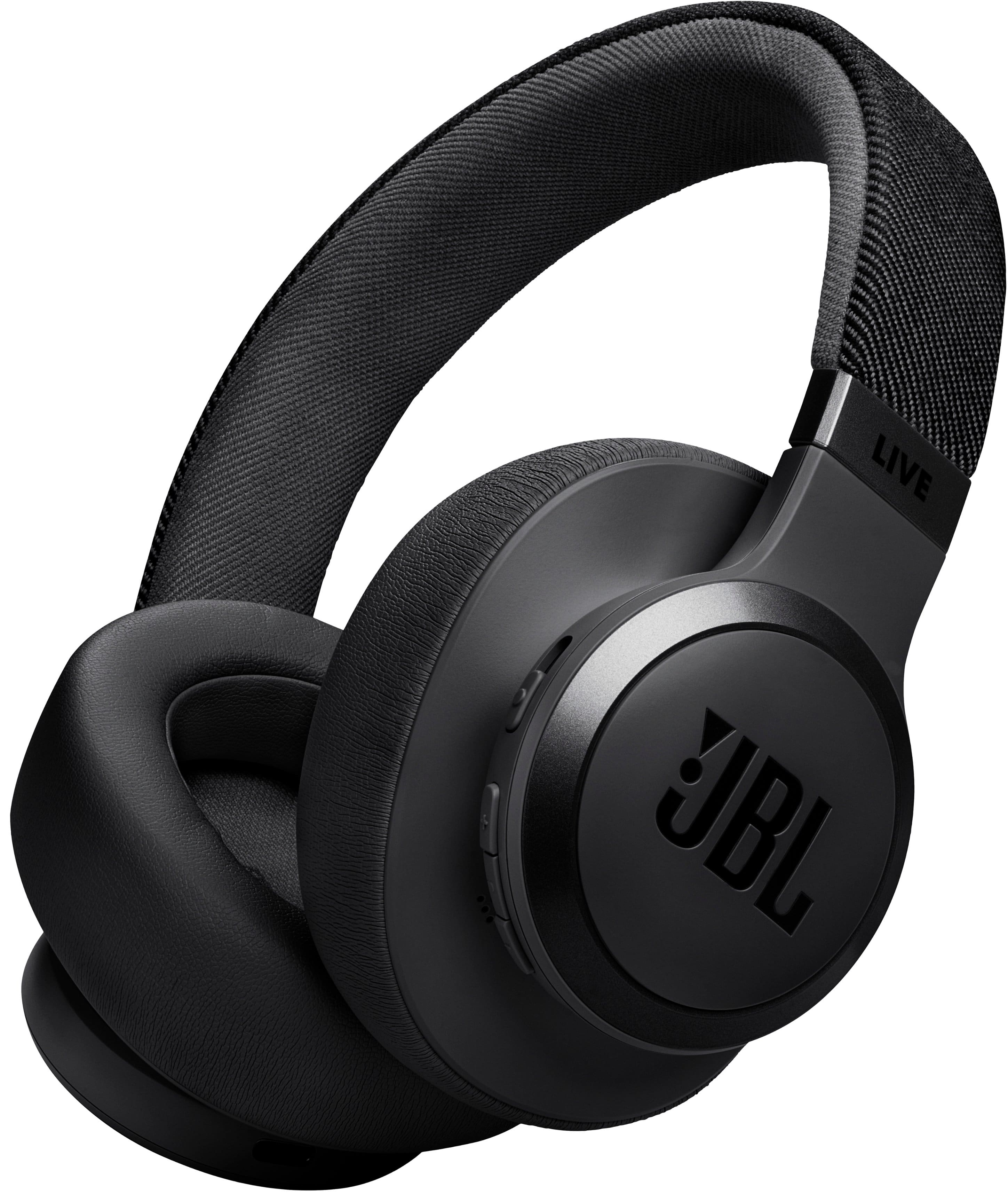
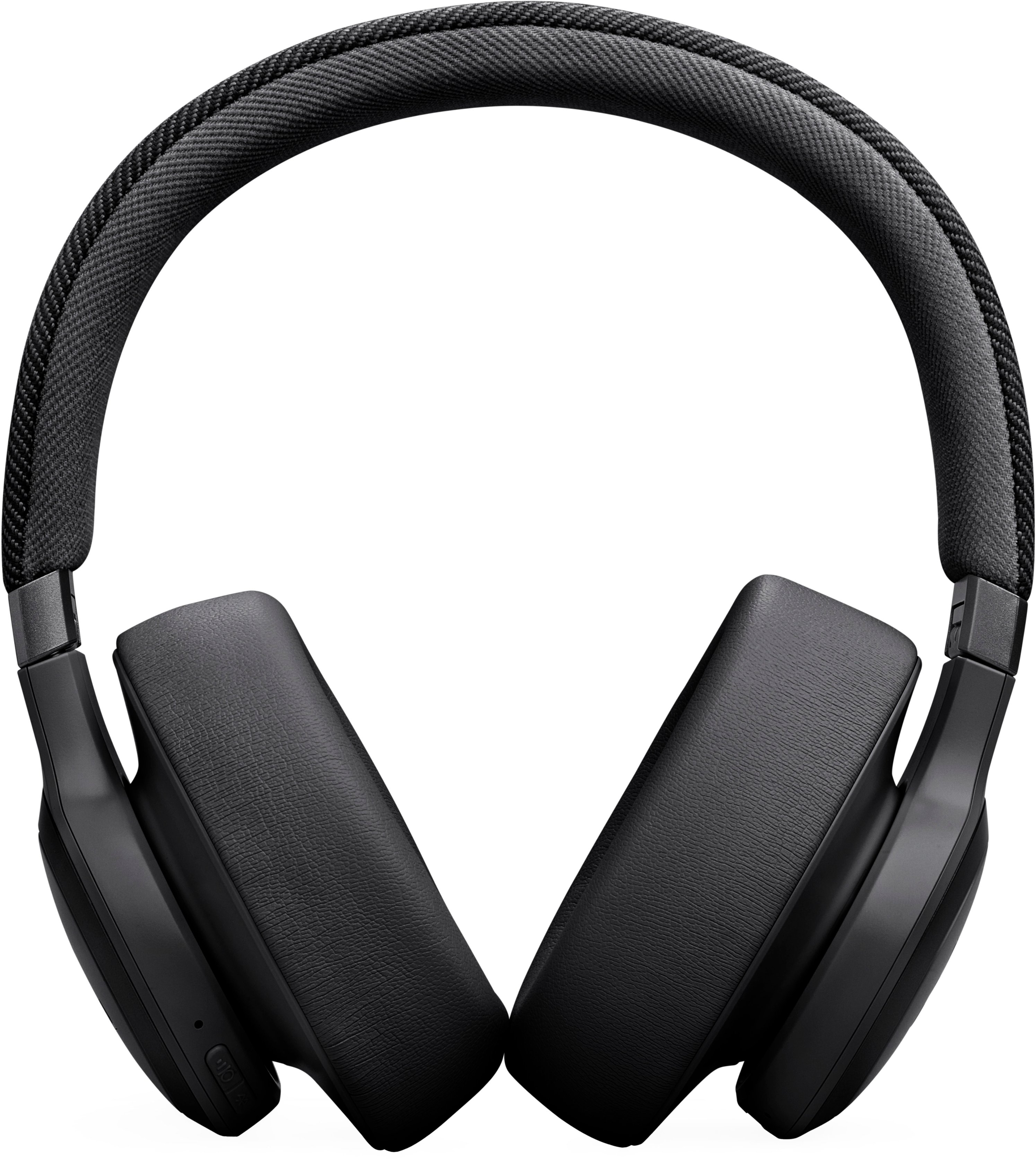
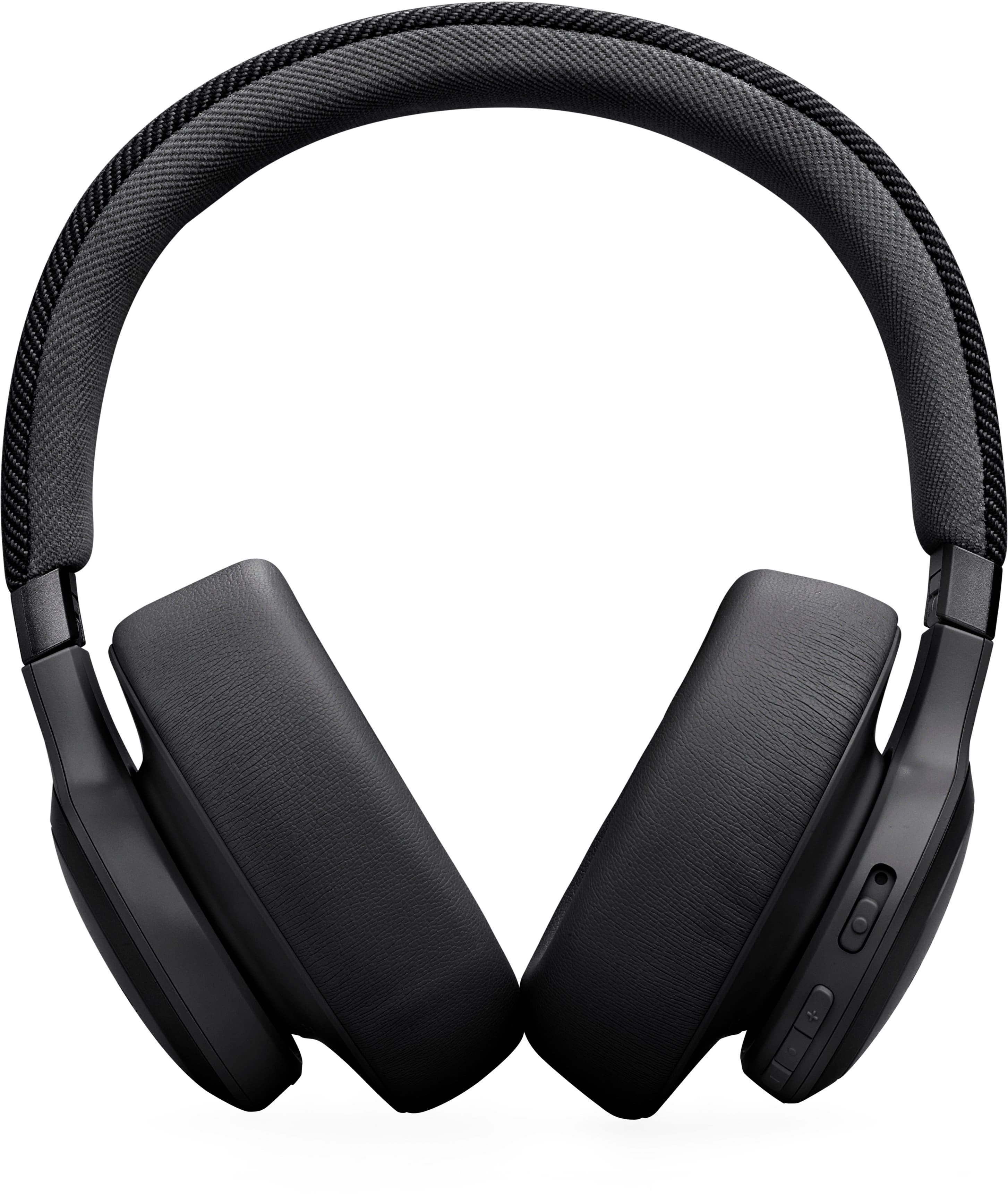
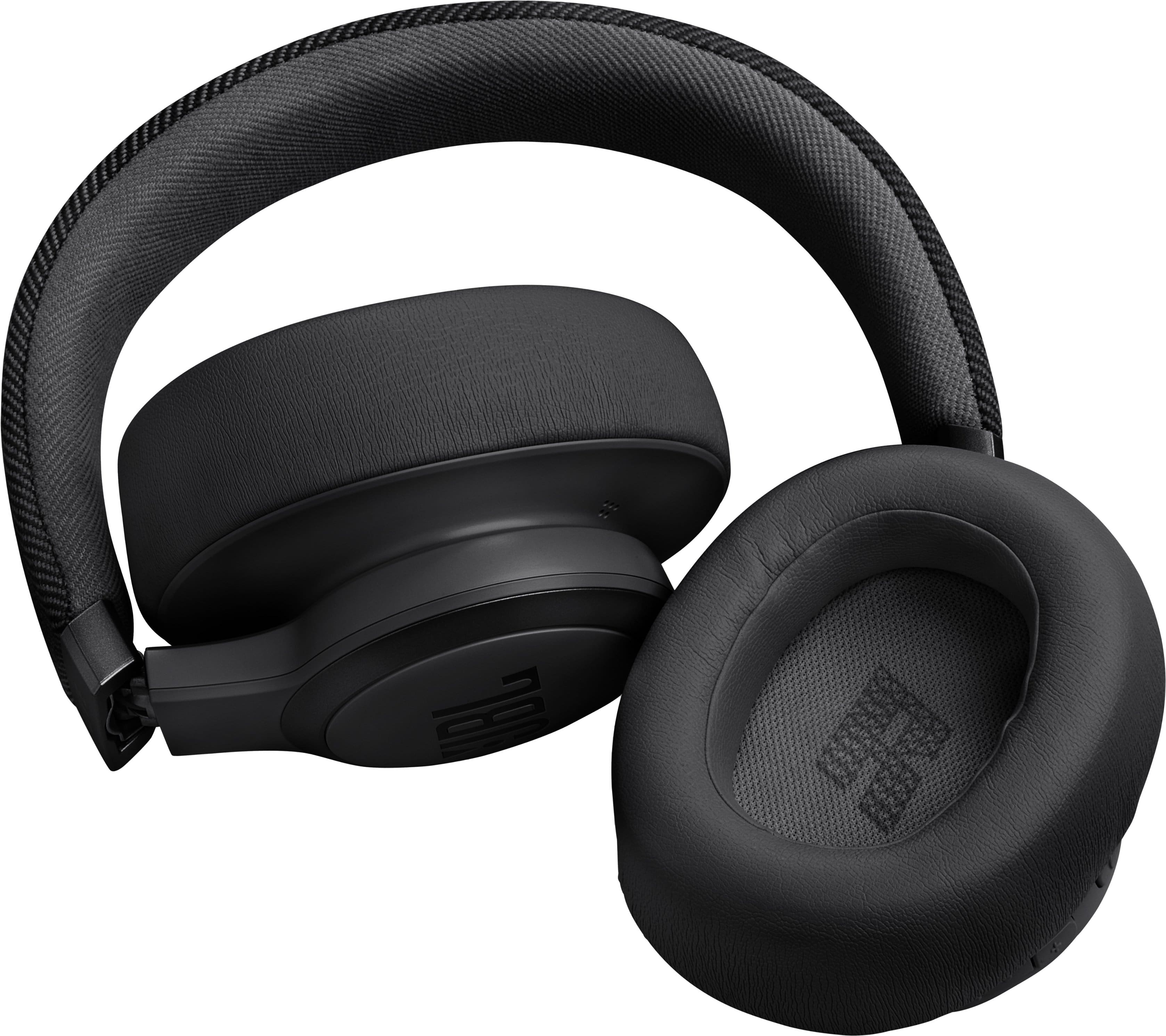
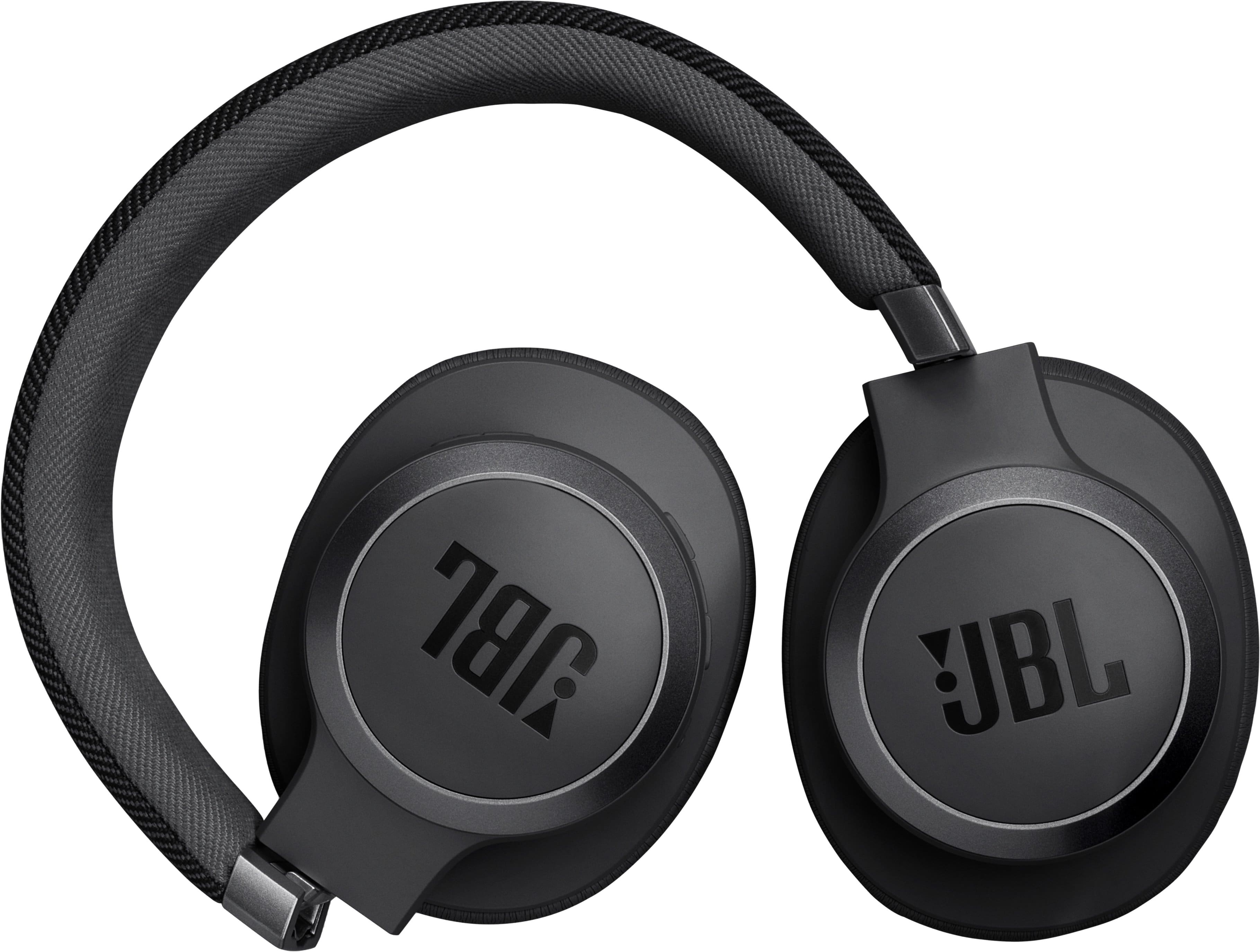
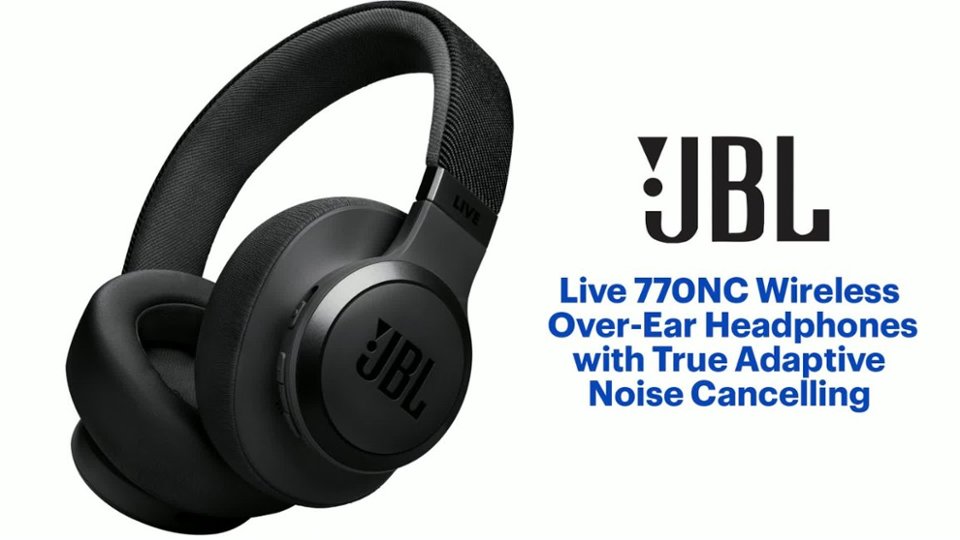
A:AnswerThanks for your question. Our JBL Live 770NC has a foldable design where the earcups rotate and fold inward for easier storage. You can check the detailed folding photos on the website under the product’s image.
A:AnswerThanks for your question. You can connect our JBL Live 770NC headphones to your computer using either an auxiliary cable or Bluetooth. If you're inquiring about the text-to-speech function, it is supported due to the built-in microphone. Please ensure that the driver is correctly installed on your computer.
A:AnswerThank you for your inquiry. Our JBL Live 770NC True Adaptive Noise Cancelling uses more advanced adjustments and additional sensors and inputs, aiming for a more refined and responsive noise-cancelling experience in every situation compared to "Adaptive noise cancelling".
A:AnswerThank you for bringing this to our attention. This is highly unusual to happen for a brand new JBL Live 670NC. Please try to connect the headphones to a different device (phone/tablet/music player) to see if it fixes the problem. If the issue persist, please reach out to our customer support for further assistance.
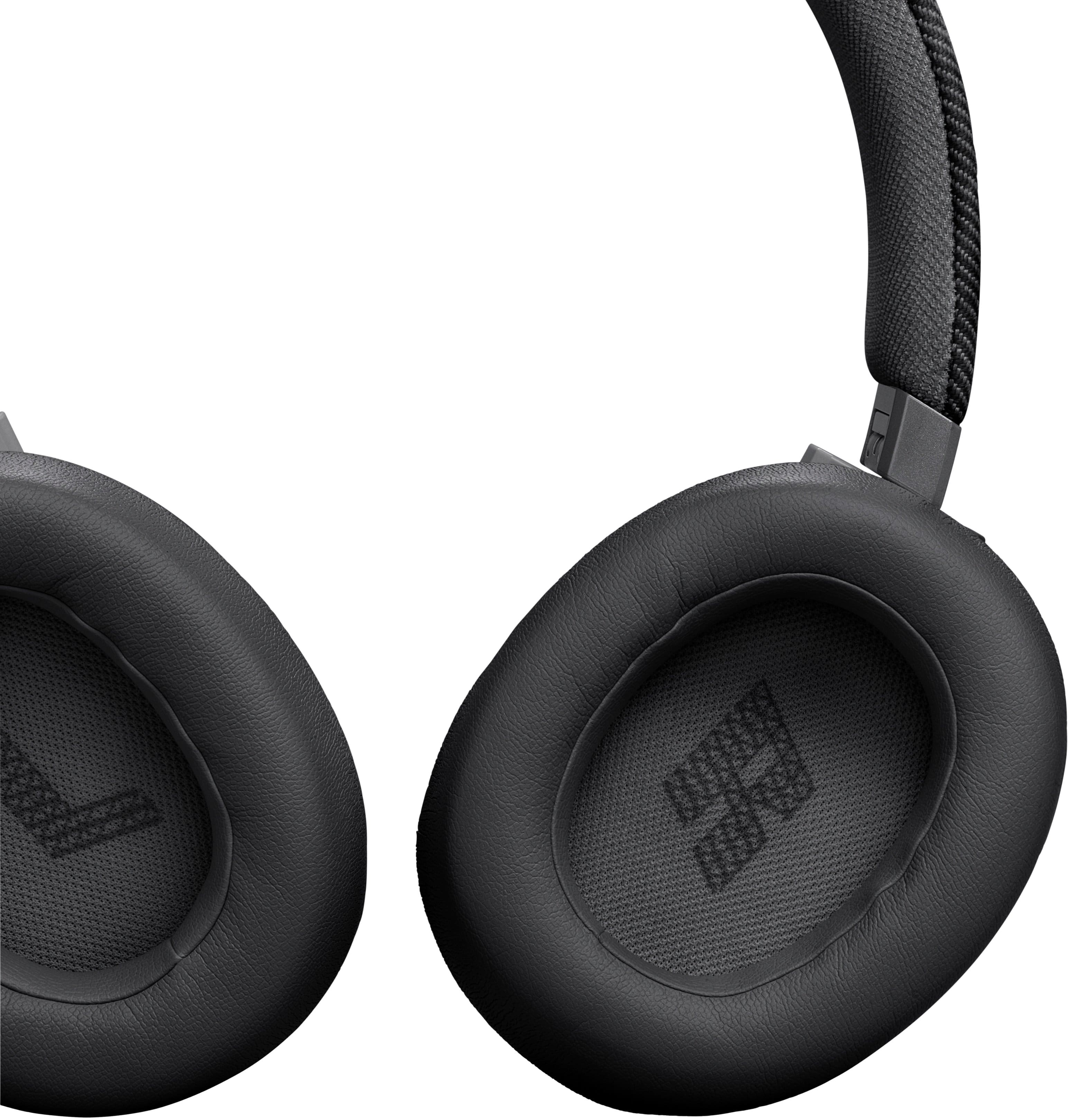
A:AnswerThank you for your Inquiry. Yes, the ear cushions of our JBL Live 670NC are replaceable. To assist you further for the parts of your headphones, please contact our customer support.
A:AnswerThanks for your inquiry. Our JBL Live 670NC can connect to a Smart TV via Bluetooth. It is designed to be used for connecting with mobile phones, tablets, and laptops for streaming audio/music. You may encounter audio-video delays when you're using it with video content since these headphones doesn't have an aptX HD low-latency codec. If you need more help, please contact our customer support.
A:AnswerIf your TV doesn’t have Bluetooth connection you can still connect these headphones to the TV with a AUX cable. You need to buy a AUX cable separate from the headphones and be sure it’s a length long enough for you to comfortably use it while watching TV.