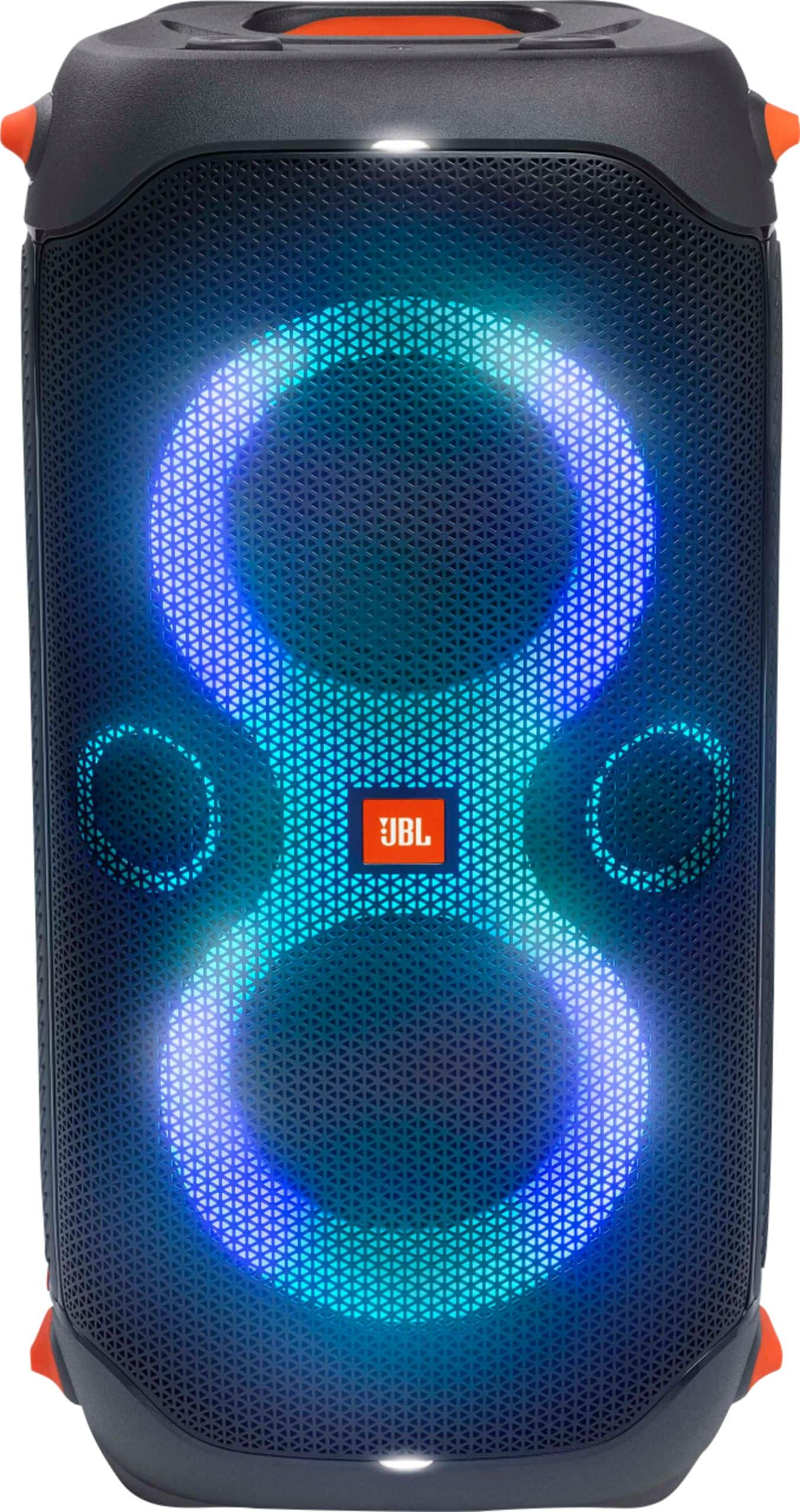
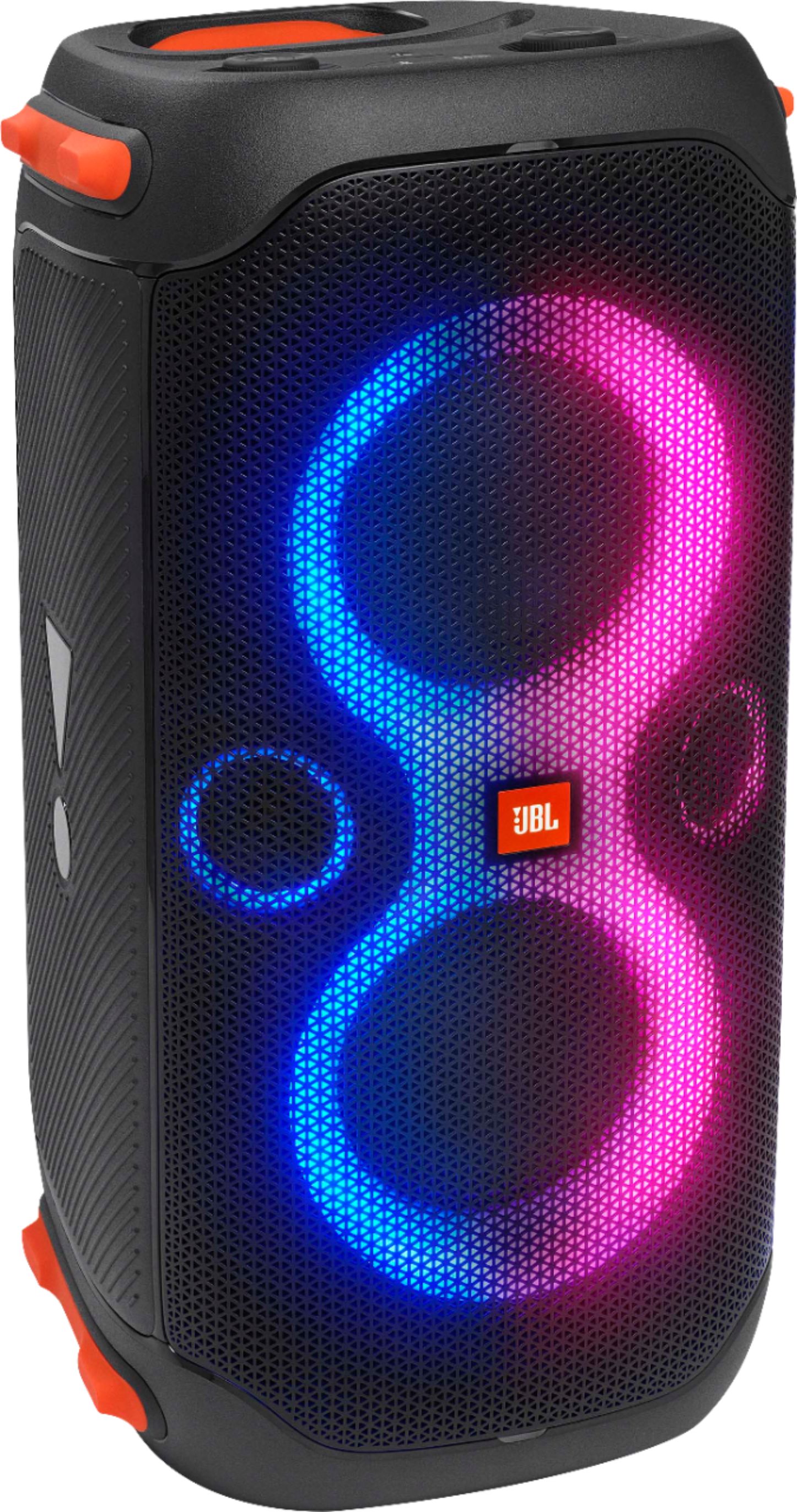
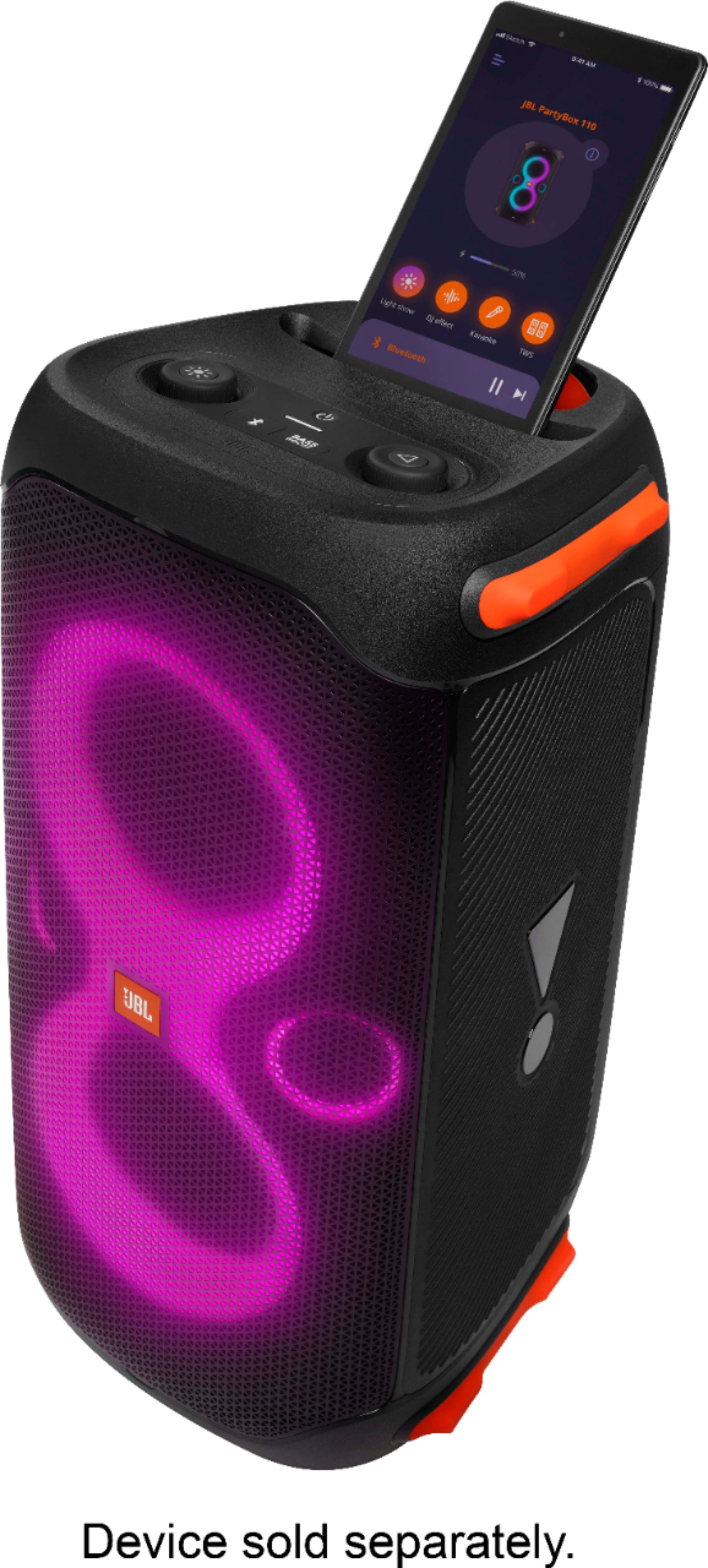
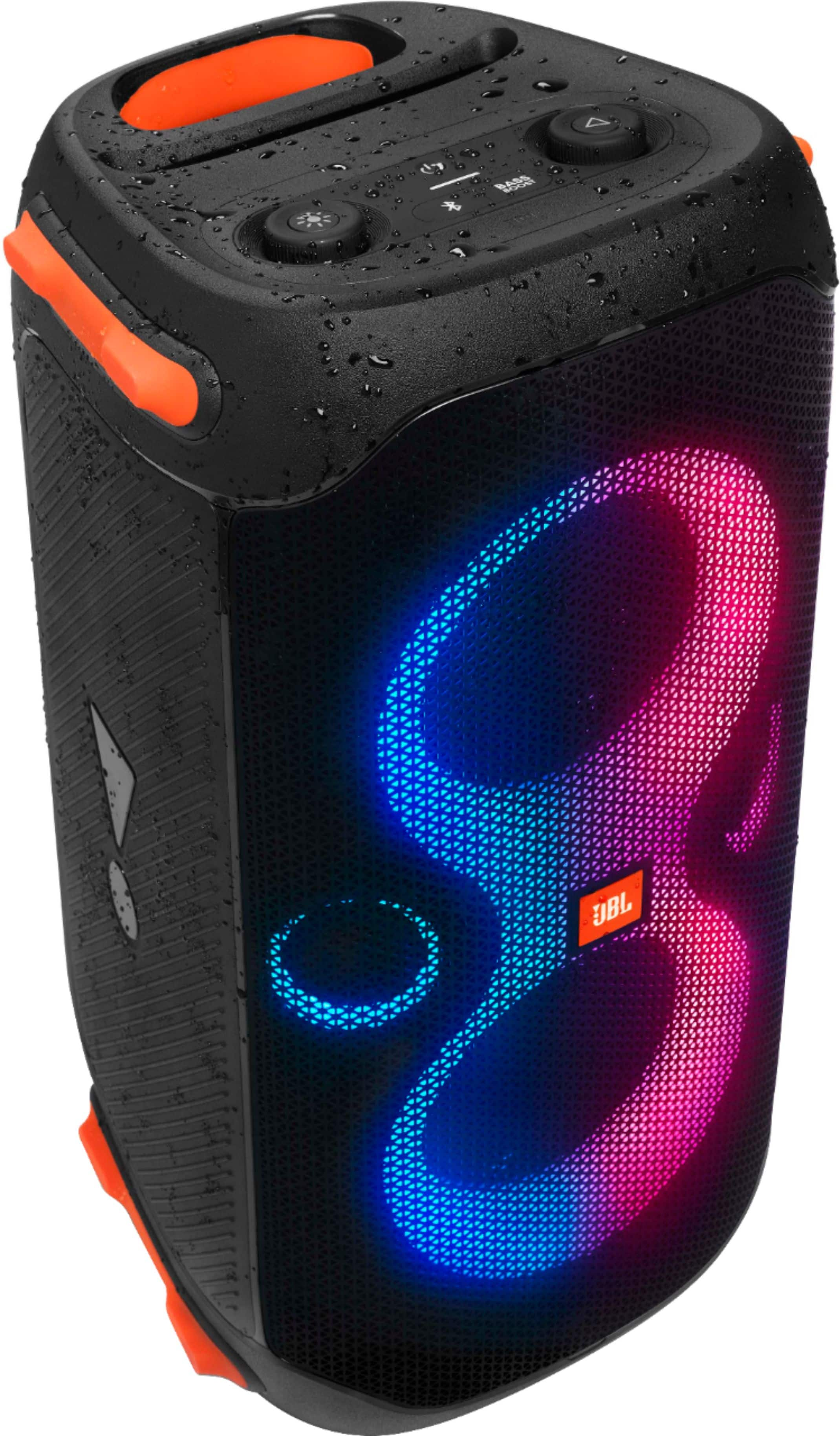
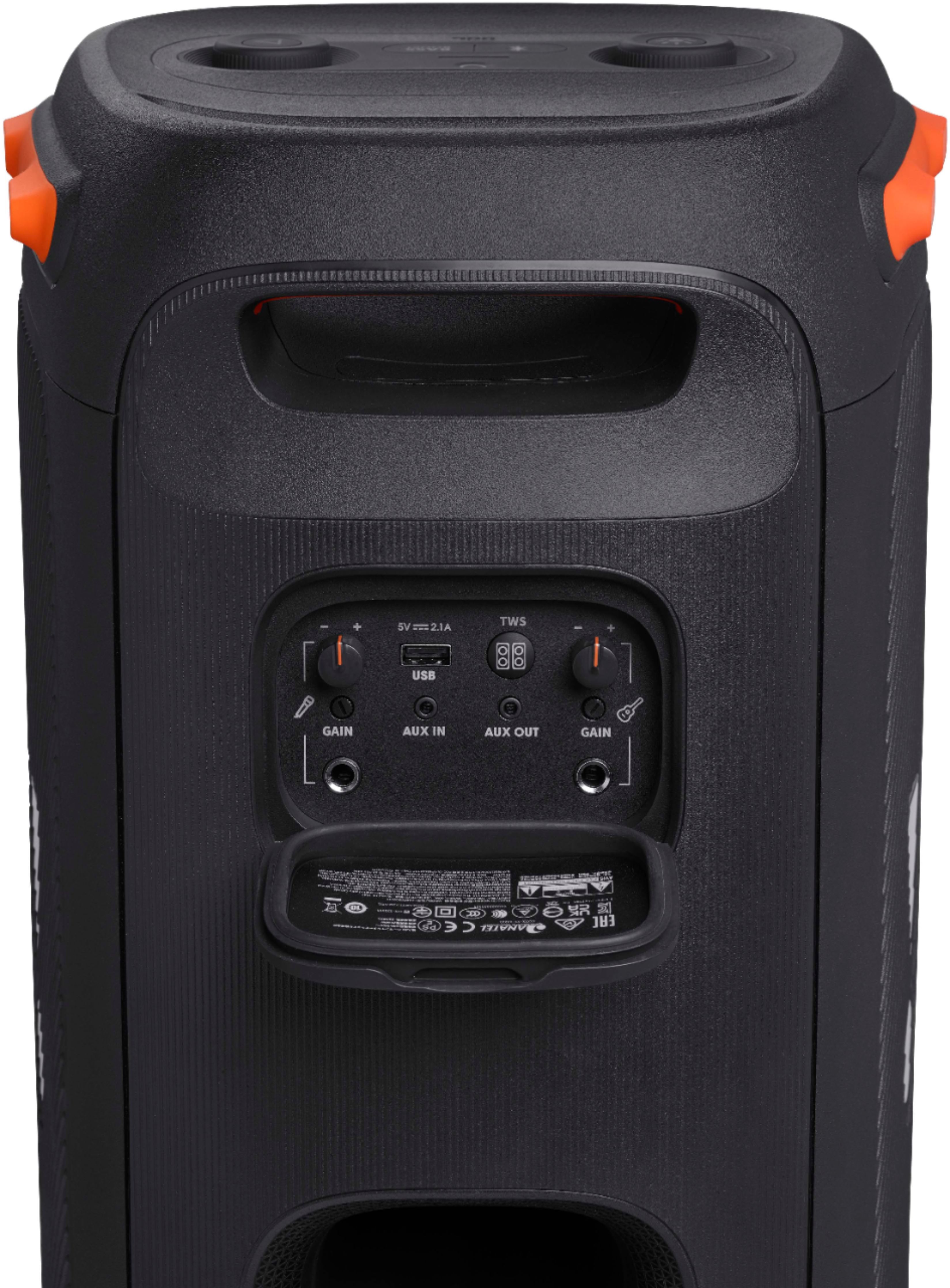
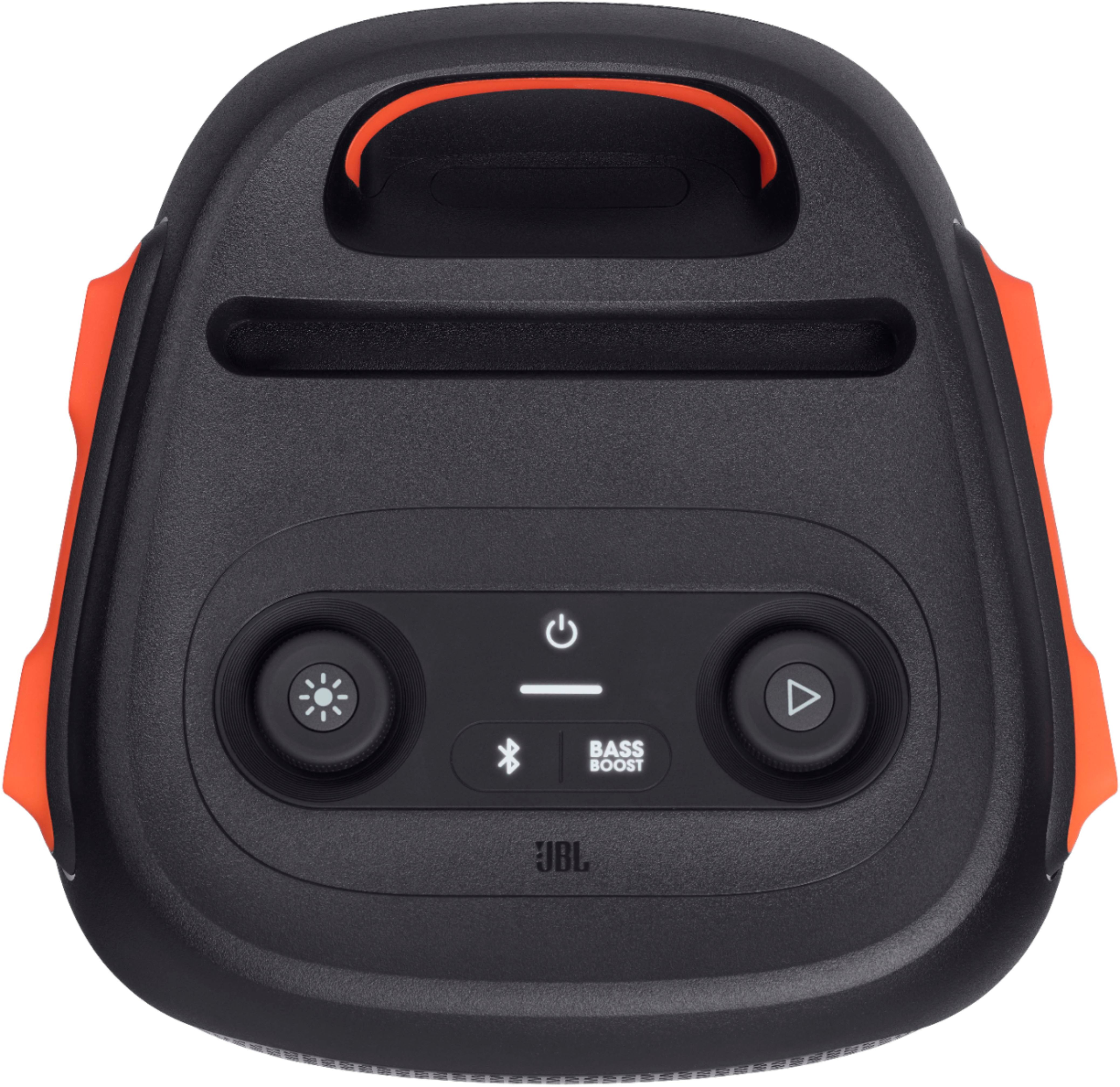
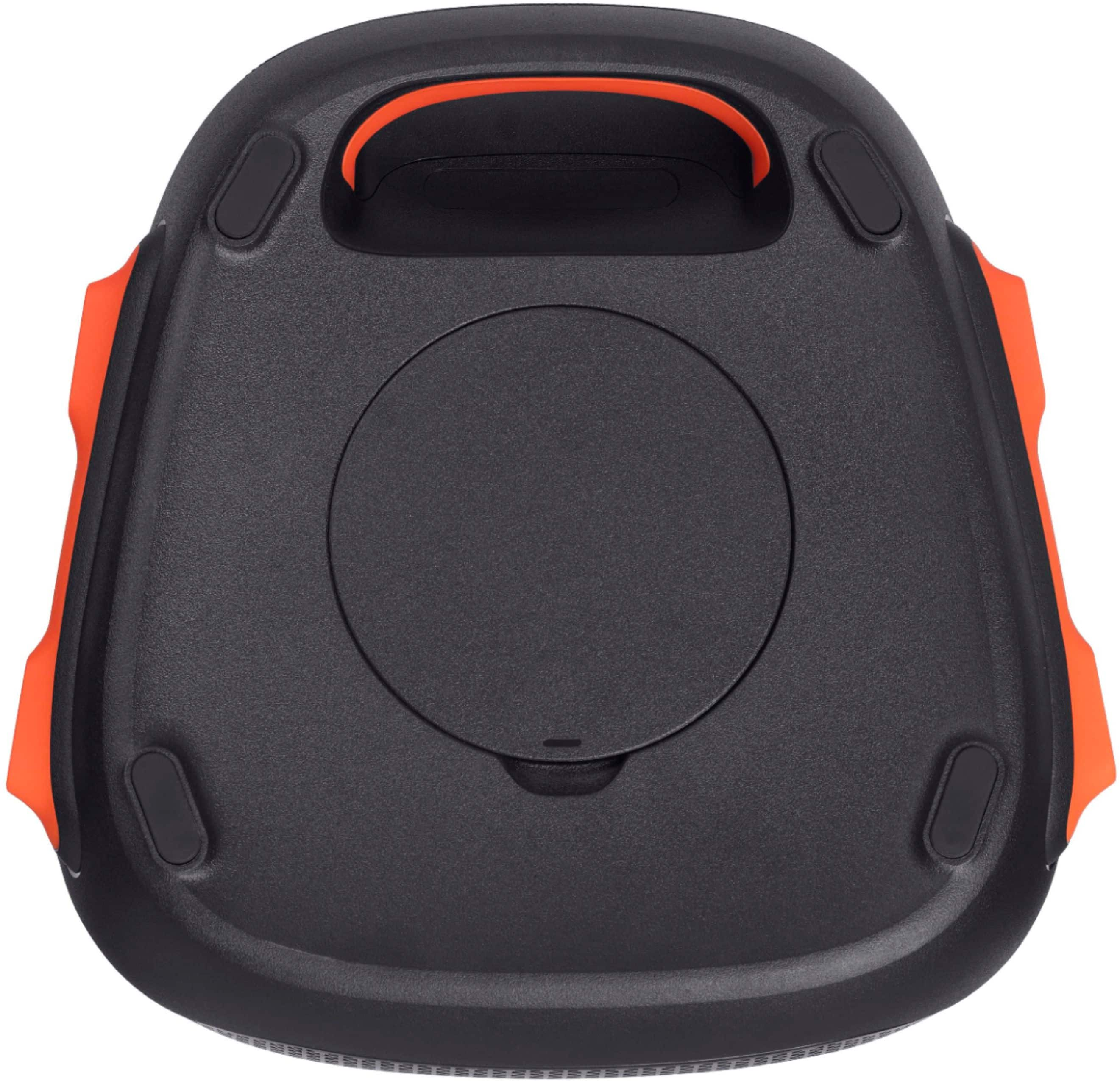
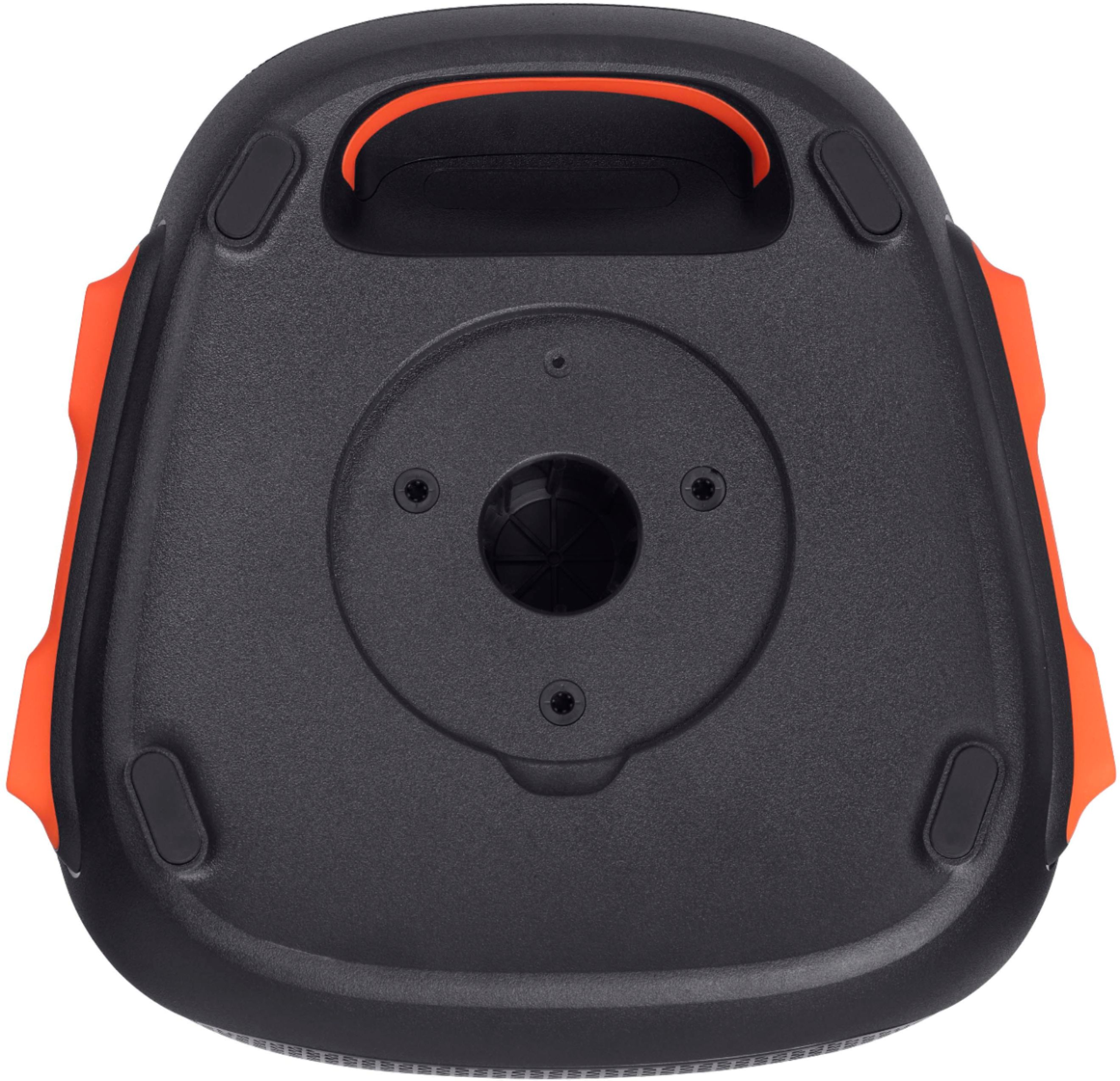
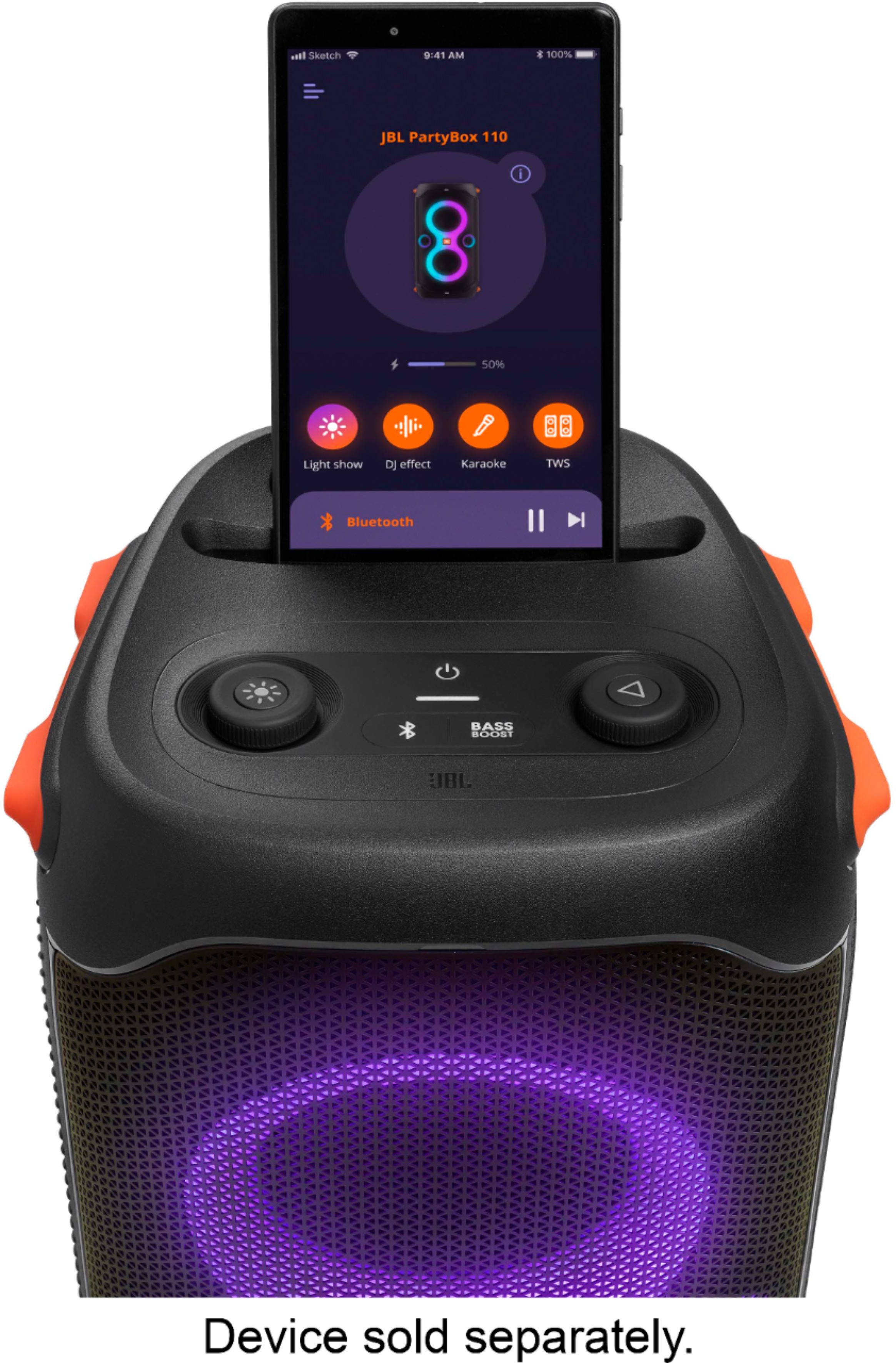
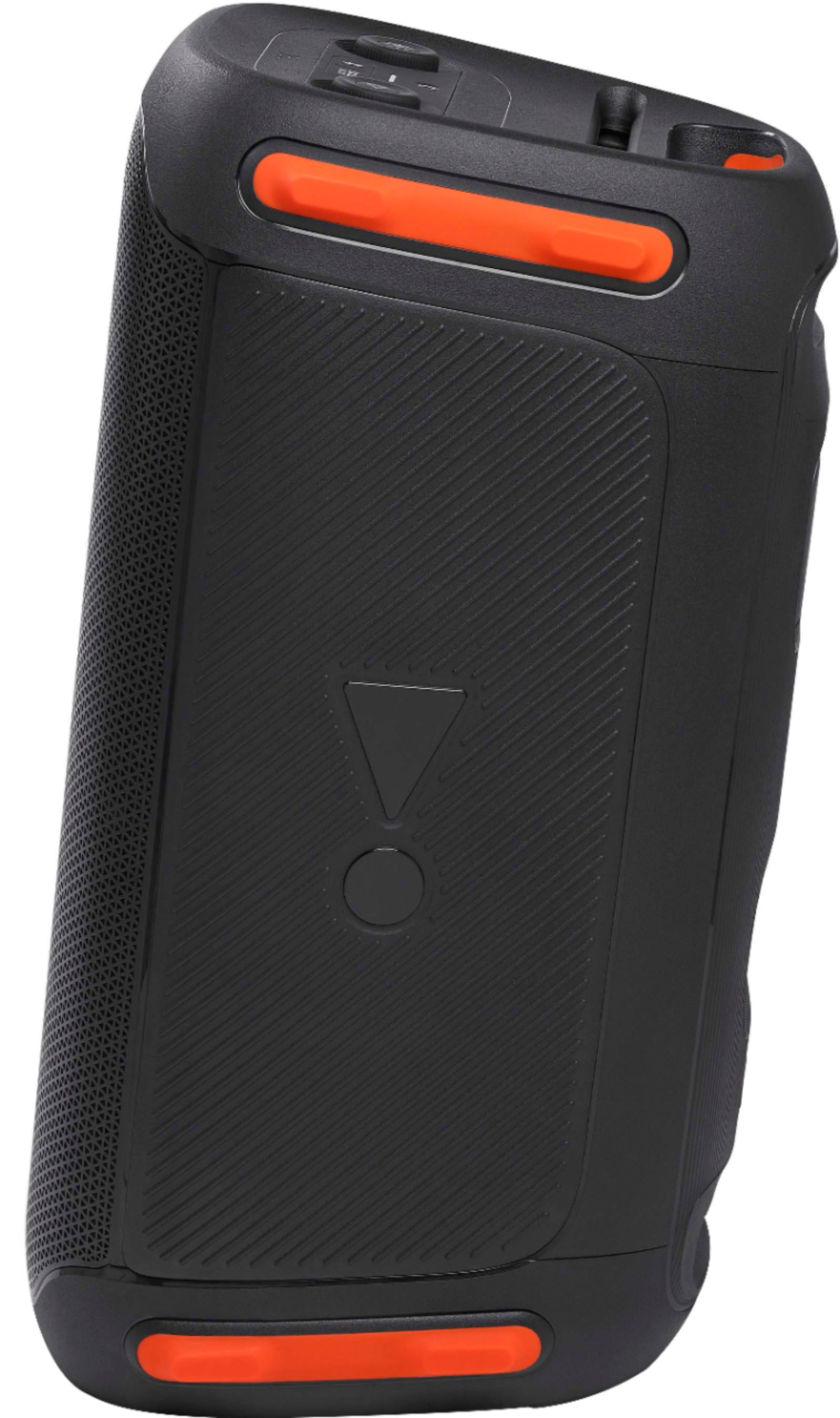
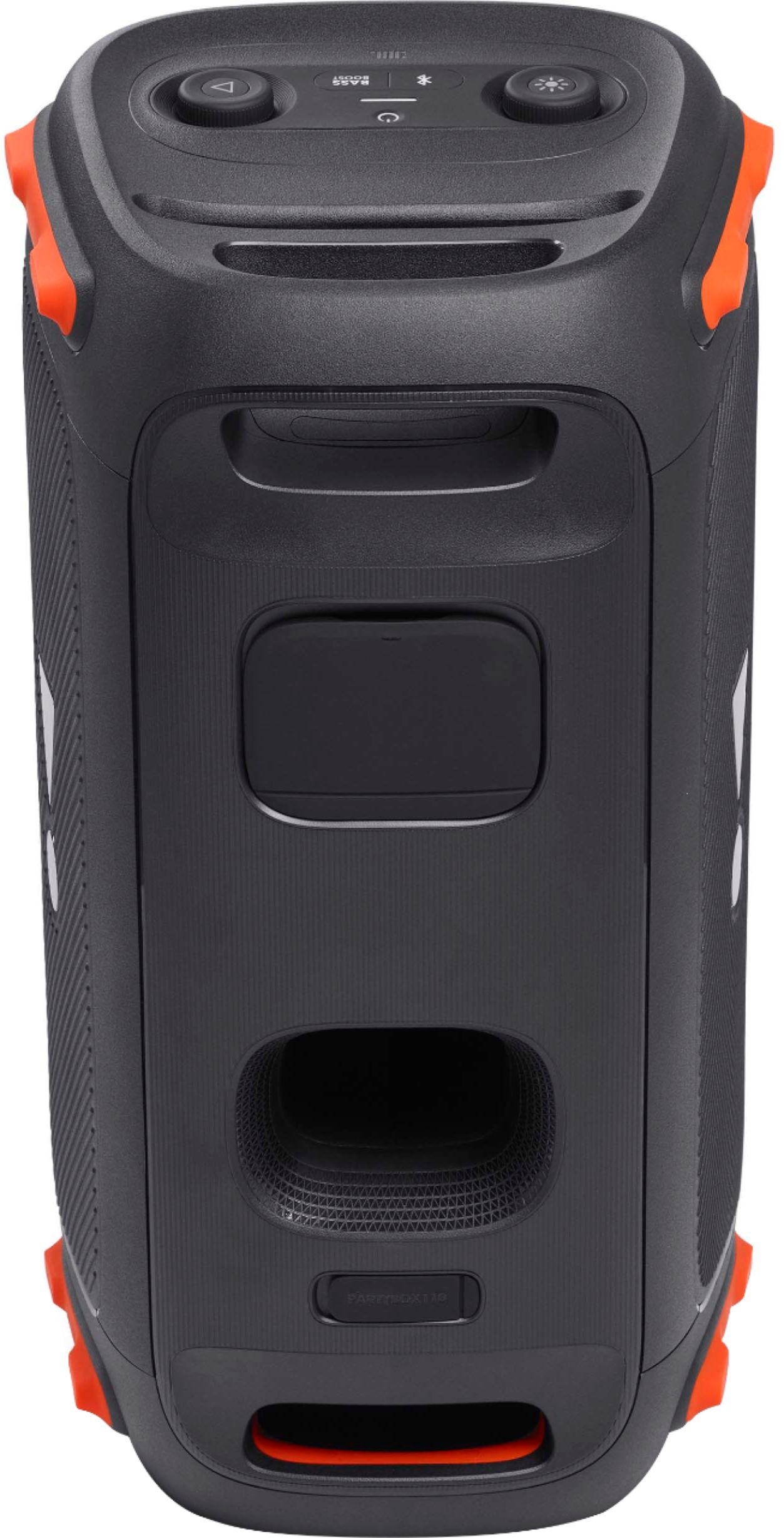
A:AnswerThank you for bringing this to our attention. You may try to perform a factory reset on your Partybox 110 by pressing and holding the "Play" and "Light" buttons for > 10 seconds. If the issue still perists, please contact our customer support for further assistance via our website or toll-free hotline.
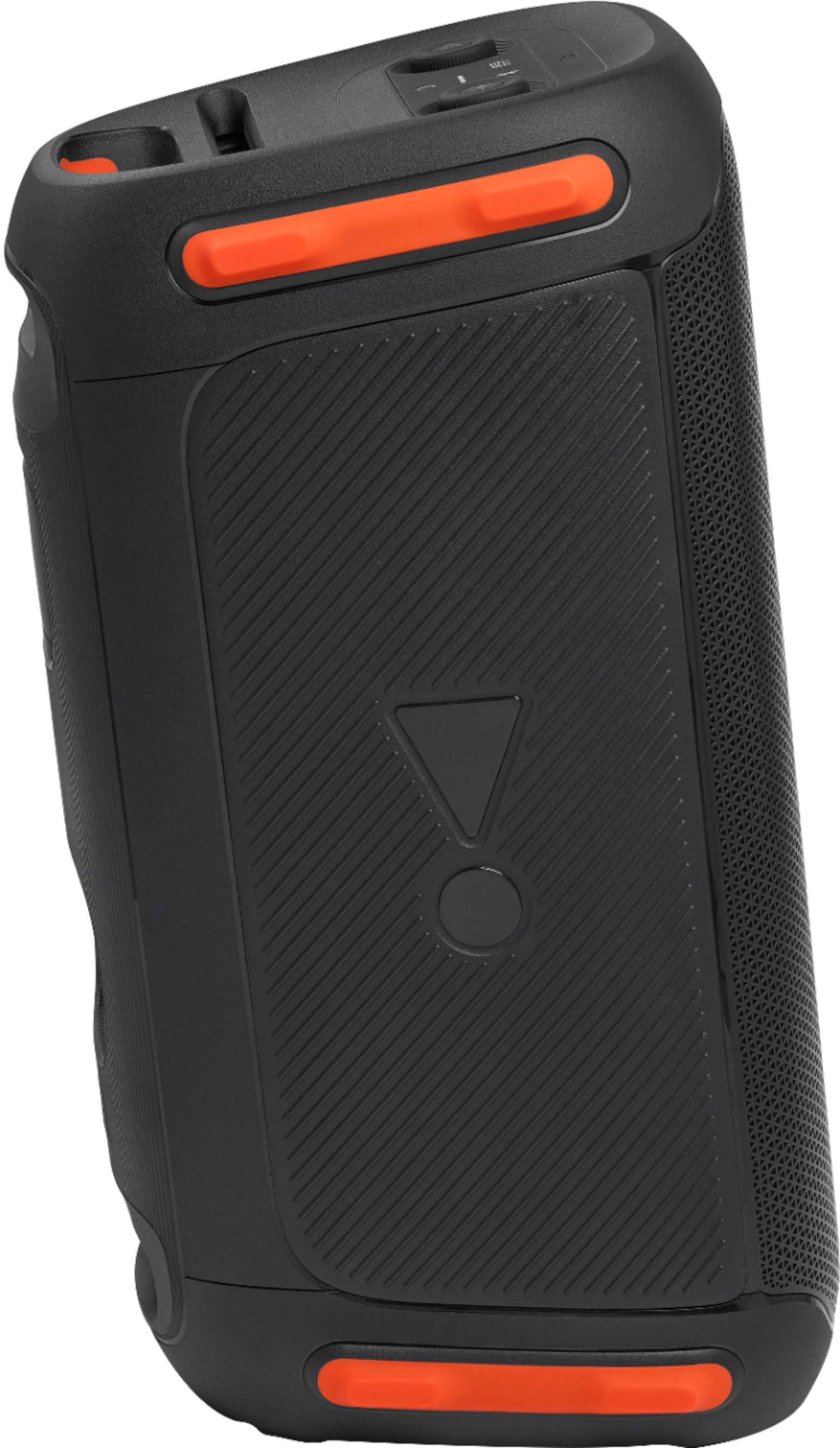
A:AnswerWe're here to help with your JBL PartyBox On-The-Go. Please try pressing the power button for 30 seconds while it is not connected to any power supply. Also, try using a different cord if you have available, or try plugging it into a different outlet. Please check the port as well as if there's any debris or damage. To add, this unit's mic can't be used with JBL PartyBox 110 as the microphone comes pre-paired from the factory. If you need more help, please contact JBL Customer Support so we can assist you.
A:AnswerWhile it is possible to connect a guitar to the mic input, we wouldn't recommend it. Connecting a guitar to a mic-level input will cause the sound to be loud and distorted because the guitar signal level is much stronger than what the mic input will accept.
A:AnswerJBL Doesn't make remote controls for the JBL Partybox 310. You can control the volume and other features of the speaker using our JBL Partrybox App from your smartphone.
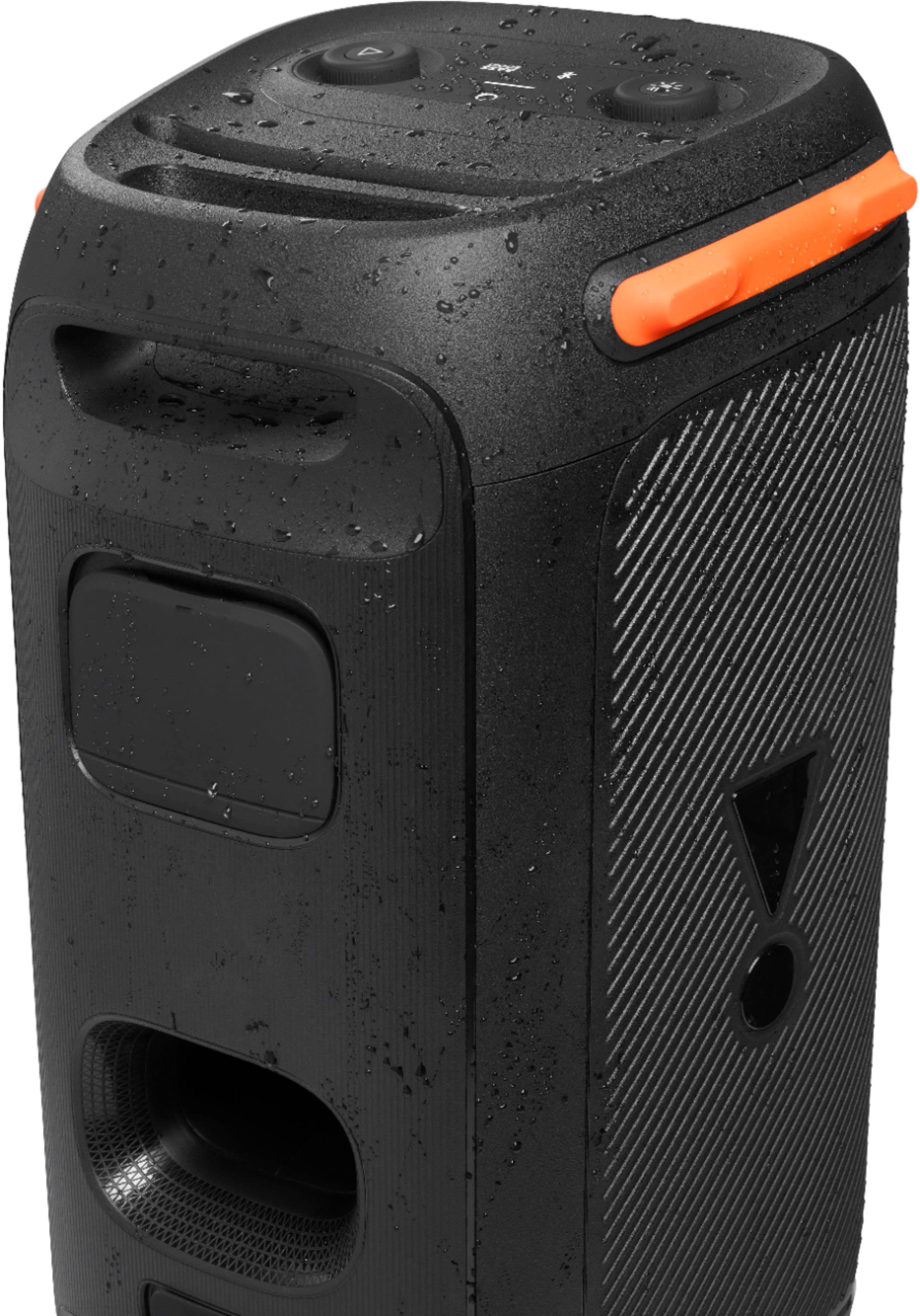
A:AnswerOur JBL PartyBox 100 has up to 12 hours of playtime depending on the volume and audio content. It is an IPX4 sweatproof and can withstand water splashes from any direction. However, the unit is not waterproof.
A:AnswerThanks for your inquiry. We recommend holding and pressing the power button for 30 seconds while the JBL Partybox 110 is unplugged from a power source. If the issue persists, we'd like to work with you directly to address the issues you're experiencing with your JBL Partybox 110. If needed, we'd also like to get more information so we can check your options. Please contact our customer support service via our official website or toll-free hotline.
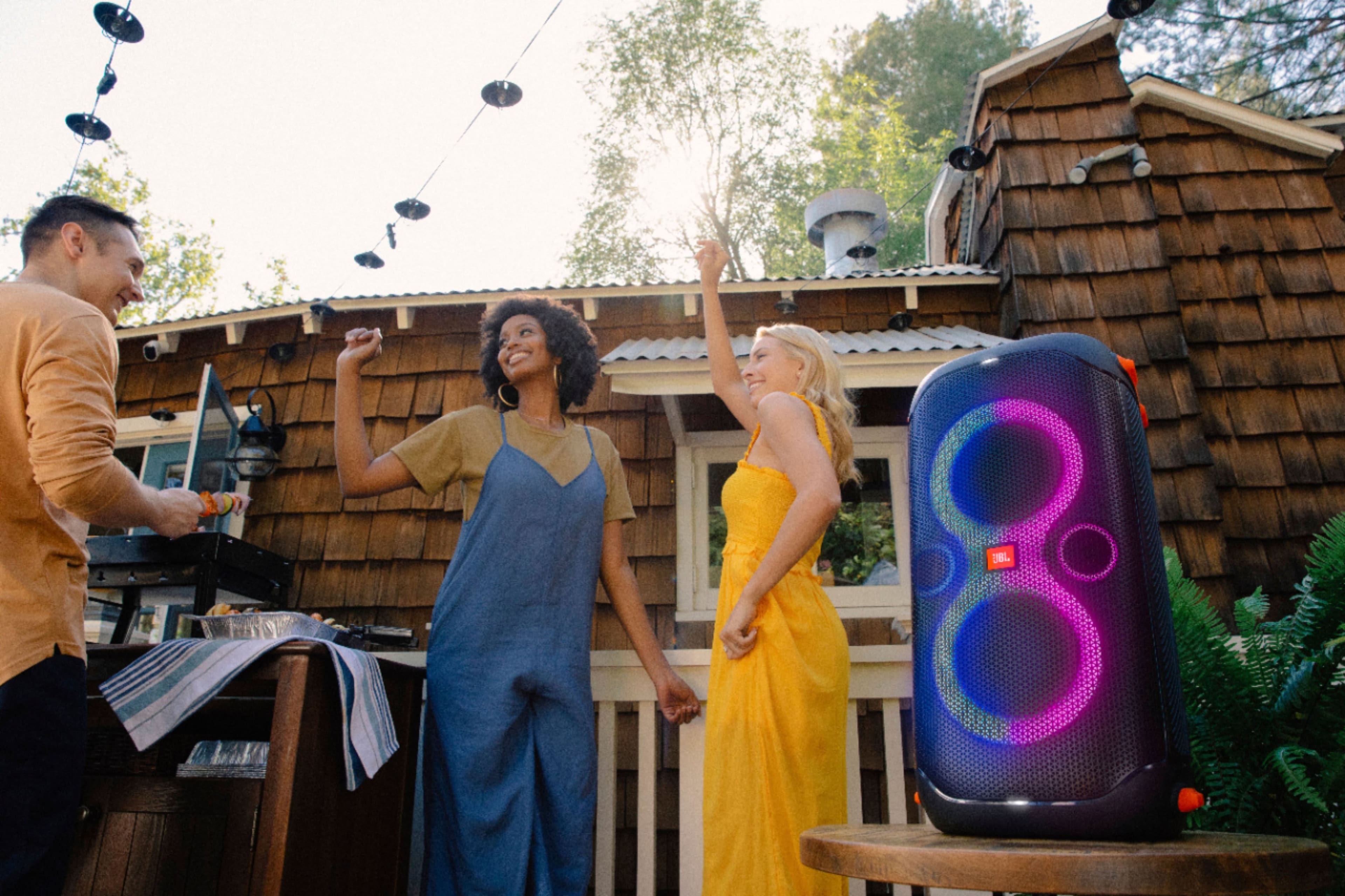
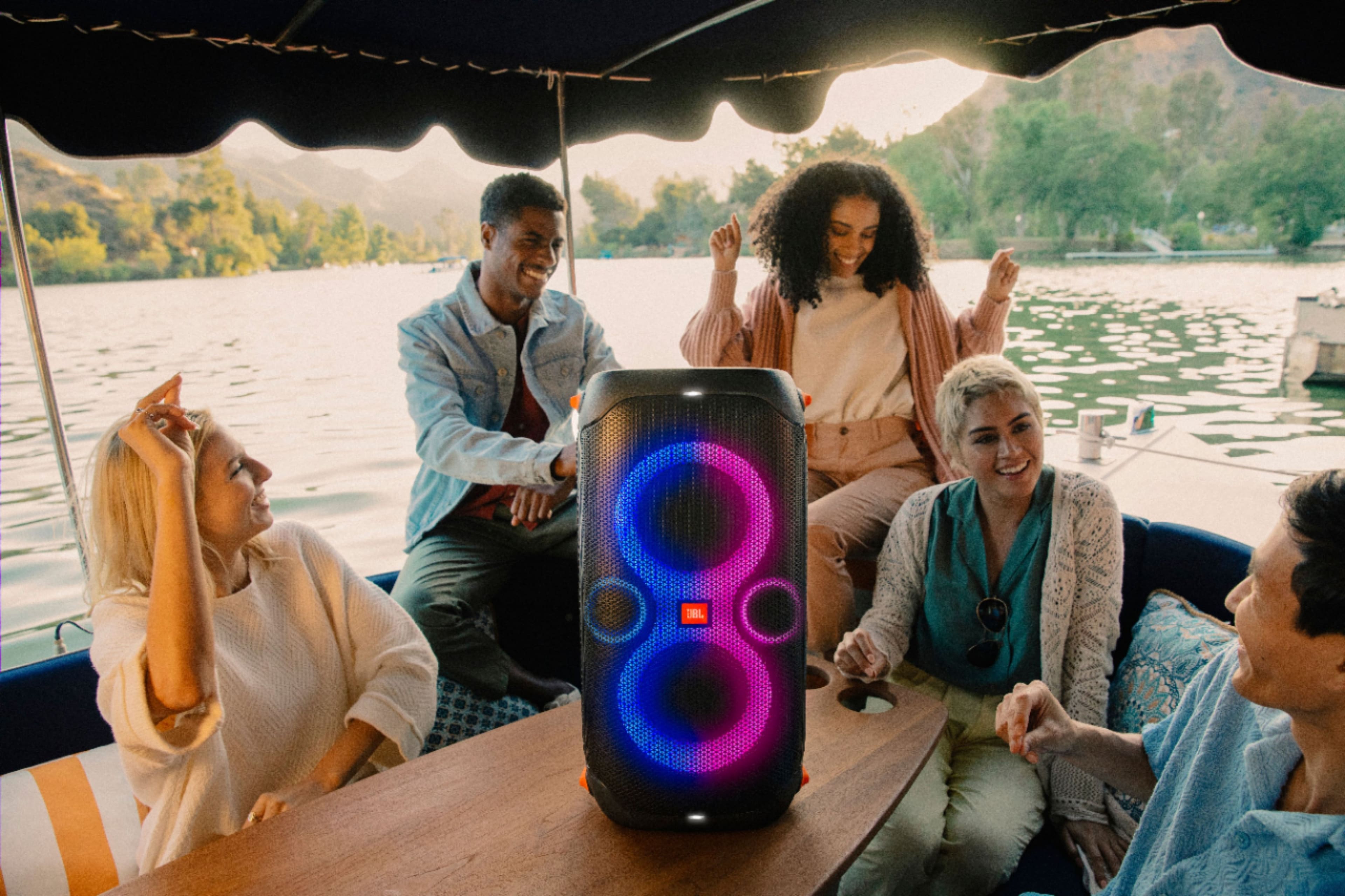
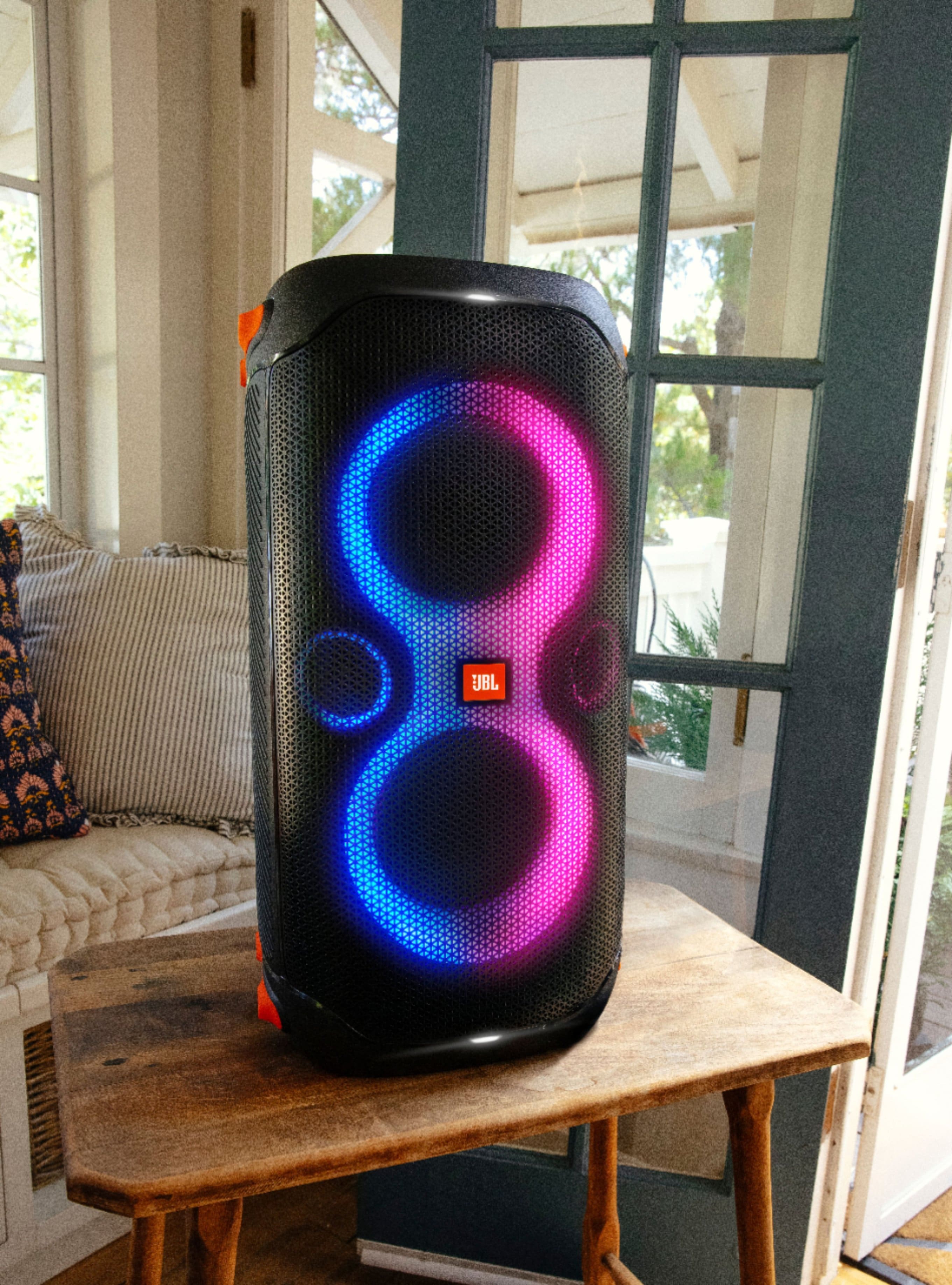
A:AnswerThank you for your inquiry. Our JBL PartyBox 110 doesn't offer direct control over the light show speed. There's no specific setting to manually adjust the light show speed. The speaker's internal software automatically adjusts the lights based on the music's rhythm and volume.
A:AnswerOur JBL PartyBox 110 has TWS where you can connect two PartyBox 110 together wirelessly. If you plan on connecting 3 or 4 speakers, you can use a wired connecting by daisy-chaining the speakers with the aux-in and aux-out ports.
A:AnswerYes. Four JBL Partybox 110 can be connected together via Daisy Chain using AUX cables. From the AUX outputs on the main speaker, wired to the AUX input of the secondary speaker. Then, repeat the steps up to the fourth speaker. If you need more help, we'd like to work with you directly. Please contact our customer support for assistance.
A:AnswerThanks for your Inquiry. Our JBL Partybox 110 needs to be charged using the AC power cord that plugs into a wall outlet. It does not support charging via USB. It also takes approximately 3.5 hours to fully charge. If you need further assistance, please reach out to our customer support.