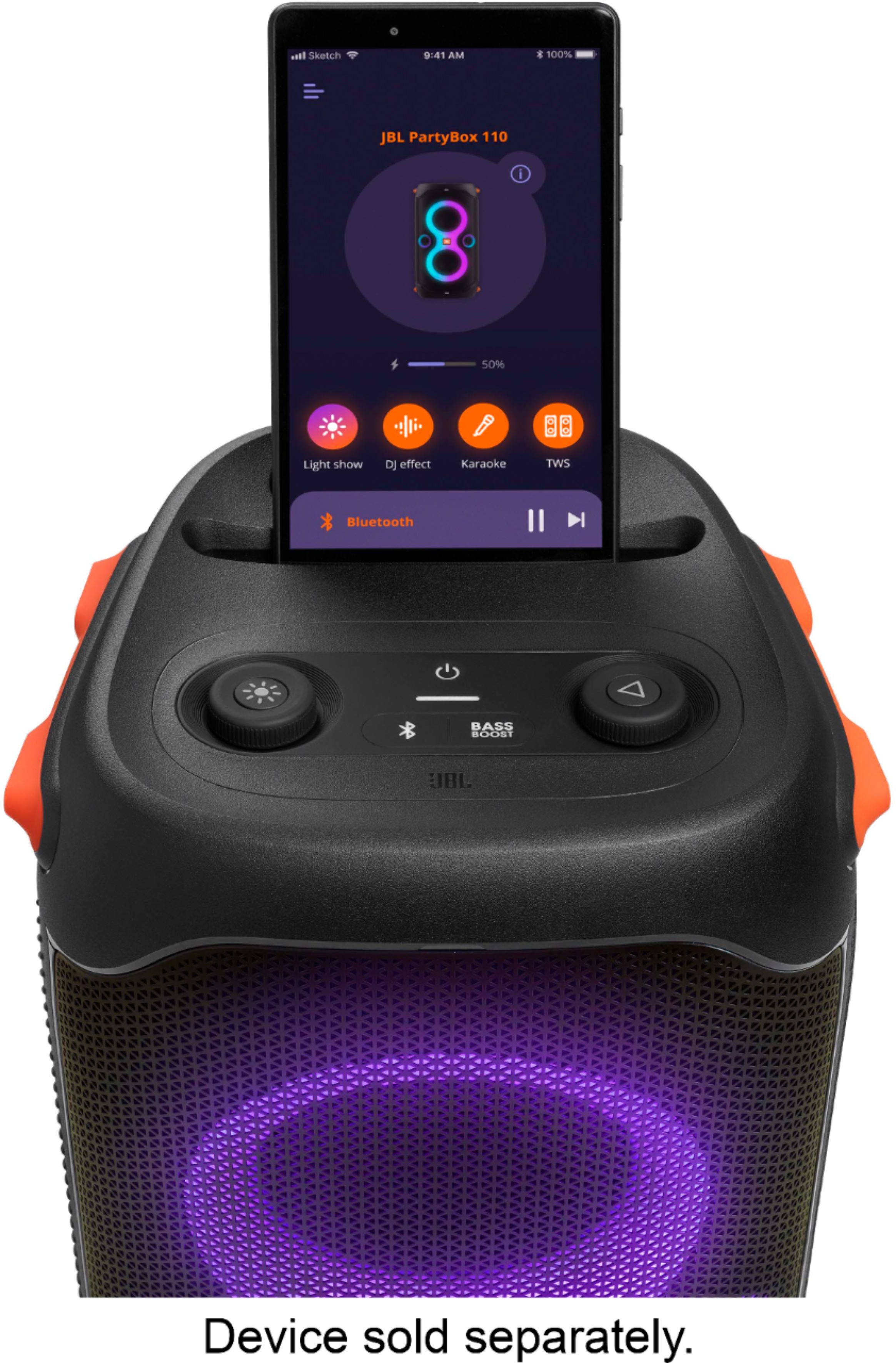
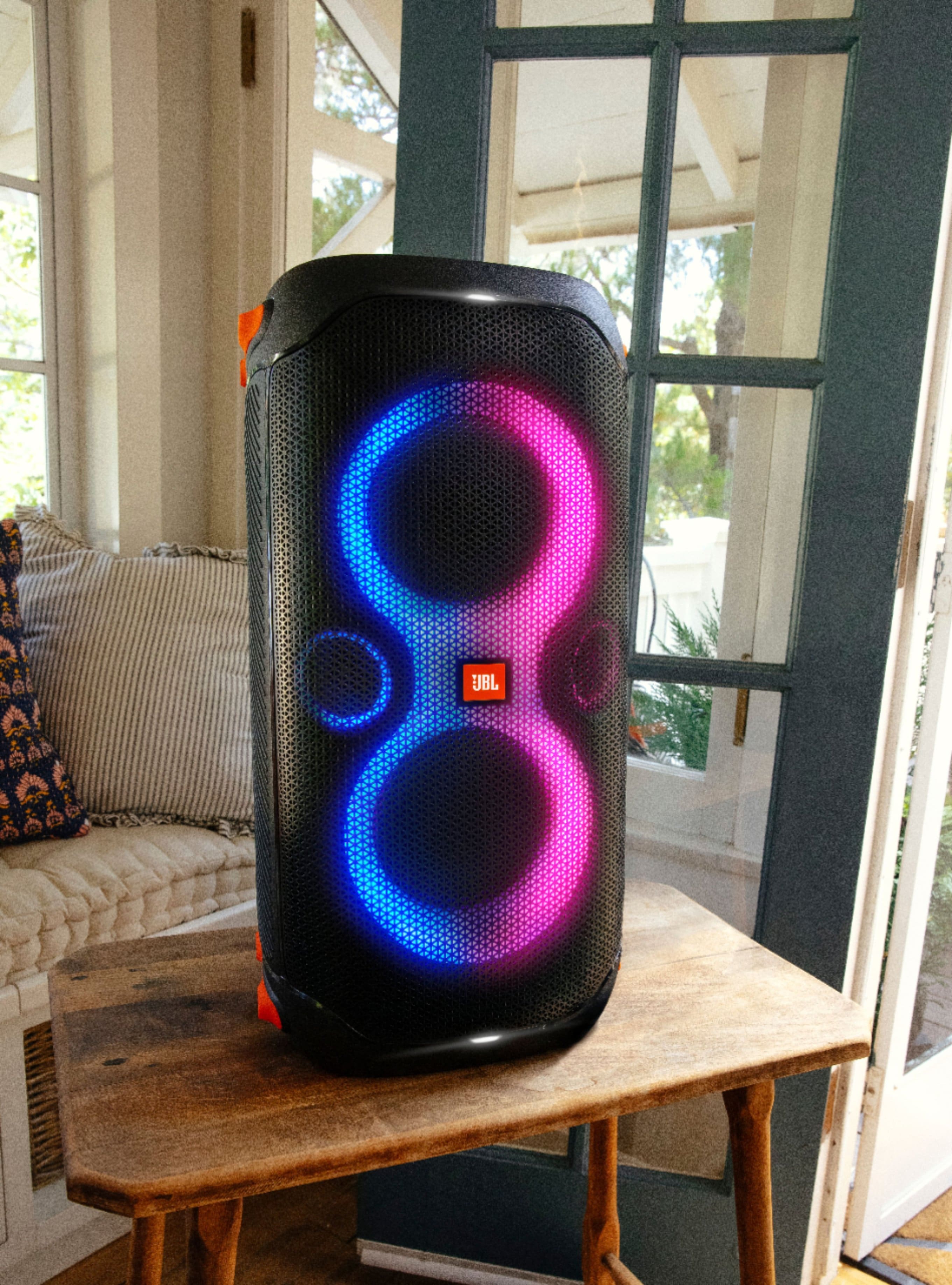
A:AnswerThanks for your inquiry. Our JBL PartyBox 110 can connect via TWS with the same model and other Partybox models such as 310, 710, or Encore/Essential together in Party mode. It can't be connected with soundbars.
A:AnswerBrand new JBL Partybox 710 only gives out hizzzz noise from the daisy chain out. Does anyone know if this is common issue with these speakers or am I doing something wrong. Tried 3 different brand cables.
A:AnswerWe have no information for the highest DB of this product. Our JBL PartyBox 110 is a powered speaker with a built-in amplifier that has a total output power of 160W.
A:AnswerYou may refer to BestBuy for more details about their return policy. In addition, our JBL products come with a 1-year warranty. You can contact us directly if you need assistance with a warranty claim on our products.
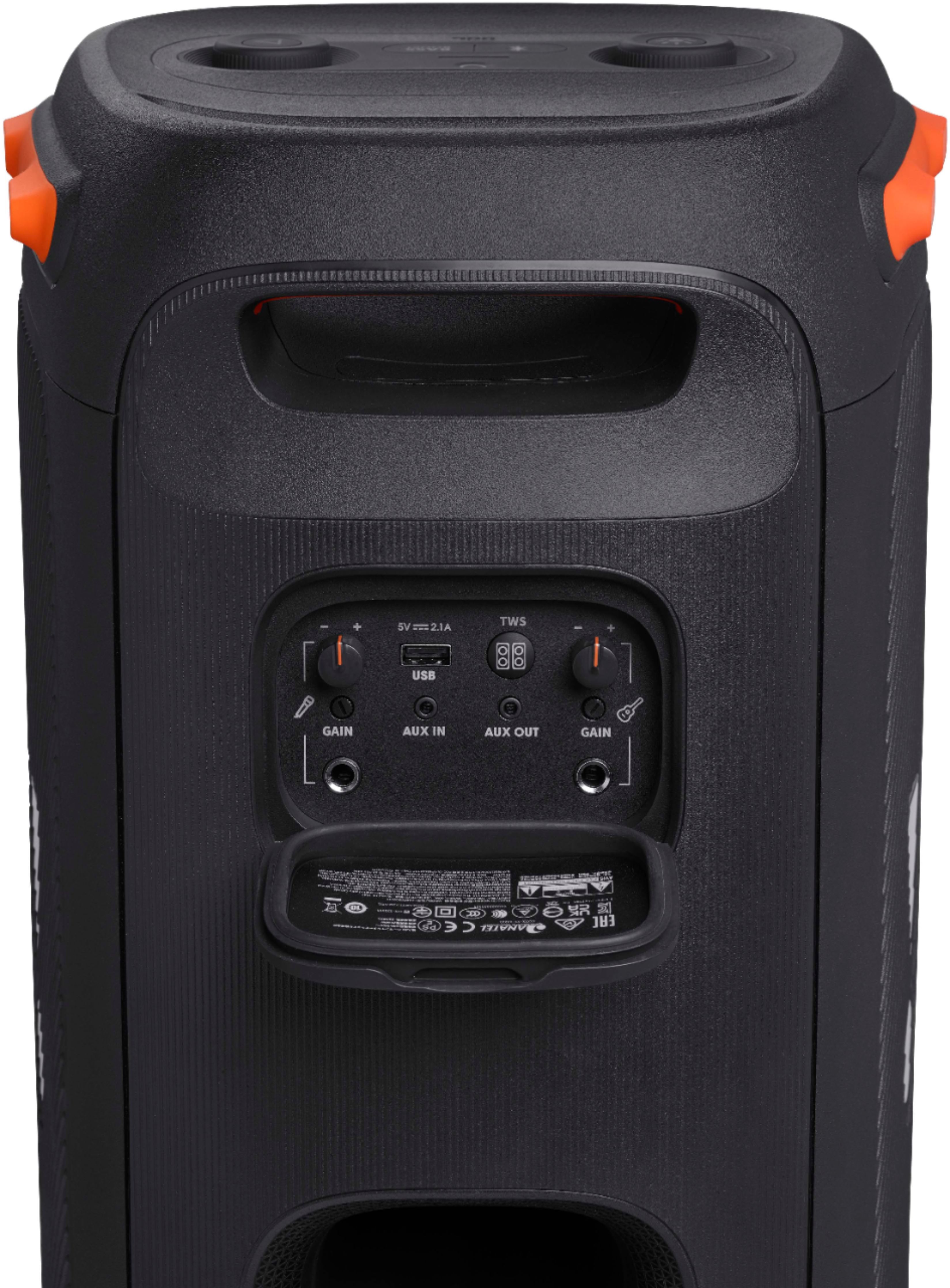
A:AnswerWhen you connect two JBL Partybox 110 through TWS and plug in a microphone or guitar, the audio will only play where the devices are plugged in. We suggest connecting both Partybox speakers via daisy chain instead, so you can hear the audio output from both speakers if you have connected a microphone or guitar.
A:AnswerThe max I have used these outside unplugged is 8 hours outside, with the battery showing 3/4 done, I not sure if that answers your question but outside and unplugged they do lose a little bit of sound output. still plenty for me and the wife on the boat. We have a fish and ski bay liner.
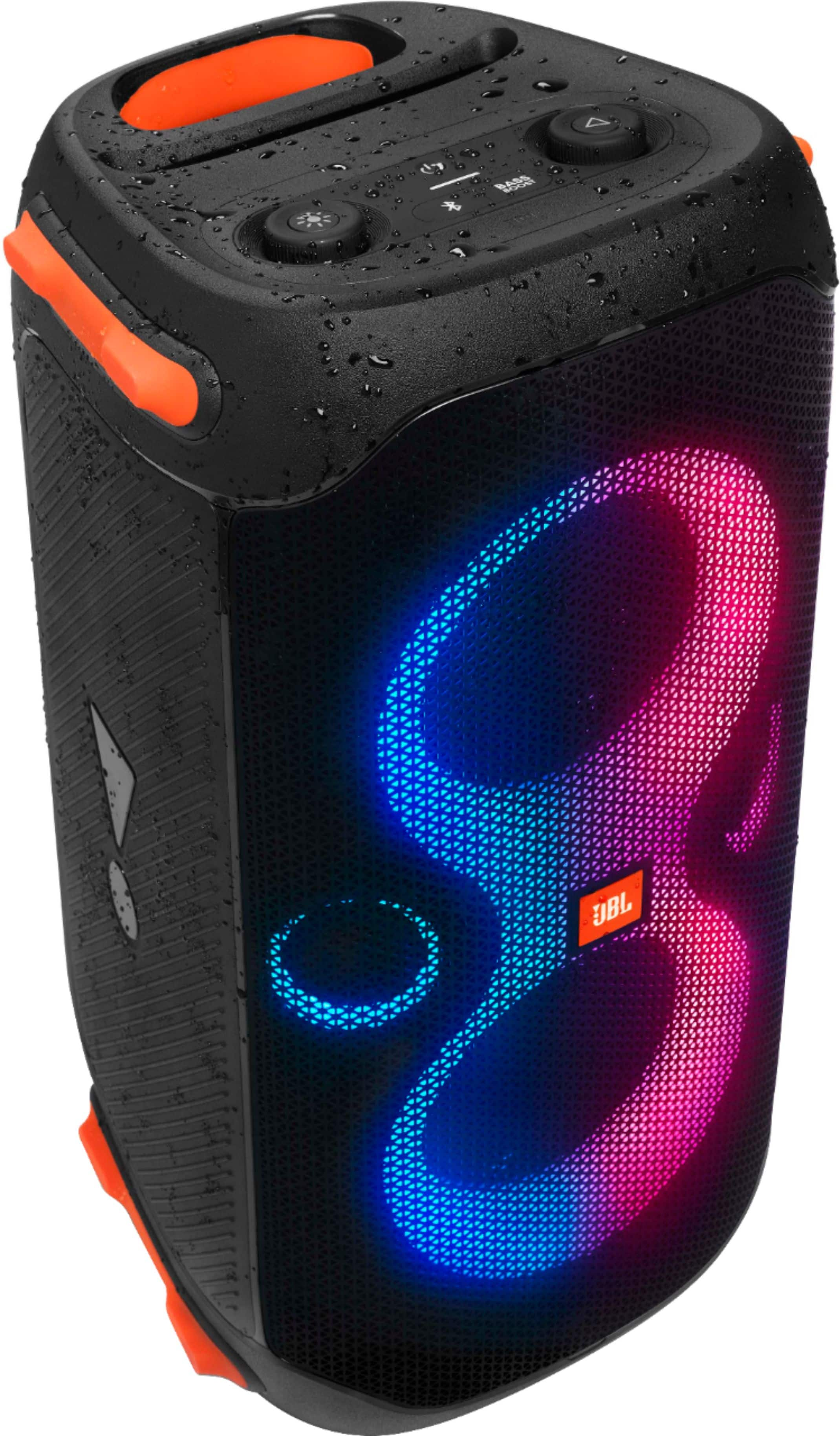
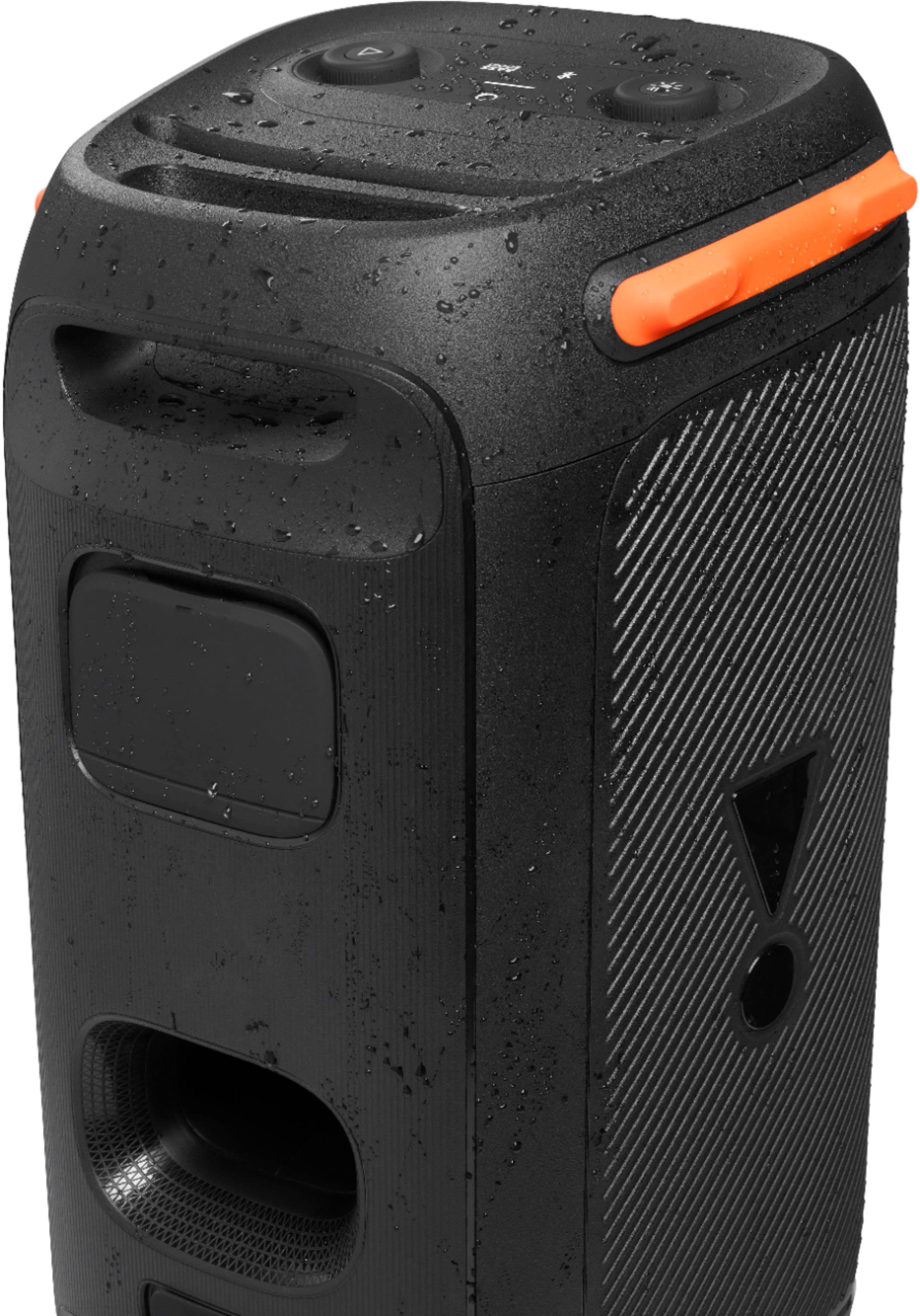
A:AnswerThanks for your interest in our JBL PartyBox 110. Our JBL PartyBox 110 is IPX4 rated which means that it is Splash-proof. Please make sure that the unit is dried before charging/ plugging to a power outlet when the unit is exposed to water or moisture.
A:AnswerYes, our JBL Partybox 110 can be charged by a power bank or station. If your charging station has a voltage output of 100V to 240V, it should work without a problem. Although we can't guarantee that you can charge the speaker three times with this, it would still depend if you're using the speaker while charging, which requires more power, or just charging it as is.
A:AnswerWe're here to help with your JBL Partybox 110. Please do a forced power cycle by holding down the power button for 30 seconds while it's not connected to any power supply. If the issue persists, we'd like to work with you directly for further troubleshooting. Please contact our customer support service via our official website or toll-free hotline.