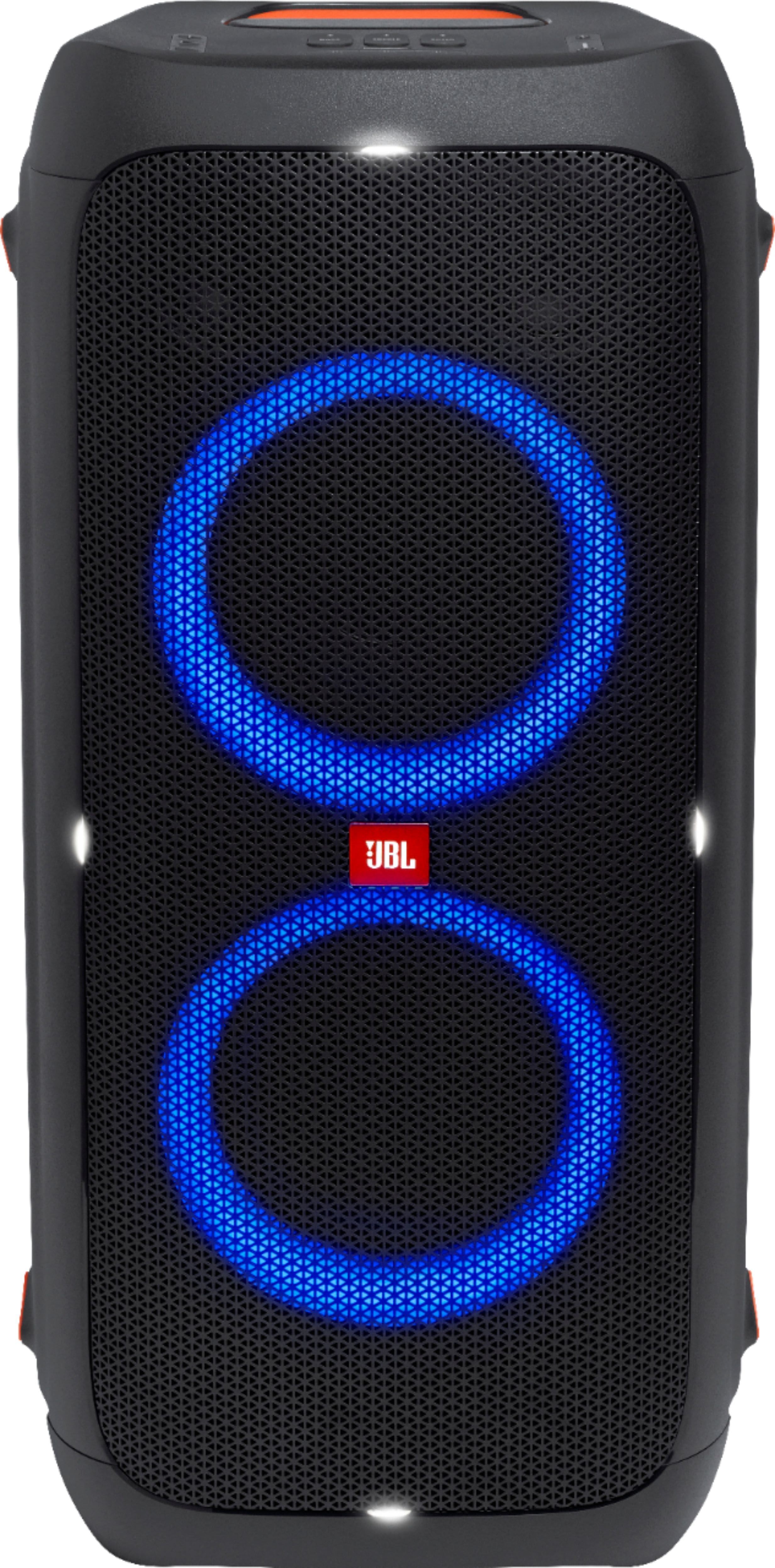
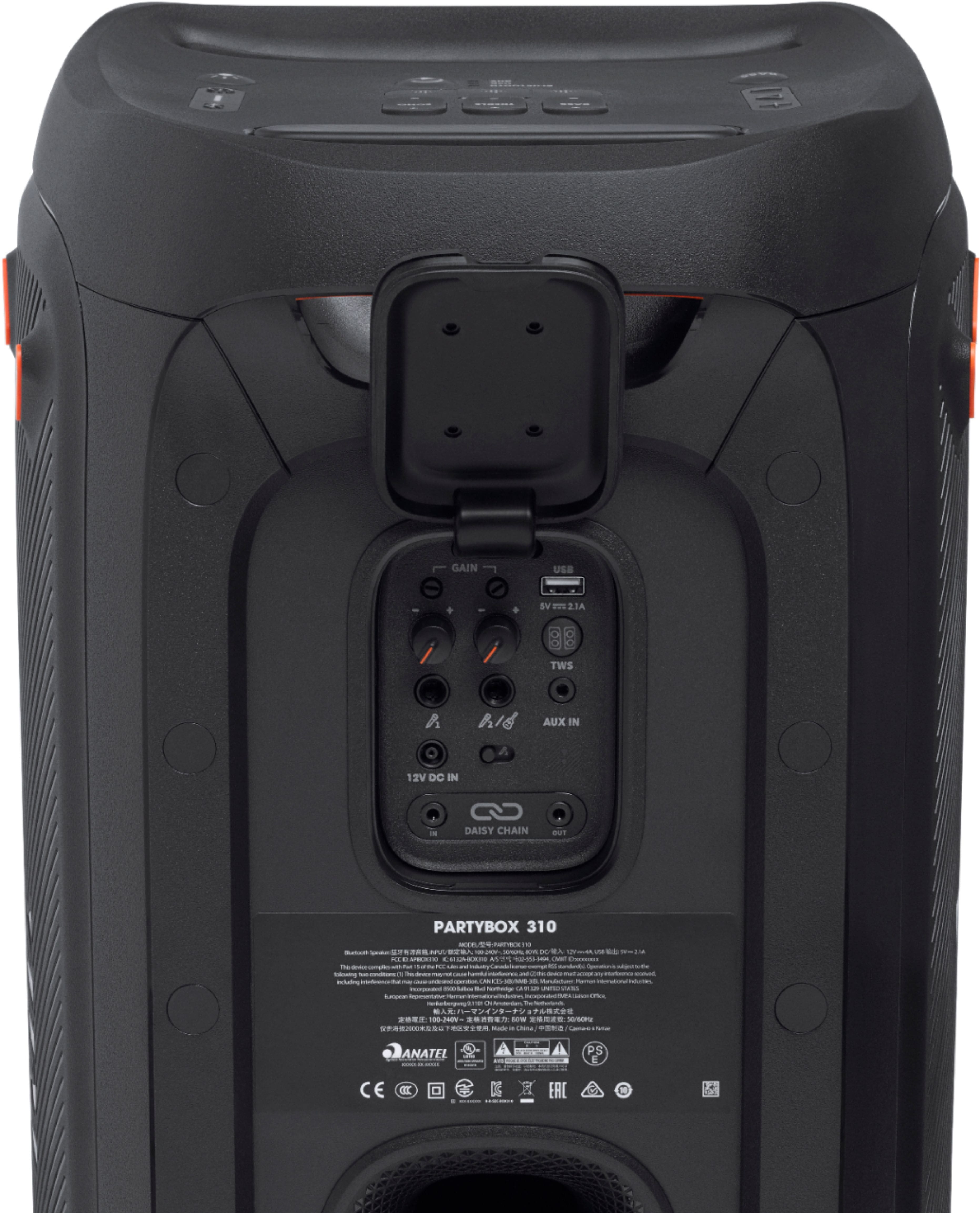
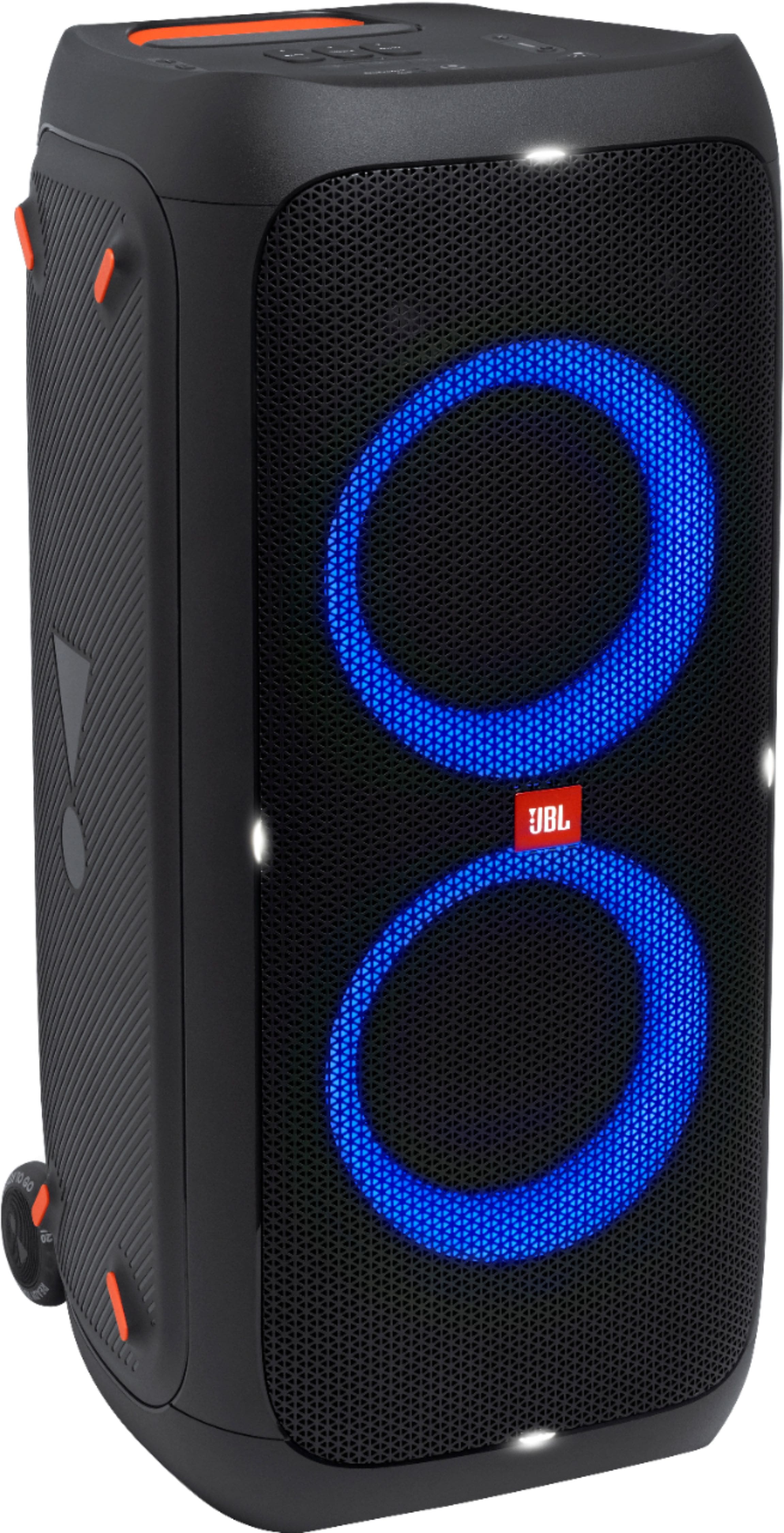
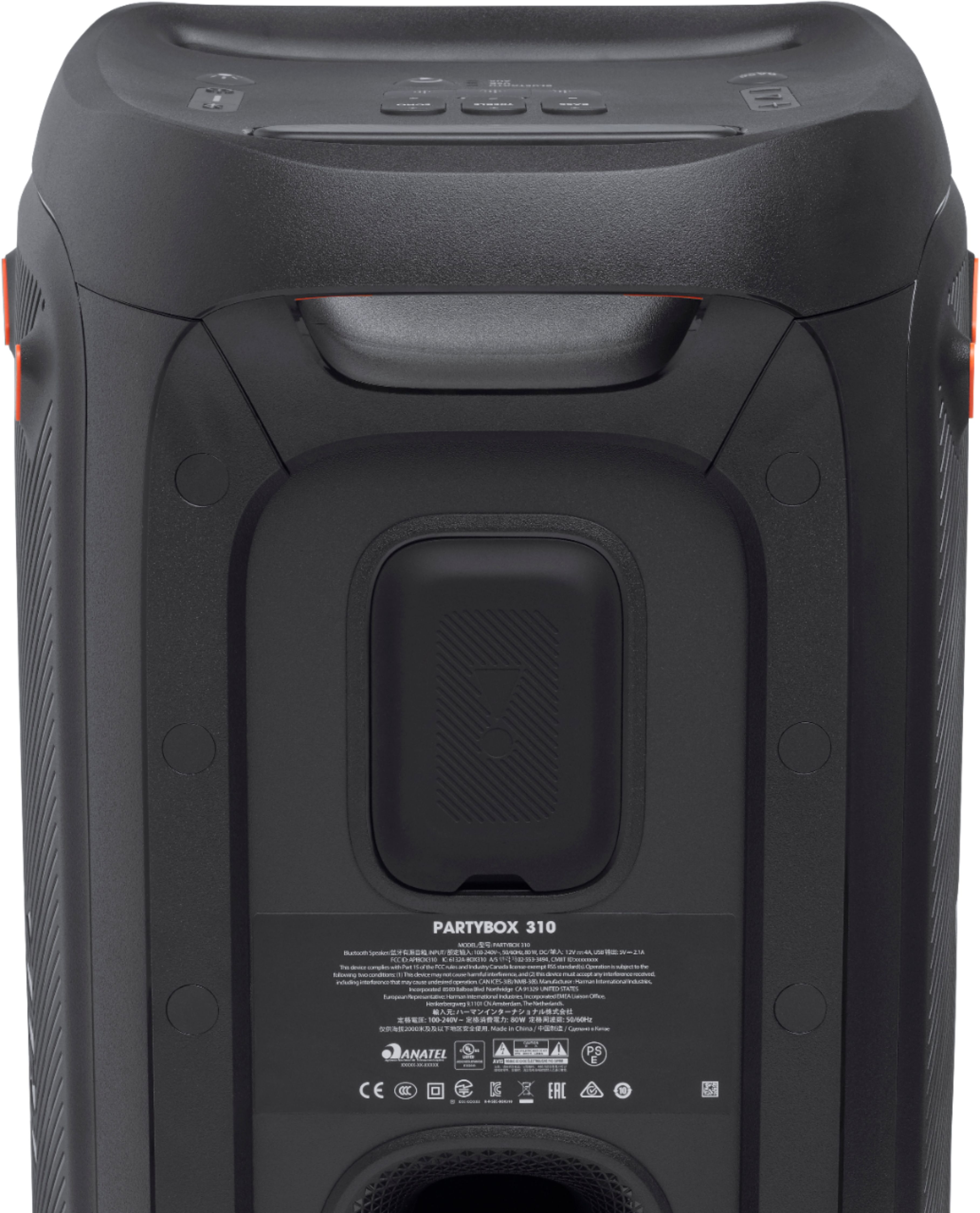
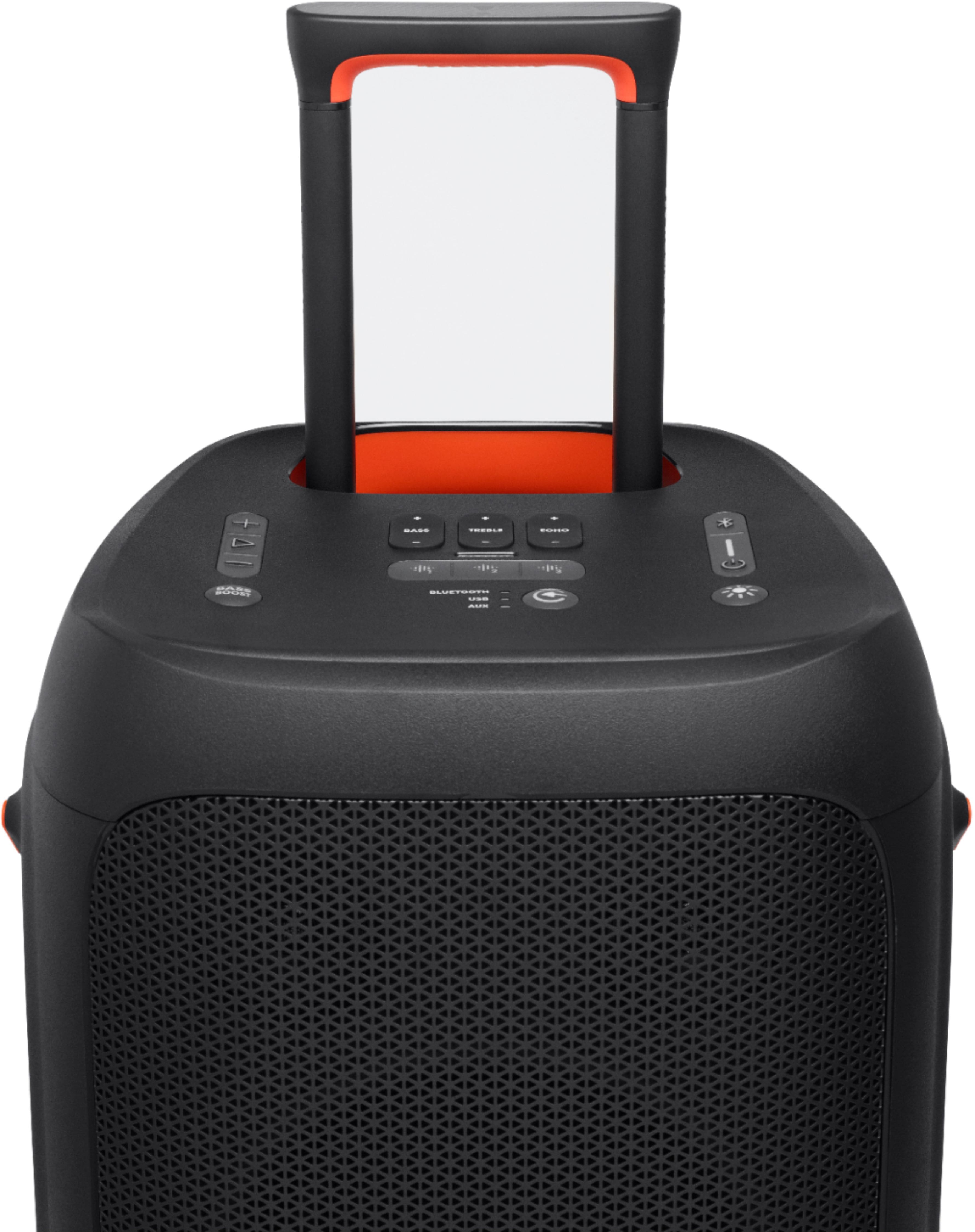
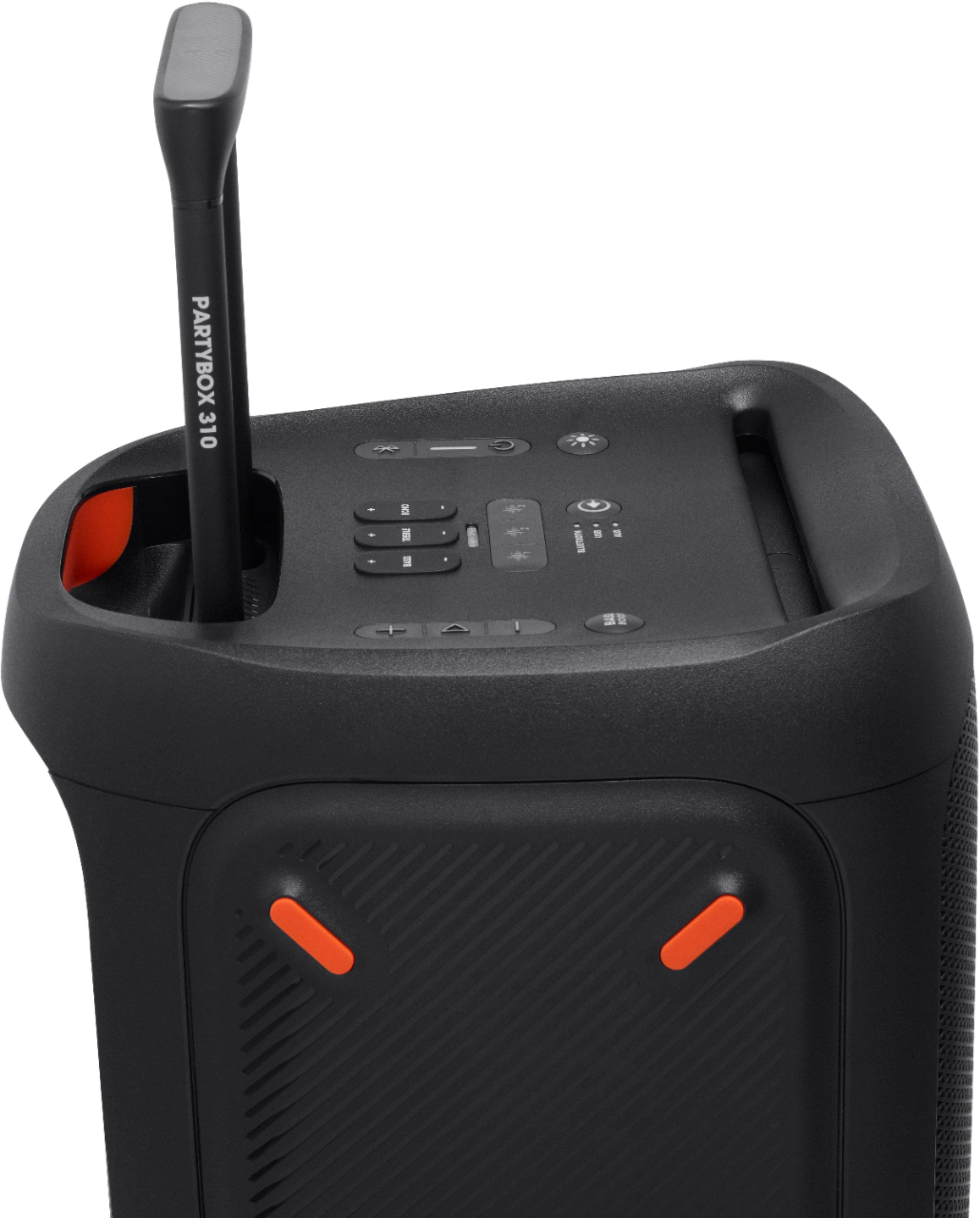
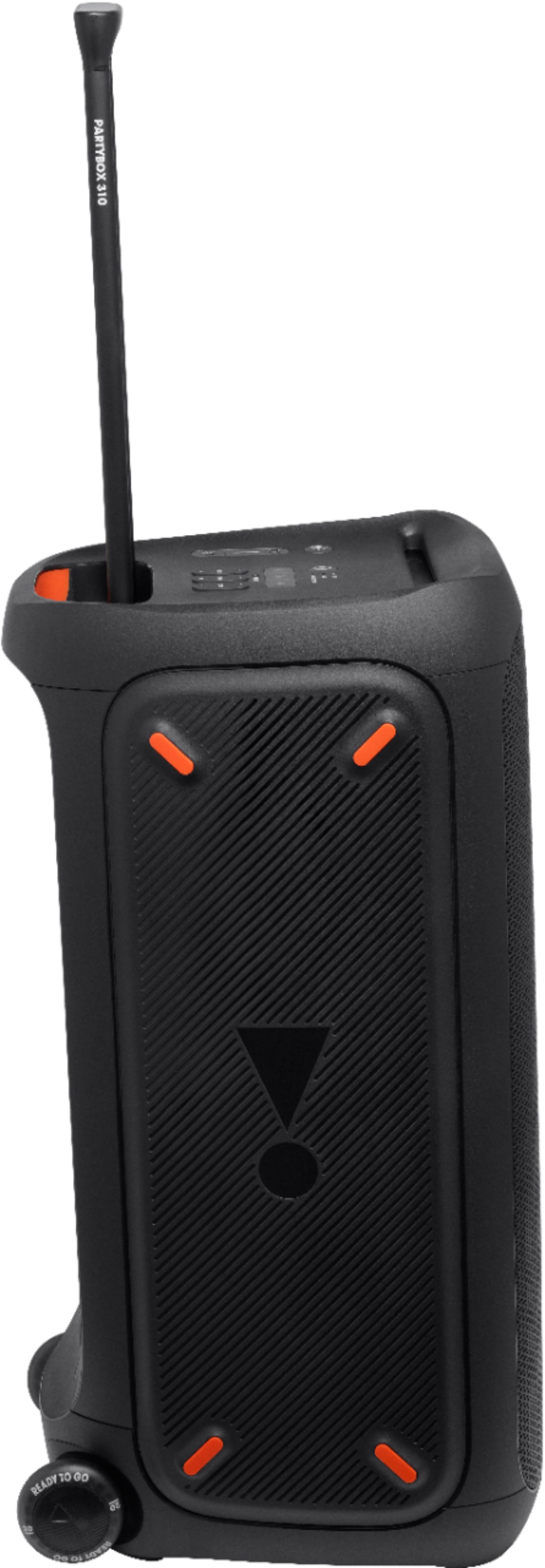
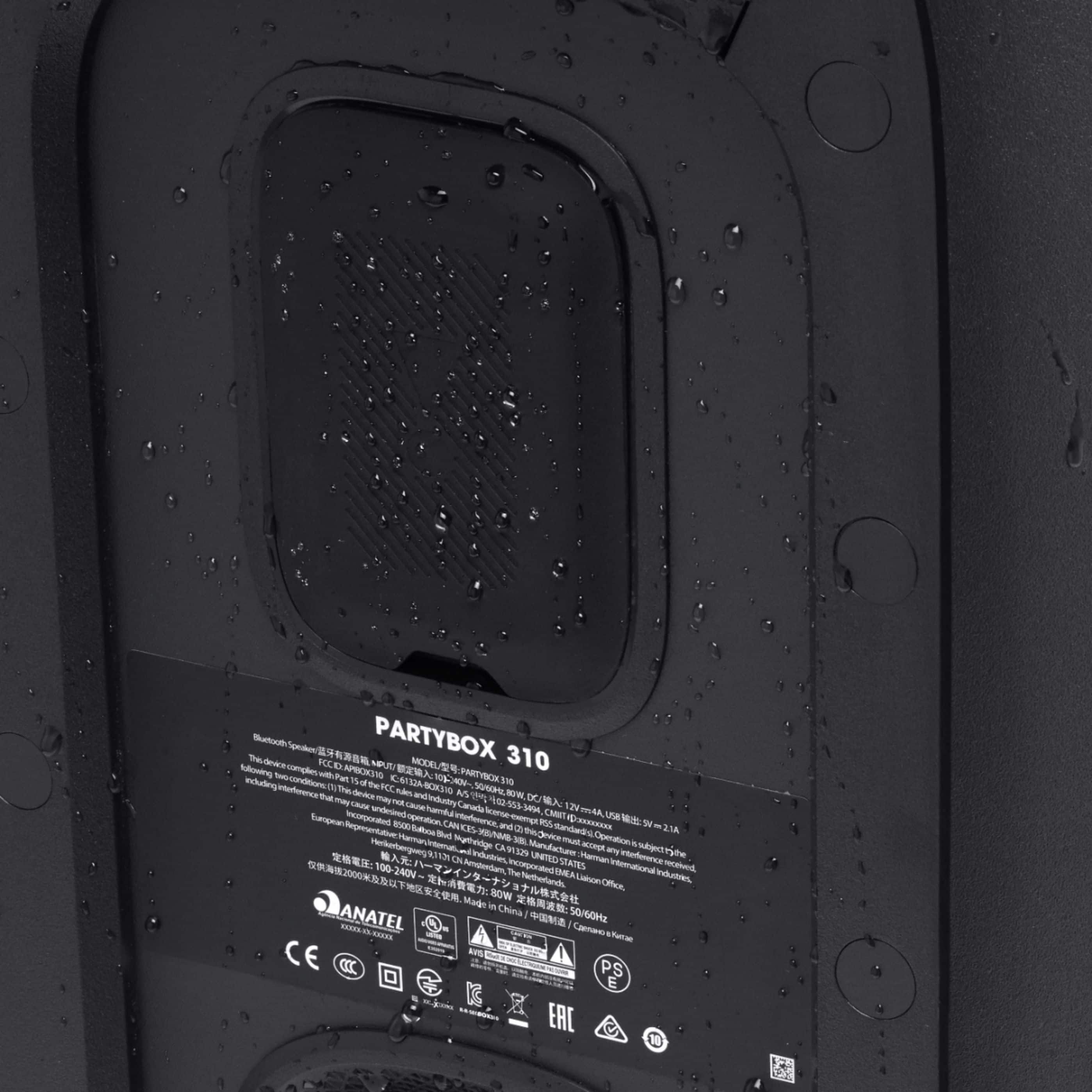
A:AnswerThanks for reaching out. Here are some things to remember to maintain a healthy battery life. Unplug this apparatus during lightning storms or when unused for long periods of time. To disconnect this apparatus from the AC mains completely, disconnect the power-supply cord plug from the AC receptacle. .Do not expose batteries to excessive heat such as sunshine, fire or the like. This apparatus is intended to be used only with the power supply and/or charging cable provided by the manufacturer. Please visit our website to get more information about this product. https://bit.ly/3F8OqdU
A:AnswerOur JBL PartyBox 310's Bluetooth connectivity is recommended to be used with mobile phones, tablets, and laptops for streaming music. You may need to check the Sound Settings/ Output Settings of your TV to connect the PartyBox 310. Please note that you may encounter audio-video delays when you'll be using it to connect with your TV via Bluetooth since these speakers don't have apt-X HD low latency codes which are being used for Bluetooth connectivity with TV.
A:AnswerA mean about pairing two of PB 310 together.
I have two of them in my dance school. Everyday it has to be paired. They are on wall mount and everyday i need to jumb on the ladder..
A:AnswerThank you for bringing this issue to our attention. We'd like to work directly with you to get more information and to troubleshoot the issues you're experiencing with our JBL Partybox 310. Please contact our customer service for technical support and assistance. https://support.jbl.com/us/en/#contact
A:AnswerI have no idea when this speaker will be available again. I just kept checking the Best Buy site every week and finally, after a few months, I got lucky and saw that they had 71 available. By the next morning, 0 were available.
A:AnswerWe have no news yet of when we'll have stocks of our JBL PartyBox 310. Please subscribe to our newsletter at the bottom page of our website, to receive the latest news and updates regarding our products: https://www.jbl.com/
A:AnswerOur JBL Boombox can't be connected with the Partybox 310 because these two speakers have different technologies that are incompatible with one another. Our JBL PartyBox 310 would be best to use as a stand-alone speaker system or to be paired with another Partybox 310.
A:AnswerOur JBL Boombox 2 can't be connected with the Partybox 310 because these two speakers have different technologies that are incompatible with one another. Our JBL PartyBox 310 would be best to use as a stand-alone speaker system and can only be paired with another Partybox 310.
A:AnswerYou will not be able to link our JBL Partybox 310 with the JBL Charge 5 since both speakers use different connect features. For more information about our products, you may visit our website at. https://bit.ly/39utvWc
A:AnswerThanks for your interest in our JBL PartyBox 310. You could contact our Customer Support at https://support.jbl.com/us/en/ or check out third party sellers like Amazon, ebay etc.
A:AnswerThanks for your question. Batteries discharge by itself after a very long time. But it is not normal to have a fully charged battery to get empty within only two days. Please contact our Customer Support so we could further help.
A:AnswerThe default Music playtime of our JBL PartyBox 310 is 18 hours of battery life which is only a reference value and may vary depending on the music content and battery age after numerous charging and discharging cycles. This runtime can be achieved with a predefined music source, deactivated light show, a volume of 18 and a Bluetooth streaming source.