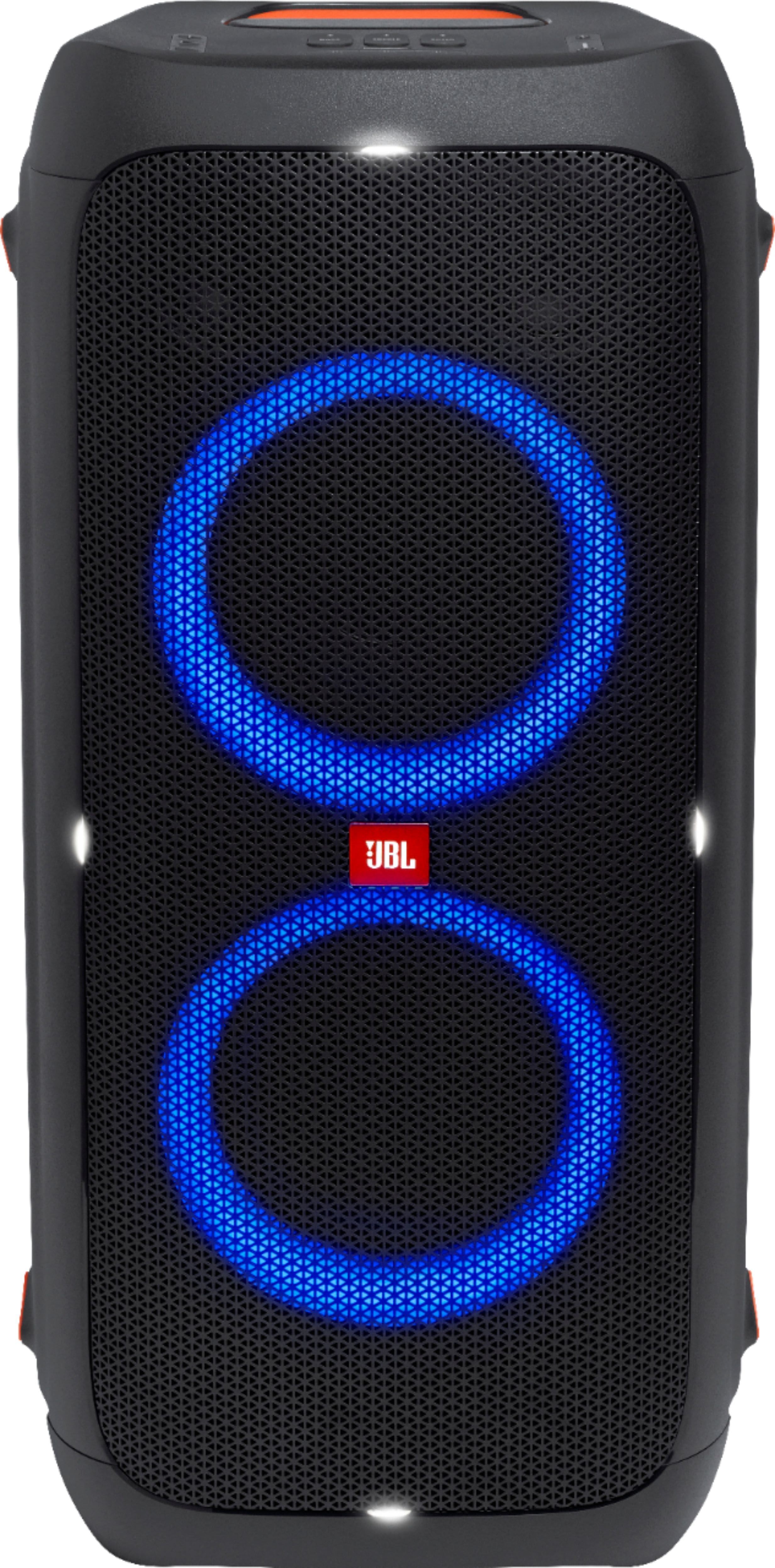
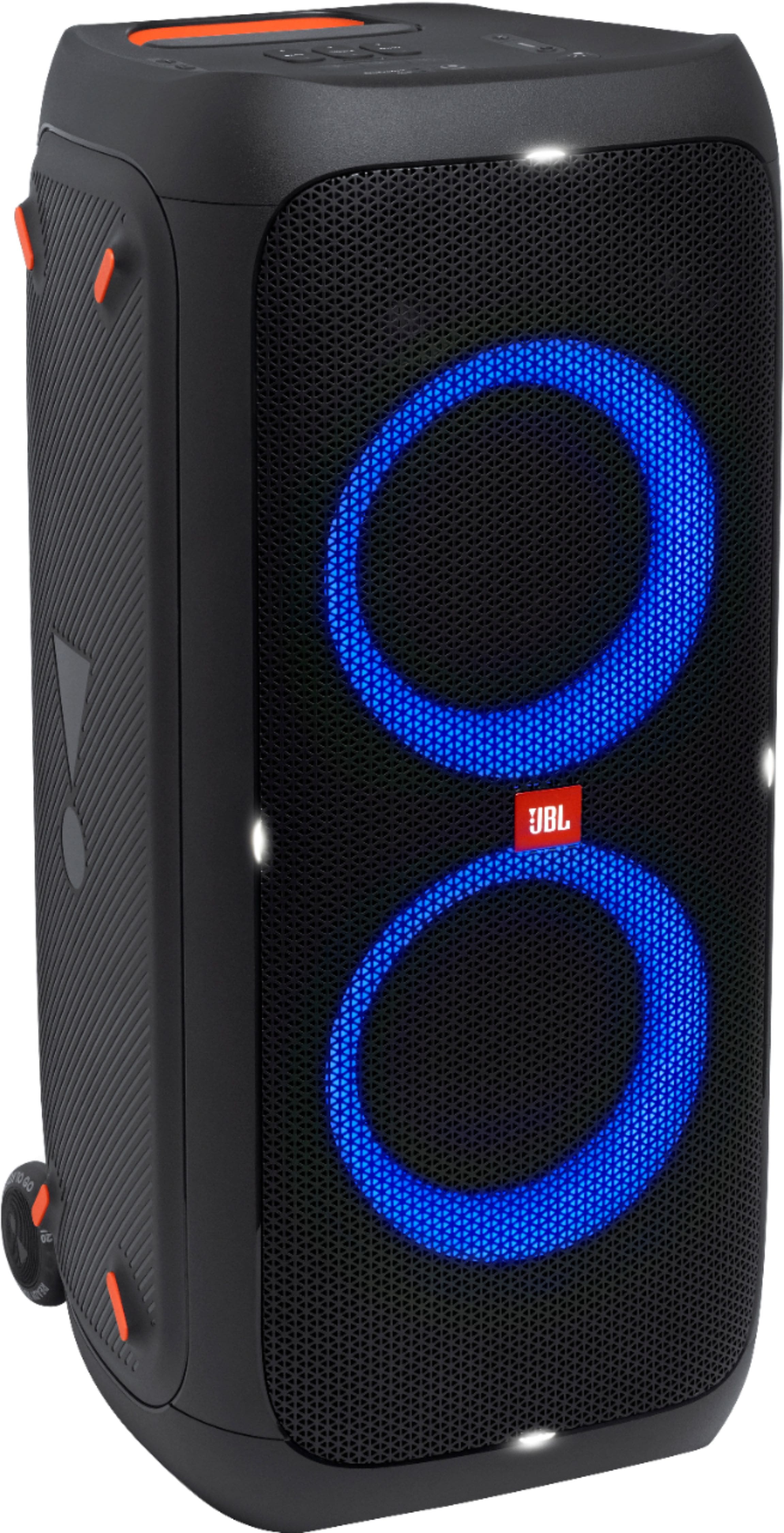
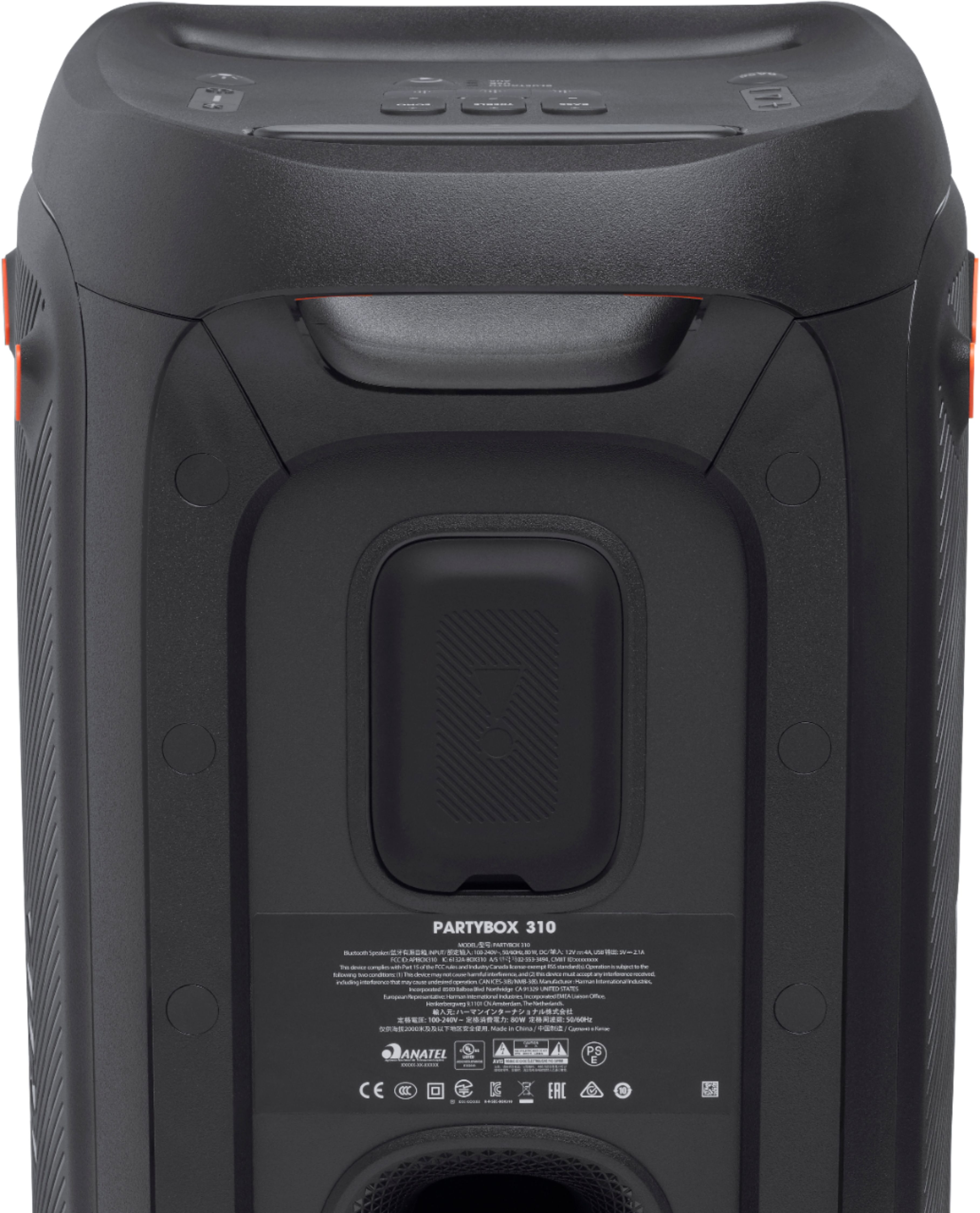
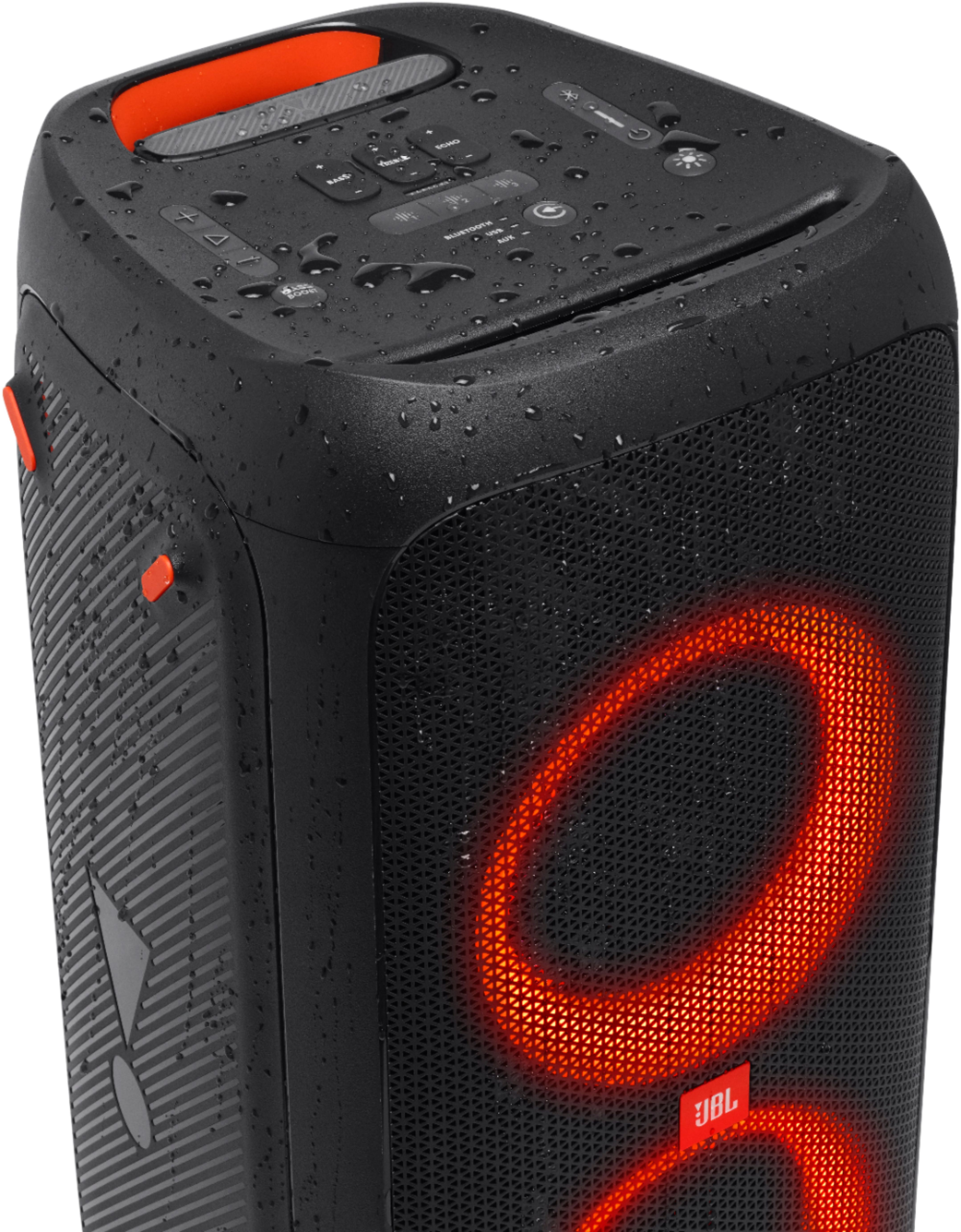
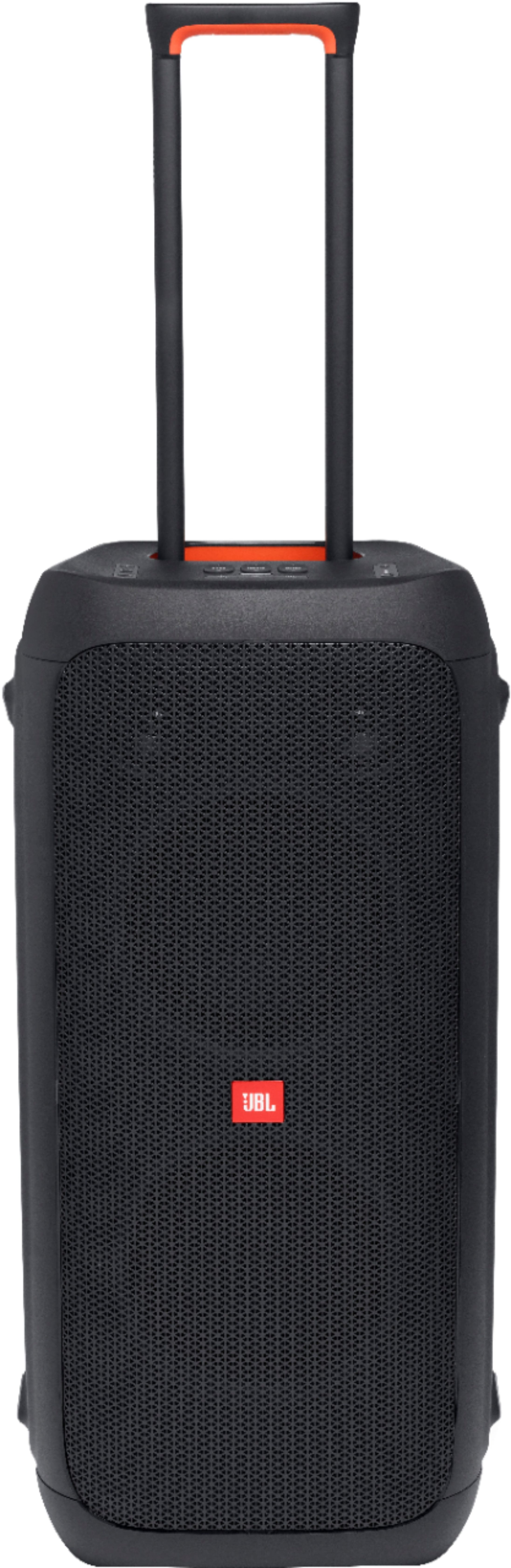
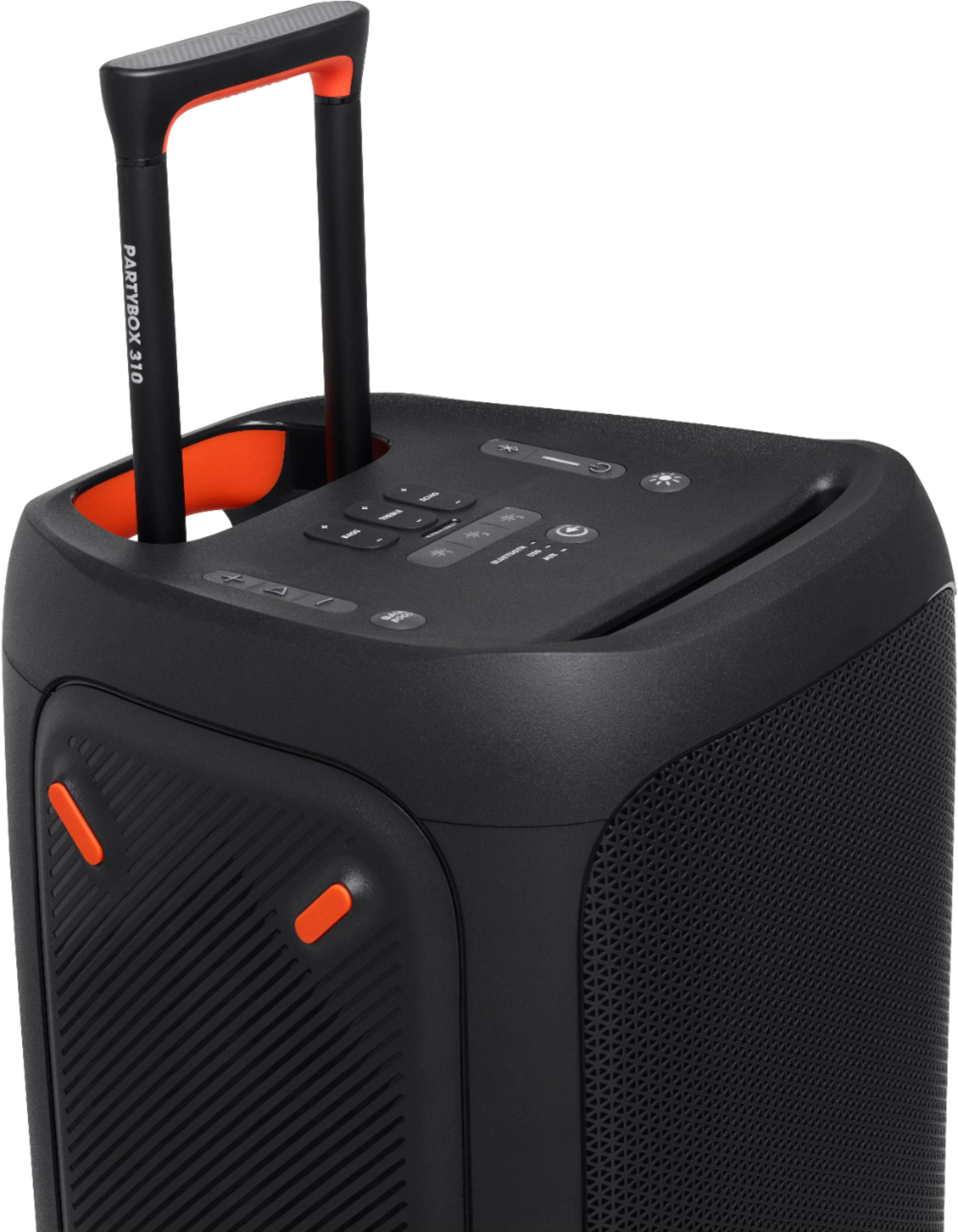
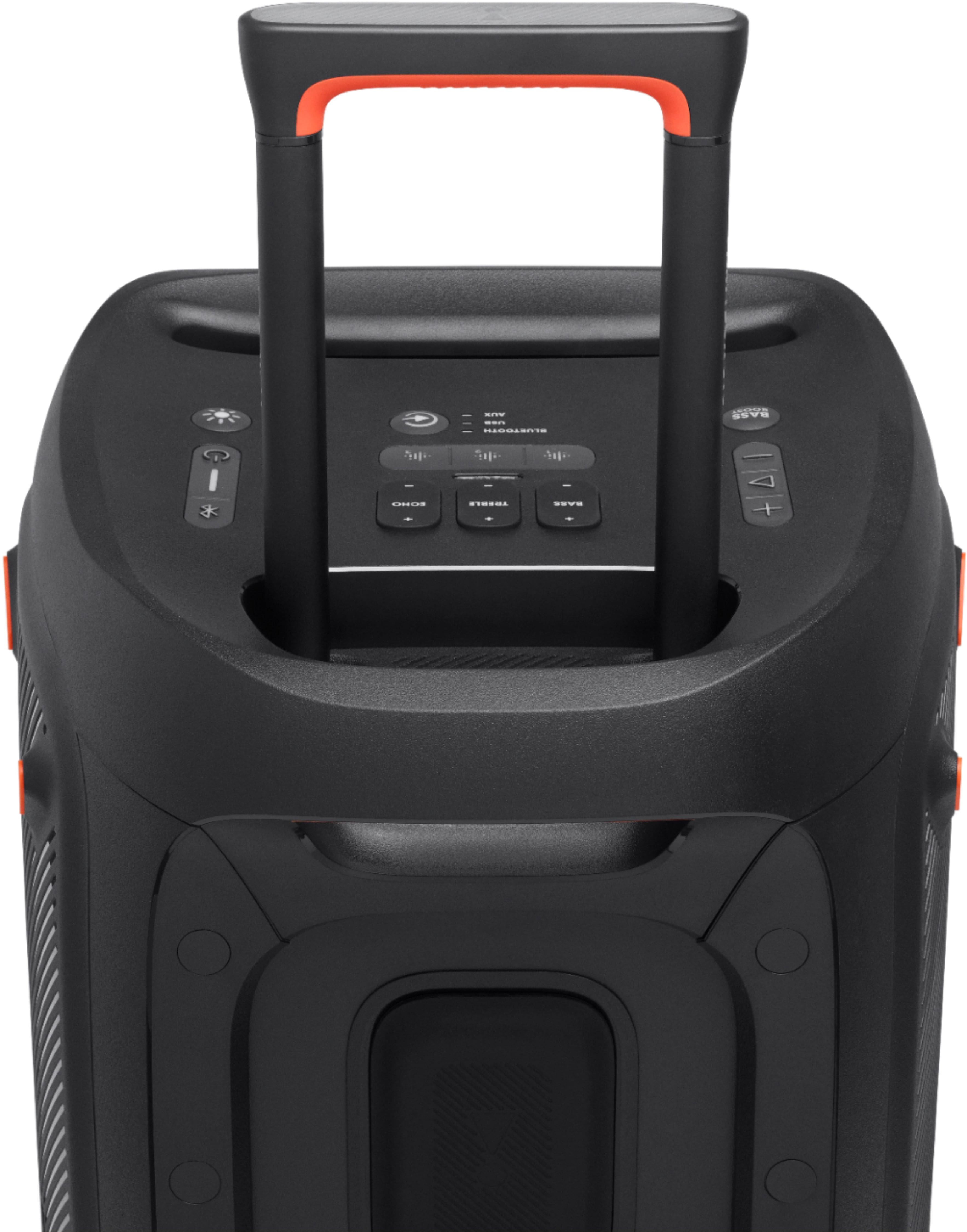
A:AnswerOur JBL Partybox 310 can only be connected with another Partybox 310 using the TWS feature. We'd like to work with you directly to troubleshoot the audio dropout you're experiencing with our speaker. Please contact customer service at. https://bit.ly/2UYUuDV
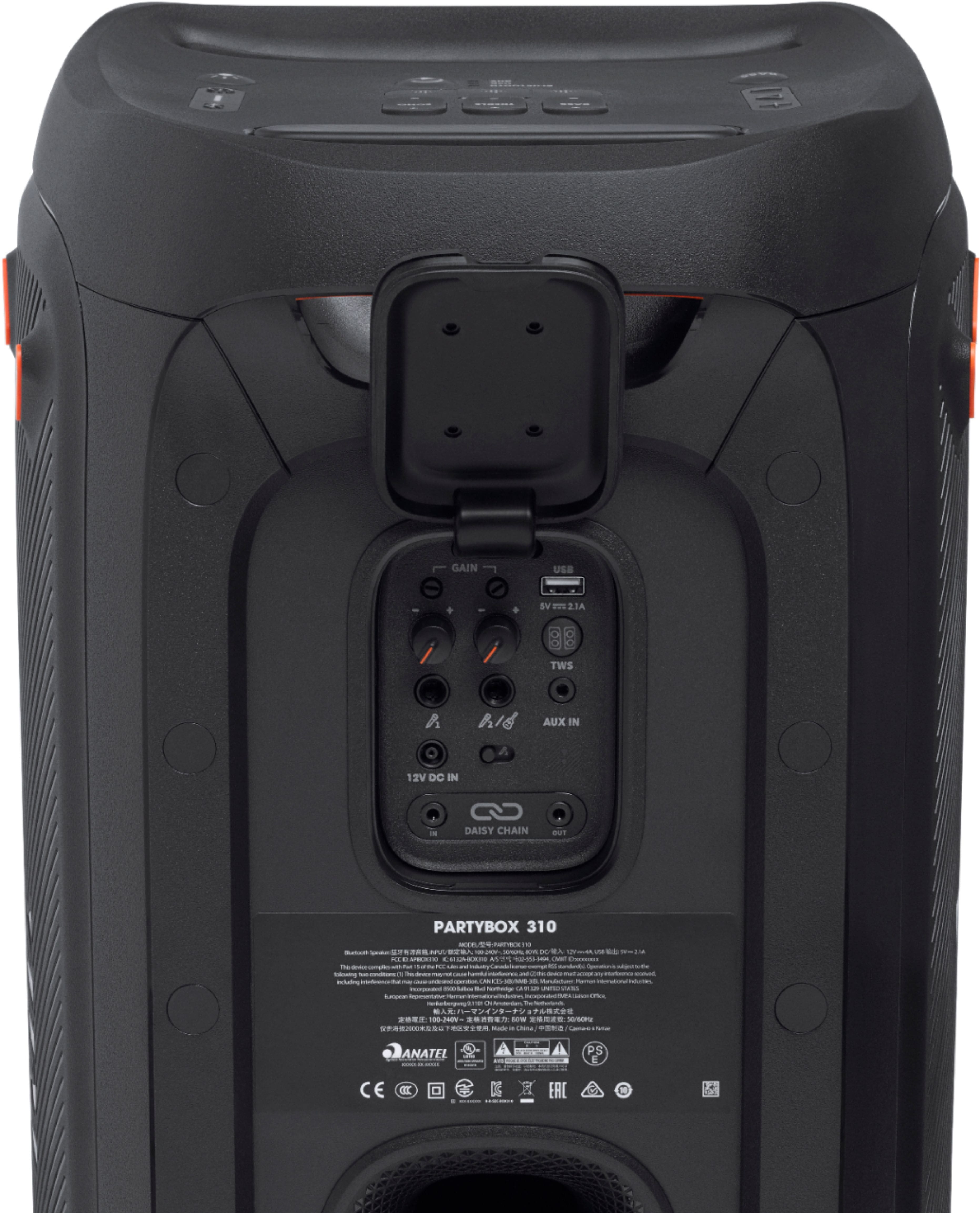
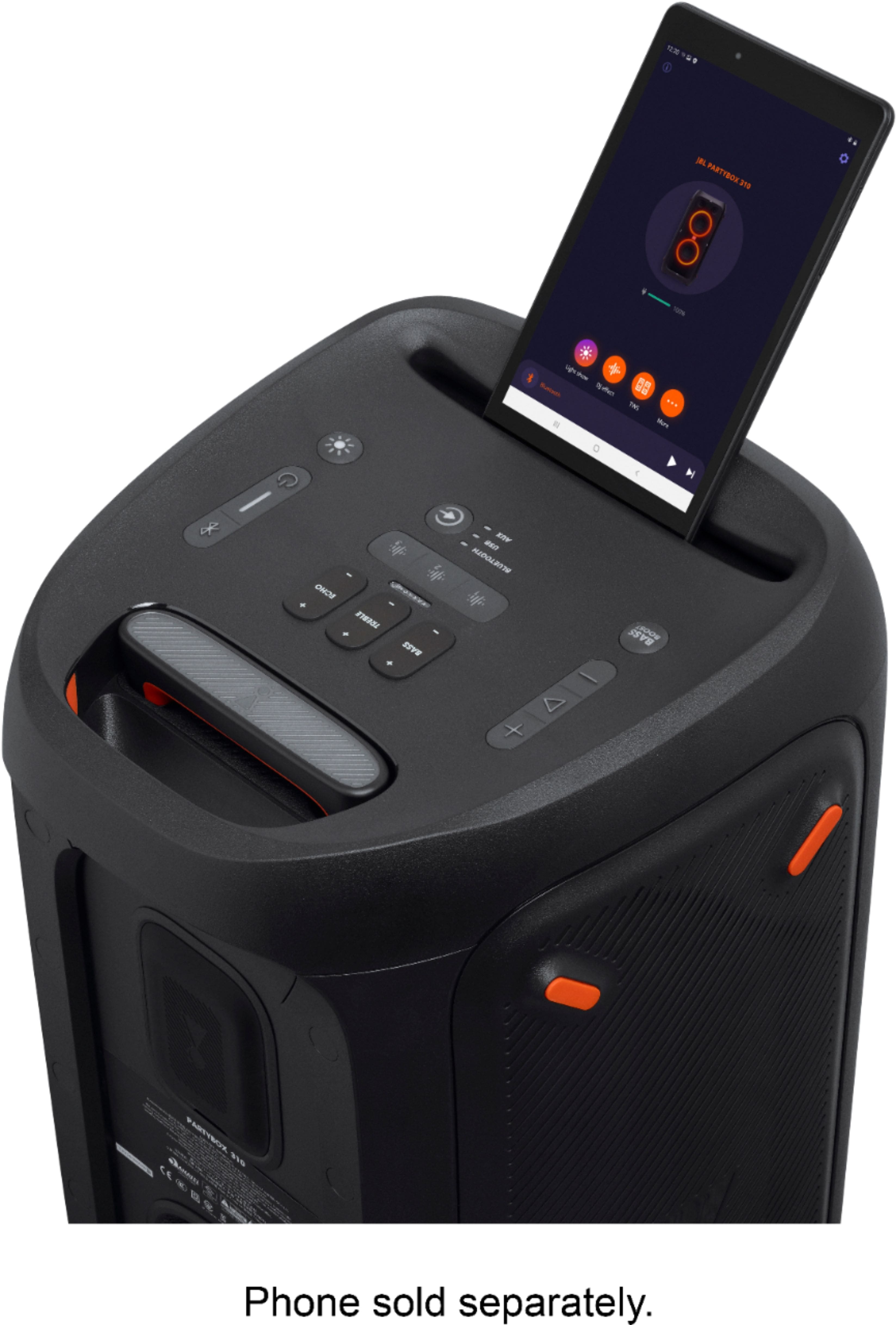
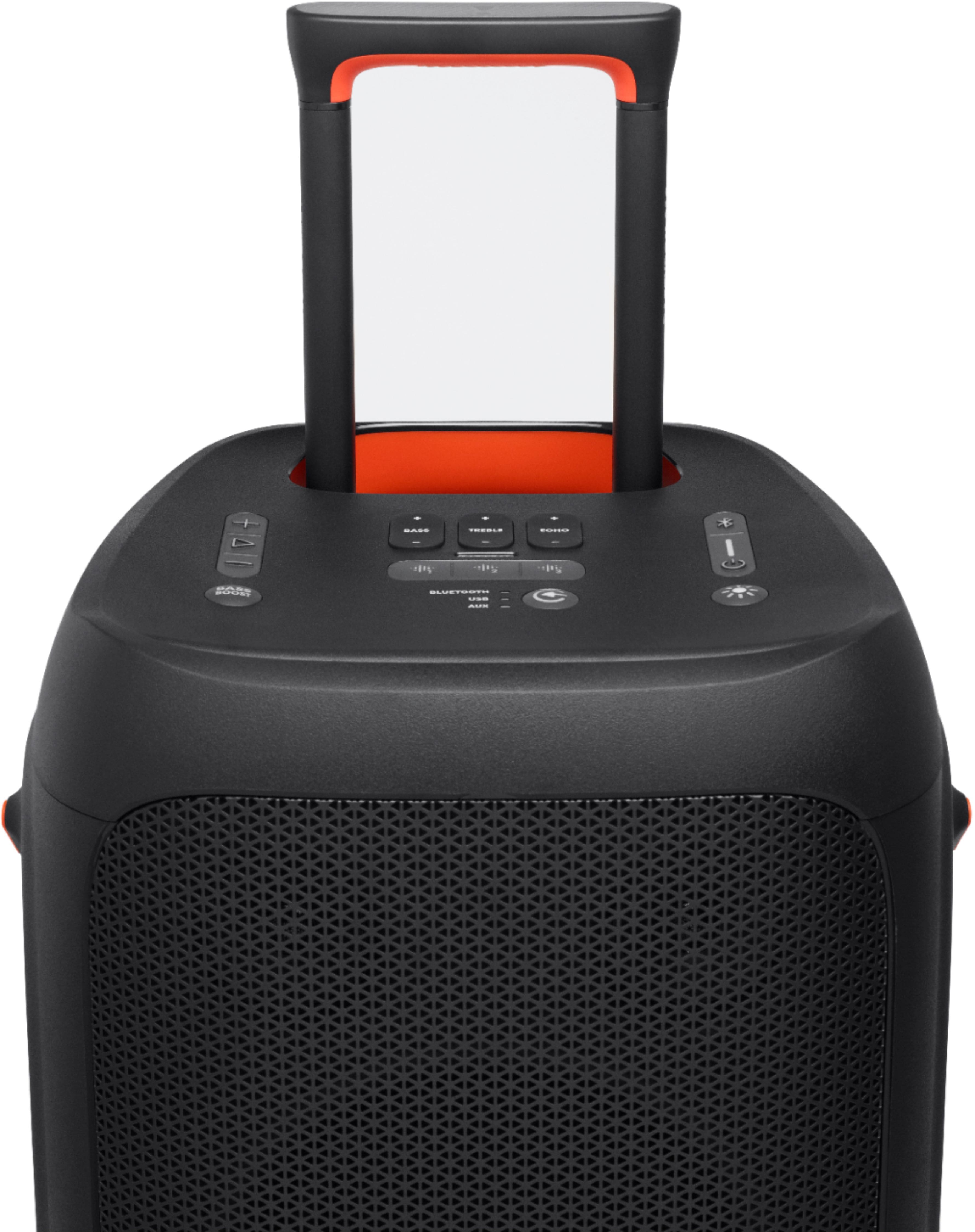
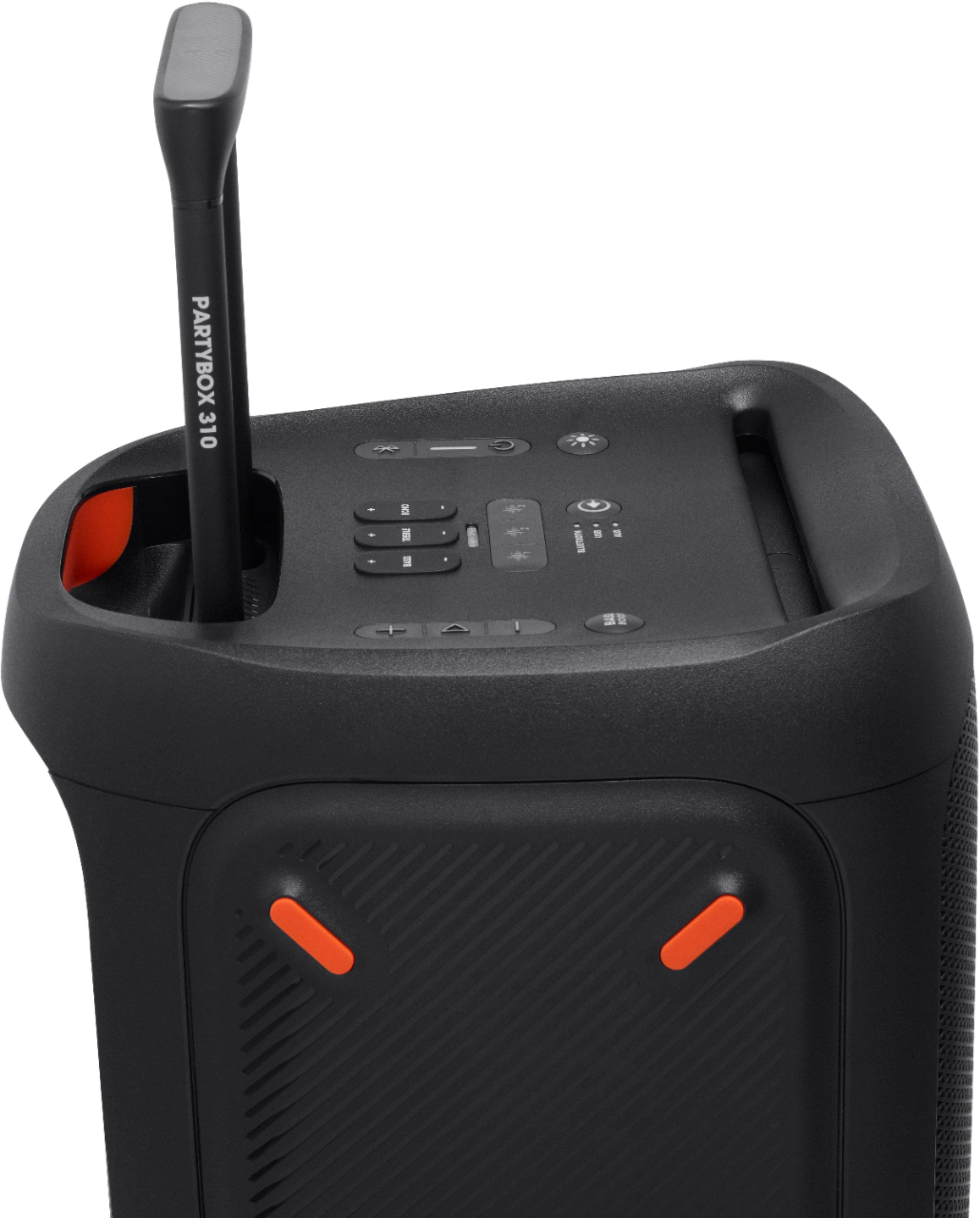
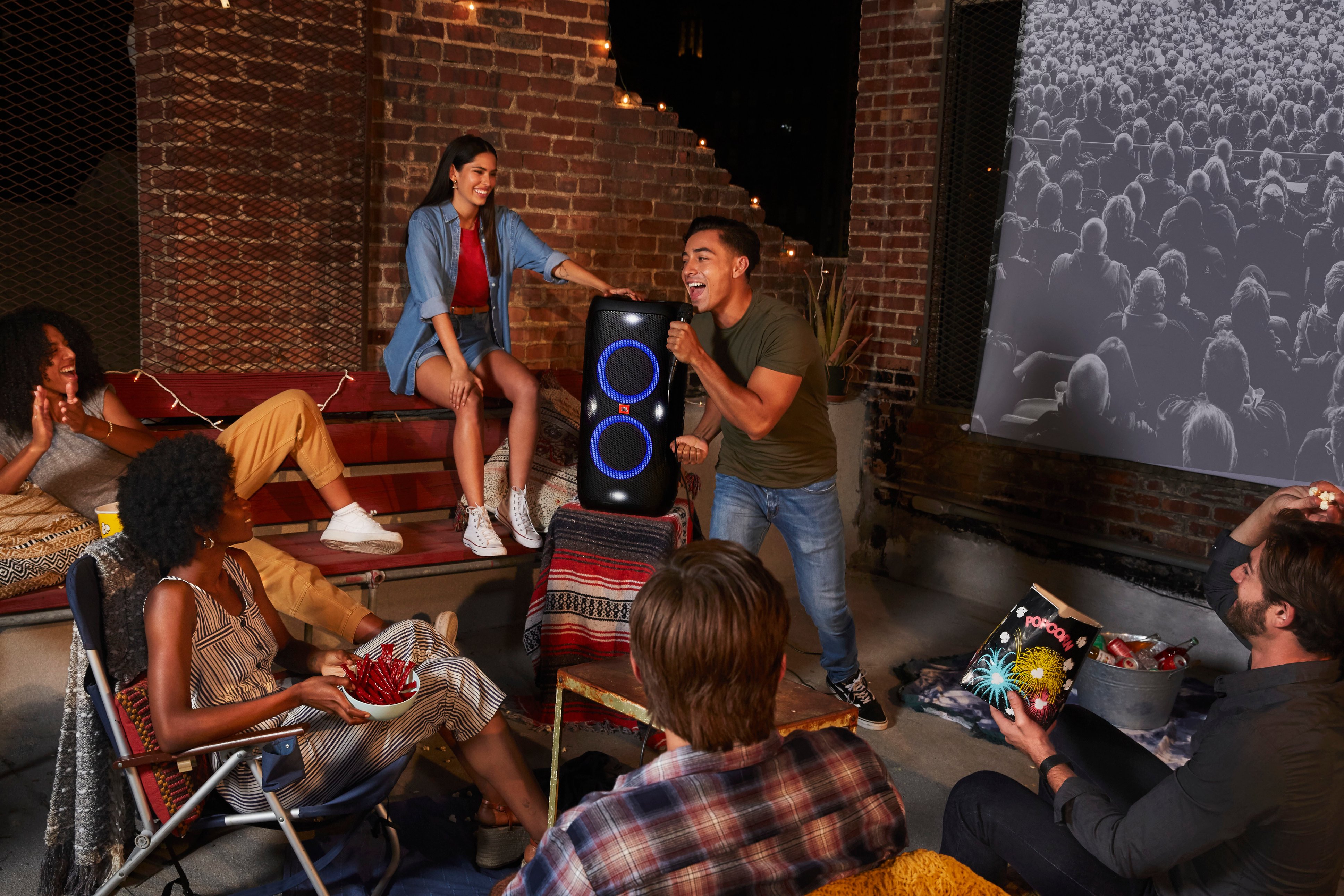
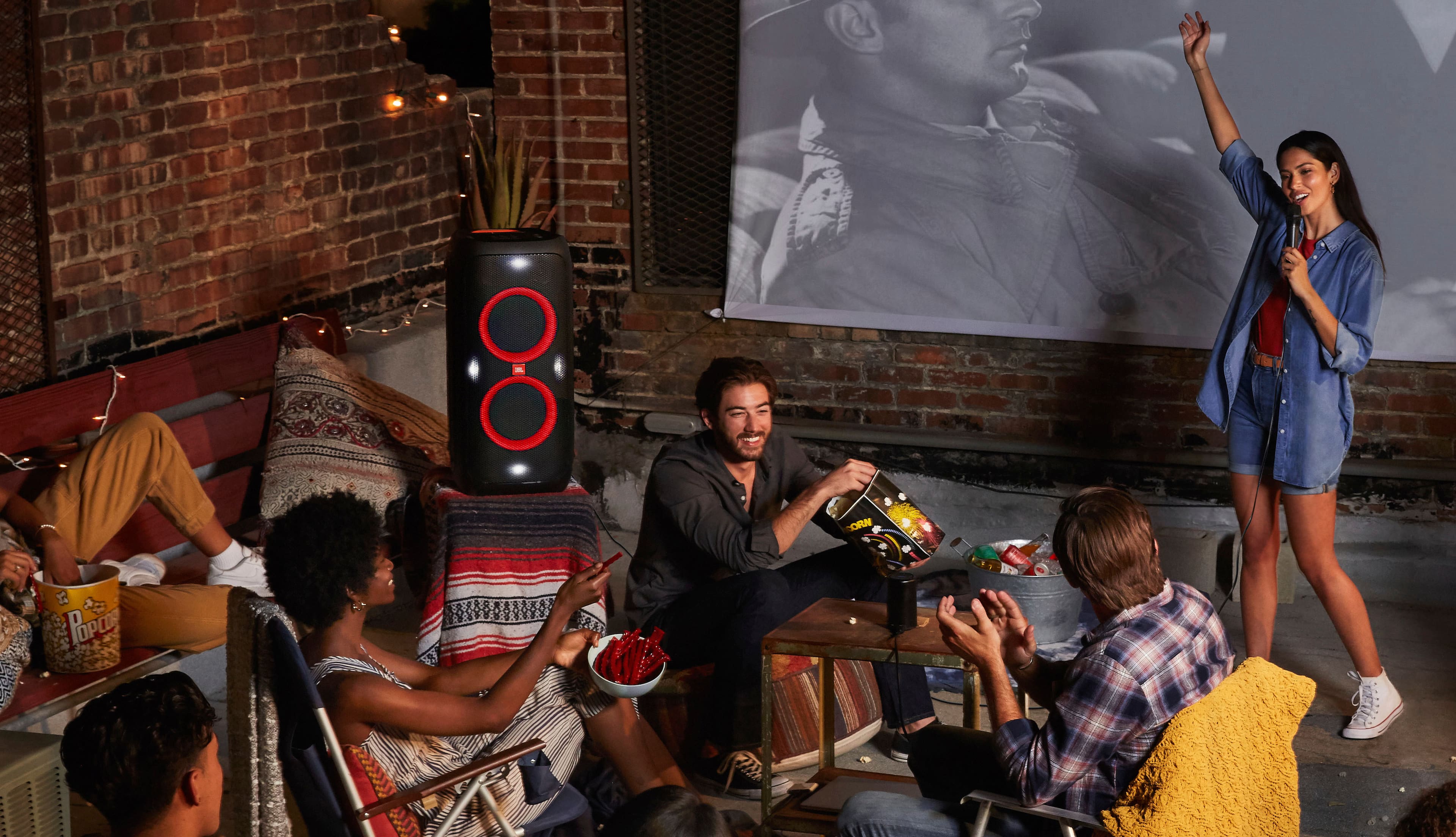
A:AnswerYes, our Partybox 310 has a built-in microphone and guitar inputs to turn any party into a karaoke party, while built-in vocal tuning makes your voice sound straight-up amazing.
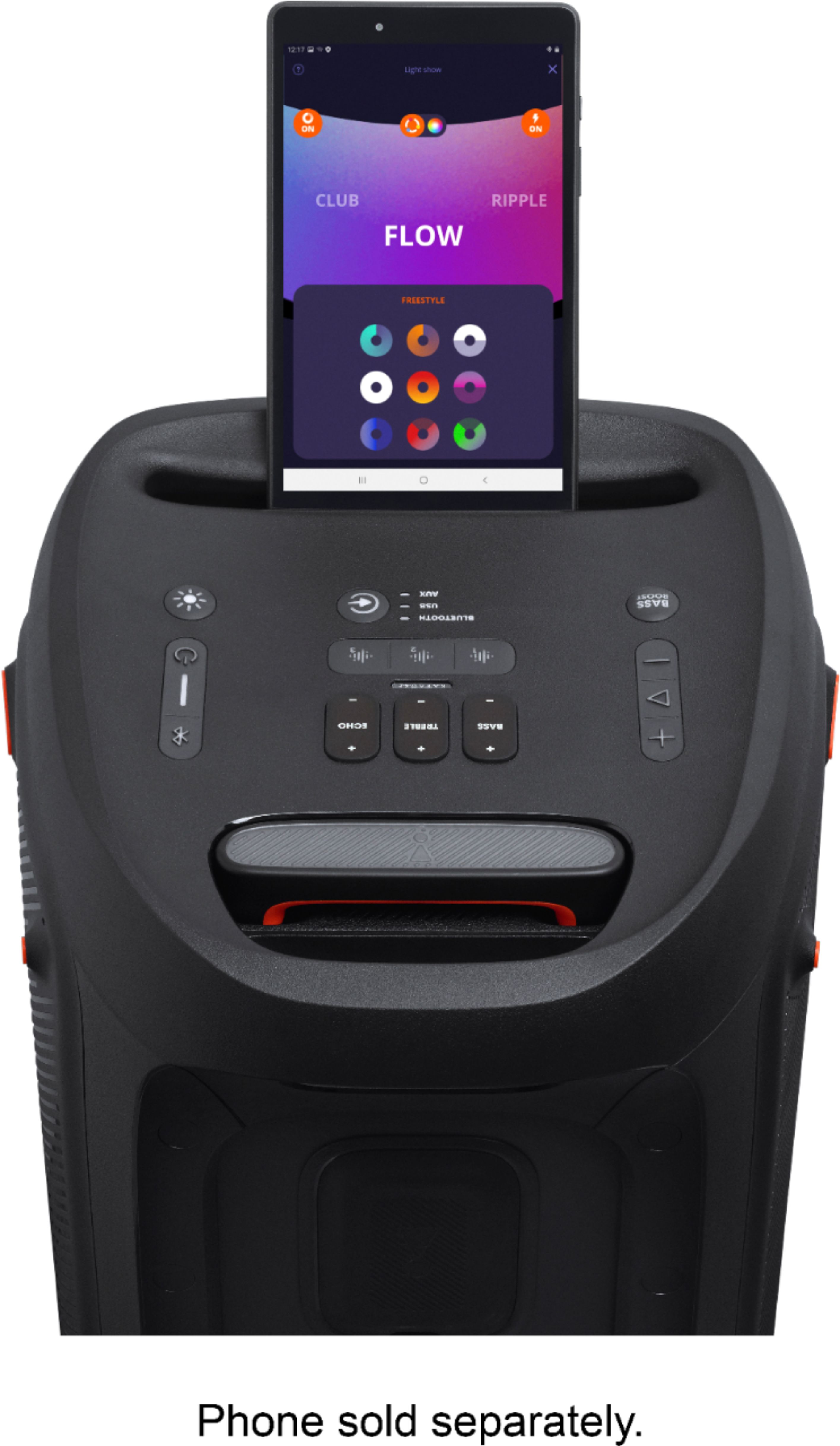
A:AnswerYes, our JBL PartyBox 310 has TWS (True Wireless Stereo). The audio output will be stereo if you'll be wirelessly syncing two PartyBox 310's. You can set up stereo mode with this model by using our JBL PartyBox App, free to download from Google Play Store and Apple App Store.
A:AnswerThanks for your interest in our products. Currently, we don't have news to share about our JBL Partybox 310 will be re-stocked. Keep posted on our social media channels or sign up for our newsletter for updates about our product releases or promotions. https://www.JBL.com/
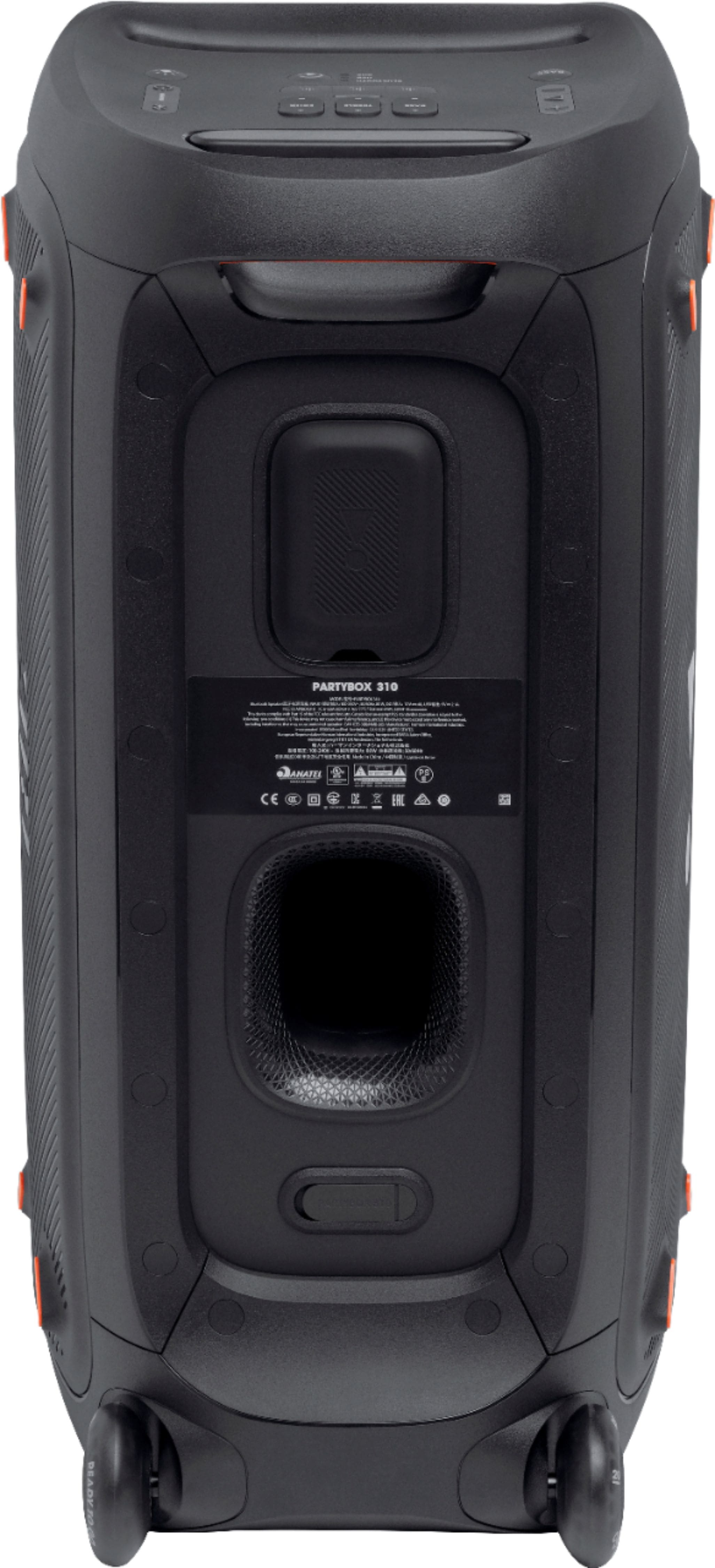
A:AnswerPlease contact our customer support to check the availability and pricing of 12V car charger of our JBL PartyBox 310: https://support.jbl.com/us/en/#call
A:AnswerPlease contact our customer support to check the availability and pricing of the 12V cord for cars of our JBL PartyBox 310: https://support.jbl.com/us/en/#call
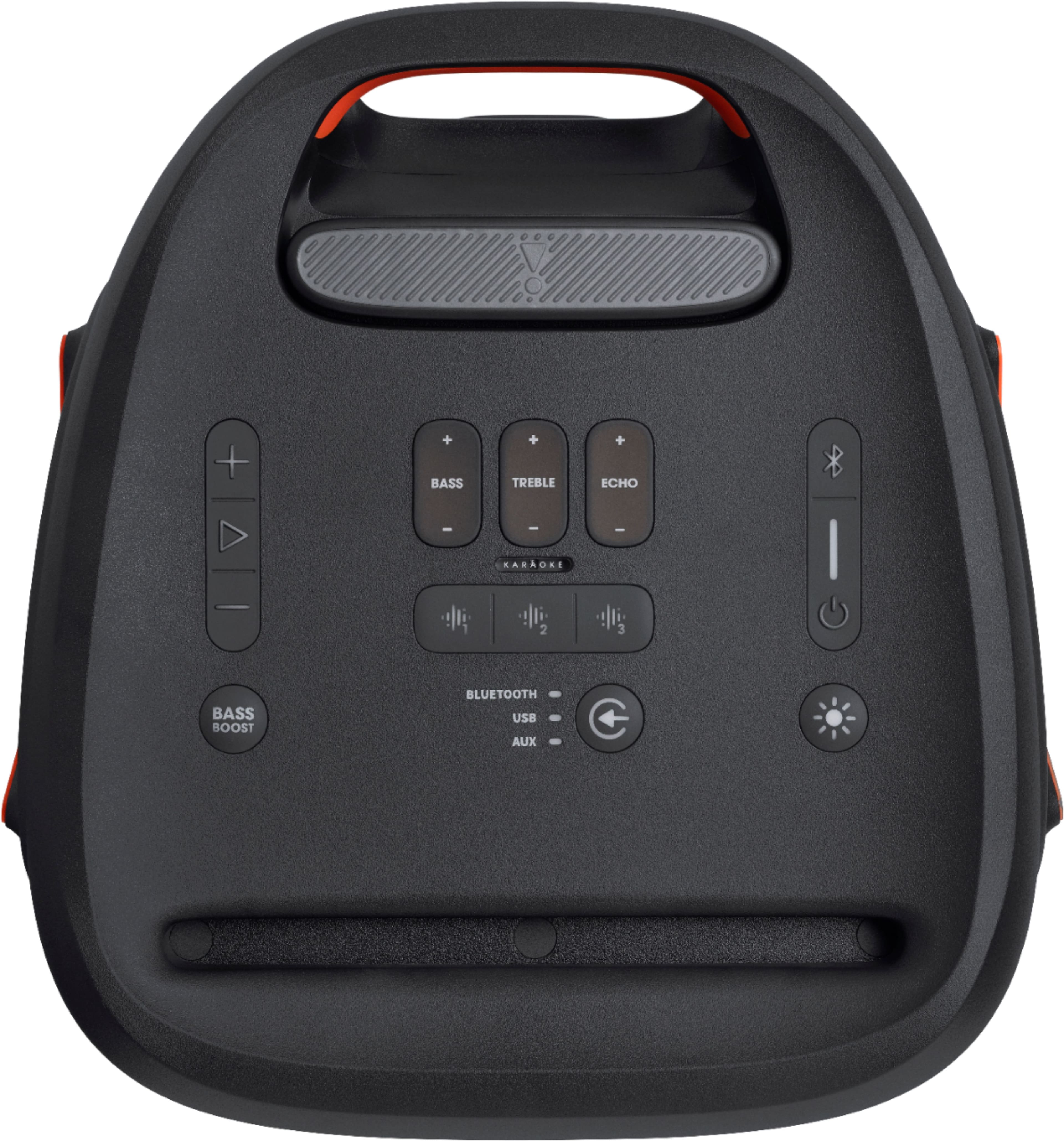
A:AnswerWe're sorry to hear about what happened and we thank you for your feedback. Please try resetting them. To do this, press the Volume + and Play / Pause buttons simultaneously for 10 seconds while your Partybox 310 is on. When it shuts down, it has been reset. If you need more assistance, please contact us, so we can assist you: https://support.jbl.com/us/en/#call
A:AnswerIt's recommended to use a wired microphone to plug via the mic input. Our JBL PartyBox doesn't have a transmitter, but you can buy a wireless mic with a dongle to use with our PartyBox.