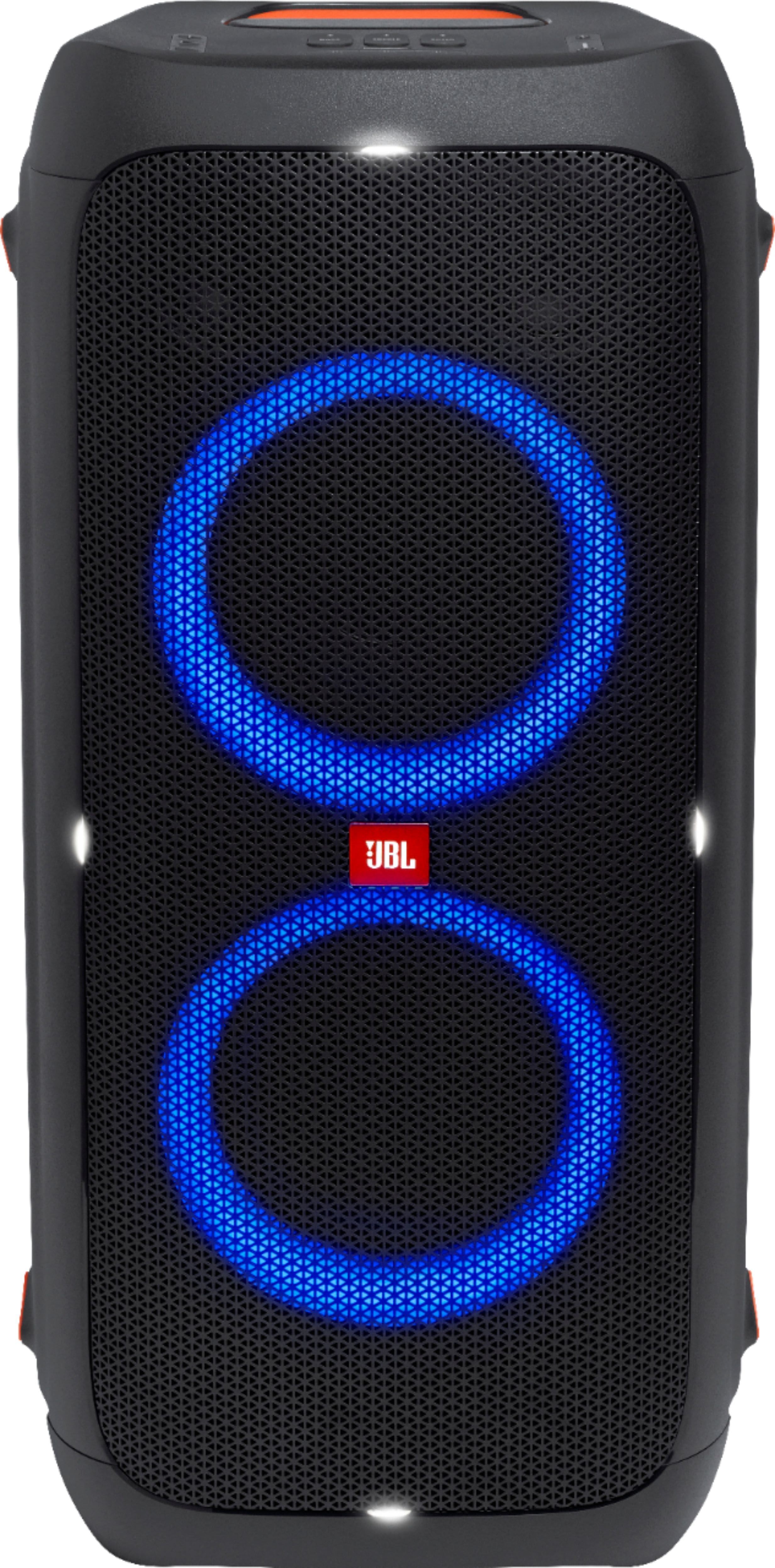
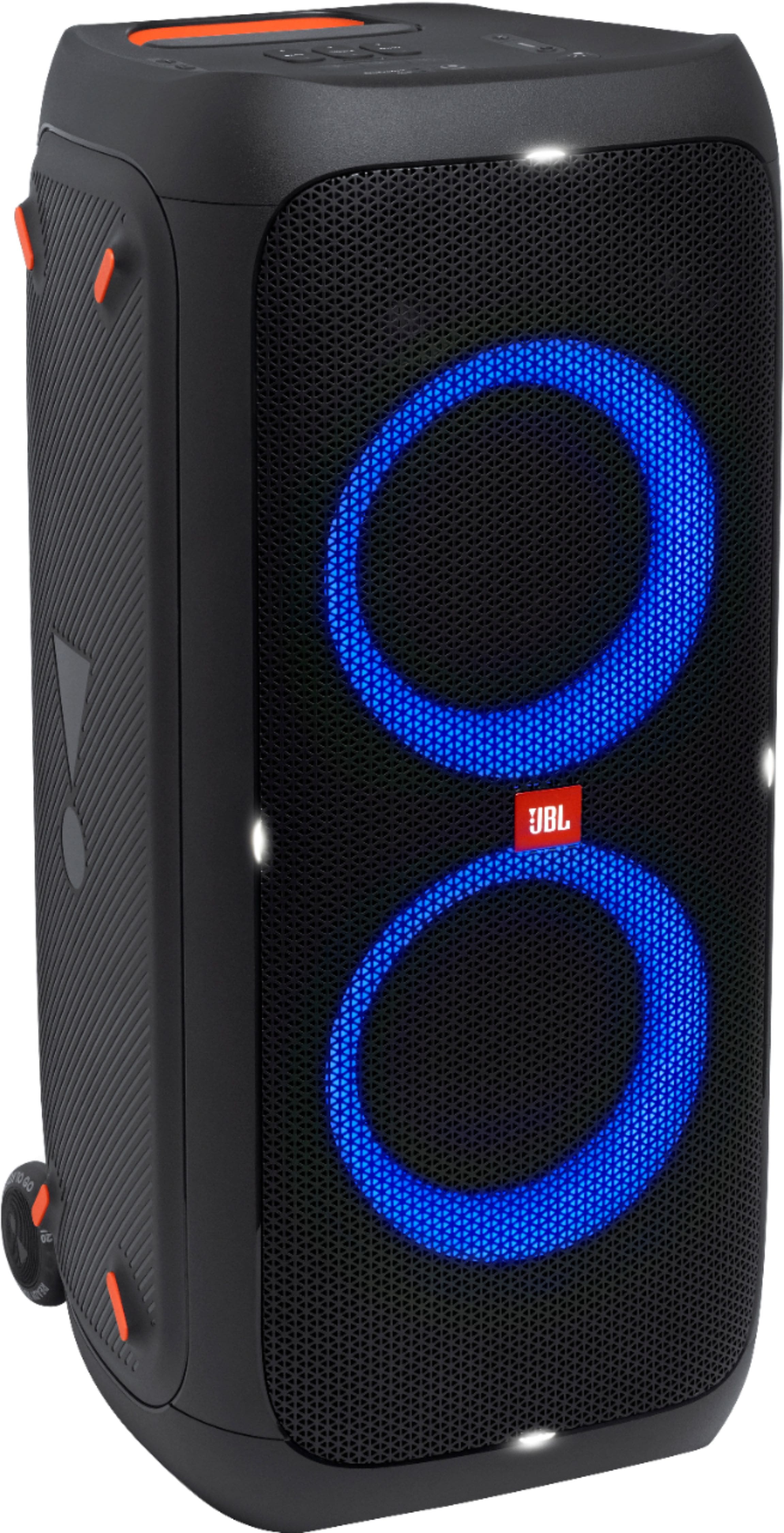
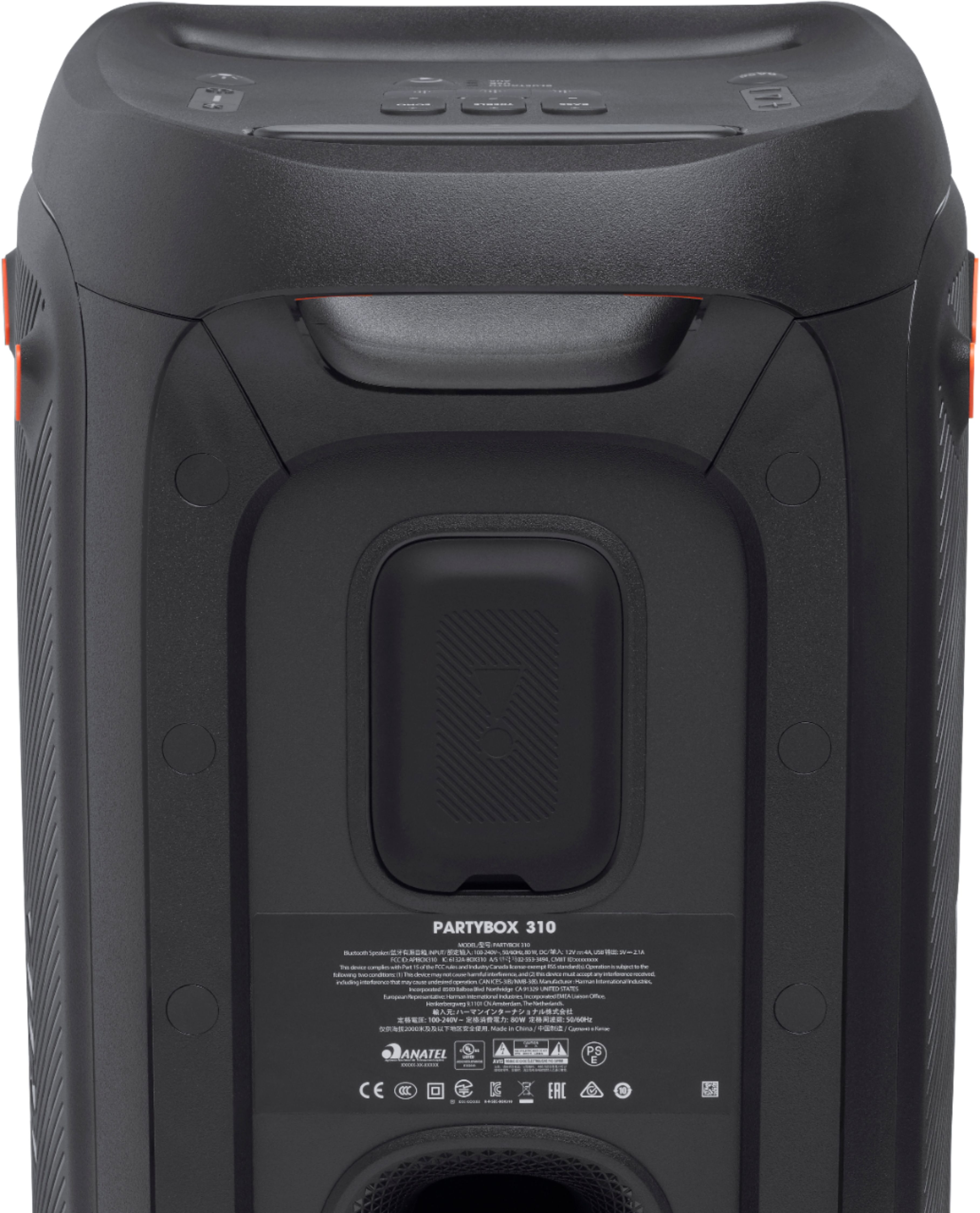
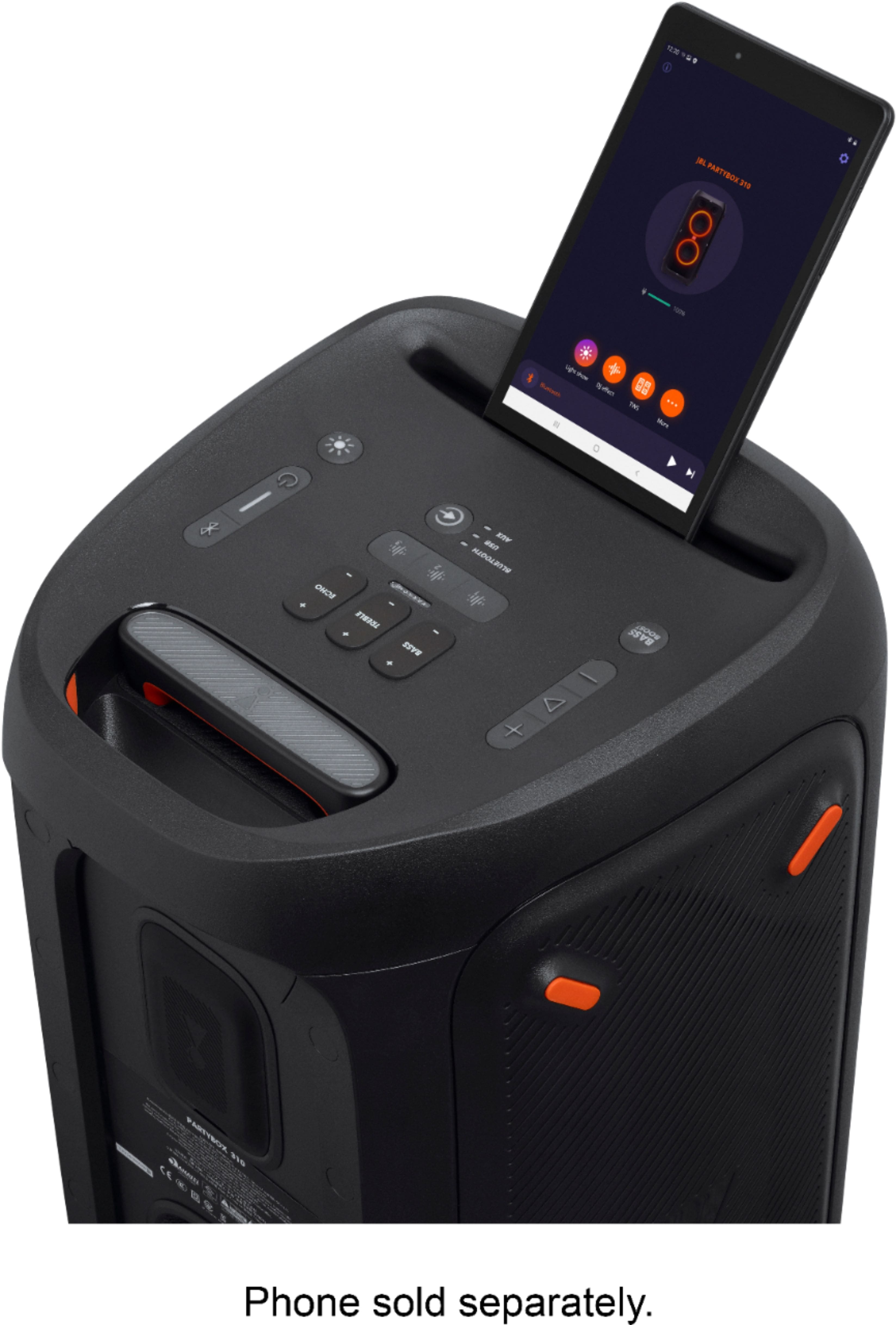
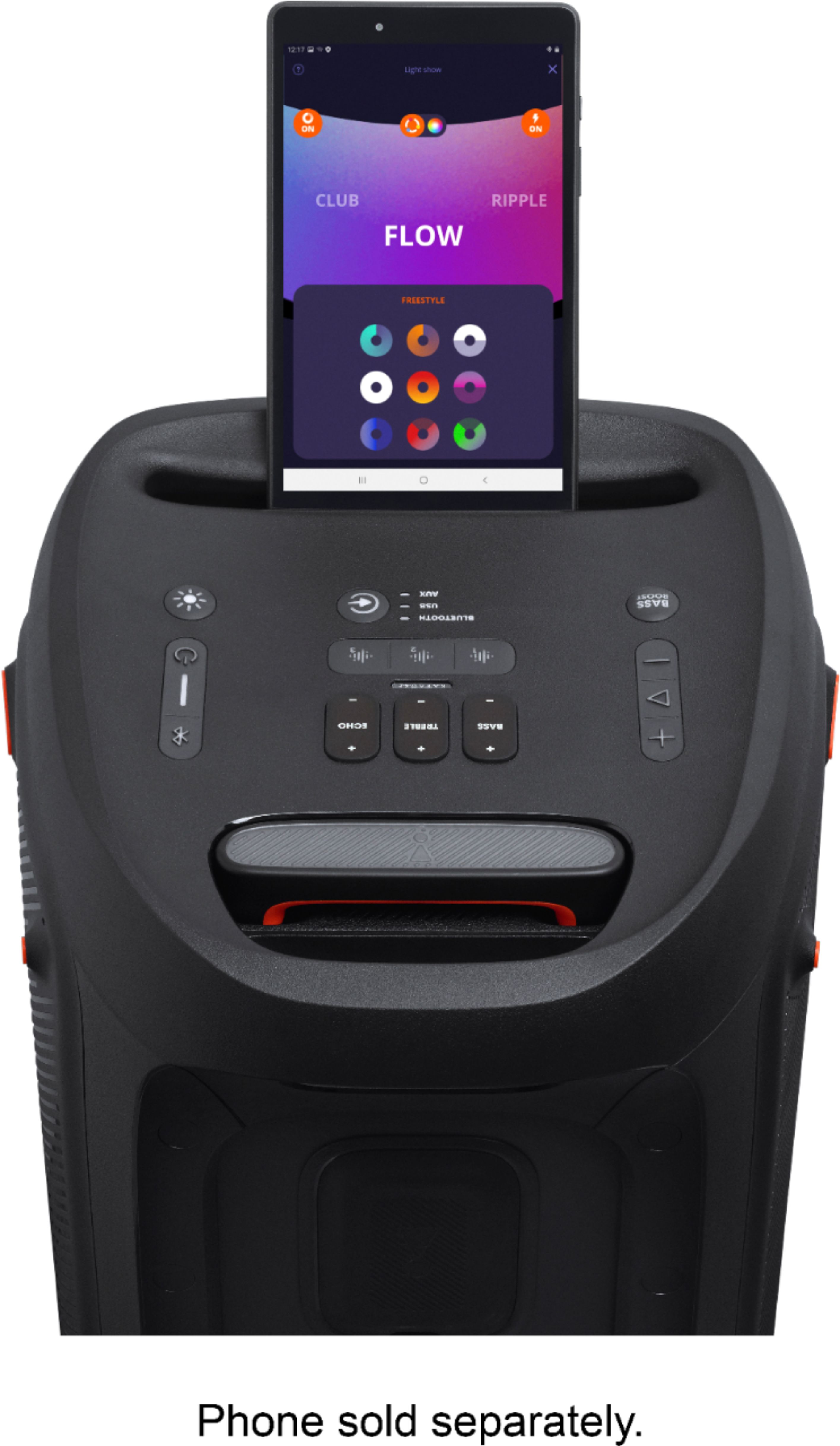
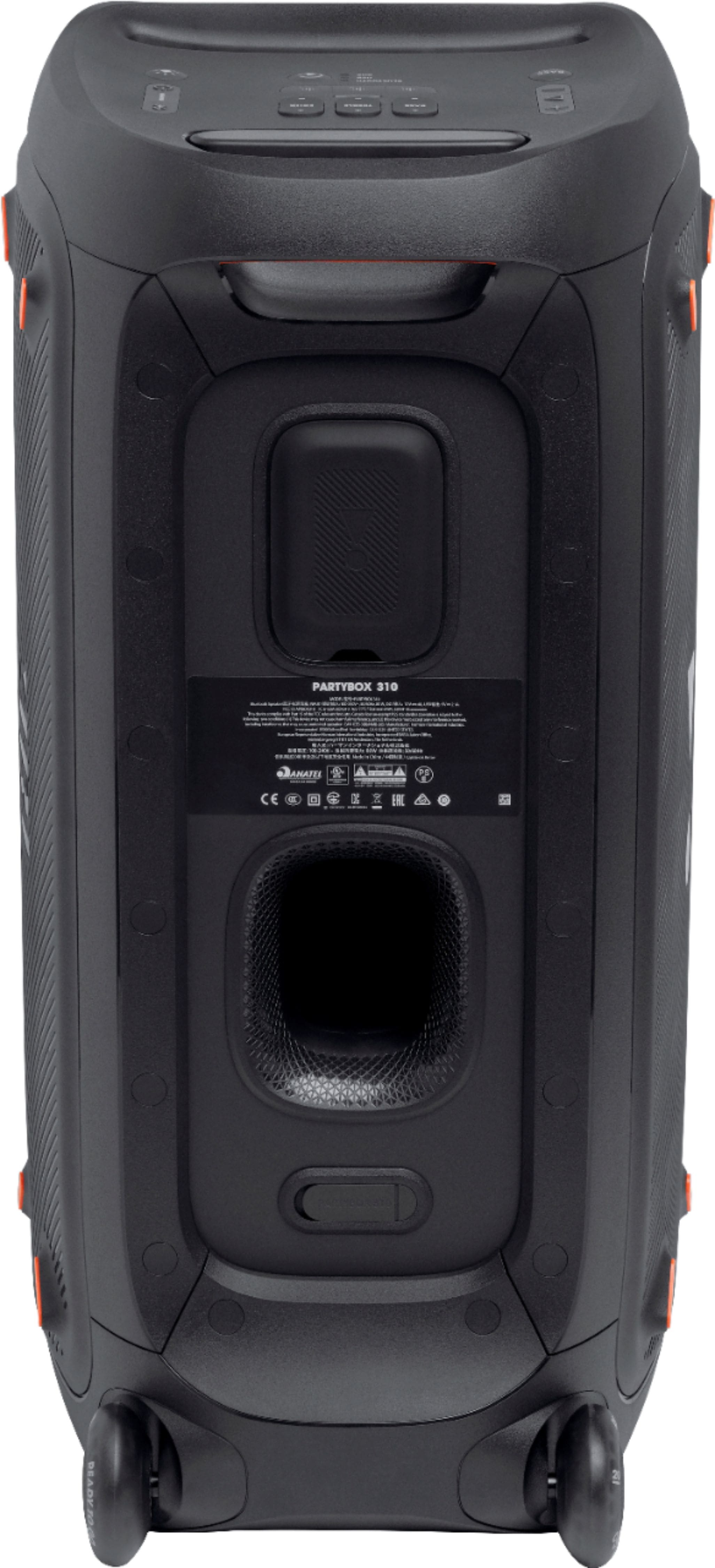
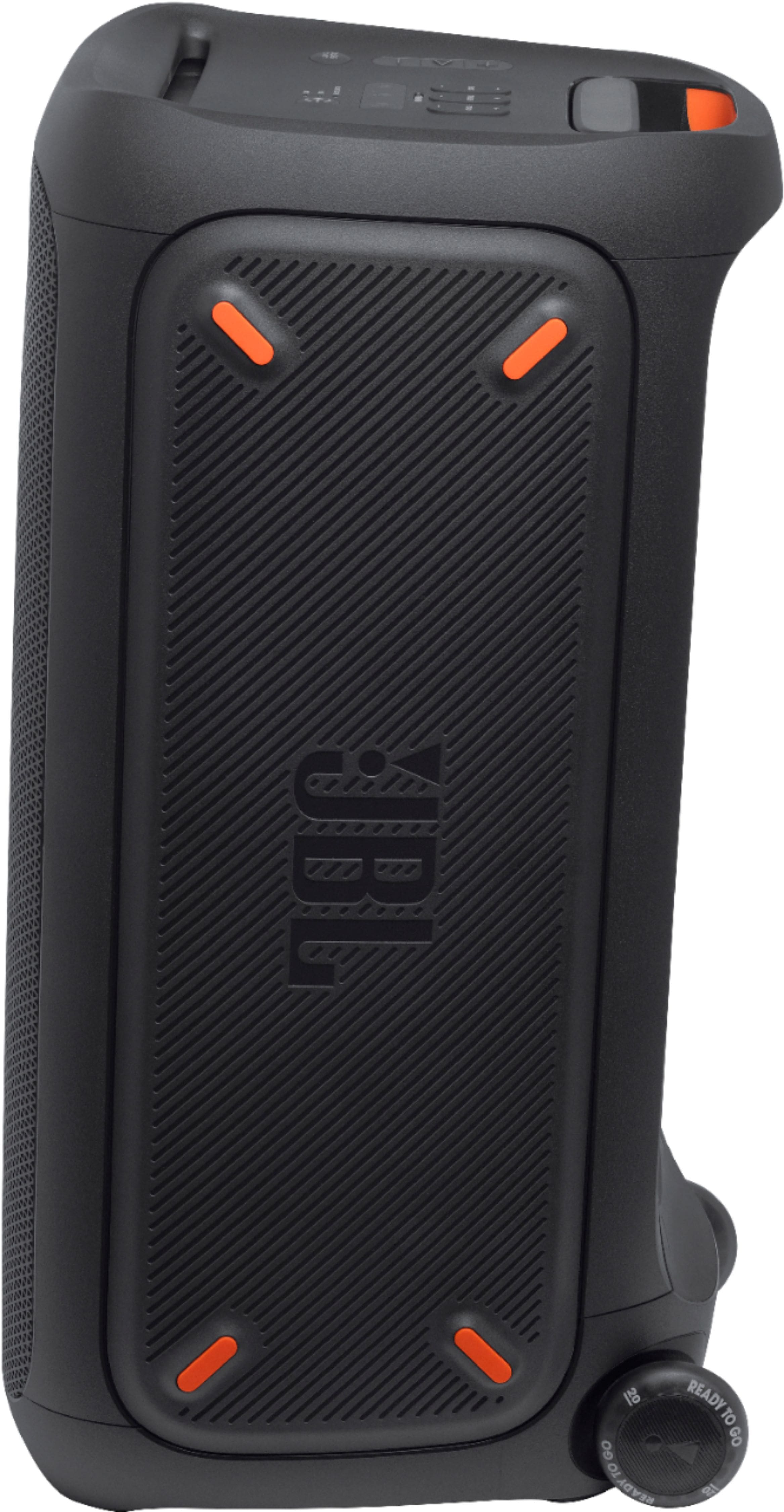
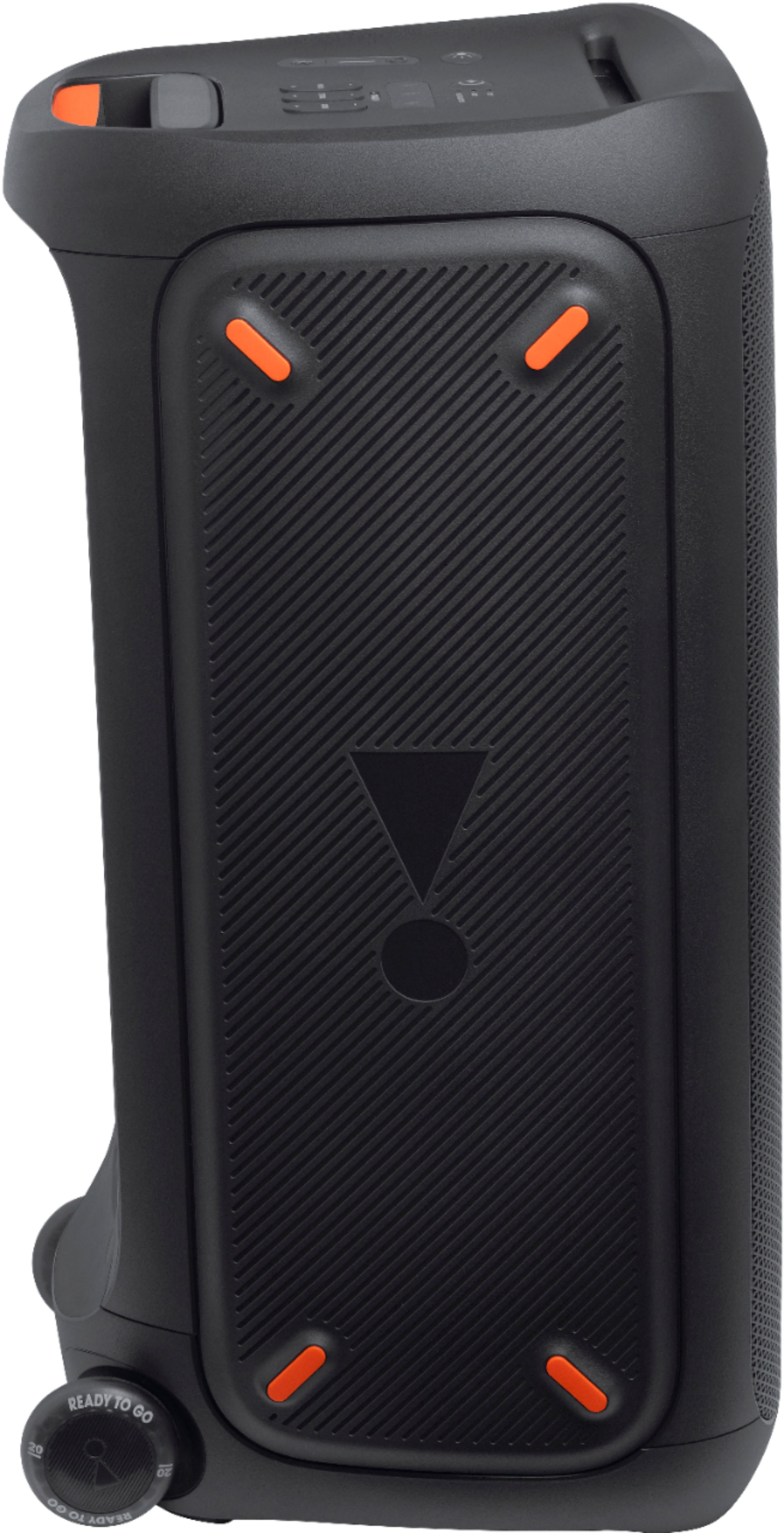
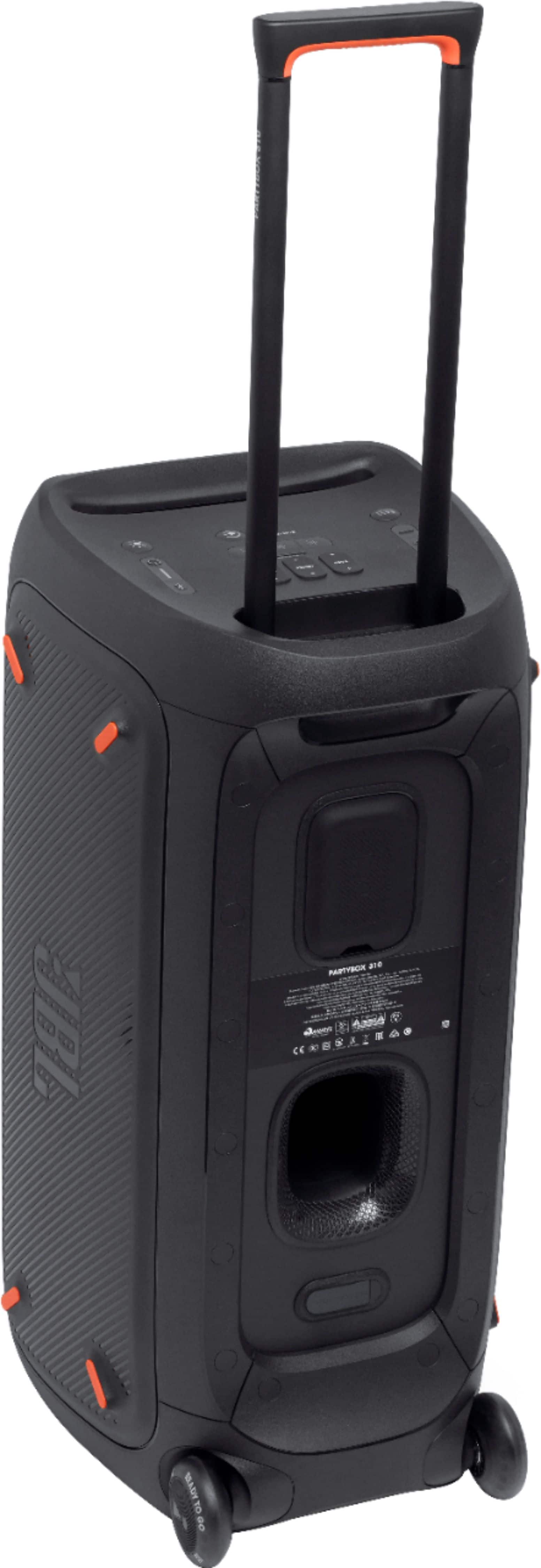
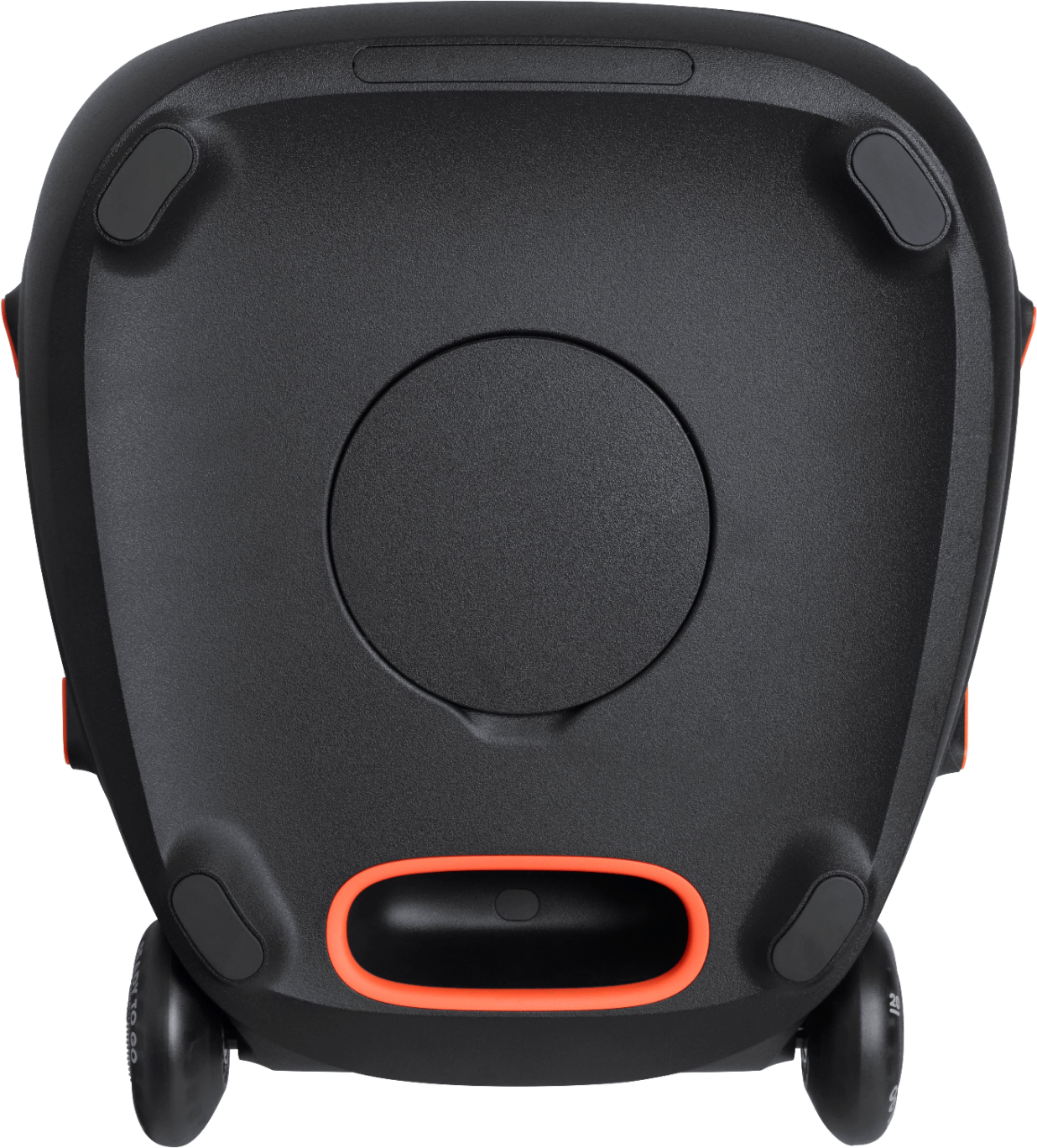
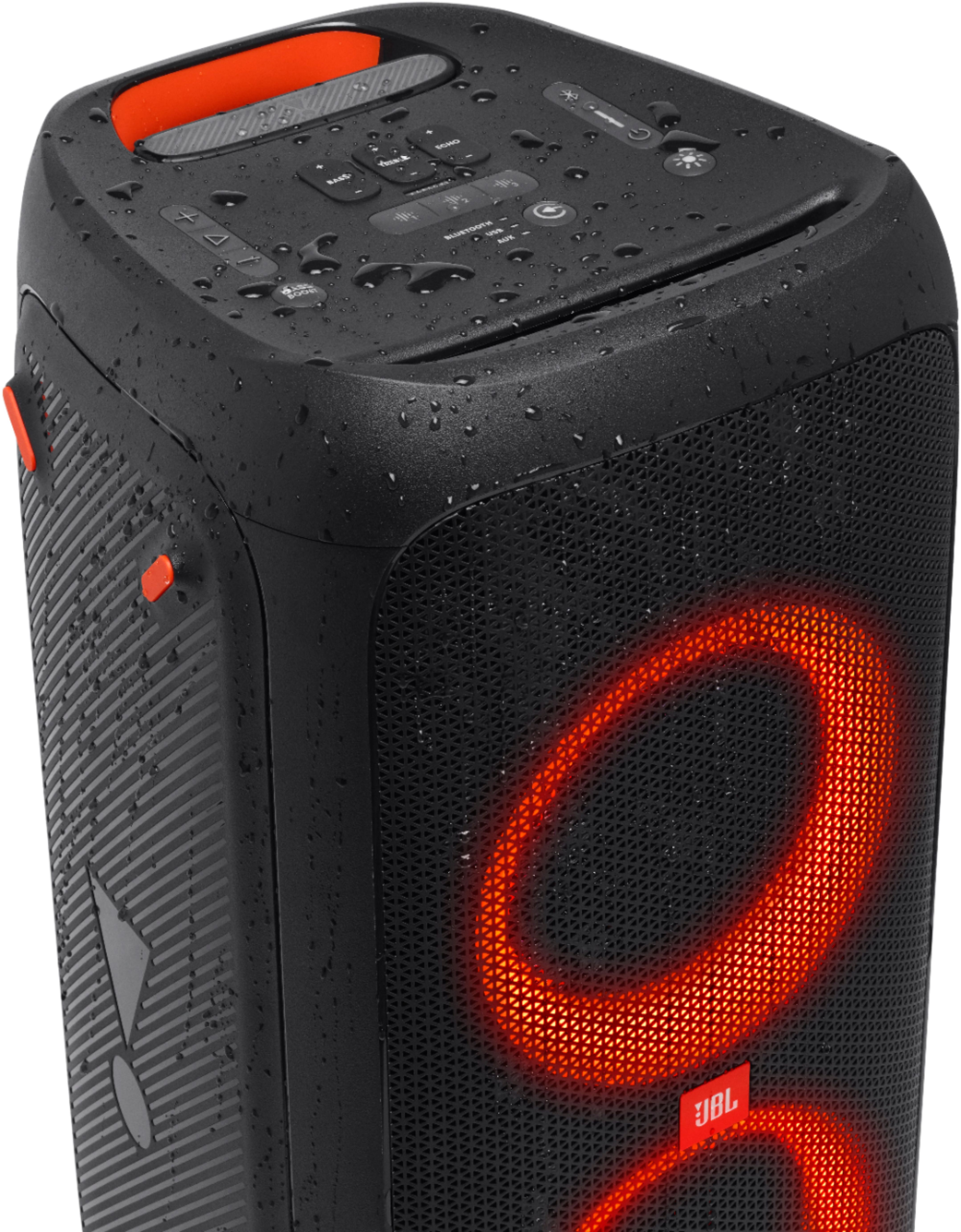
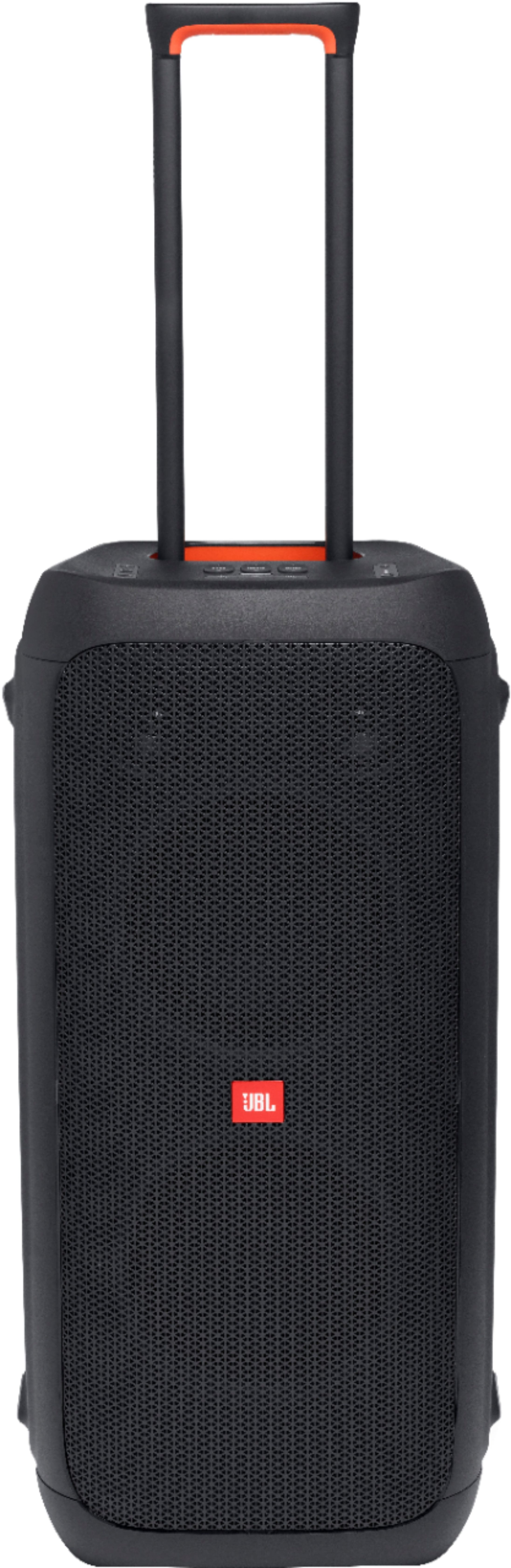
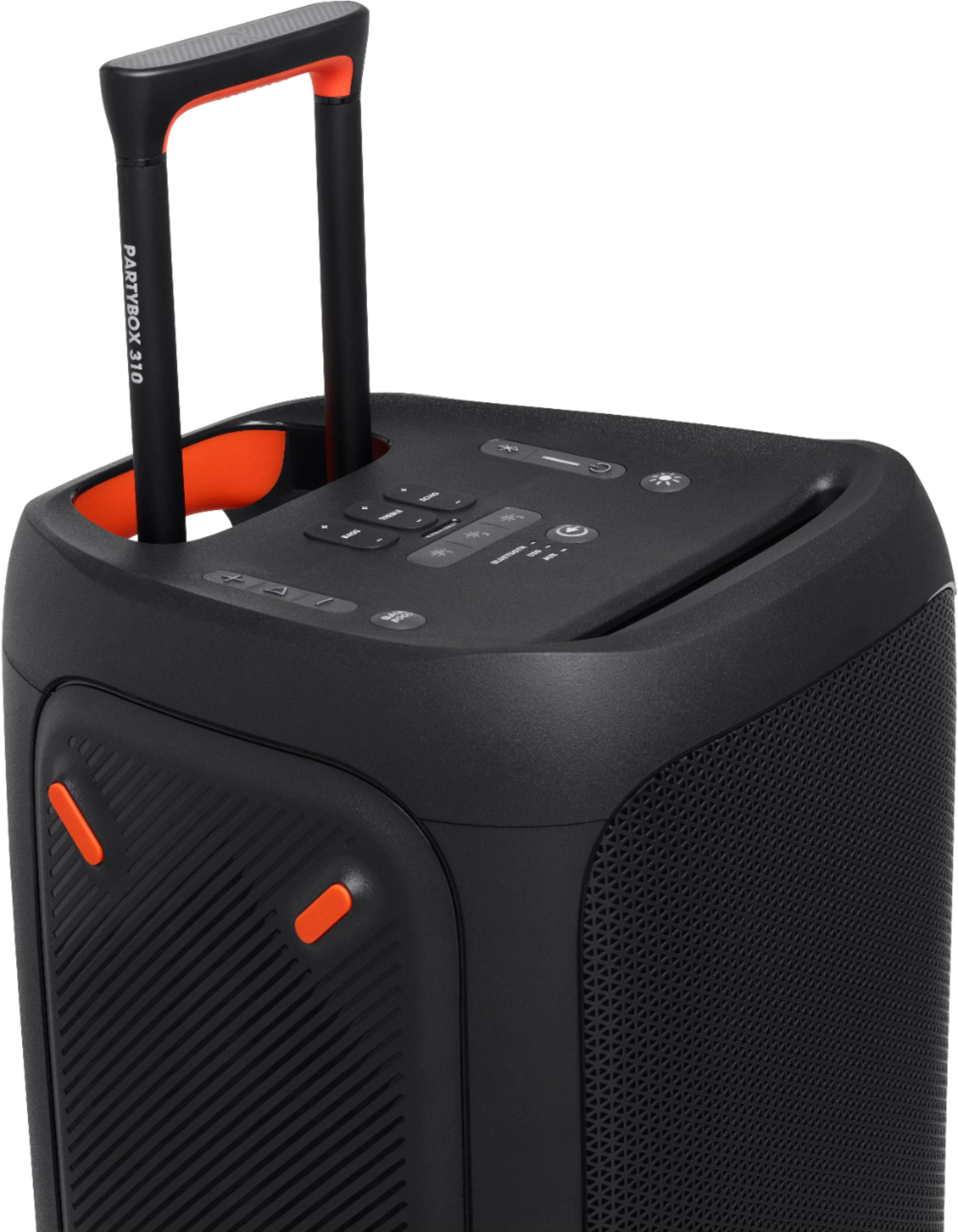
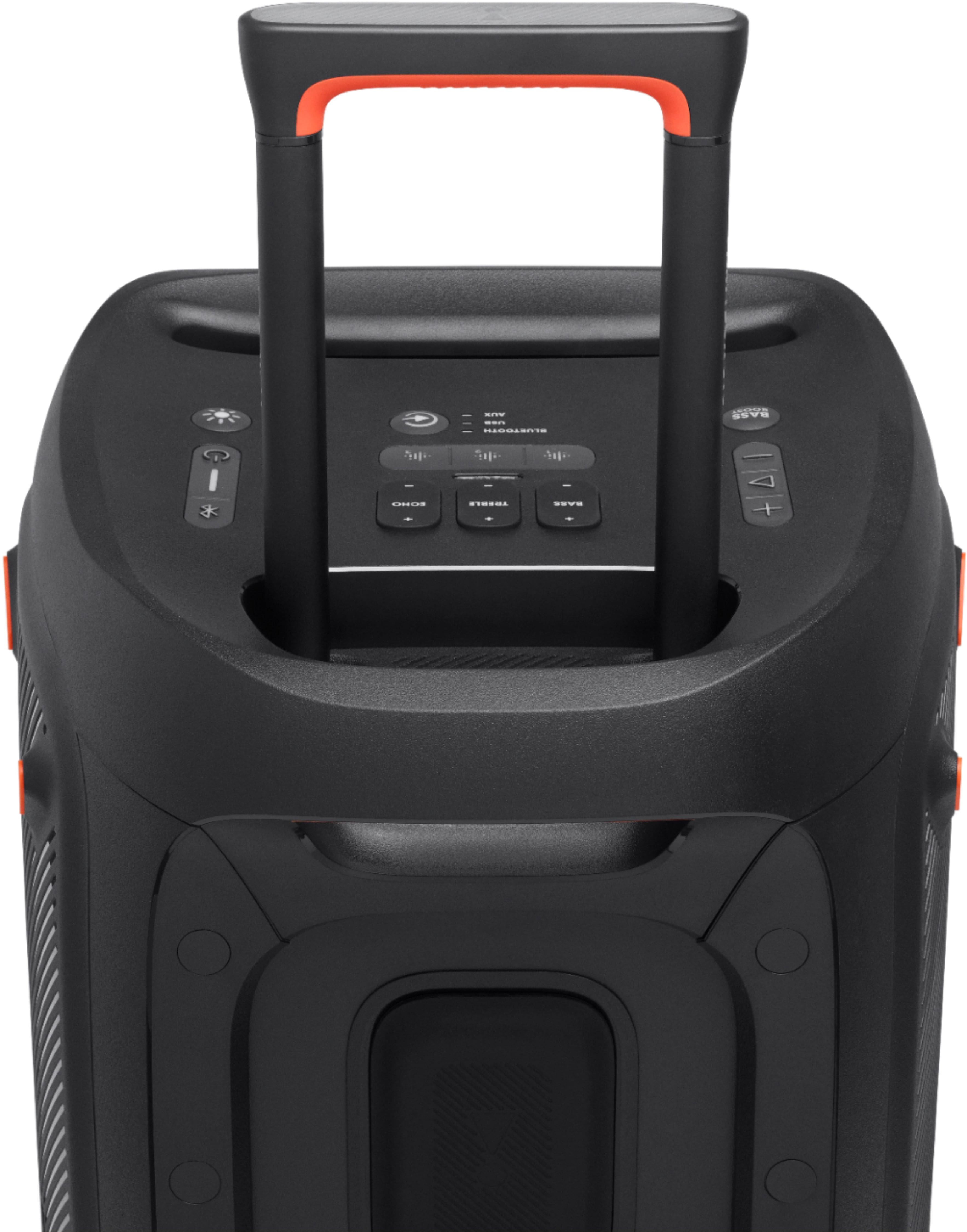
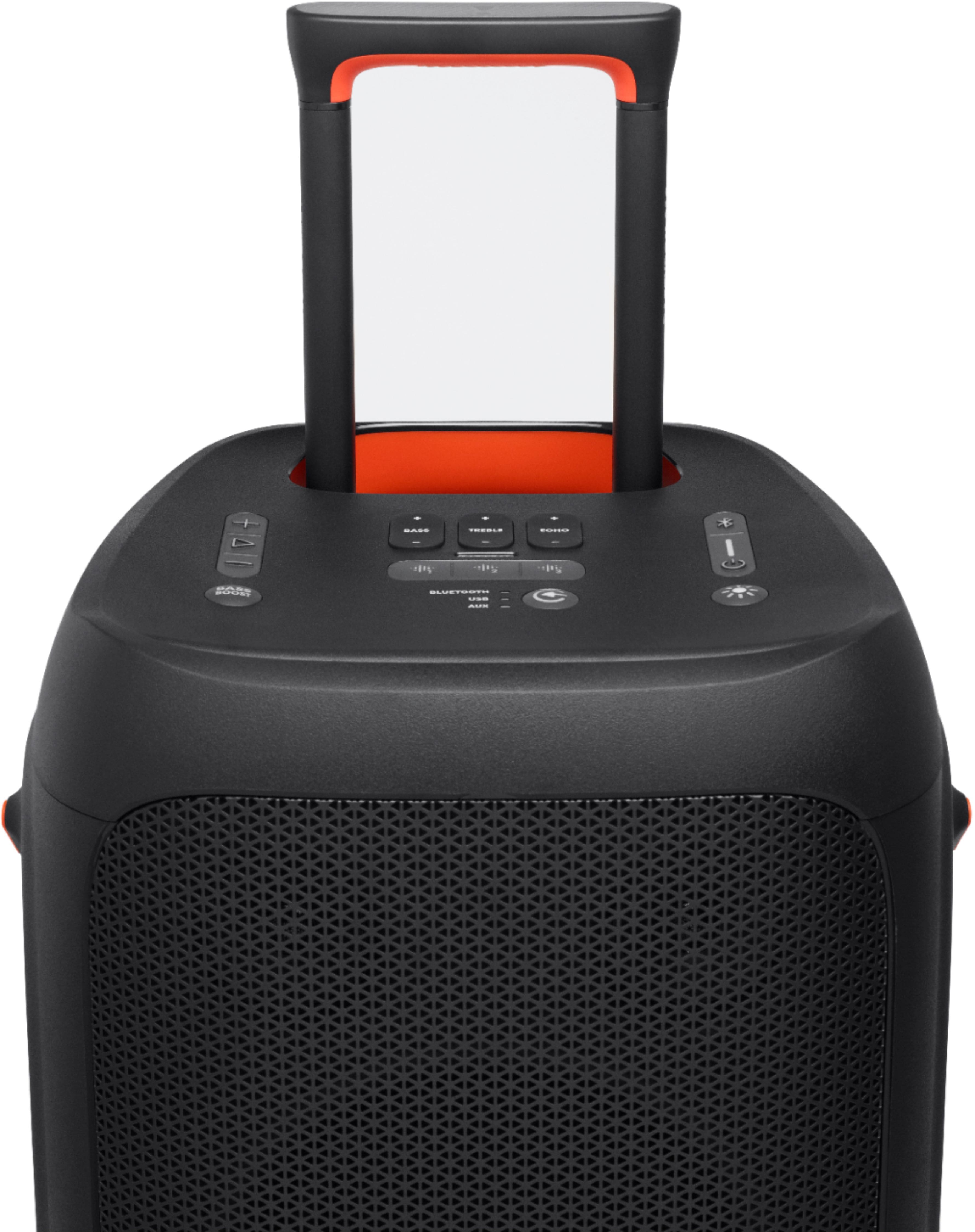
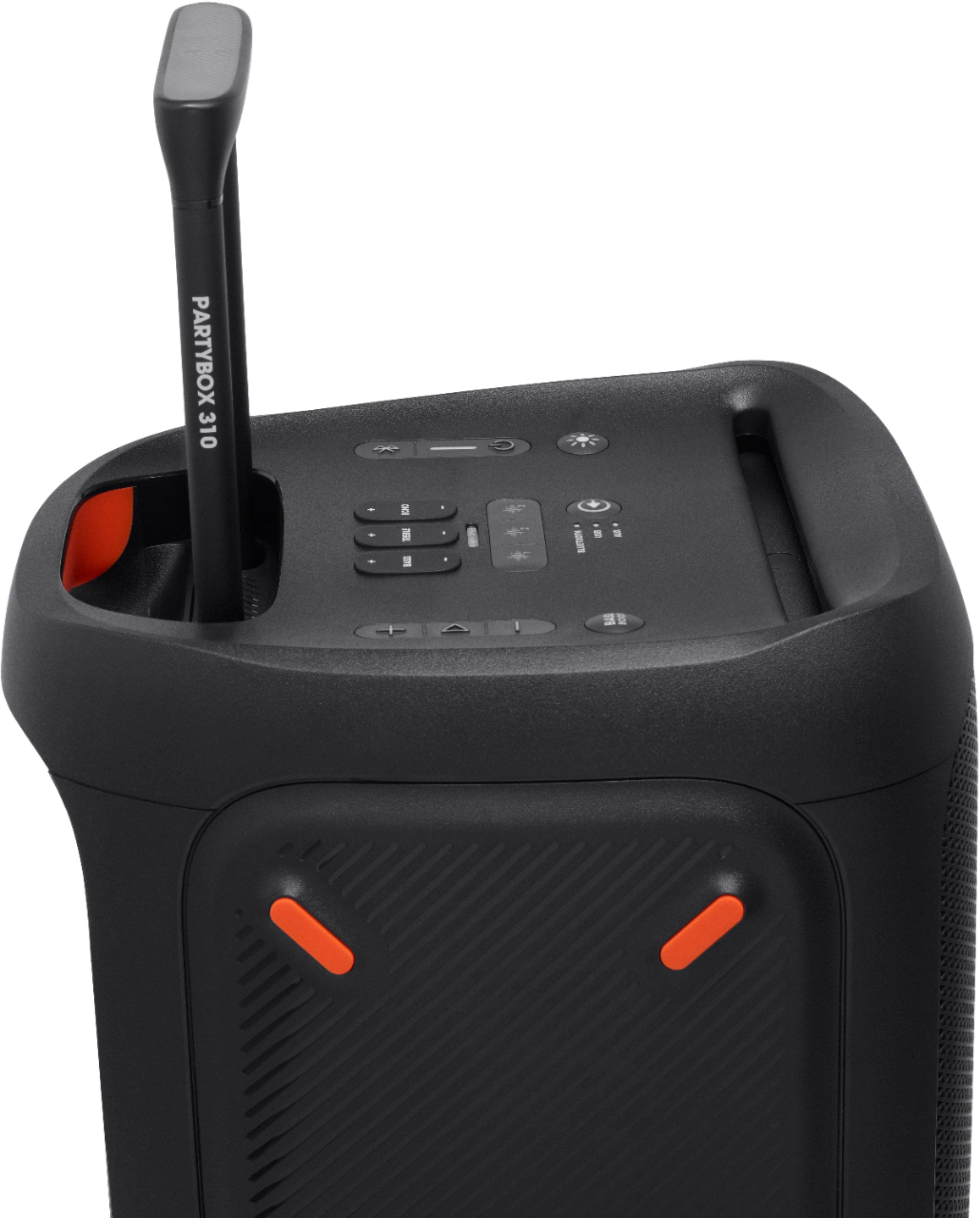
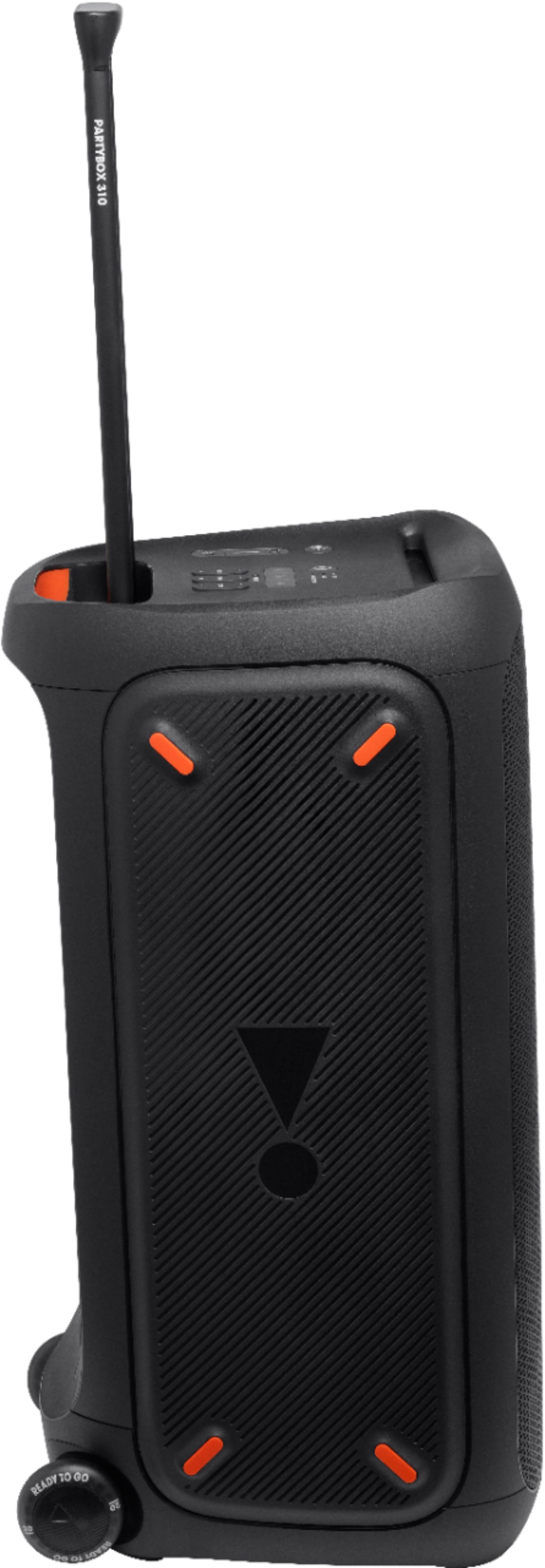
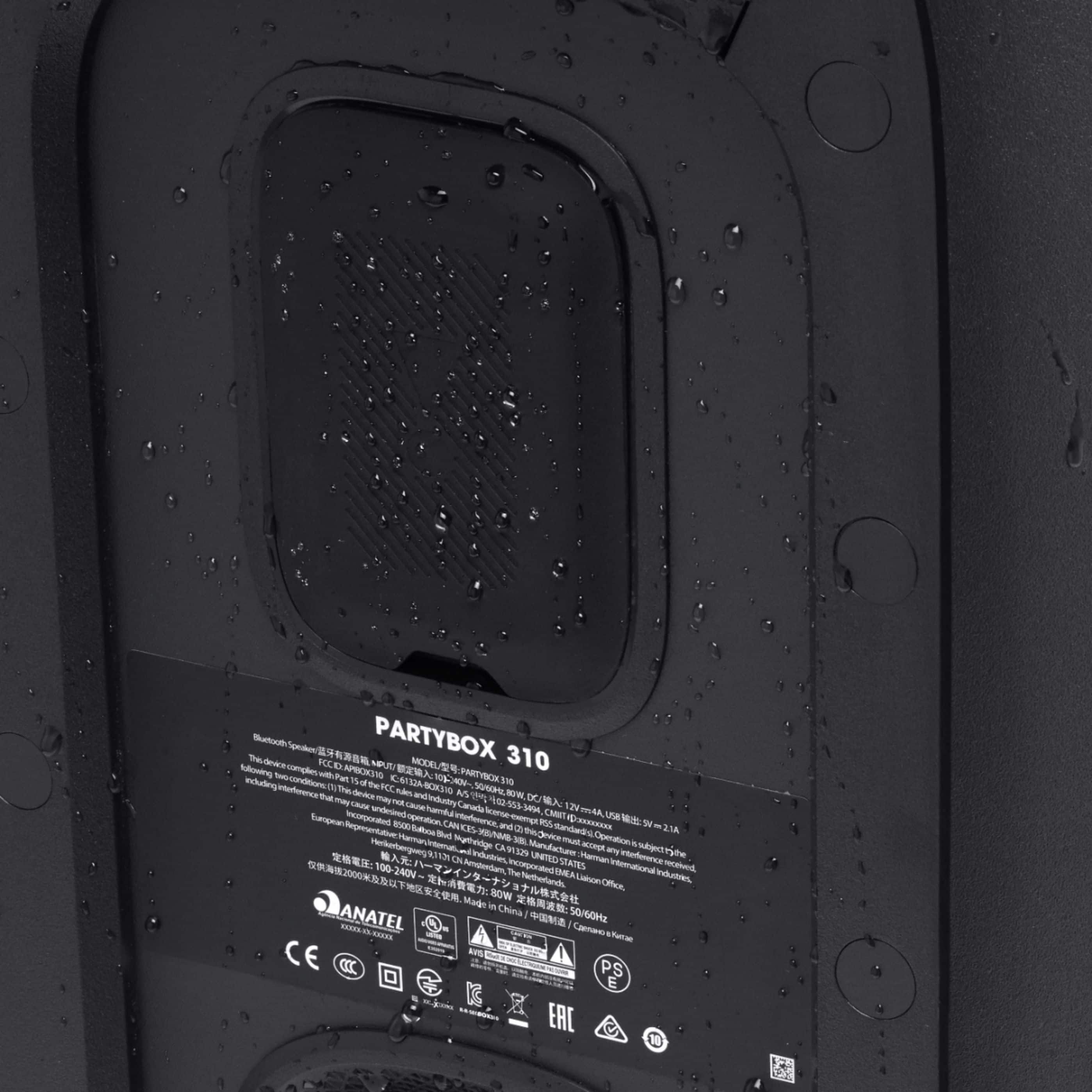
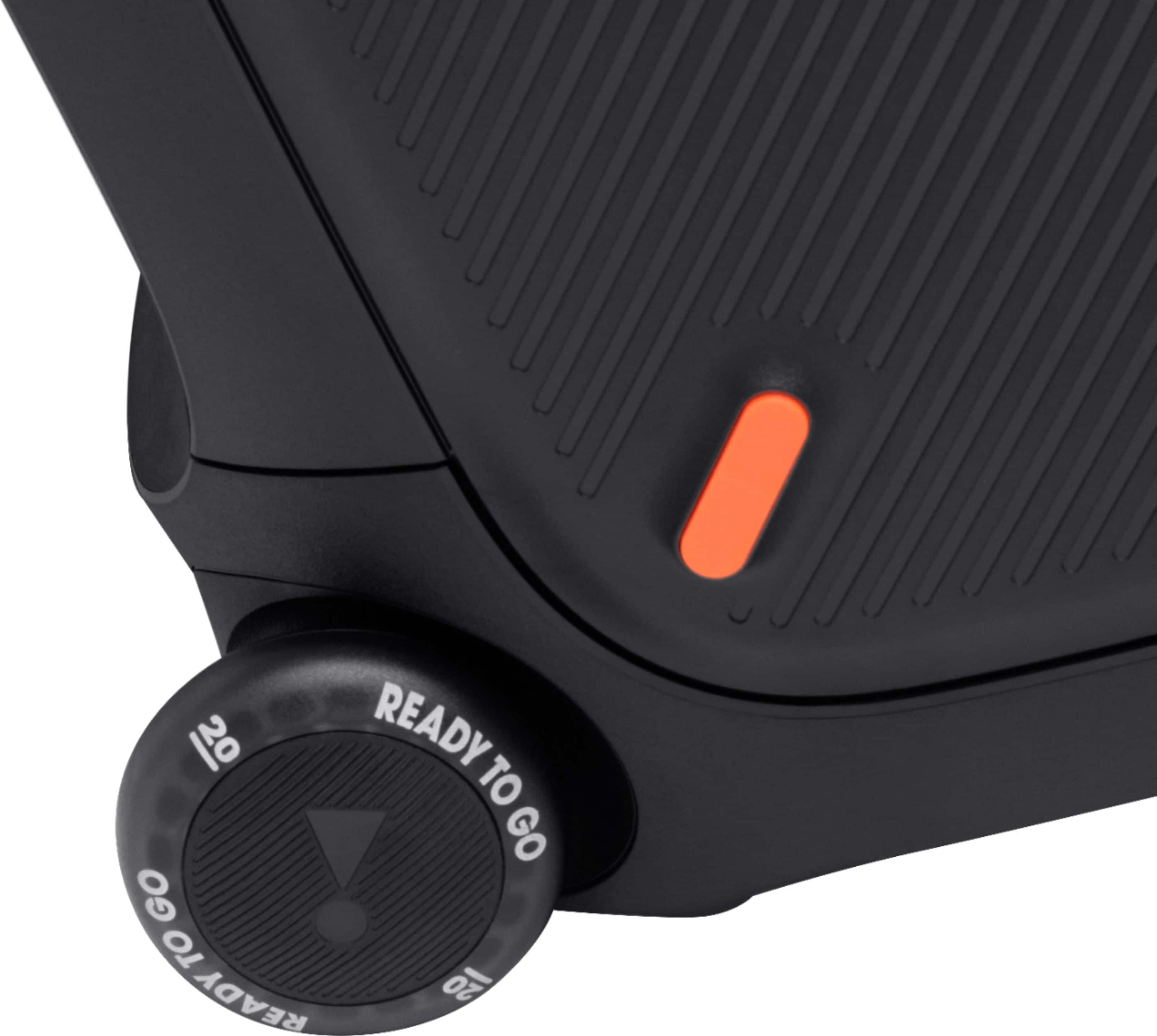
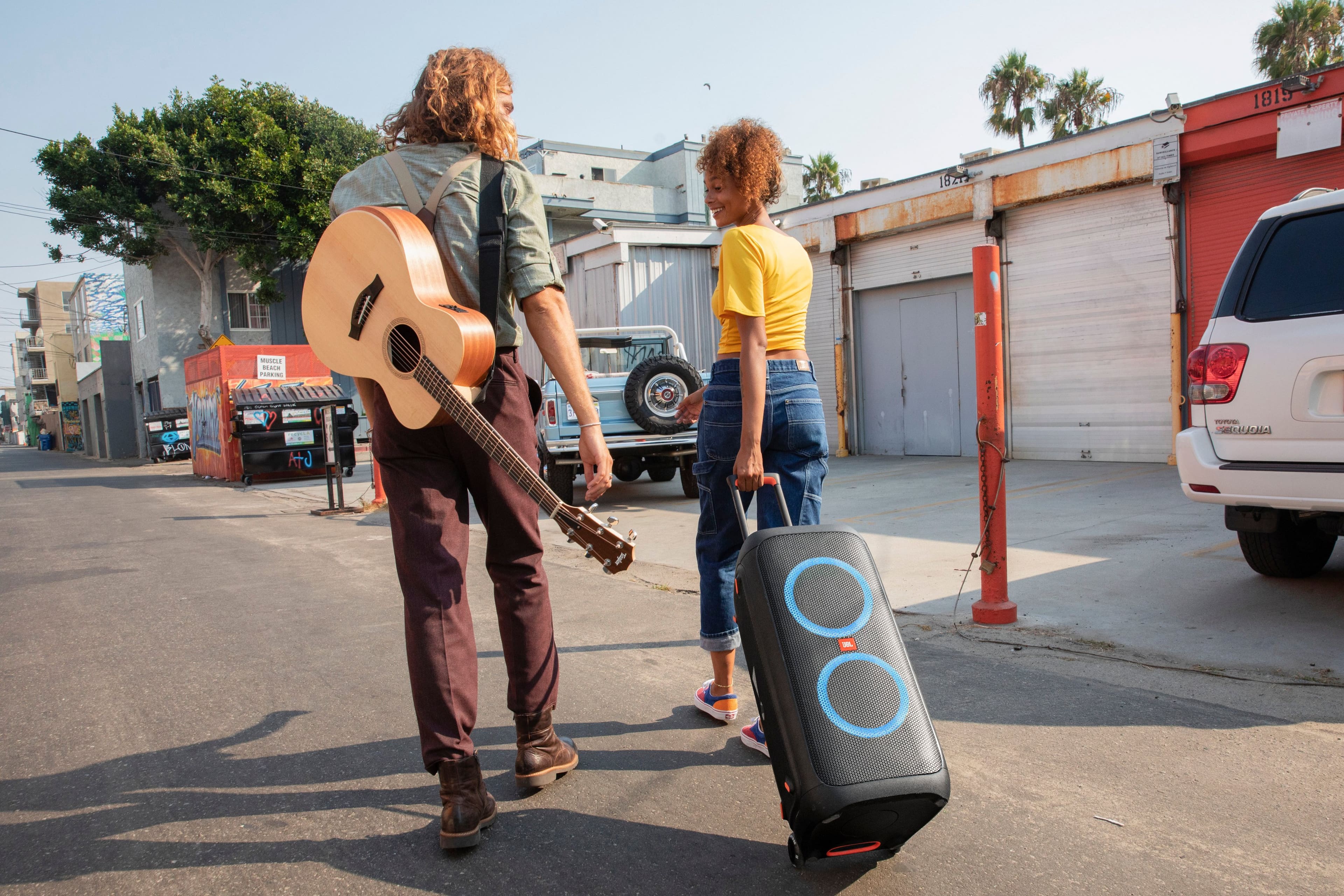
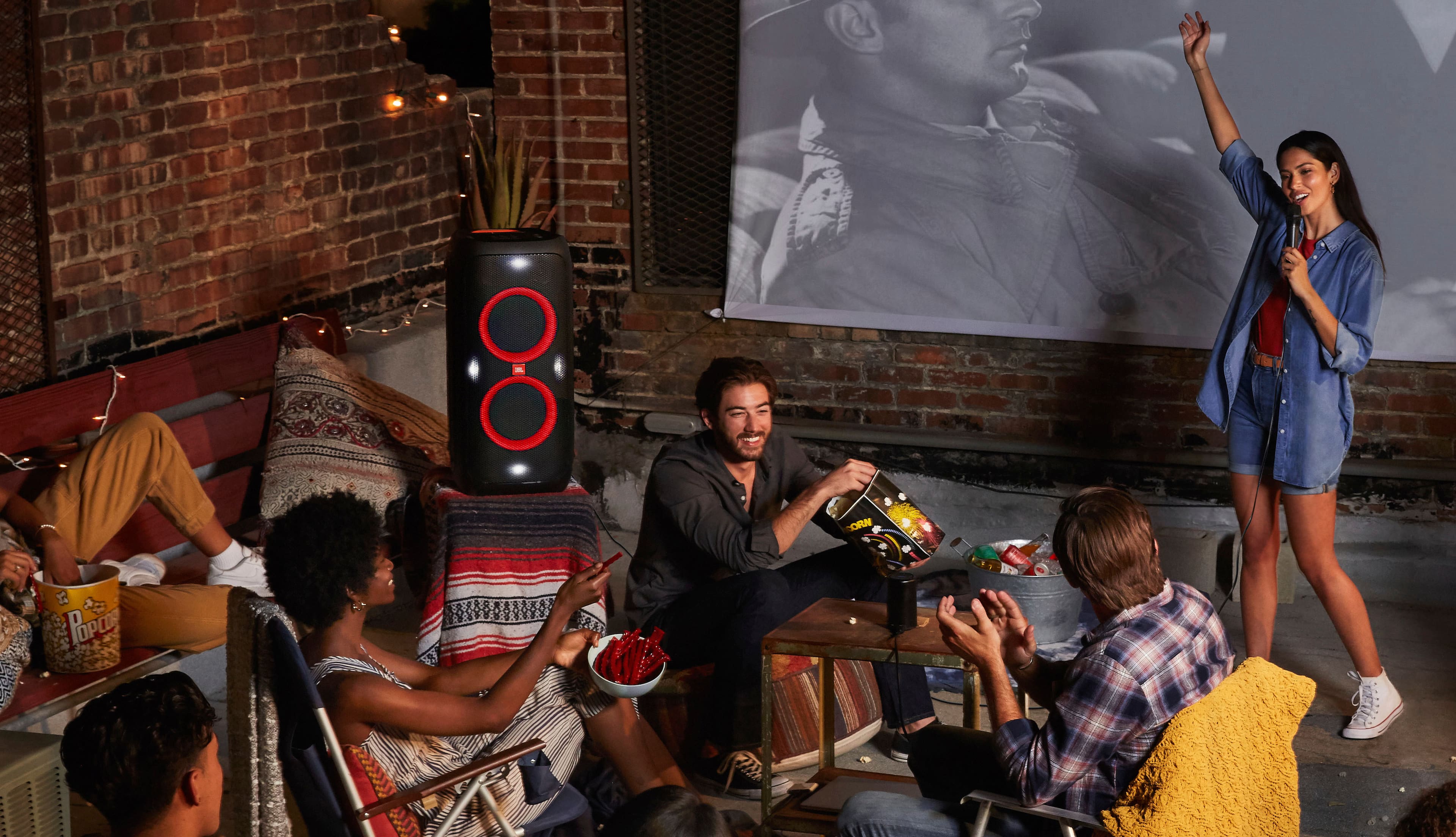
A:AnswerThe main difference is that the JBL PartyBox 310 has a telescopic handle, built-in smooth-glide wheels, splash-proof, and works with the JBL PartyBox application.
A:AnswerShould be today! October 25th, 2020. What time today? No clue, but it is 100% becoming available today. This date is from searching the release date for the JBL PartyBox 310 on Google.
A:AnswerThanks for your question. Our JBL PartyBox 310 and JBL PartyBox Stage 320 both deliver 240W RMS output power, but the Stage 320 features upgraded drivers for better sound clarity, supports Auracast™ for multi-speaker connectivity (while PartyBox 310 uses TWS), and includes a replaceable battery for extended usability.
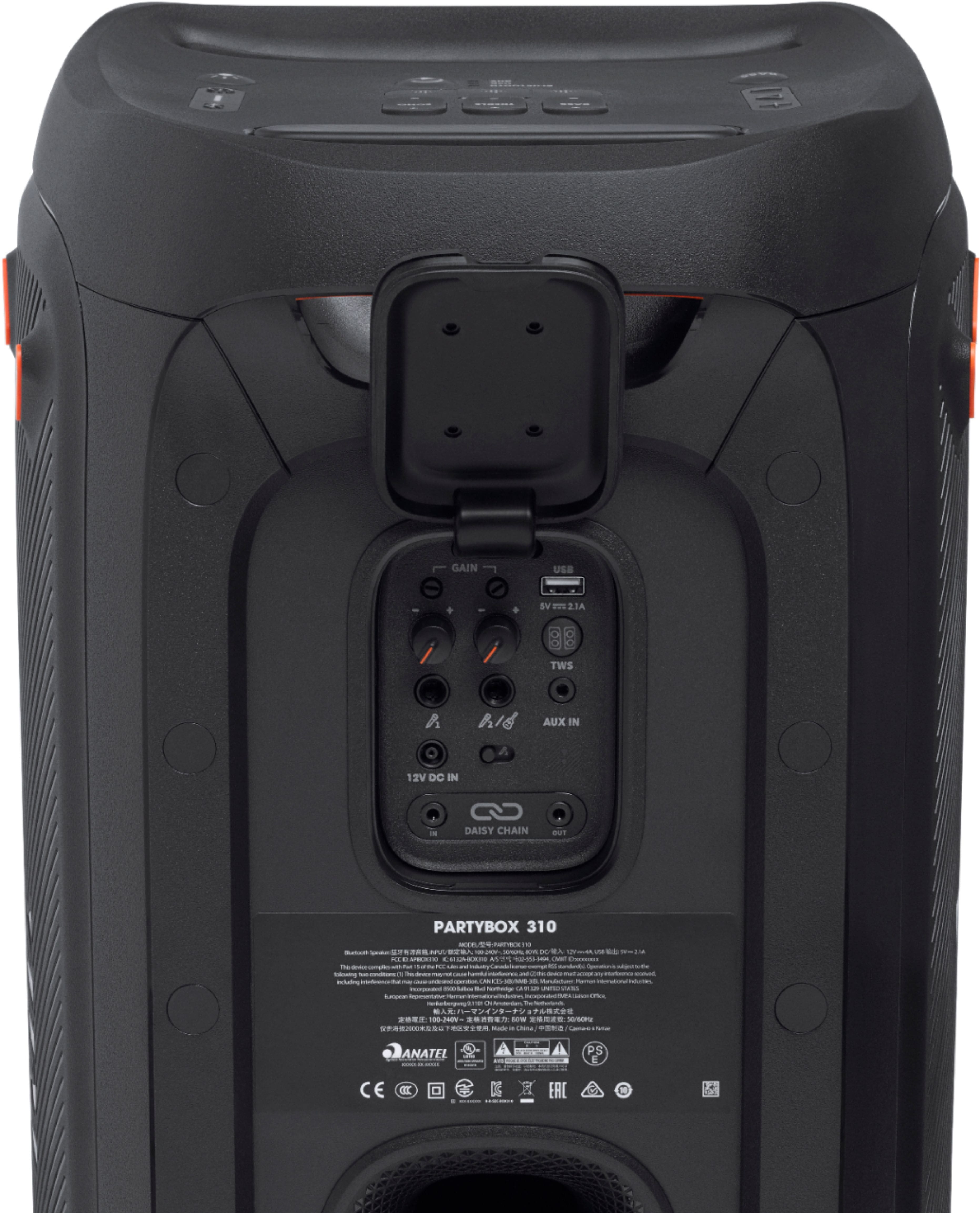
A:AnswerThanks for your inquiry. Our JBL PartyBox 310 Speaker has both input and output RCA connections (not included in the box). To establish a connection, plug your RCA cable into the designated ports located at the back of the speaker. RCA connections can be used with your DVD/BlueRay player or AVR system. However, it does not have XLR connections.
A:AnswerShort of listening to it...not really..they do make ohm meters for sound but they cost more then the 310 speakers...but you should be able to tell by listening if they are blow
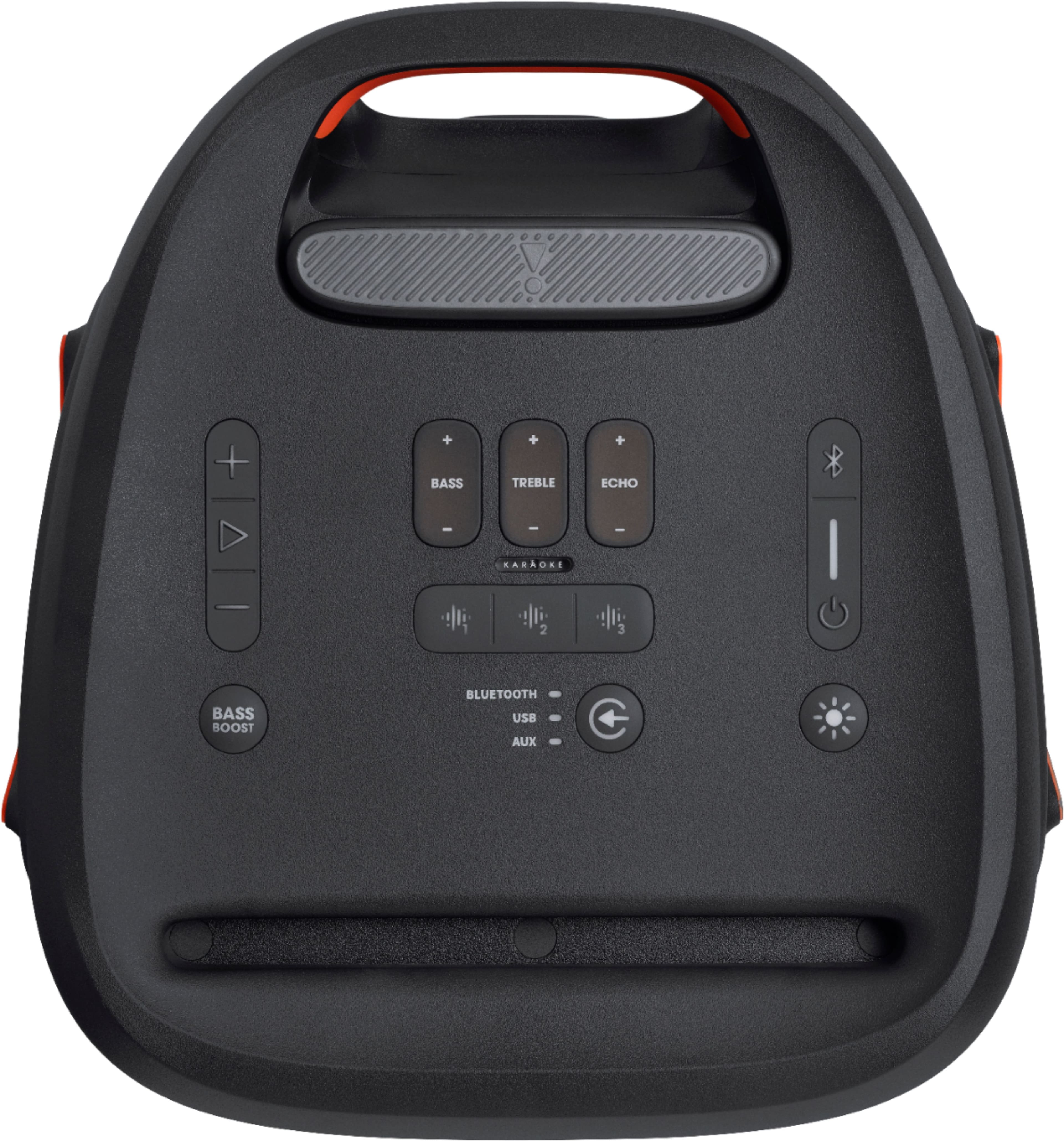
A:AnswerThe bass booster has two levels, and if you press it twice, you will see the battery indicator light illuminate and stay on. Also, the app will show you how much battery life you have two
A:AnswerI would personally do them all by AUX. the TWS only supports 2 JBL 310's, not 4. I also believe that there will less delay in the audio if you go by AUX instead of TWS.
A:AnswerYou can use the daisy-chain input and output on our JBL PartyBox 310 to have the music and mic sound come out of both speakers. For wireless connection, the mic sound will only come out on the speaker where it's connected.
A:AnswerThe USB port of our Partybox 310 is only for playing music from a USB capable thumb drive. You may connect 2 microphones to the input at the back of the speaker.