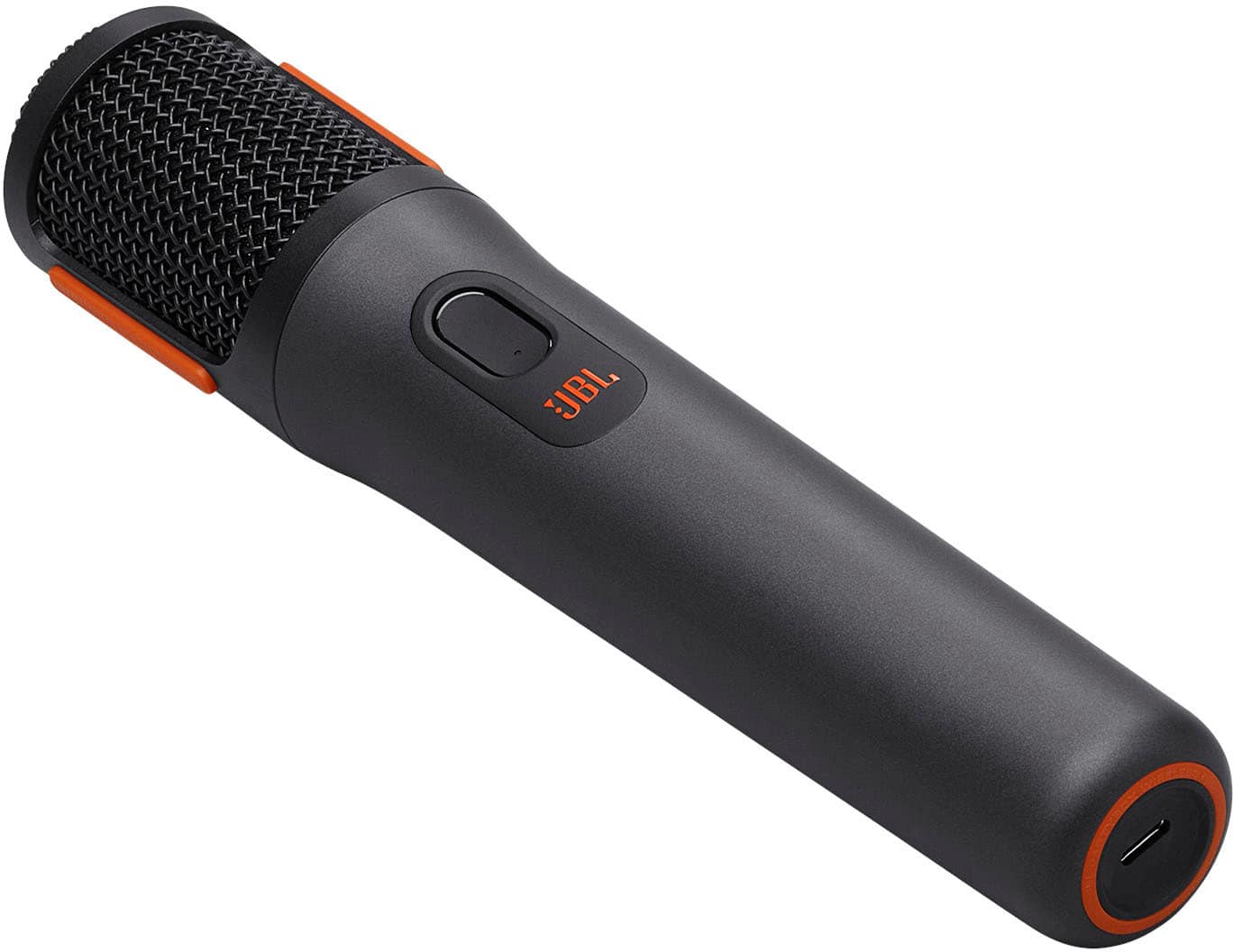
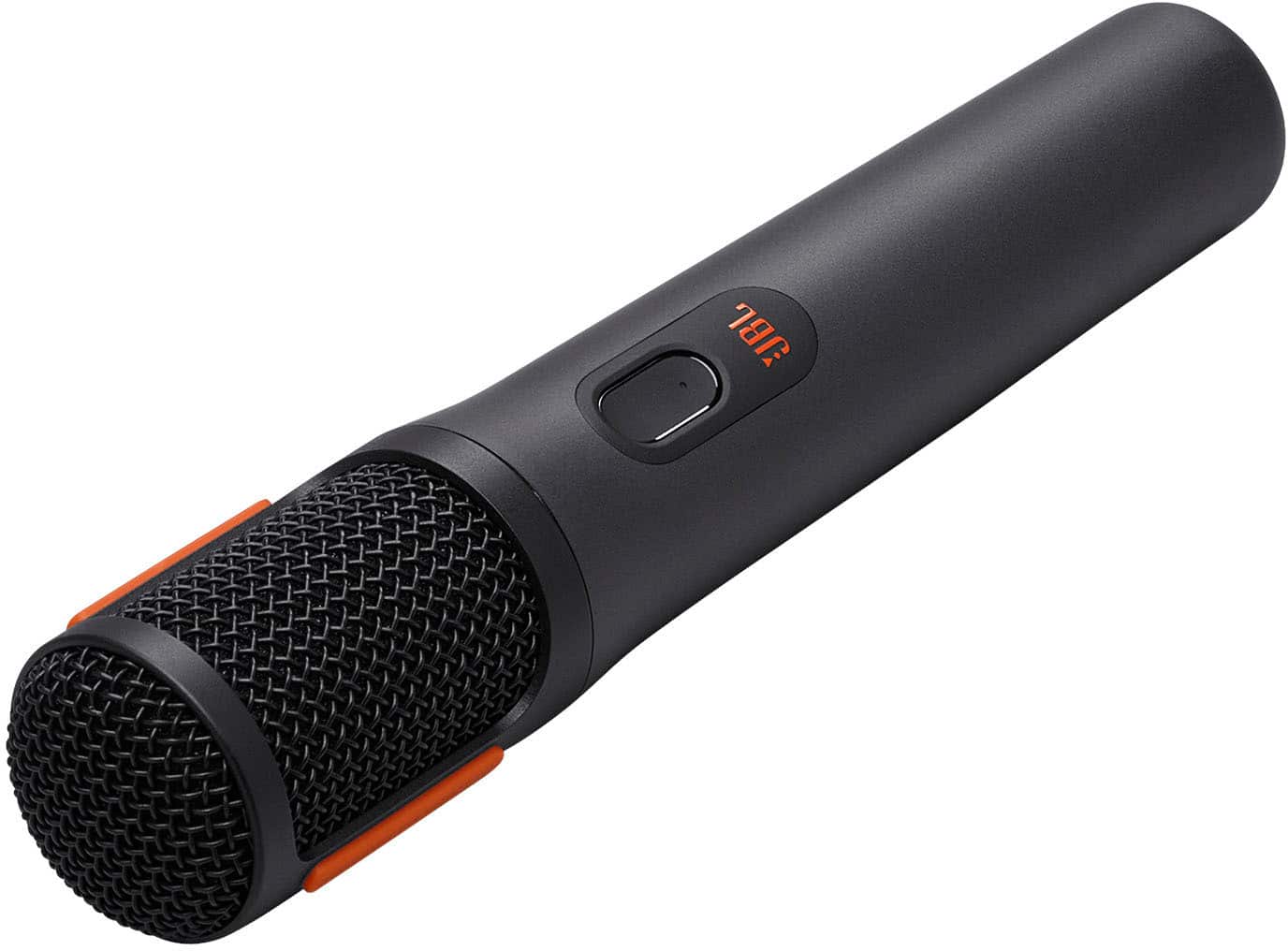
A:AnswerThanks for your inquiry. Our JBL Boombox 3 does not support microphone connection. While our JBL PartyBox Wireless Mic is designed for our JBL PartyBox speakers.
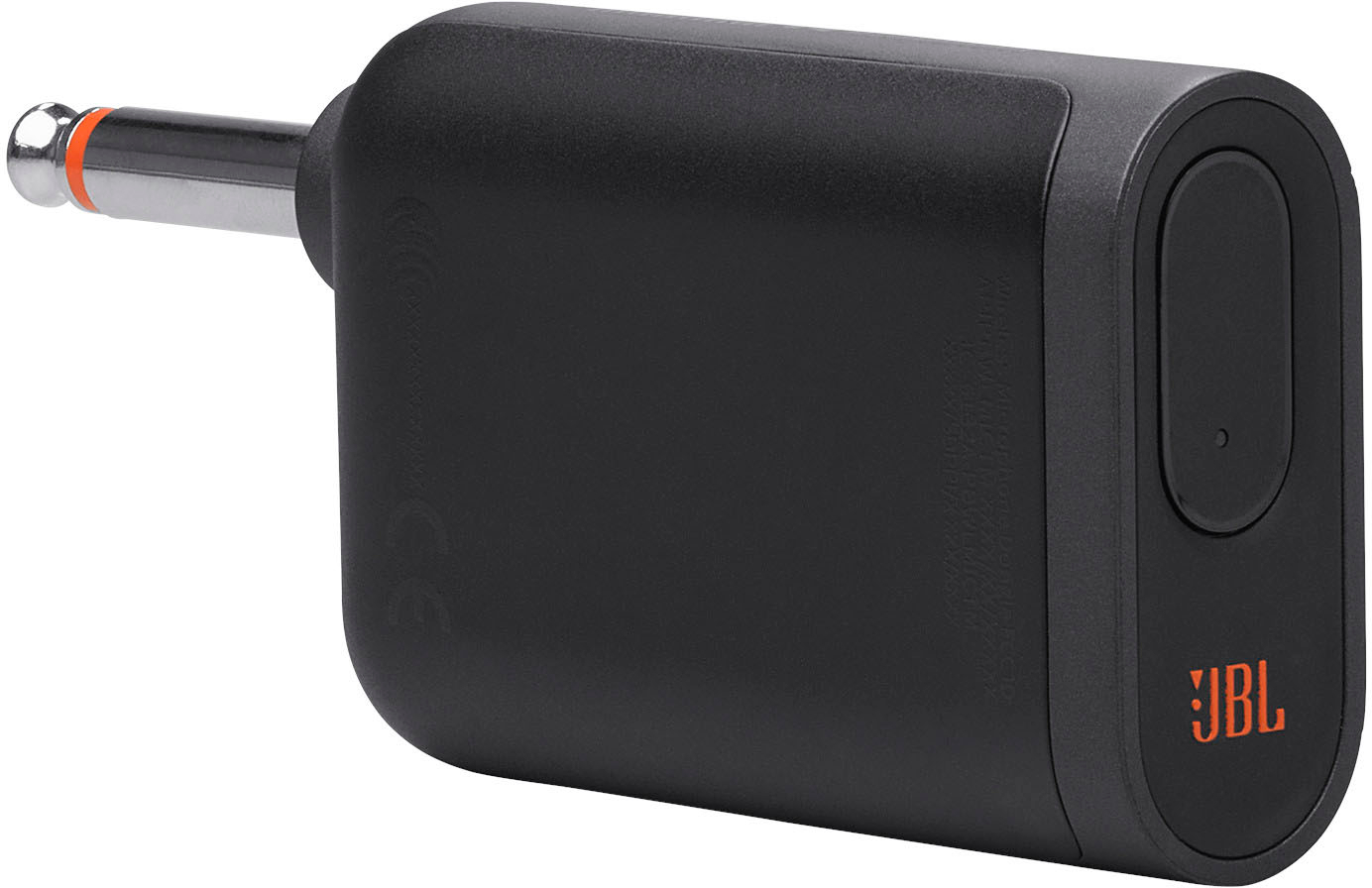
A:AnswerThanks for your inquiry. Our JBL PartyBox Wireless Microphone is compatible with our JBL PartyBox Speakers and features a 6.35mm dongle. We recommend contacting Sony for further assistance. If you have more questions about our JBL PartyBox Wireless Microphone, please reach out to our customer support.
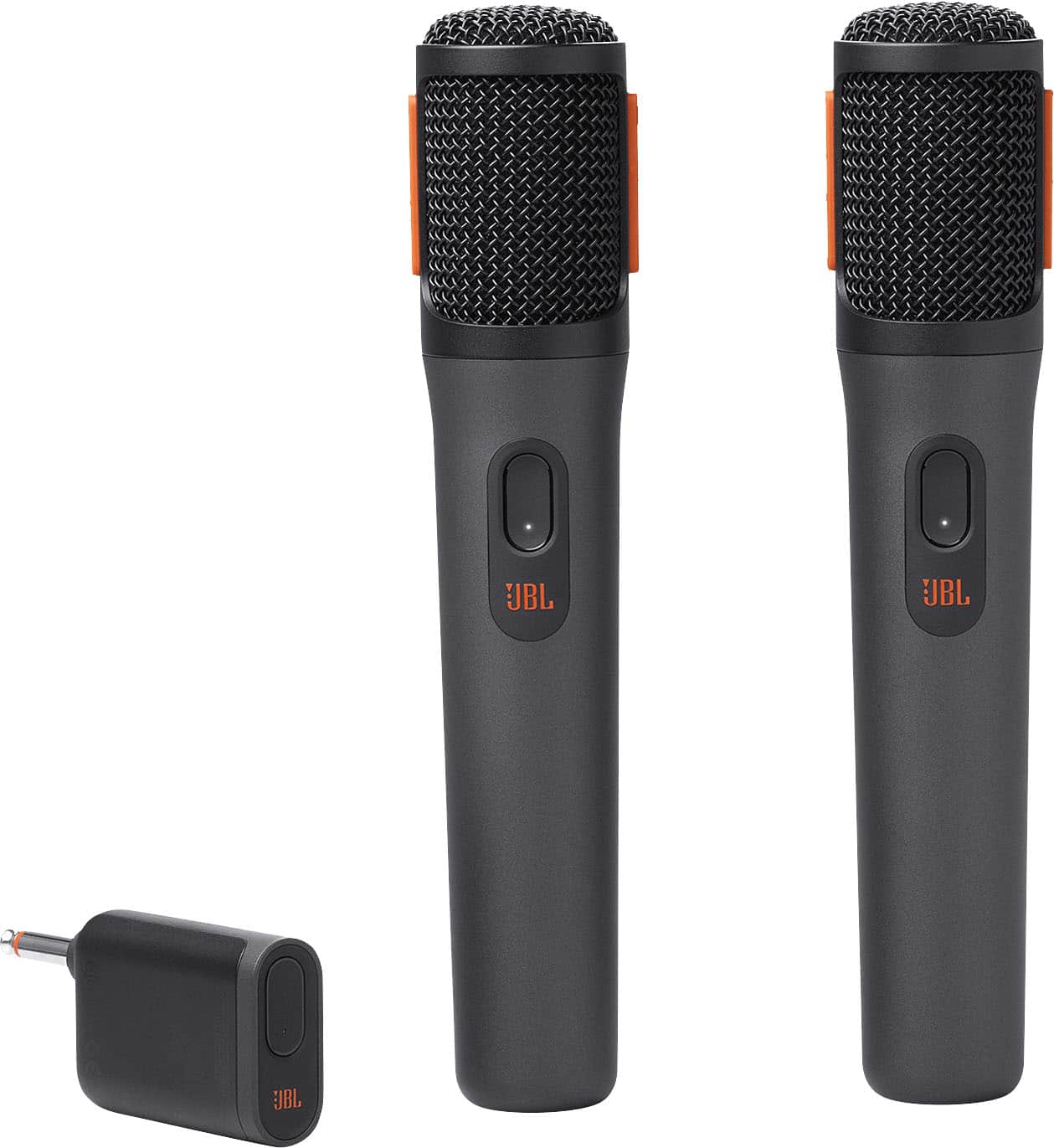
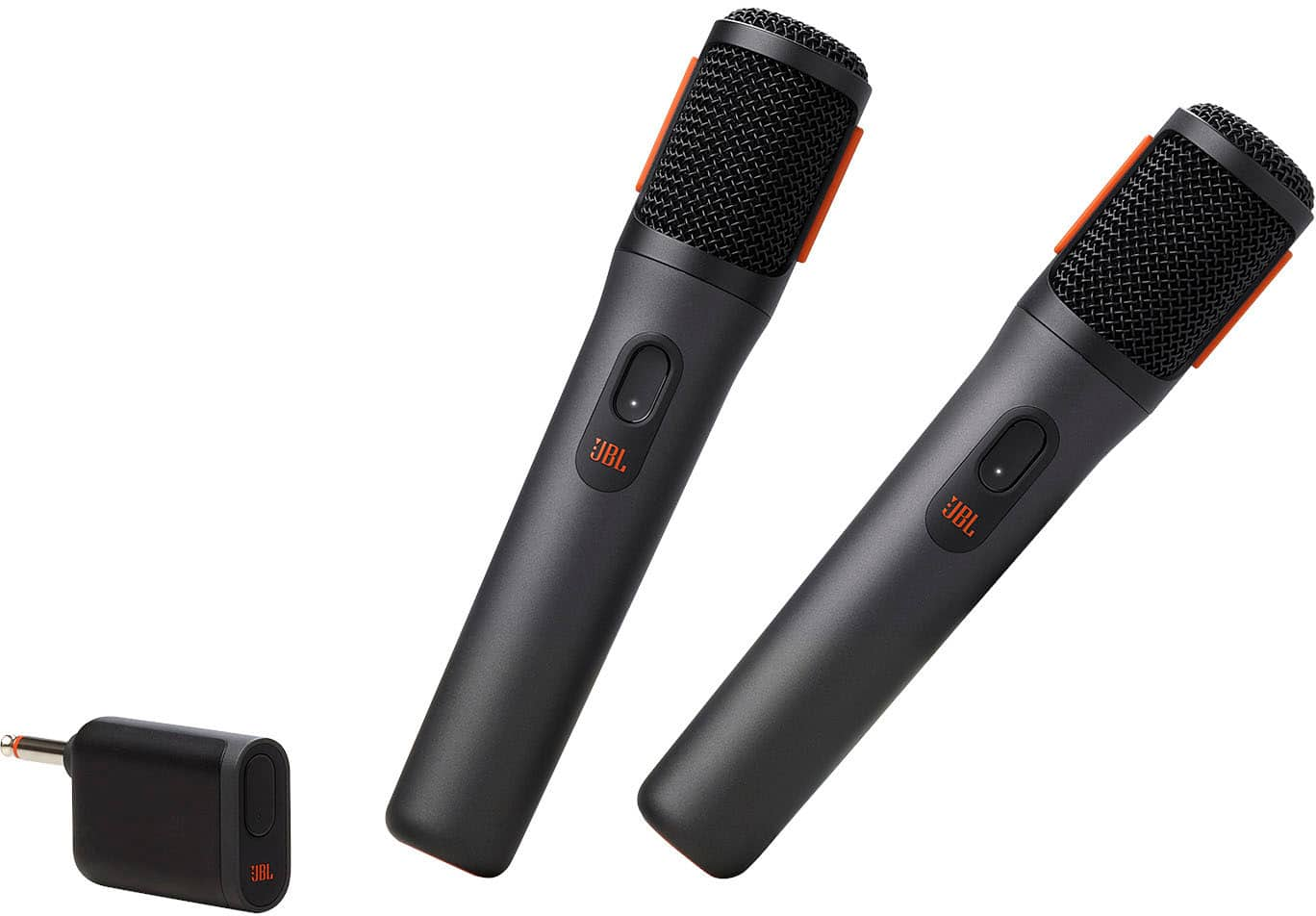
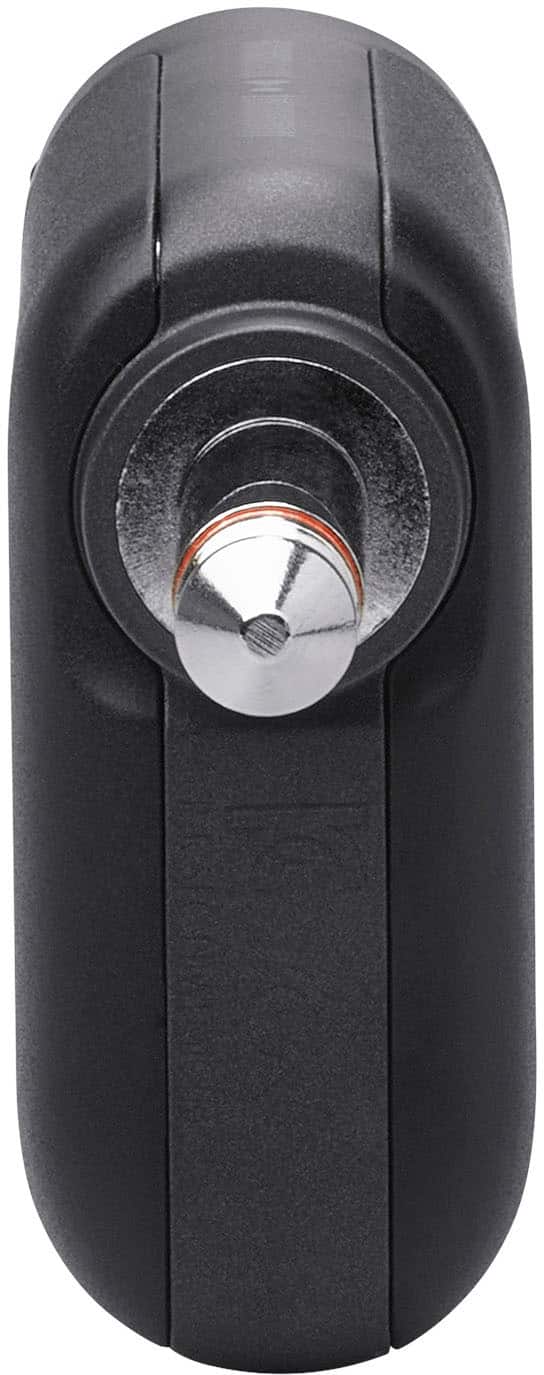
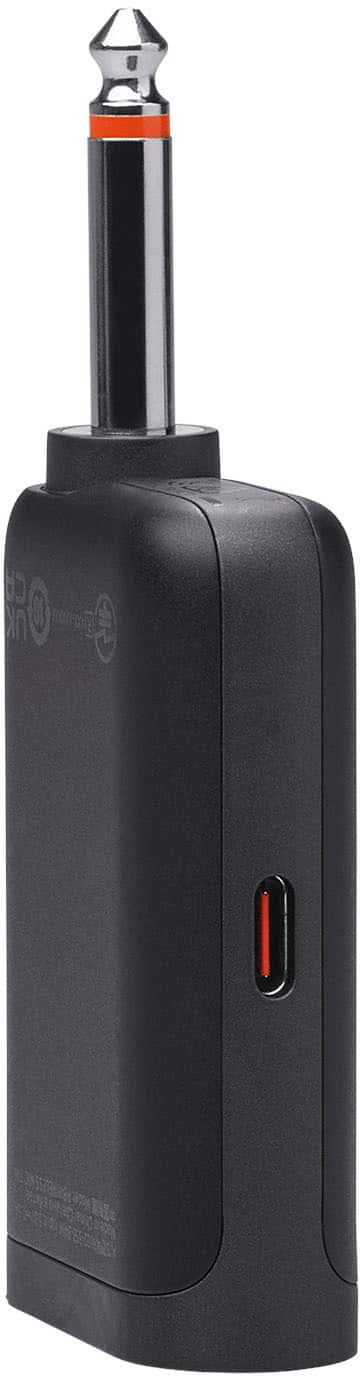
A:AnswerThank you for your inquiry. Our JBL PartyBox Wireless Mic comes with a 6.5mm dongle, allowing you to connect it to any speaker with a microphone input.
A:AnswerThanks for your inquiry. Our JBL wireless microphone is compatible with our JBL PartyBox 1000. You can connect up to two wireless microphones to our JBL PartyBox 1000 using the JBL Wireless Microphone Set, which includes a dongle that plugs into the microphone input.
A:AnswerOur JBL wireless microphone can connect to JBL PartyBox speakers as they are designed to be compatible with each other, typically through a dedicated microphone input. For connecting to Maxpower speakers or other non-JBL brands, as long as the speaker has a compatible microphone input and supports the same connection standards as your JBL microphone, it should work.
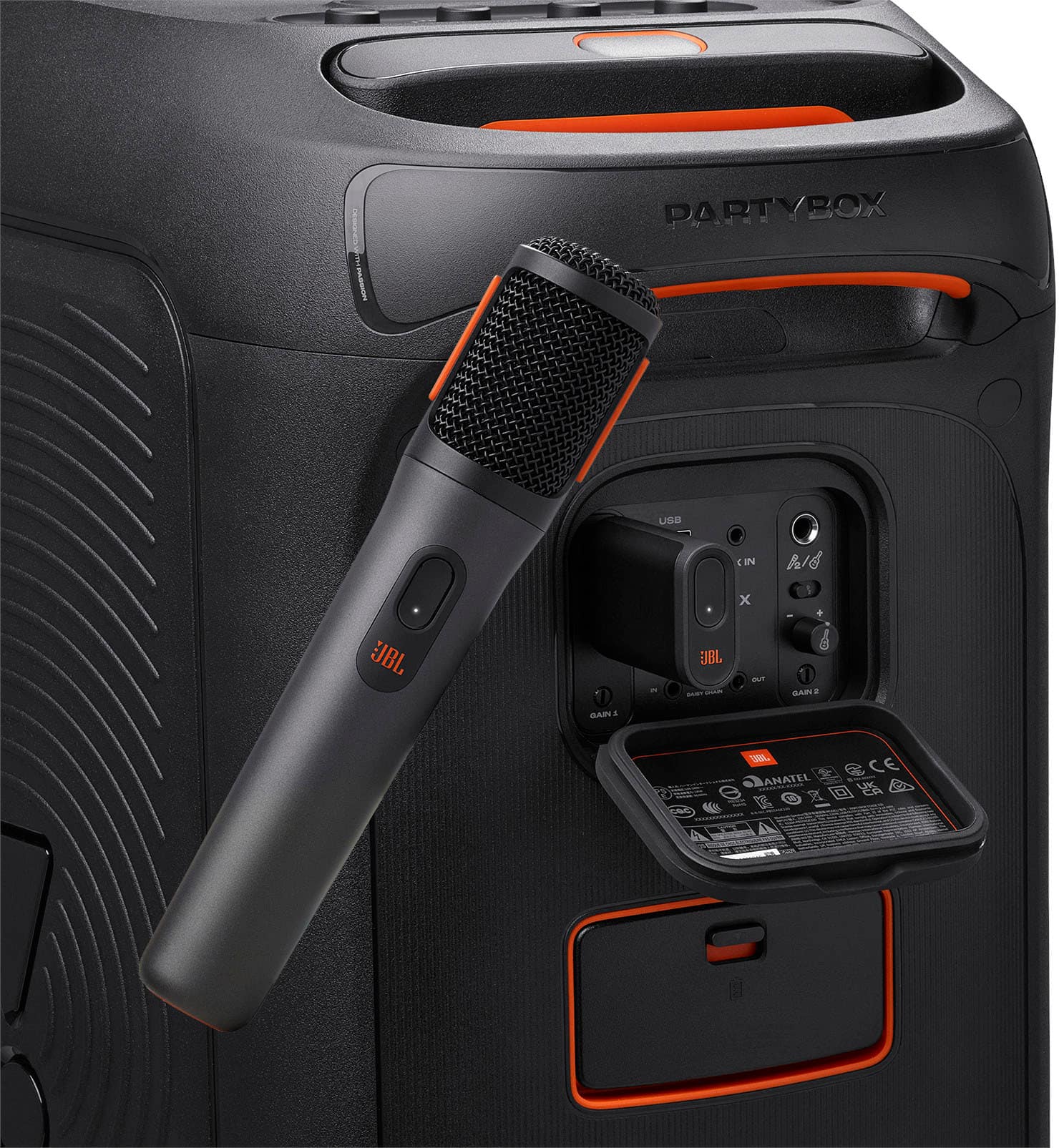
A:AnswerThanks for your inquiry. Our JBL Wireless Microphone Set is compatible with any JBL PartyBox speakers. Just plug the wireless dual-channel receiver into your speaker and turn on the mics to connect. The dongle acts as the transmitter of the wireless signal between the microphone and speaker that allows you to connect the microphone wirelessly. If you need more help, please contact us.
A:AnswerThank you for your inquiry. Our JBL Wireless Microphone comes with a 1/4-inch dongle to be plugged into a mic input. Please refer to your speaker's manual to see if it has this feature or you may contact them directly.
A:AnswerThanks for your question. Yes, the dongle of our JBL PartyBox Wireless Mic is needed to pair them to our JBL PartyBox Speakers. If you have more questions, you may contact us.
A:AnswerThank you for your question. Using two sets of JBL Wireless Microphones would cause interference since our microphones are only dual channel and the dongle will randomly choose a new channel for the microphones each time they are turned on. Even if the mics all show a different channel number, they will likely end up on the same channel which caused the interference. We recommend using a wired microphone.