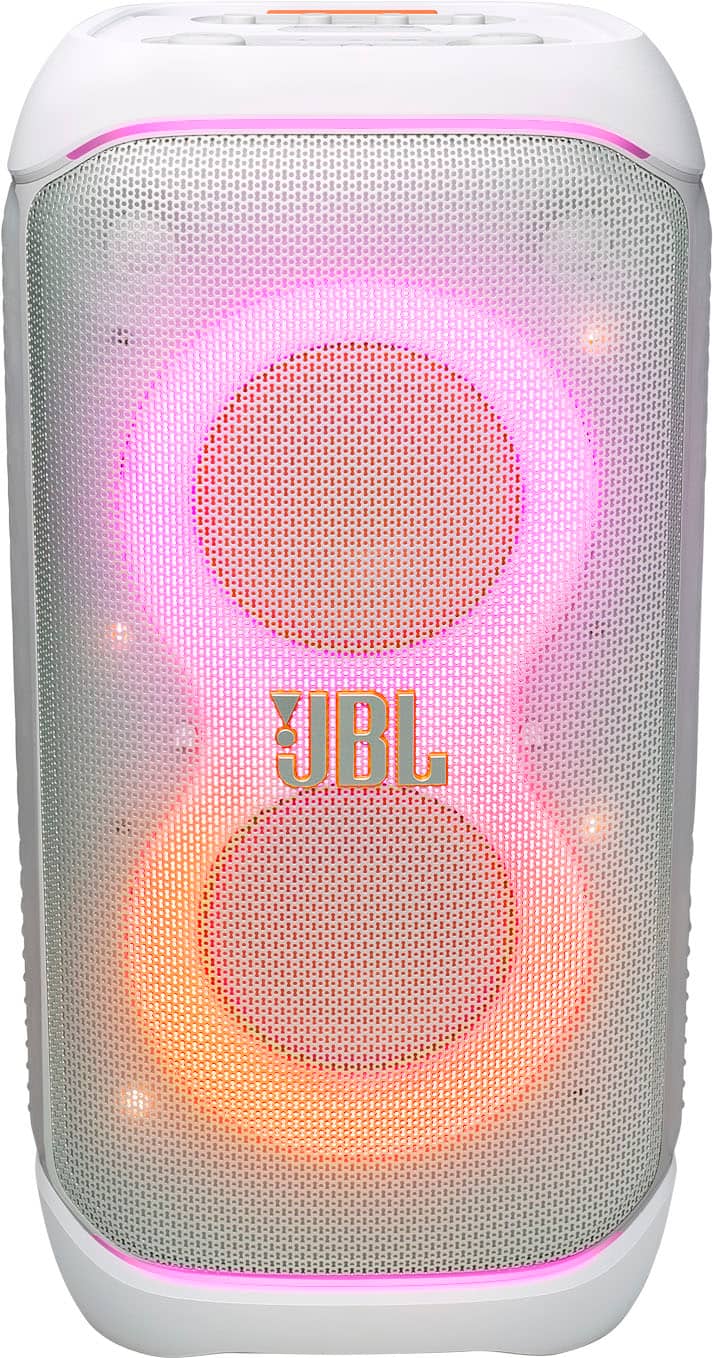
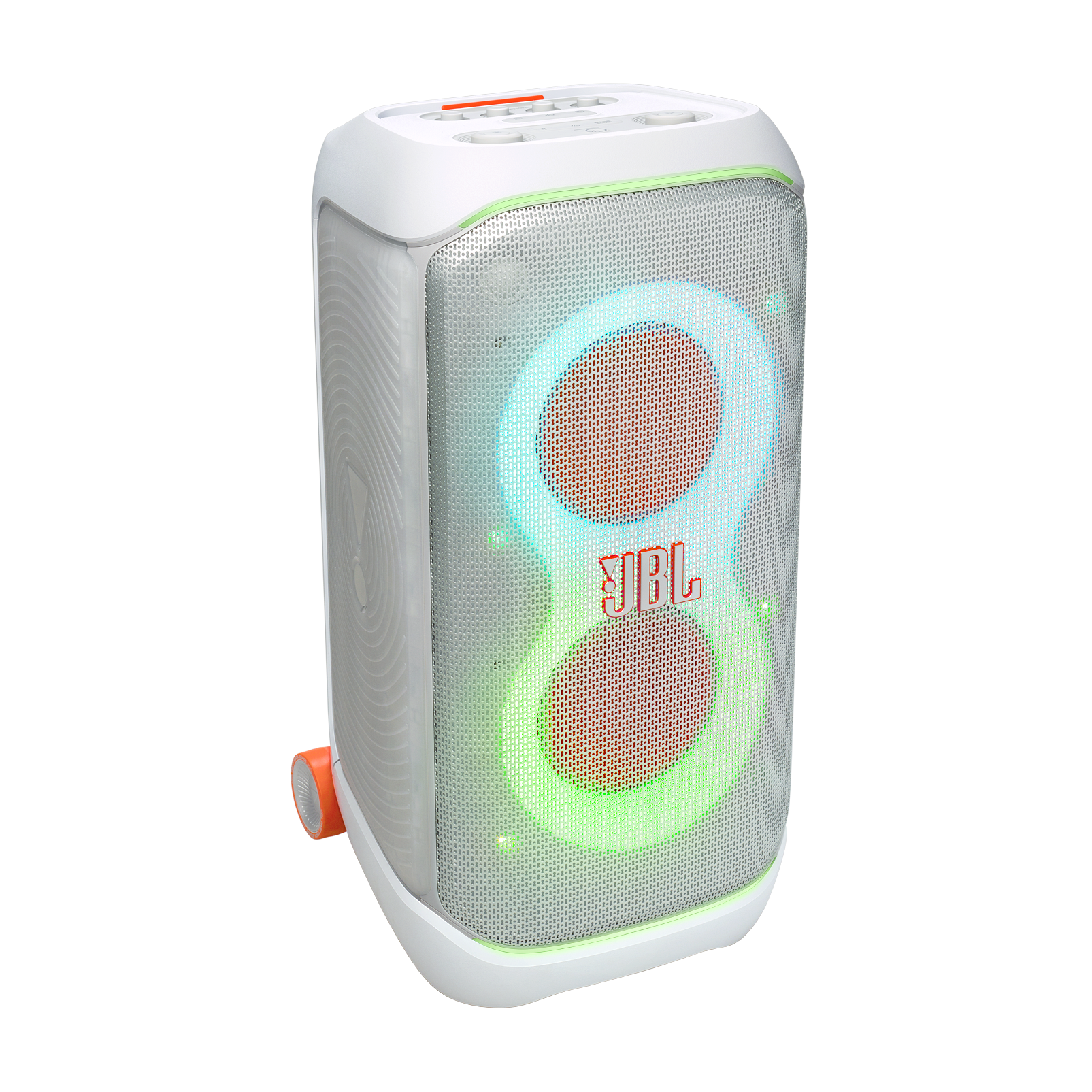
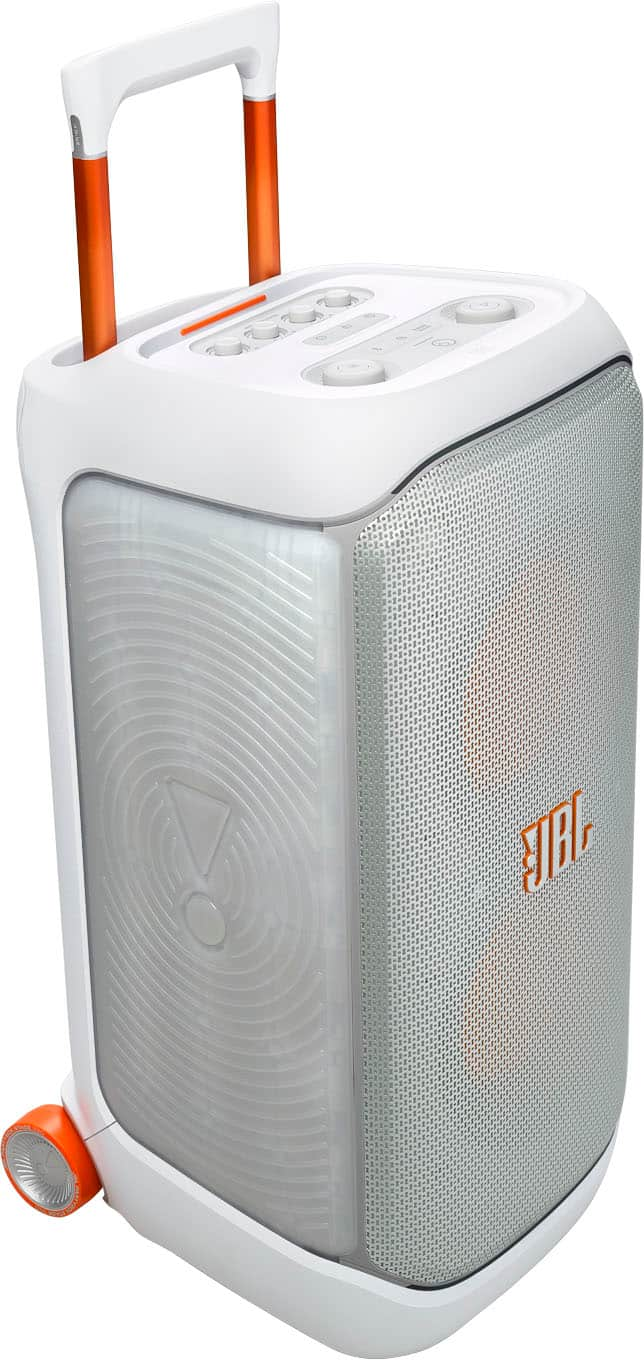
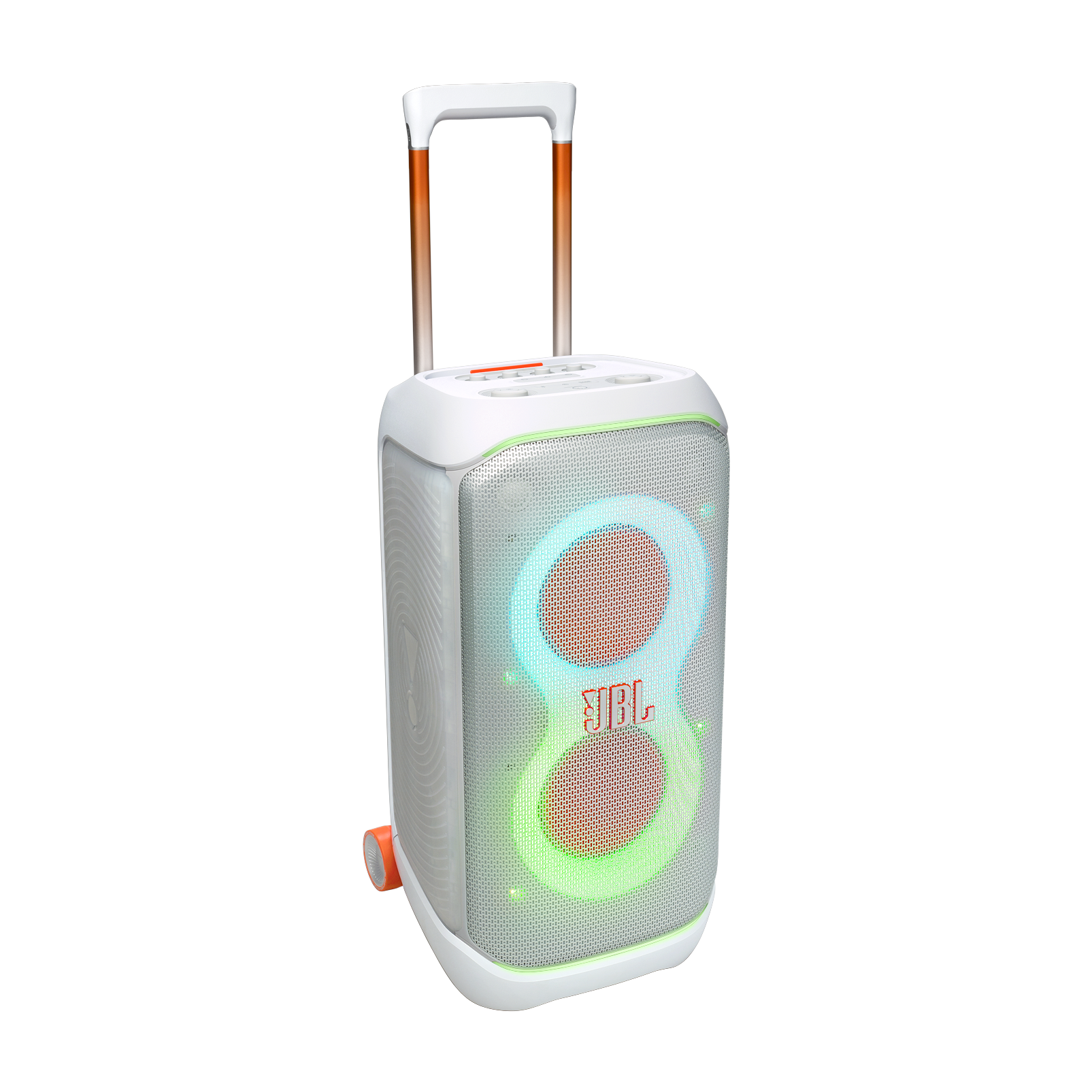
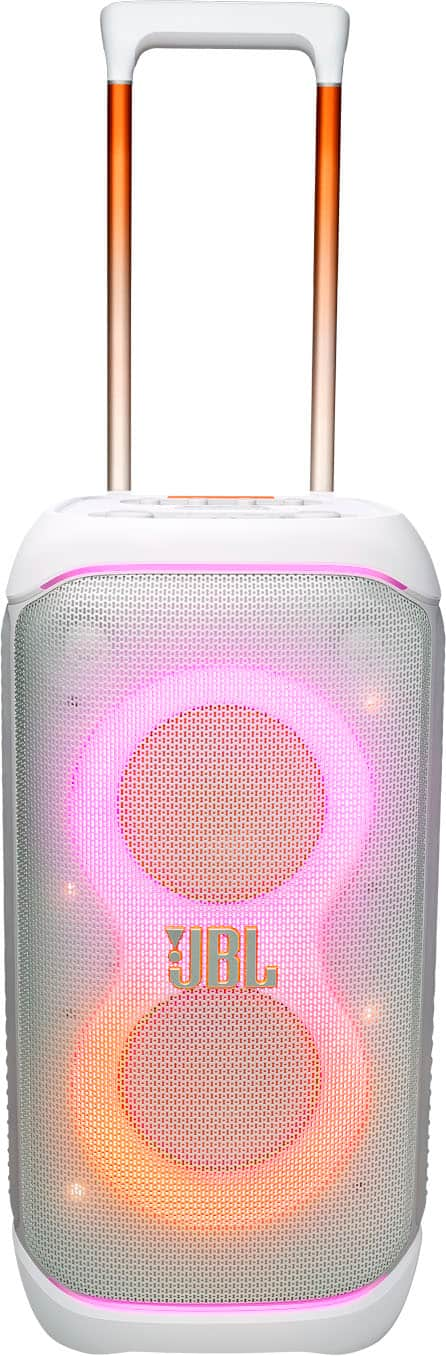
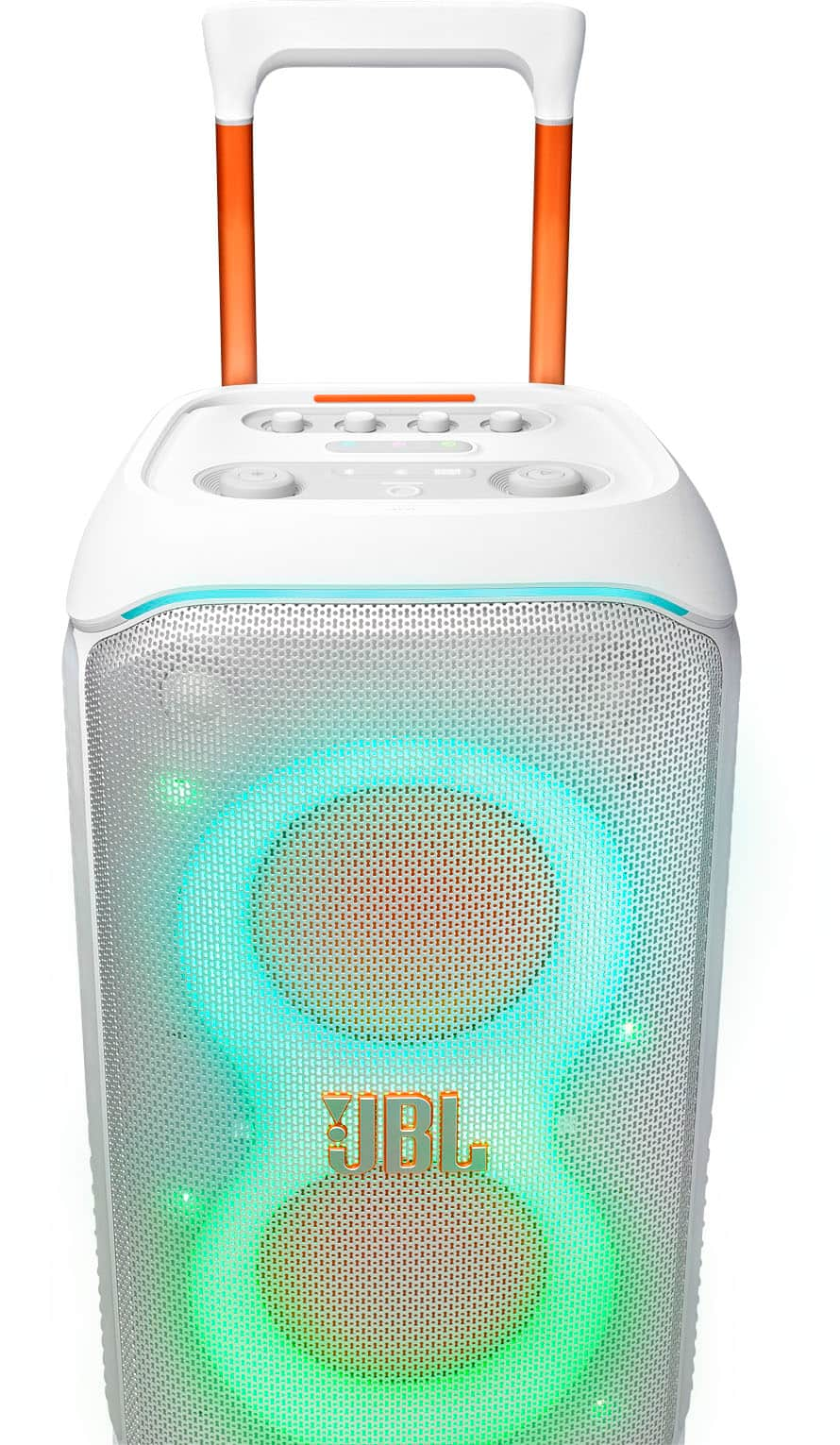
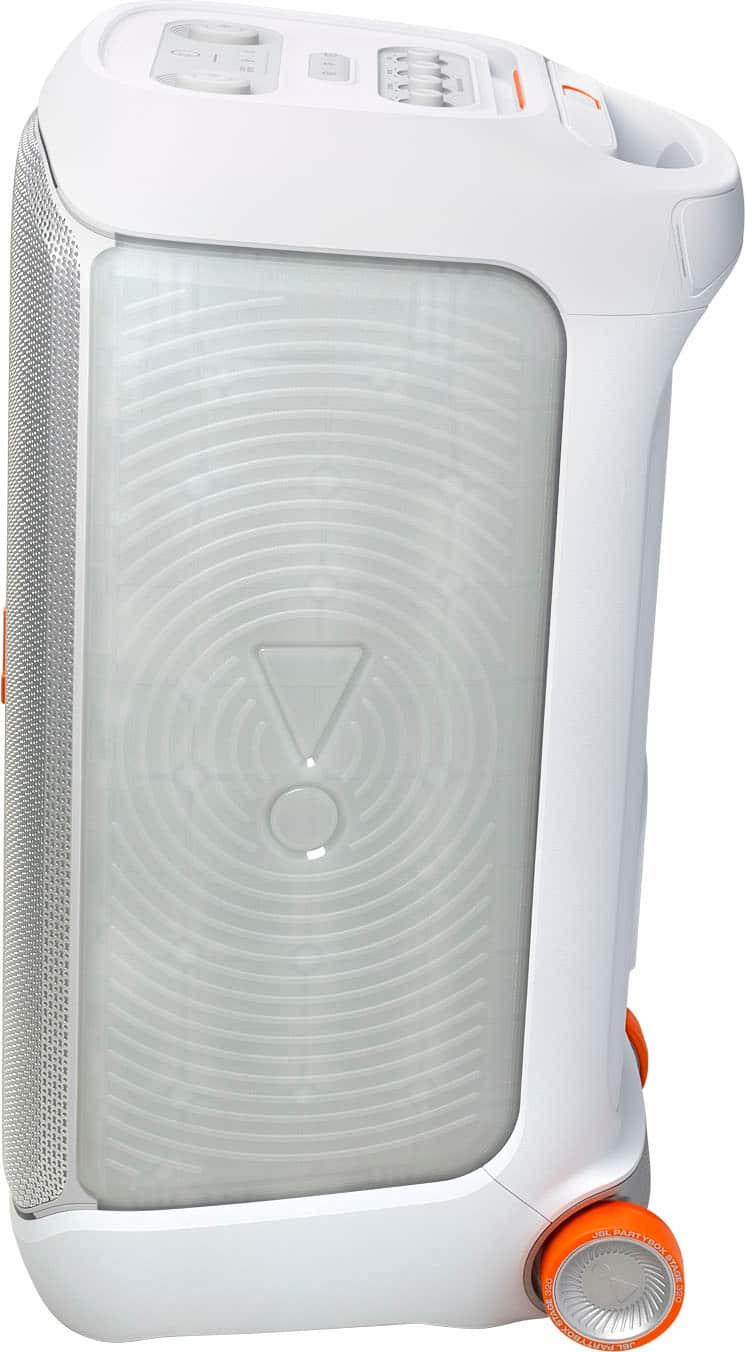
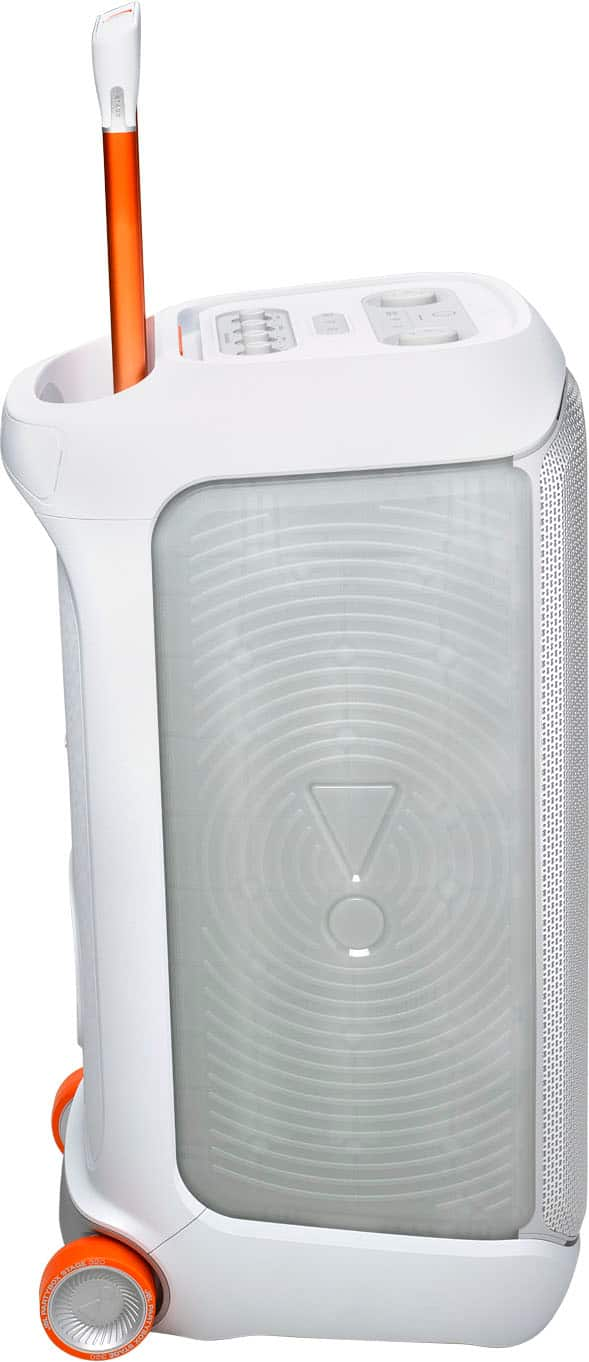
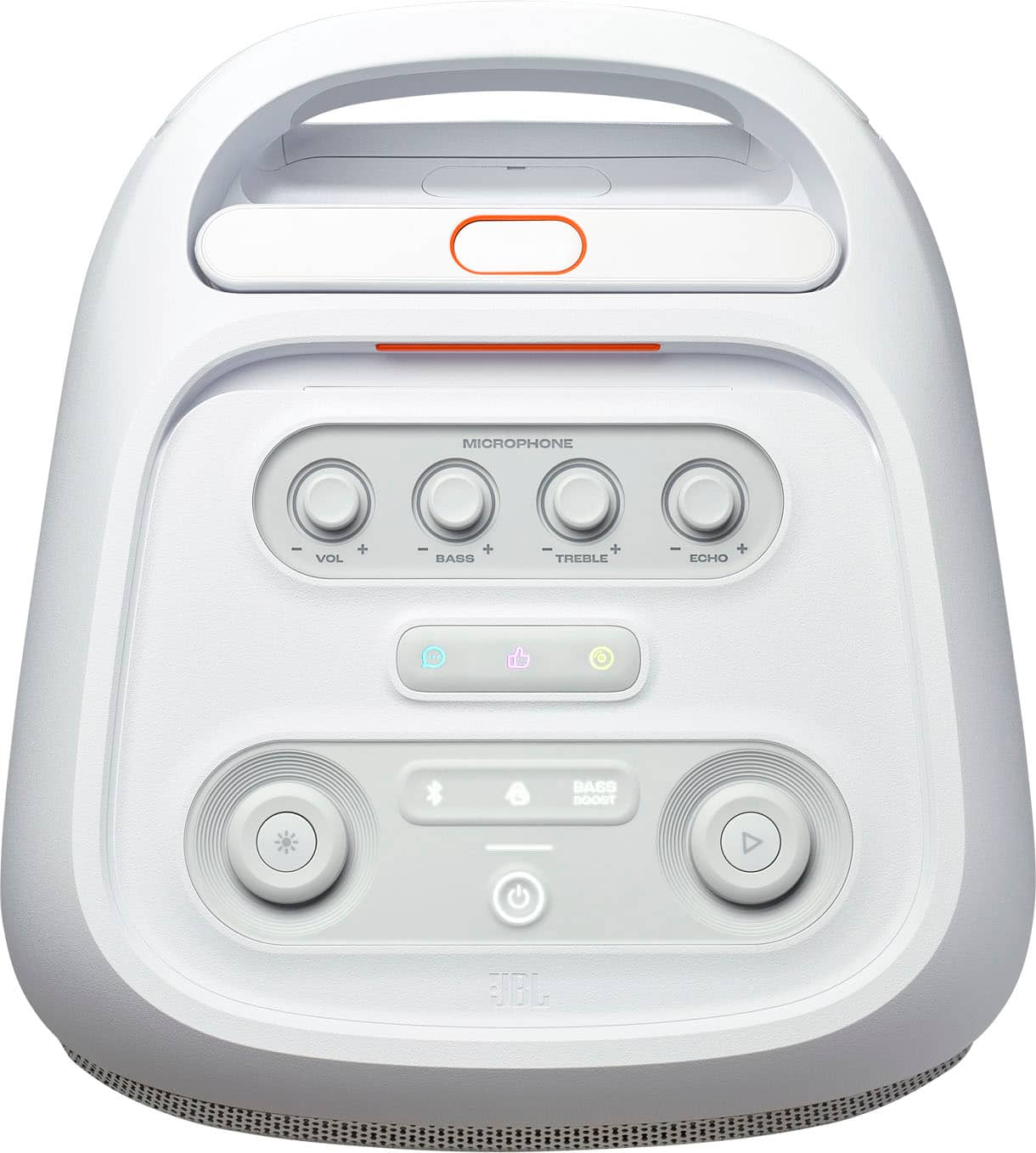
A:AnswerOur JBL PartyBox speakers plays audio files on the USB storage device from the root folder to the last level of subfolders in alphabetical sequence. Up to 8 levels of subfolders are supported.
A:AnswerThanks for your inquiry. Our JBL Stage 320 has a power input of 100 - 240V ̴ 50/60 Hz. You may check the specifications of the power generator to see if its compatible.
A:AnswerYou'll need to get a multi-channell wireless microphone transceiver system. JBL sells one that works well:
https://www.jbl.com/partybox-speakers/PARTYBOX-WIRELESS-MIC.html
A:AnswerThank you for reaching out. Yes, our PartyBox Stage 320 can be placed on speaker stands. Please ensure you use stands that are appropriately rated to handle the weight of the speaker.
Considerations:
-Installation must be done by qualified persons using safe rigging
standards.
-The installer is responsible for the proper selection and use of mounting
hardware to properly and safely pole-mount the speaker.
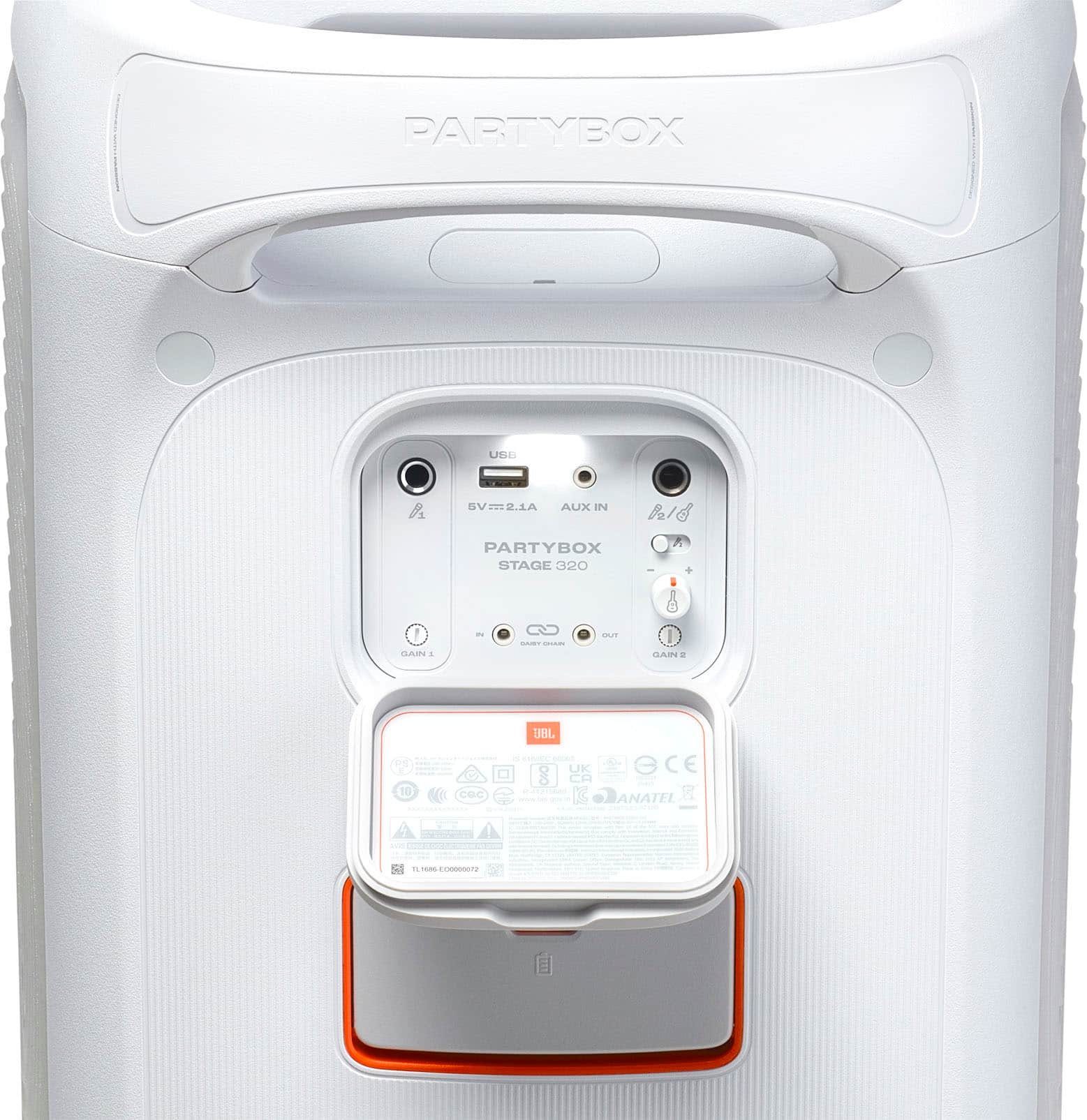
A:AnswerThank you for your question. Yes, you can hook up our JBL PartyBox 320 to either PC or Mac using the aux-in port or Bluetooth. Use the Auracast ( the Triangle button) on both units to play music in stereo output.