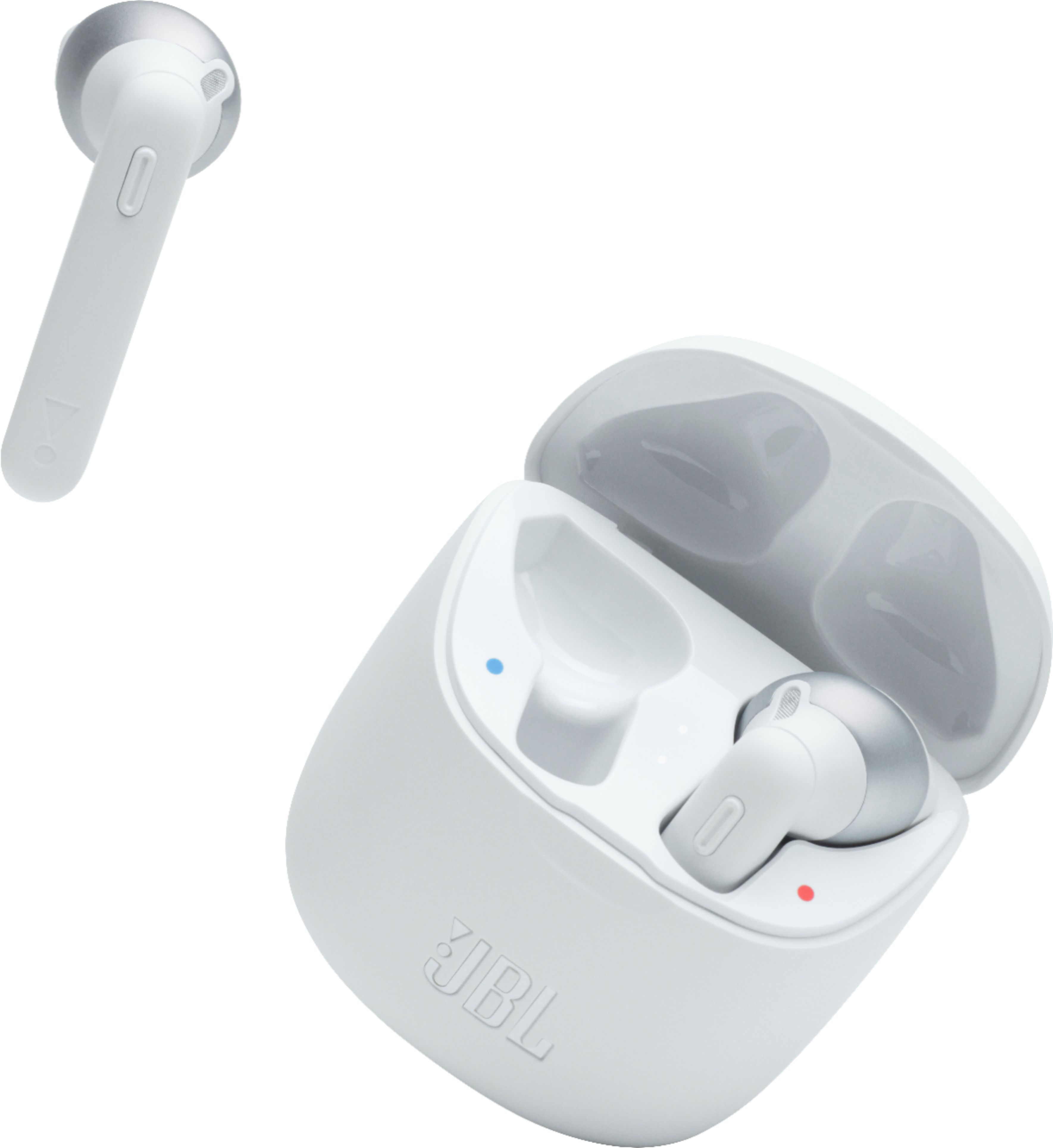
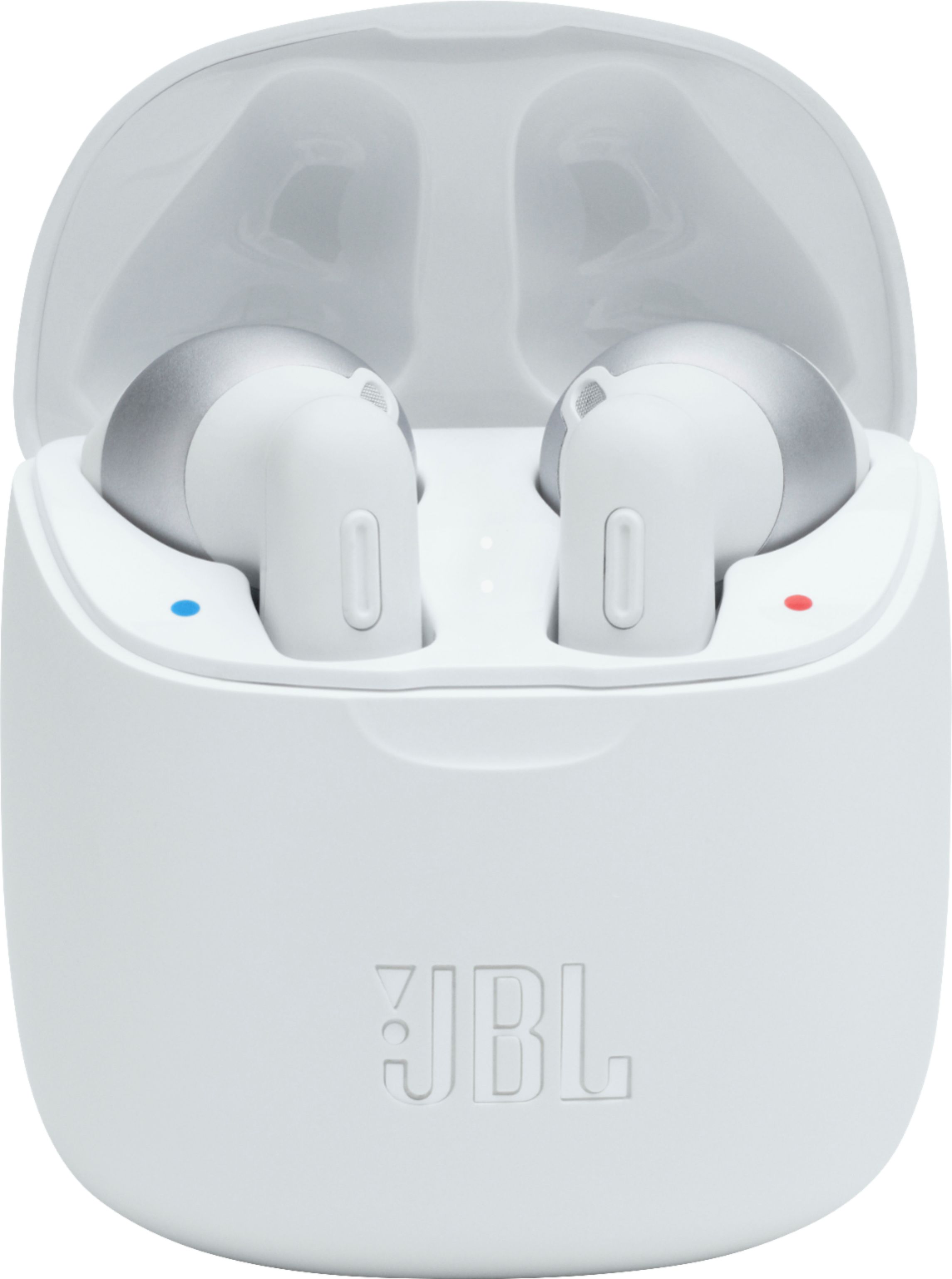
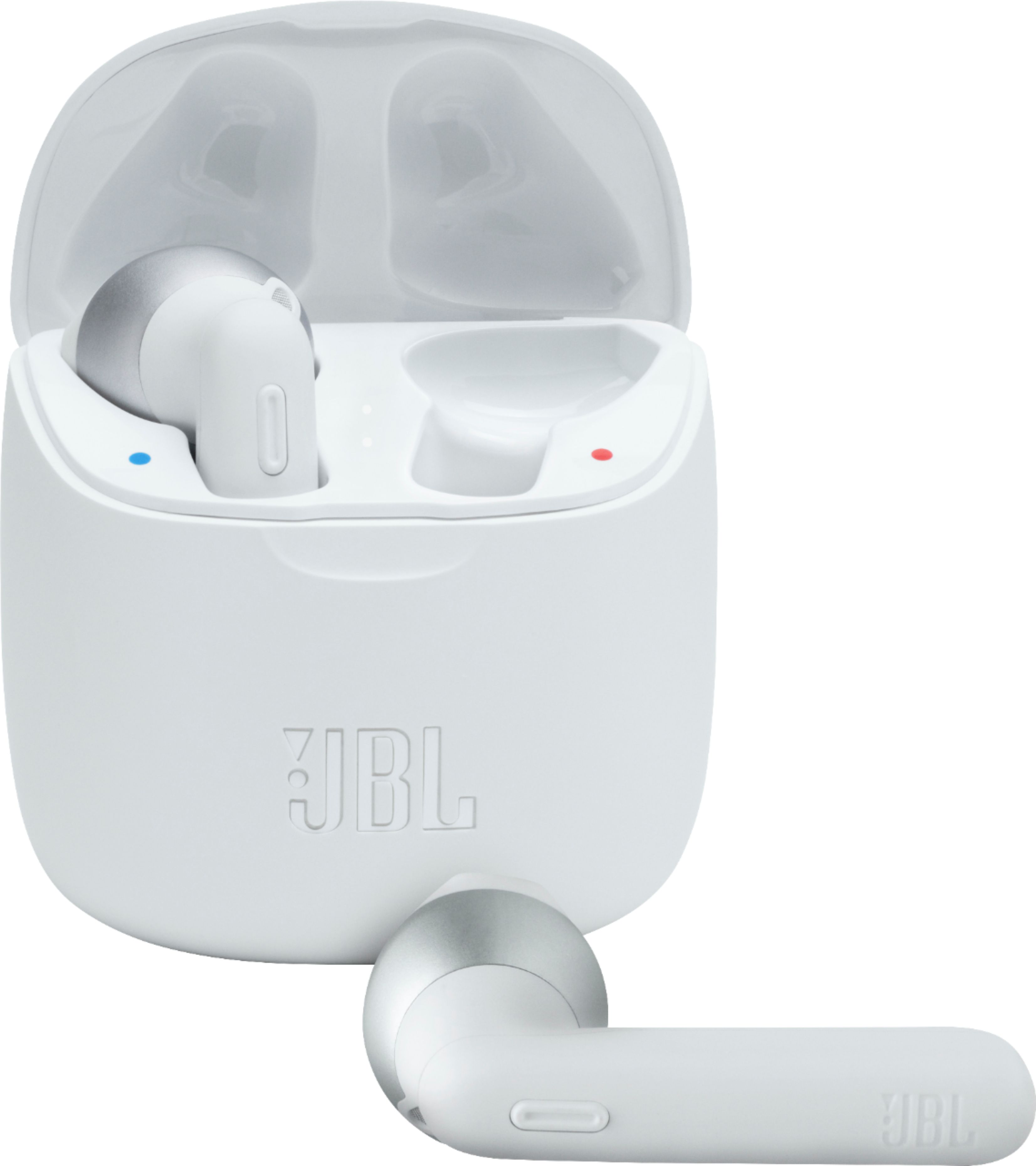
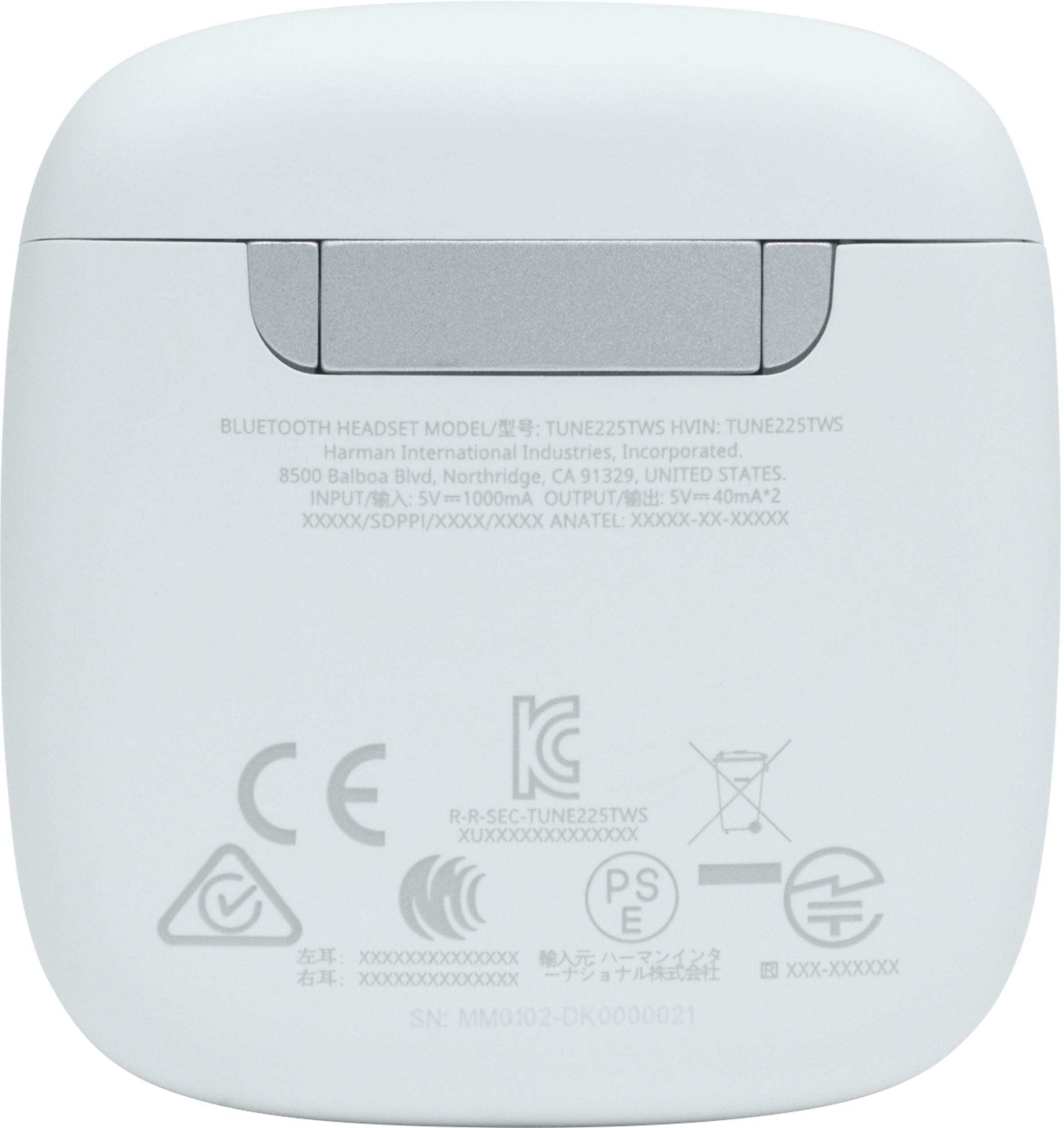
A:AnswerThanks for reaching out. Our JBL Tune 225TWS doesn't have GPS technology usually found on mobile phones as well as the 'Bluetooth tracker' technology that will allow you to locate the device if in case it gets lost. Please visit our website to get more information about this product. https://bit.ly/3eY1rNq
A:AnswerThanks for reaching out. Our JBL Tune 225TWS isn't recommended to be used with your TV as you may experience audio/video delays. Our Bluetooth Headphones are designed for listening to audio/ music. Please visit our website to get more information about this product. https://bit.ly/3eY1rNq
A:AnswerBoth are similar in design and function. Our JBL Tune 225TWS has touch controls while the Tune 125TWS doesn't. Both have Bluetooth 5.0 and both earbuds can be used independently. Please note that these earbuds can connect to one only one source at a time.
A:AnswerOur JBL Tune 225TWS earbuds are sold in pairs. A single purchase of earbud is not available. To order a new pair, You can contact our Customer Support for further assistance via (800) 336-4525. Our lines are open from Mon - Fri: 9:00 am - 11:00 pm (EST) and Sat-Sun: 9:00 am - 5:00 pm (EST) or visit our website at https://bit.ly/3r5oWYM
A:AnswerHello I am answering this question because when I take them off the ear they don't pause automatically I don't if is a problem or not but if can anyone answer I will be thankful, (jbl 225 tws)
A:AnswerOur JBL Tune 225TWS isn't recommended to be used for your TV as you may experience audio/video delays. Our Bluetooth Headphones are designed for listening to audio/ music.
A:AnswerWe're sorry to hear about what happened. Please try to manually pair the unit by pressing both dedicated buttons 3 times of the earbuds. You can also reset the unit to check if this can help fix the problem:
Place both ear pods in the charging box, while the charging box is plugged into a power source.
Press and hold the button on the Right pod for about 5 seconds. The LED on the pod will turn off and then turn back on again. This restores to factory default. (Please note that charging must take place for reset to work.) It also may be necessary to remove or forget the earbuds from the list of paired Bluetooth devices in order to pair again.
If the problem persists, please contact us, so we can assist you in checking your options: https://support.jbl.com/us/en/#call
A:AnswerOur JBL Tune 225TWS has a maximum Bluetooth range of 10 - 15 meters, with no large objects blocking the line of sight. A distance farther than that would pose signal deterioration.
A:AnswerOur Tune 225TWS isn't recommended to be used for your TV as you may experience audio/video delays. Our Bluetooth Headphones are designed for listening to audio/ music.
A:AnswerThe Bluetooth range varies. However, you should get up to 10 meters when using the product indoors. If you are using the headphones outside, conditions vary based on surroundings and body mass. For the best connectivity results, please make sure that the device you are paired to is in the front of your body.
A:AnswerOur JBL Tune 225TWS doesn't have the capability to pair with a Bluetooth microphone. It is compatible to be paired and connected with devices like mobile phones, tablets, and laptops for streaming or listening to music.
A:AnswerWe appreciate the feedback you've provided to us. Our products have a one-year limited coverage provided that it meets the terms and condition of our warranty. Our customer support could help you with checking your options. We're here to help: https://bit.ly/36JTBlN