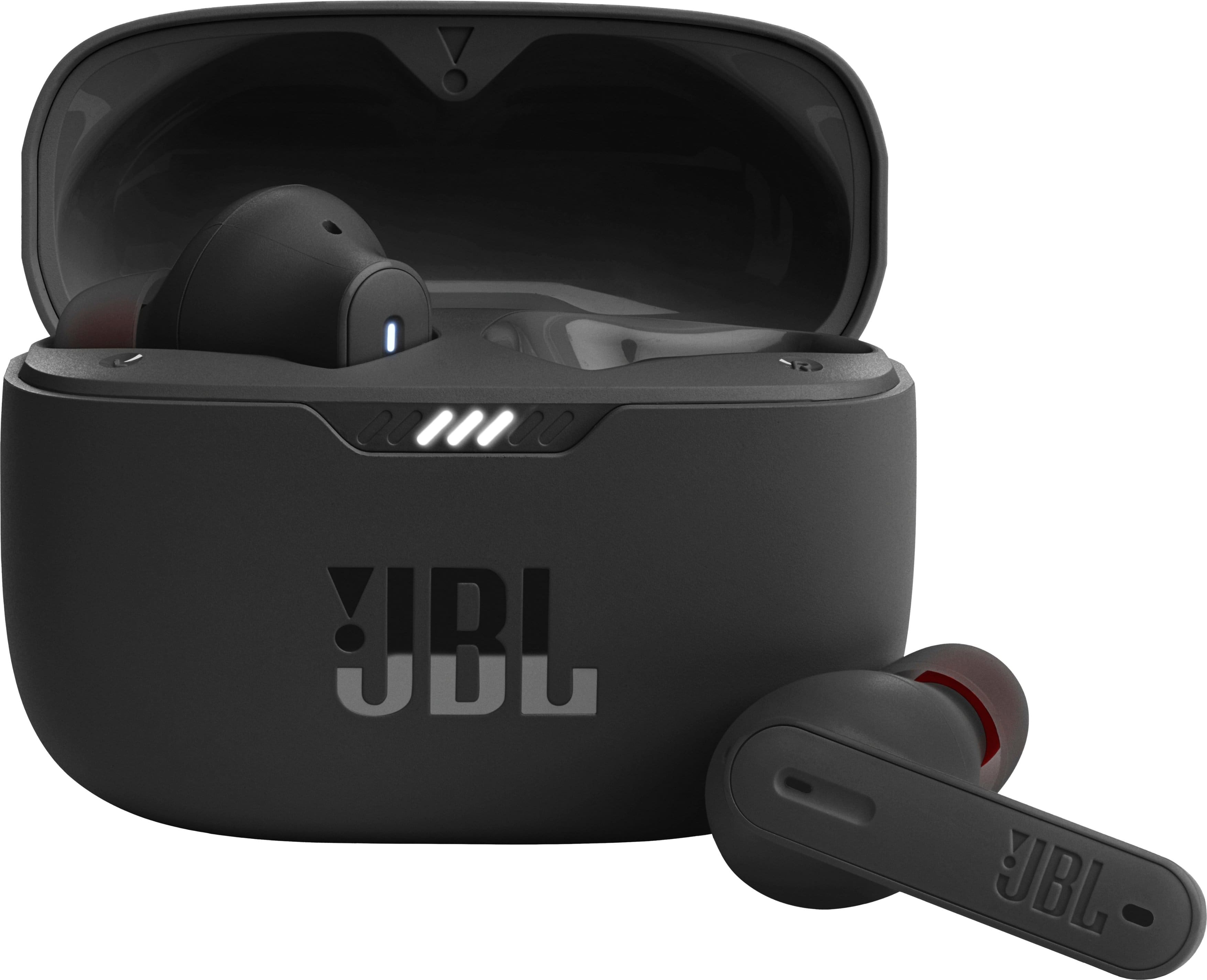
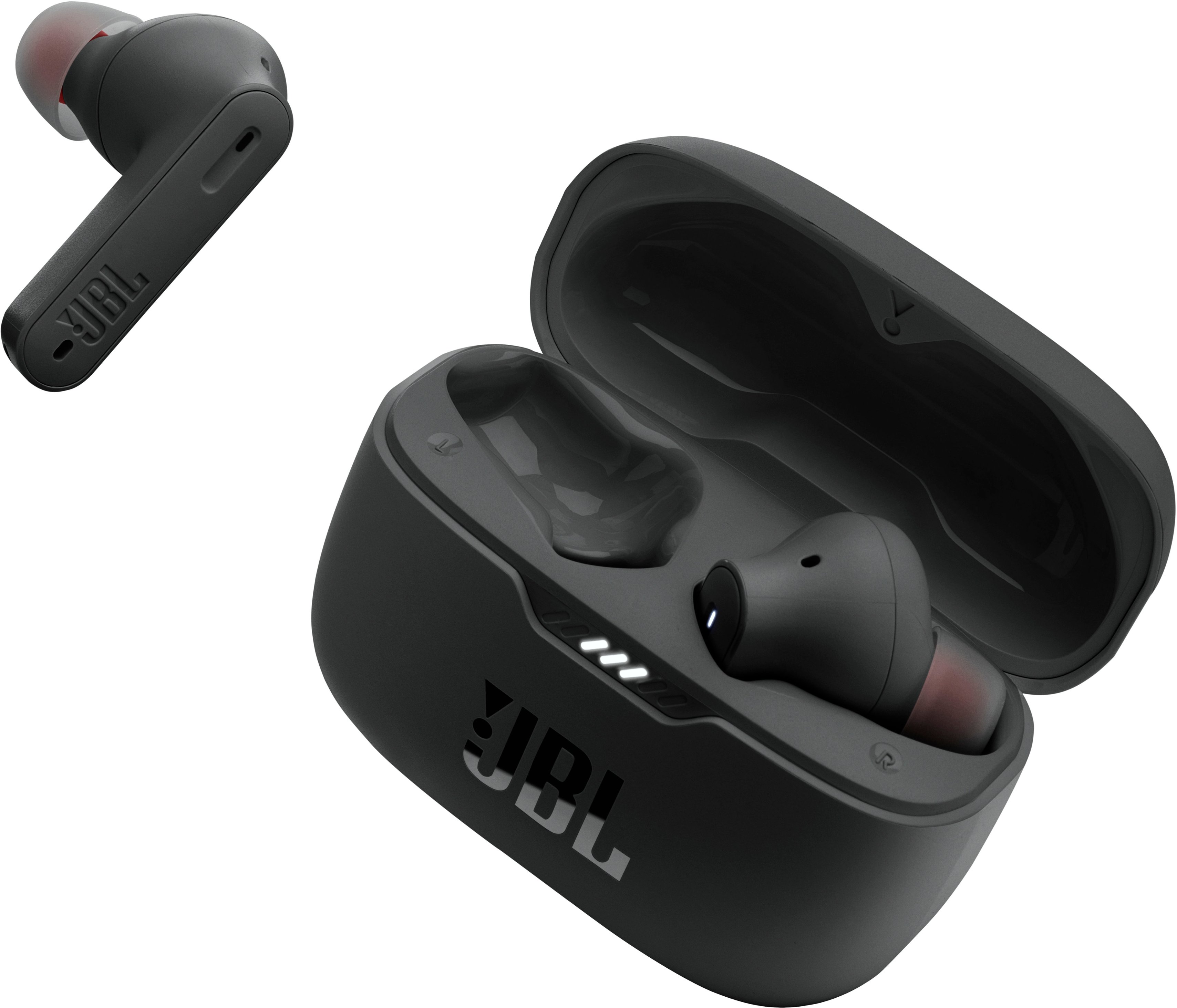
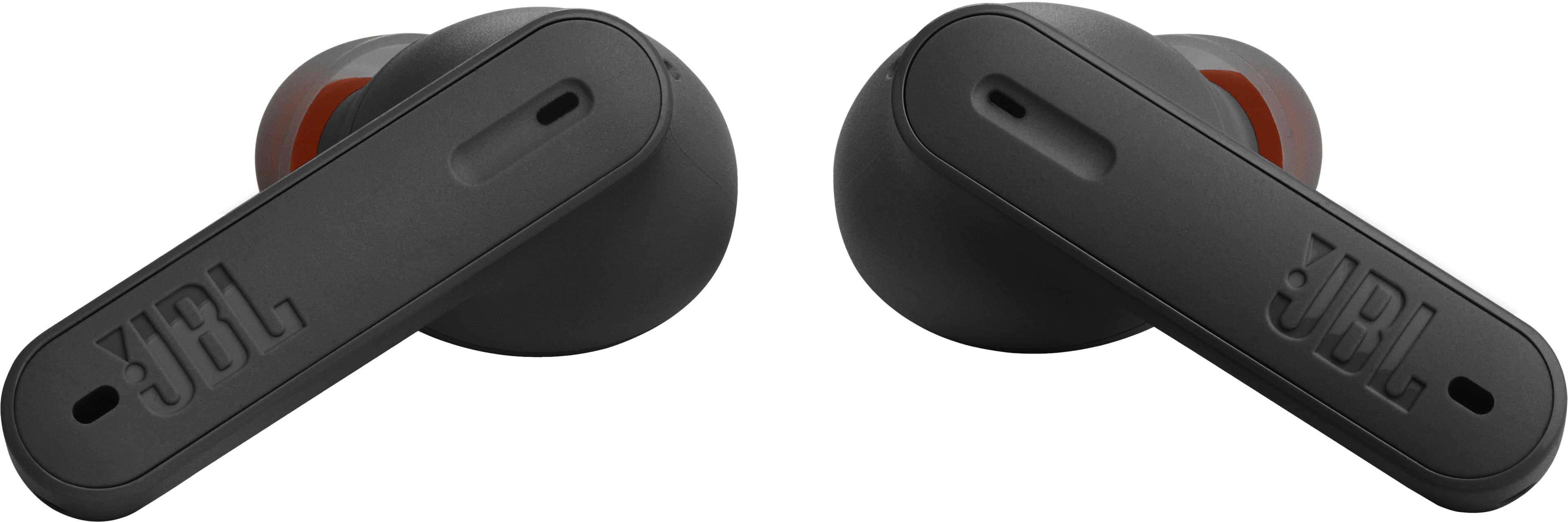
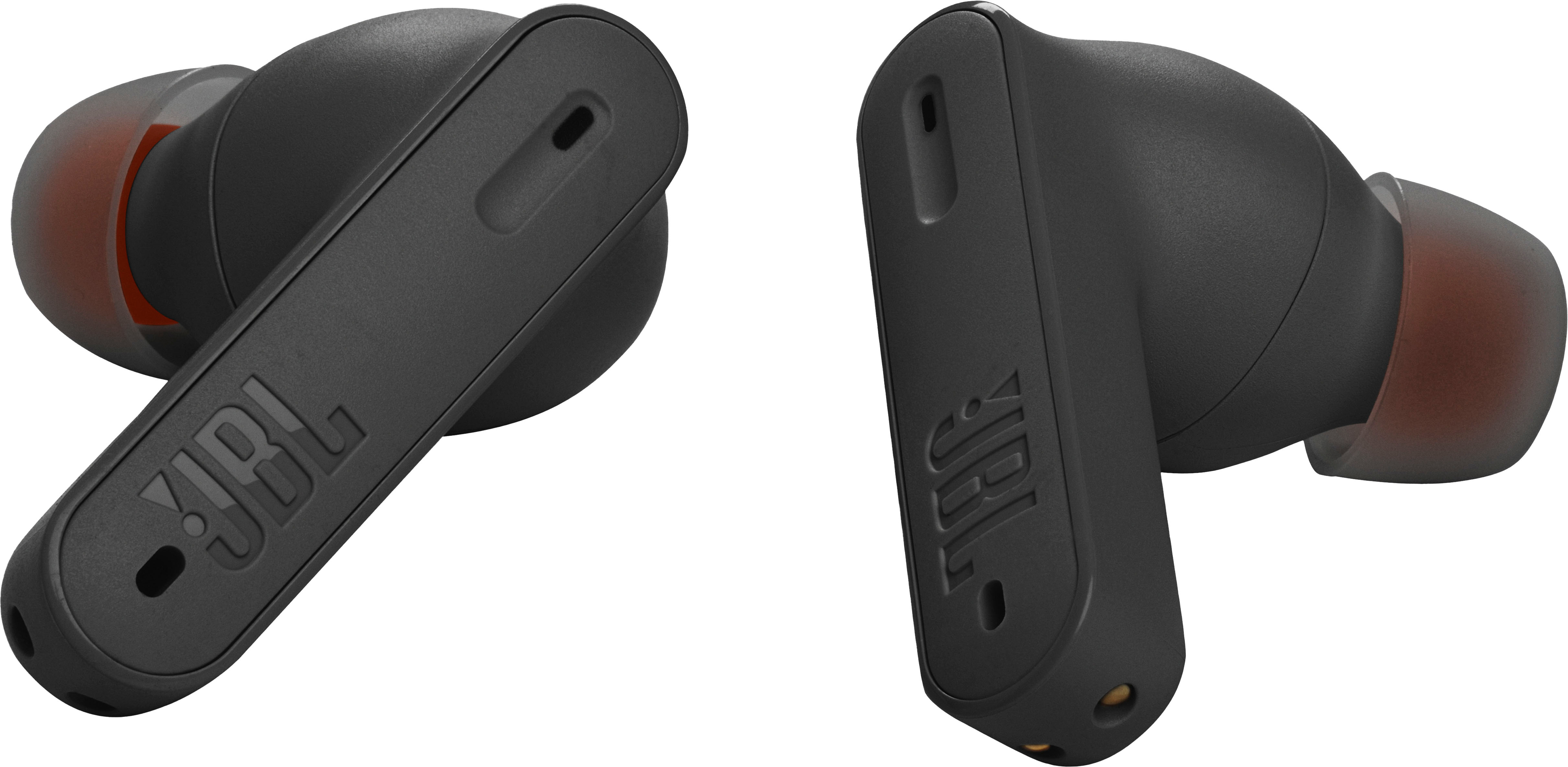
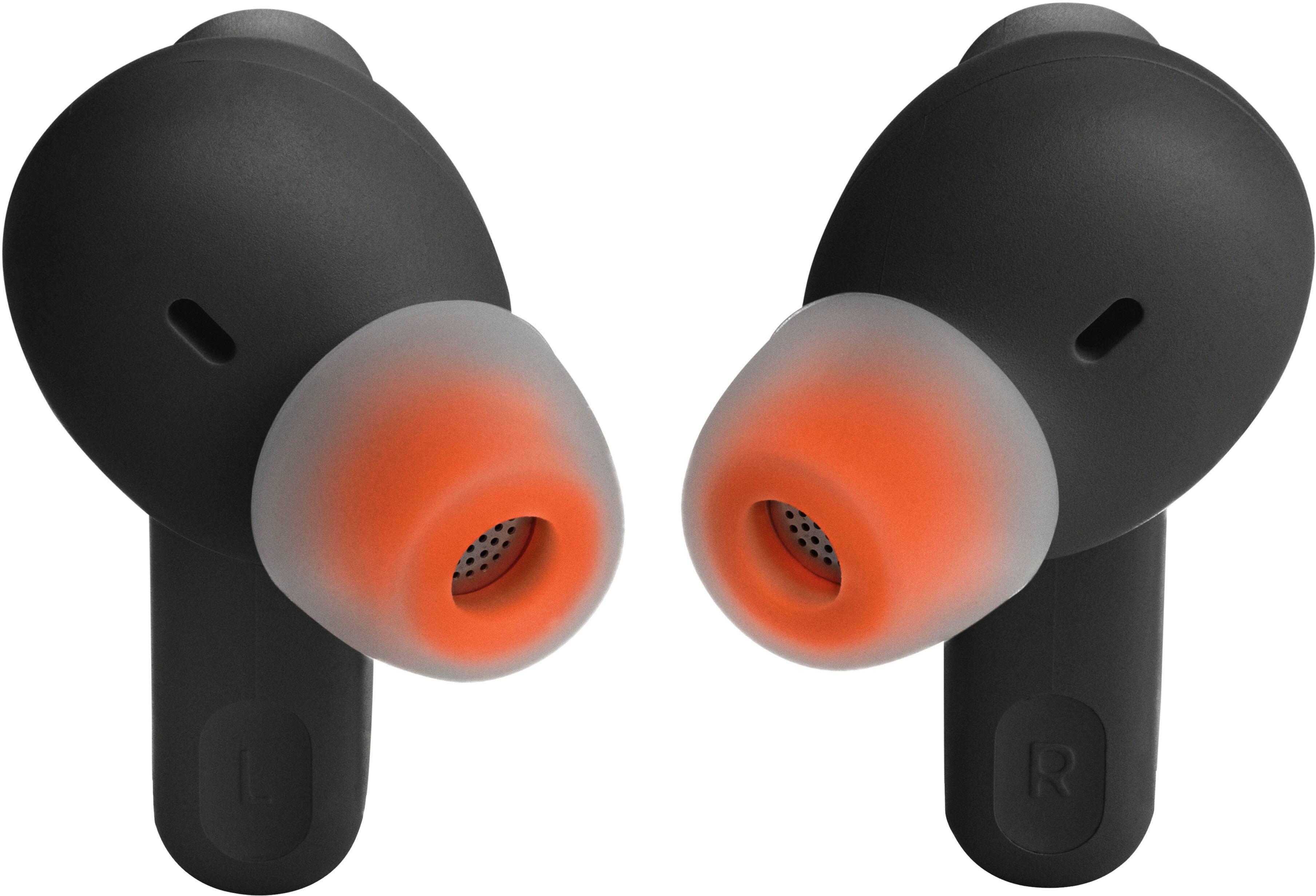
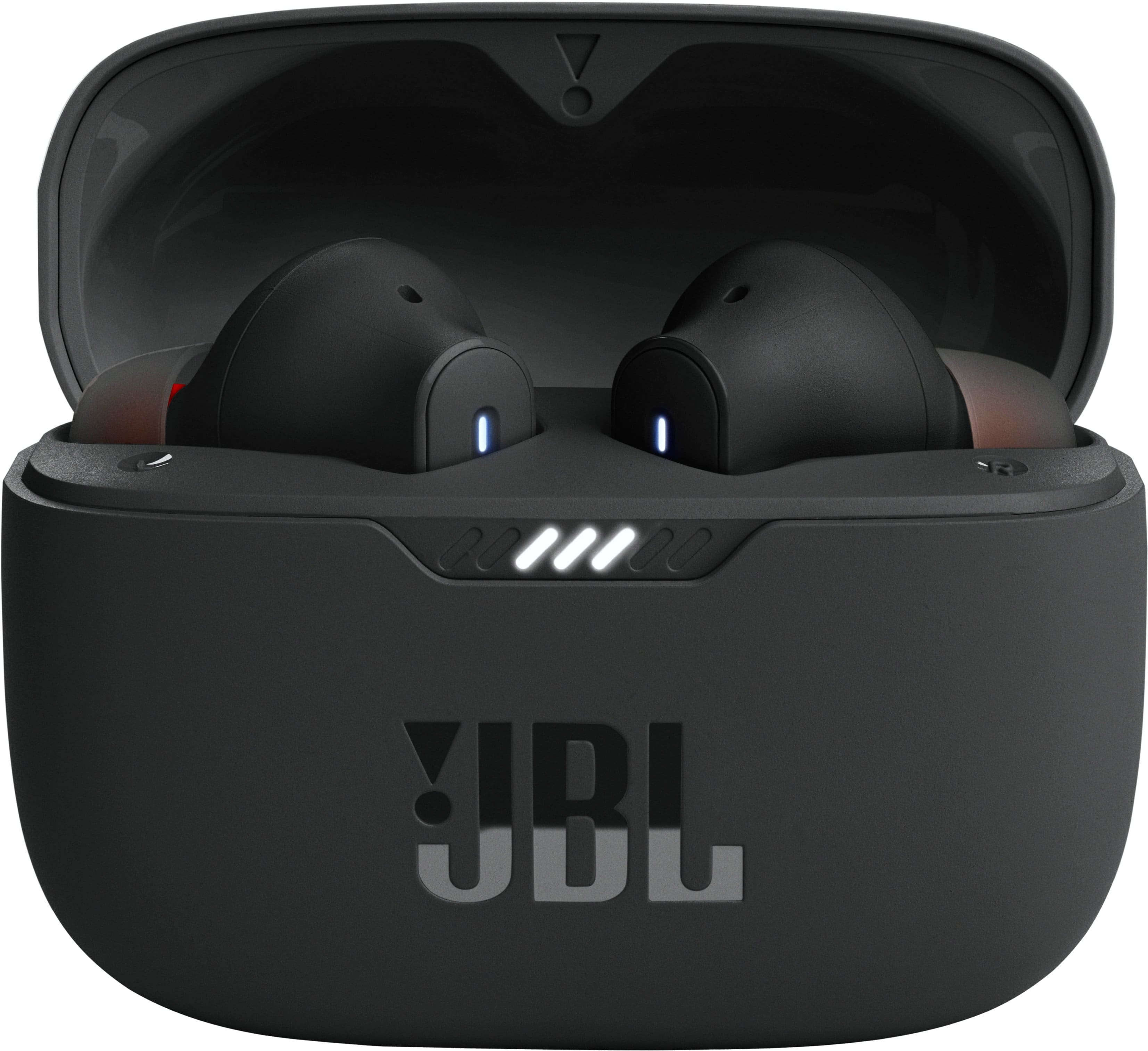
A:AnswerOur JBL Tune 230 NC TWS' earbuds can't power on without the case but you have an option to disable the power saving feature using the JBL App to avoid switch off the earbuds without the case.
A:AnswerWe're here to help with your JBL Tune 230NC TWS. Please try to manually pair both earbuds by tapping the left and right buds at the same time. If the earbuds are disconnecting from each other, please check that both of the earbuds have been charged to ensure continuous connection. Lastly, try to reset the earbuds to fix the issue. To reset it, tap the touch control of the left or right earbud twice, and on the second time, after tapping, hold it for 5 seconds, and put both earbuds back in the charging case, and they will reset to their factory default. A reset will wipe all previous settings and pairings, so it will be necessary to pair your headphones with your devices again. If you need more help, please contact our customer support.