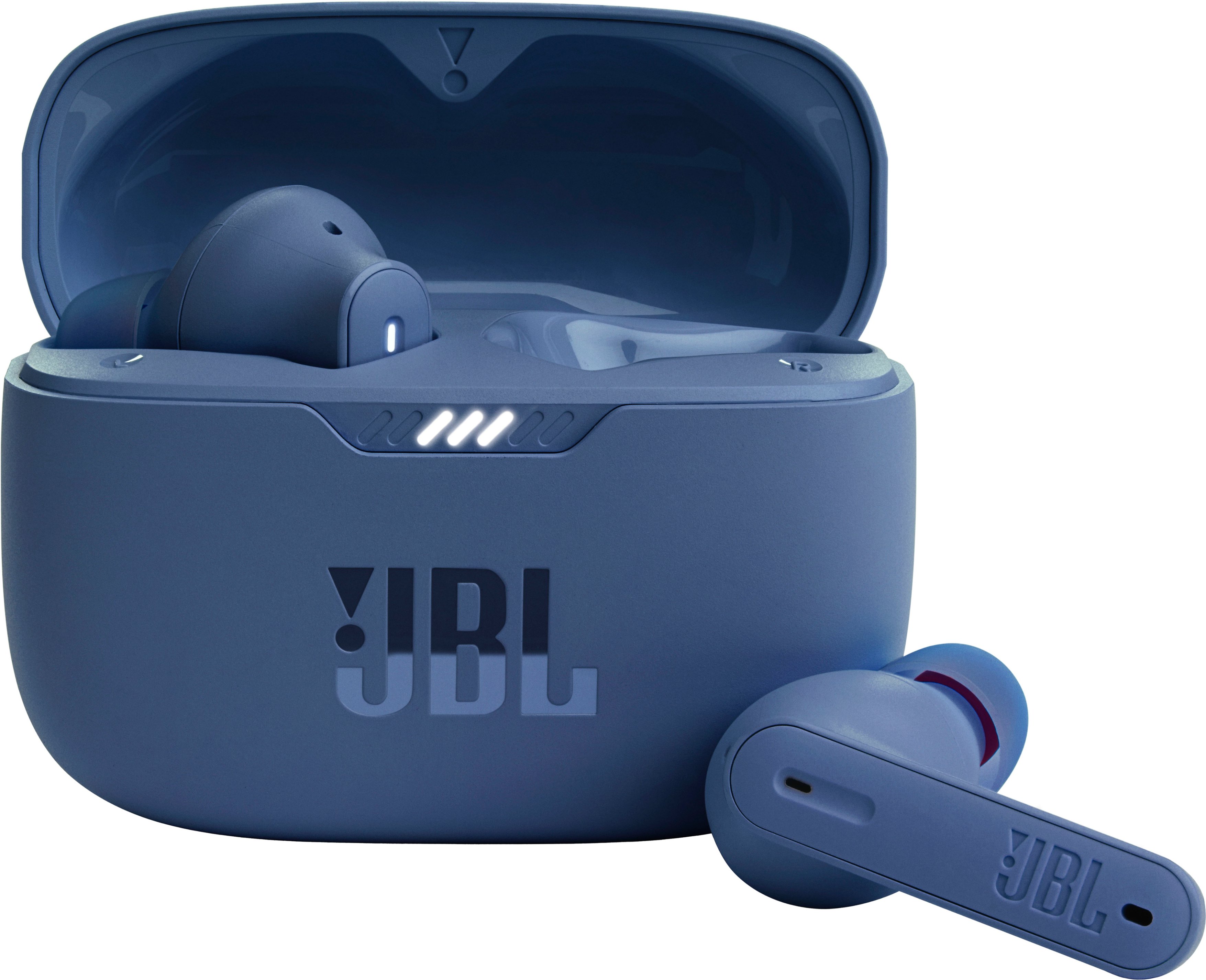
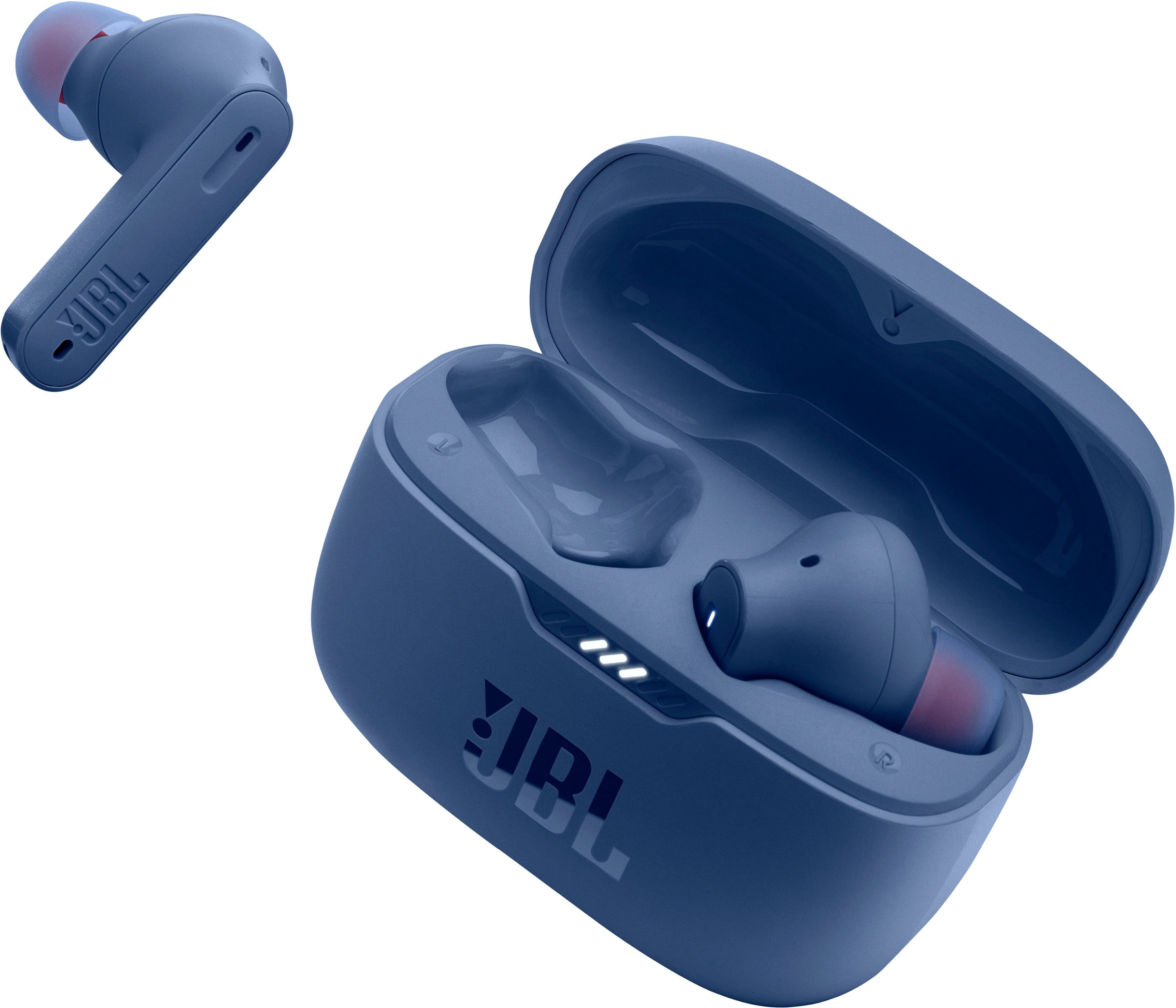
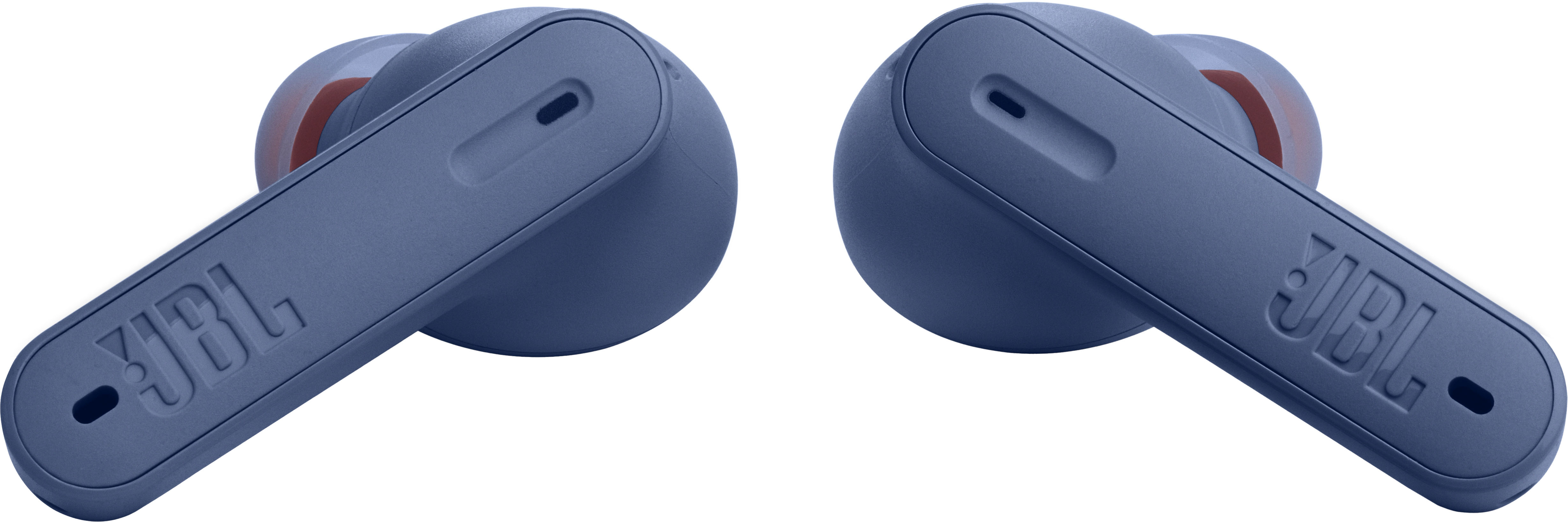
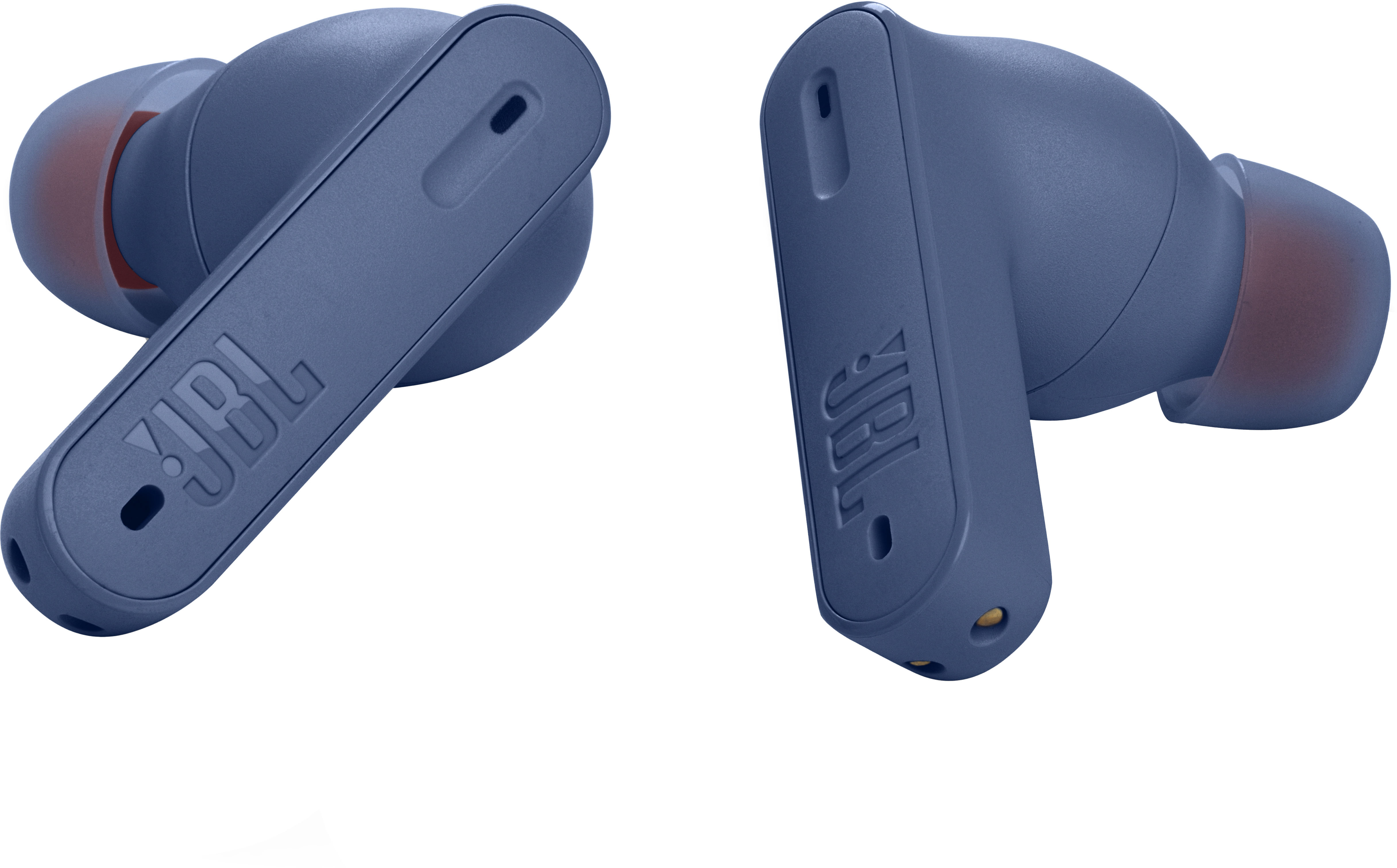
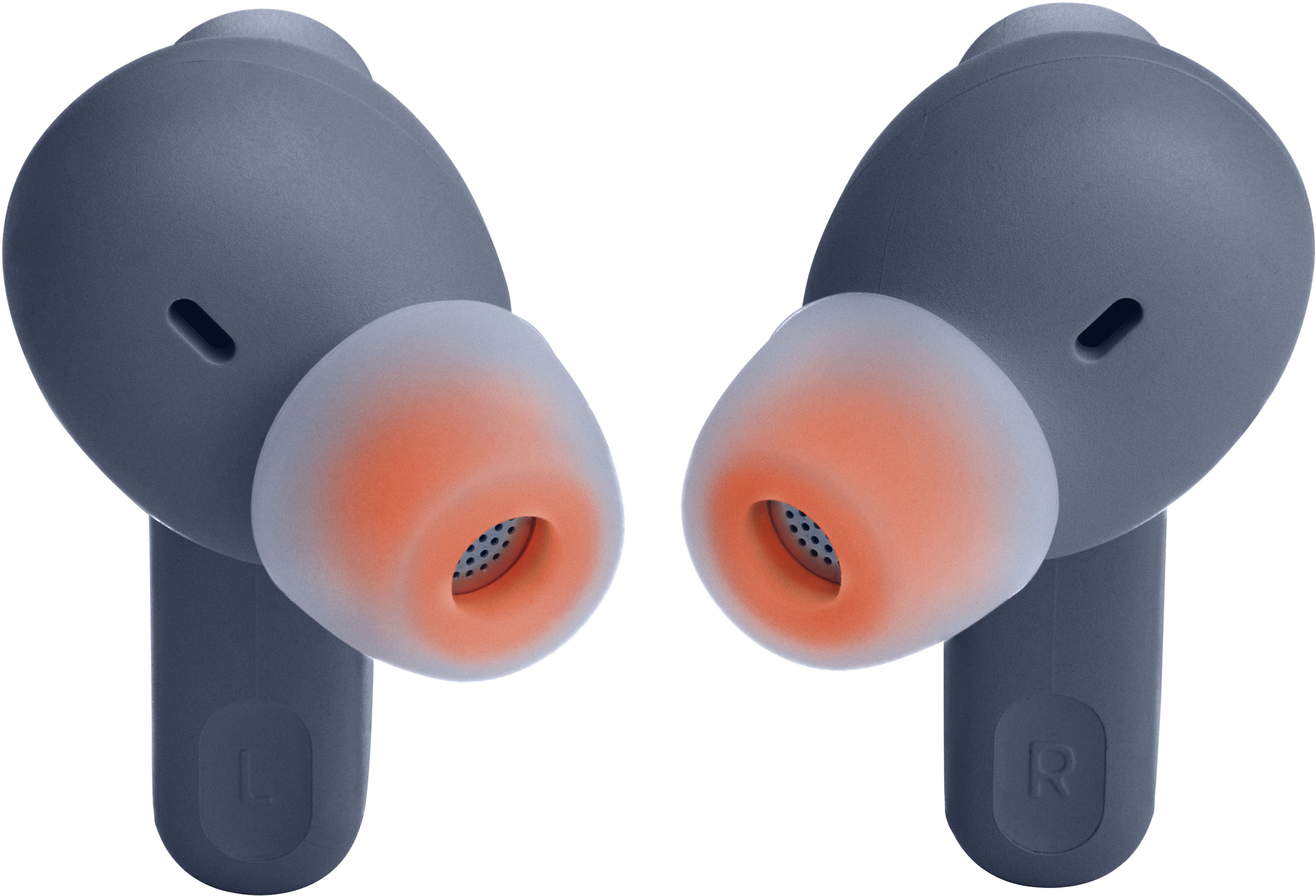
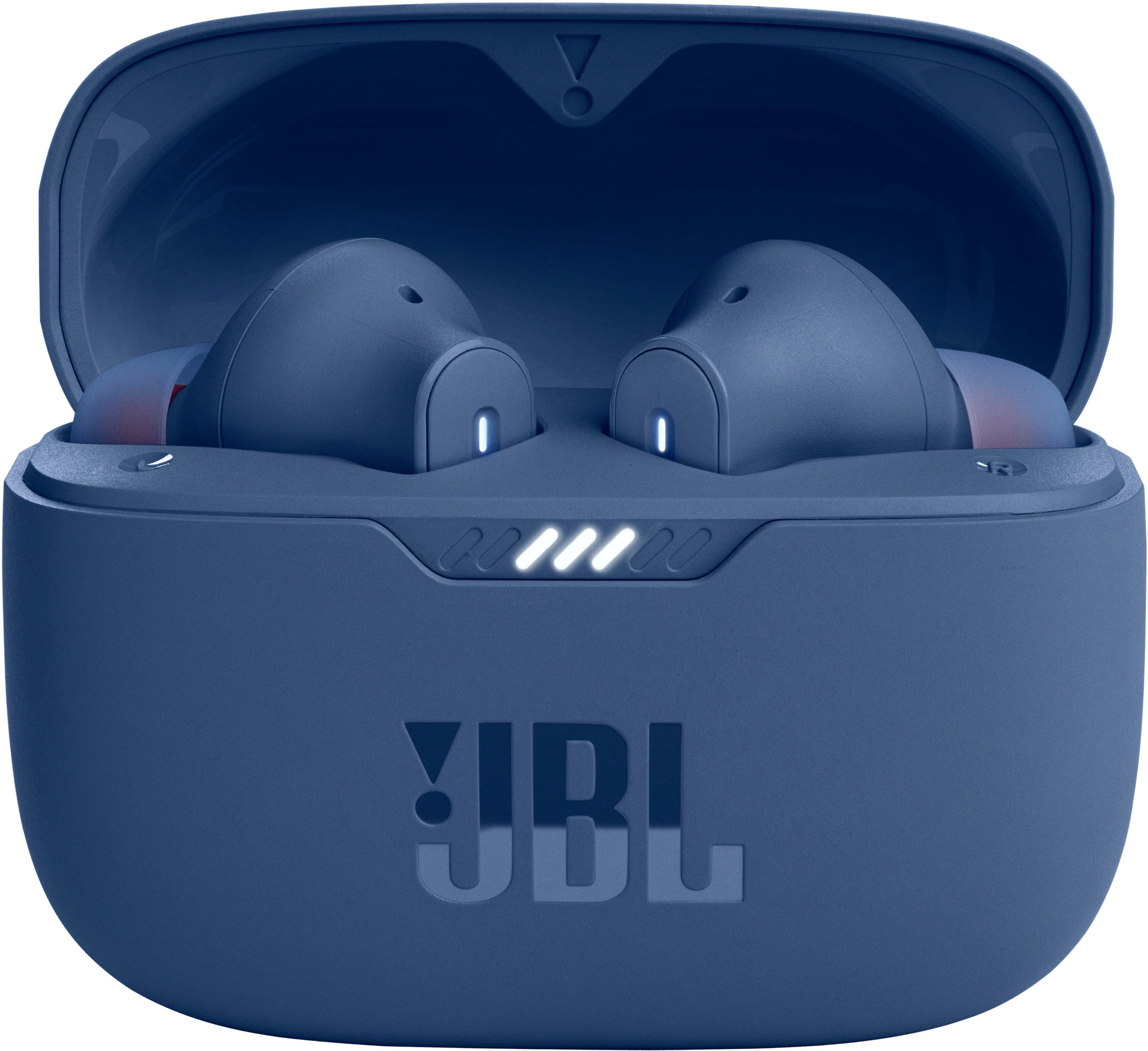
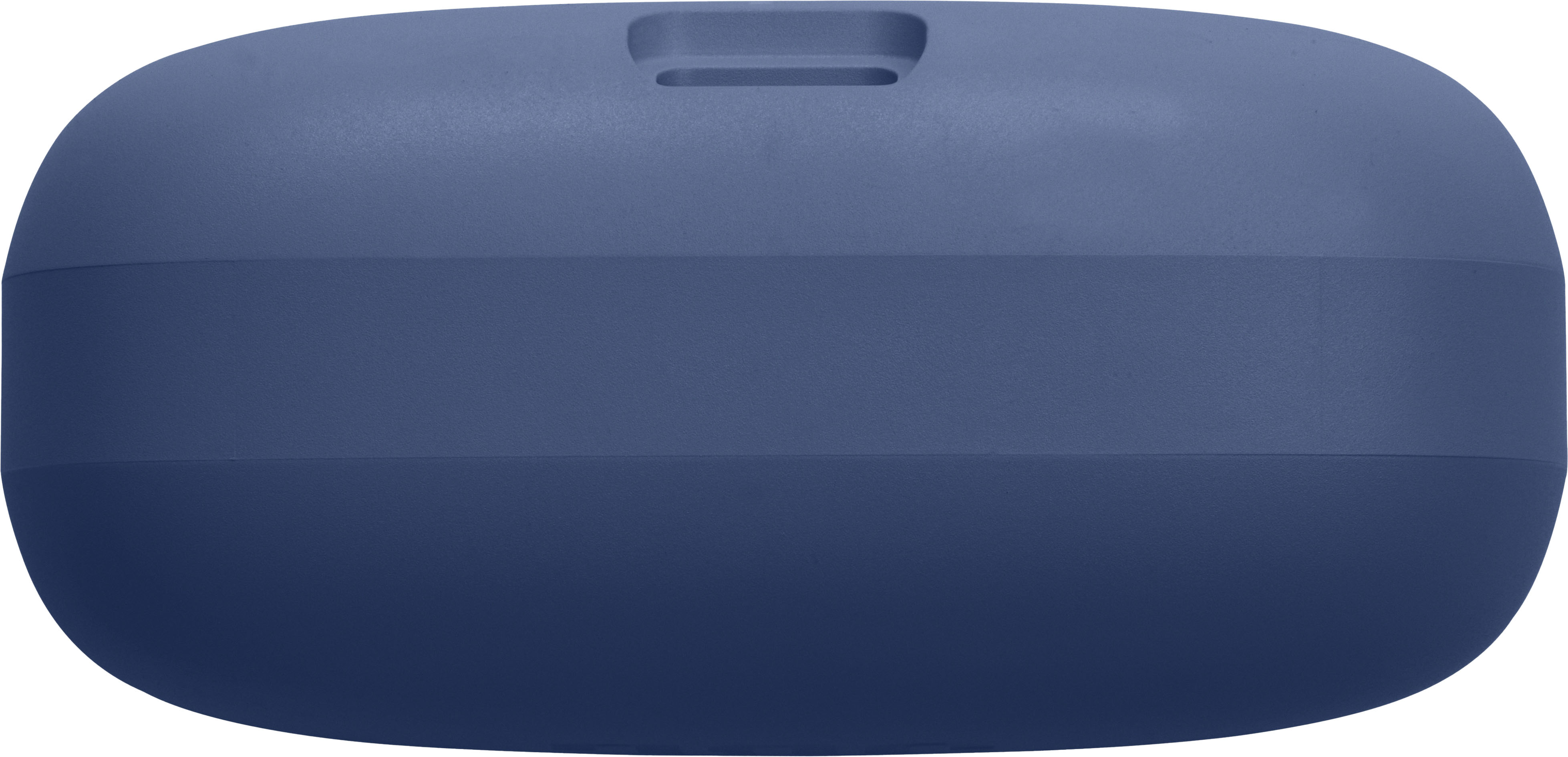
A:AnswerYes, if you get another set of just the earbuds, you can drop them in the old case. You need to forget device in your Bluetooth settings on your phone, then open the JBL app and reset them in the settings menu. Once that’s done, you can re pair them to your phone and app and they’ll work
A:AnswerThanks for your question. While the earbuds may have been damaged due to exposure to water, try cleaning the ear tips by removing dust or dirt using a pointed toothpick to remove larger amounts and a small amount of rubbing alcohol applied to a cotton swab for final degreasing. Since the JBL Tune 230NC TWS is susceptible to dirt built-up, this can likely cause the issue. In addition, try to check the balance control on your source device by going to the "Accessibility" settings and your music player settings. You can also configure your audio balance control via the JBL Headphones App. If the issue continues, please reach out to our Customer Support for further assistance.
A:AnswerLots of hours, I have only charged it once and i have had it for 3 weeks already and i use my headphones for an hour a day from M-F in the gym. If your headphones die you only need 10 minutes to charge the, in order to give you 2 hours of battery charged.
A:AnswerI purchased this earbuds and the answer to this question is NO.. the JBL - Tune 235NC wireless in-ear earbuds can only connect to one device at a time. You can pair the earbuds to other devices say a phone or tablet, but it will only let you connect to one or the other not both.
A:AnswerNo, not even close. At least not in my experience. Good for tuning out the background music at the gym, but anything louder than that you can definitely still hear. But maybe they just don't fit snuggly enough in my ear.
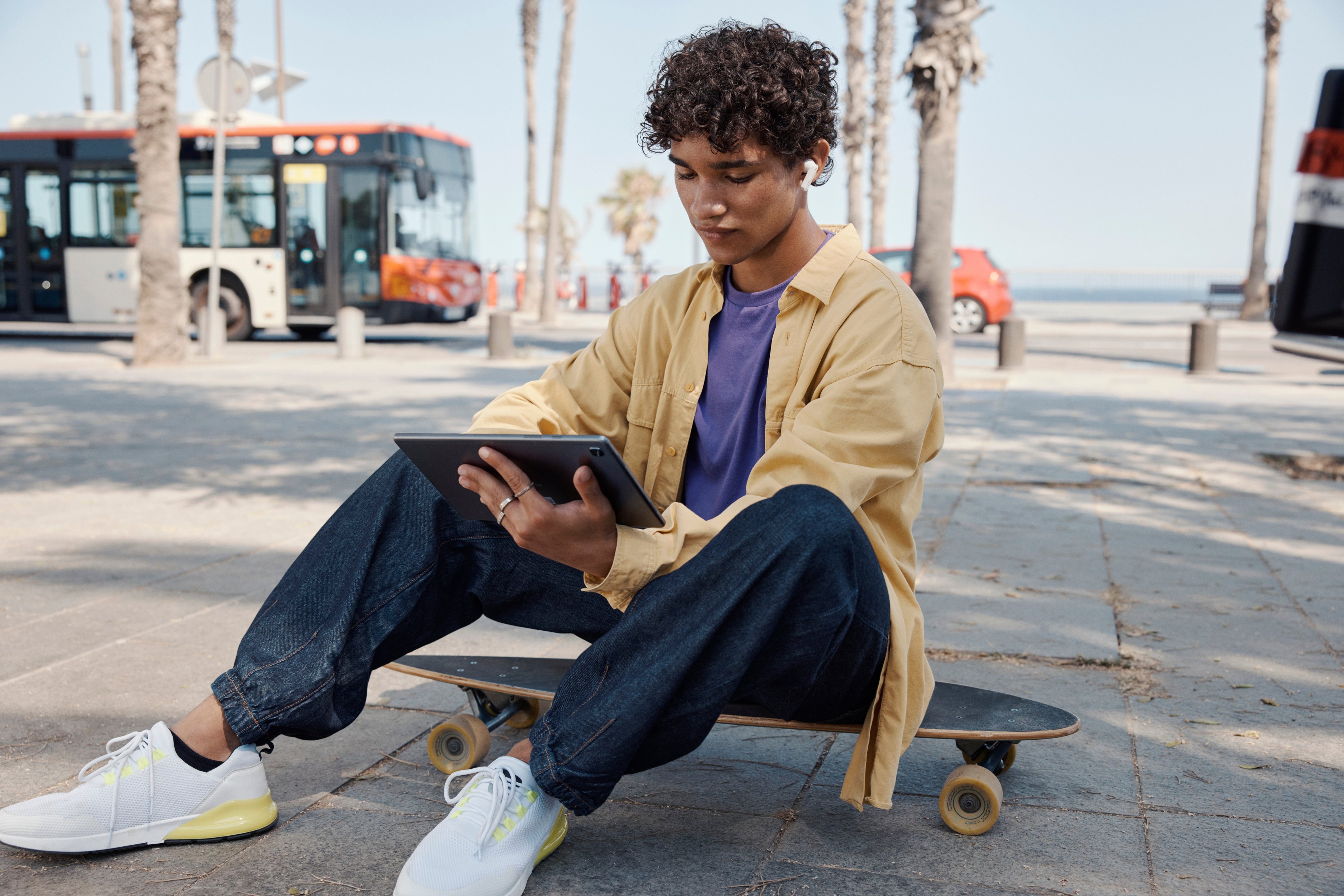
A:AnswerFirst find out if your tablet supports bluetooth audio devices. If it does, use the appropriate menu functions to pair the device with your tablet.
A:AnswerThank you for taking the time on providing us with your feedback on our JBL Tune 230NC TWS. In most cases when a laptop has issues connecting to headphones, it's caused by your laptop's Bluetooth driver (software). To download the correct driver, please visit the manufacturer's website on your laptop. They would have a "Support/Download" section where you can find the correct driver. Otherwise, please contact your laptop's brand support. Also, please avoid connecting your source device to JBL Tune 230NC TWS-LE as the -LE is for the voice assistance feature only. Just connect to the JBL Tune 230NC TWS.