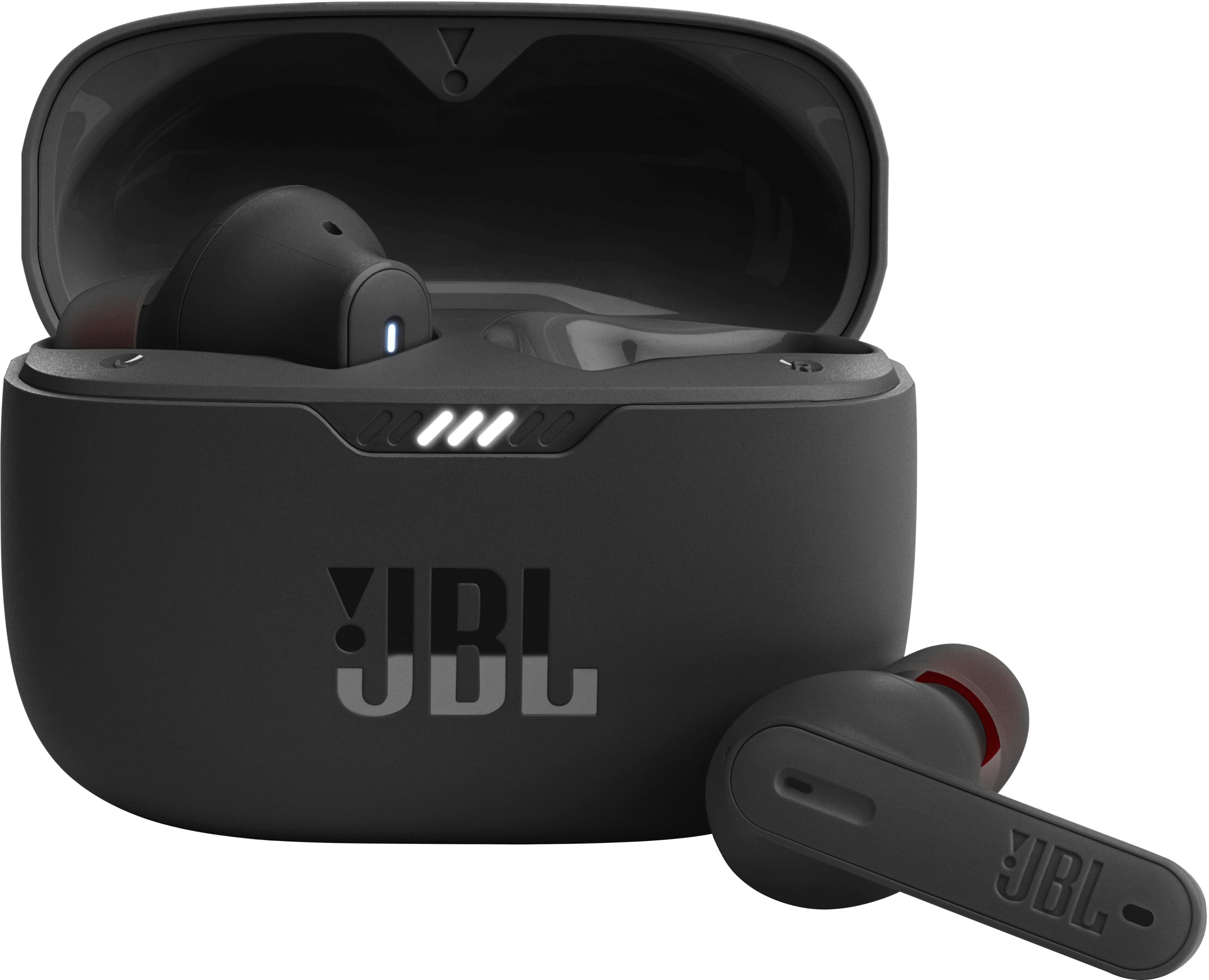
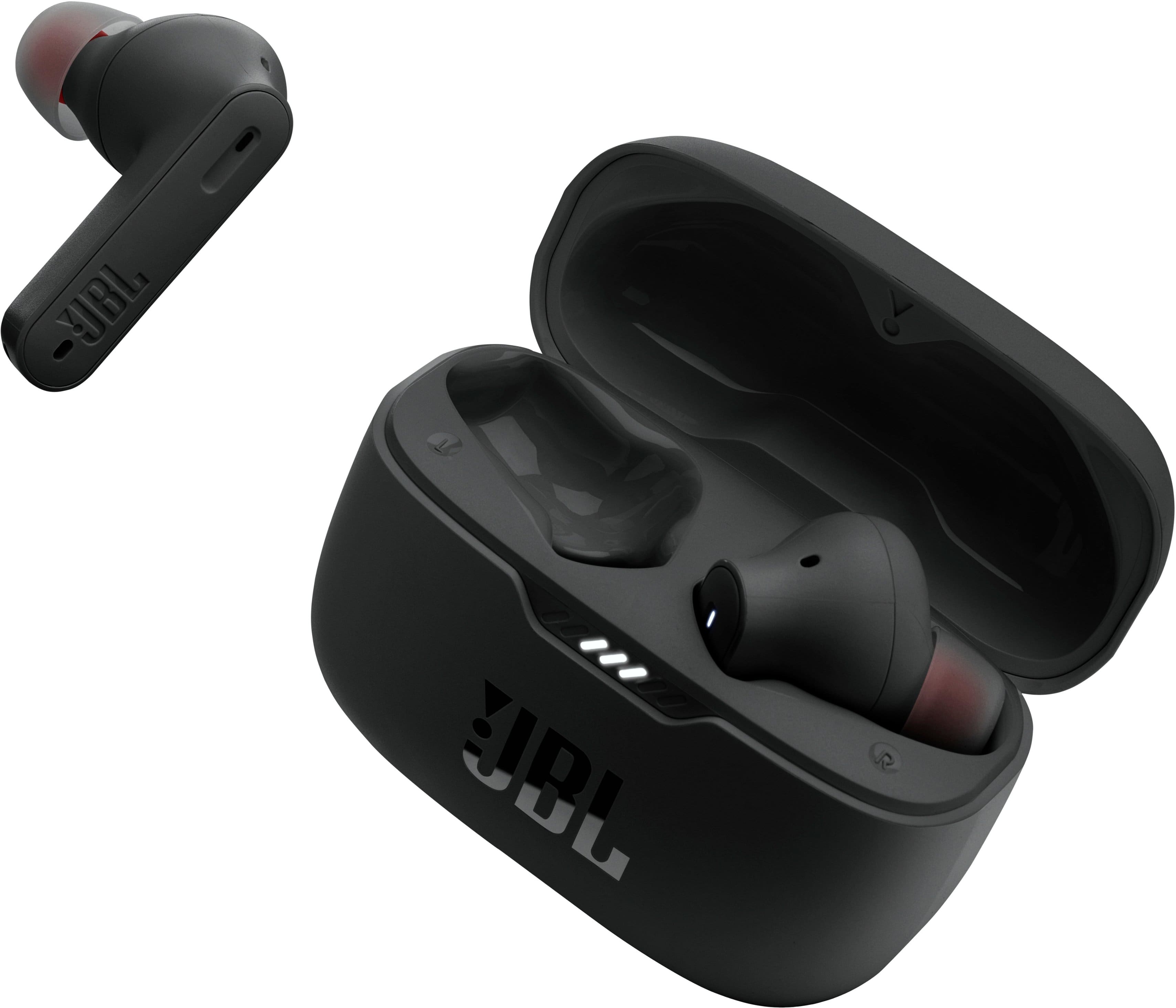
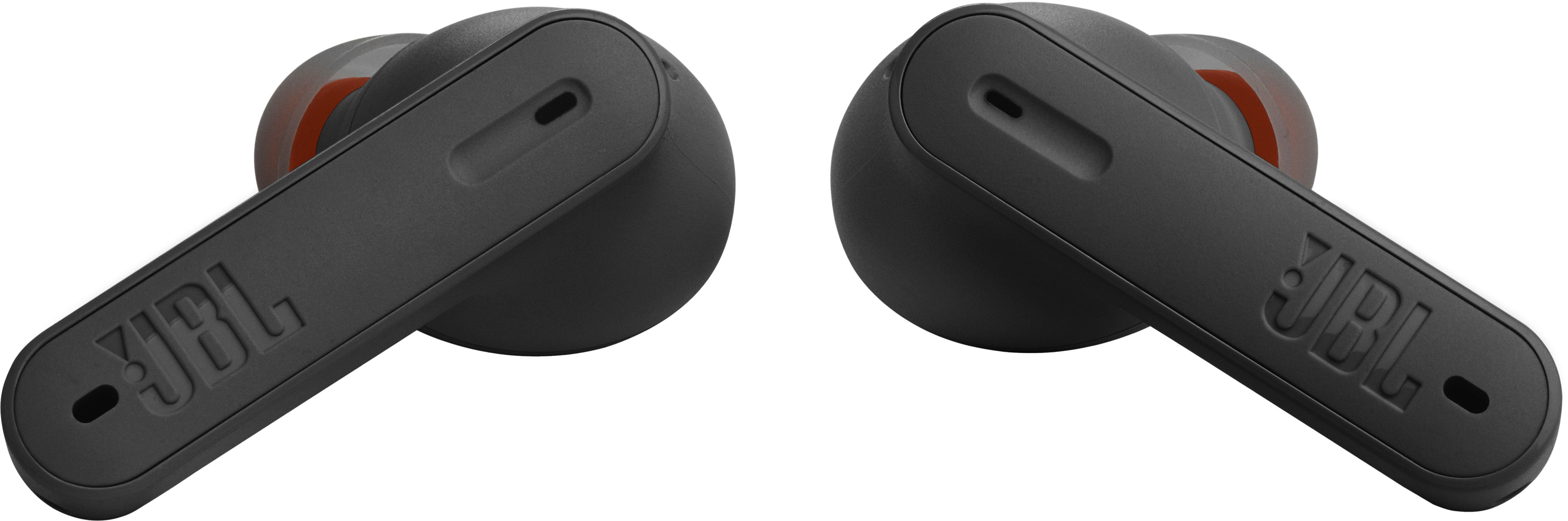
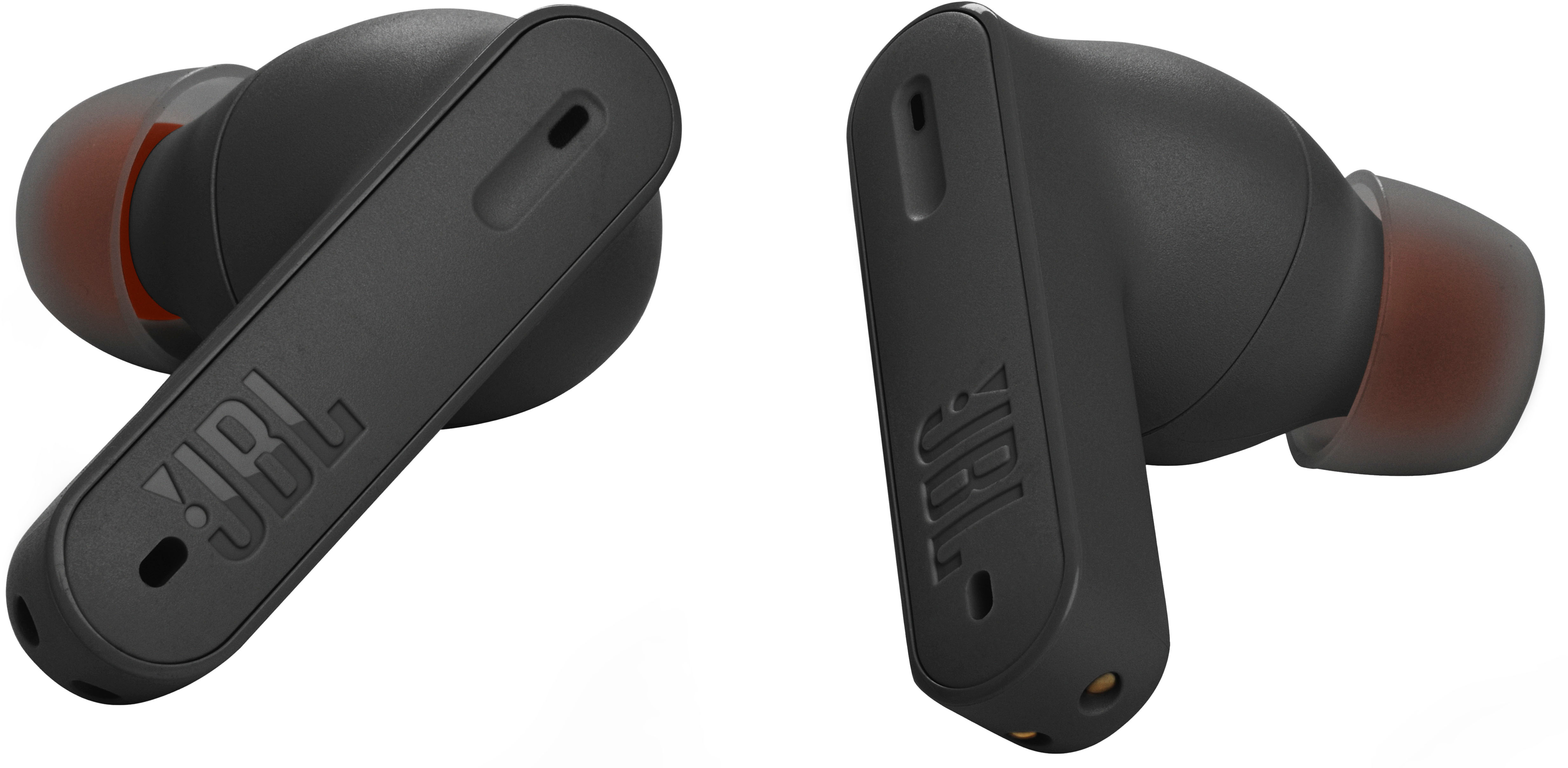
A:AnswerThere is no volume control on earbuds. You must adjust volume from device. Even so the earbuds will only allow for the volume to be raised only so high. You can however select in and out of noise canceling and pause your music to speak and hear others while the earbuds are in.
A:AnswerOur JBL Tune 230NC is compatible with both Android and iOS devices. You could try to search for the headphones on the Bluetooth menu of your Apple Watch. However, we can't guarantee its compatibility.
A:AnswerIt could be that your Chromebook doesn't have the correct Bluetooth driver. Please make sure your Bluetooth driver is up to date. If the problem still persists, We'd like to work with you directly to address the issues you're experiencing with the JBL Tune 230NC TWS. If needed, we'd also like to get more information so we can check your options. Please contact our customer support service via our official website or toll-free hotline.
A:AnswerThanks for your question. All of our speakers and headphones meet the strict criteria of the EN 62479 standard. Although it's not EMF-free, there is no need to worry about EMFs in all our products. Also, our JBL Tune 120 TWS is an older model of our JBL Tune series.
A:AnswerThere is a chance that the terminals are dirty so it is difficult to fully charge. You have to clean them with a cotton swab and a little alcohol.
A:AnswerIt's odd that a JBL representative would answer the question claiming they're the same. Everyone who's used both claim the 235 has significantly better battery life! Every article/review I've read also claimed the 235 has better battery life. Maybe the JBL rep is new and doesn't know?
A:AnswerThanks for your inquiry. We recommend doing a factory reset on your JBL Tune 230NC TWS by removing both earbuds from the charging case and tapping both earbuds twice, then, tap-hold for 5 seconds at the same time. If you need more help, please contact our customer support.
A:AnswerYes BUT ONLY IF you use the app to change the button configuration on the earbuds. The stock settings will not change the volume but there is a setting to change that will allow volume adjustment. You must use the app.
A:AnswerOur JBL Tune 230NC can connect with any Bluetooth capable device. It will pair with Peloton Bike as long as it has a Bluetooth module. PLease contact Peloton if your having issues connecting our JBL eabuds with the Peloton bike.