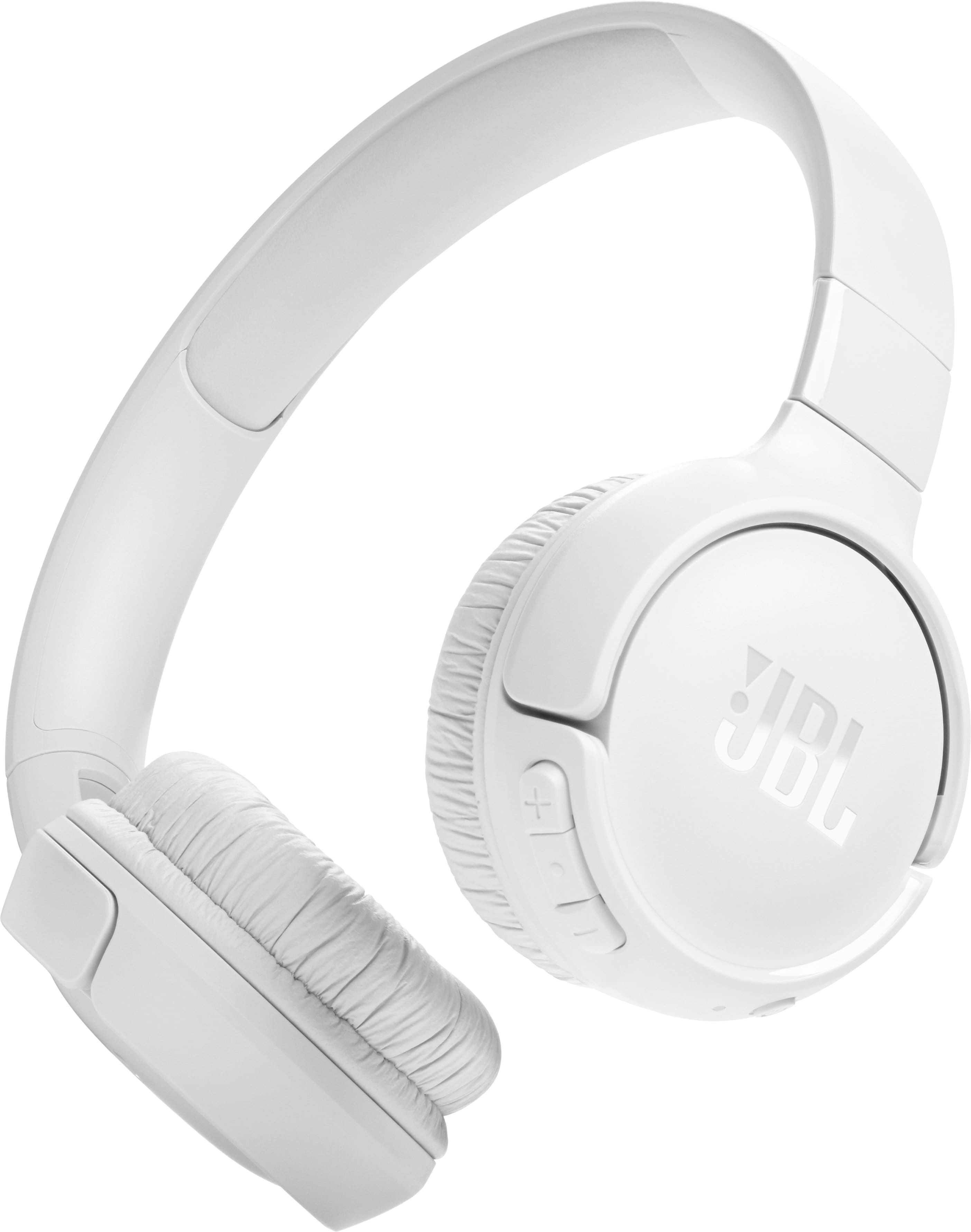
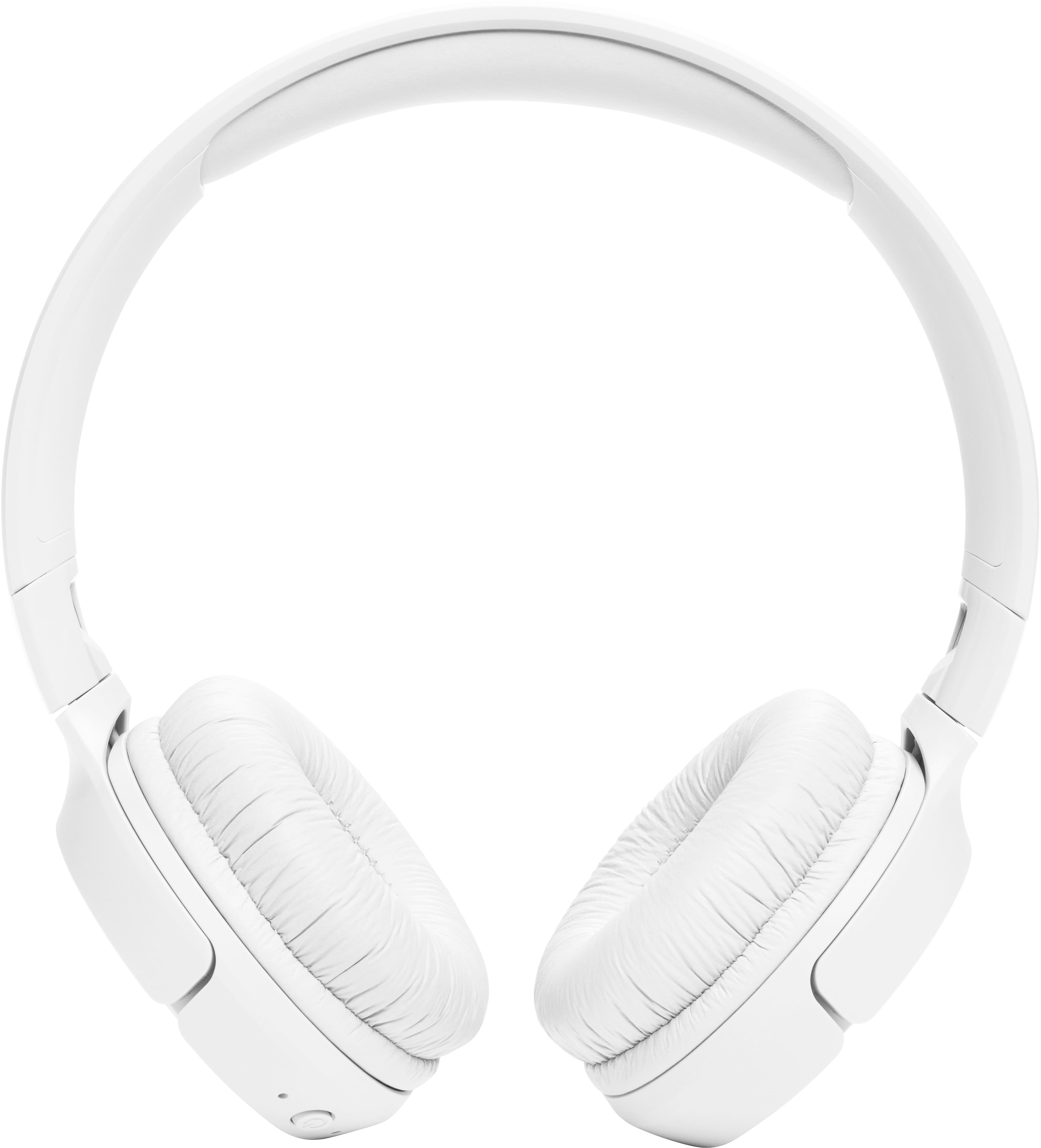
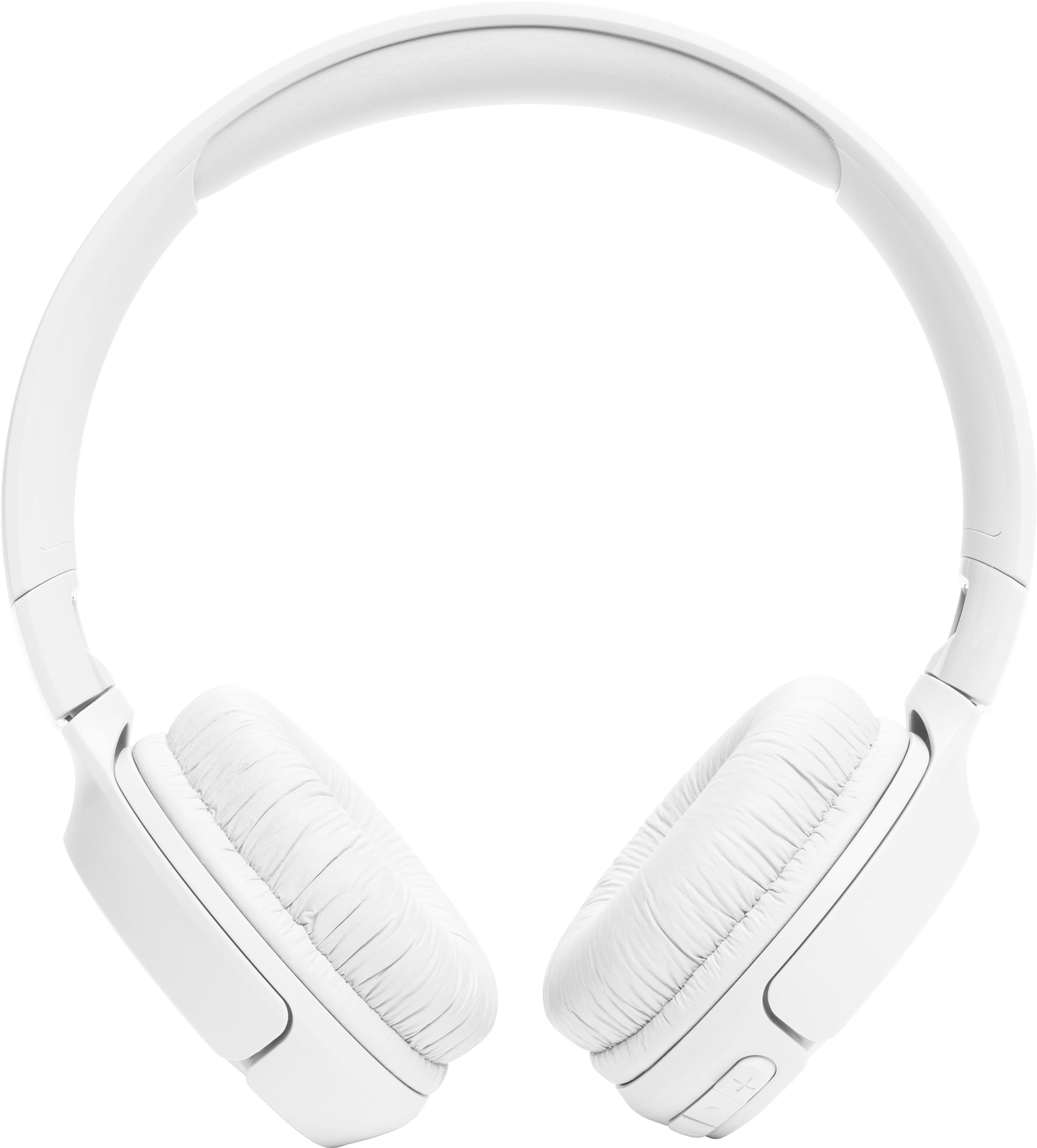
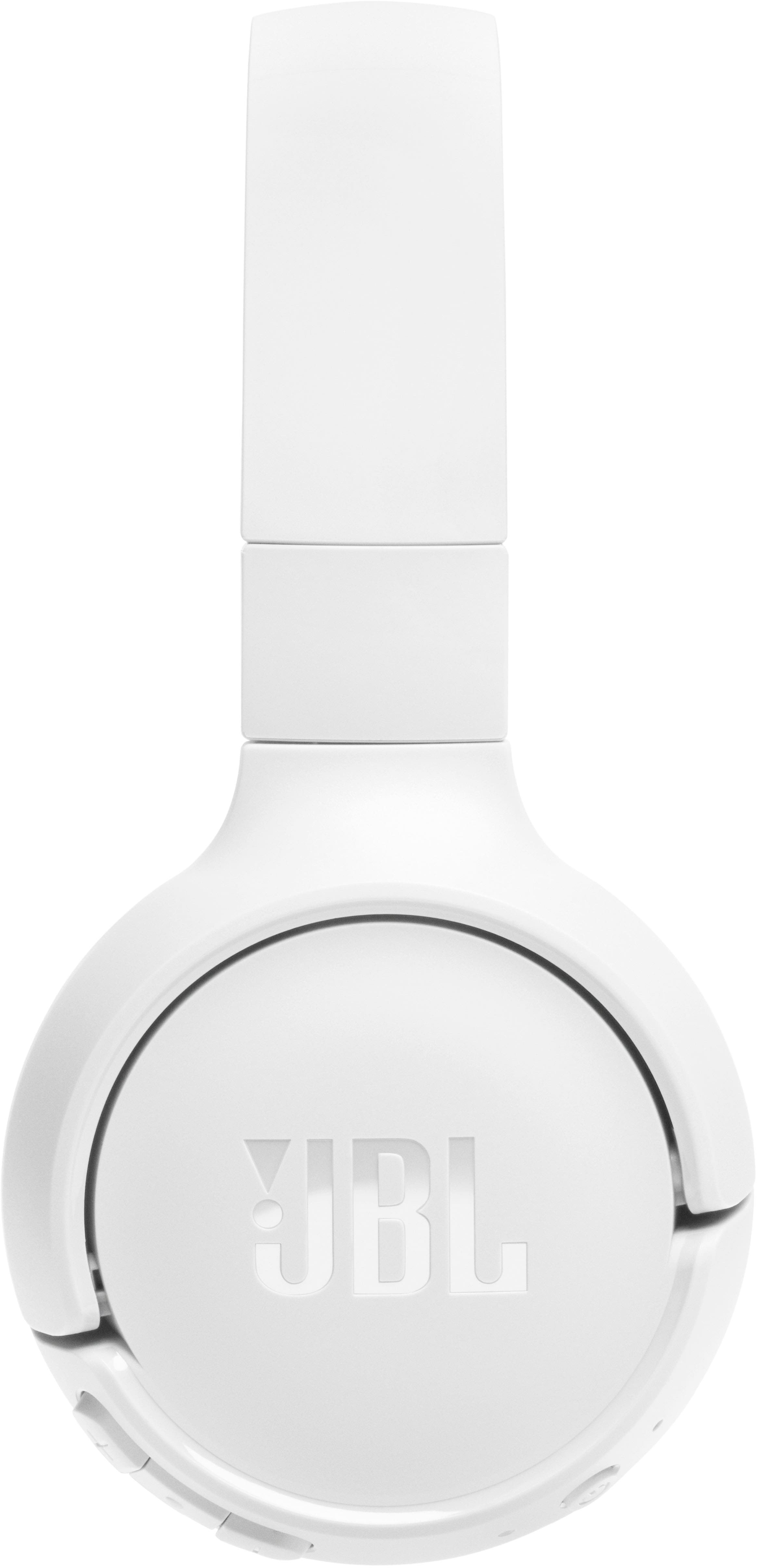
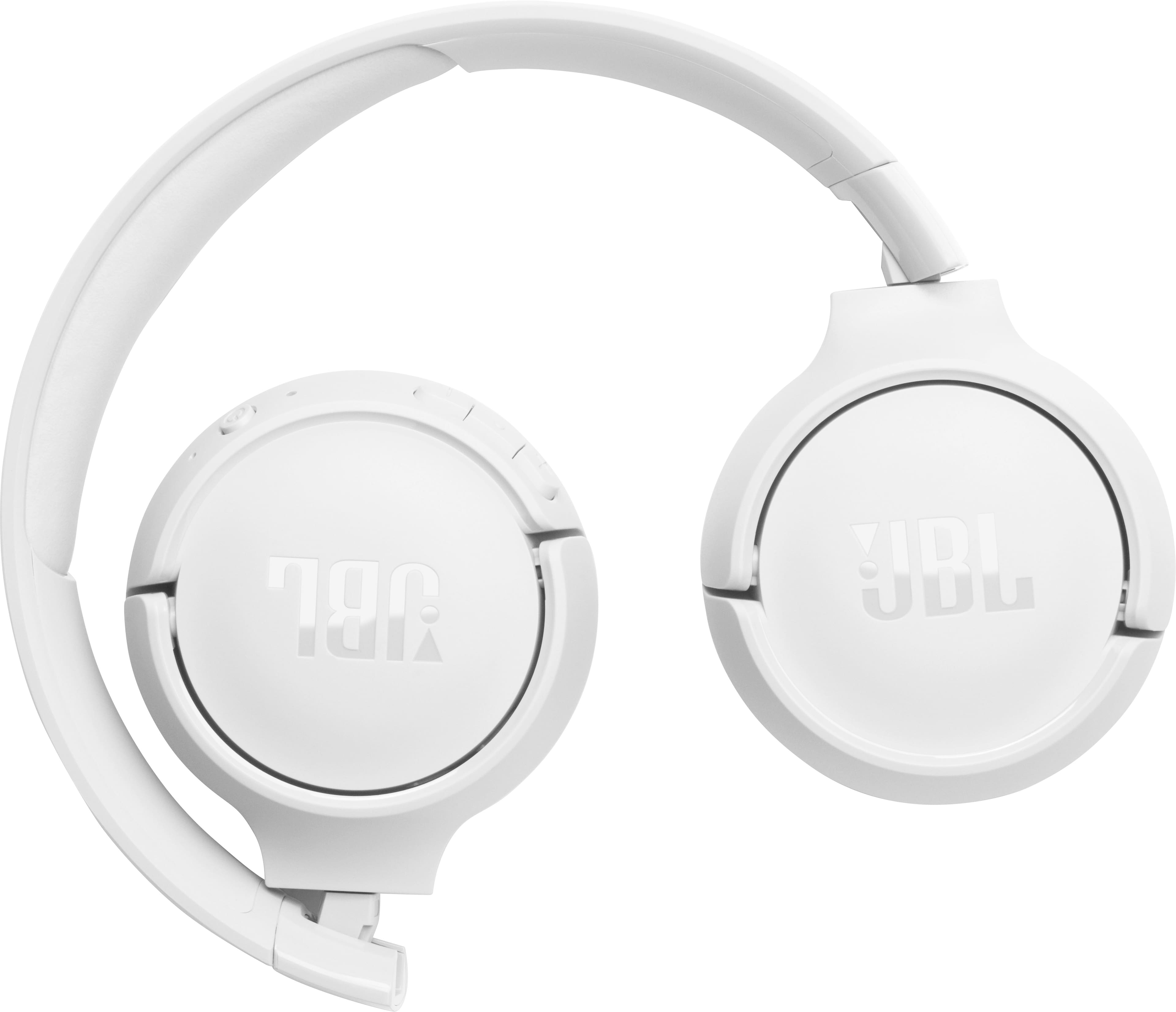
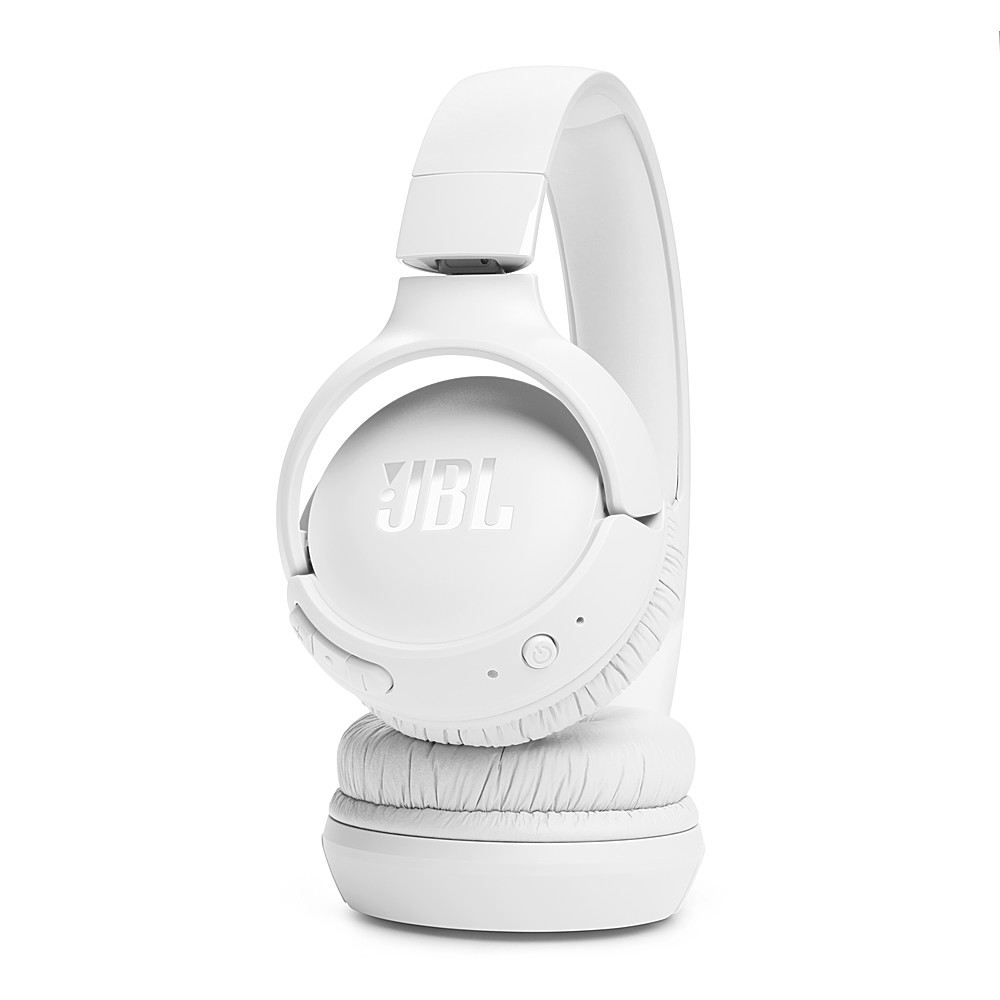
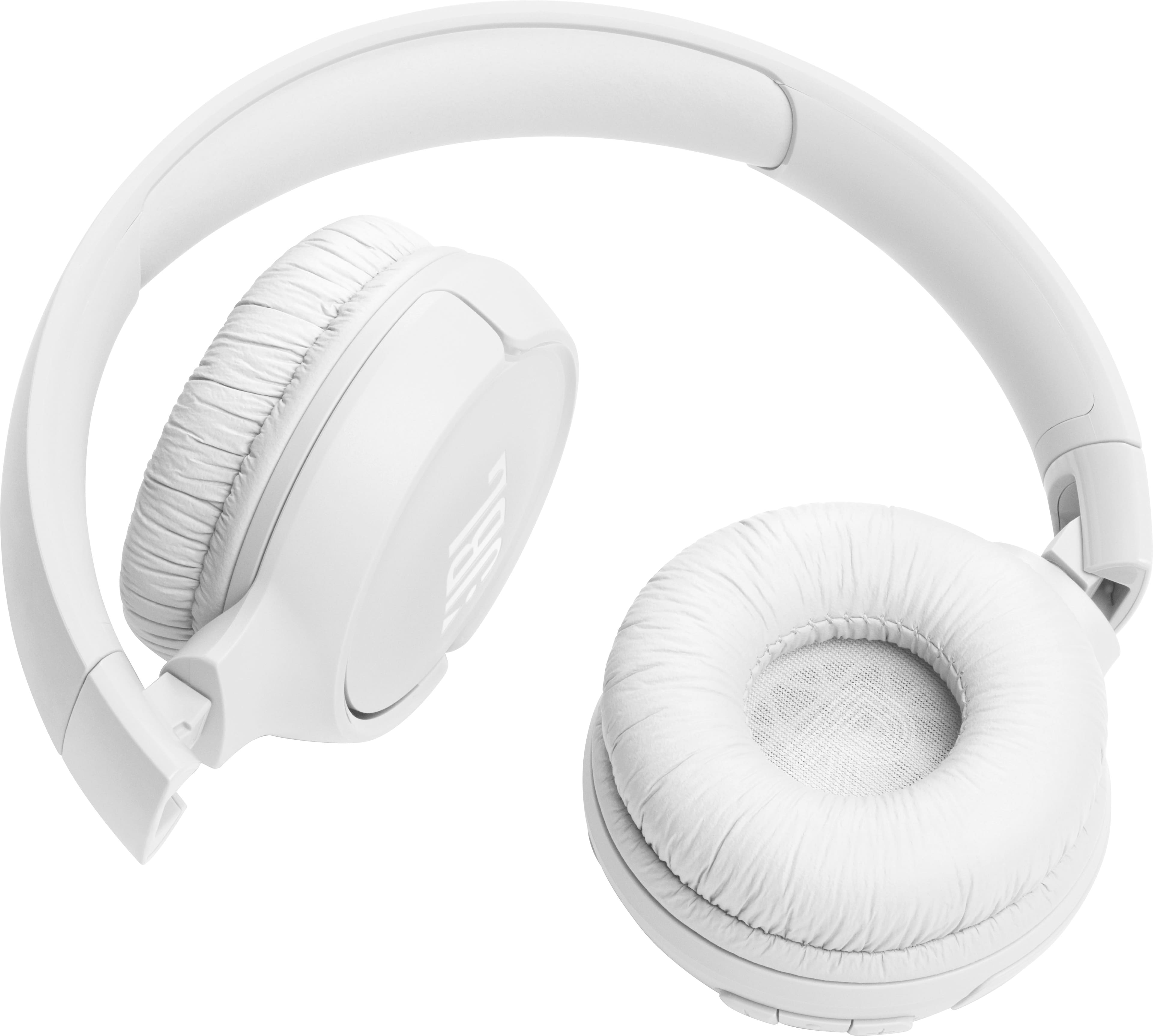
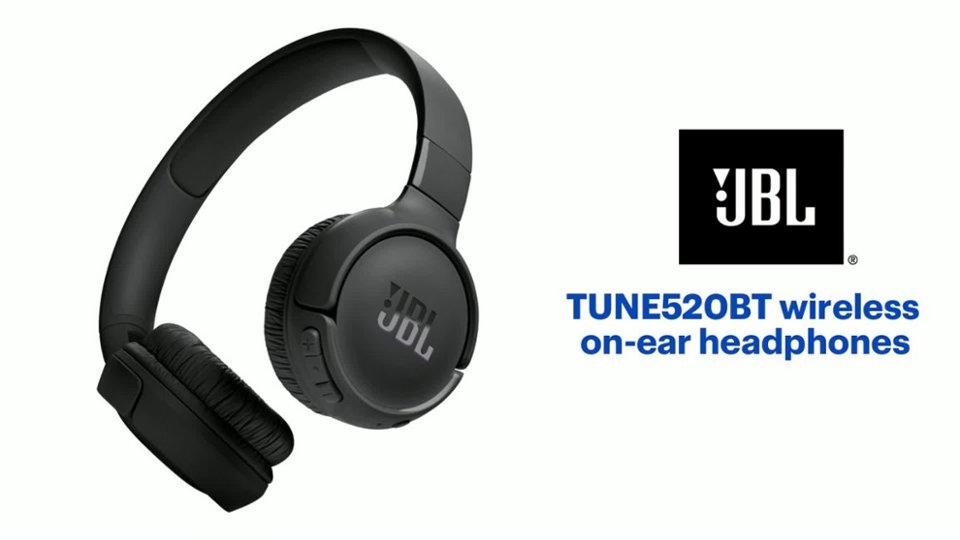
A:AnswerThanks for your question. Our JBL Tune 520BT is recommended to be paired with mobile phones, tablets, and laptops via Bluetooth. As long as your TCL TV is Bluetooth-capable, it will connect. However, you may encounter audio-video delays when you're using it to connect with your TV since these headphones don't have a low latency codec.
A:AnswerThank you for your inquiry. Please note that our JBL Tune 520BT is designed for Bluetooth connectivity with one device at a time. As this model does not have a wired connection option, you may experience a slight delay between audio and video when using it with your TV.
A:AnswerYes you can, you have to press the "play" and "up" at the same time, and on your second device connect it. YouTube has better instructions than what I'm giving.
A:AnswerIf you have the replacement on hand you gently pull the pad's edges until they dislodged from their groves holding them in place. And with the new one just reverse the order putting the pads back into groves around the the cup.
A:AnswerThank you for your inquiry. Other people will not be able to hear the sound from your JBL Tune 520BT headphones when you are using them. Bluetooth headphones create a wireless connection between the headphones and your audio source (like your mobile phone/tablet). This connection is private, so only the person wearing the headphones can hear the sound.
A:AnswerThanks for your inquiry. Our JBL Tune 520BT can connect to a Smart TV via Bluetooth. It is designed to be used for connecting with mobile phones, tablets, and laptops for streaming audio/music. You may encounter audio-video delays when you're using it with video content since these headphones doesn't have an aptX HD low-latency codec.