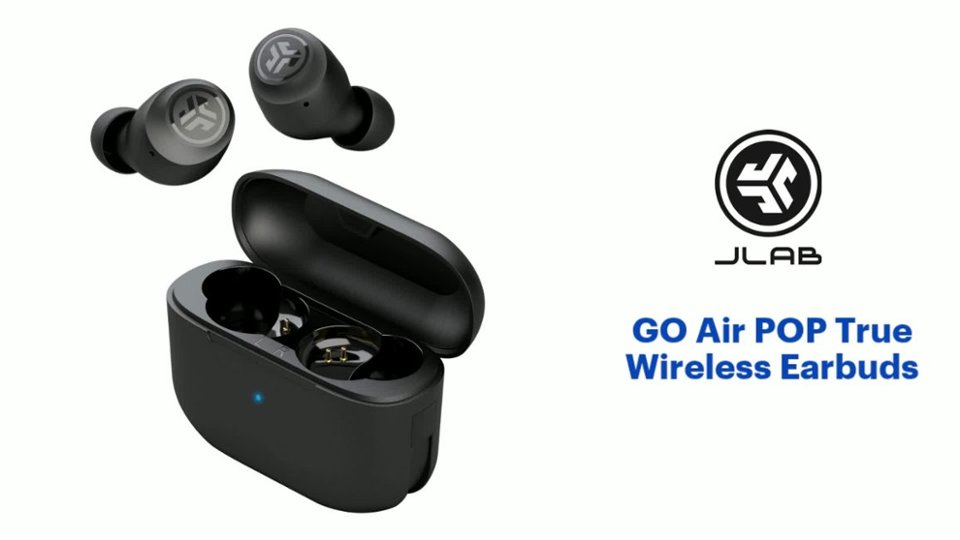
A:AnswerYes. Just go to your Bluetooth settings then open the case and remove your earbuds from their case. Once this is done they should pop in the locates device section of the Bluetooth settings then select the device and being the pairing process.
A:AnswerYes, they are water resistant and you can work out in them. They even work if you accidently drop them in the pool. Just dont get the case wet.
A:AnswerYou need to pair them with the bluetooth setting on your phone. Go into settings on your phone and click on your bluetooth setting and then click scan. Once it finds your item it will ask you if you want to pair and say yes. Also make sure to search and see if these are compatible with an S8+. Go on the Best Buy app and you search these ear buds & search compatible items by typing in your brand of phone and it will give you a list. Good Luck
A:AnswerI have been able to connect to all Apple products no problem as well as my Surface. One problem I noticed is you can only be connected to one device at a time, and sometimes the connection transfer from one device to the other can be difficult. I turn off blue tooth from the device I don't want it connected to so it will "ready to pair" to all other available devices. I hope this helps.