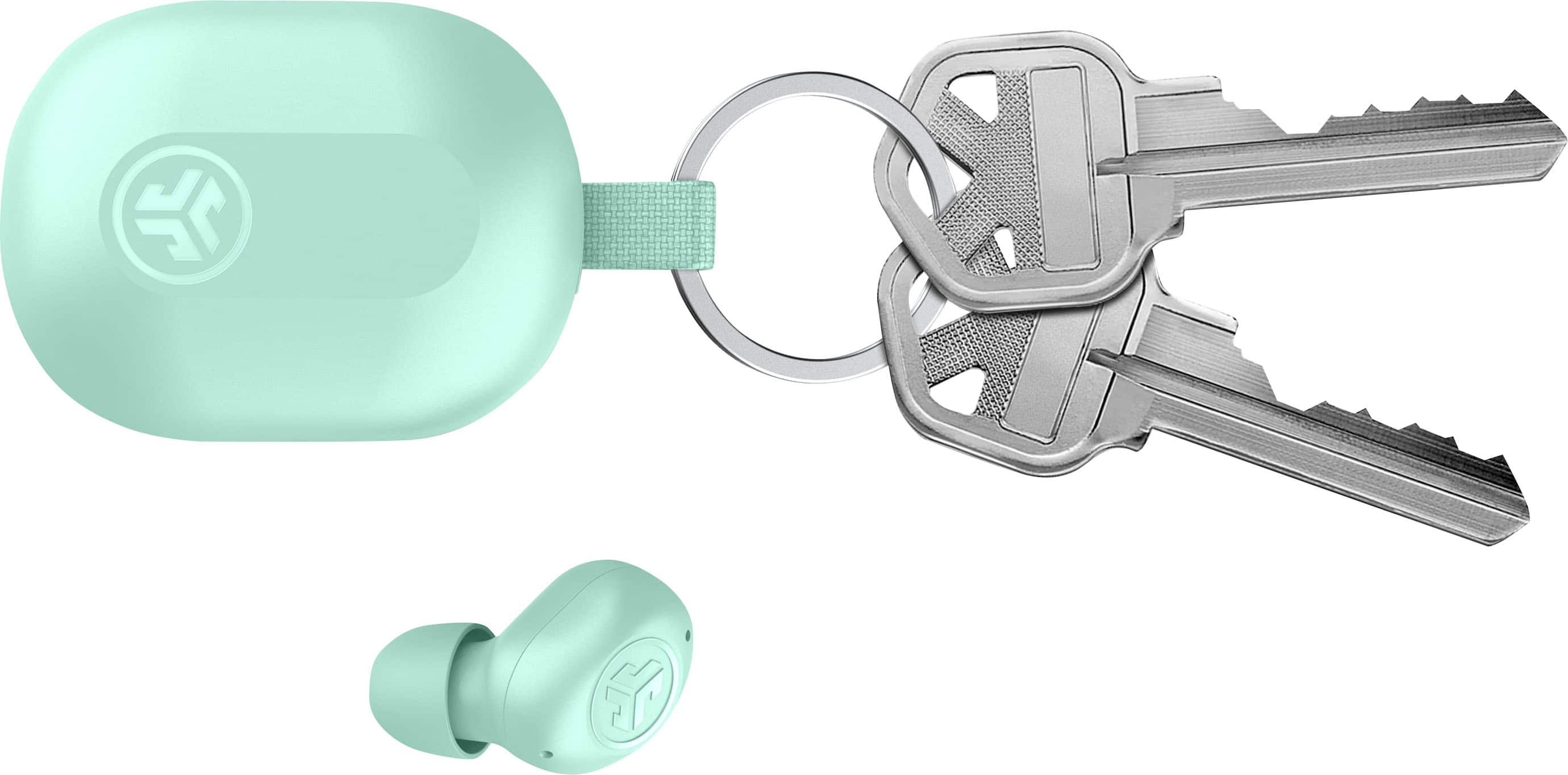
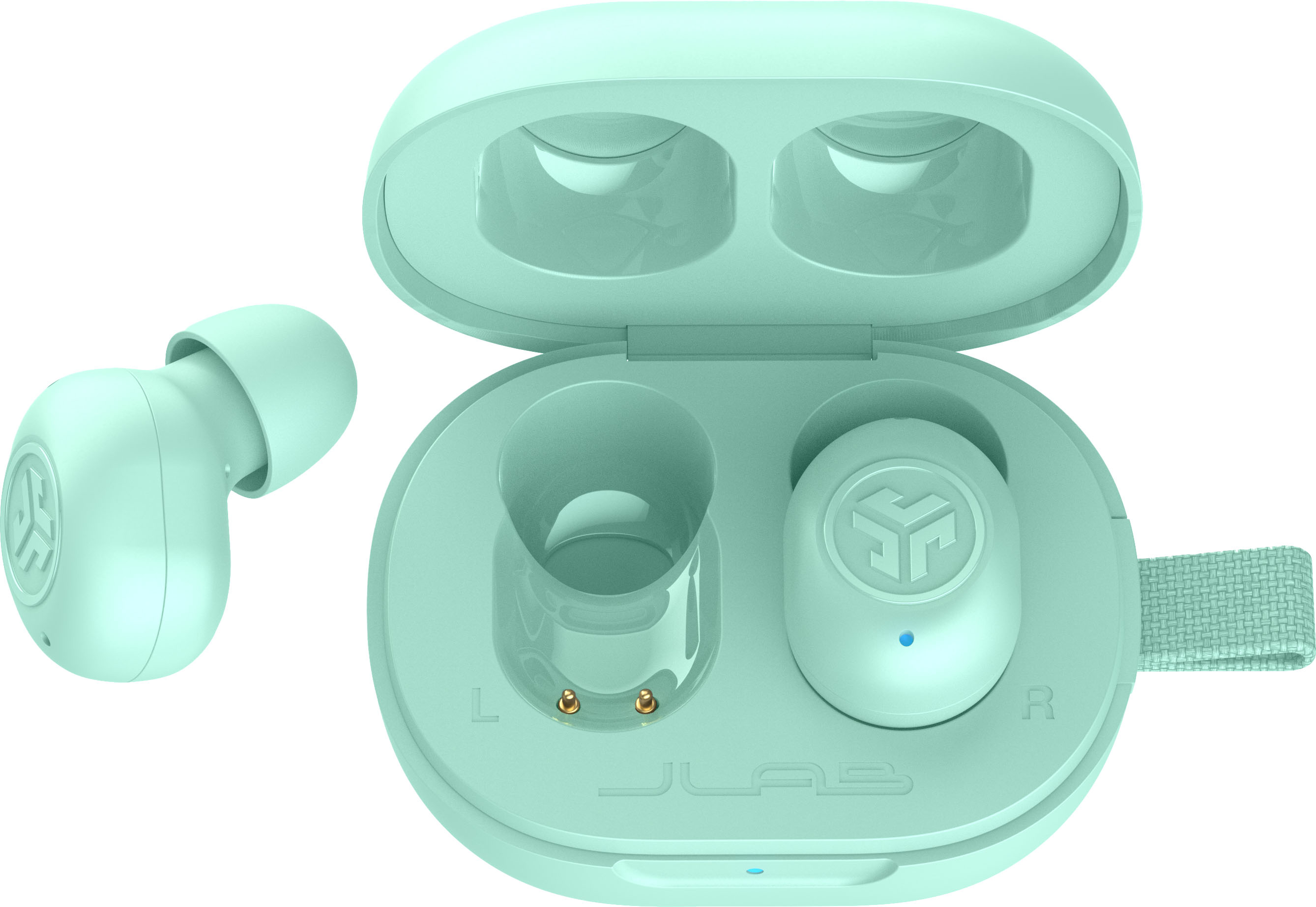
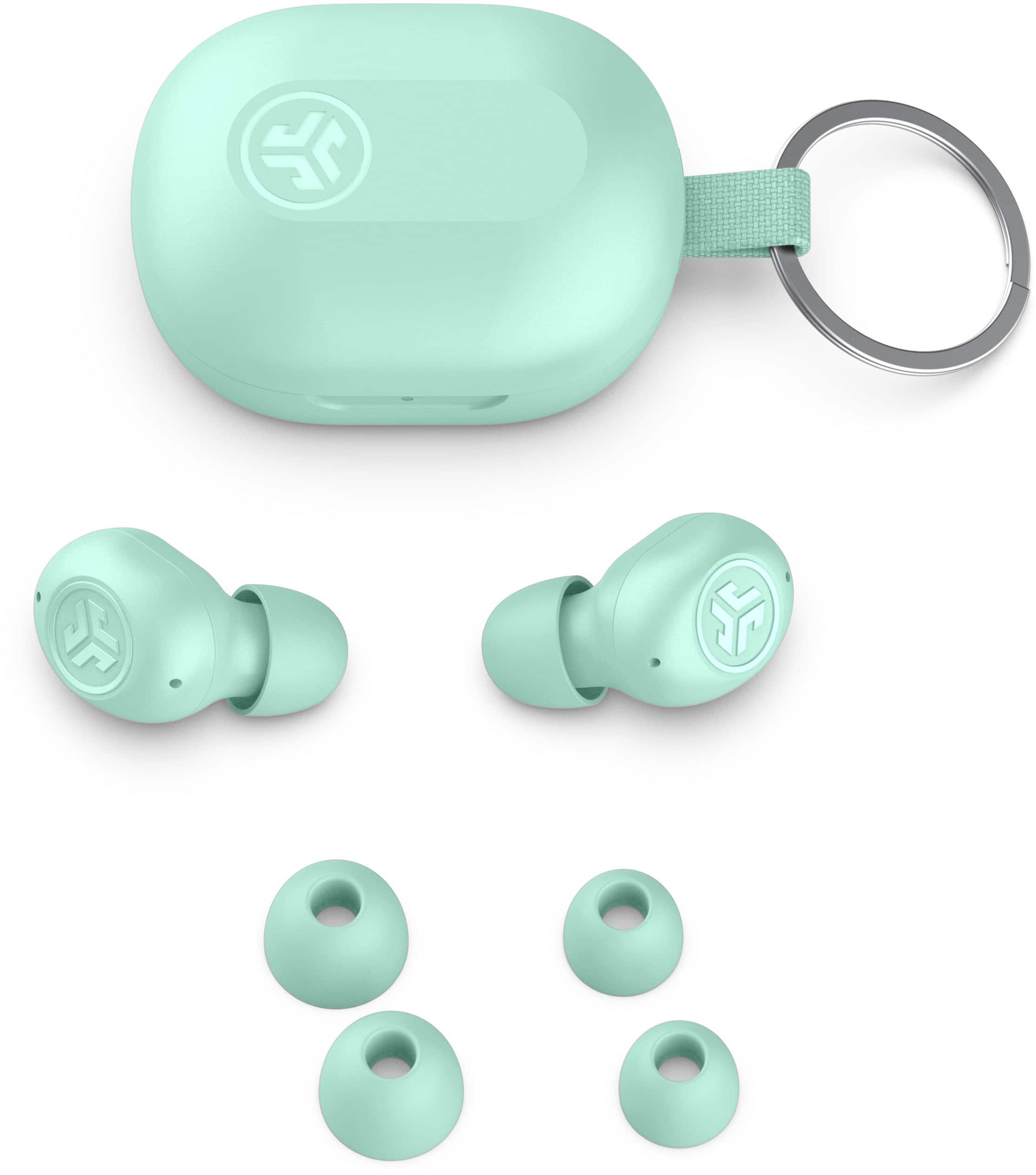
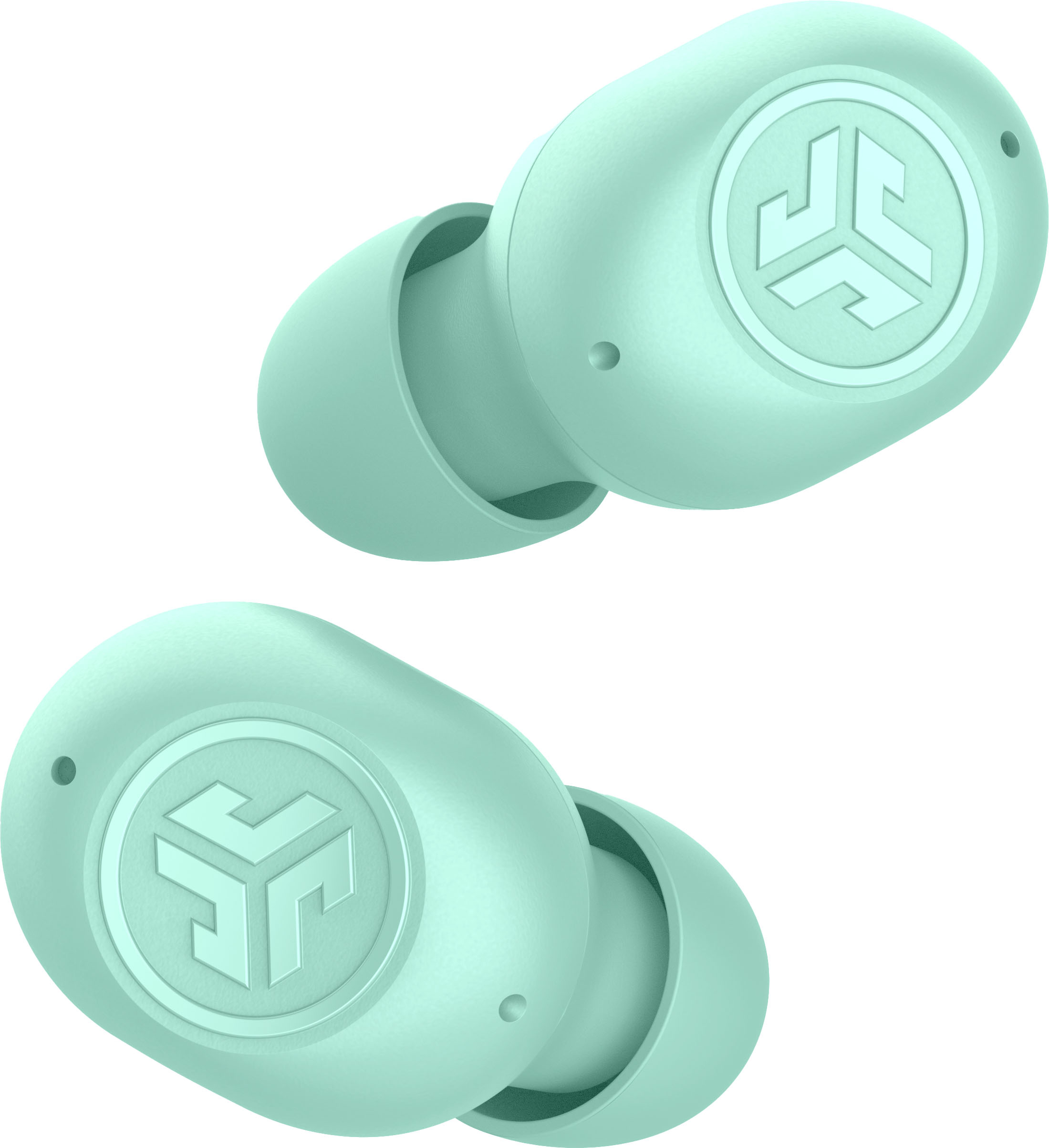
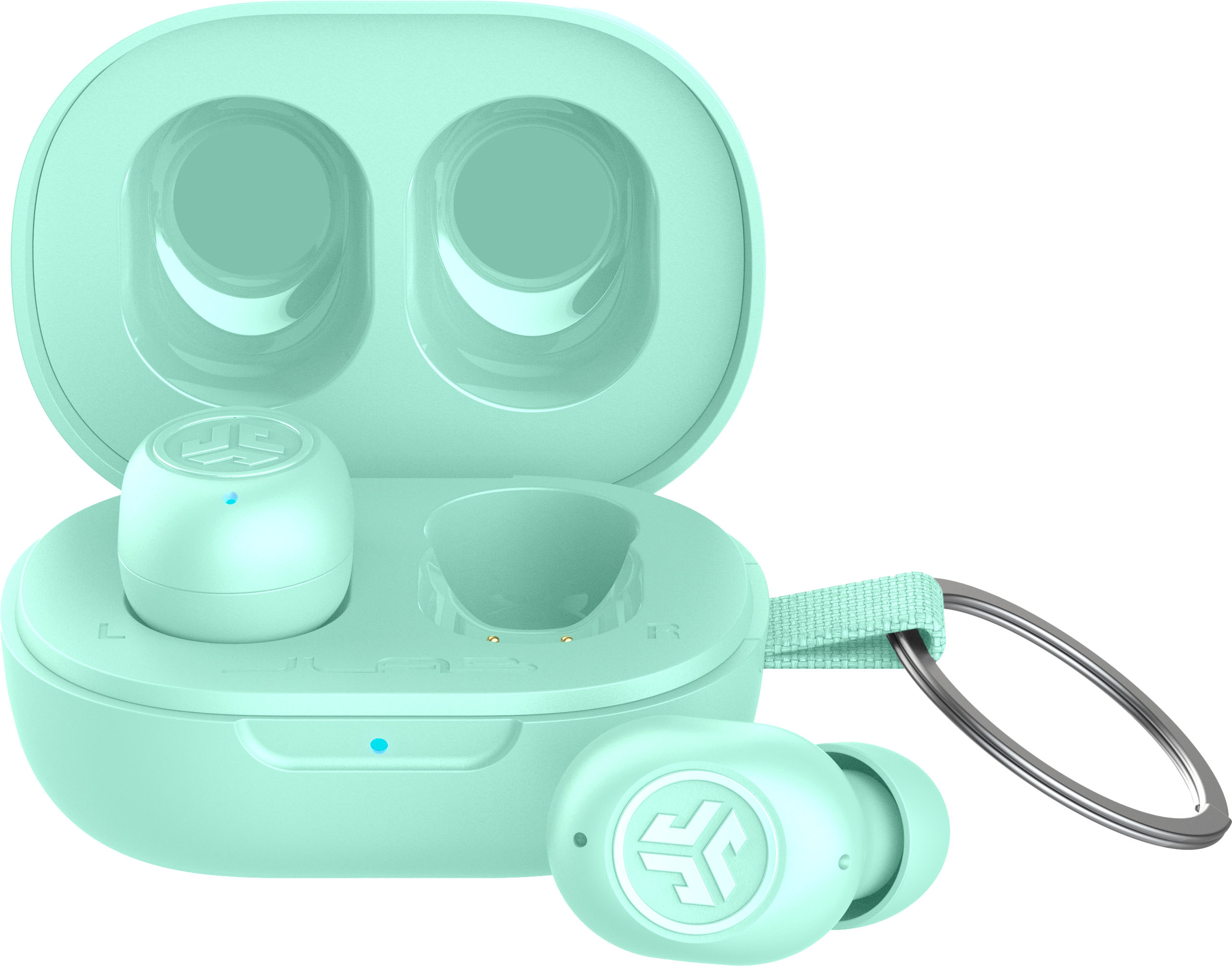
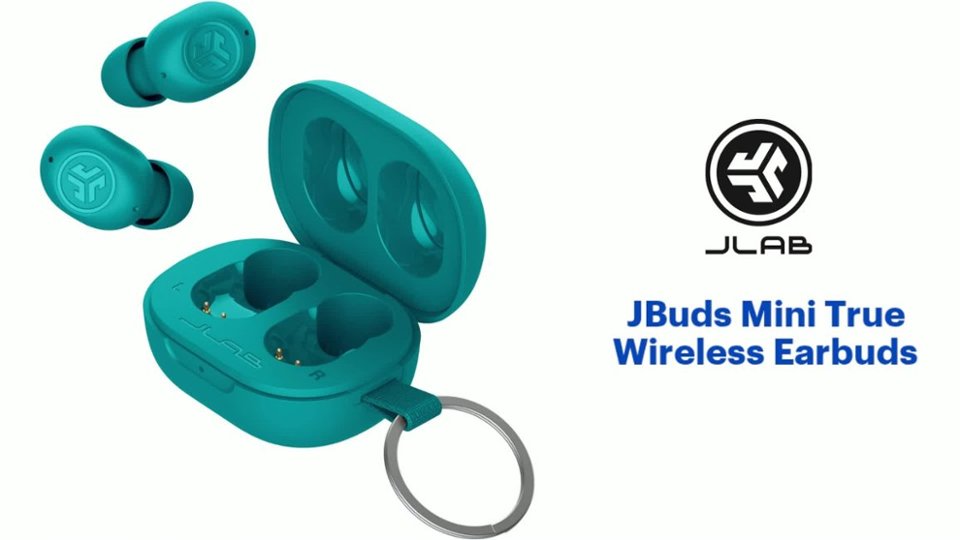
A:AnswerThe JBuds Mini can only be charged with a USB C cable. You can find a selection of earbuds on our website that support wireless charging docks!
A:AnswerThat will depend on the TV/Smart Receiver. I use these with my Chromecase with Android TV, paired via bluetooth directly to the Chromecast. These also work with Roku via the Roku app on my phone.
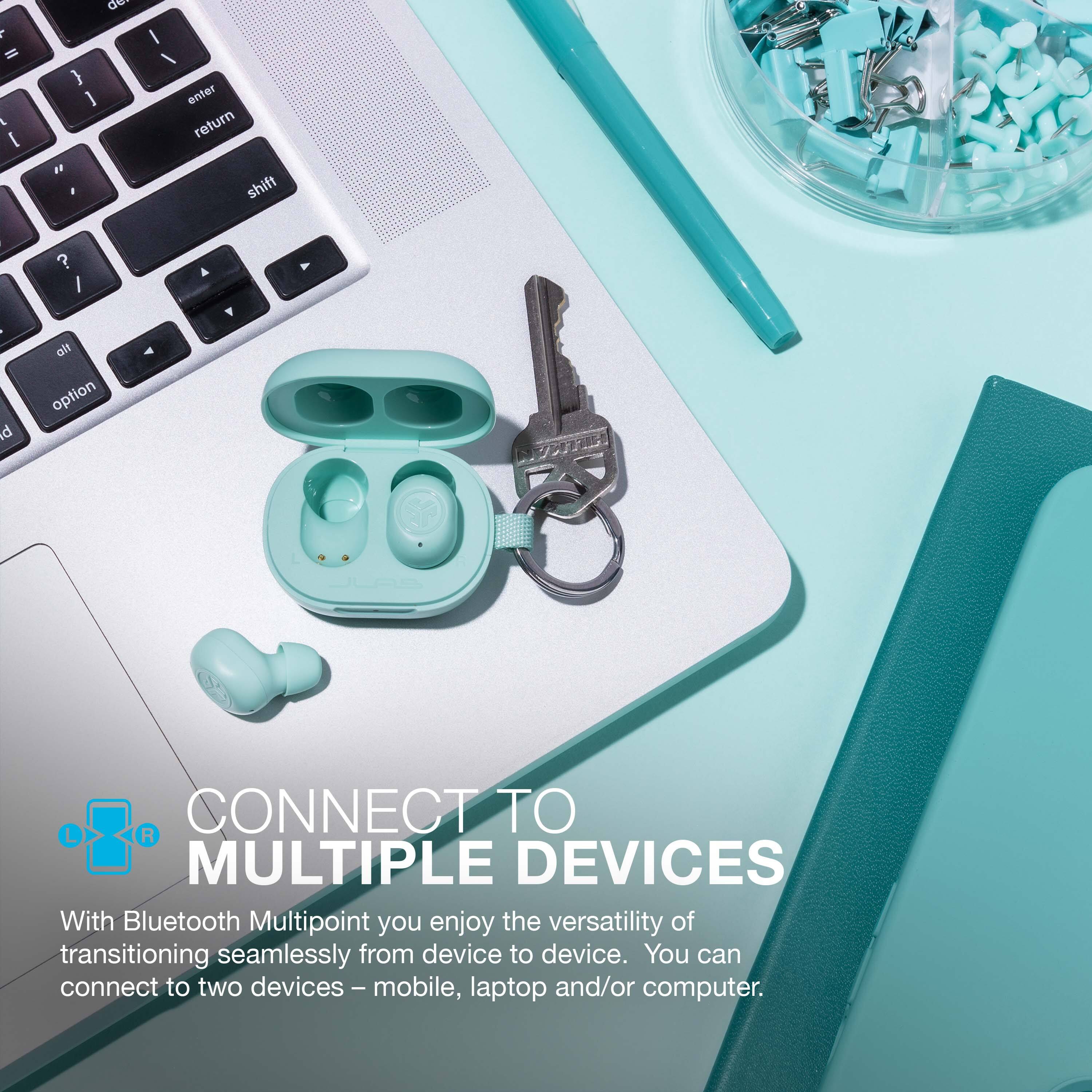
A:AnswerYes, the JLab JBuds Mini earbuds can connect to two different devices at the same time using Bluetooth multipoint. This means that you can switch seamlessly between listening to music on your phone and taking a call on your computer without having to manually disconnect and reconnect the earbuds.
To connect the JLab JBuds Mini earbuds to two devices at the same time, follow these steps:
Put the earbuds into pairing mode.
On your first device, go to the Bluetooth settings and select the JLab JBuds Mini earbuds.
Once the earbuds are connected to your first device, repeat steps 1-2 on your second device.