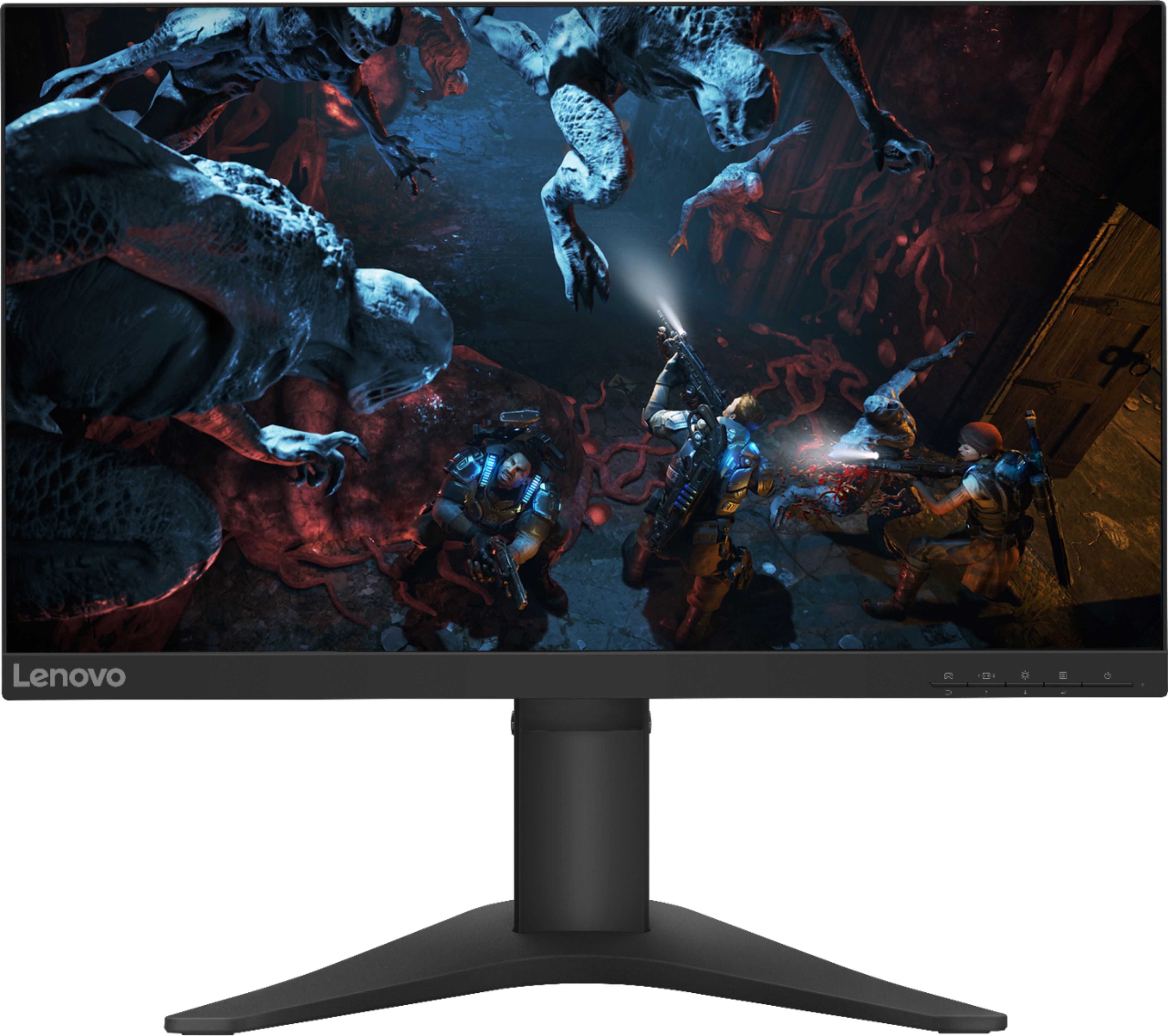
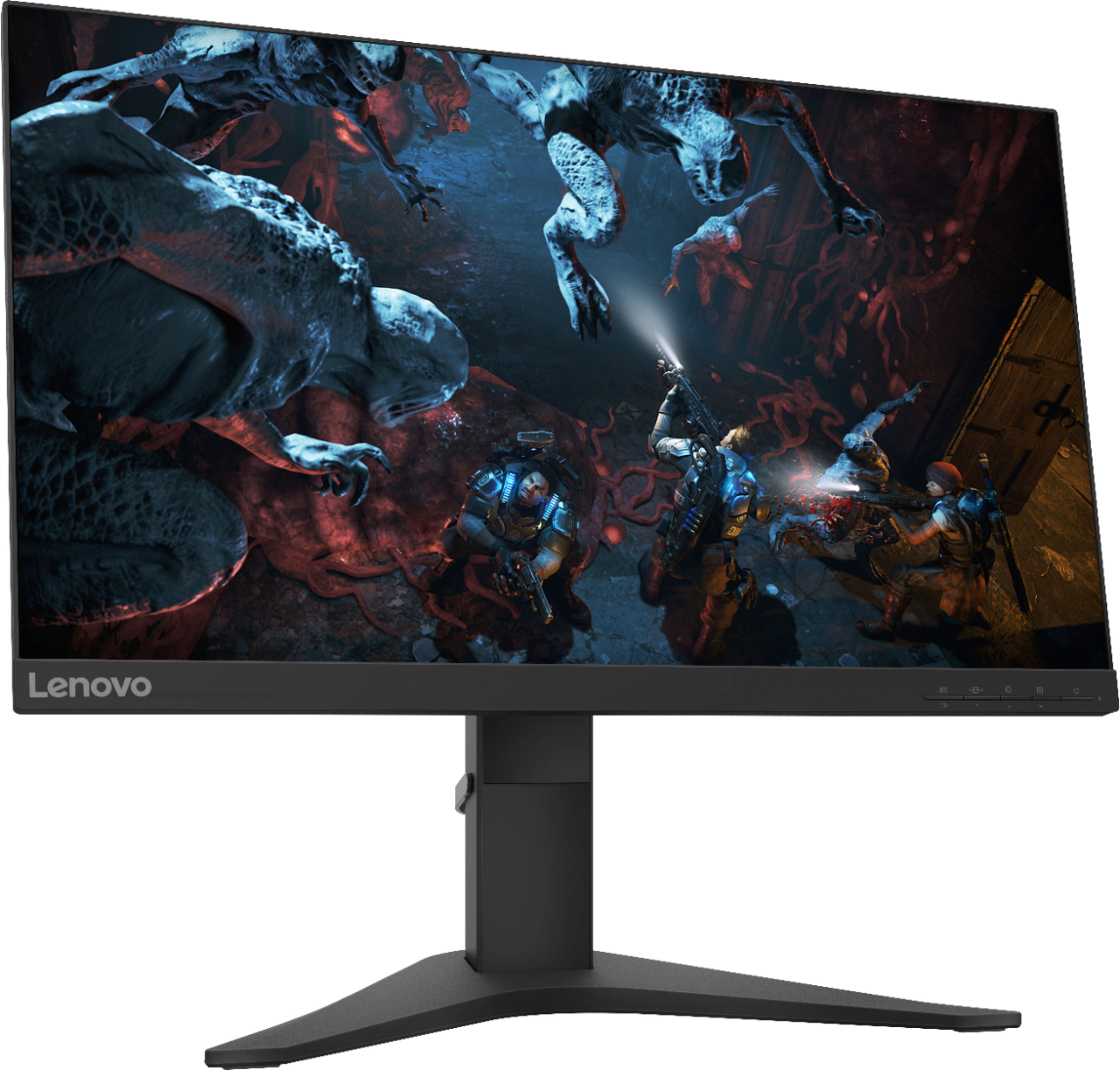
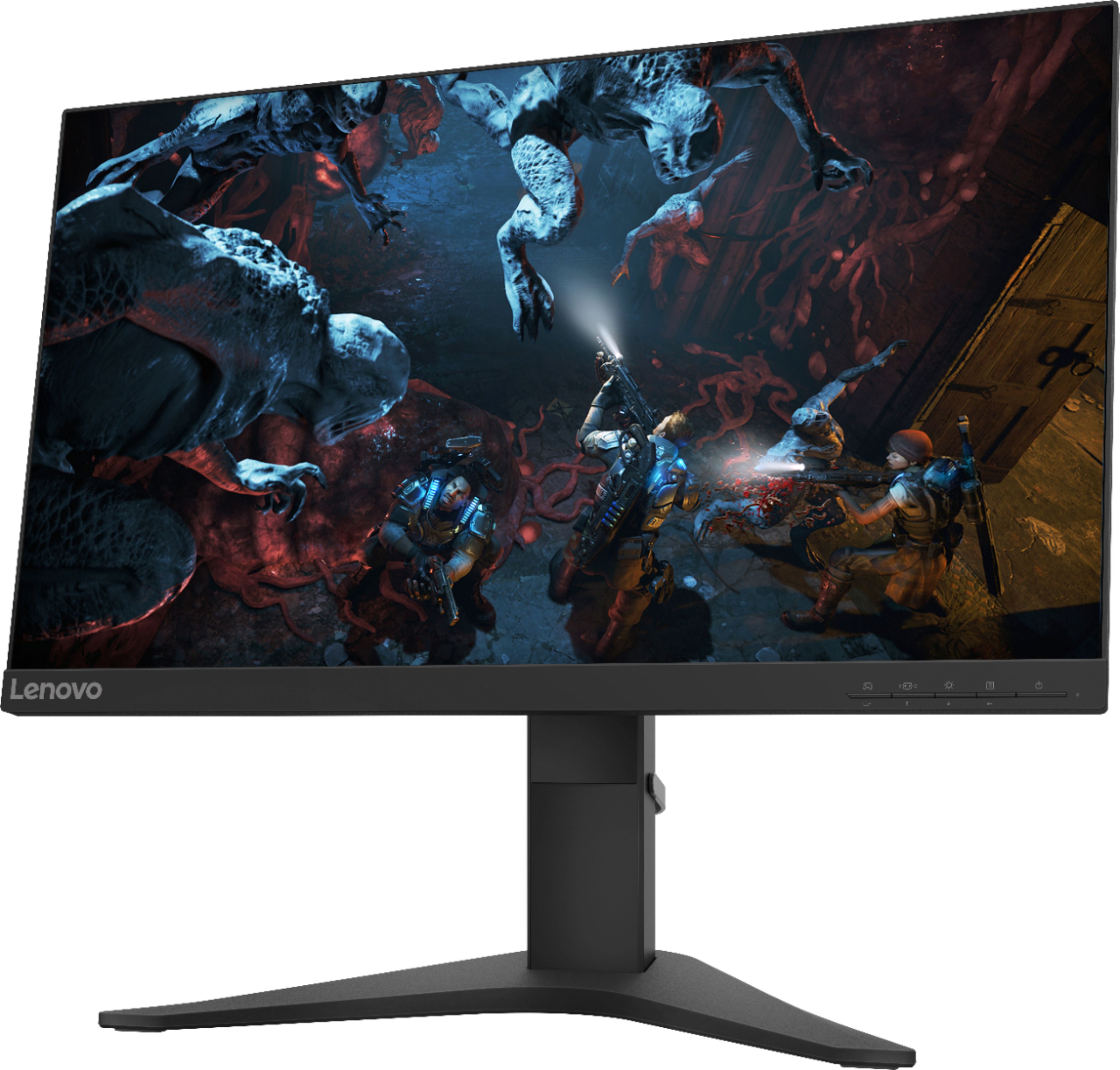
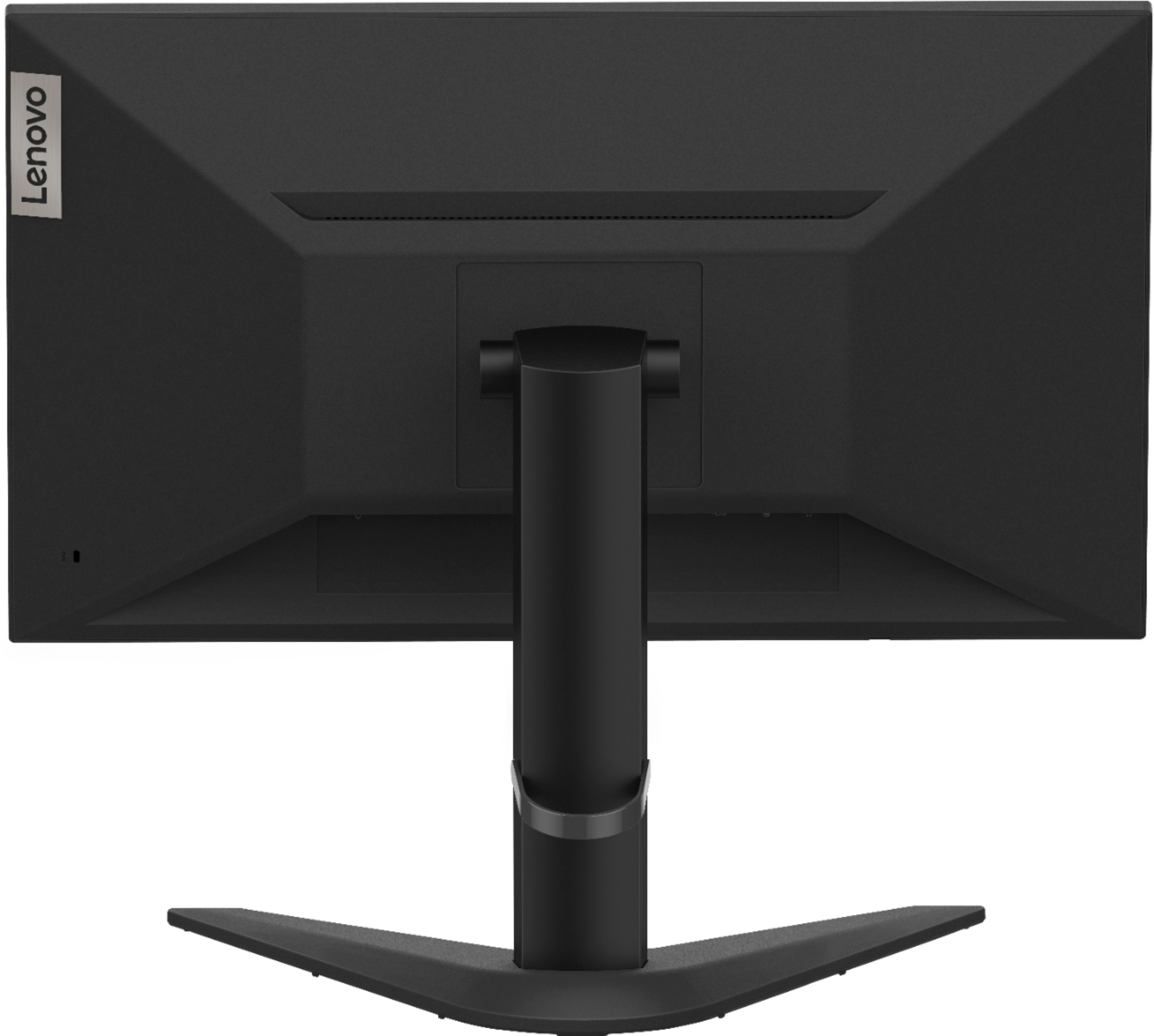
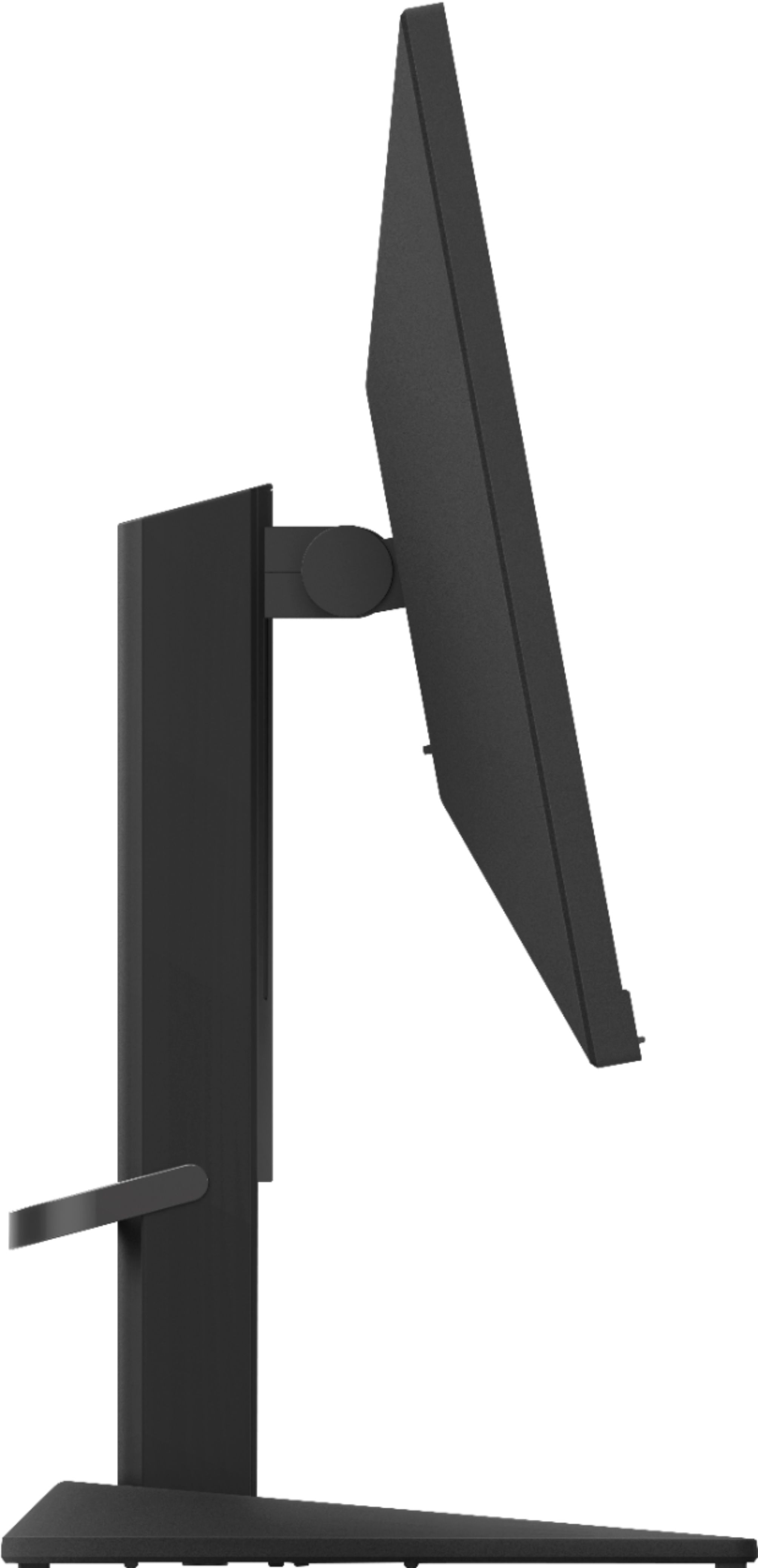
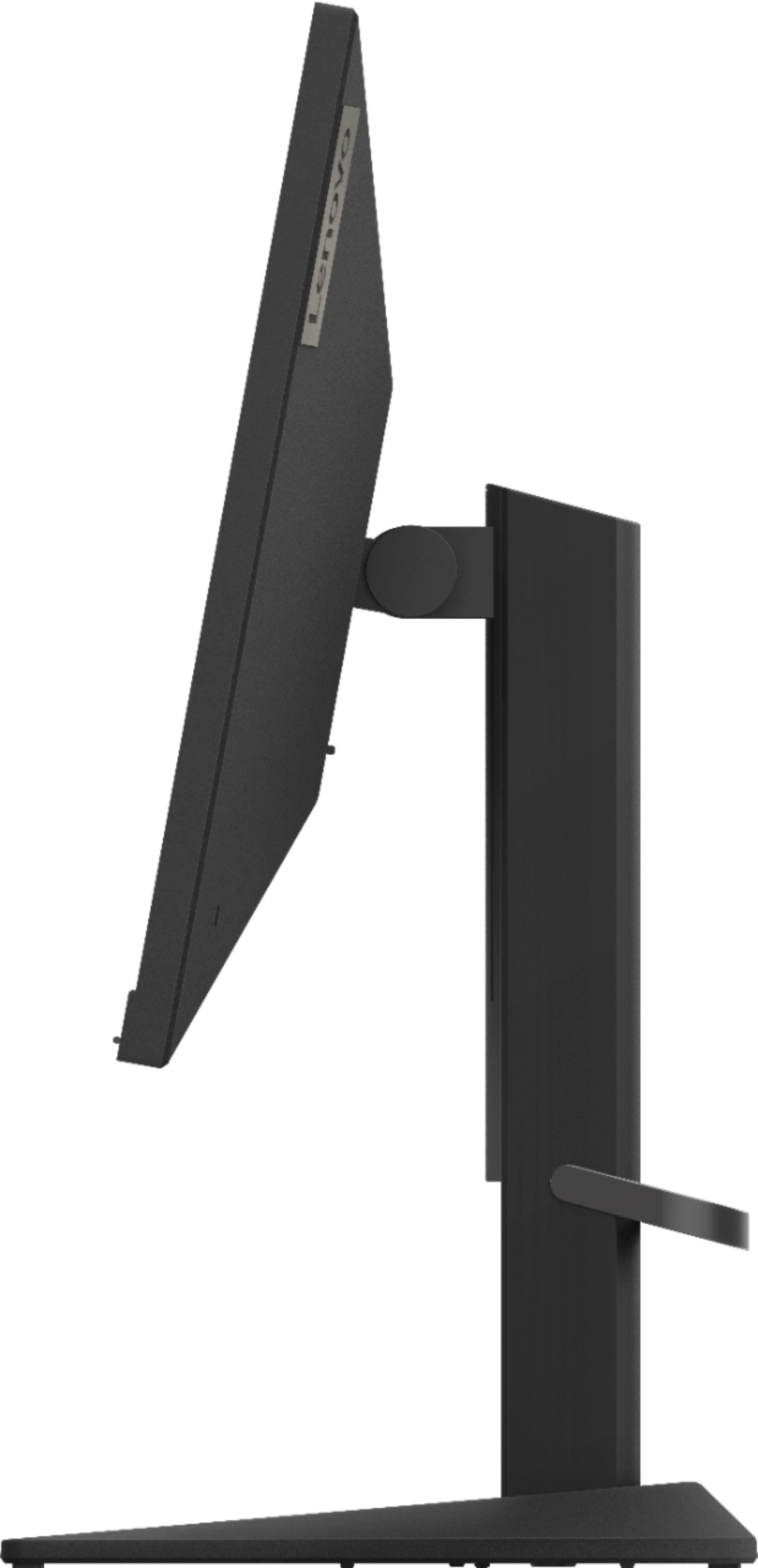
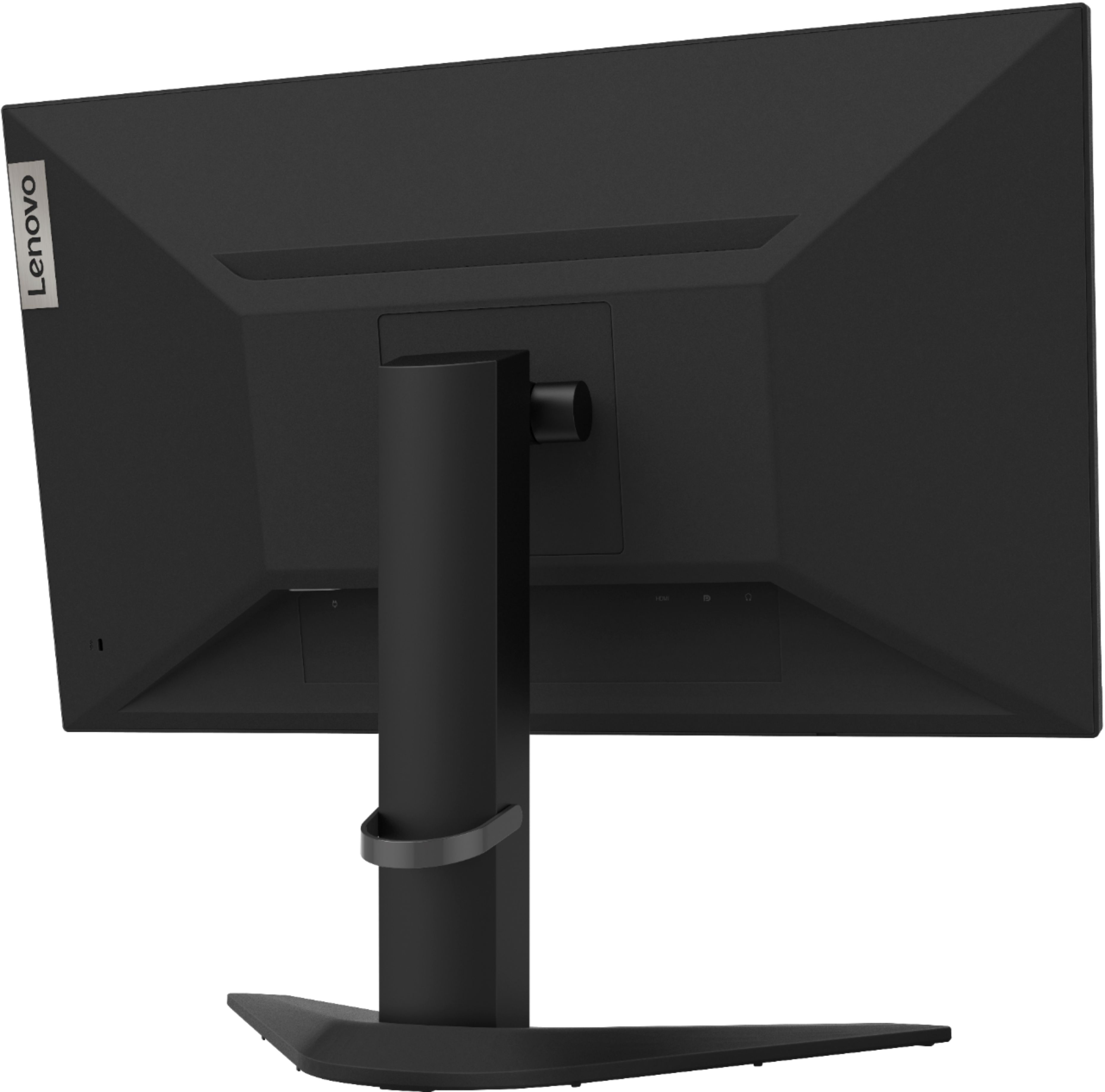
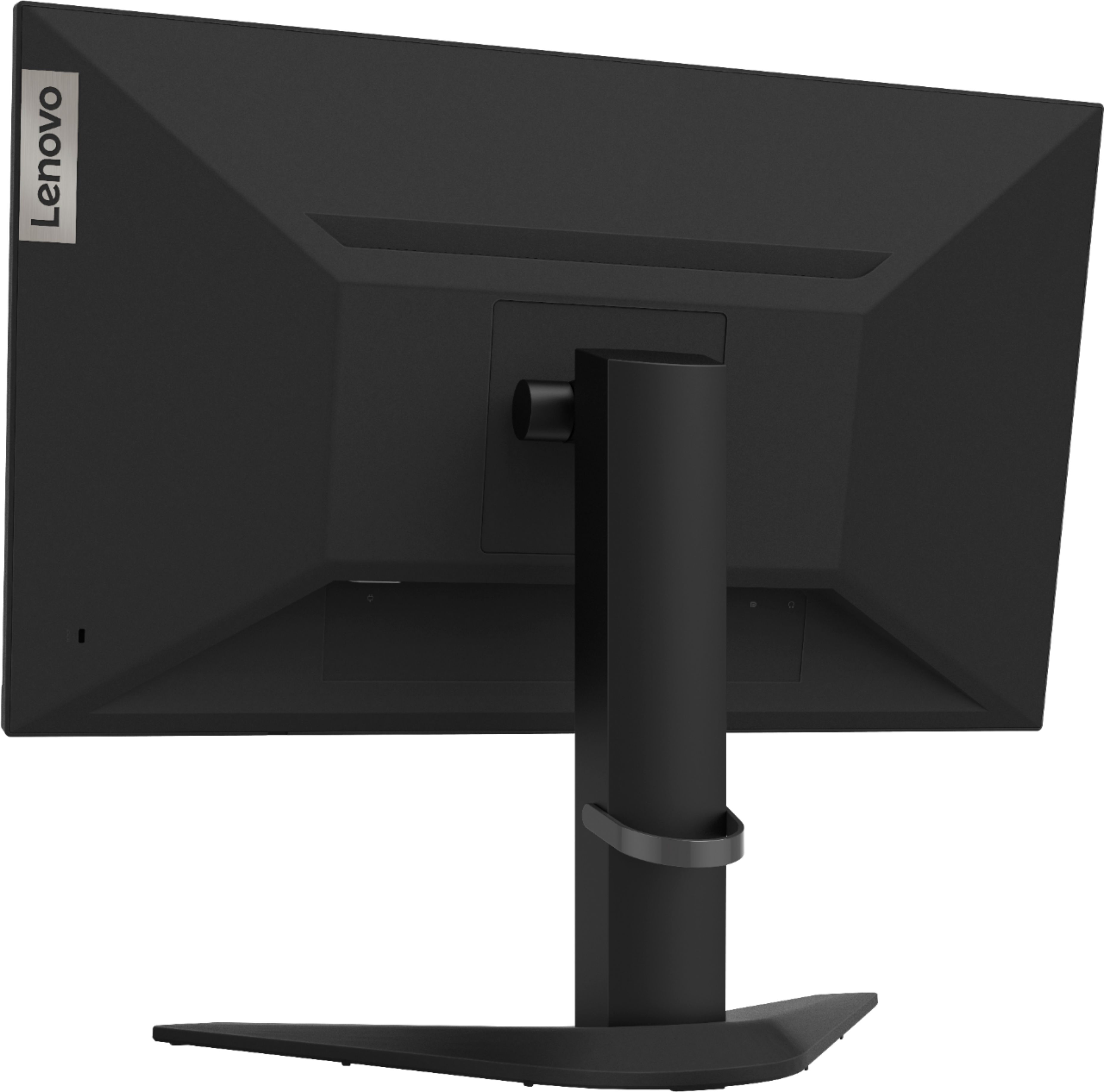
A:AnswerYes. You can plug compatible computer speakers into the 3.5mm audio jack on this monitor. Here is a link to the Quick Start guide for this monitor with illustrations: https://download.lenovo.com/consumer/monitor/lenovo_g25_10_qsg.pdf
A:AnswerHi Kenny, No the Lenovo G25-10 model # 65FEGCC2US Features one HDMI 1.4 and Yes the one Audio out (3.5mm) jack is for connecting headphones or external speakers.
A:AnswerCorrect the Lenovo G25-C Monitor model # 65FEGCC2US does ship with built in speakers. For audio you will need to connect headphones or speakers to the the 3.5 mm audio out jack located on the back of the unit.
A:AnswerHello, the Lenovo G25-10 monitor model # 65FEGCC2US features 1 x HDMI 1.4 port. For compatibility questions we recommend reaching out to Geek Squad or Lenovo Tech Support at 866-426-0911
A:AnswerYes it is. You can find the specifications of this monitor under the "Specifications
" tab here https://www.bestbuy.com/site/lenovo-g25-10-24-5-led-fhd-freesync-monitor-raven-black/6404026.p?skuId=6404026
A:AnswerNo, the Lenovo G25-10 Monitor ships with: An HDMI 1.4 and a DisplayPort 1.2 input with a 3.5 mm audio out jack. Here is a link to more information: https://www.displayspecifications.com/en/news/8f6c23a#:~:text=It%20offers%20only%20an%20HDMI,and%20swivel%20adjustment%20as%20well.