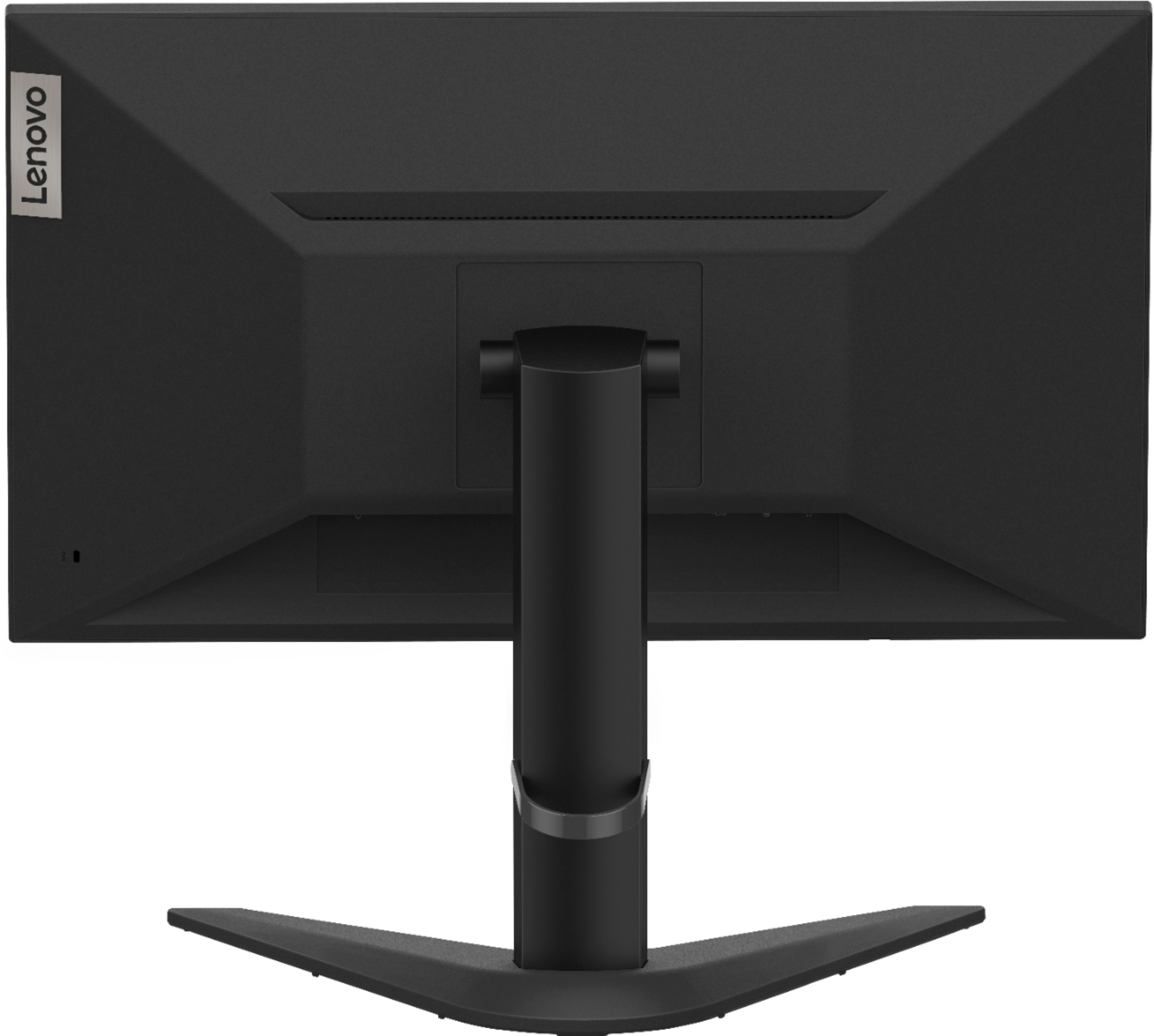
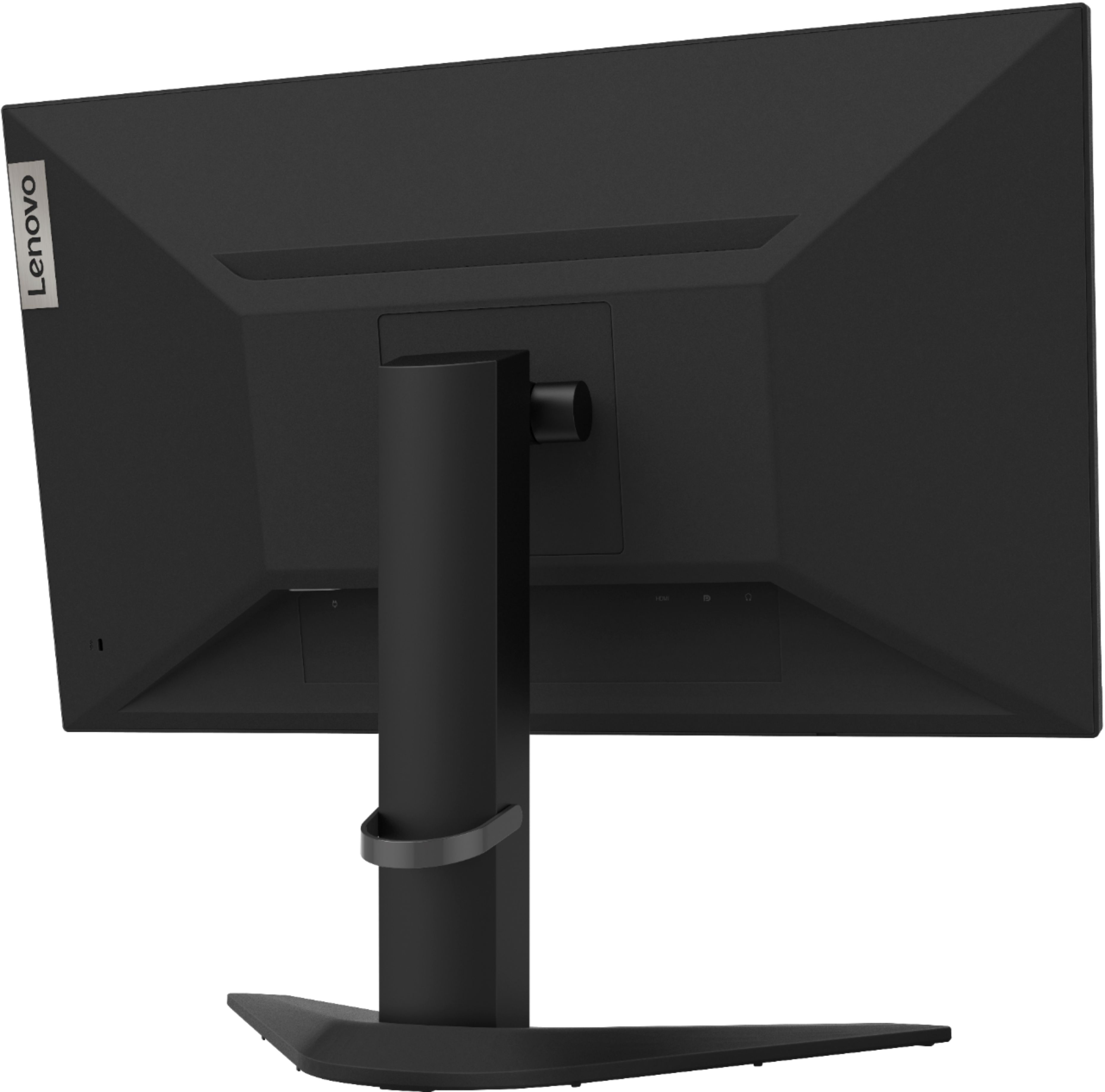
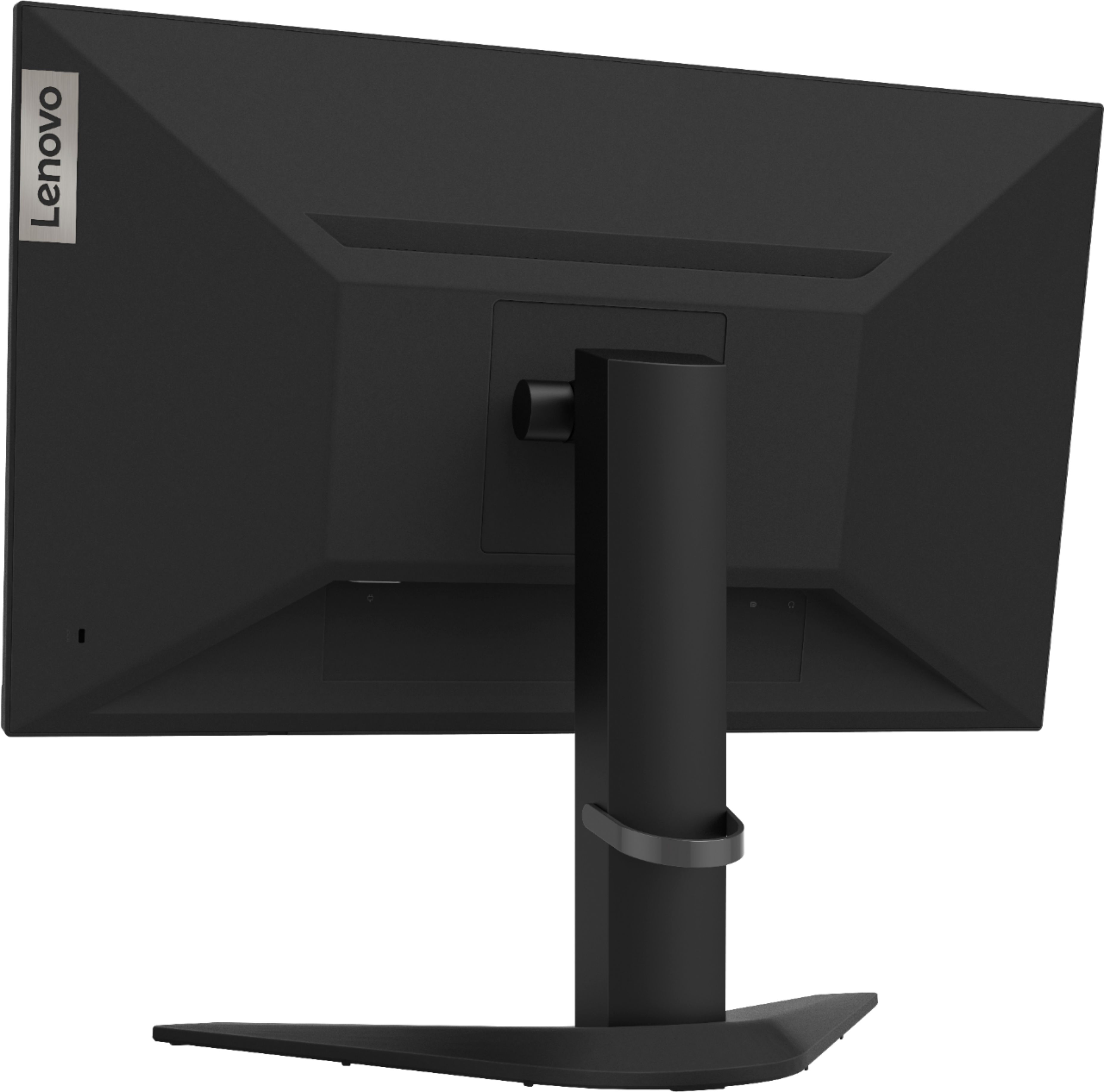
A:AnswerNo. This Lenovo G25-10 Monitor has no USB ports on the monitor. You will need to connect the keyboard and mouse you will be using to the computer you connect to this G25-10 Monitor.
A:AnswerThat will depend on the requirements and compatibility the specific model computer you want to connect to this Lenovo G25-10 Monitor to. The G25-10 Monitor is Operating System independent and connects to a compatible computer with either its 1 x HDMI 1.4 Version port or its 1 x DisplayPort 1.2 Version port. We recommend you check with your computer manufacturer's web site for the requirements and compatibility of your specific model computer, when connecting an external monitor to it.
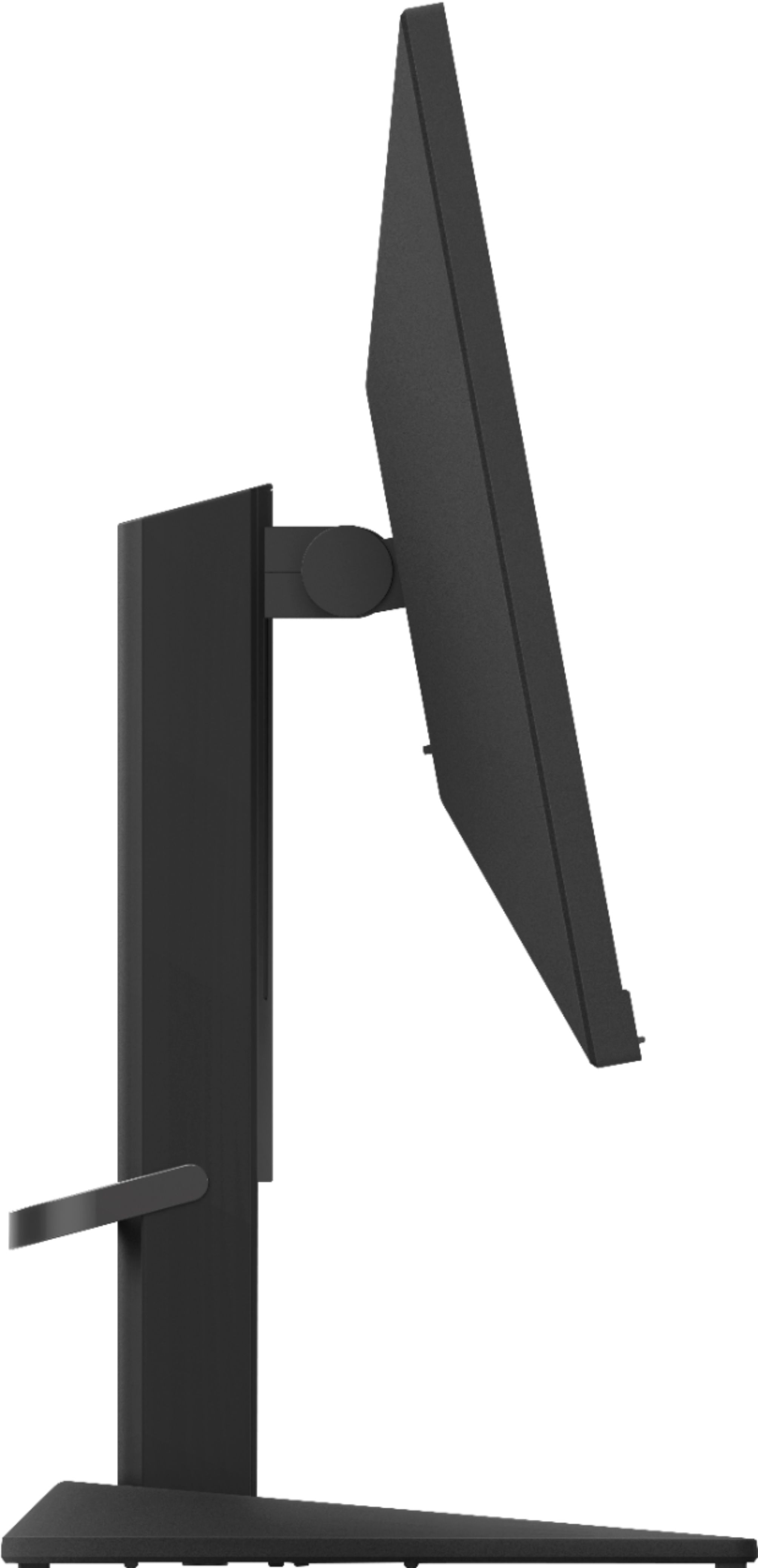
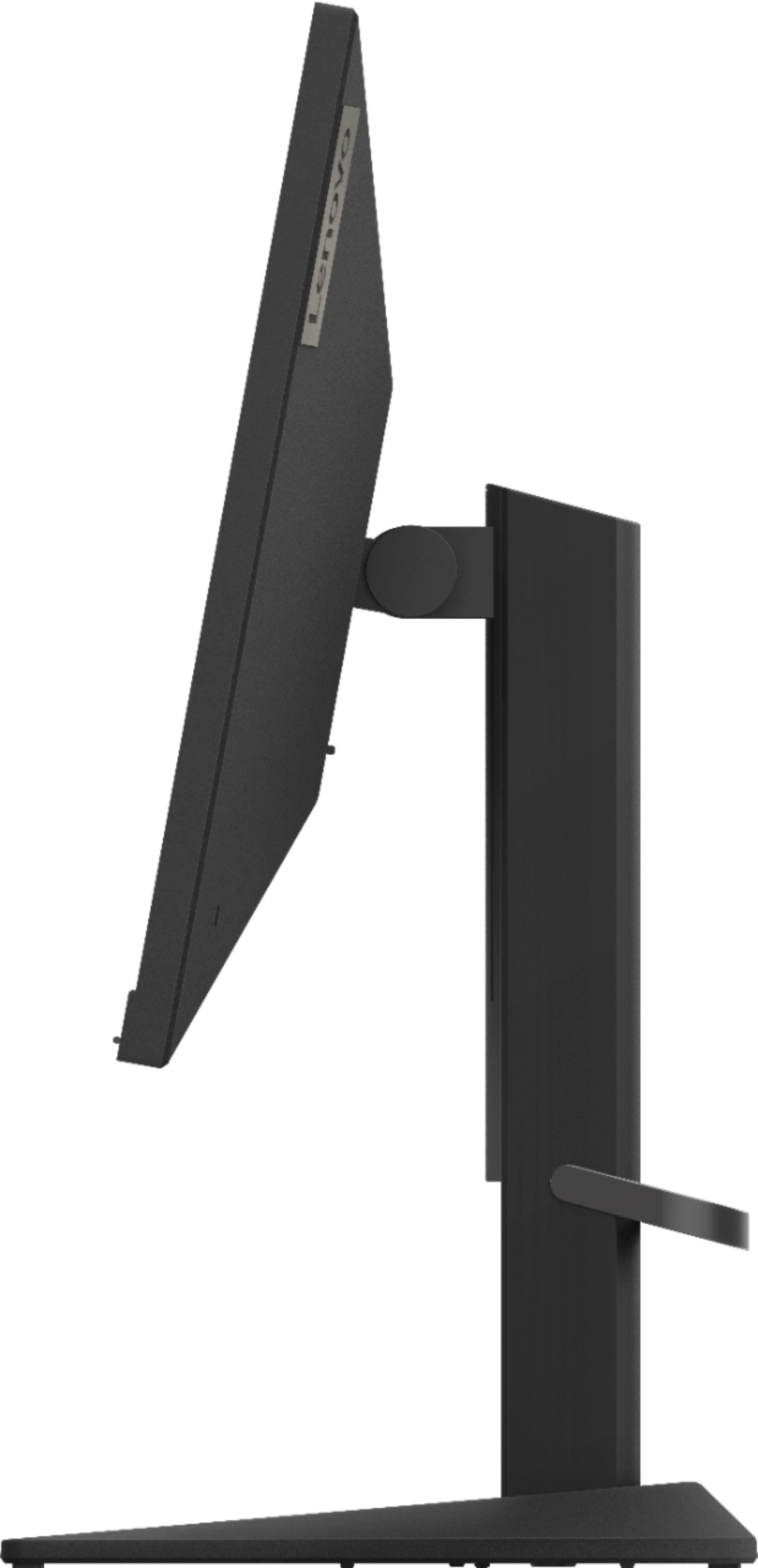
A:AnswerYes. This Lenovo G25-10 Monitor ships with a stand that is Tilt and Height Adjustable. The screen will tilt (front/back): -5 degrees / 22 degrees and will lift a maximum of 110 mm.
A:AnswerMy daughter is using it has a second screen that she’s running from her HP laptop. Looks great. It is pretty big. She has a small desk but that’s something down the line I’ll upgrade to bigger desk.
A:AnswerNo. This Lenovo G25-10 Monitor, model number 65FEGCC2US, does not have Bluetooth connectivity. It will only connect to a compatible video source via either 1x HDMI 1.4 version port or 1x DisplayPort 1.2 version port. This Lenovo G25-10 Monitor ships with 1x HDMI 1.4 cable included.
A:AnswerCurrently there is no driver update for Windows 11 for this Lenovo G25-10 Monitor. Here is the link to the current drivers that are available: https://support.lenovo.com/us/en/downloads/ds542150-lenovo-g25-10-monitor-driver-for-microsoft-windows-10-7-32-bit-64-bit. You can still use this monitor with Windows 11 using the current Windows 10 drivers and still achieve 144Hz Refresh Rate when used with either 1 x HDMI 1.4 connection or 1 x DisplayPort 1.2 connection. Be sure the computer you are connecting to is compatible with HDMI 1.4 version or DisplayPort 1.2 Version. Be sure the cable you are using is also compatible. The display mode of the monitor uses is controlled by the computer. Therefore, refer to your computer documentation on how to change display modes. Here is a link to the User Guide for this monitor. The available Onscreen Settings Menus are illustrated, beginning on page 2-3:https://download.lenovo.com/consumer/monitor/lenovo_g25_10_ug_201910_en.pdf. If you have questions about your Lenovo G25-10 Monitor, we recommend you contact lenovo Tech Support for Monitors at: 866-426-0911.
A:AnswerIf you are getting a Standby Mode message on the screen when you connect this Lenovo G25-10 Monitor to a gaming console, that means the screen is not receiving a video signal. Check your settings at the gaming console. Then check your settings within the Onscreen Display Menus available on this Lenovo G25-10 Monitor. Here is a link to the User Guide for this Monitor, available monitor controls are listed starting on page 2-3: https://download.lenovo.com/consumer/monitor/lenovo_g25_10_ug_201910_en.pdf. Be sure your gaming console is compatible with this monitor. This Lenovo G25-10 Monitor connects to a video source via either 1 x HDMI 1.4 Version port or 1 x DisplayPort 1.2 Version port. There is 1 x HDMI cable (1.8 m) included with the monitor. Be sure your gaming console is compatible. We recommend you check with your gaming console manufacturer's web site for the requirements and compatibility of your specific gaming console for connecting a monitor, then compare those requirements to this Lenovo G250-10 Monitor. If you continue to have issues, we recommend you contact Lenovo Tech Support for monitors at: 866-426-0911.
A:AnswerThat will depend on the requirements and compatibility of your specific gaming console. This Lenovo G25-10 Monitor, model number 65FEGCC2US, ships with both 1 x HDMI 1.4 Version port and 1 x DisplayPort 1.2 Version for connecting a compatible video source, like a gaming console. We recommend you check with your gaming console manufacturer's web site for the requirements and compatibility of connecting a monitor to your specific model gaming console and the performance levels you can expect.
A:AnswerThis Lenovo G25-10 Monitor has a height adjustable stand. Size Unpacked w/ Stand (D x H x W,
mm/inch) (lowest position): 234.8 x 366.53 x 557.49 mm, 9.24 x 14.43 x 21.95 inches. Size Unpacked w/ Stand (D x H x W, mm/inch) (highest position) - 234.8 x 476.53 x 557.49 mm, 9.24 x 18.76 x 21.95 inches.
A:AnswerThat really will depend on your individual specification requirements for the work you do. The Lenovo G25-10 Monitor provides 100 Percent of the sRGB (72 Percent of the NTSC) color gamut. Has a brightness level of 400 nits with an Anti-glare Coating on the screen. Color Support (typical) of 16.7 Million, Contrast Ratio (typical) of 1000:1 and a Dynamic Contrast Ratio (typical) of 3M:1. Motion blur is minimized with a 144 Hz refresh rate. The 1ms response time eliminates streaking and ghosting. You will protect your eyes from harmful blue light with this TUV Rheinland Eye Comfort-certified monitor. The flicker-free technology educes eye fatigue.
A:AnswerThis Lenovo G25-10 Monitor, model number 65FEGCC2US, ships with 1 x Power cable (1.8 m). There is also 1 x HDMI cable (1.8 m) included for connecting this G25-10 Monitor to a compatible computer. This G25-10 Monitor ships with 1 x HDMI 1.4 port and 1 x DisplayPort 1.2 port. Additionally, there is 1 x Audio Out (3.5 mm) jack.
A:AnswerThis Lenovo G25-10 Monitor, model number 65FEGCC2US, ships with both 1 x HDMI 1.4 port and 1 x DisplayPort 1.2 port for connection to a compatible computer.
A:AnswerThe Lenovo G25-10 Monitor, model number 65FEGCC2US id the Monitor Only. You will need to connect this monitor to a computer via either 1 x HDMI 1.4 port or 1 x DisplayPort 1.2 port, for it to function.