Questions & Answers
- Model:
- 65FEGCC2US
- |
- SKU:
- 6404026
Q: QuestionWhat is the height of monitor with stand at lowest setting?
Asked by Akmom.
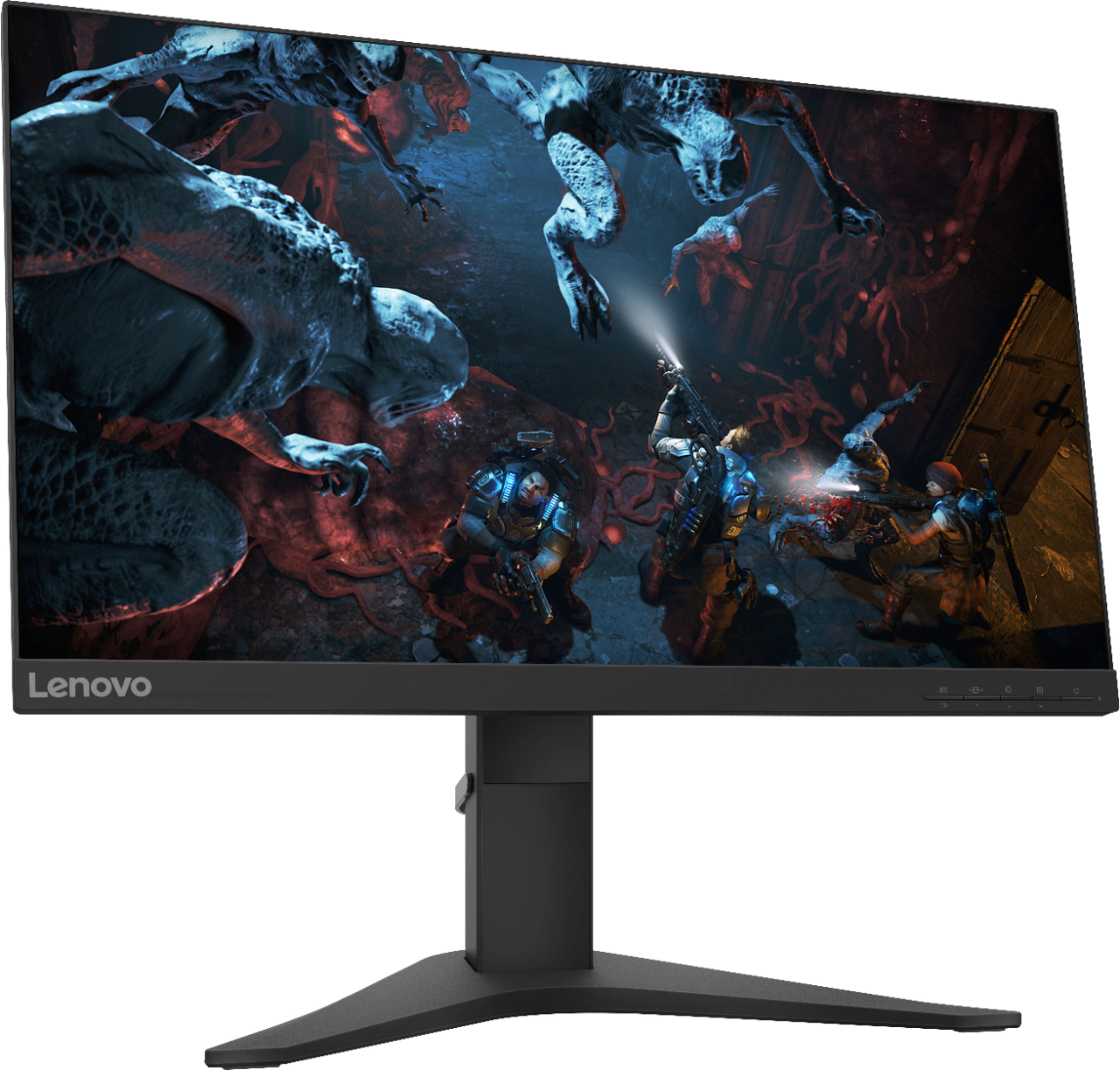
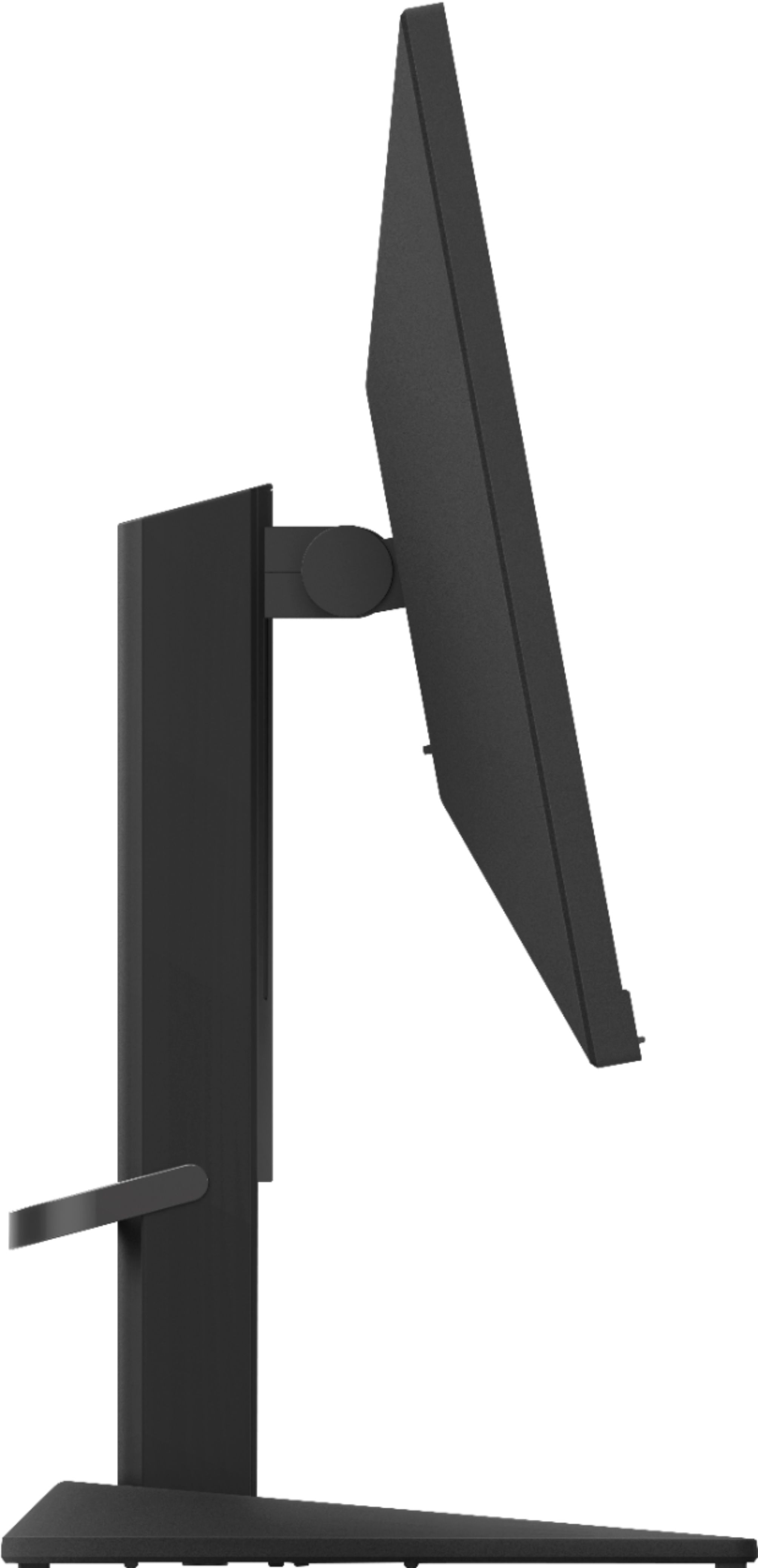
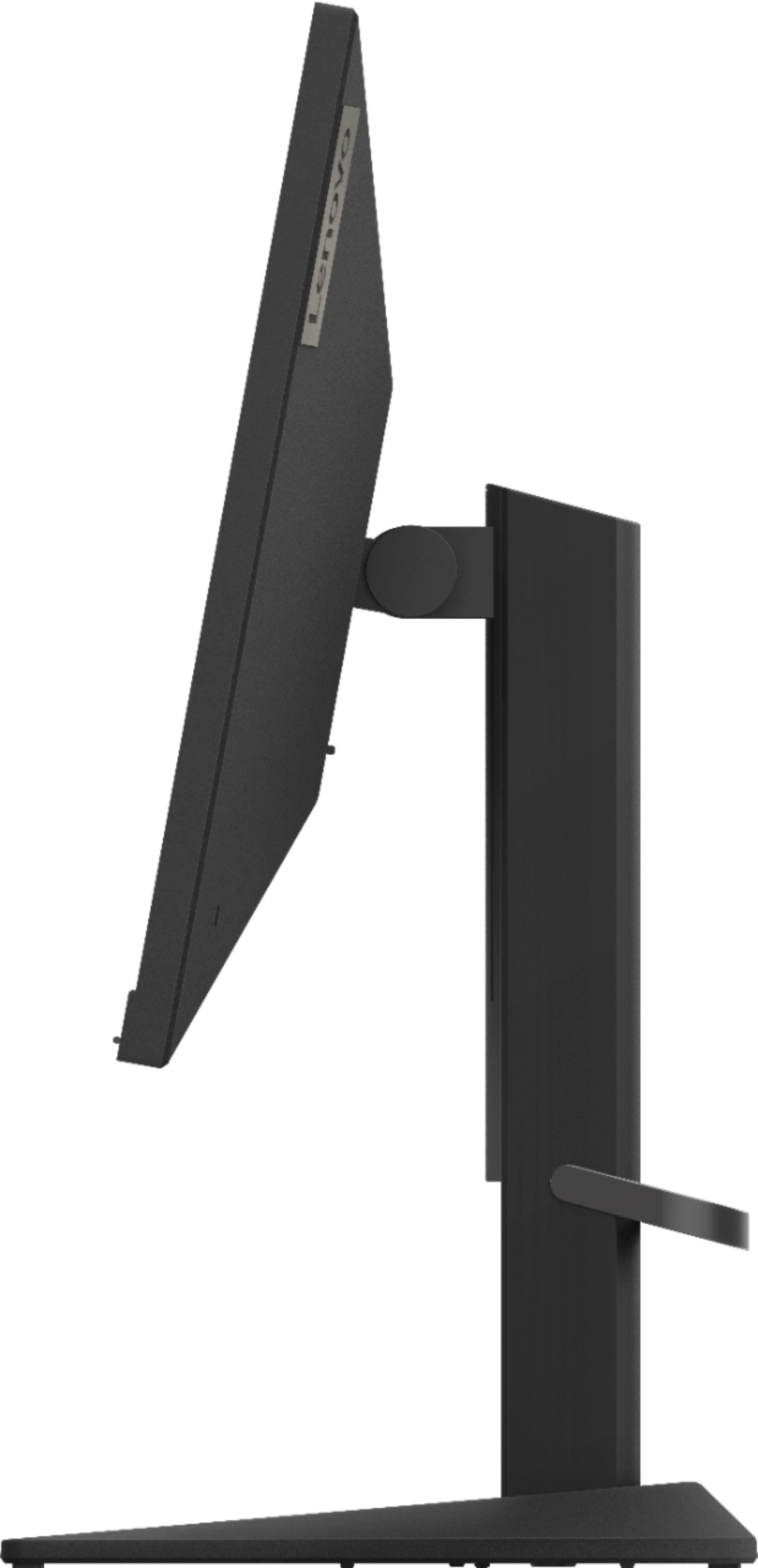
- A:Answer With the adjustable stand set to its lowest position, the dimensions of this Lenovo G25-10 Monitor, model number 65FEGCC2US, are: Size Unpacked w/ Stand (D x H x W, mm/inch) (lowest position) 234.8 x 366.53 x 557.49 mm, 9.24 x 14.43 x 21.95 inches.
Answered by Lenovo Product Expert

Q: QuestionDoes this monitor support up to 144hz with HDMI or do you need to use the display port?
Asked by CA.
- A:Answer This monitor can be set up to 144hz with HDMI, at least with my testing.
Answered by HeyImSandy
Q: QuestionIs this compatible with this tower? ( https://www.bestbuy.com/site/lenovo-legion-tower-7i-gaming-desktop-intel-core-i7-10700k-16gb-memory-nvidia-geforce-rtx-3060-512gb-ssd-black/6468175.p?skuId=6468175 )
Asked by esob.
- A:Answer The Lenovo Legion Tower 7i Gaming Desktop Computer, model number 90Q800CEUS, ships with the NVIDIA GeForce RTX 3060 12GB GDDR6 GPU, with 3x DP 1.4a, 1x HDMI 2.1 video connections for external monitors. The Lenovo G25-10 Monitor, model number 65FEGCC2US, ships with 1 x HDMI 1.4 Version port and 1 x DP 1.2 port. Both the HDMI 2.1 port and the DisplayPort 1.4a on the GPU within the computer are backward compatible to this monitor's connections. You could use either with this computer.
Answered by Lenovo Product Expert

Q: QuestionDoes this monitor have usb ports and if it does how many?
Asked by Anonymous.
- A:Answer It has an HDMI port that’s it
Answered by charliegirl
Q: QuestionCan I use this monitor as a second display with my laptop, or is it only for gaming
Asked by Sue.
- A:Answer You can use this monitor as an external display with any compatible laptop. This Lenovo G25-110 Monitor is Operating System independent and connects to a compatible laptop via either 1 x HDMI 1.4 Version or 1 x DisplayPort 1.2 Version. We recommend you check with your laptop manufacturer's web site for the compatibility and requirements for connecting an external monitor to your specific laptop model.
Answered by Lenovo Product Expert

Q: QuestionWhat are the dimensions of the stand?
Asked by Anonymous.
- A:Answer I measure the base of the stand at 16" wide and 9" deep. I assume those are the dimensions you were interested in.
Answered by DWLsurvived2020
Q: QuestionShould I get a pc with this?
Asked by GamerV.
- A:Answer You can either add a new computer or use this Lenovo G25-10 Monitor with an existing compatible computer. This monitor connects to a compatible computer via either 1 x HDMI 1.4 or 1 x DisplayPort 1.2.
Answered by Lenovo Product Expert

Q: QuestionAm I able to use this with a Lenovo Ideacentre AIO 700
Asked by patrioticgirl.
- A:Answer I have a hp slimjet desktop 290 check specs, HDMI in and out
Answered by greatlittletablet
Q: QuestionIs this compatible with low end nvidia gpu like gtx 645?? Can i also get 144 refresh rate??
Asked by Ben.
- A:Answer As long as you have an hdmi cable and don't push your system too hard you can get 144fps/hz. So yes in short it will do what you want.
Answered by Koolaid
Q: QuestionDoes the cable that comes with it support 144hz and 1ms?
Asked by Anonymous.
- A:Answer Yes it does, when used with a compatible video source (computer or gaming console).
Answered by Lenovo Product Expert

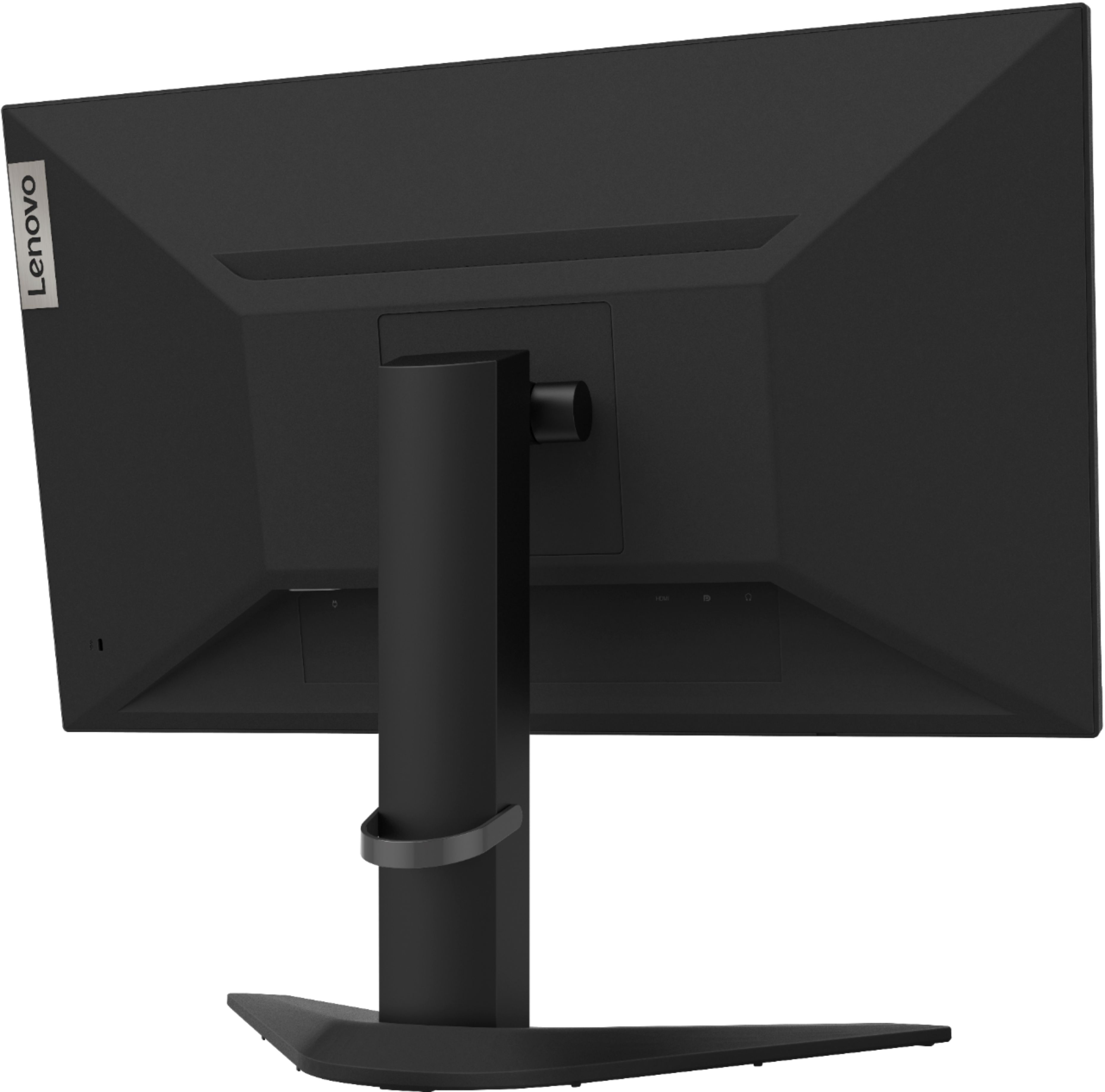
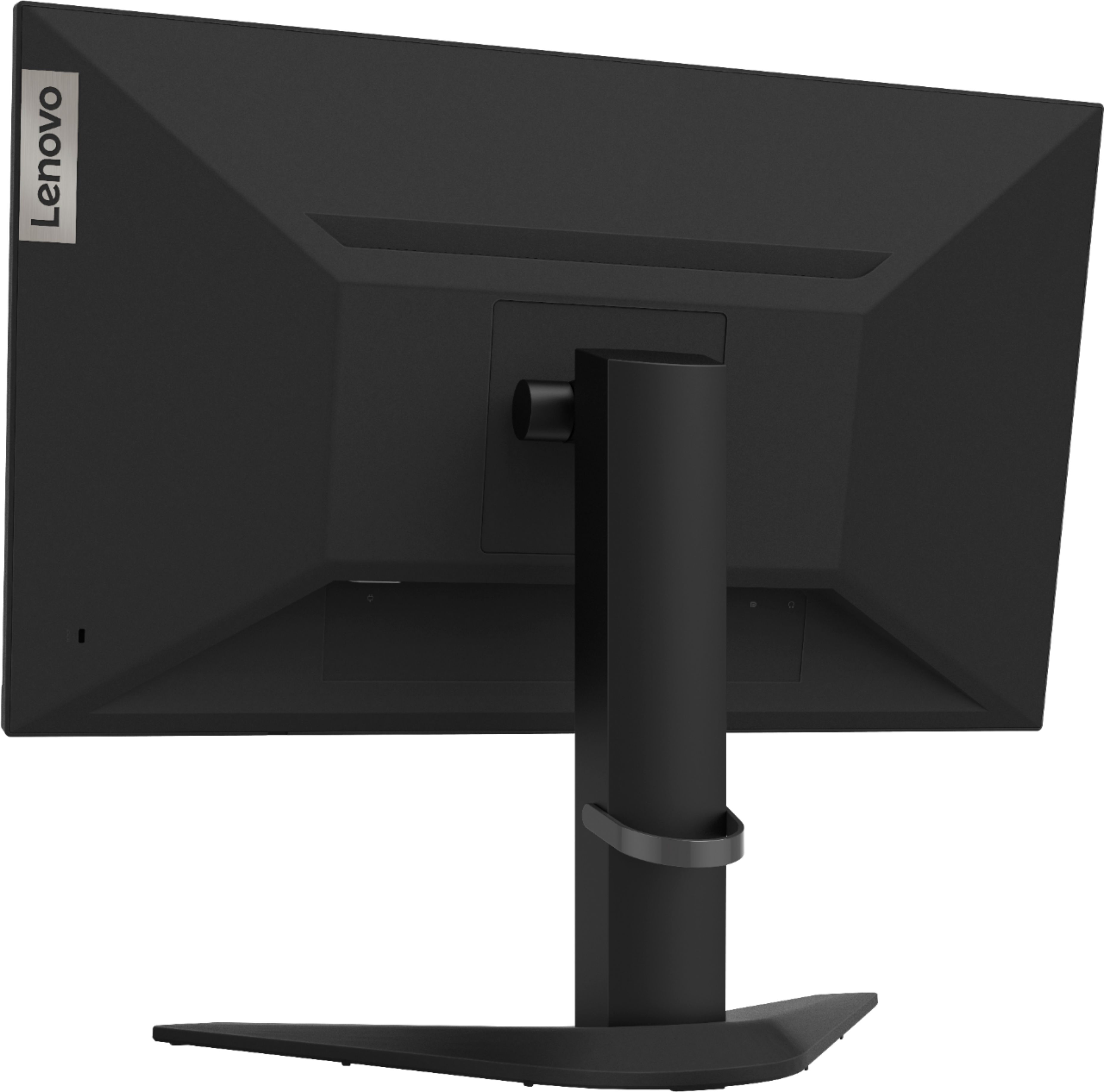
Q: Questionis this monitor mountable?
Asked by lenovo.
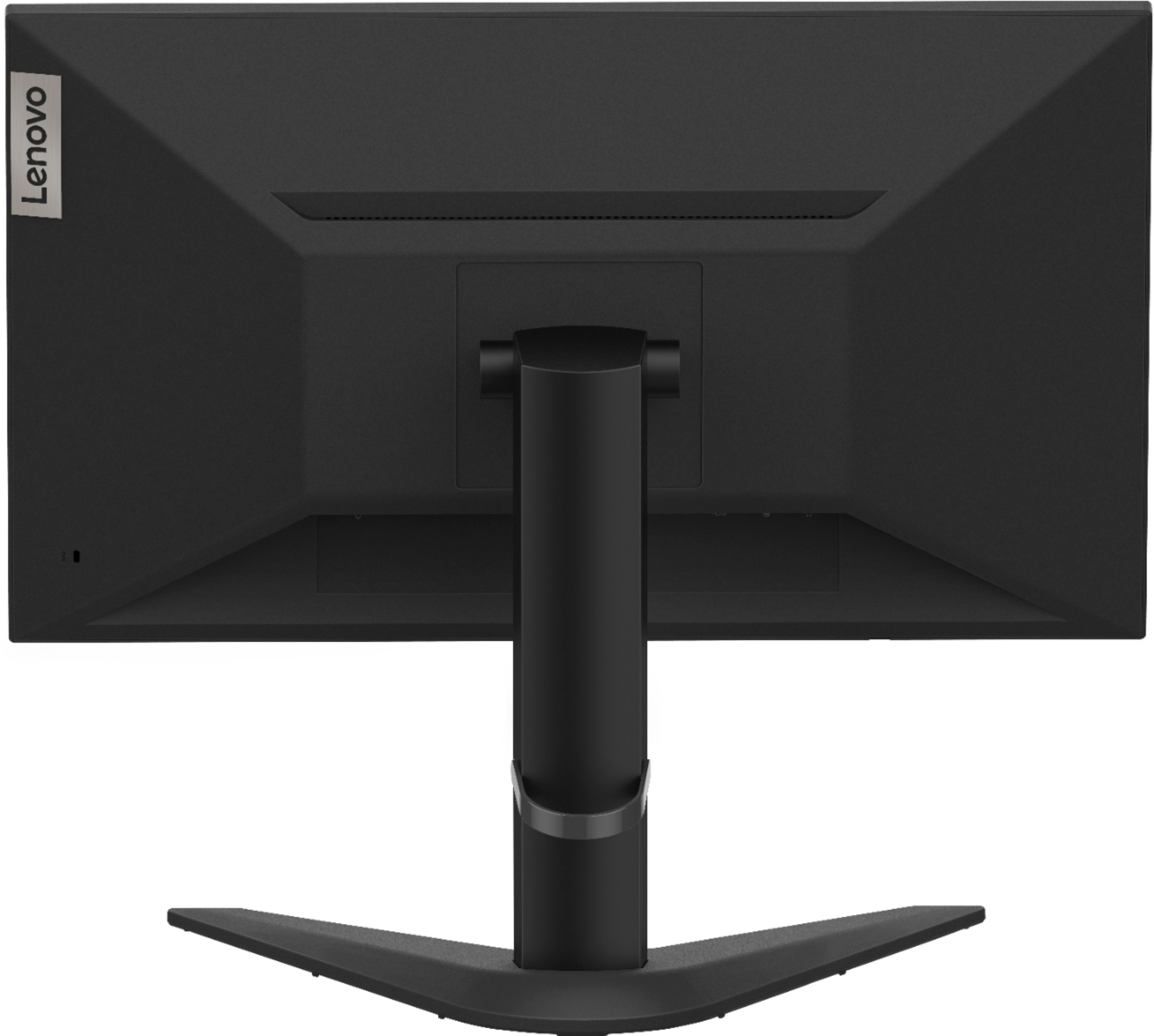
- A:Answer Yes. The Lenovo G25-10 Monitor, model number 65FEGCC2US, is VESA Mount (100 x 100 mm) compatible.
Answered by Lenovo Product Expert

Q: Questionwhere in the setting do i change the 60hz from 144hz
Asked by Anonymous.
- A:Answer Use the On-screen Settings Menus to adjust the refresh rate. Here is a link to the User Guide for this monitor which illustrates the On-Screen settings menus available for this monitor: https://files.bbystatic.com/UwlSj8CqmlCJ6RWZYBJFMw%3D%3D/64424200-070E-422A-ADB0-D6AE174D137A.pdf. If you continue to have issues with your monitor, we recommend you contact Lenovo Tech Support for Monitors at: 866-426-0911.
Answered by Lenovo Product Expert

Q: QuestionCan I use the monitor for 120hz on my Xbox when using hdmi
Asked by Bob.
- A:Answer That will depend on the requirements and compatibility of the device you want to connect to this monitor. The Lenovo G25-10 Monitor, model number 65FEGCC2US, ships with an HDMI 1.4 version port and a DisplayPort 1.2 version port. We recommend you check with the manufacturer of the device you want to connect for the compatibility and requirements of the device model you want to connect for the optimum performance. The Lenovo G25-10 Monitor has a maximum refresh rate of 144Hz through either HDMI 1.4 or DisplayPort 1.2 when connected to a compatible video source.
Answered by Lenovo Product Expert

Q: QuestionI bought the monitor couple of maontha ago . It dosent go above 60hz even though i go to change the settings ut dosent go abve 60hz what do i do ?
Asked by Ruz.
- A:Answer The Lenovo G25-10 Monitor, model number 65FEGCC2US, has a refresh rate of 144Hz when used with a compatible video source, like a computer or gaming console. The G25-10 Monitor ships with one HDMI 1.4 version port and one DisplayPort 1.2 version port for connecting a compatible video source. The G25-10 Monitor ships with a compatible HDMI cable. Be sure that the video source - a computer or gaming console, is compatible with both the ports on the monitor and the cable you are using to connect the two for the maximum performance. If you are connecting a gaming console, be sure you check the requirements of the HDMI output of the gaming console. Be sure it is 1.4 version. If it is something other than 1.4 (say version 2.0 HDMI) you will not be able to achieve maximum refresh rates above 60Hz.
Answered by Lenovo Product Expert

Q: Questionis this monitor compatible with a gtx 1660 ti?
Asked by veretas.
- A:Answer Every monitor is lol
Answered by Giorgio
Q: QuestionWould this monitor come in the proper size 24 ‘5 or smaller?
Asked by Krillz.
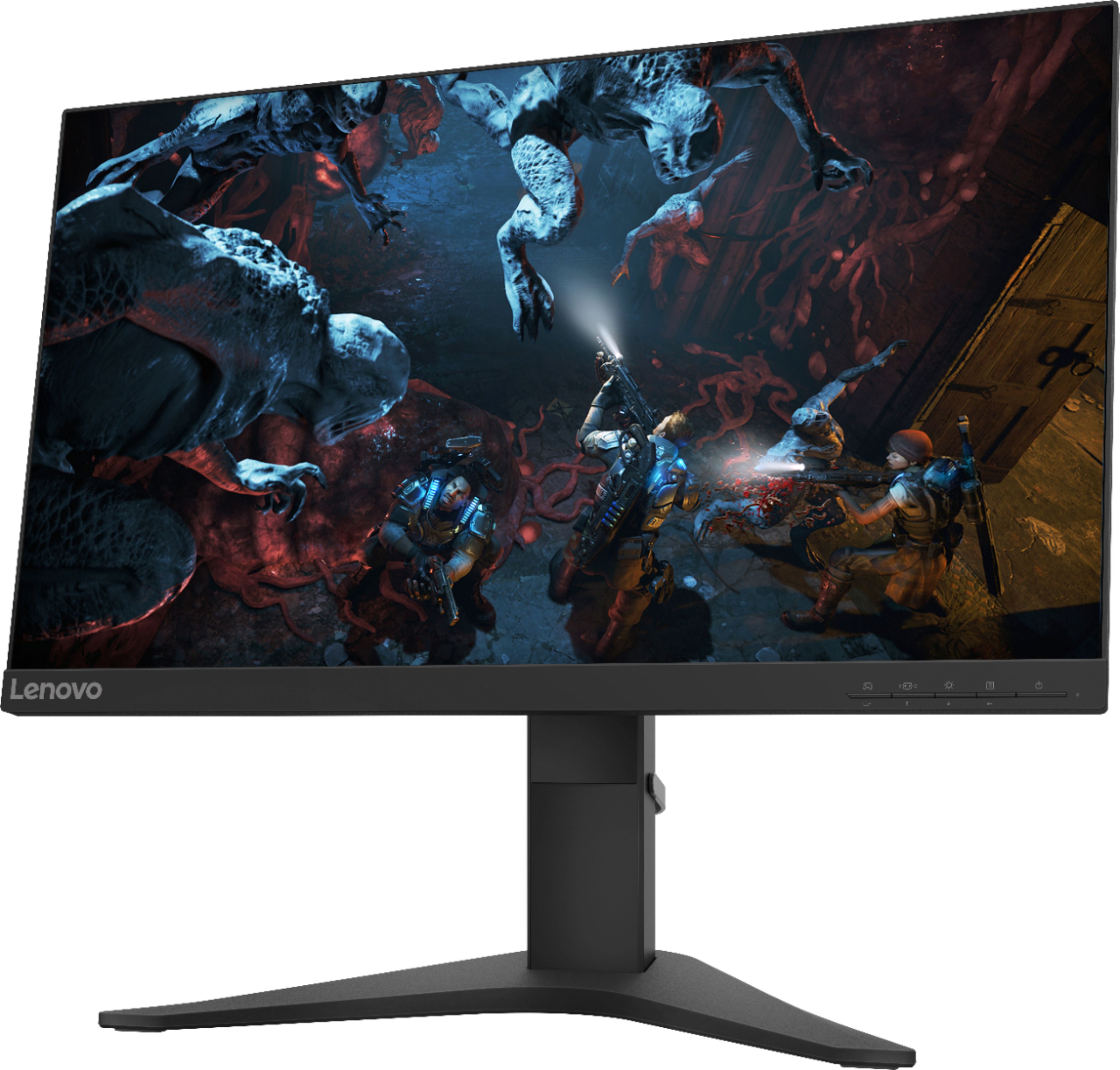
- A:Answer The Lenovo G25-10 Monitor, model number 65FEGCC2US, ships with a 24.5 Inch (screen size measured diagonally) screen. The overall dimensions of this monitor are: Dimensions with Stand (HxWxD): 18.76 x 21.95 x 9.24 inches.
Answered by Lenovo Product Expert

Q: QuestionDoes this monitor have a place on the back to vasa mount?
Asked by dayne.
- A:Answer Yes. The Lenovo G25-10 Monitor, model number 65FEGCC2US, is compatible with a 100mm x 100 mm VESA Mount, which is sold separately.
Answered by Lenovo Product Expert

Q: Questioncan I mount this on a vesa desk mount?
Asked by Eduardo.
- A:Answer The Lenovo G25-10 Monitor, model number 65FEGCC2US, is compatible with a 100mm x 100mm VESA Mount, which is sold separately.
Answered by Lenovo Product Expert

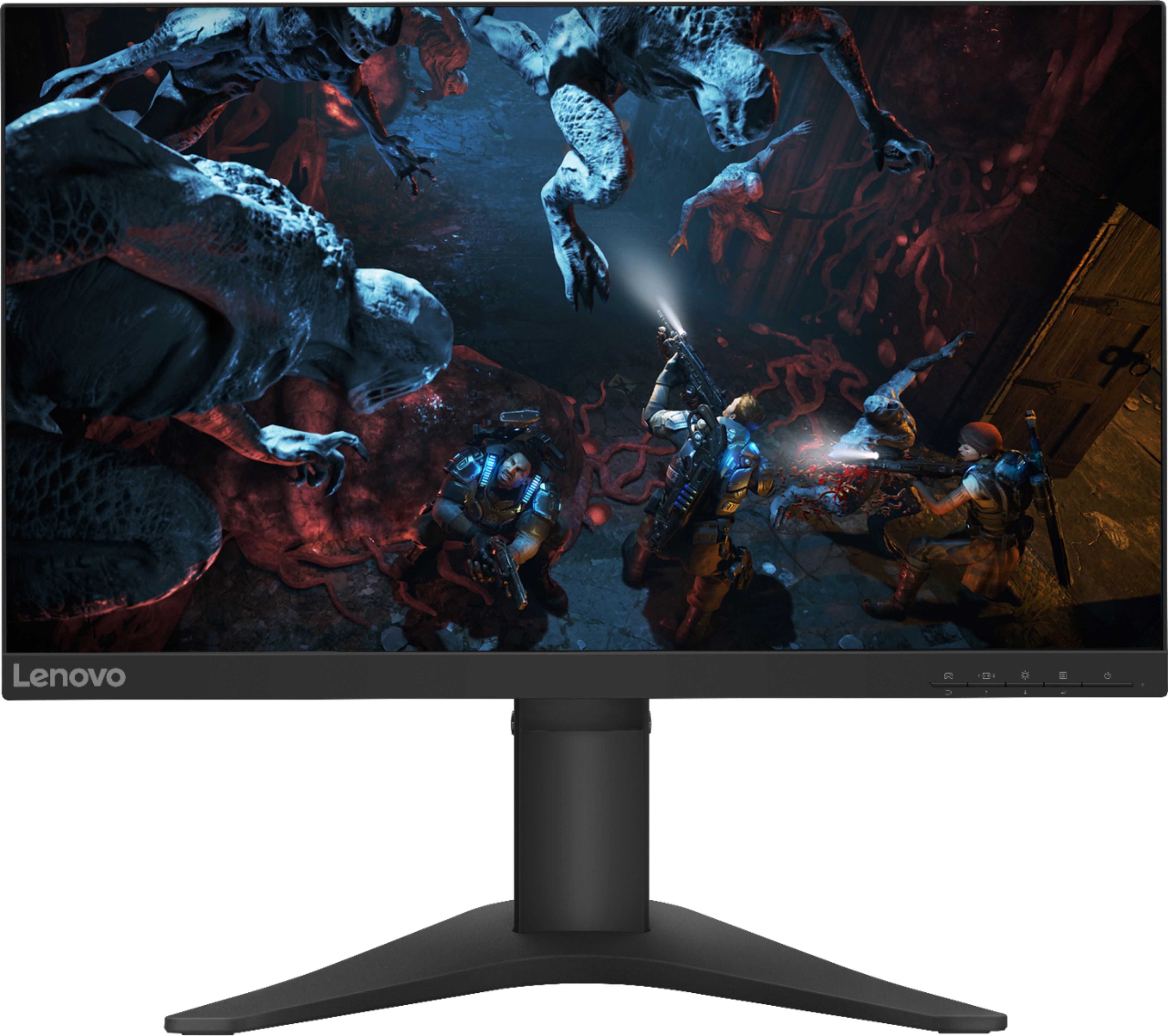
Q: Questionthis monitor is 144 hz gaming right ?
Asked by abbydior.
- A:Answer The Lenovo G25-10 Monitor, model number 65FEGCC2US, has a 144Hz refresh rate with a compatible video source, either computer or gaming console. The G25-10 Monitor ships with one HDMI 1.4 version port and one DisplayPort 1.2 version port. Be sure your video source is compatible with the G25-10 specifications for maximum performance.
Answered by Lenovo Product Expert

Q: QuestionOk. Will this go to 120hz on the ps5. Just answer the question like is it or not. Do not make me buy this monitor and it does not work. Does it or no. Go test it.
Asked by heftygerm.
- A:Answer Yeah it works
Answered by Anonymous
Most-viewed items
- $449.99$449.99The price was $829.99
- $329.00$329.00The price was $349.00
- $249.99$249.99The price was $379.99
- $99.99$99.99The price was $129.99
- $329.99$329.99The price was $469.99
- $229.99$229.99The price was $599.99
- $119.99$119.99The price was $249.99
- $549.99$549.99The price was $749.99