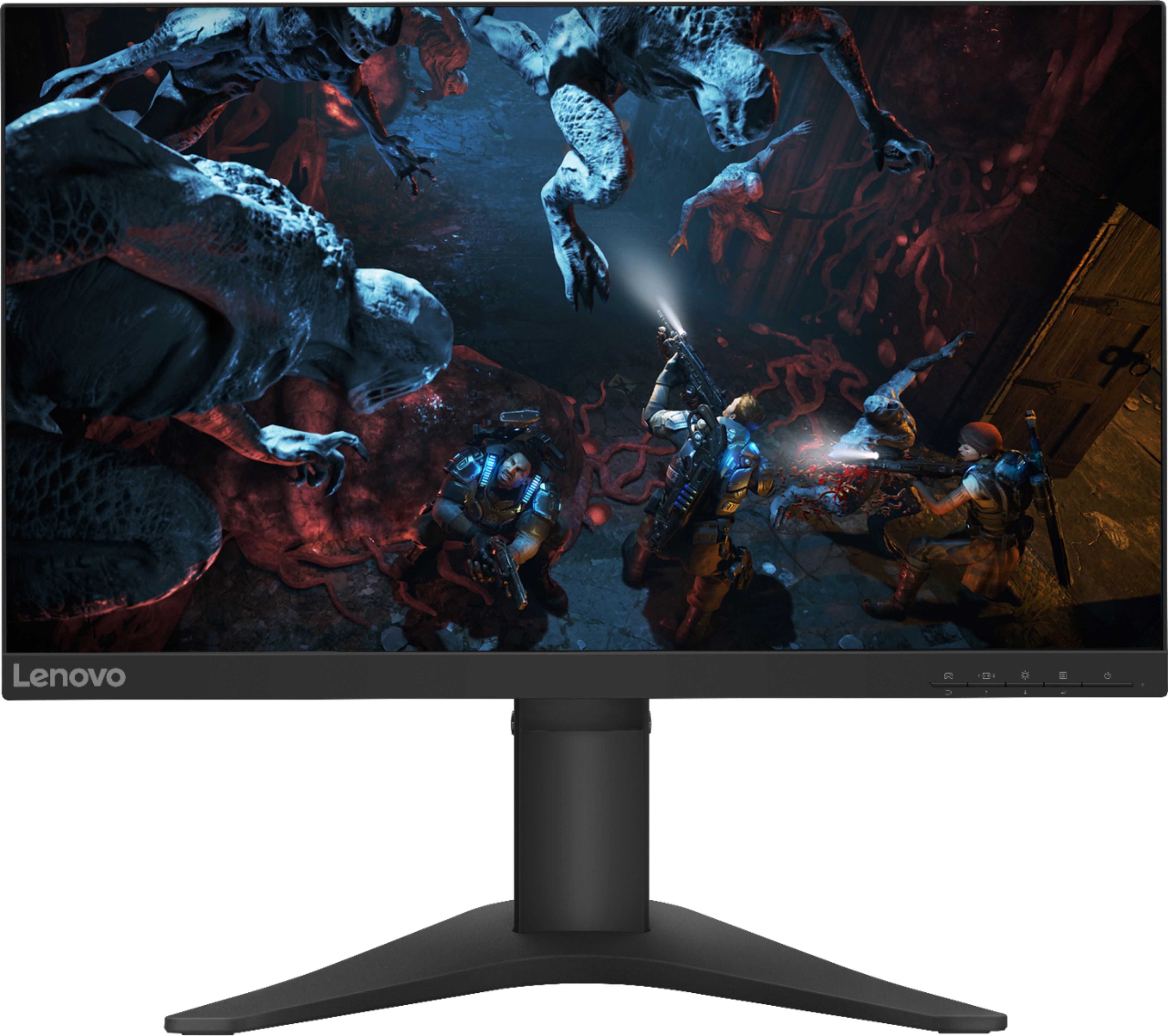
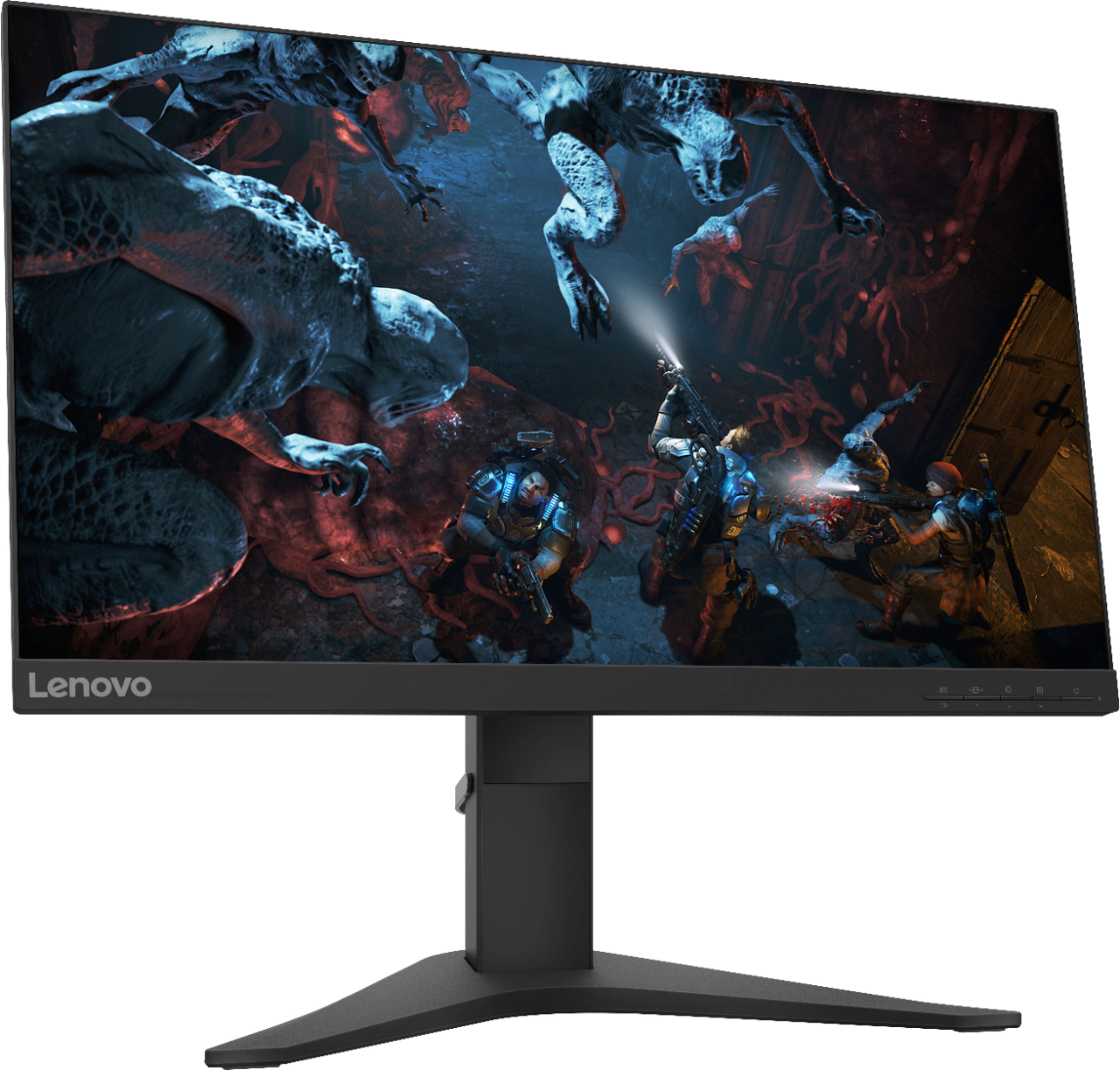
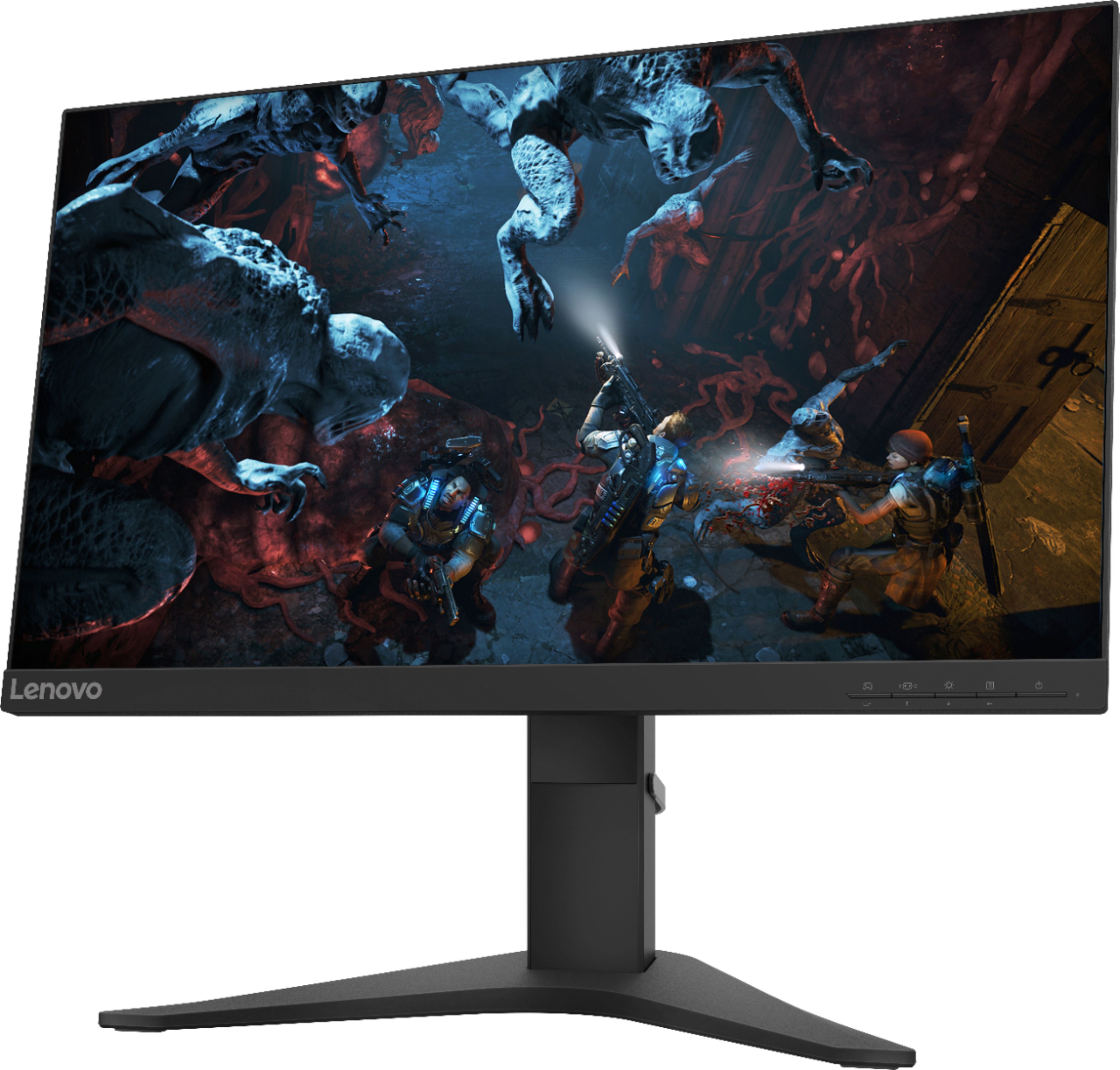
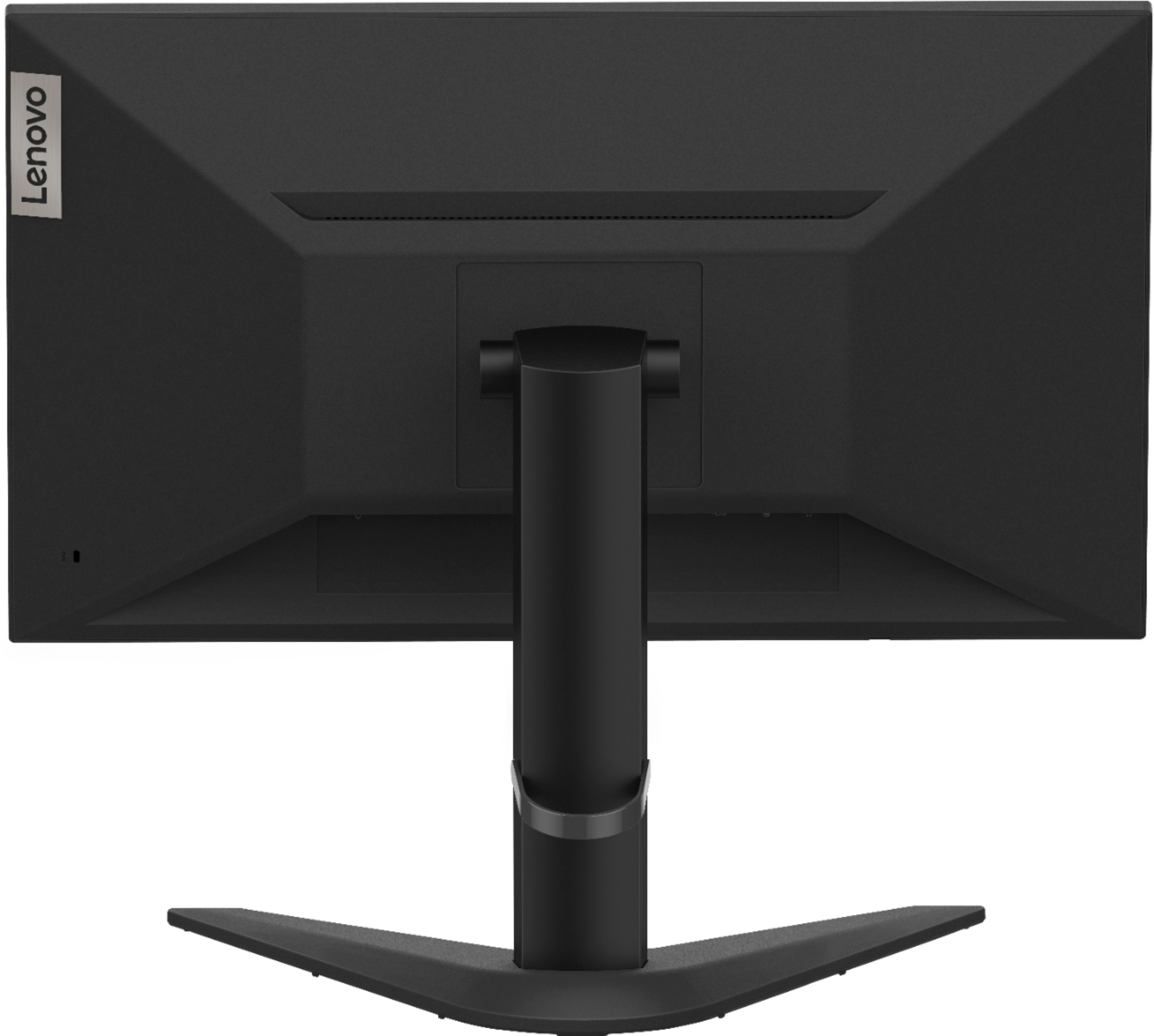
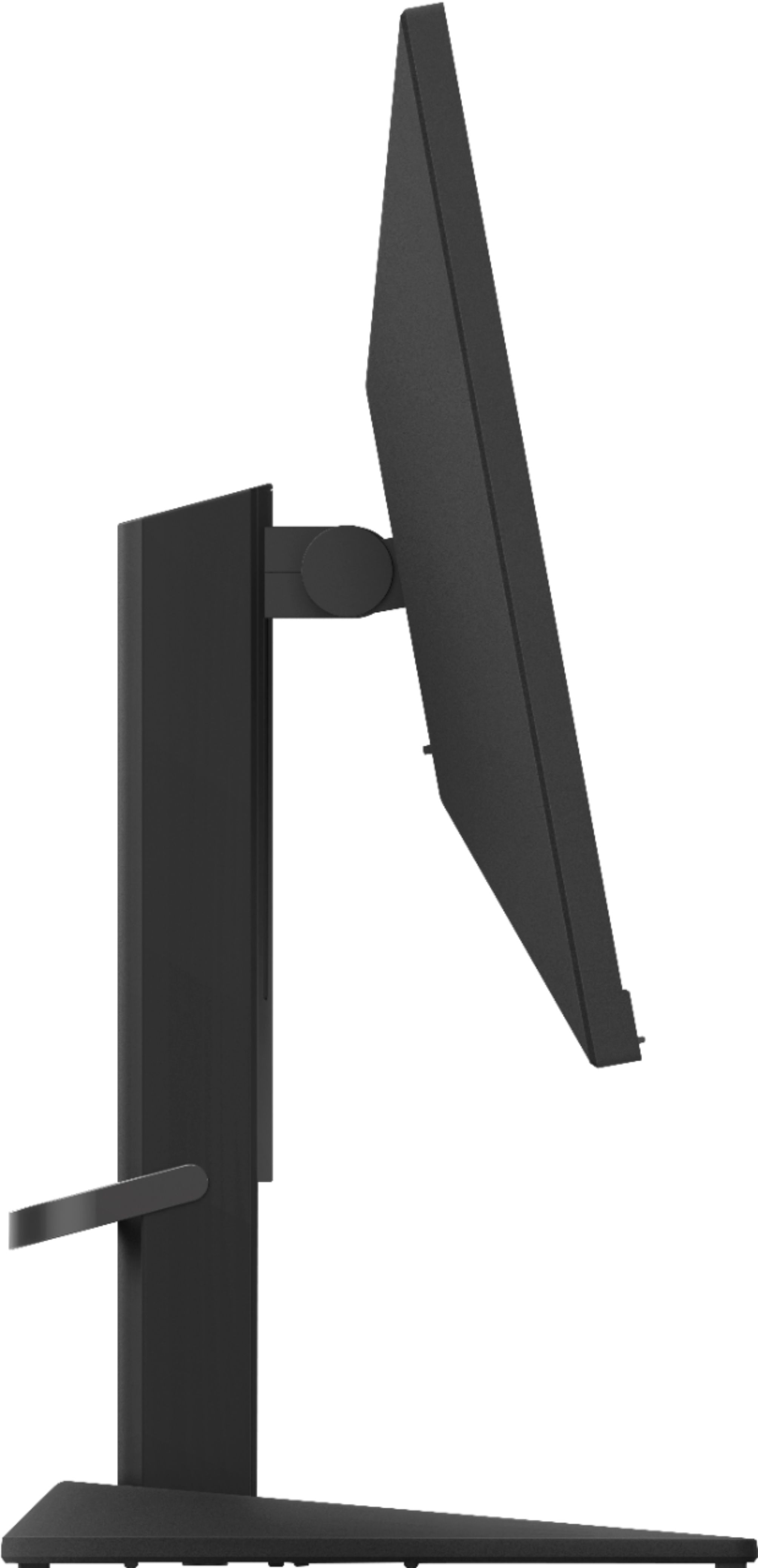
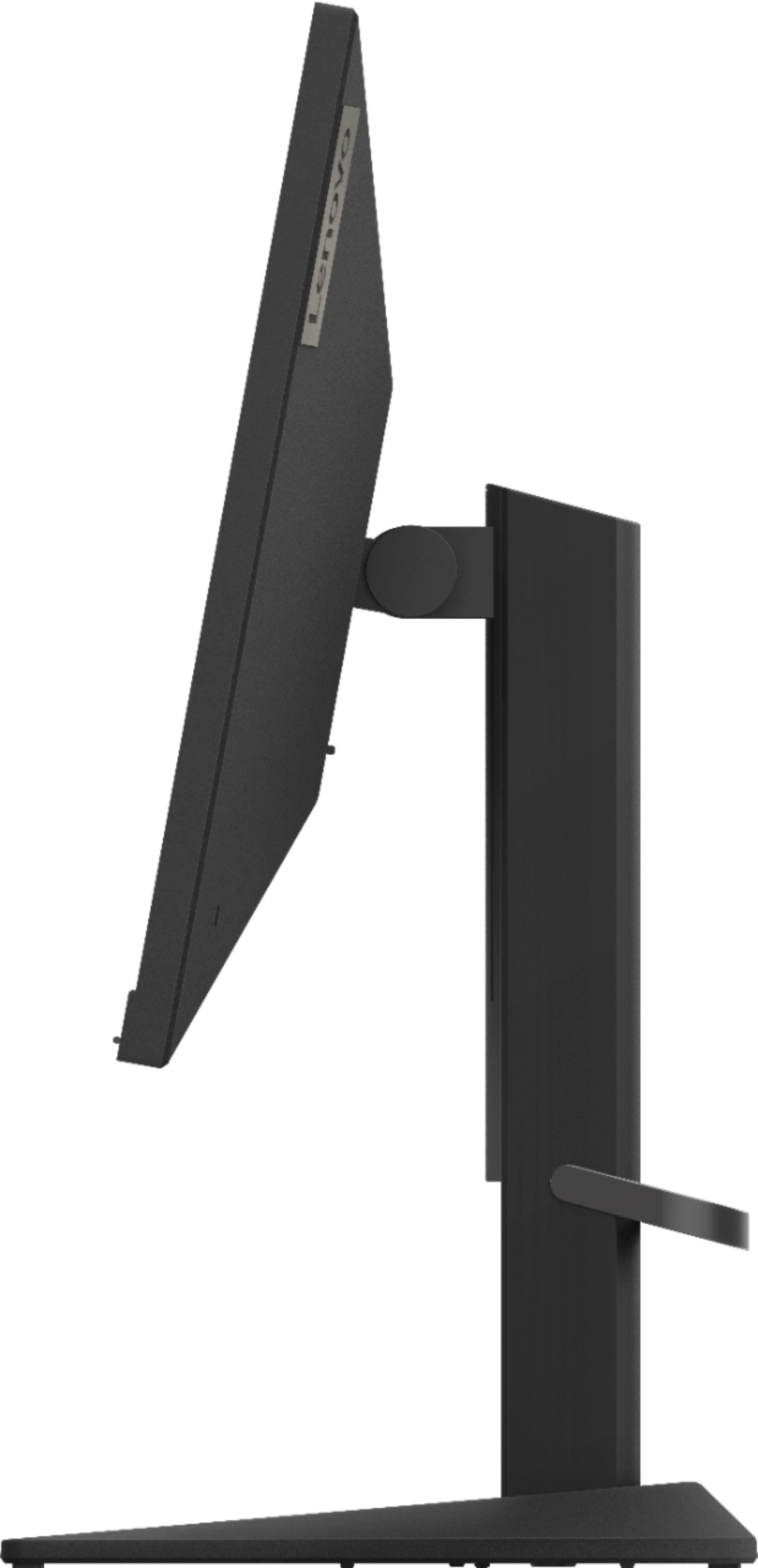
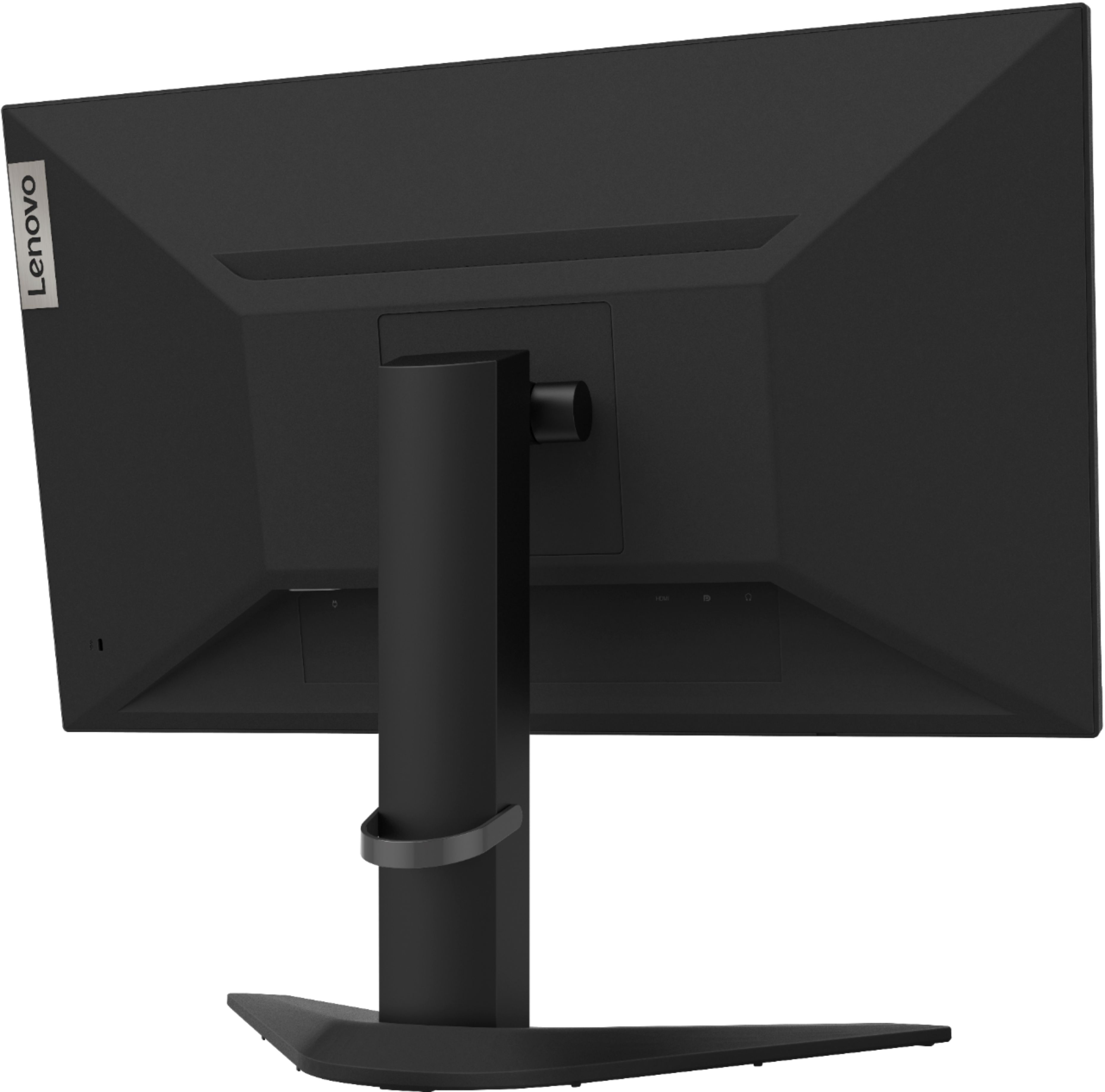
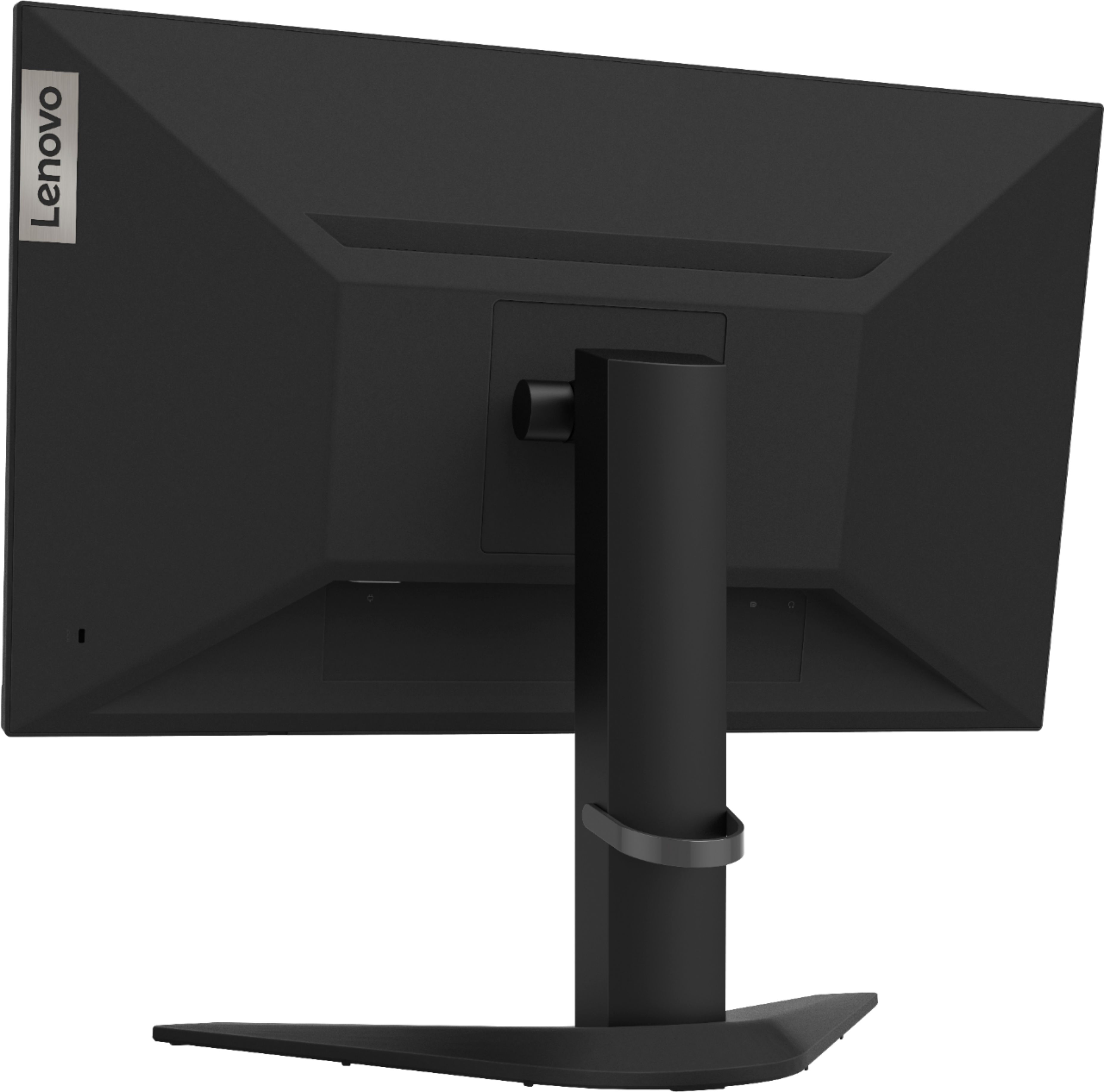
A:AnswerThe Lenovo G25-10 Monitor ships with an HDMI 1.4 version port. Try using the Onscreen Settings Menu to manually adjust the refresh rate. Here is a link to this monitor's User Guide with more information and illustrations: https://files.bbystatic.com/UwlSj8CqmlCJ6RWZYBJFMw%3D%3D/64424200-070E-422A-ADB0-D6AE174D137A.pdf
A:AnswerYes it does. Here is a link to more information about this monitor: https://psref.lenovo.com/Detail/Lenovo%20Monitors/Lenovo_G2510?M=65FEGCC2US
A:AnswerNo it does not, but also keyboards should be plugged into the pc itself rather than the monitor. It has an HDMI and display port. Hope this helps.
A:AnswerThat will depend on the Best Buy return policy. We recommend you use the information located on this products bestbuy.com website page to confirm the Best Buy Return Policy.
A:AnswerThe Lenovo G25-10 Monitor ships with one DisplayPort 1.2 version + one HDMI 1.4 version ports. There is a HDMI cable included with the monitor. You will need an adapter to connect an VGA device to this monitor.
A:AnswerYes. You will need to manually select the refresh rate within the On screen Settings menu. Here is a link to the User Guide for this model with instructions and illustrations: https://files.bbystatic.com/UwlSj8CqmlCJ6RWZYBJFMw%3D%3D/64424200-070E-422A-ADB0-D6AE174D137A.pdf