A:AnswerHey Troff,
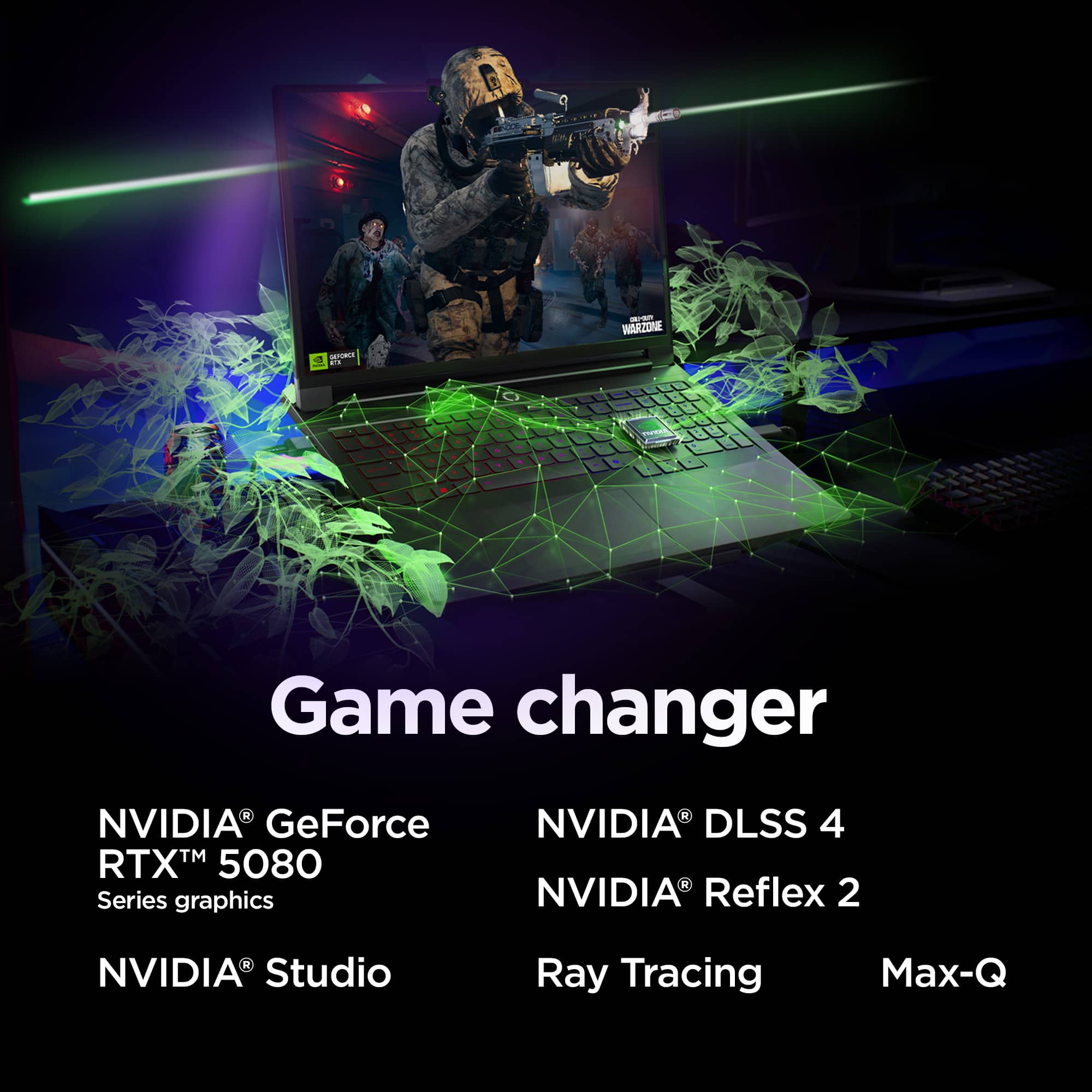
By default, you'll find that this Legion Pro 7i features 16GB of VRAM thanks to its RTX 5080 GPU.
Please feel free to reach out to us with any other questions!
A:AnswerHey Restitito,
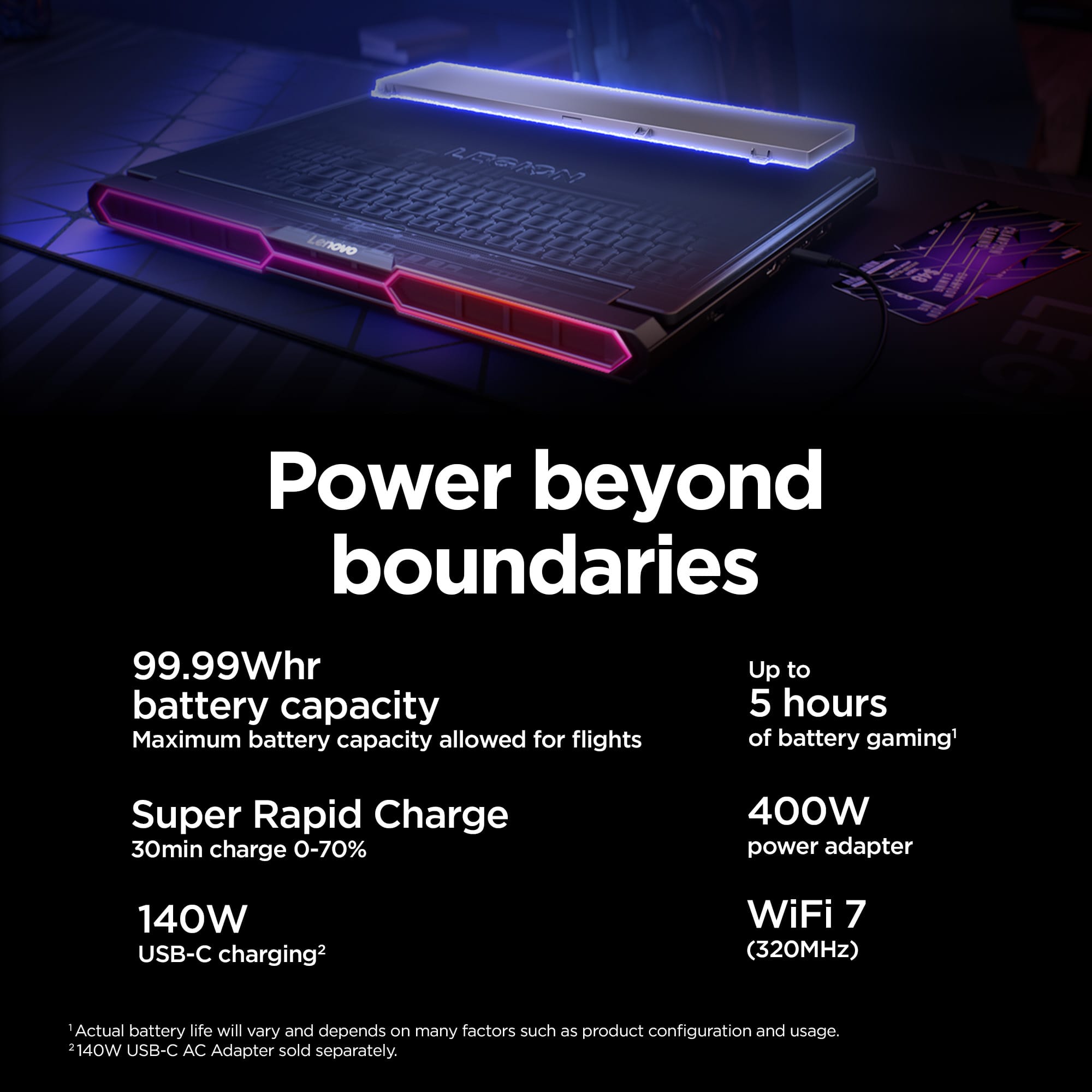
The advertised battery life is based on an industry standard testing protocol, with conditions that vary greatly from common use cases for most users. Based on user reviews, the battery life you're experiencing is common, especially if your system isn't set to a quiet/power saving mode with the system's integrated graphics processor (iGPU) being in use instead of the high wattage, RTX dedicated graphics card (dGPU).
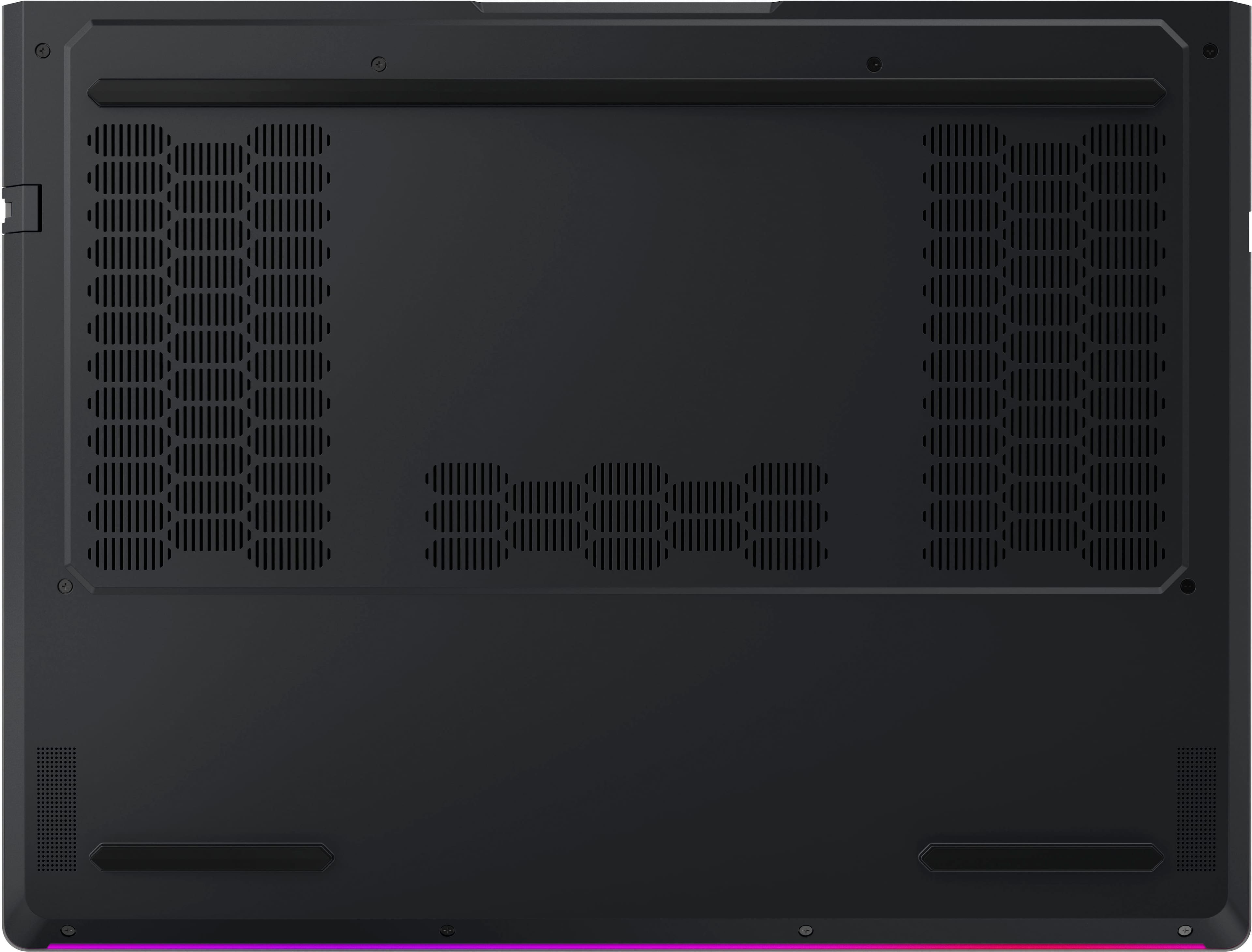
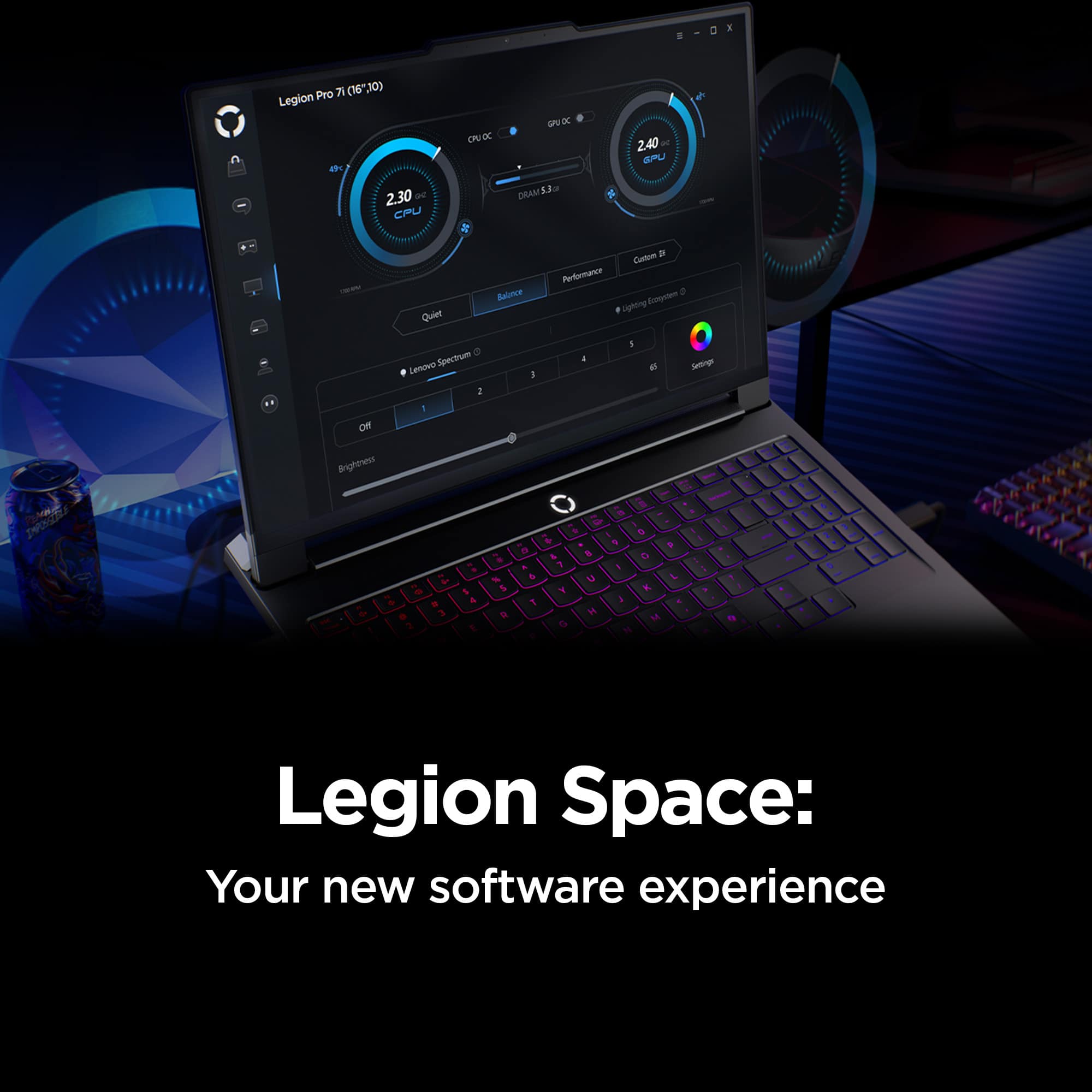
If you want to squeeze out more battery life and are completing non-intensive graphics tasks, you can utilize the MUX switch built into this model to turn off the dedicated GPU to greatly decrease power draw. This can be done in the Lenovo Vantage app > top right box > GPU working mode, then choosing your preferred method. Users can also take advantage of the keyboard shortcut, Fn + Q to toggle thermal modes and easily switch between prioritizing battery life or power, or even the best of both words, along with custom settings configurable in Lenovo Vantage. You could also press the Fn + R key combo to toggle to a lower refresh rate for even greater power conservation.
Please feel free to reach out to us with any other questions!
A:AnswerHey Bob,
This Legion Pro 7i features a 1TB M.2 2280 PCIe 5.0x4 Performance NVMe SSD.
Please feel free to reach out to us with any other questions!
A:AnswerHi Bob,
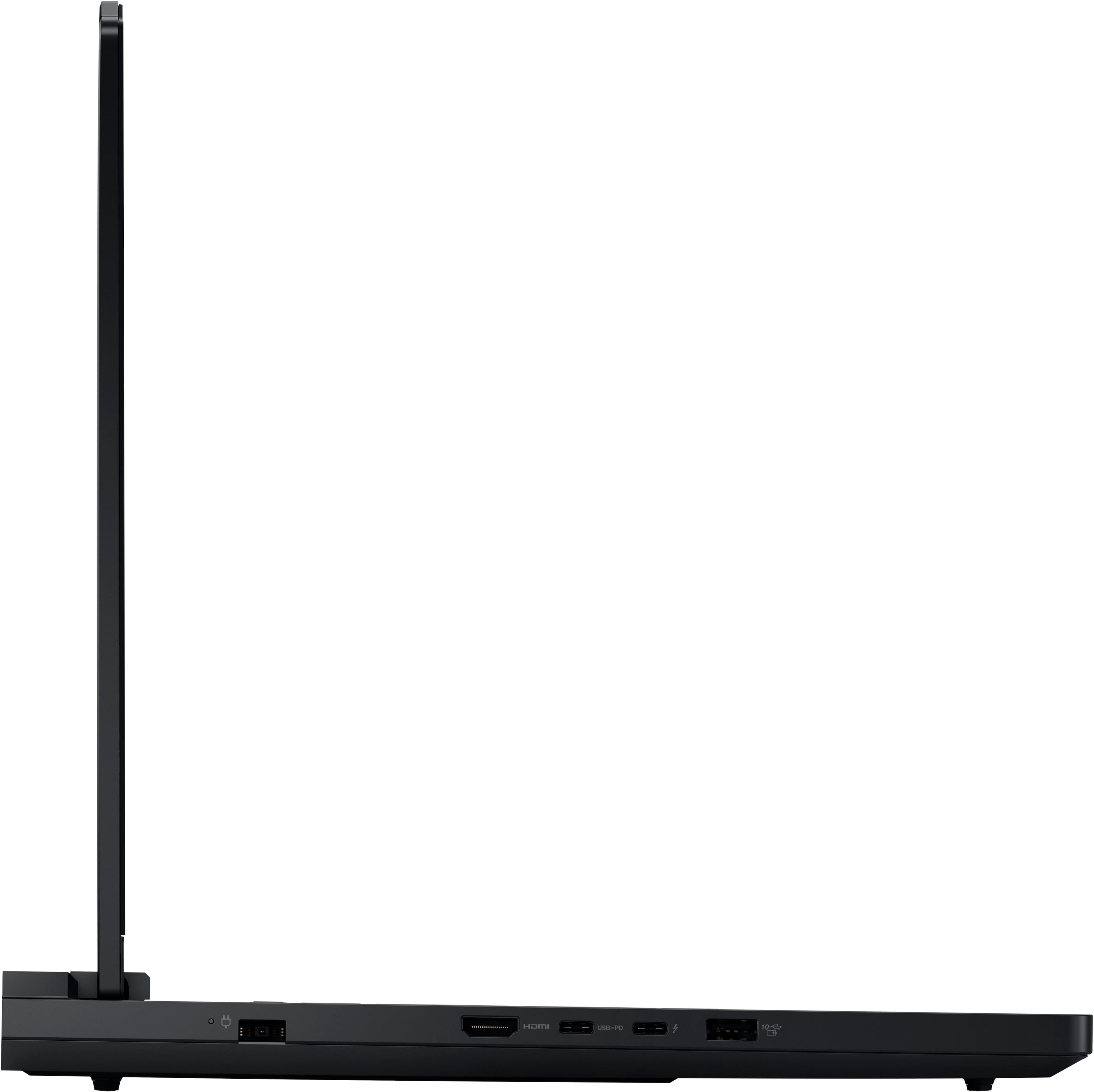
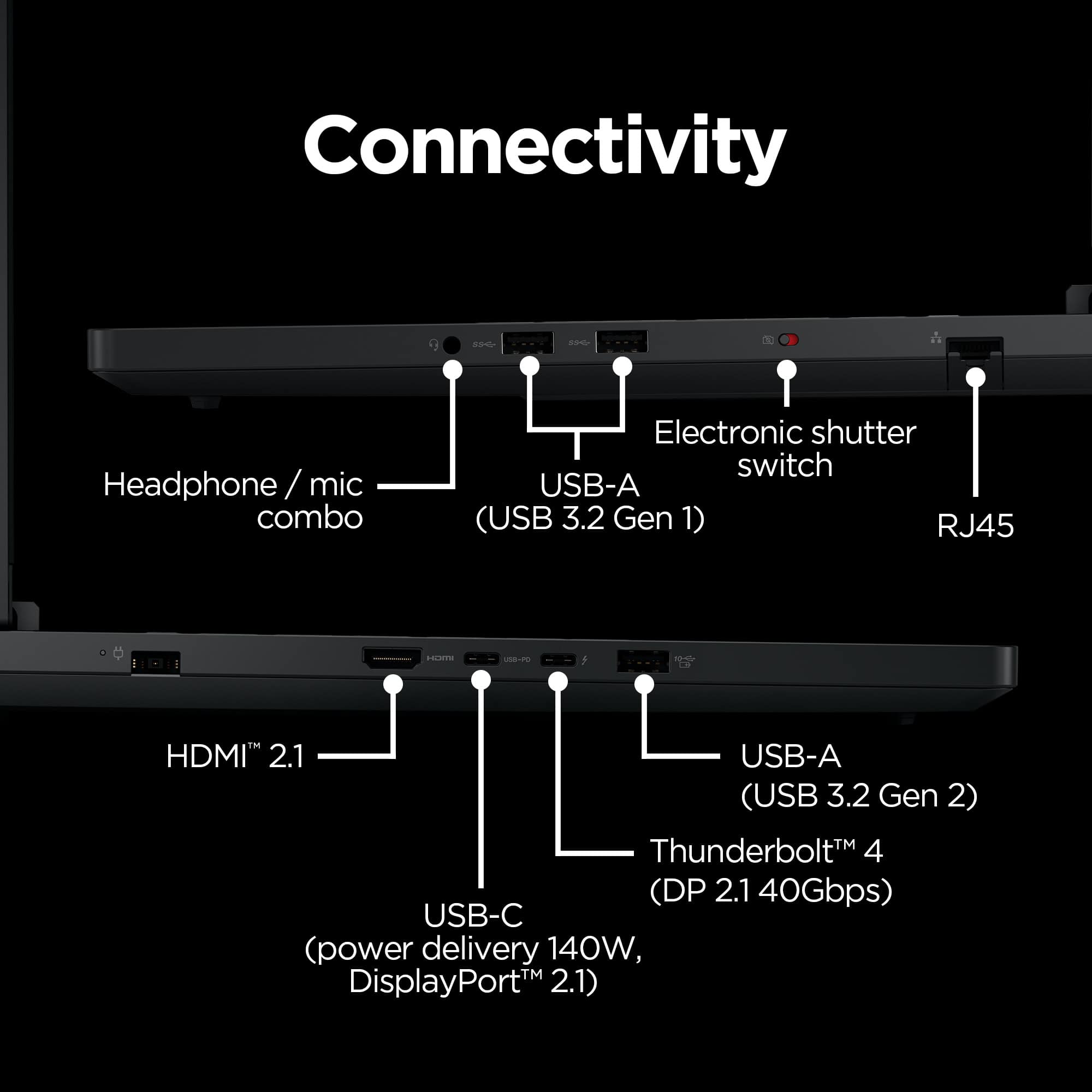
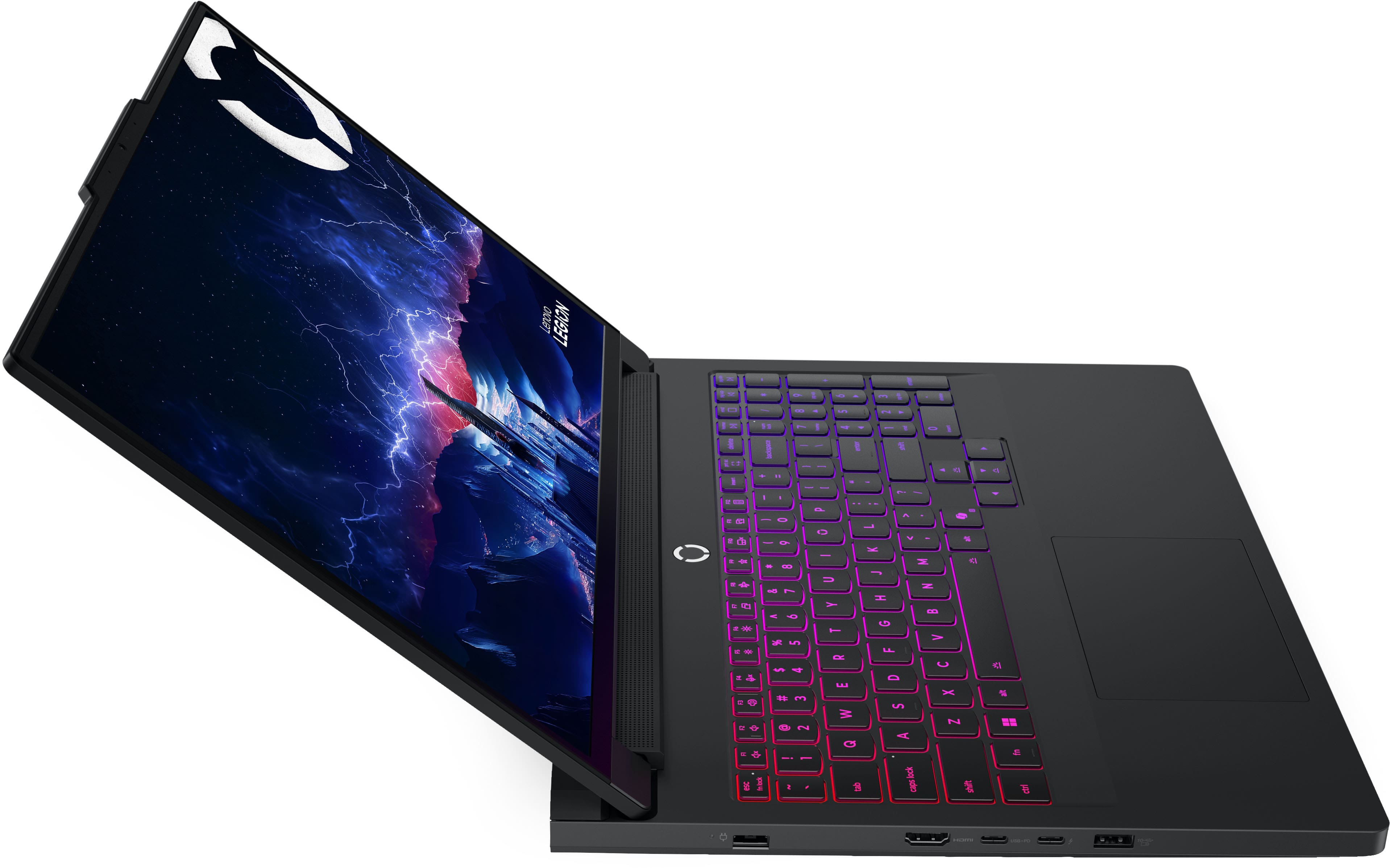
Yes, this Legion Pro 7i features two storage slots: 1x M.2 2280 PCIe® 5.0 x4 slot and 1x M.2 2280 PCIe 4.0 x4 slot, with one storage slot preoccupied by the included 1TB SSD, leaving room for easy storage expansion.
Please feel free to reach out to us with any other questions!
A:AnswerHi Autumn,
Yes, this Legion Pro 7i features an NVIDIA RTX 5080 dedicated graphics card with 16GB GDDR7 graphics memory.
Please feel free to reach out to us with any other questions!
A:AnswerHi mert,
This Legion Pro 7i features a 1TB M.2 2280 PCIe® 5.0x4 Performance NVMe SSD, along with an (1x) open M.2 2280 PCIe 4.0 x4 slot for storage expansion.
Please feel free to reach out to us with any other questions!
A:AnswerHey Kyle,
While this is the Legion Pro 7i configuration with an RTX 5080, based on your request, we wish to share that version of the Legion Pro 7i does not offer the best overall performance or "top tier" of the Legion Pro 7i (16", 10th gen) series that you are after. This is because there is a configuration of the Legion Pro 7i that offers an RTX 5090 GPU, which would increase graphics performance even higher.
Please feel free to reach out to us with any other questions!
A:AnswerHey Alex,
From the manufacturer, this model Legion Pro 7i is covered by International Warranty Services. By visiting the webpage tied to the following link: (https://pcsupport.lenovo.com/us/en/iwslookup#/ideapad), users can view local Lenovo support options for the supported countries. You can lookup options by entering the product serial number in the search box at the previously listed link, selecting “International Warranty Services” within “Warranty & Repair”. Full disclosure, there can be some limitations with repairs abroad as US components and onsite repair may not be available in another country.
Please feel free to reach out to us with any other questions!
A:AnswerHey nmore,
No, if any device upgrades or service is done by a Lenovo certified outfit or technician (like Geek Squad), the device warranty should not be voided.
Please feel free to reach out to us with any other questions!
A:AnswerHey there,
Yes, you can swap out the existing 1TB M.2 2280 PCIe 5.0x4 drive for one of larger capacity, and the system features an open M.2 2280 PCIe 4.0 x4 slot.
Please feel free to reach out to us with any other questions!
A:AnswerThe model ending with 12us is 5.0 pcie
The model ending with 14us is 4.0 pcie
This info is per Lenovo's website when I compared the 2 model numbers that BB sells.
A:AnswerHey,
While you cannot order the Legion Pro 7i with these system modifications from Best Buy, Best Buy along with the Geek Squad can help make these adjustments after fees for services and software upgrades are applied after your initial purchase for the laptop.
Please reach out to us with any other questions!






![Sure, here is the corrected and grouped text from the image:
- LEGION
- 1 2 3 4 5 6 7 8 9 0 - = backspace
- tab Q W E R T Y U I O P [ ] \ |
- caps lock A S D F G H J K L ; ' enter
- shift Z X C V B N M , . / shift
- fn ctrl win alt spacebar alt
- insert home end pg up pg dn
- delete home end pg up pg dn
- 1 2 3 4 5 6 7 8 9 0 - = backspace
- tab Q W E R T Y U I O P [ ] \ |
- caps lock A S D F G H J K L ; ' enter
- shift Z X C V B N M , . / shift
- fn ctrl win alt spacebar alt
- insert home end pg up pg dn
- delete home end pg up pg dn](https://pisces.bbystatic.com/image2/BestBuy_US/images/products/c4d6c728-f309-4635-83b8-a824d7ace120.jpg)