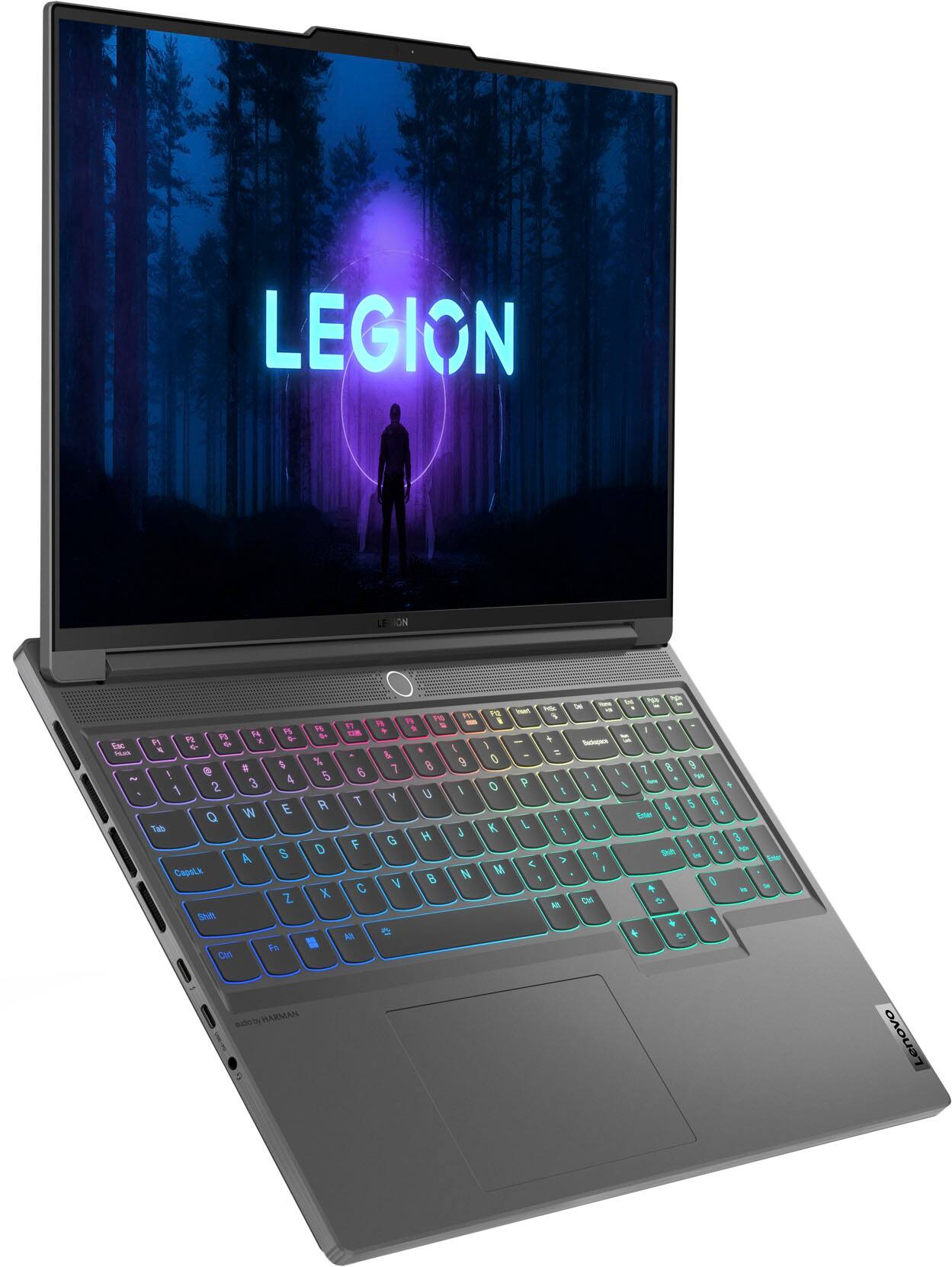
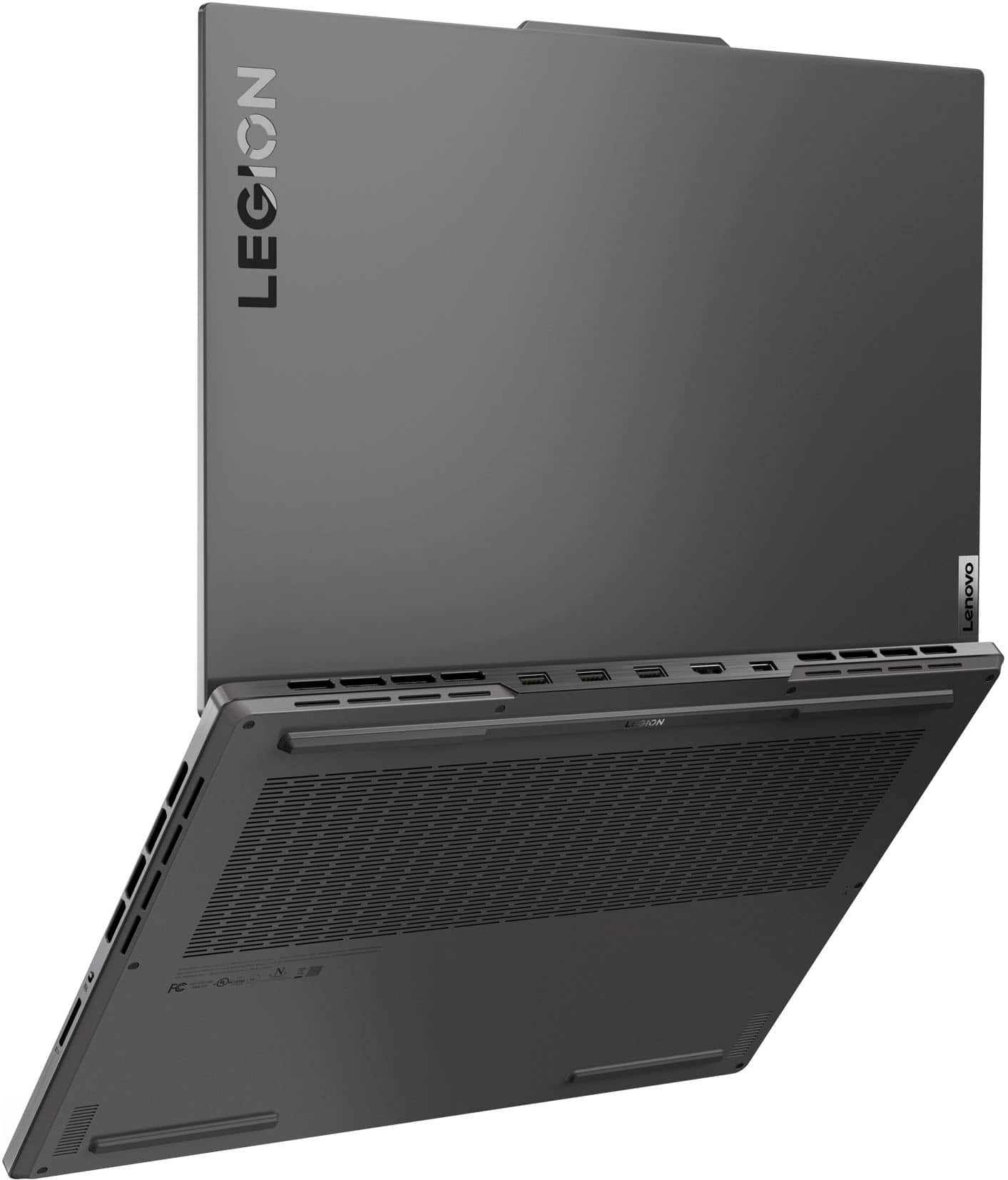
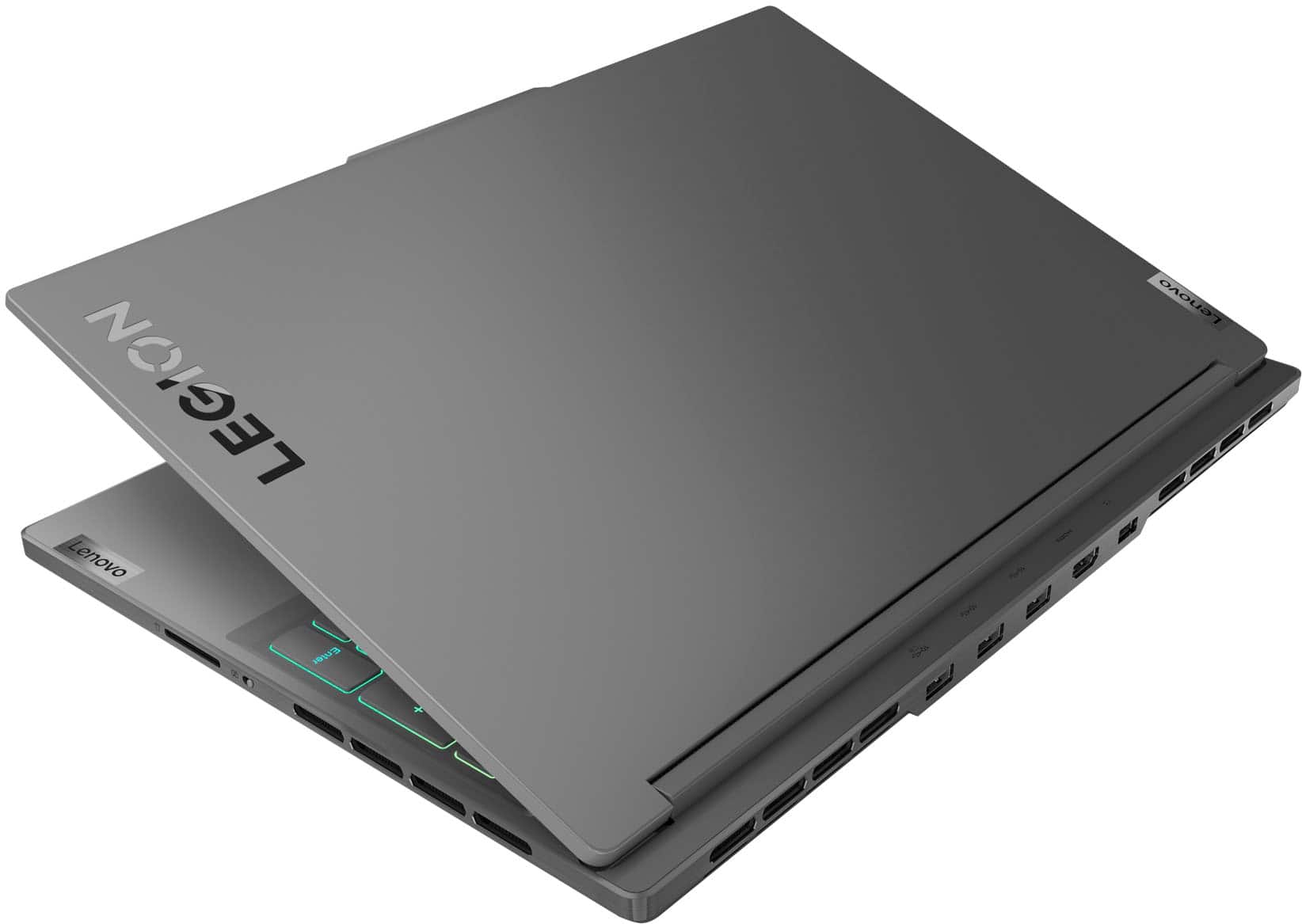
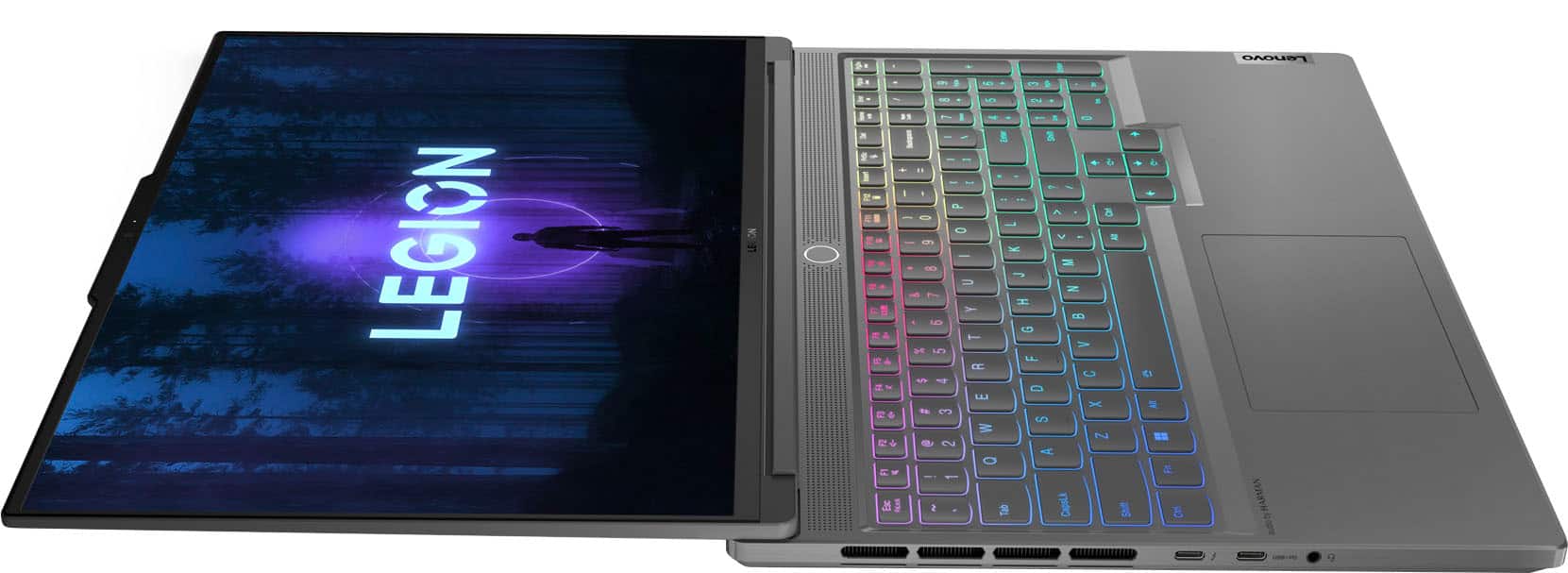
A:AnswerGreetings from the Intel team. Thank you for your question.
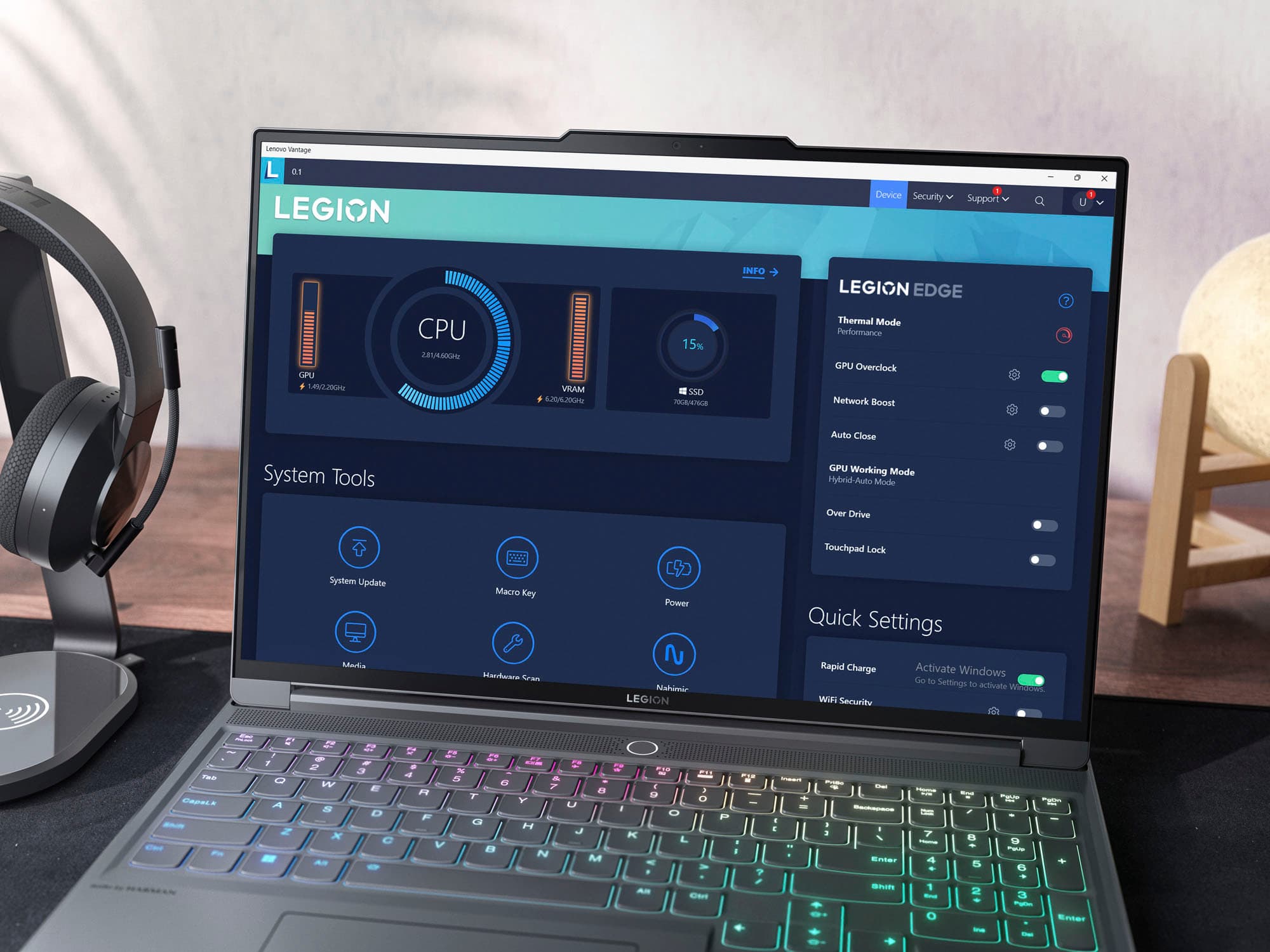
In Lenovo Vantage, you can set the computer to operate in different GPU working modes:
https://download.lenovo.com/pccbbs/pubs/legion_slim_7/html/html_en/explore_GPUModes.html
For detailed information about the Intel® Core™ i9-13900H processor, visit:
https://ark.intel.com/content/www/us/en/ark/products/232135/intel-core-i913900h-processor-24m-cache-up-to-5-40-ghz.html
Thank you for choosing Intel! Emilio_Intel
A:AnswerHello, thank you for your questions. Yes, you can get in store help to resolve issues with Best Buy protection. Also, this model can support another M.2 2280 1TB drive.
A:AnswerYes. You can toggle the Bluetooth on or off by clicking on the up arrow at the bottom, right side of the screen. Click on the Bluetooth symbol in the small pop-up display.
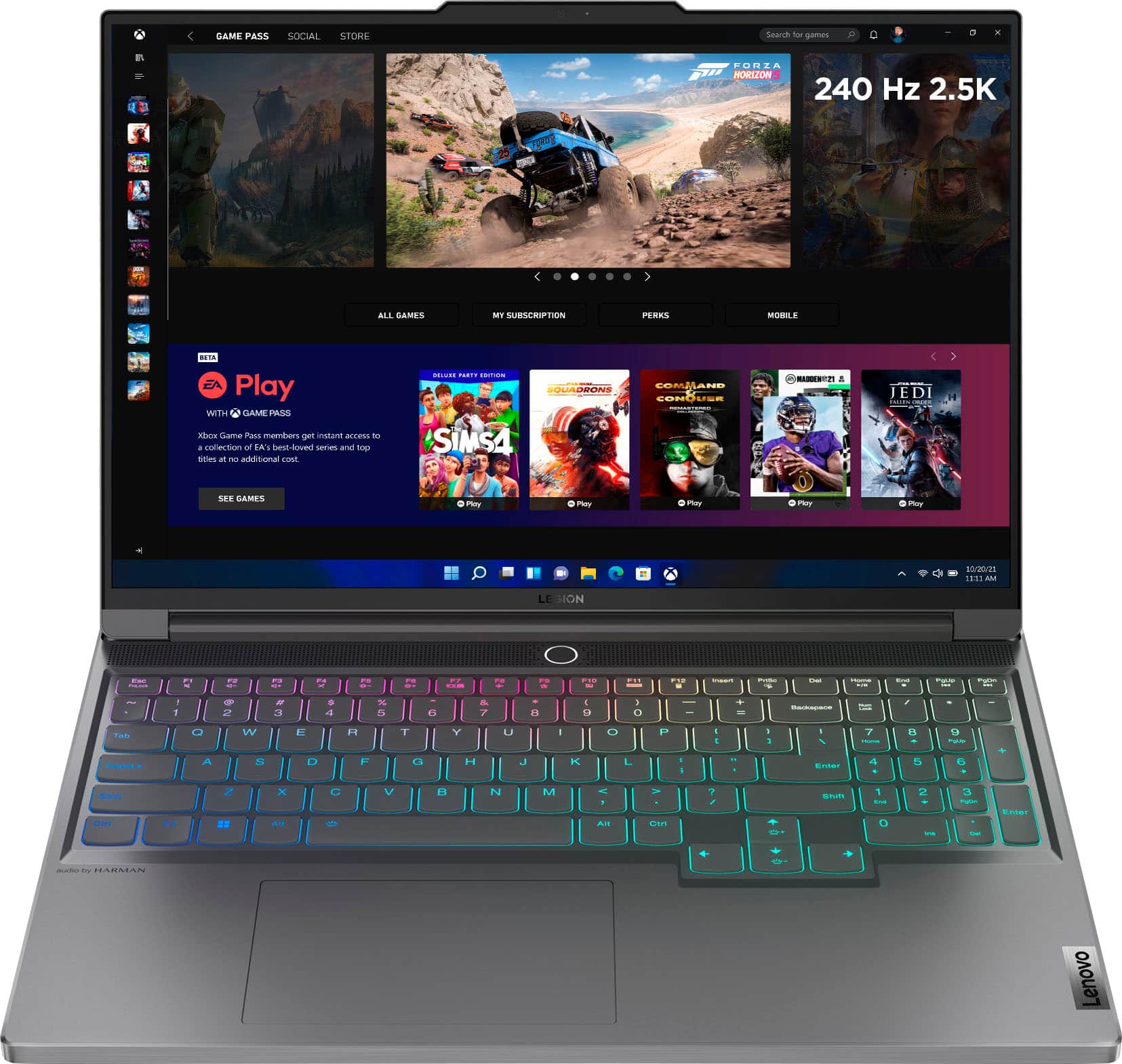
A:AnswerNo, this has the lower resolution (2560 x 1600) screen with a higher 240 hertz refresh rate and G-sync:
16" WQXGA (2560x1600) IPS 500nits Anti-glare, 100% sRGB, 240Hz, DisplayHDR™ 400, Dolby® Vision™, G-SYNC®, Low Blue Light, High Gaming Performance
The other display option is 100% DCI-P3, I don't know if Best Buy will sell that variant in the future.
A:AnswerClarifying since I cant edit or delete. The ram you buy is baked on the motherboard so this model has 16GB soldered on and has one ram slot available to add your desired choice in.