A:AnswerHey Tr4,
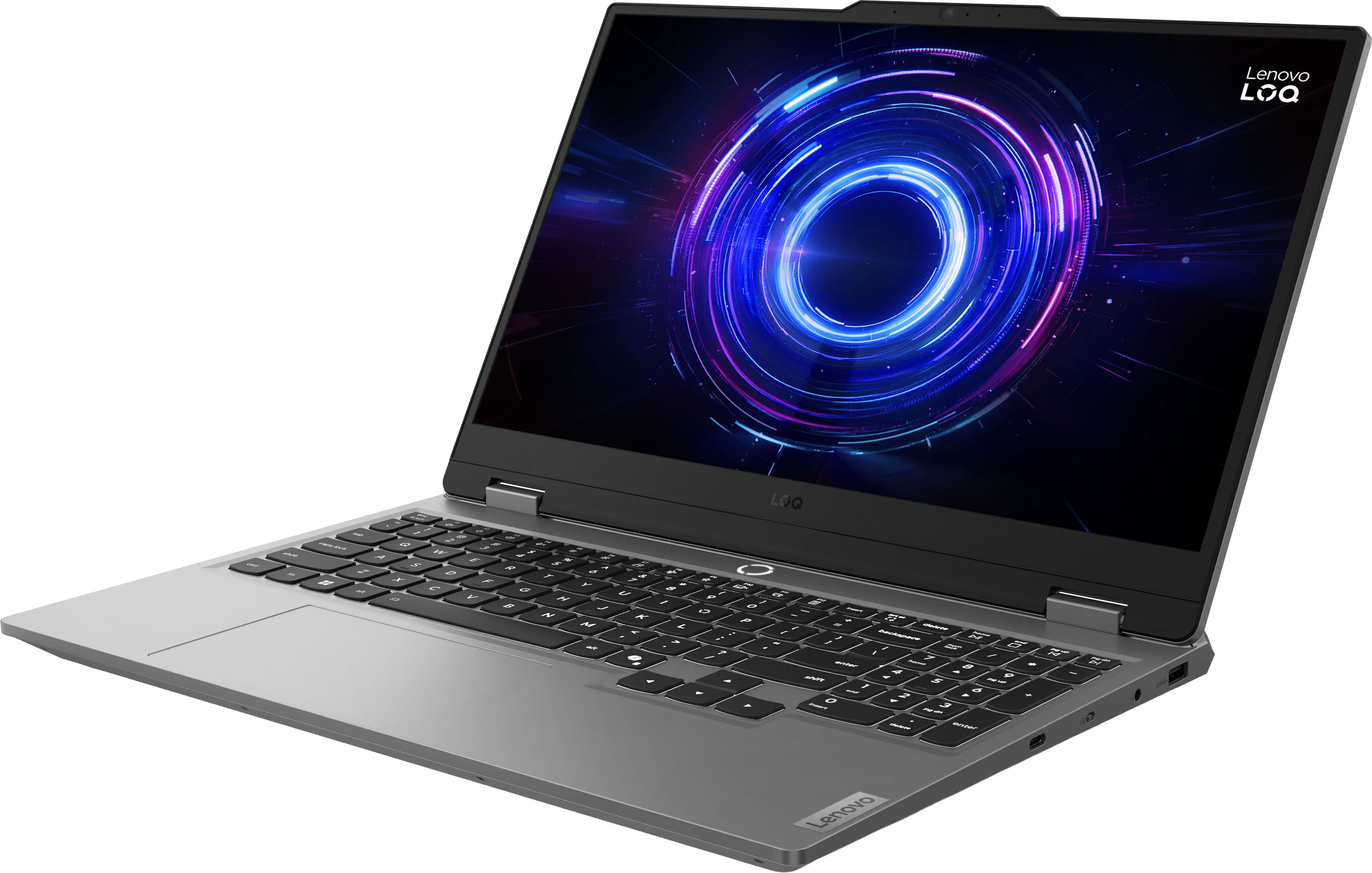
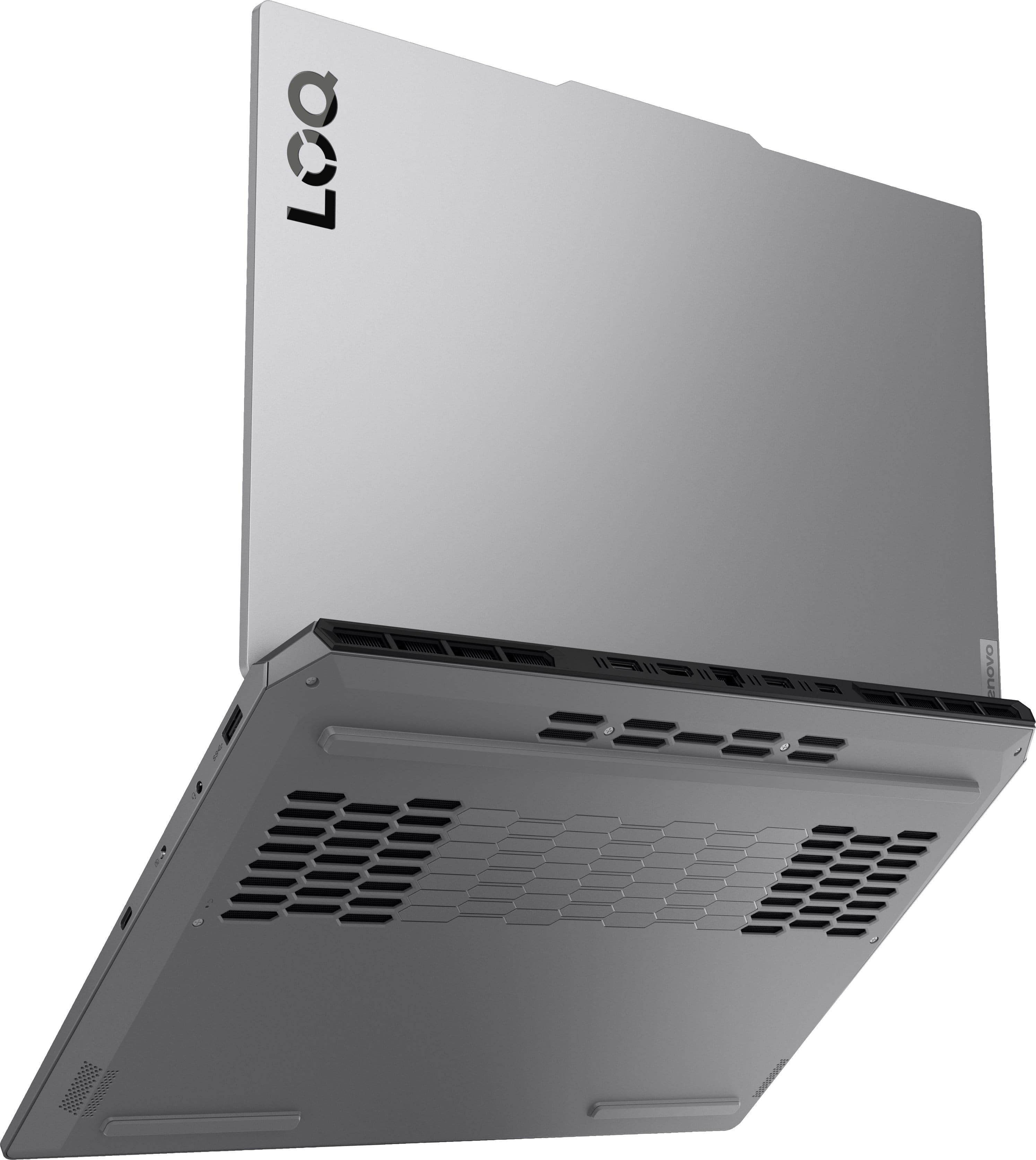
Since this LOQ 15 features two DDR5 SODIMM slots, with 1x 16GB SODIMM DDR5-4800 memory module already installed, you can add another 16GB RAM stick to get to 32GB, the max memory noted for this model (based on the test results with current Lenovo memory offerings).
Please feel free to reach out to us with any other questions!
A:AnswerHey Mo,
From the manufacturer, the LOQ 15 is not covered by International Warranty Services. By visiting the webpage tied to the following link: (https://pcsupport.lenovo.com/us/en/iwslookup#/ideapad), users can view what local Lenovo support options there may be for the supported countries. You can lookup options by entering the product serial number in the search box at the previously listed link, selecting “International Warranty Services” within “Warranty & Repair”. Full disclosure, there can be some limitations with repairs abroad as US components and onsite repair may not be available in another country.
Please feel free to reach out to us with any other questions!
A:AnswerHey Nicola,
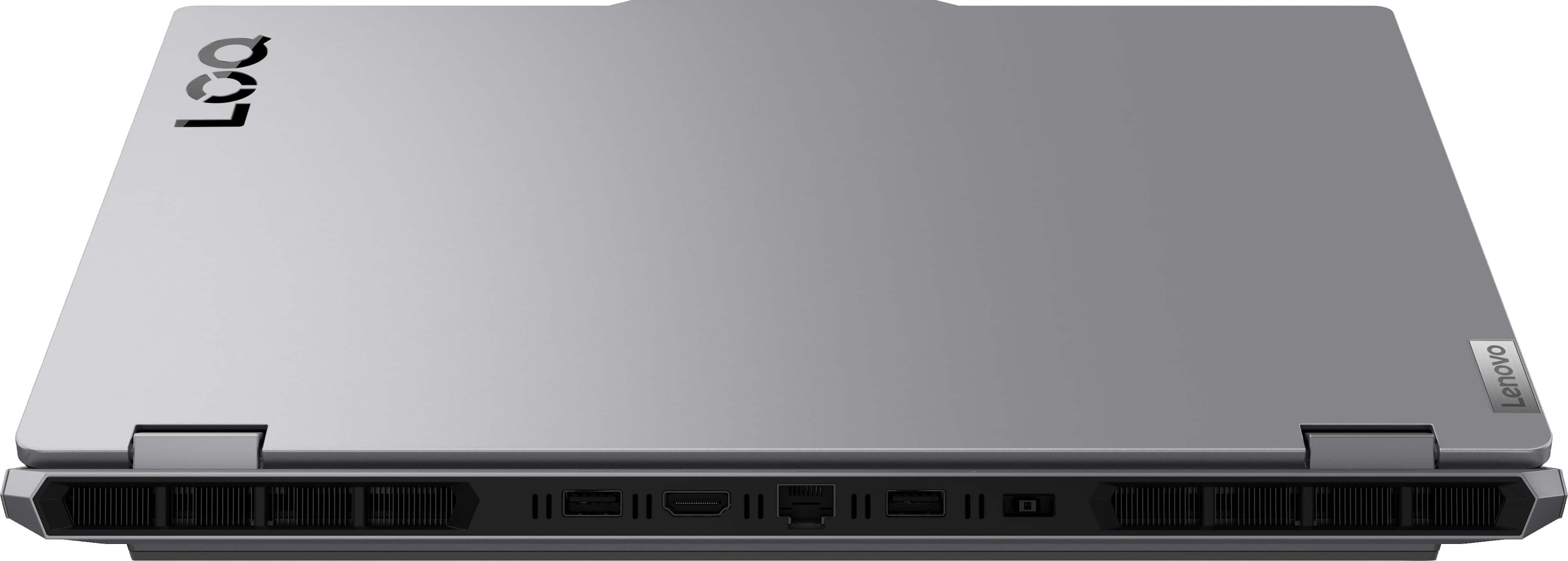
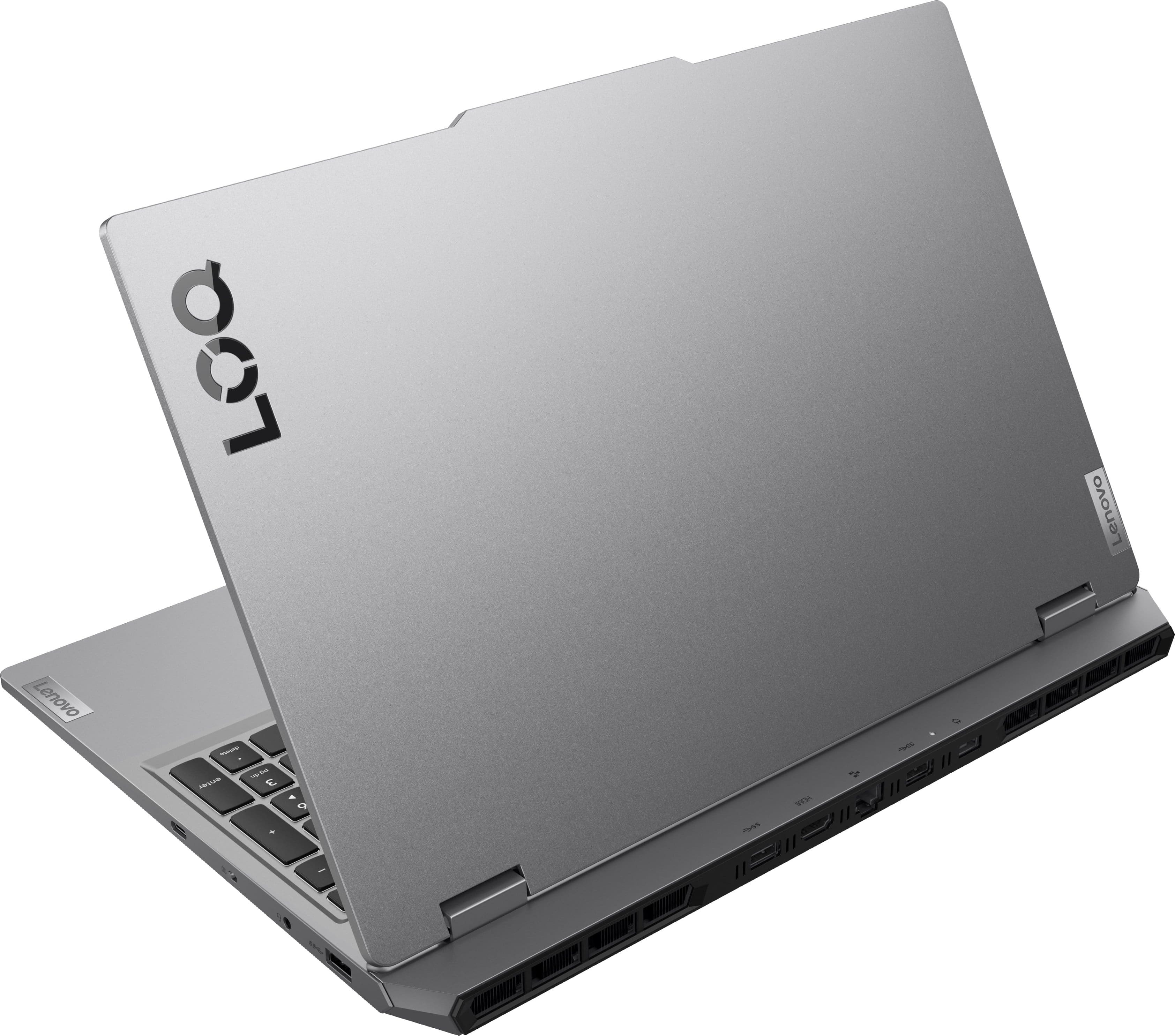
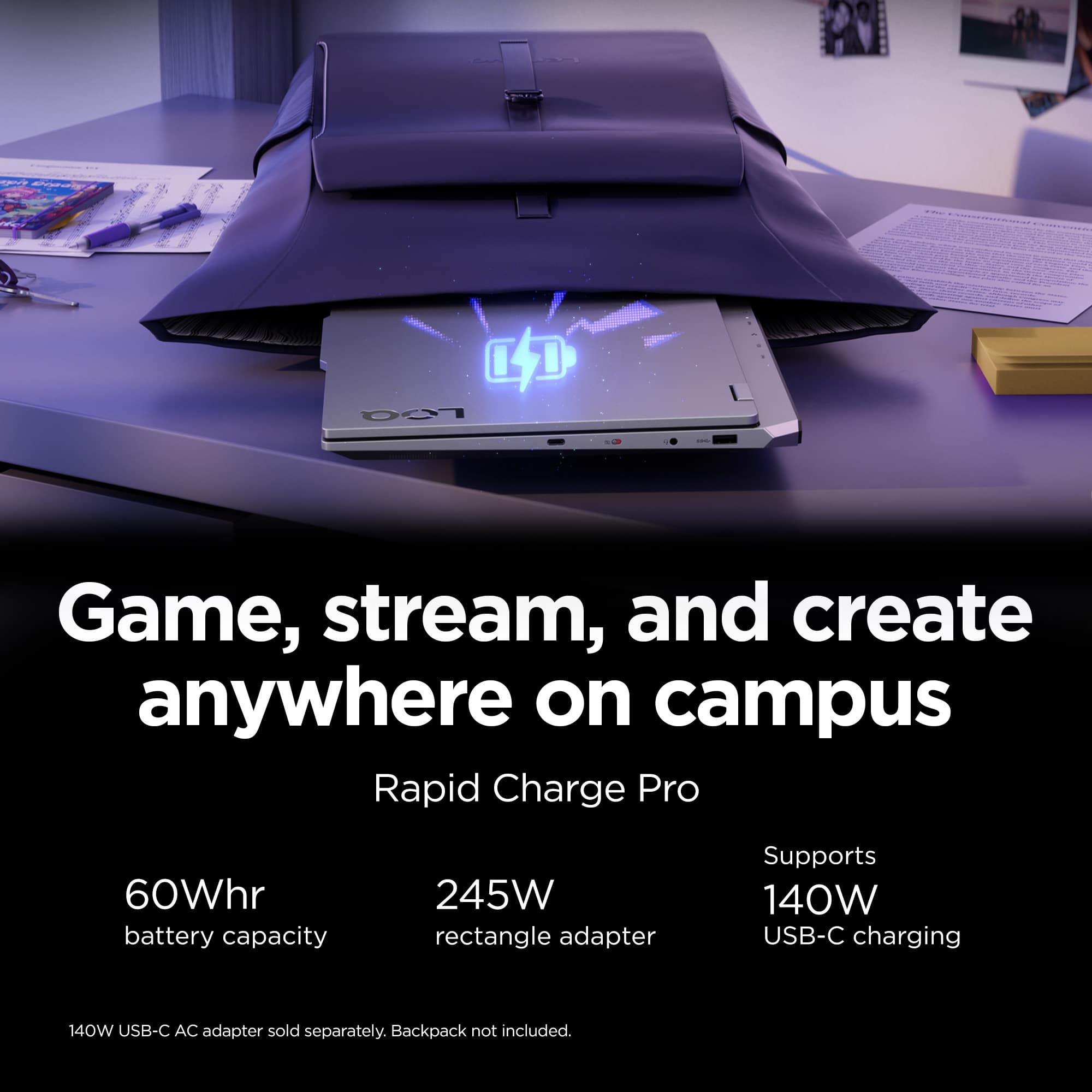
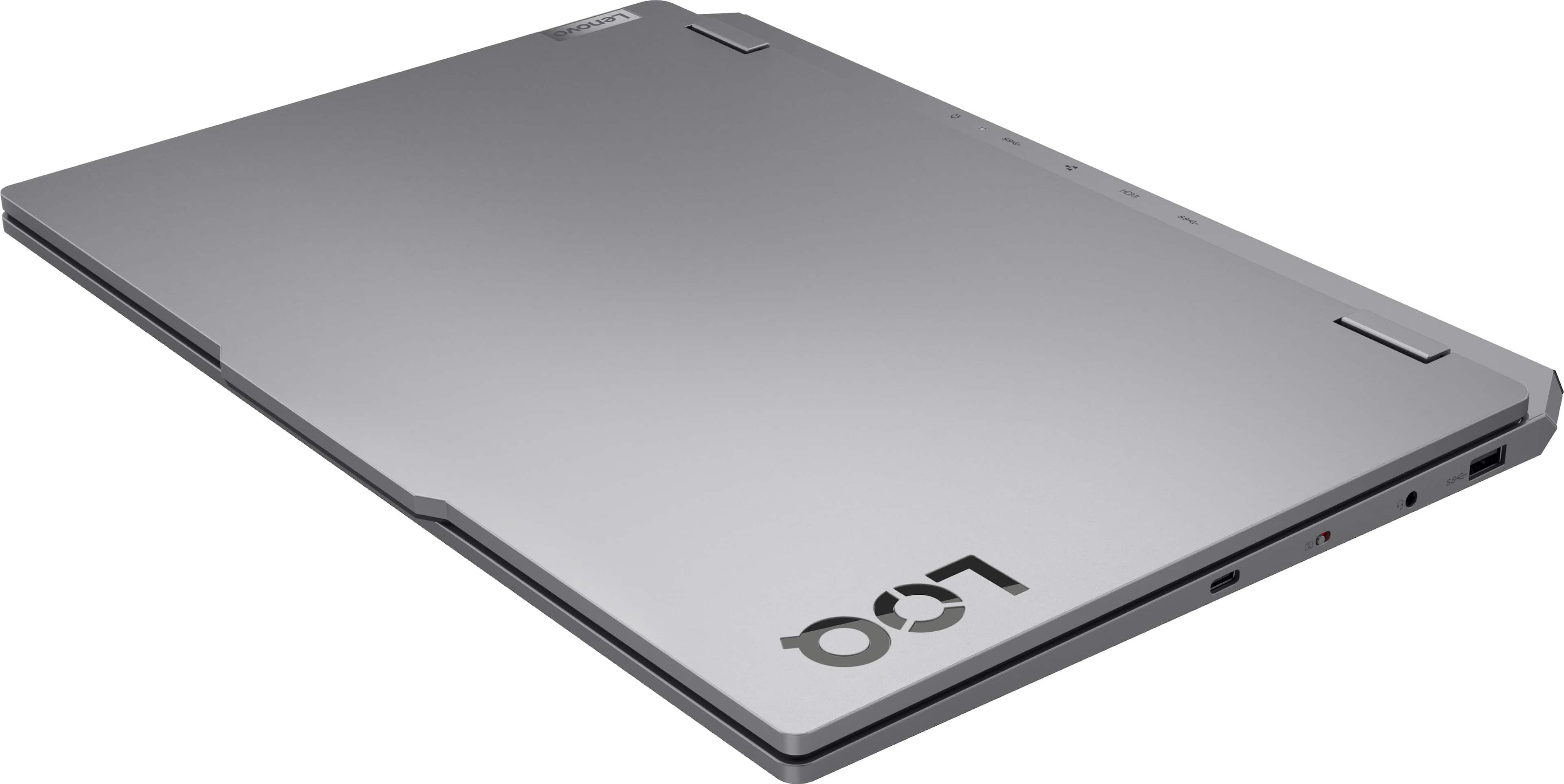
This LOQ 15 ships with a 60Wh Li-ion internal battery and a 245W slim tip (Lenovo charging connector) power adapter (3-pin), that supports between 100-240V.
Please feel free to reach out to us with any other questions!
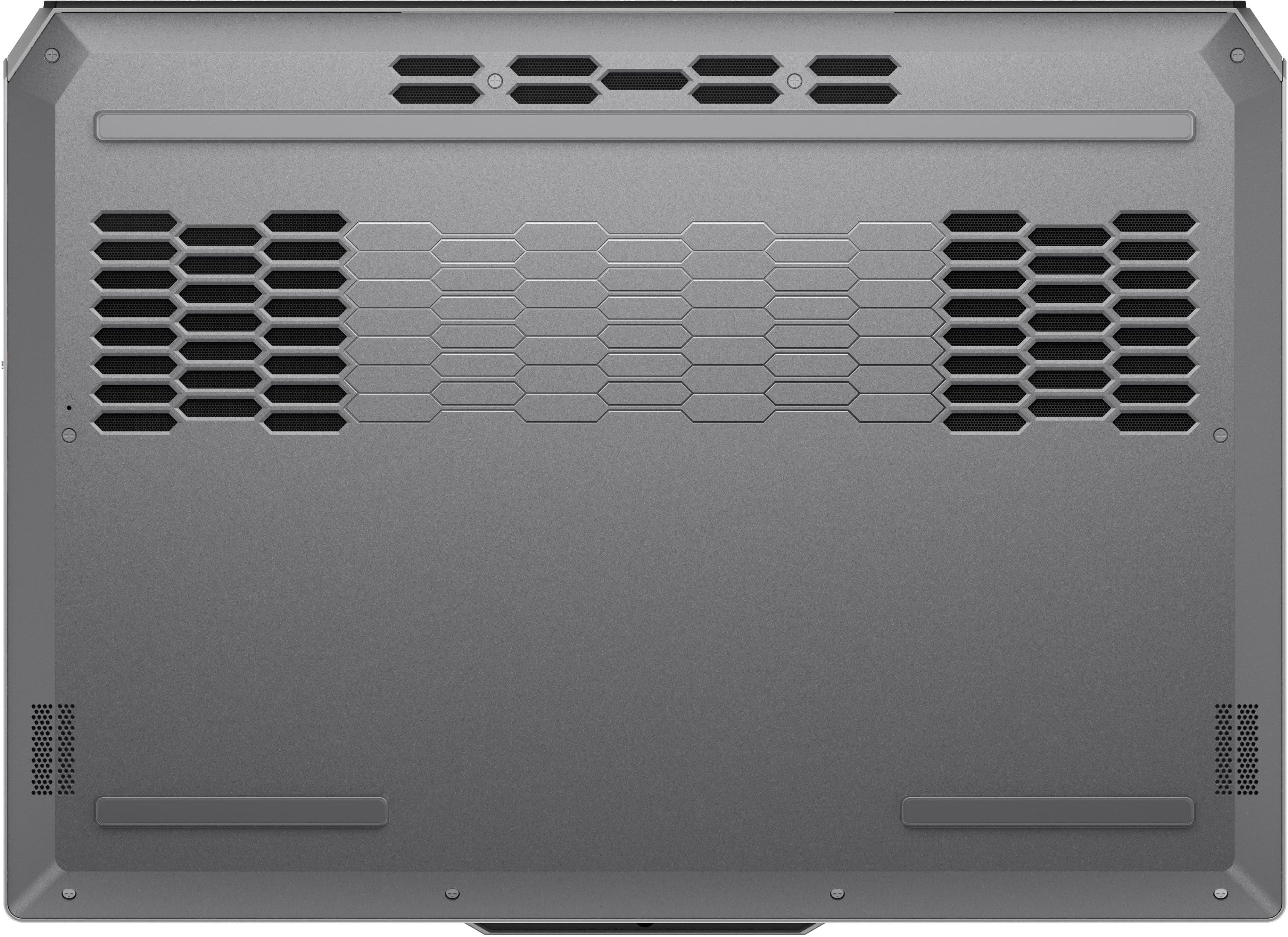
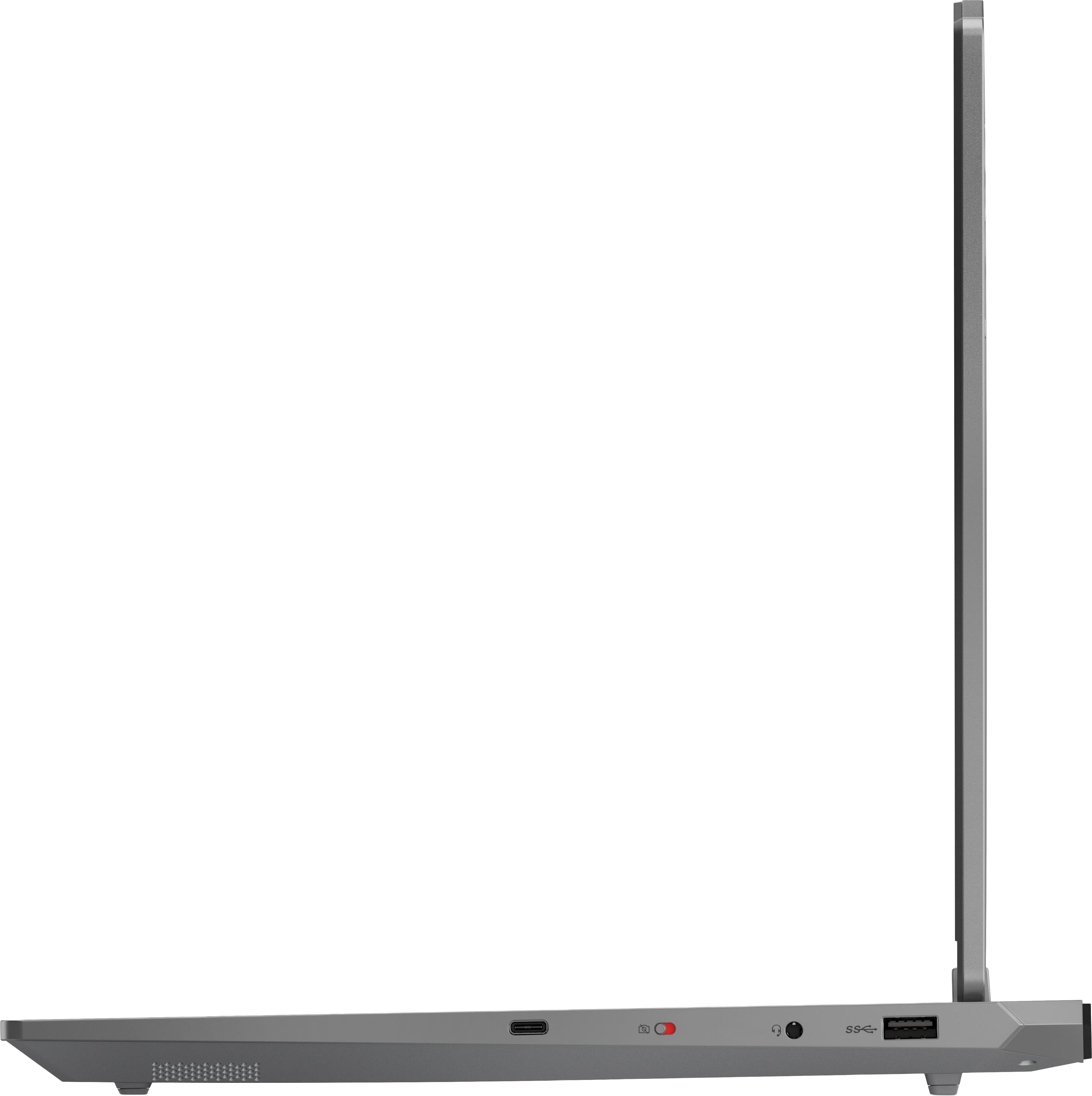
A:AnswerHi Deb, thanks for your question. This Lenovo LOQ Gaming Laptop features an additional available M.2 slot that can be used to increase storage. Geek Squad offers hardware installation services in stores. We suggest speaking to your local Geek Squad precinct to get further information on pricing and details on the service. Please don't hesitate to contact us if you have any additional questions.
A:AnswerHey Jimes,
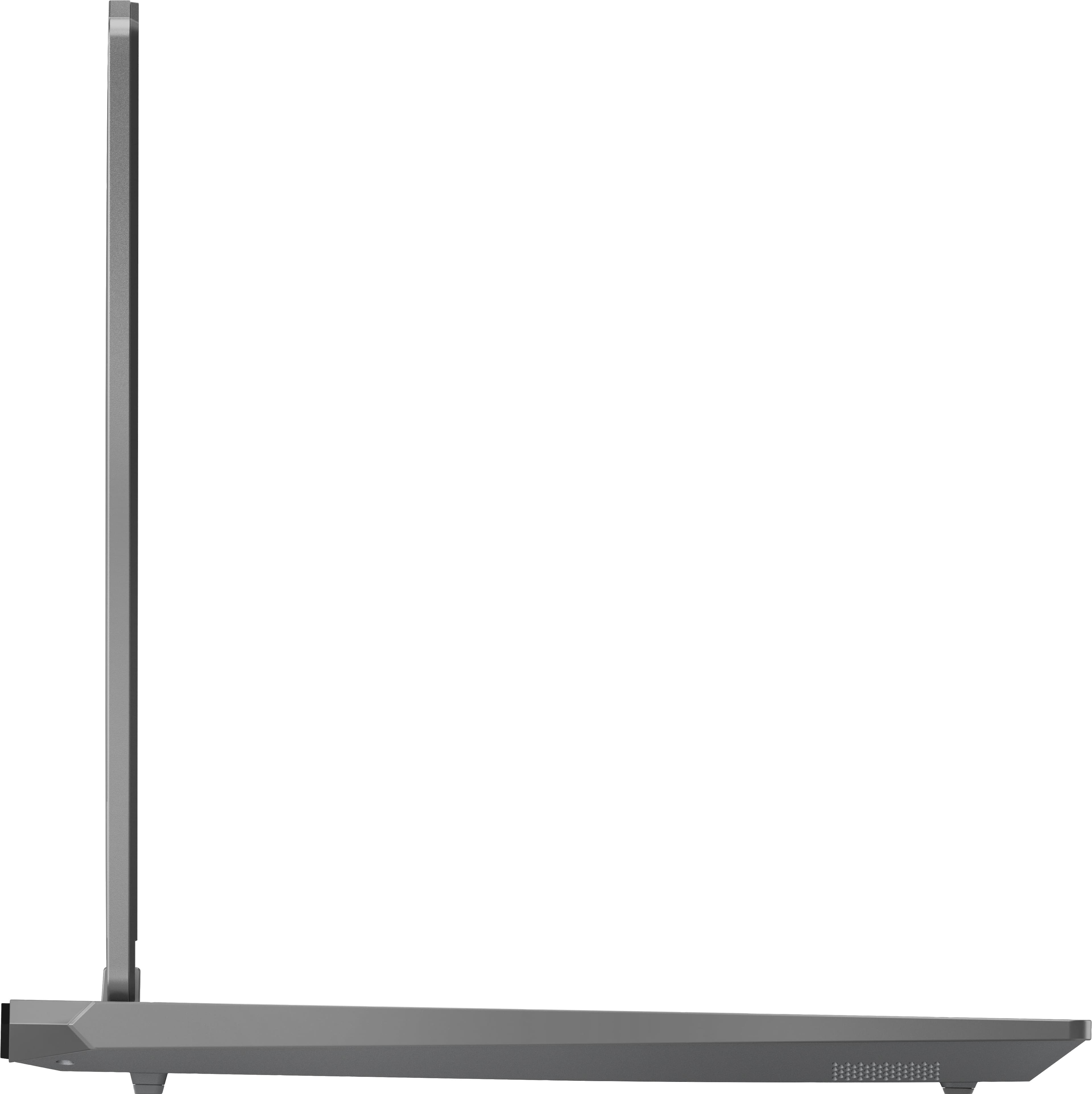
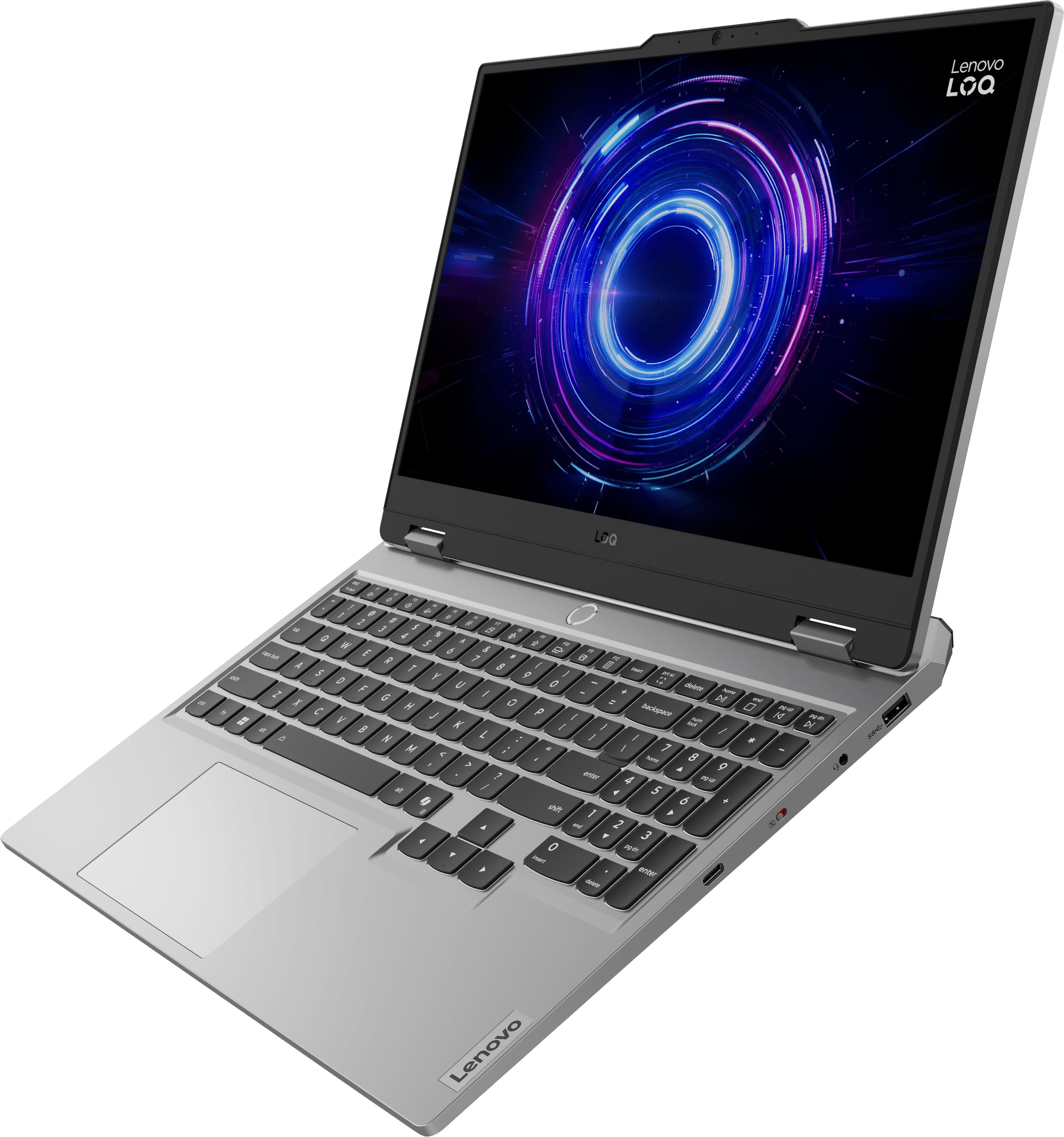
The LOQ 15 does not support Windows Hello, as it does not feature any biometric security technology options, but this can be found on our other, more premium gaming system lines like the Legion 5.
Please feel free to reach out to us with any other questions!
A:AnswerHey JiMes,
This LOQ 15 is part of the laptop series' 10th generation, releasing around mid-late 2025.
Please feel free to reach out to us with any other questions!
A:AnswerHey Clay, this LOQ 15 ships with a 245W round tip Lenovo power adapter in the box, which is the necessary wattage and connector that we recommend looking for in a replacement charger.
Please feel free to reach out to us with any other questions!
A:AnswerHey Sai,
Based on user reviews, the system may handle this to an extent, but you'll likely will run into complications if you're running heavy tasks like this simultaneously. Based on the use case you shared, we recommend considering a system with higher AI computing speed and efficiency, along with more memory / RAM for increased throughput.
Please feel free to reach out to us with any other questions!
A:AnswerHey there,
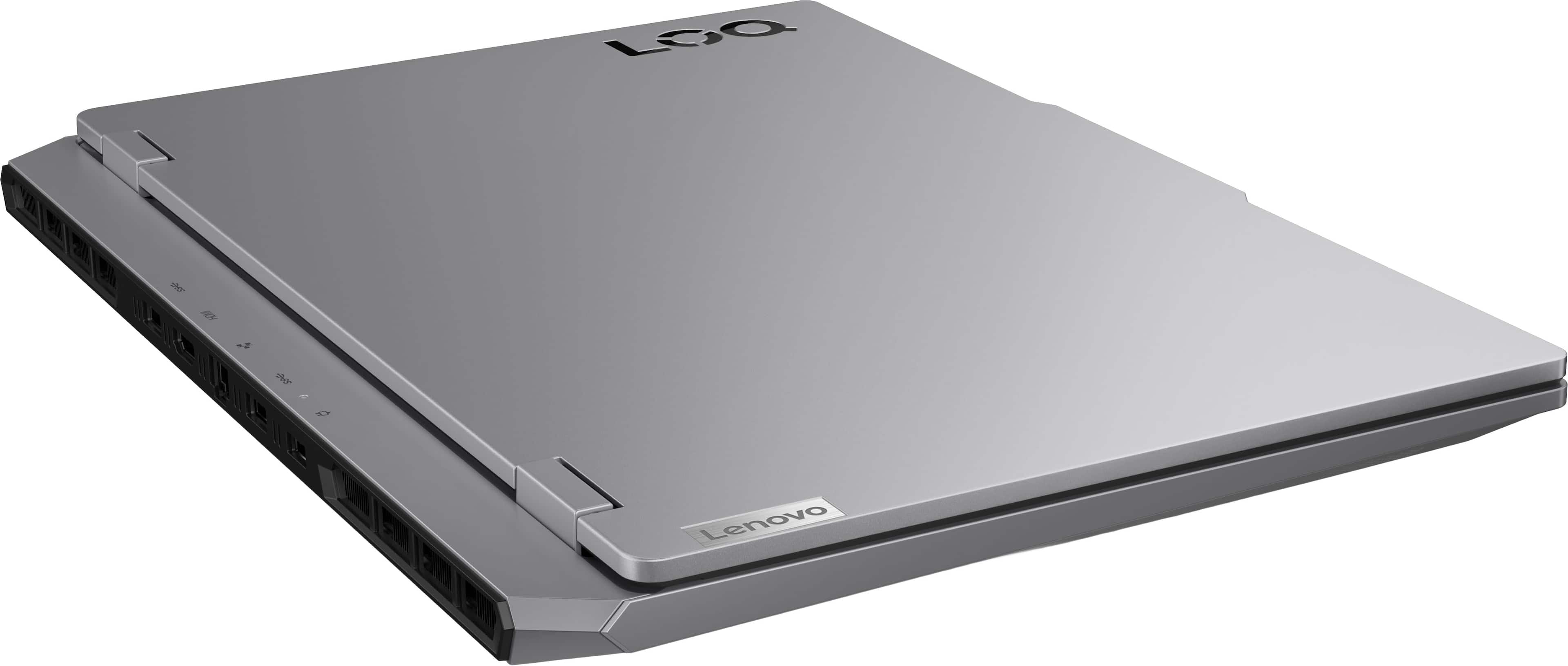
The CPU cannot be upgraded, as it is soldered to the laptop's systemboard. The LOQ laptops do not feature removable sockets like desktop CPUs and boards may support.
Please feel free to reach out to us with any other questions!
A:AnswerHey,
This possible if you're willing to consider open-box options that may be sold without a power adapter. This is not available from Lenovo or Best Buy when selling new-in-box LOQ 15 laptops. To view these open-box options from Best Buy, select the "More Buying Options" button under the "Add to Cart" button on the product page.
Please feel free to reach out to us with any other questions!
A:AnswerHey,
We're sorry to hear that you ran into this issue with your IdeaPad 5. What we can share confidently is that the LOQ 15 is held to our high standards for product quality, with it featuring MIL-Spec certification to hold up to the day-to-day and a bit more.
Please feel free to reach out to us with any other questions!
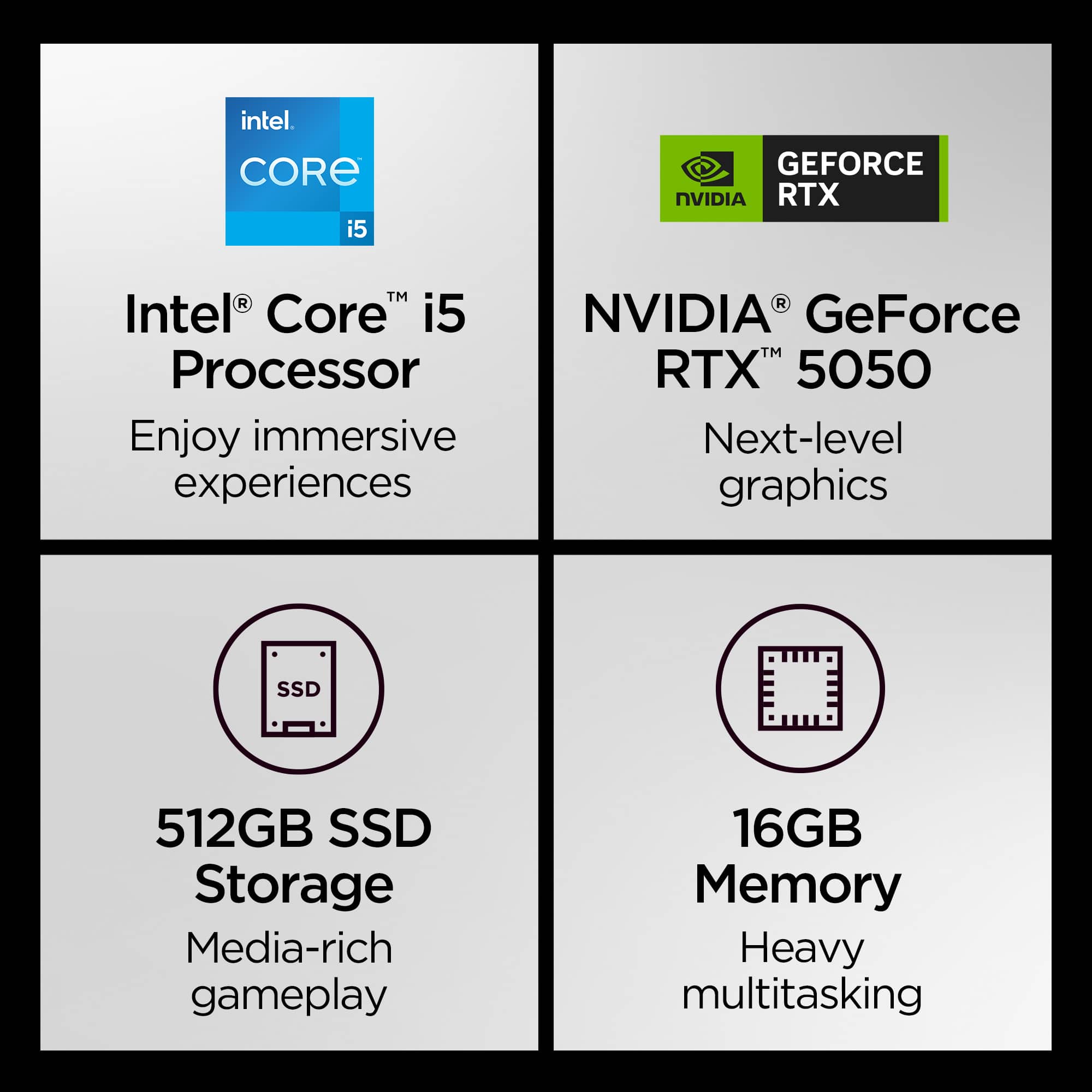
A:AnswerYes, the Intel® Core™ i5-13450HX Processor is 64 bit and it comes with 64 bit Windows 11. You can always google the processor specifications to find this.
A:AnswerHey Toya,
Based on the system requirements for the game, you should be able to run it with low to moderate in-game graphics settings.
Please feel free to reach out to us with any other questions!
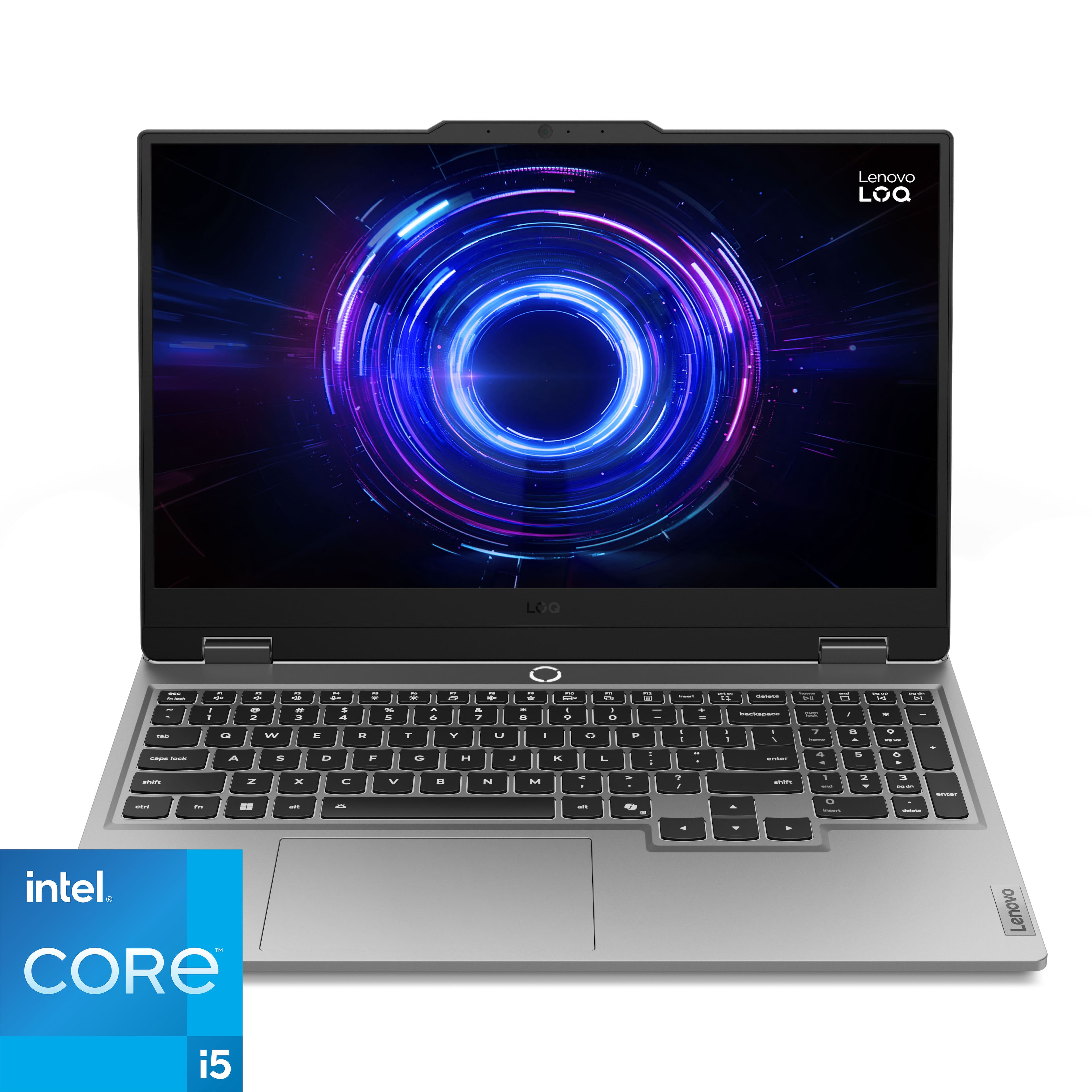

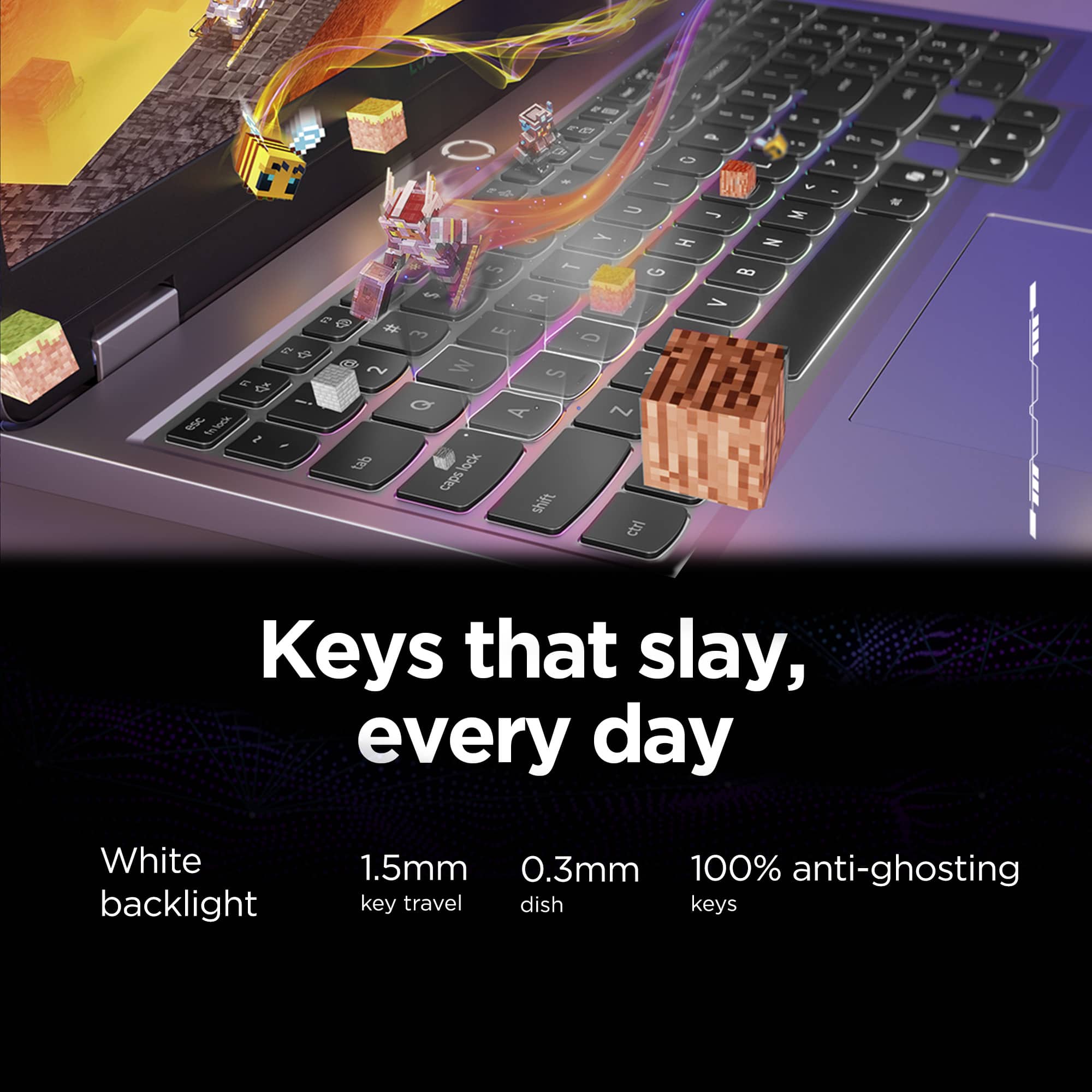
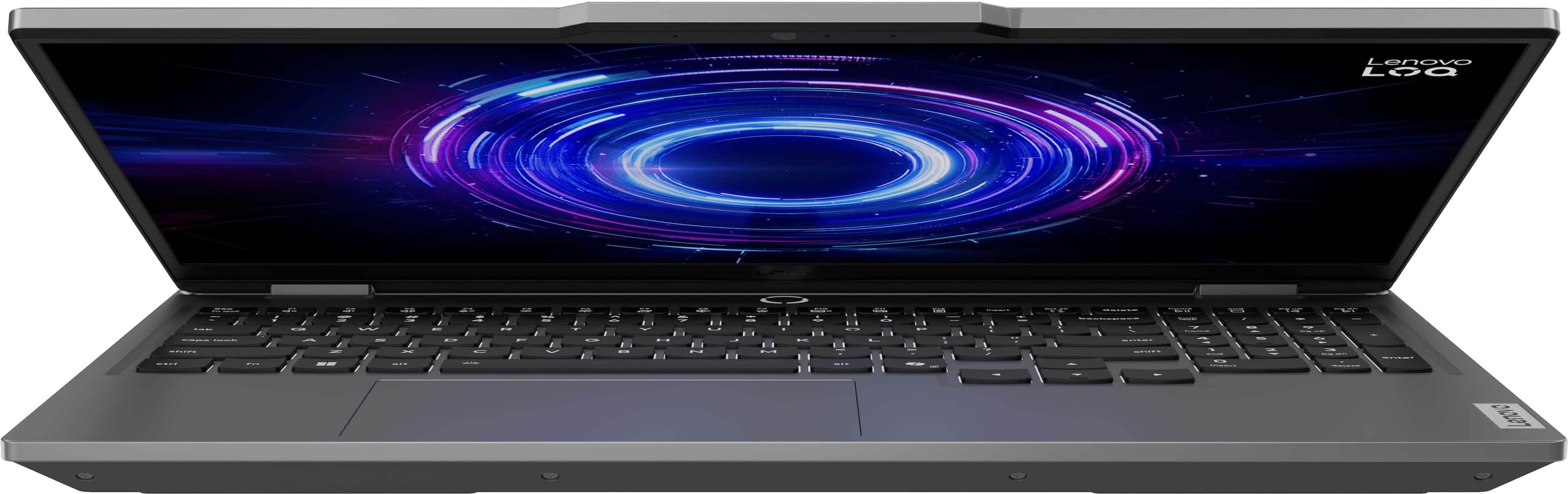
![Sure, here is the corrected and grouped text from the image:
- **Top Row:**
- `esc` `F1` `F2` `F3` `F4` `F5` `F6` `F7` `F8` `F9` `F10` `F11` `F12` `insert`
- **Second Row:**
- `~` `!` `@` `#` `$` `%` `^` `&` `*` `(` `)` `_` `+` `backspace` `num lock` `/` `*` `-` `tab`
- **Third Row:**
- `Q` `W` `E` `R` `T` `Y` `U` `I` `O` `P` `[` `]` `\` `delete` `home` `end` `pg up` `pg dn`
- **Fourth Row:**
- `caps lock` `A` `S` `D` `F` `G` `H` `J` `K` `L` `;` `'` `enter` `4` `5` `6`](https://pisces.bbystatic.com/image2/BestBuy_US/images/products/55335010-9a5f-4237-b437-bfbd6a9f6ff2.jpg)