A:AnswerThe Motorola Droid Turbo is not on the current list of compatible phones. We are in the process of testing and approving other phones. Please find the updated list of phones at jedichallenges.com/compatibility.
A:AnswerThe iPod Touch is not on the current list of compatible devices/phones. You need a compatible smart phone in order for this to work. We are in the process of testing and approving other devices/phones. Please find the updated list of phones at jedichallenges.com/compatibility.
A:AnswerIt is not recommended to us a phone that is not on the compatible list. We are in the process of testing and approving other phones. Please find the updated list of phones at jedichallenges.com/compatibility.
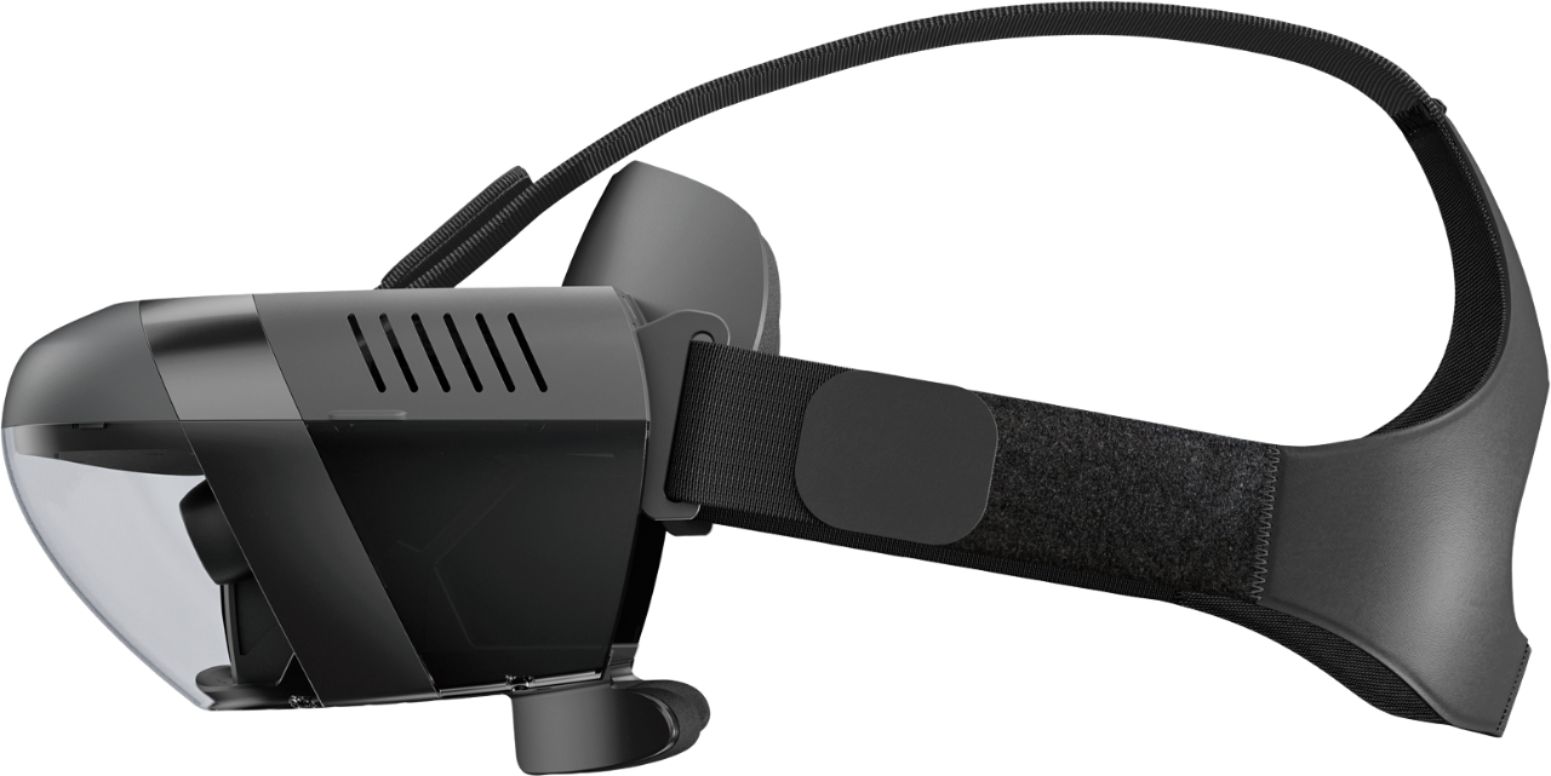
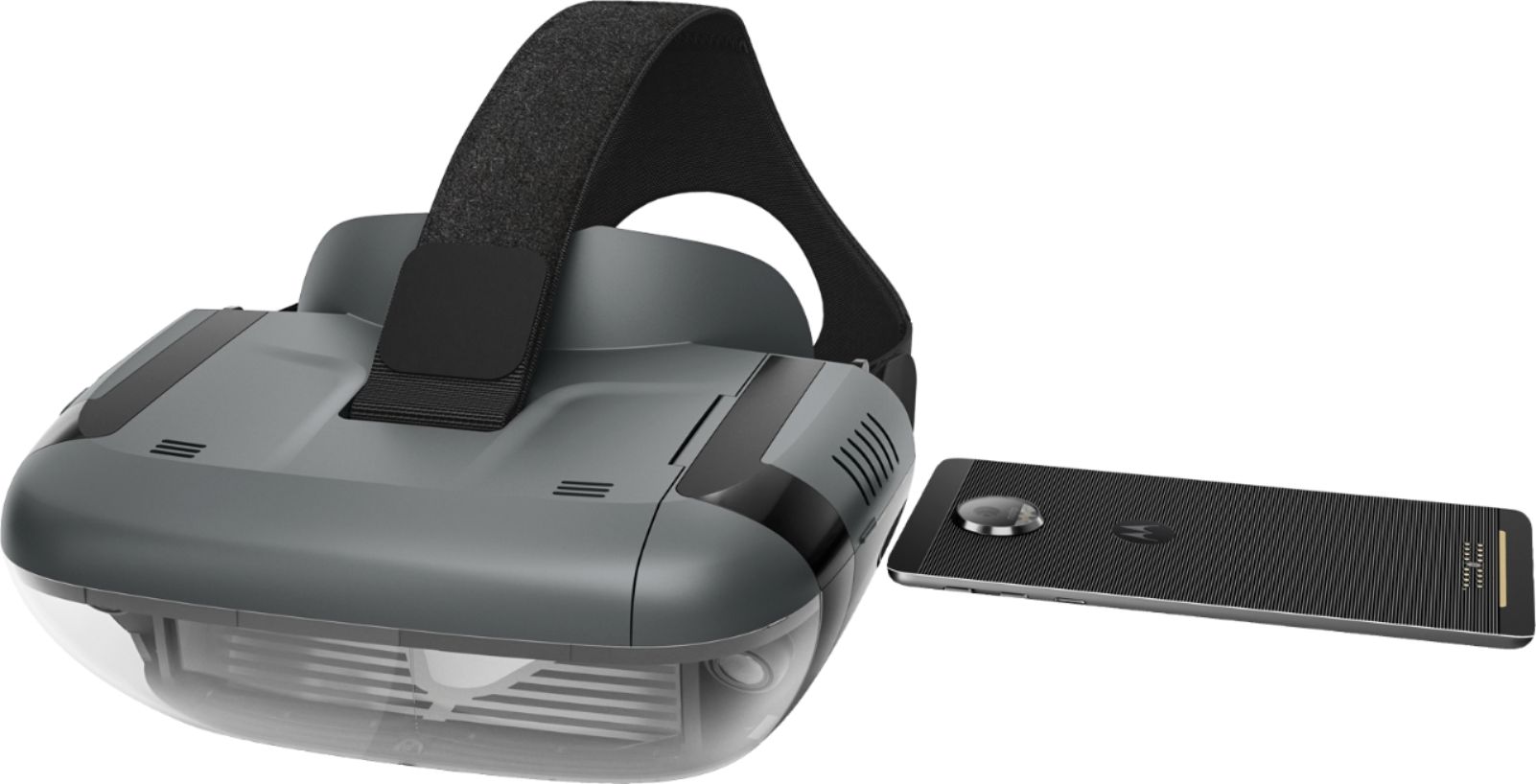
A:AnswerYour phone is still able to receive phone calls if you decide to not enable plane mode while playing. If you want to pick up*, you will need to disconnect your phone and remove it from the tray. Once your phone call is finished and you hang up, put back the phone in the tray and connect it to your Lenovo Mirage AR headset. You will see your game and the prompt to resume or exit. Choose to resume to continue your experience where you left off. *Note: on Android, the game will continue to be running while a pop-up of incoming call will show at the top of the screen, the game will be paused when you disconnect the phone from the headset. On iPhone, the full screen phone app will pause the game as soon as there is an incoming call.
A:AnswerThe Moto Z is not on the current list of compatible phones. We are in the process of testing and approving other phones. Please find the updated list of phones at jedichallenges.com/compatibility.
A:AnswerThe Samsung Note 5 is not on the current list of compatible phones. We are in the process of testing and approving other phones. Please find the updated list of phones at jedichallenges.com/compatibility.
A:AnswerNo, this is an ongoing product. Star Wars: Jedi Challenges offers one storyline taking the player through more than 30 challenges across three types of game experiences. However, as this is app based, updated experiences and game modes will be available.
A:AnswerThe iPhone 5 is not on the current list of compatible phones. We are in the process of testing and approving other phones. Please find the updated list of phones at jedichallenges.com/compatibility.
A:AnswerThe Motorola droid turbo 2 is not on the current list of compatible phones. We are in the process of testing and approving other phones. Please find the updated list of phones at jedichallenges.com/compatibility.
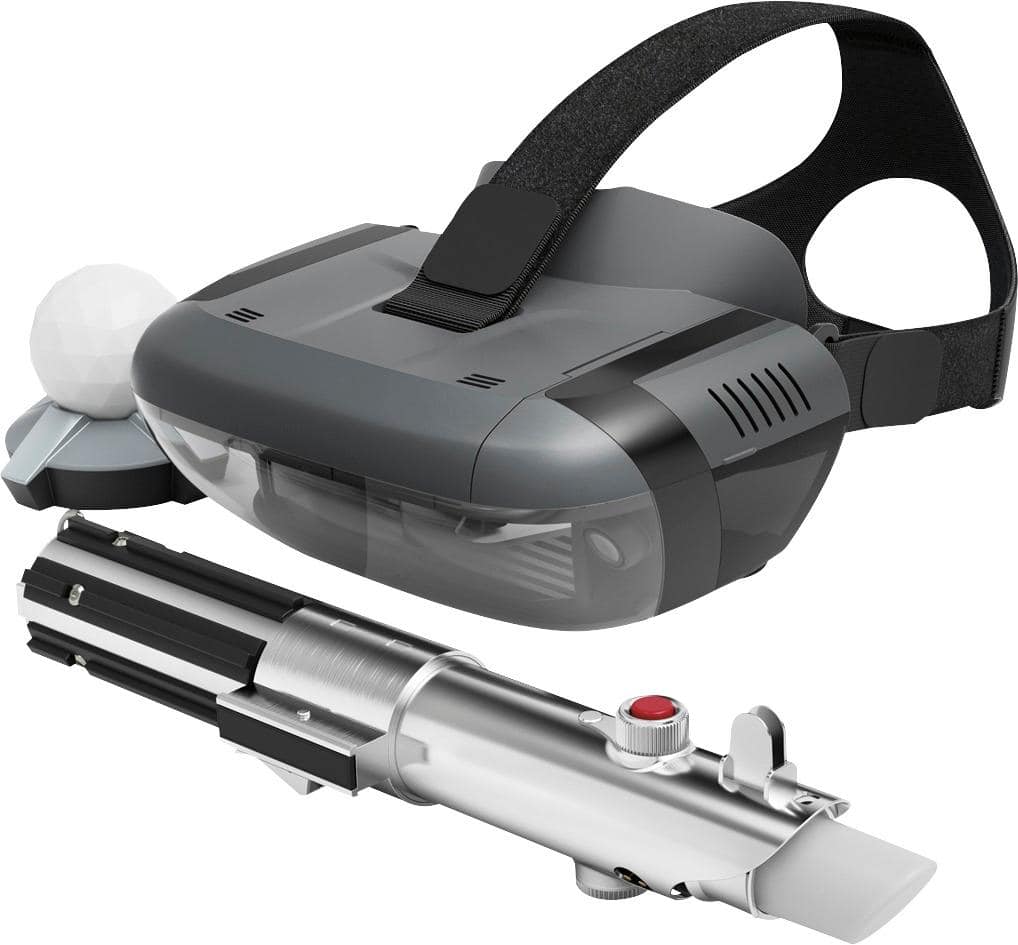
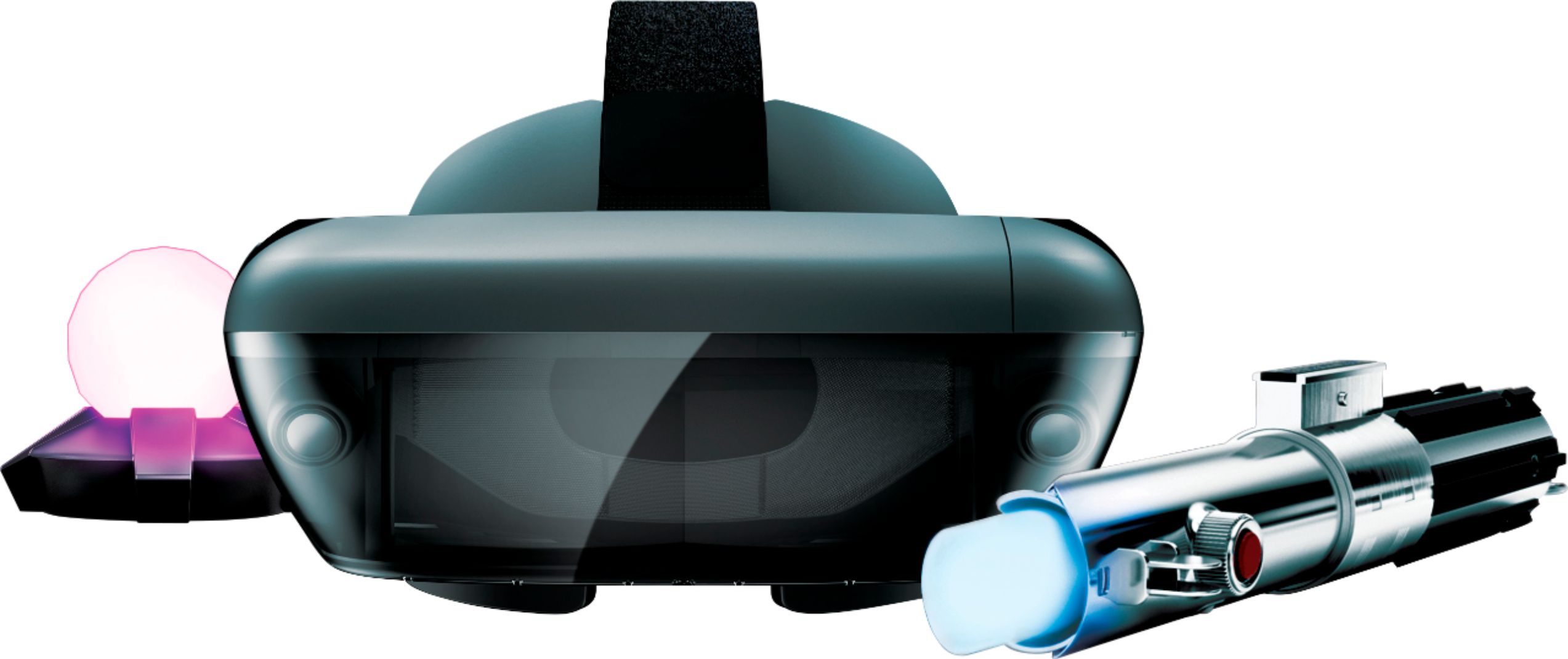
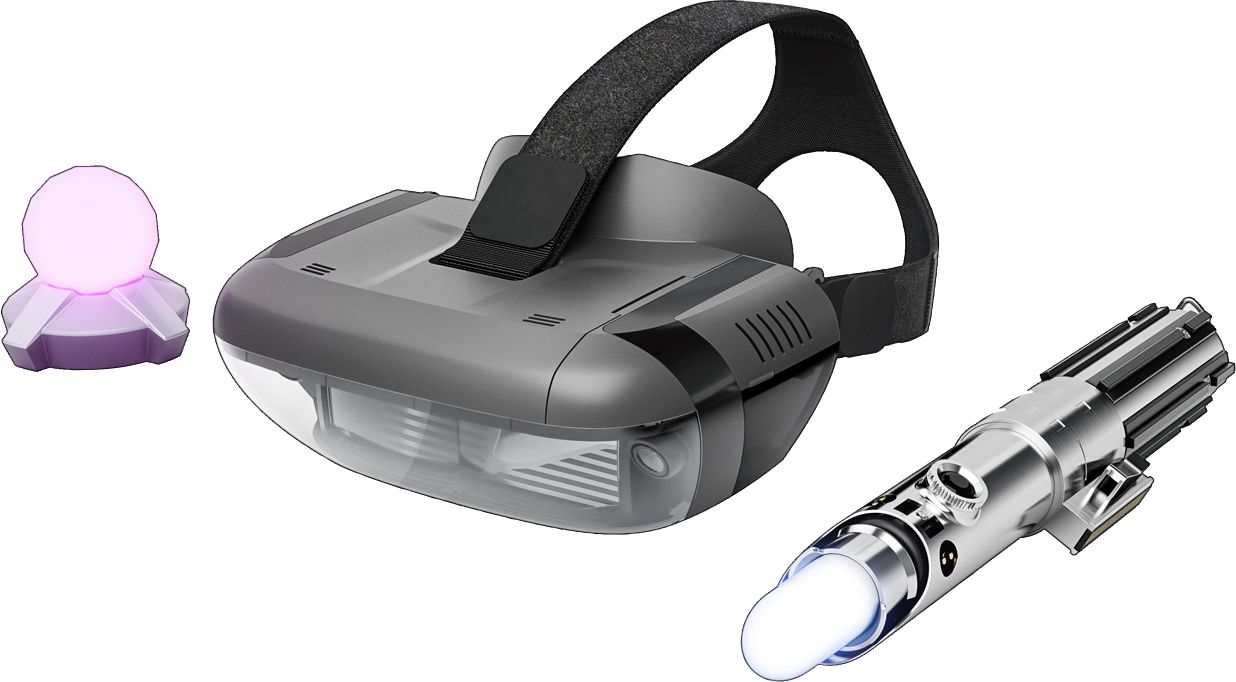
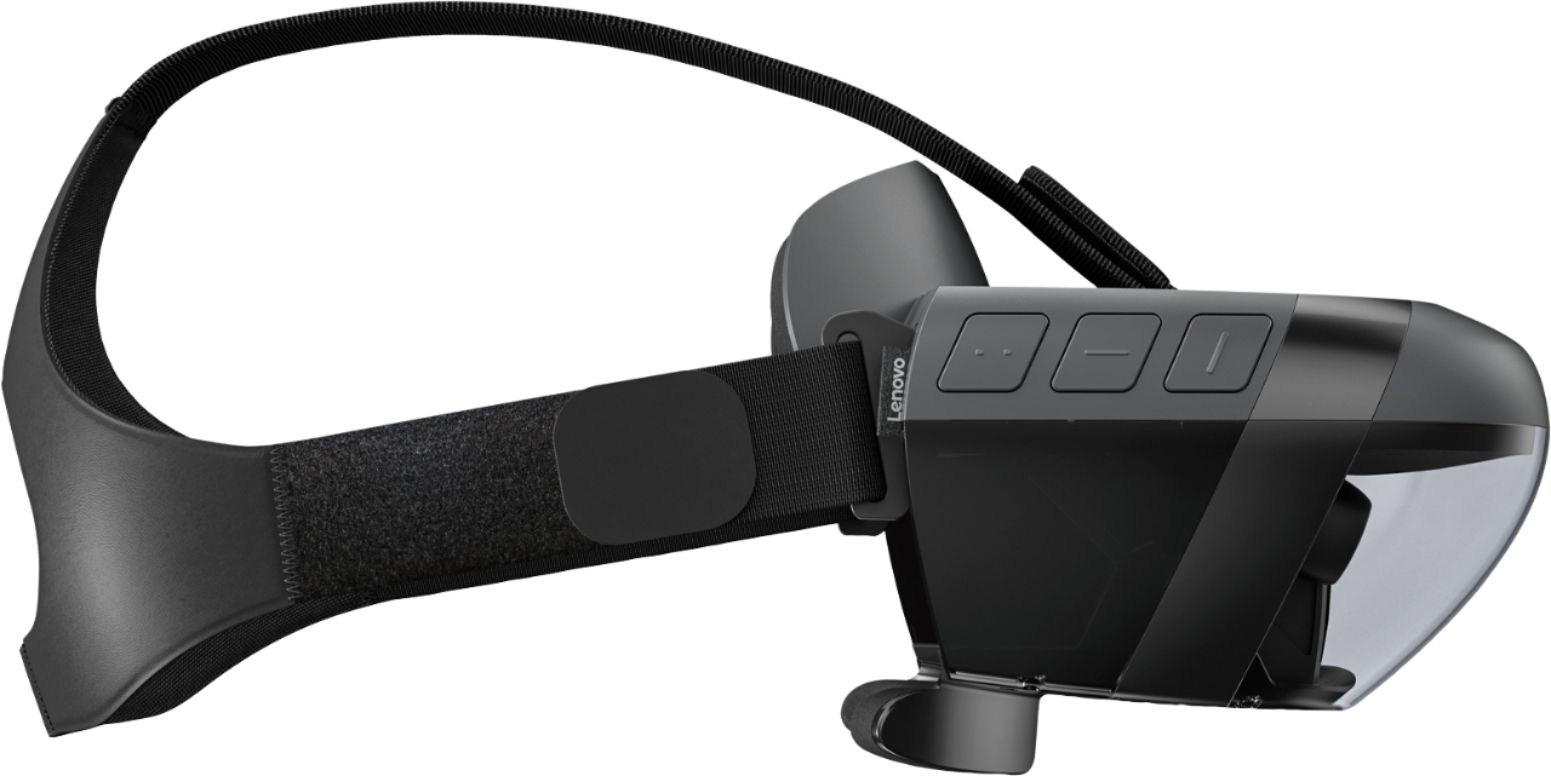
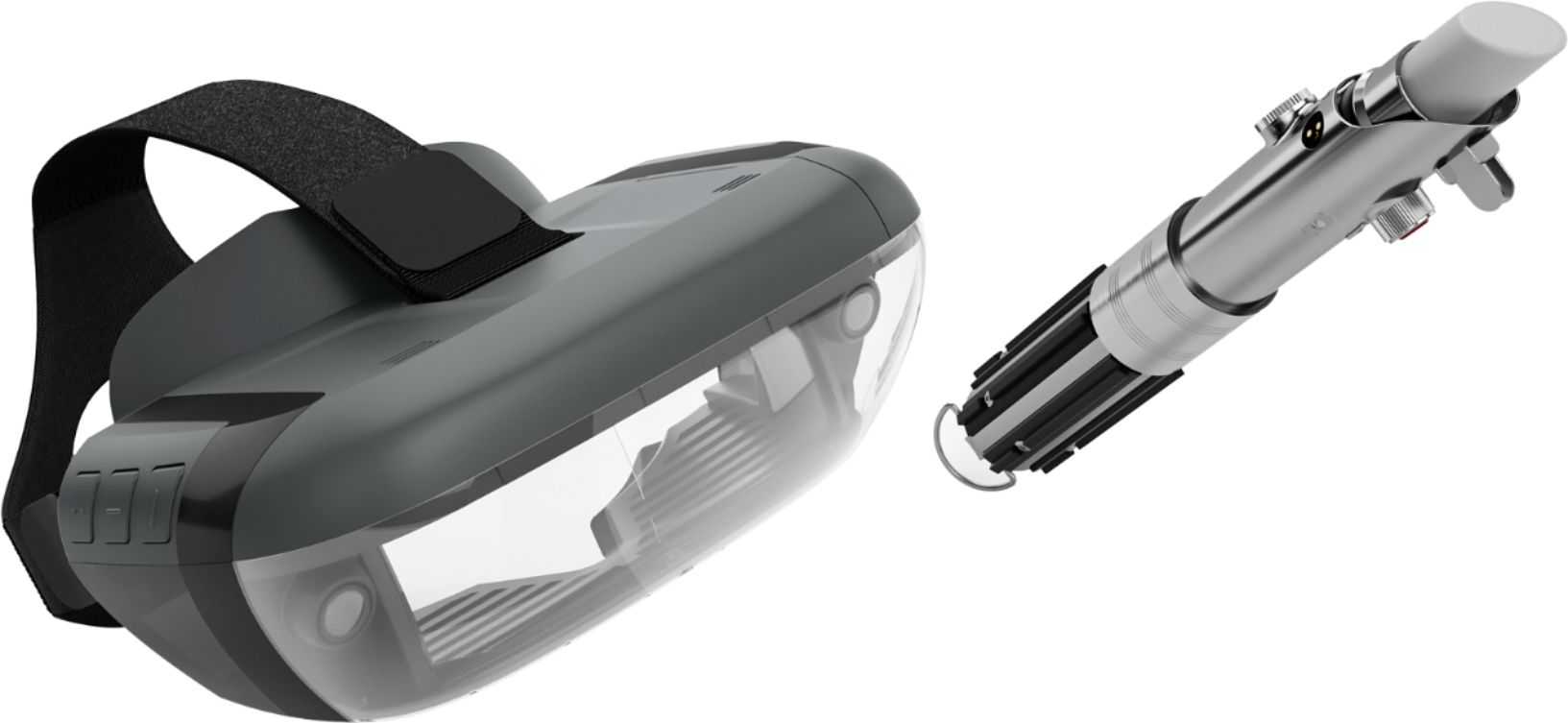
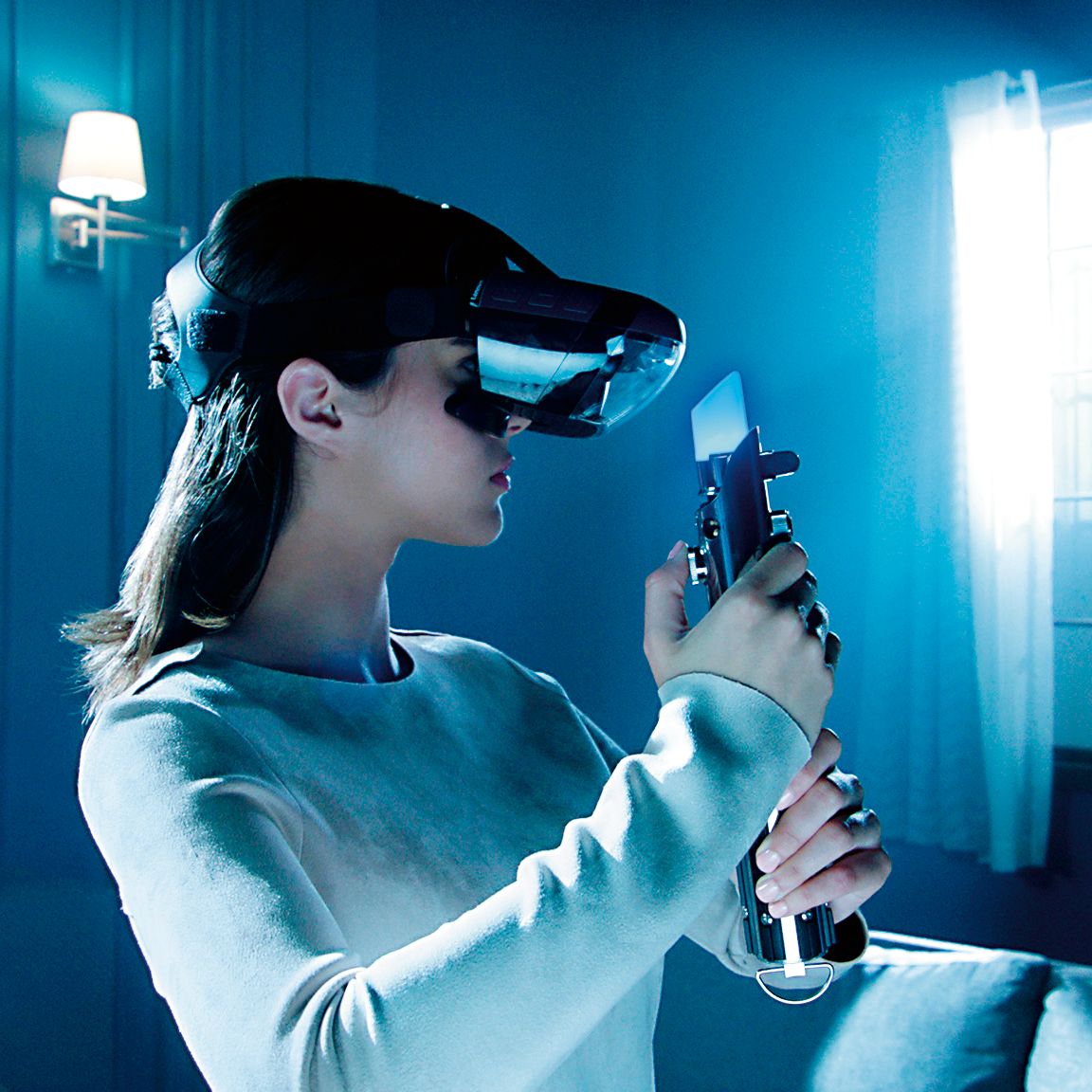
A:AnswerOn an AR ( augmented reality) device you will see your surroundings as well as the holographic images projected by the game. Star Wars™: Jedi Challenges is a smartphone-powered, augmented reality experience, created by Disney and Lenovo, which lets you train as a Jedi. Augmented Reality refers to an experience that overlays elements on top of your current view of the world, while continuing to let you see the world around you. This means you’ll see the Lightsaber you’re holding, and the Sith Lord you’re fighting, in your actual environment!
A:AnswerThe Samsung Galaxy S8 plus edge is not on the current list of compatible phones. We are in the process of testing and approving other phones. Please find the updated list of phones at jedichallenges.com/compatibility. It is also very important that you let the "app" that is included guide you through the entire set up process. This insures that the whole system will be synced correctly.You can contact our support team for a detailed troubleshooting guidance. You can contact us here: support.lenovo.com/jedichallenges
A:AnswerThe LG Aristo Smart Phone is not on the current list of compatible phones. We are in the process of testing and approving other phones. Please find the updated list of phones at jedichallenges.com/compatibility.
A:AnswerThe iPhone 5S is not on the current list of compatible phones. We are in the process of testing and approving other phones. Please find the updated list of phones at jedichallenges.com/compatibility.