A:AnswerThank you for your question. We are in the process of testing and approving other phones. Please find the updated list of phones at jedichallenges.com/compatibility.
A:AnswerNo. Even if the phone far exceeds the minimum hardware requirements of their app, if the phone is not on thier small snob list of 900 dollar phones, it will be denied the ability to download the app.
A:AnswerThe iPhone SE is not on the current list of compatible phones. We are in the process of testing and approving other phones. Please find the updated list of phones at jedichallenges.com/compatibility.
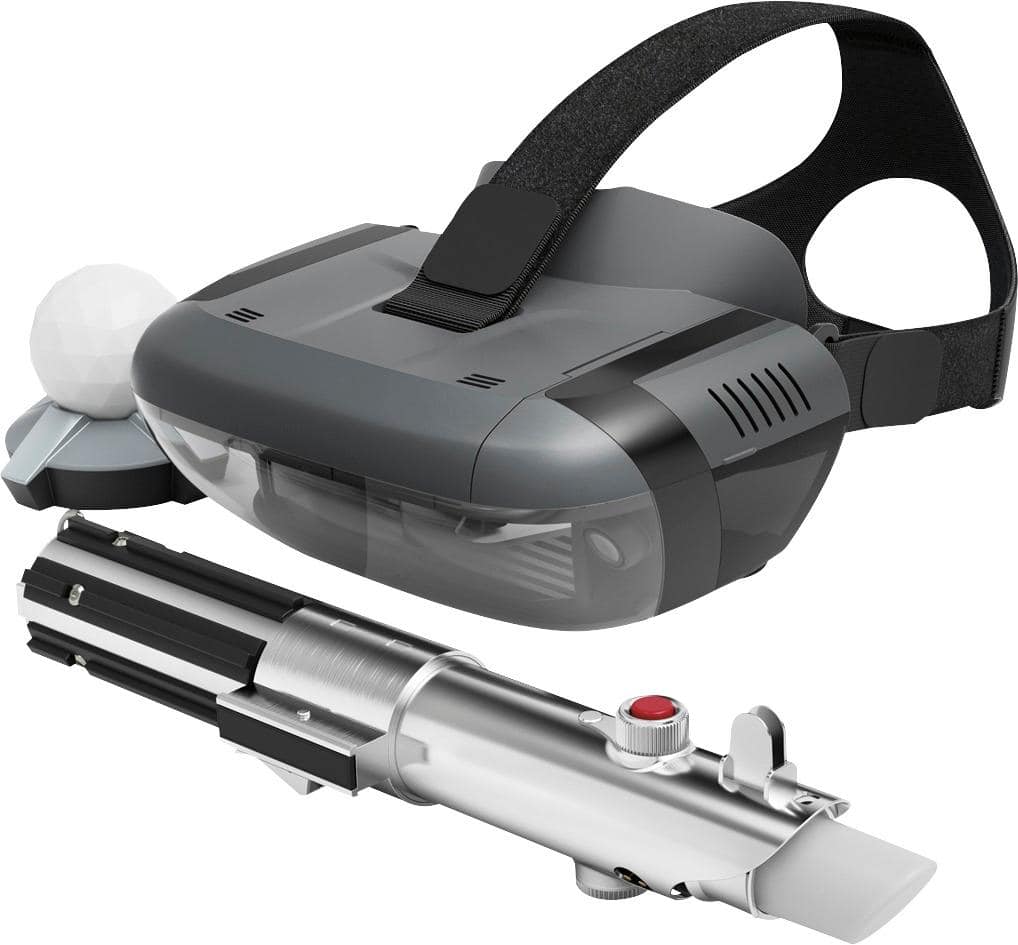
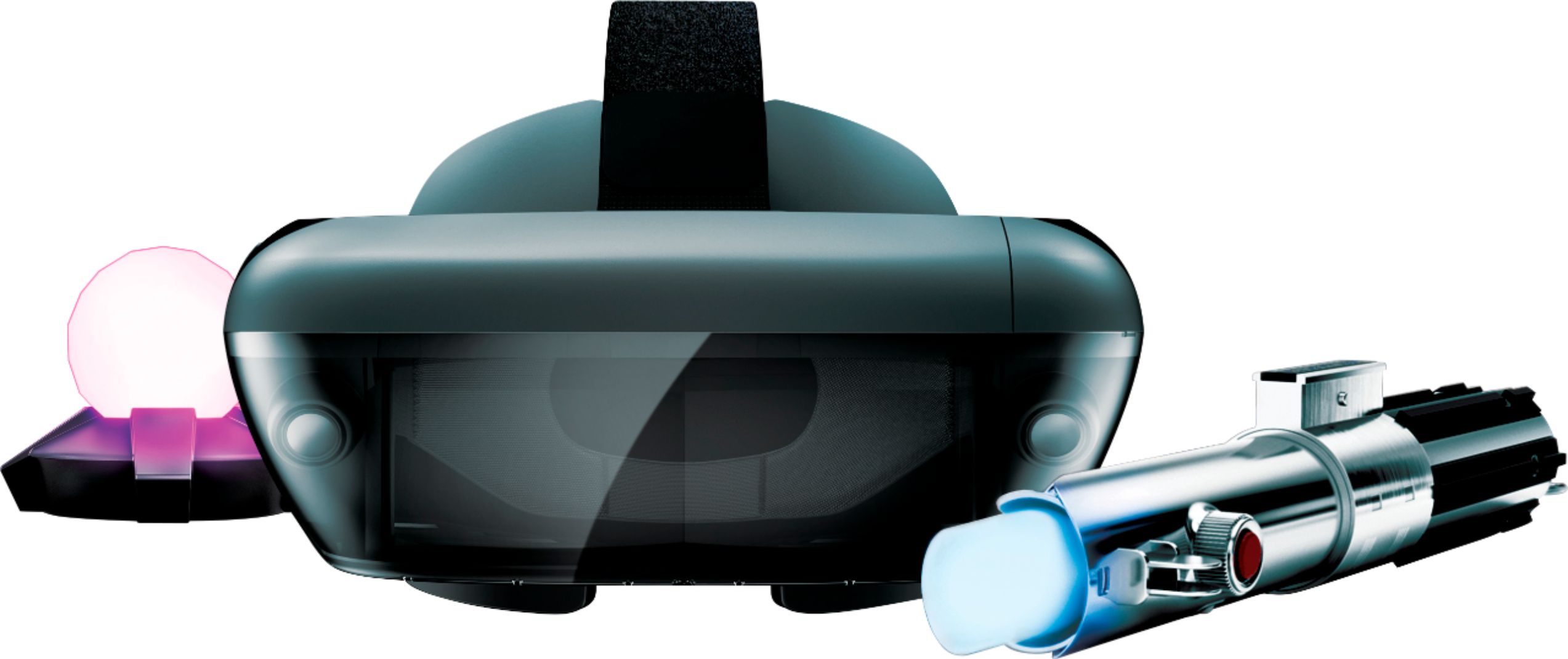
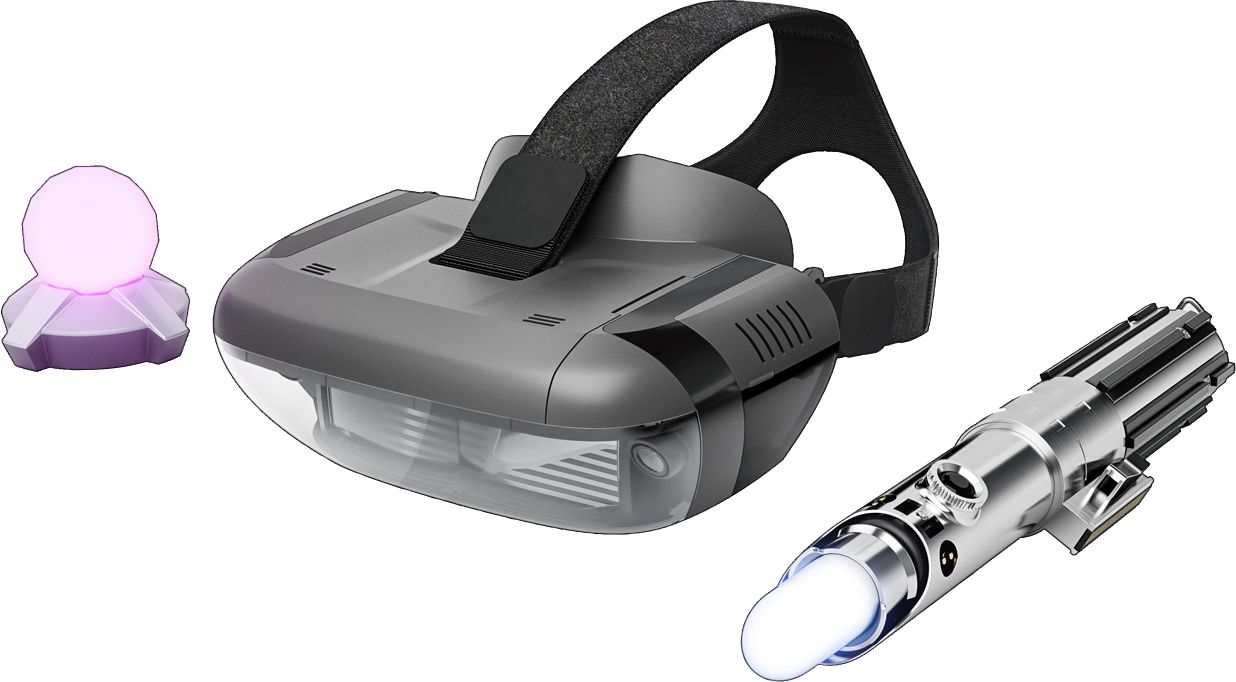
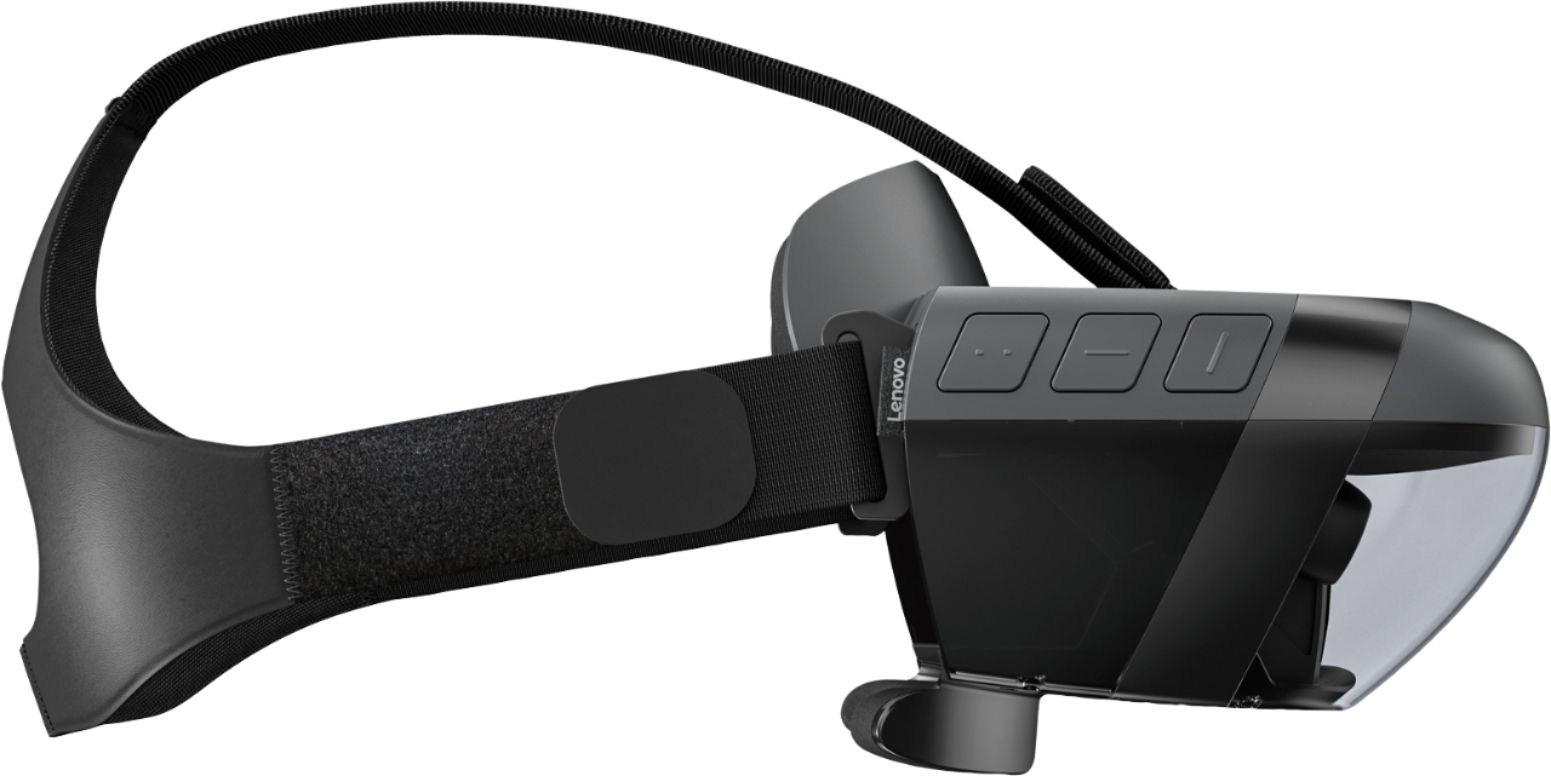
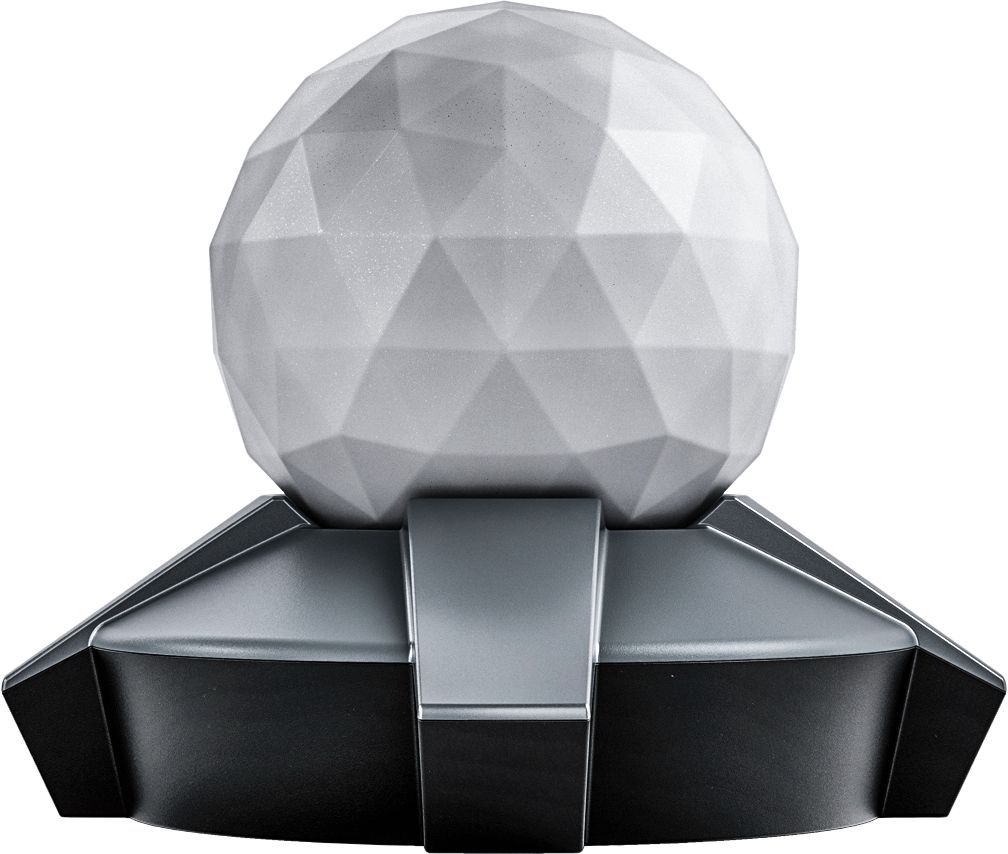
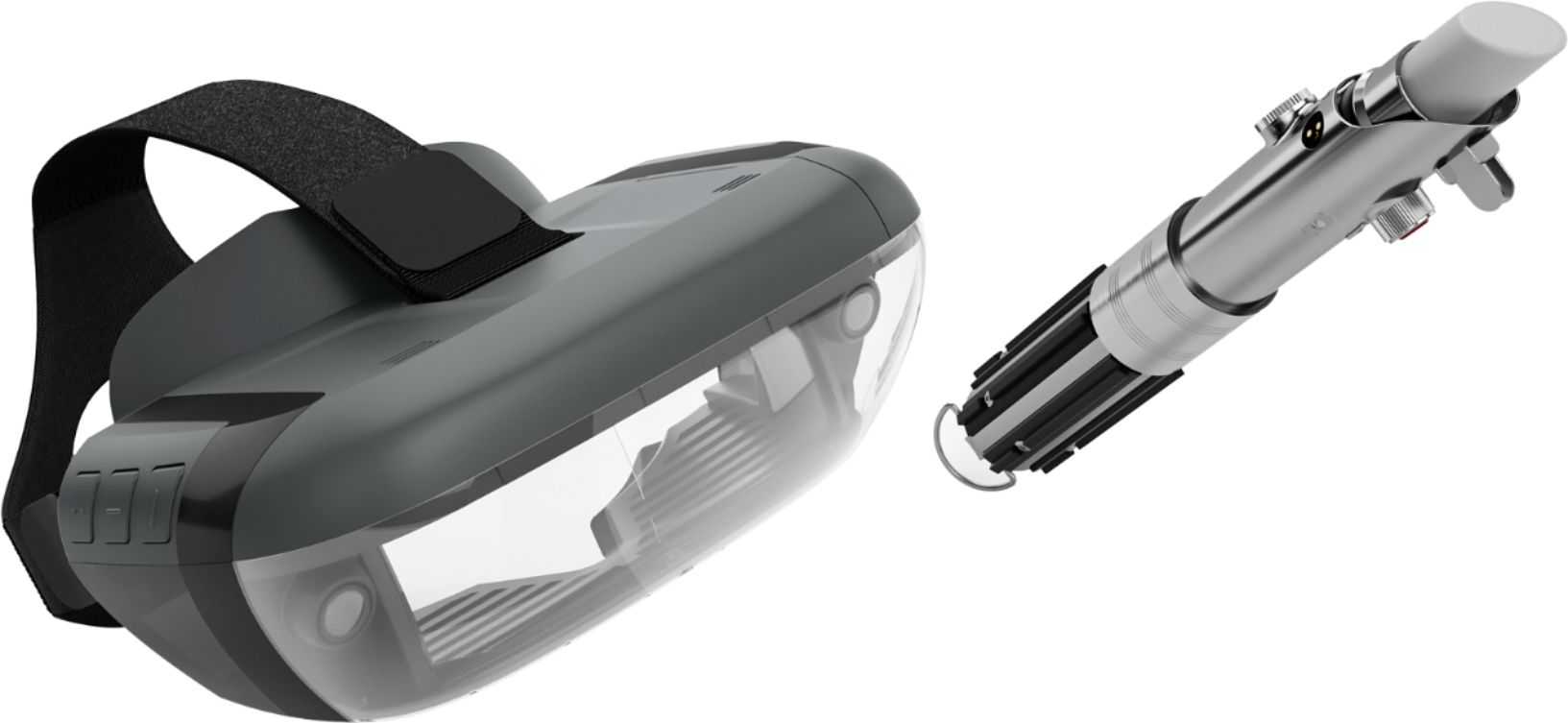
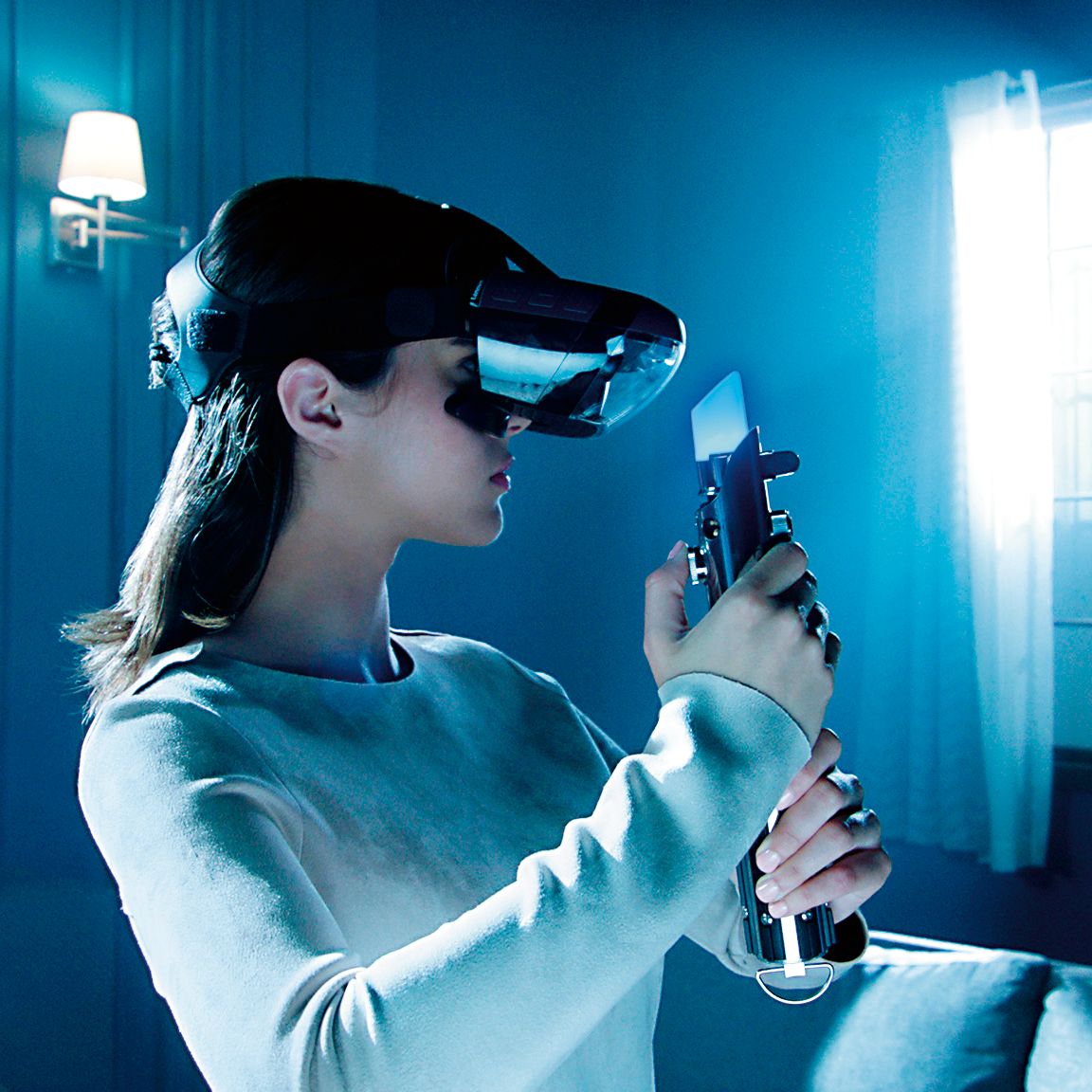
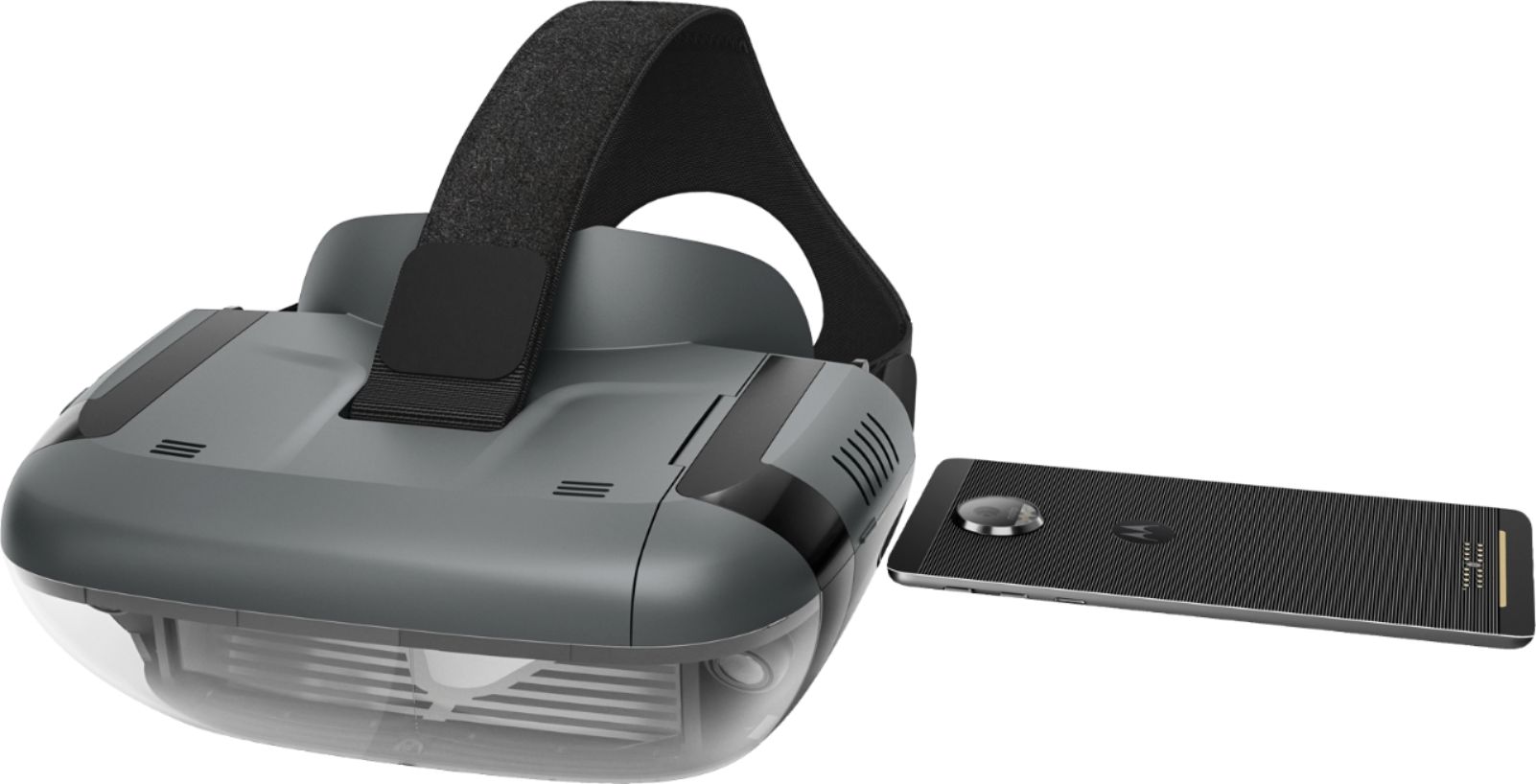
A:AnswerThank you for your feedback. We are sorry to hear that you are having problems setting up the Star Wars: Jedi Challenges. There can be system bug in the older Apple IOS. Please make sure you are running IOS 11.1 or a later version. Sometimes when using an older IOS the wait time for the connection to the headset can take 30 seconds or more. Please check your phone's Bluetooth setting to make sure it is on.( tap settings, select Bluetooth , tap the switch to ensure it is on ( green). Also make sure the location feature on the phone is turned on too .(tap settings, select location , tap the switch to ensure it is on ( green). Please make sure that the headset is powered up and the cable connected .Please make sure that the compatible phone is out of the headset when setting the system up for the first time. Then, when prompted insert the phone into the tray and then into the headset. It is very important when setting up the system for the first time to use the "app" that is provided to guide you through the entire set up process. This insures that the whole system: headset, phone, tracking beacon and Lightsaber controller, will be synced correctly. If this does not If this does not work please contact our support team for a detailed troubleshooting guidance @ : support.lenovo.com/jedichallenges
A:AnswerThe oneplus 5 is not on the current list of compatible phones. We are in the process of testing and approving other phones. Please find the updated list of phones at jedichallenges.com/compatibility.You can also get support @support.lenovo.com/jedichallenges
A:AnswerI had the exact same problem! The Note 8 wil not fit in the tray BUT if you just slide it in without the tray and use something to keep it from rattling around (I've heard of people just keeping it in their phone case, I rolled up a paper towel and shoved it in) it should work fine
A:AnswerThe Samsung Galaxy s6 is not on the current list of compatible phones. We are in the process of testing and approving other phones. Please find the updated list of phones at jedichallenges.com/compatibility.
A:AnswerThe Galaxy S7 is not on the current list of compatible phones.We are in the process of testing and approving other phones. Please find the updated list of phones at jedichallenges.com/compatibility.
A:AnswerThe iPhone 5 is not on the current list of compatible phones. The iPhone 6 will work. We are in the process of testing and approving other phones. Please find the updated list of phones at jedichallenges.com/compatibility.
A:AnswerThe Samsung Galaxy S6 edge is not on the current list of compatible phones. We are in the process of testing and approving other phones. Please find the updated list of phones at jedichallenges.com/compatibility.
A:AnswerThe Samsung Galaxy J3 Prime is not on the current list of compatible phones. We are in the process of testing and approving other phones. Please find the updated list of phones at jedichallenges.com/compatibility.
A:AnswerThe Samsung Galaxy S6 is not on the current list of compatible phones. We are in the process of testing and approving other phones. Please find the updated list of phones at jedichallenges.com/compatibility.
A:AnswerThe iPod Touch 6th edition is not on the list of compatible devices/phones. We are in the process of testing and approving other devices/phones. Please find the updated list of phones at jedichallenges.com/compatibility.