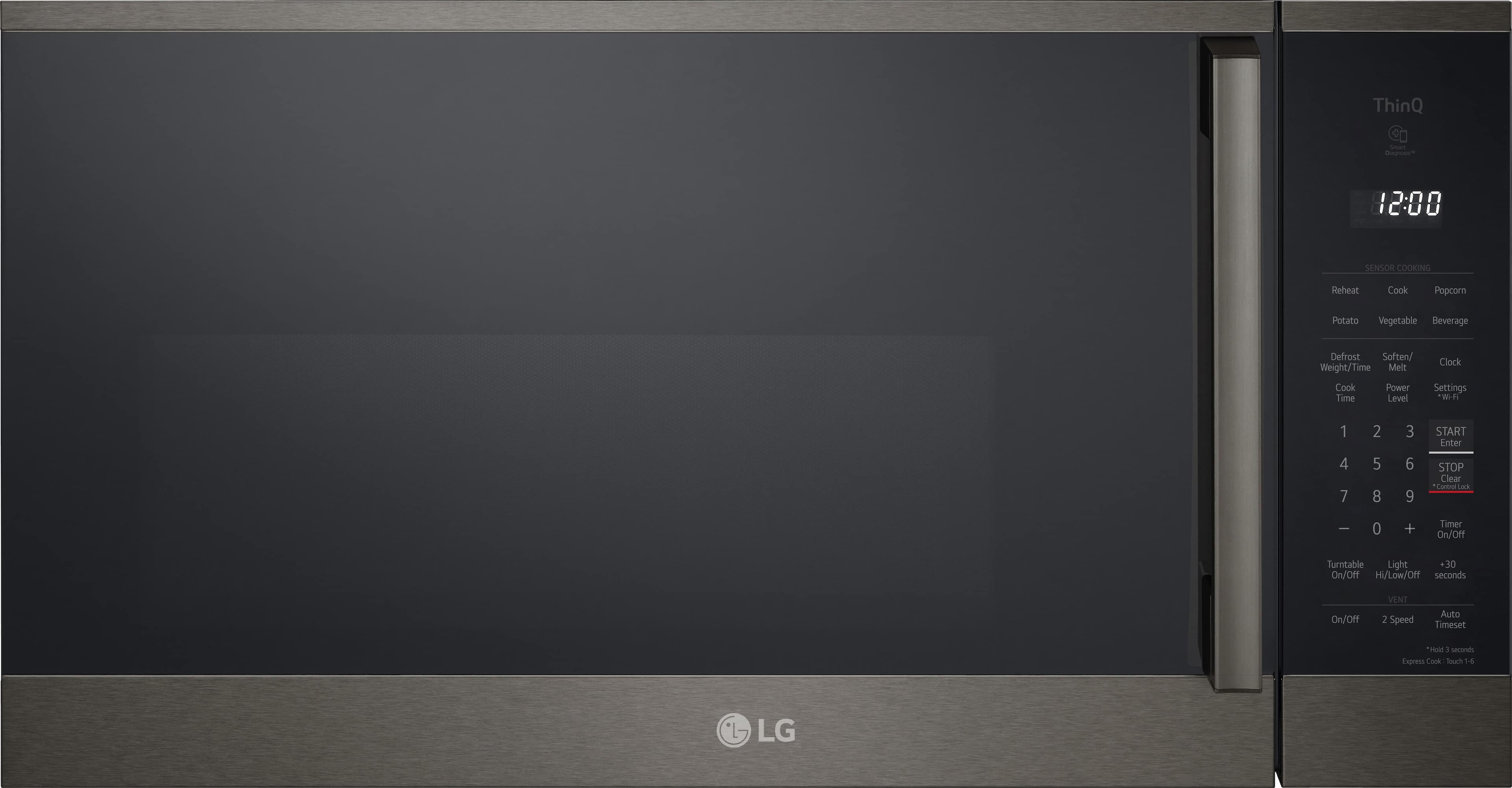
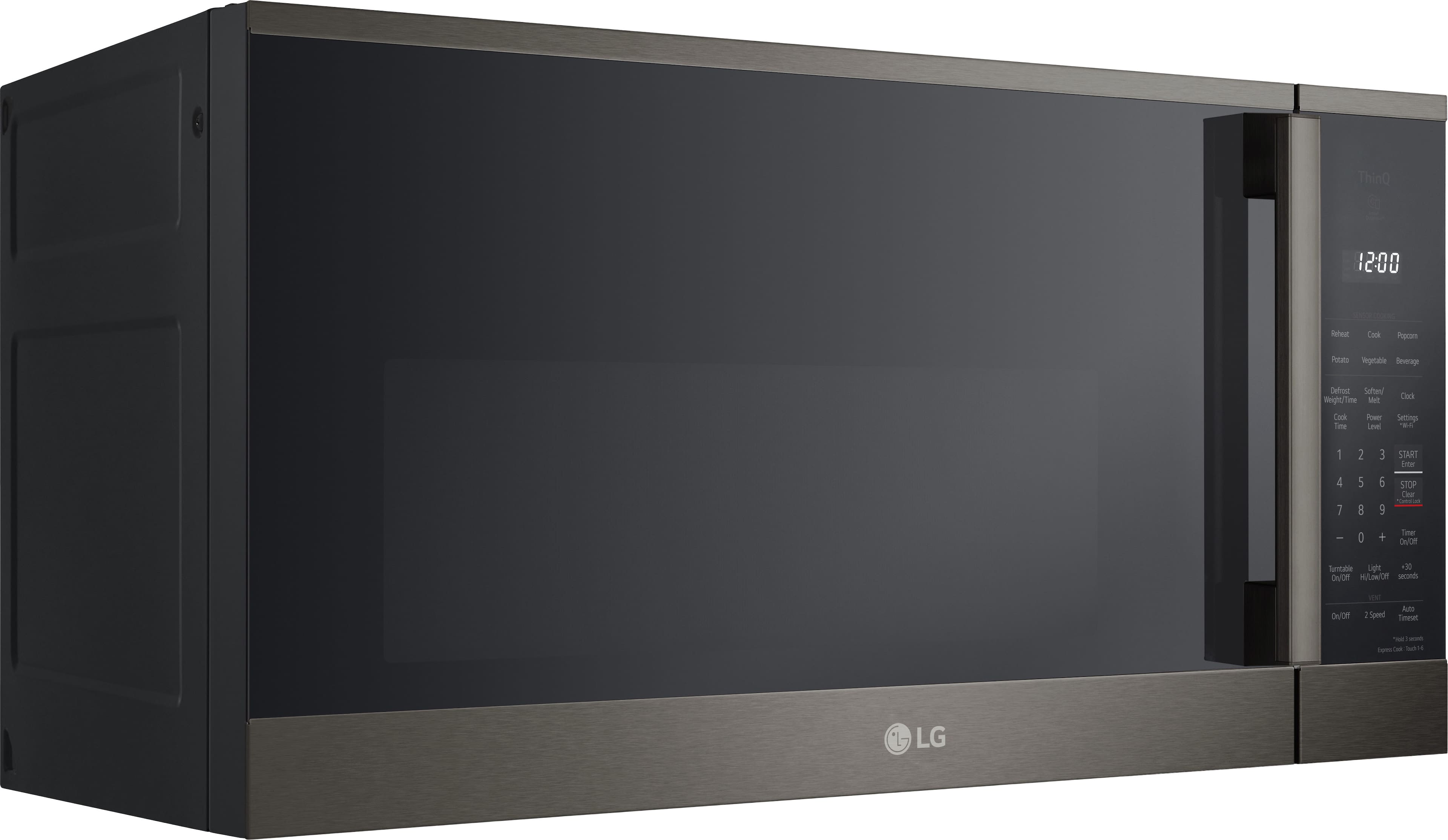
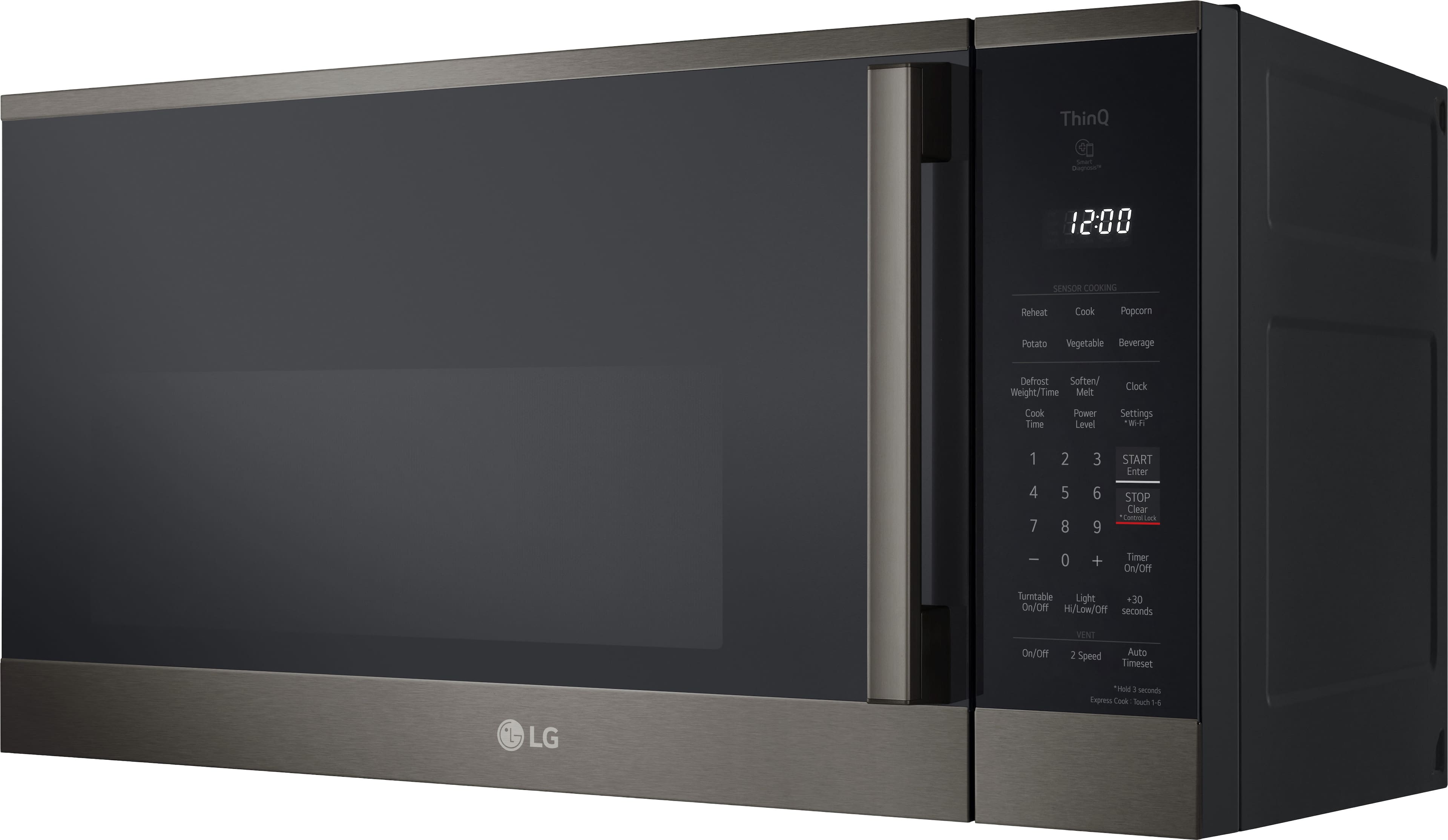
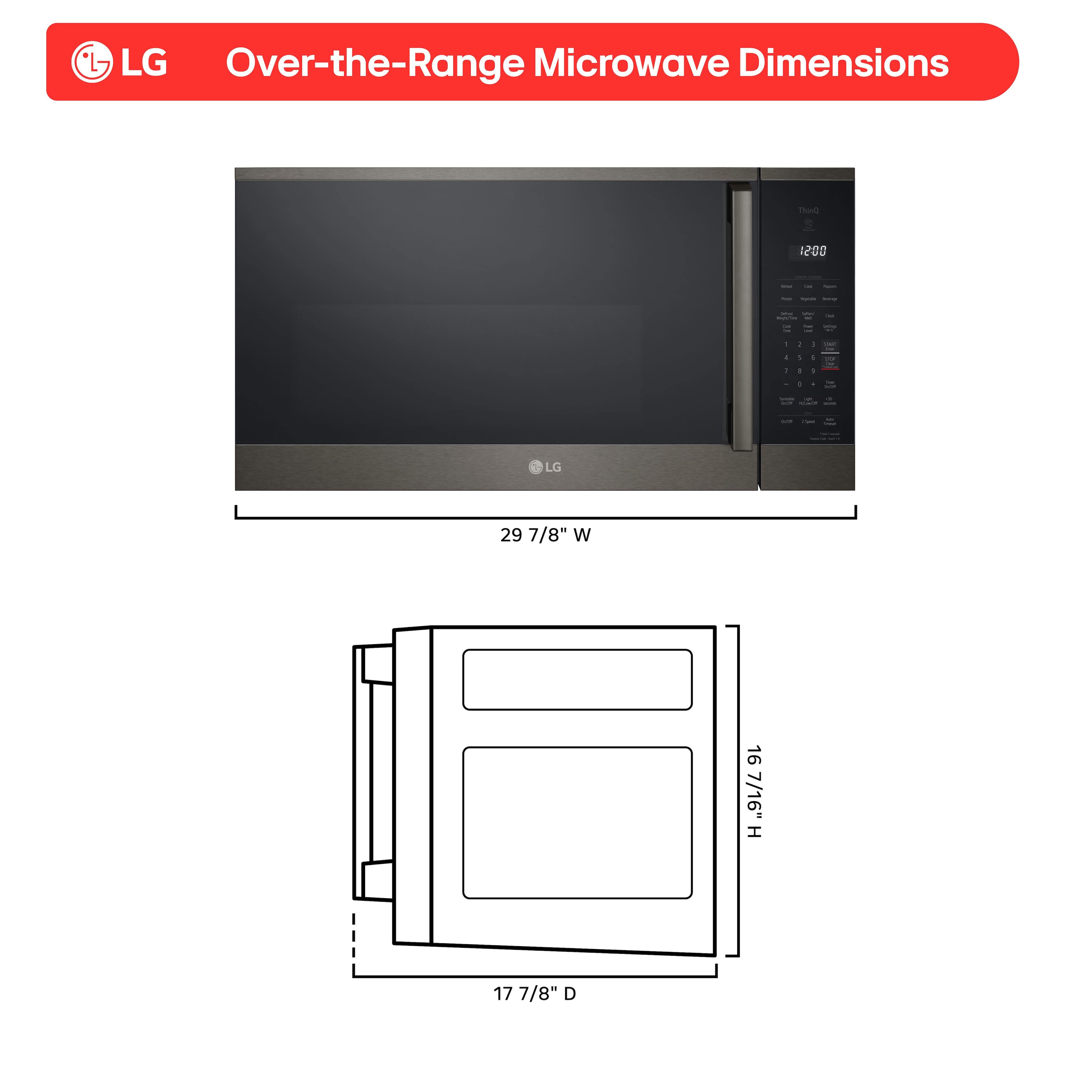
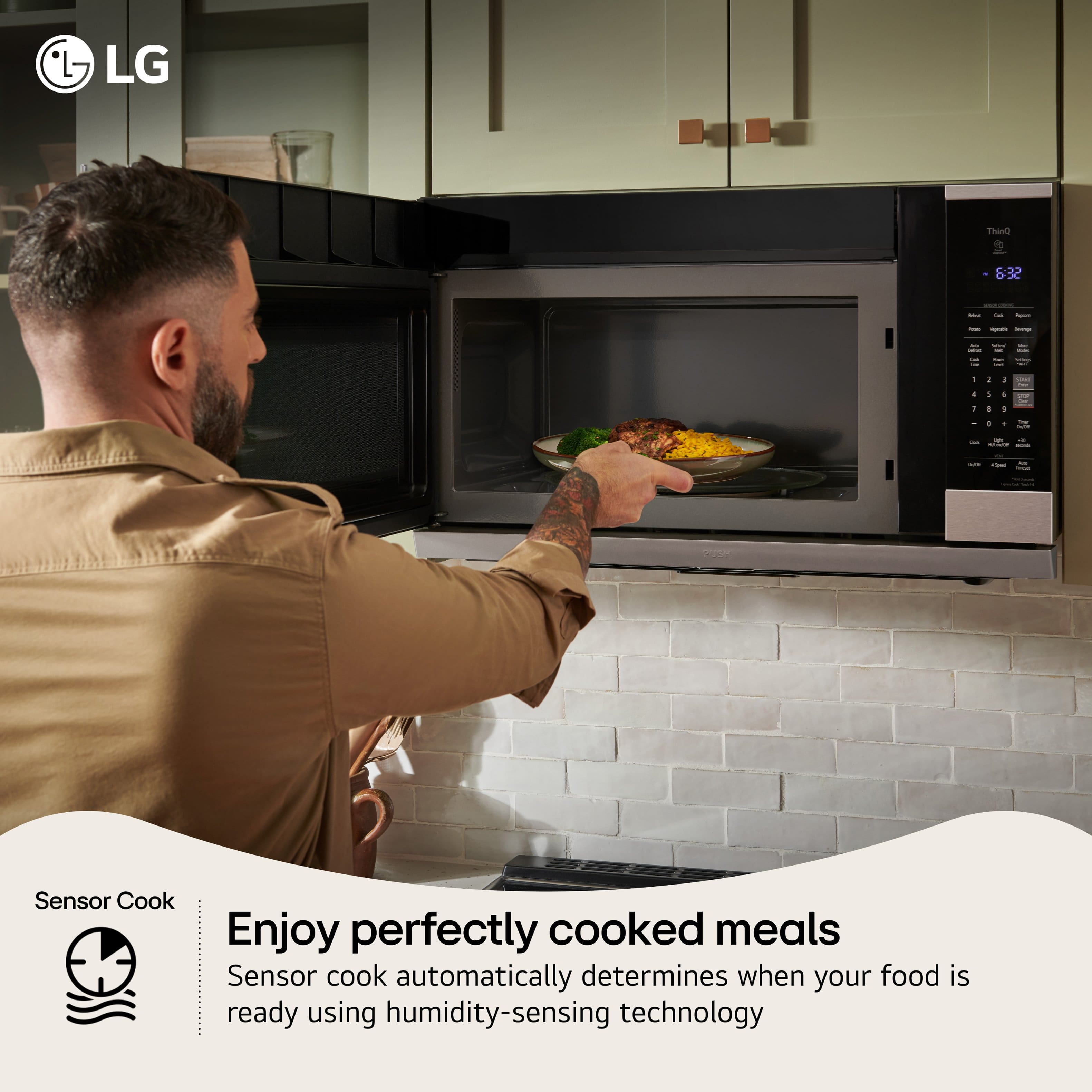
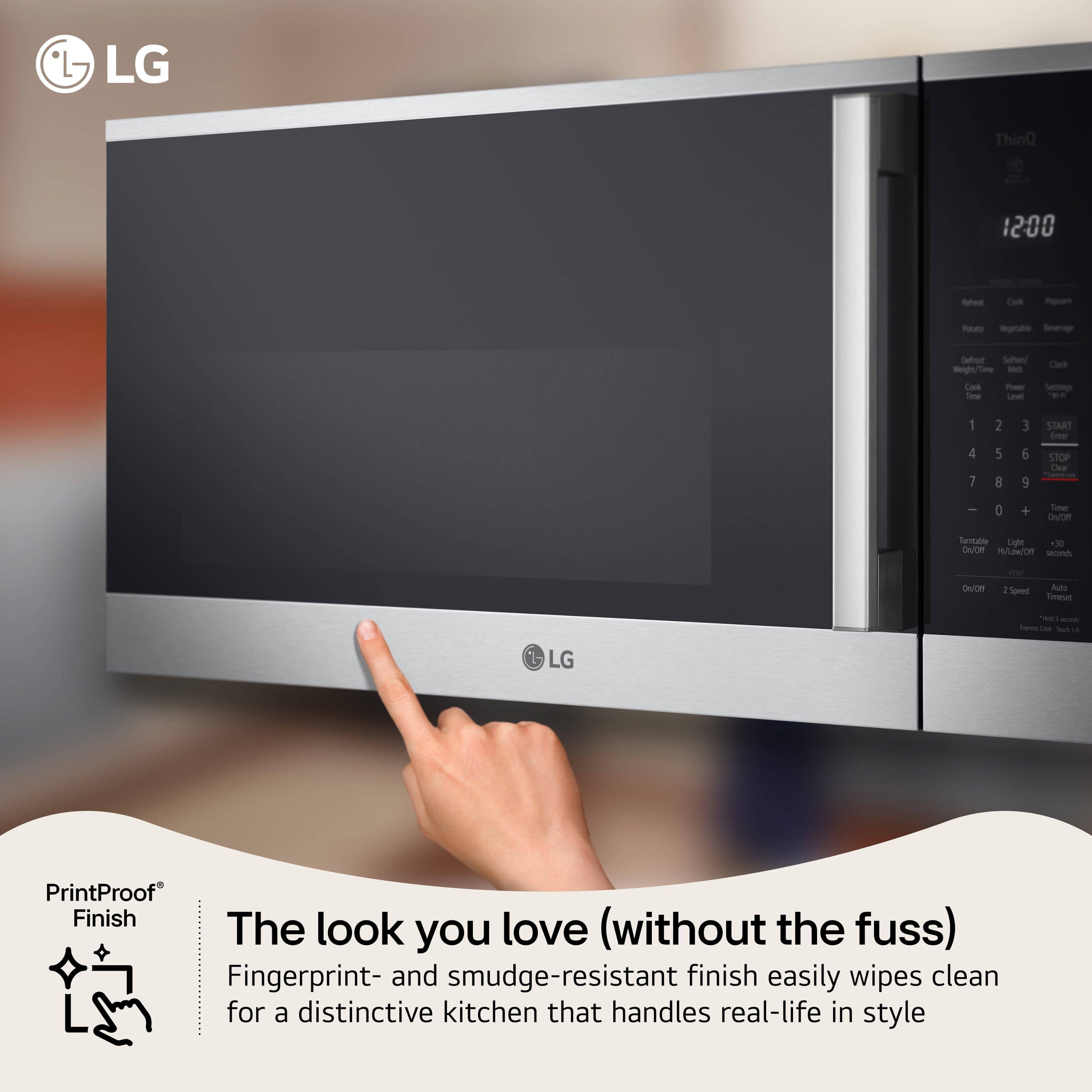
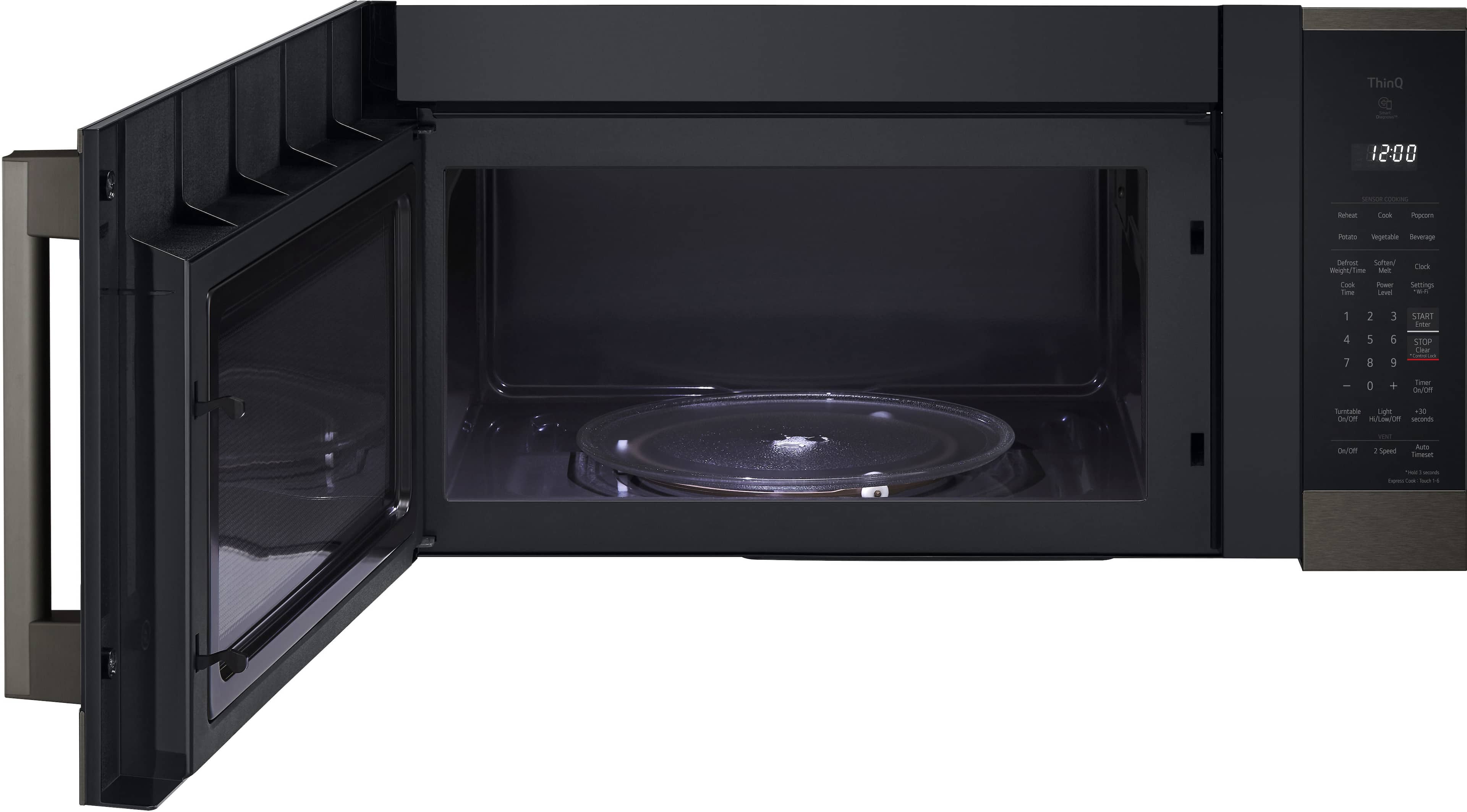
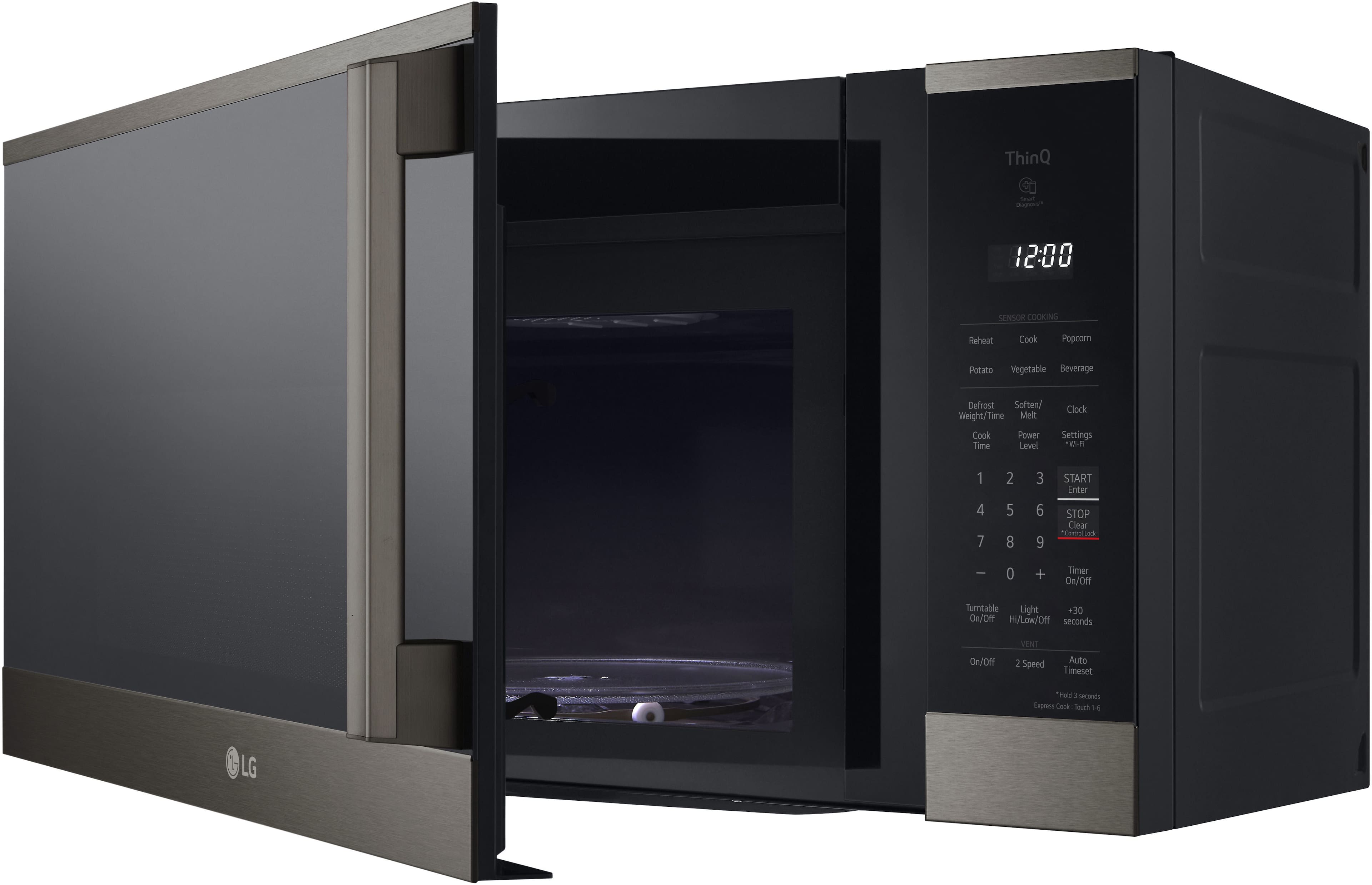
A:AnswerHello there, Bramino. Thank you for sharing your question with us. We understand your inquiry regarding the LG MVEM1825F and its installation requirements.
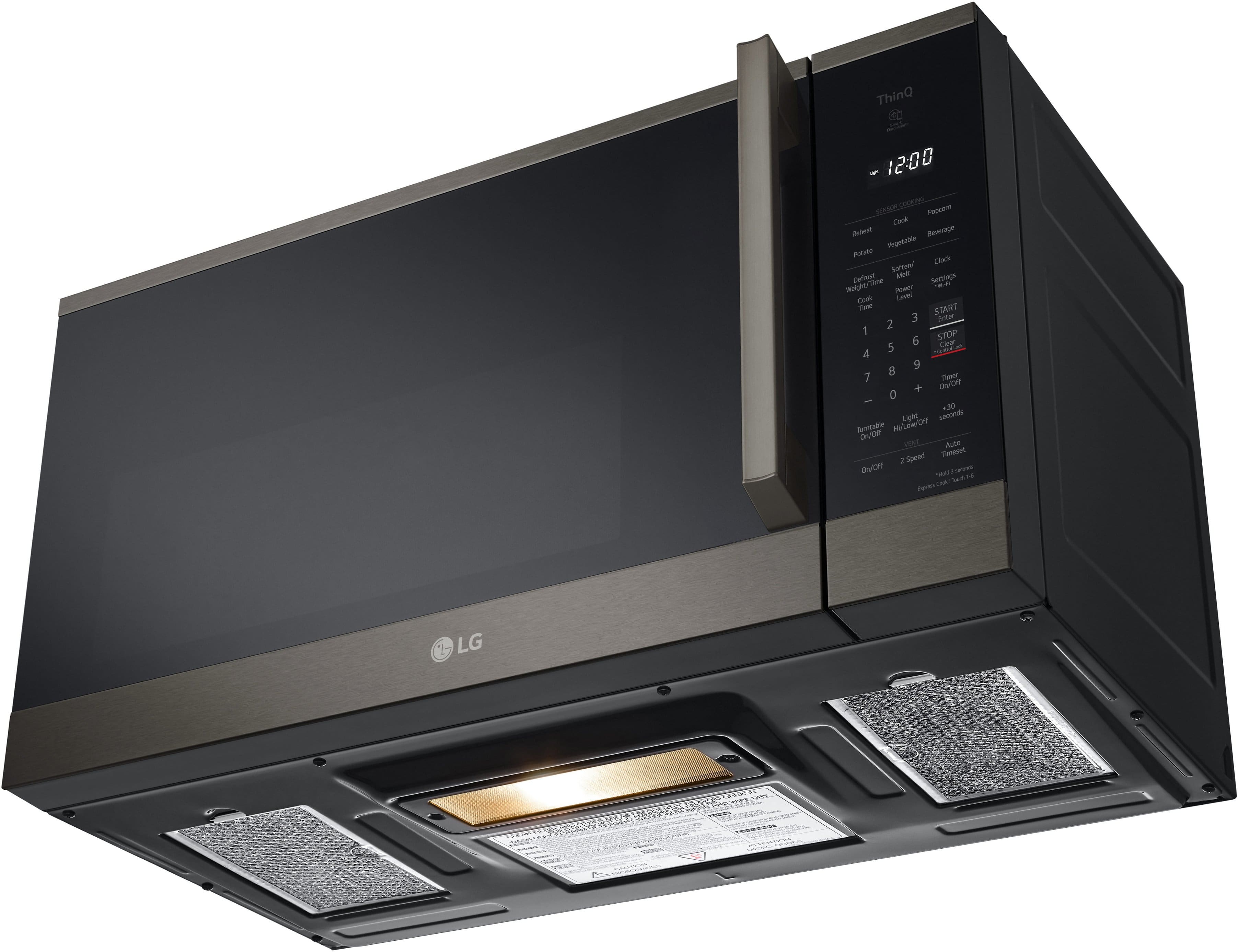
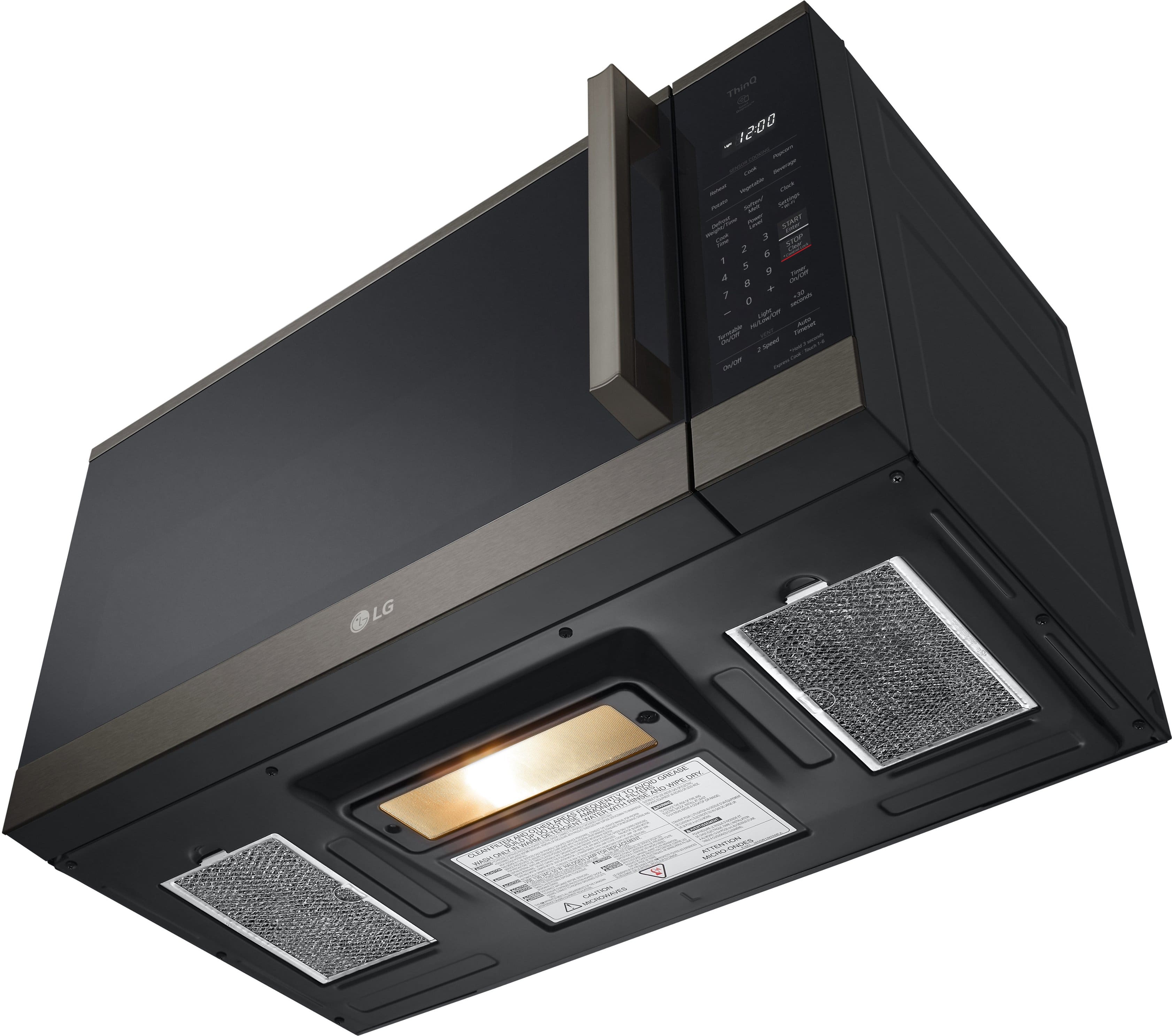
The MVEM1825F is designed specifically as an Over-the-Range microwave, which means it is engineered to be mounted to a rear wall and attached to an upper cabinet above a cooking surface. This model is not intended to be used as a stand-alone or countertop unit, nor is it designed to be placed inside a cabinet cutout with clearance around it, as it lacks the necessary feet for stability and the proper airflow configuration for that type of placement. Regarding your question about venting, this unit features a hidden vent grille and is very versatile in its airflow options; it can be configured to vent out the front for room recirculation using its charcoal filter, or it can be adapted to vent through the top or the rear if you have external ducting in your home.
https://www.bestbuy.com/product/lg-1-8-cu-ft-over-the-range-smart-microwave-with-sensor-cooking-and-easyclean-black-stainless-steel/J7G5658L4H
If you have any further questions about its features or installation requirements, please contact us on lgdigitalcare@lg.sprinklrsupport.com, and our team will be more than happy to assist you. —Renzo
A:AnswerThe LG - 1.8 Cu. Ft. Over-the-Range Smart Microwave with Sensor Cooking and EasyClean® - Black Stainless Steel, Model # MVEM1825Z, is a current or very recent production model, with manuals and support documents dated in 2025.
It was first available for purchase in early 2024.
To determine the exact month and year of production for your specific unit, you can look at the serial number on the appliance. The first number indicates the year, and the second and third numbers indicate the month...^Ivan.
A:AnswerI had to call a handyman to install it because the delivery people would not. Even though I paid to have the old one hauled away, they did not take it.
A:AnswerThe LG - 1.8 Cu. Ft. Over The Range Smart Microwave with Sensor Cooking and EasyClean® - Stainless Steel, Model # MVEM1825X, can be vented in one of three ways: Roof-venting, Wall-venting, or Room-venting (i.e., Recirculating mode)...^Ivan.
A:AnswerAs it shows on Best Buy's product page for the LG - 1.8 Cu. Ft. Over-the-Range Microwave with Sensor Cooking and EasyClean® - Black Stainless Steel, Model: MVEM1825D, this microwave oven is on 'clearance' (see above the listed price)...^Ivan.
A:AnswerThe door for the LG - 1.8 Cu. Ft. Over-the-Range Microwave with Sensor Cooking and EasyClean® - Black Stainless Steel, Model # MVEM1825D, does not have zero clearance.
Regrettably, neither the specifications nor the manual for the microwave oven lists a width for it with the door fully open...^Ivan.
A:AnswerHi there. Thank you for sharing your experience with us. We understand your inquiry regarding the 1.8 Cu. Ft. Over The Range Smart Microwave. This unit features a glass or plastic cover over the interior light bulb to protect it from heat and moisture.
https://www.bestbuy.com/product/lg-1-8-cu-ft-over-the-range-smart-microwave-with-sensor-cooking-and-easyclean-stainless-steel/J7G5658L4Y
For further assistance and any specific concerns you may have, please contact us on lgdigitalcare@lg.sprinklrsupport.com. —Renzo
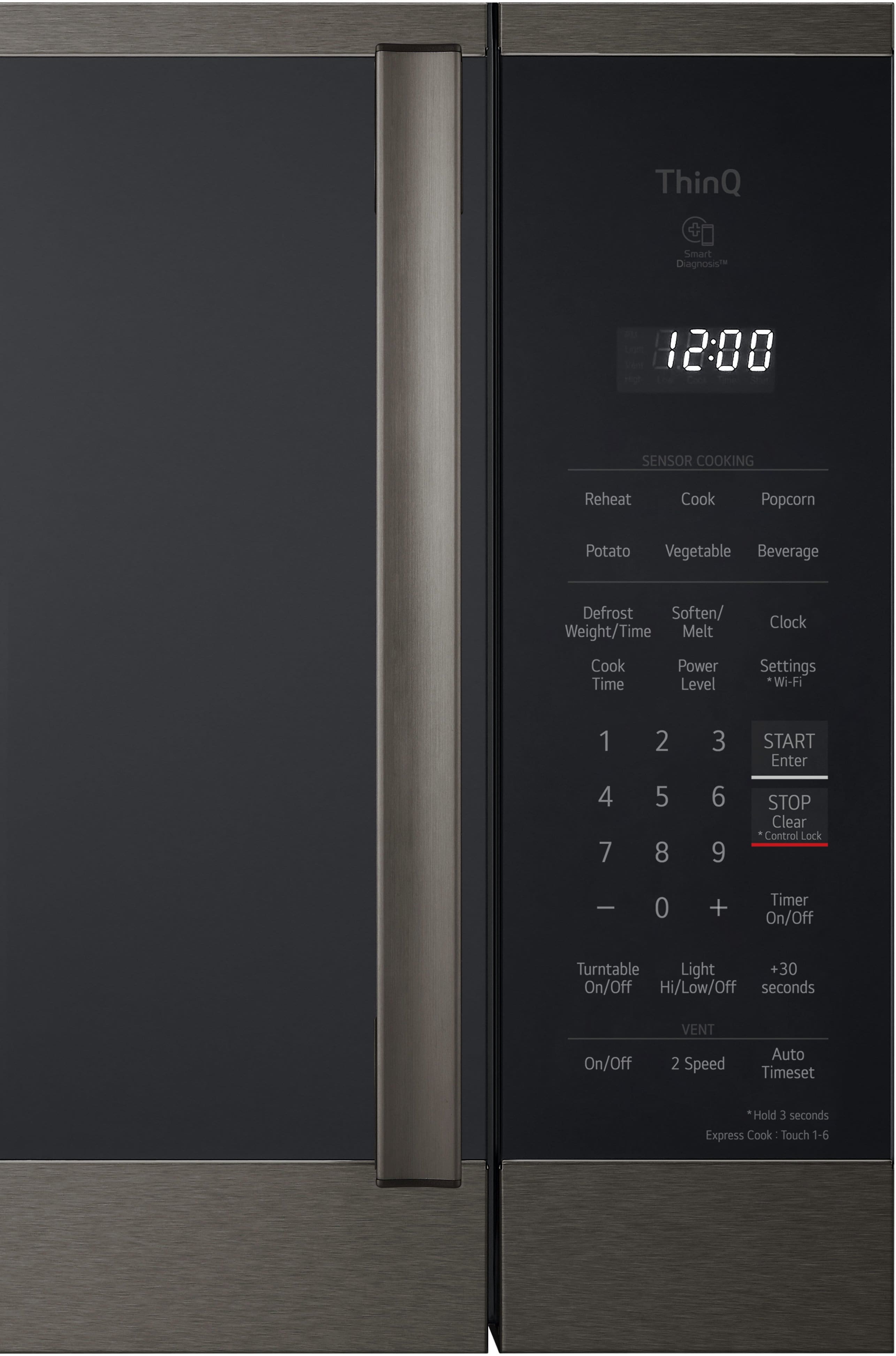
A:AnswerHello there, Mike. Thank you for sharing your experience with us. We understand your inquiry regarding the control panel visibility on your LG Over-the-Range Microwave, Model #MVEM1825F. To answer your question, the SmoothTouch™ glass keypad on this specific model is not designed to be backlit; only the white LED display for the clock and timer functions is illuminated.
https://www.bestbuy.com/product/lg-1-8-cu-ft-over-the-range-smart-microwave-with-sensor-cooking-and-easyclean-stainless-steel/J7G5658L4Y
If you have any further questions about its features, please contact us on lgdigitalcare@lg.sprinklrsupport.com, and our team will be more than happy to assist you. —Renzo
A:AnswerHi there. Thank you for sharing your experience with us. We understand your inquiry regarding the venting options for your LG Over-the-Range Microwave, model MVEM1825F. It is important to ensure that your appliances are compatible with your home's ventilation setup, and we are happy to provide you with the information you need for a successful installation.
This specific model is designed to be versatile and can indeed be configured to vent out through the top to the outside, which is commonly referred to as roof-venting. During the installation process, the blower motor inside the microwave can be adjusted to direct the exhaust through the top, through the rear for wall-venting, or set for room-venting (recirculation) using the included charcoal filter.
https://www.bestbuy.com/product/lg-1-8-cu-ft-over-the-range-smart-microwave-with-sensor-cooking-and-easyclean-stainless-steel/J7G5658L4Y
If you have any further questions about its features or need additional guidance on the setup, please contact us on lgdigitalcare@lg.sprinklrsupport.com, and our team will be more than happy to assist you. —Renzo
A:AnswerHello there, Eileen. We understand your inquiry about the flickering and partially unlit clock display on your LG MVEM1825F over-the-range microwave. We appreciate you reaching out to us with this concern.
We understand your inquiry about the issue with the display. Since the LED display for the clock is a sealed component and the issue appears to be a hardware malfunction (flickering/unlit segments), this typically indicates that the display board needs a repair or replacement. There is no simple troubleshooting step, such as a reset, that can permanently resolve this type of issue.
To ensure the issue is properly diagnosed and corrected, we recommend the following step:
Temporary Power Reset: Unplug the microwave from its power source or turn off the dedicated circuit breaker for about 5 minutes, and then restore power. This can sometimes clear temporary electronic glitches, though it is unlikely to fix a failing LED segment.
https://www.bestbuy.com/product/lg-1-8-cu-ft-over-the-range-smart-microwave-with-sensor-cooking-and-easyclean-stainless-steel/J7G5658L4Y
If the issue persists after a power reset, further diagnosis by a qualified technician is needed. Please send us a private message on Social Media @LGUSSupport, and our team will be more than happy to assist you with setting up a service request for your MVEM1825F. —Renzo
A:AnswerThe LG 1.8 Cu. Ft. Over The Range Smart Microwave with Sensor Cooking and EasyClean® - Printproof™ Stainless Steel, Model # MVEM1825X, can be vented in one of three ways: Roof Venting, Wall Venting, or Room Venting.
It is shipped from the factory with the blower assembled for room venting. You will need to adjust
the blower if you want wall-venting...^Ivan.
A:AnswerHello there. Thank you for sharing your inquiry with us. We understand you're asking if the LG 1.8 cu. ft. Over-the-Range Smart Microwave, model MVEM1825F, can be installed over a gas stove.
Yes, this over-the-range microwave is designed to be installed above both electric and gas cooking appliances. It features built-in ventilation to help manage smoke and odors from your cooktop.
https://www.bestbuy.com/site/lg-1-8-cu-ft-over-the-range-smart-microwave-with-sensor-cooking-and-easyclean-printproof-stainless-steel/6508562.p?skuId=6508562
Please send us a private message on Social Media @LGUSSupport and our team will be more than happy to explore possible solutions. We appreciate your patience. —Renzo
A:AnswerHello there. We understand your inquiry regarding the LG 1.8 Cu. Ft. Over The Range Smart Microwave. This model is designed for flexible venting and can be configured to vent through the top (roof), the back (wall), or recirculate back into the room (charcoal filter).
https://www.bestbuy.com/product/lg-1-8-cu-ft-over-the-range-smart-microwave-with-sensor-cooking-and-easyclean-stainless-steel/J7G5658L4Y
For further assistance and any specific concerns you may have, please contact us on lgdigitalcare@lg.sprinklrsupport.com. —Renzo
A:AnswerHello there. Thank you for reaching out and sharing your inquiry about your MVEM1825F microwave. We understand your situation and are happy to assist you. To turn off the chimes on your microwave, please follow these steps:
• Press the “Timer + Clock” button and, while holding it, press and hold the “STOP” button simultaneously.
• Keep holding both buttons until the display reads “OFF.”
• Once “OFF” appears, press the “STOP” button once to exit Timer mode.
https://www.lg.com/us/cooking-appliances/lg-mvem1825f-over-the-range-microwave#pdp_specs
We understand your situation and recommend verifying that you’re following the sequence exactly as described to ensure the chime is turned off. If you continue to experience any challenges or have further questions, please send us a private message on Social Media @LGUSSupport so our team can provide additional guidance. We appreciate your patience and value your trust in LG. —Renzo