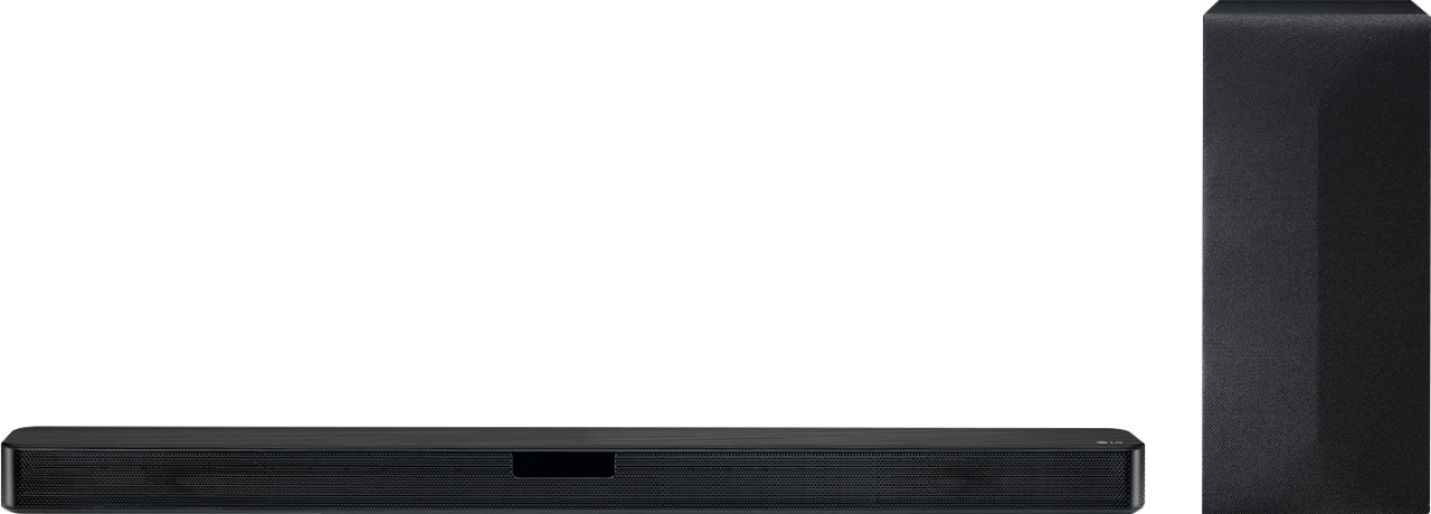
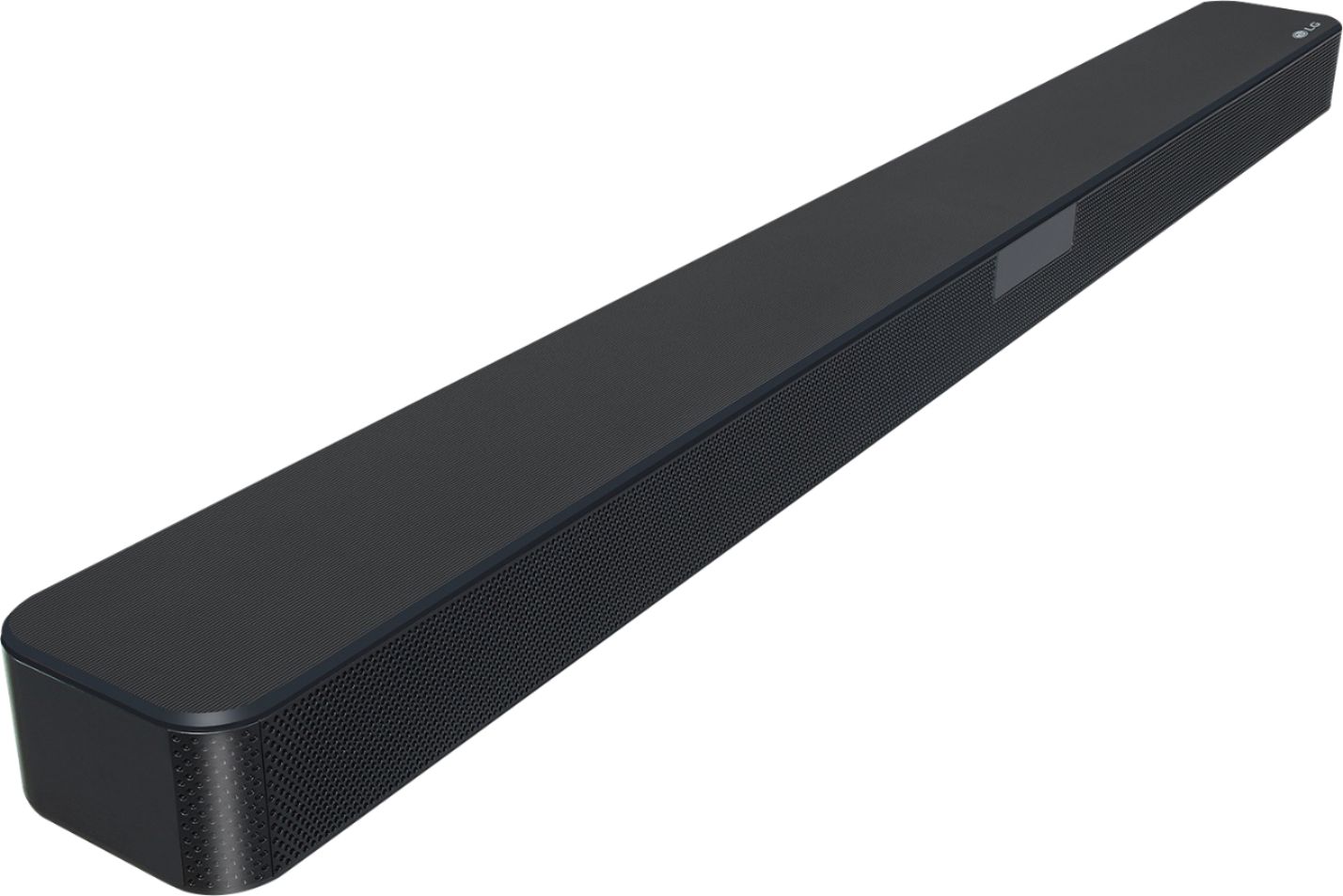
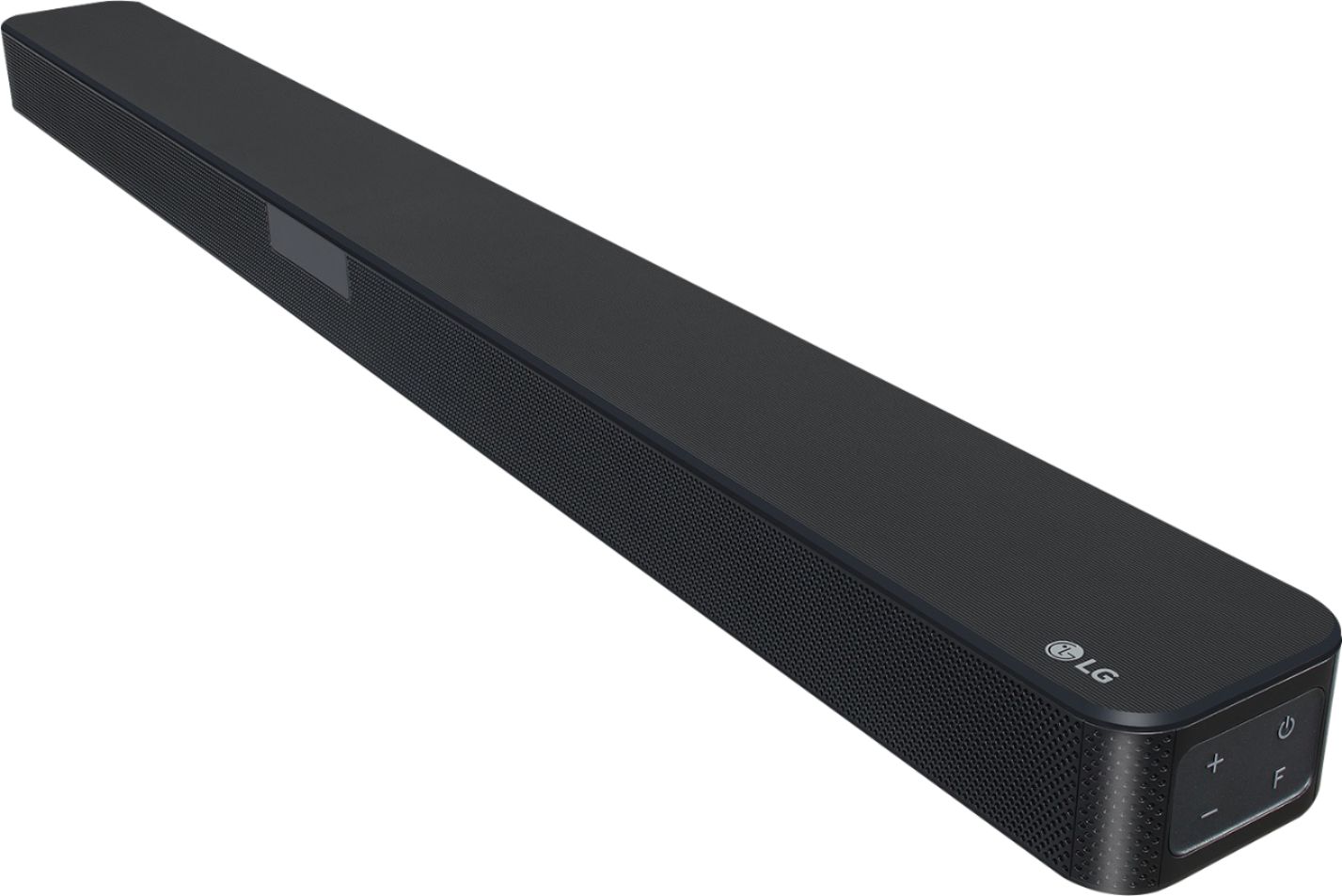
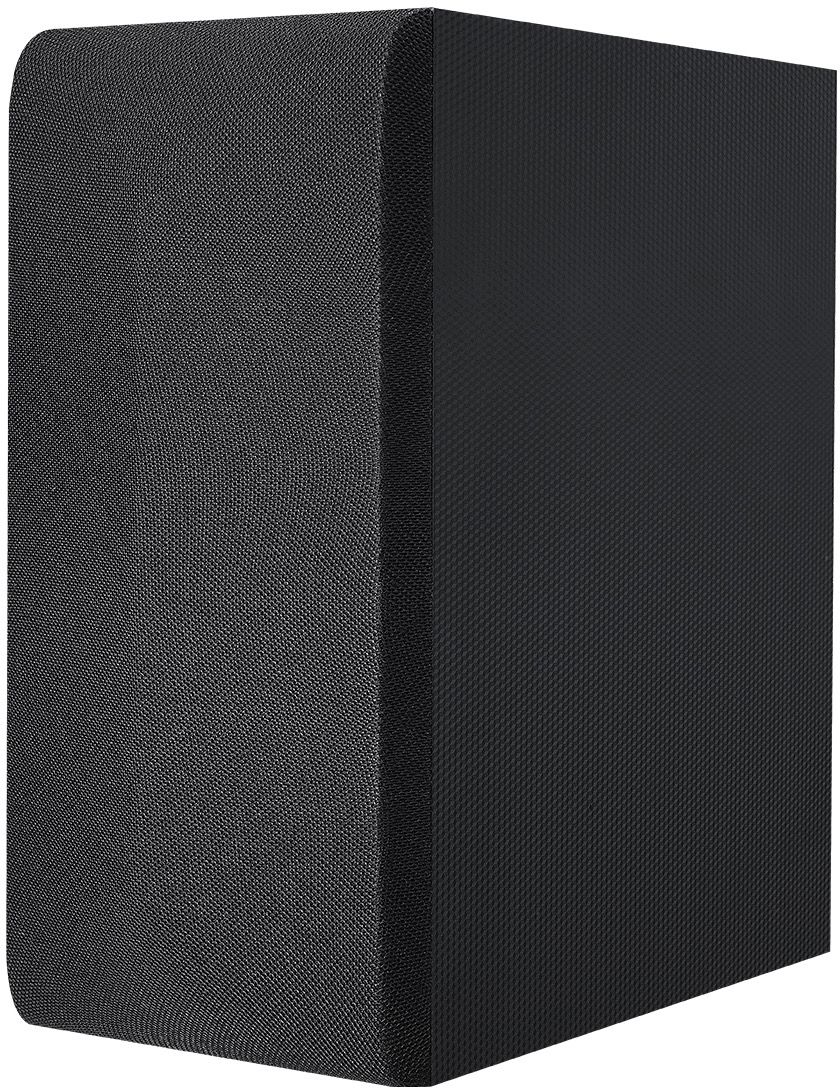
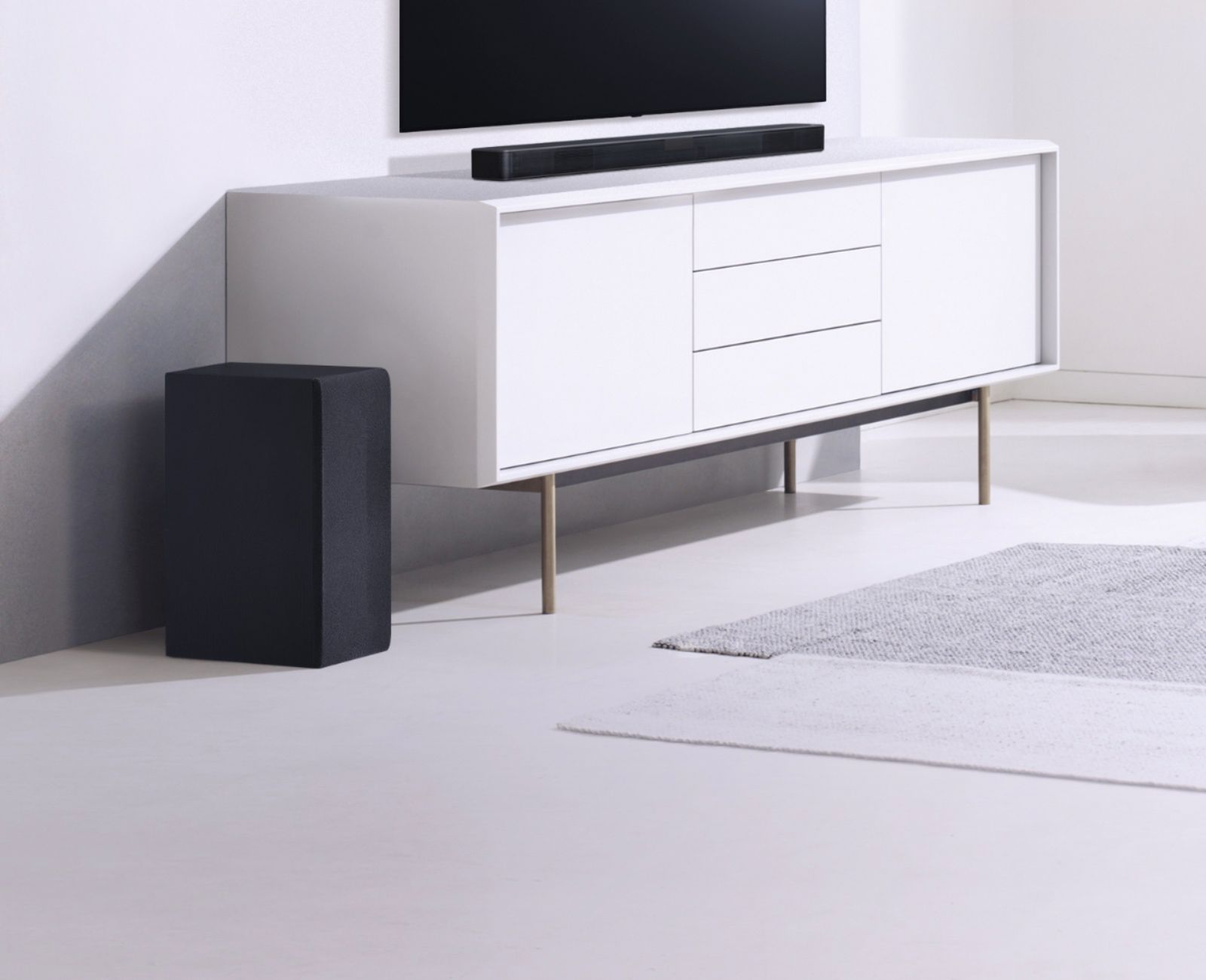
A:AnswerThe LG SL4Y 2.1 Channel 300W Sound Bar w/ Bluetooth Streaming is compatible with the LG SPK8-S 2.0 Channel Sound Bar Wireless Rear Speaker Kit...^IFV
A:AnswerFor installation instructions, a copy of the owners manual has been made available on our website at https://www.lg.com/us/support/product/lg-SL4Y.DUSALLK ^CP
A:AnswerYou can control some functions of this unit by your TV remote control even by other company’s product. Controllable functions are volume up/down and mute. Press and hold SOUND EFFECT on the remote control for about 3 seconds. “ON - TV REMOTE” appears and you can control this unit by your TV remote control. To check the status of this function, press and hold SOUND EFFECT on the remote control. To turn off this function, press and hold SOUND EFFECT on the remote control and press it once again while “ON - TV REMOTE” is scrolled. ^CP
A:AnswerI would believe that if the projector has audio outputs that are either HDMI or Optical you should be able to have the audio come out of the LG soundbar.
A:AnswerThe LG SL4Y 2.1 Channel 300W Sound Bar w/ Bluetooth Streaming can be paired via Bluetooth with any TV that supports Bluetooth. Not all TVs support Bluetooth. The Soundbar also has an Optical Digital Audio In that can be connected to the Optical Digital Audio Out on any TV that has such a port which should be all TVs except for the entry-level TVs that do not feature such a port. ^CP
A:AnswerThe LG 2.0 ch Sound Bar Wireless Rear Speaker Kit, Model # SPJ4-S was the compatible rear speaker kit for the LG 2.1 ch High-Resolution Audio Sound Bar, Model # SJ4Y-S. Regrettably, that rear speaker kit is now a discontinued product. ^CP
A:AnswerThe necessary hardware should have come with the unit. Mine came with all necessary machine screws. I'd get in touch with bestbuy if you dont have them. I took all of 15 minutes to unpackage and install mine. Maybe double check your packaging.