A:AnswerThank you for your interest in the LG Smart TV. The LG 24LQ520S-PU can be used as a digital photo frame. With its webOS, you can access various apps, including Gallery Mode, which lets you display photos saved on the TV or streamed online. You can easily customize it to show your favorite images.
Additional Features
Besides showing photos, this TV can display useful information like the weather and date through compatible webOS apps. This makes it a versatile digital display, combining both images and helpful information.
You can download its owner's manual through this link for more information: https://www.lg.com/us/support/product/lg-24LQ520S-PU.AUS. For additional assistance, please reach out to us on social media @LGUSSupport so we can help you further. ^Cris
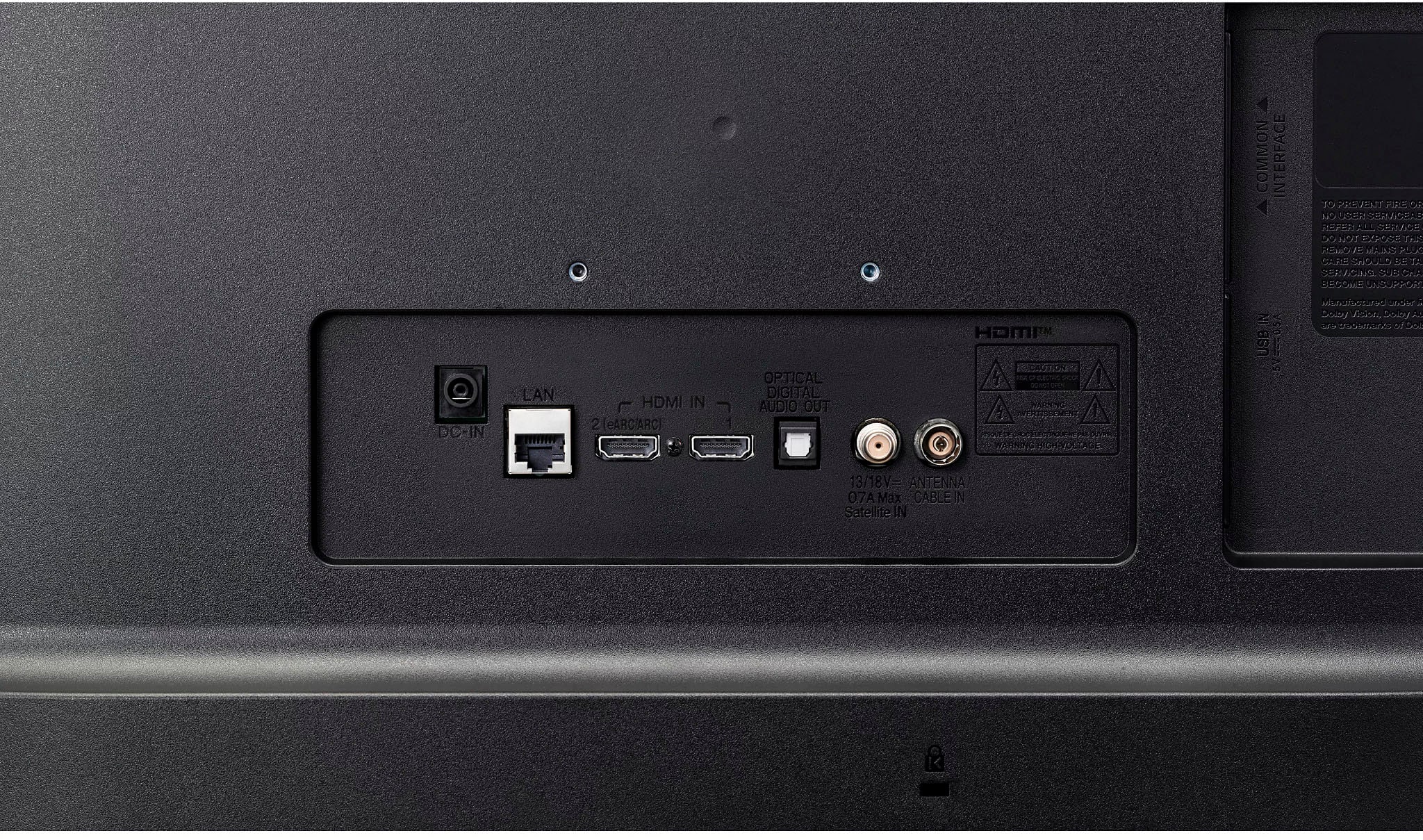
A:AnswerHi, Lori. We appreciate your interest in the LG TV (24LQ520S-PU) model. This particular unit has a 3.5mm headphone/audio out port to connect external speakers or headphones. Additionally, the TV supports HDMI ARC (Audio Return Channel), which means you can connect an external home theater system or soundbar to the HDMI ARC port and get audio output from the TV. You can download its owner's manual for more information https://www.lg.com/us/support/product/lg-24LQ520S-PU.AUS. For more help, please reach out to us on social media @LGUSSupport. ^Juvy
A:AnswerThank you for your interest in the LG Smart TV with webOS (24LQ520S-PU.AUS) model. The Apollo app is not preinstalled on the LG 24LQ520S-PU Smart TV with webOS. You may be able to download and install the Apollo app from the LG Content Store (App Store) if it is available there. You can download its owner's manual through this link for more information: https://www.lg.com/us/support/product/lg-24LQ520S-PU.AUS. ^Cris
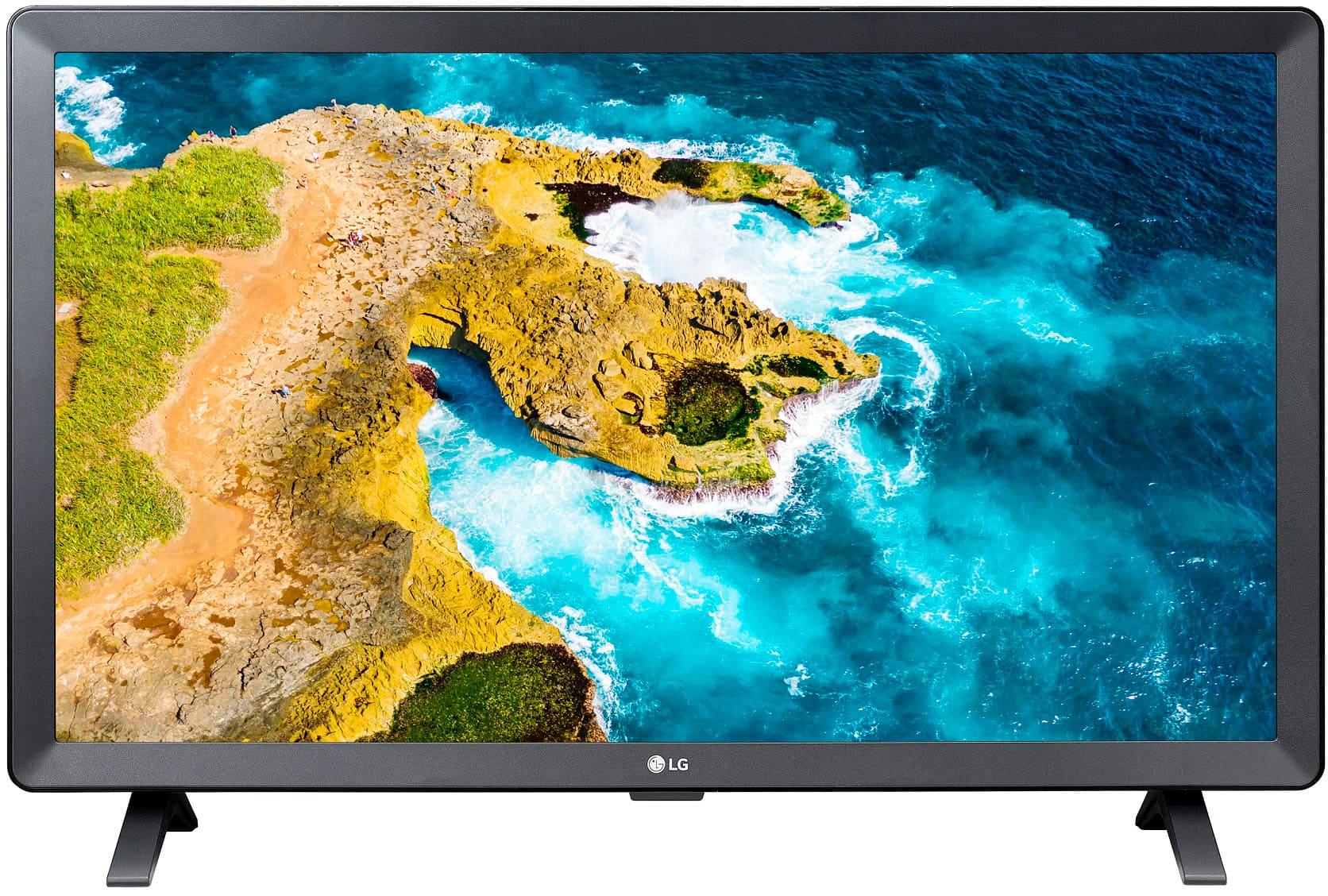
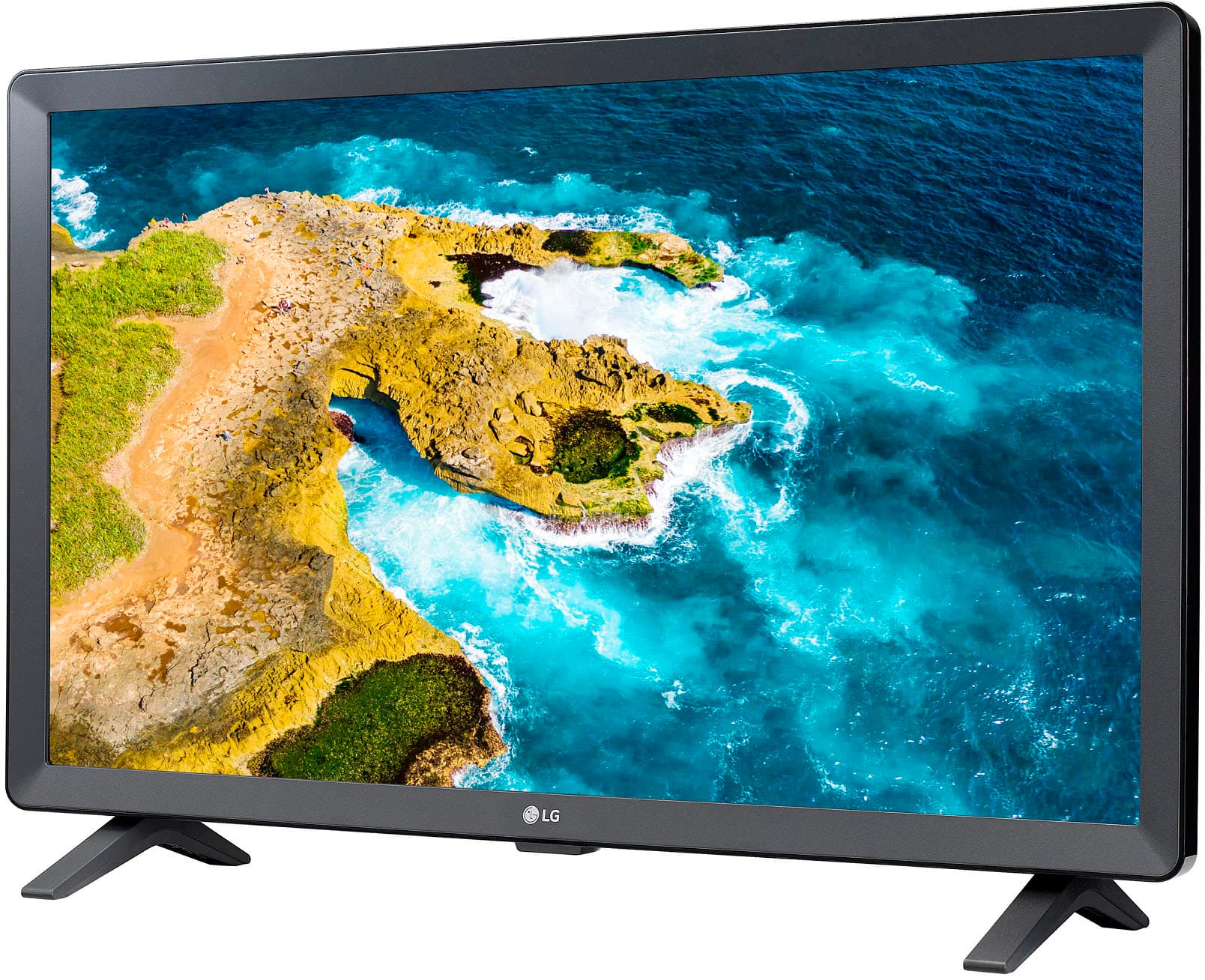
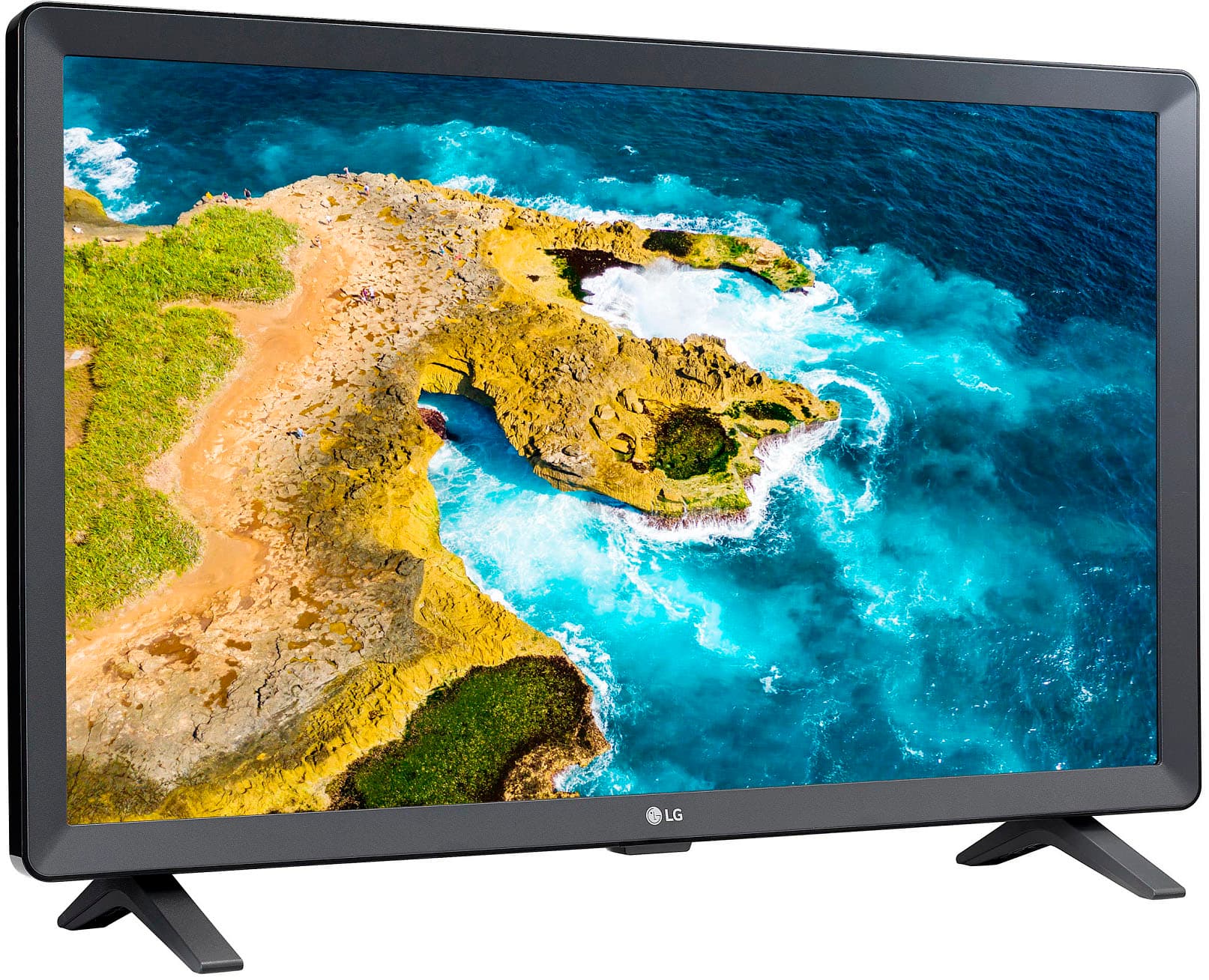
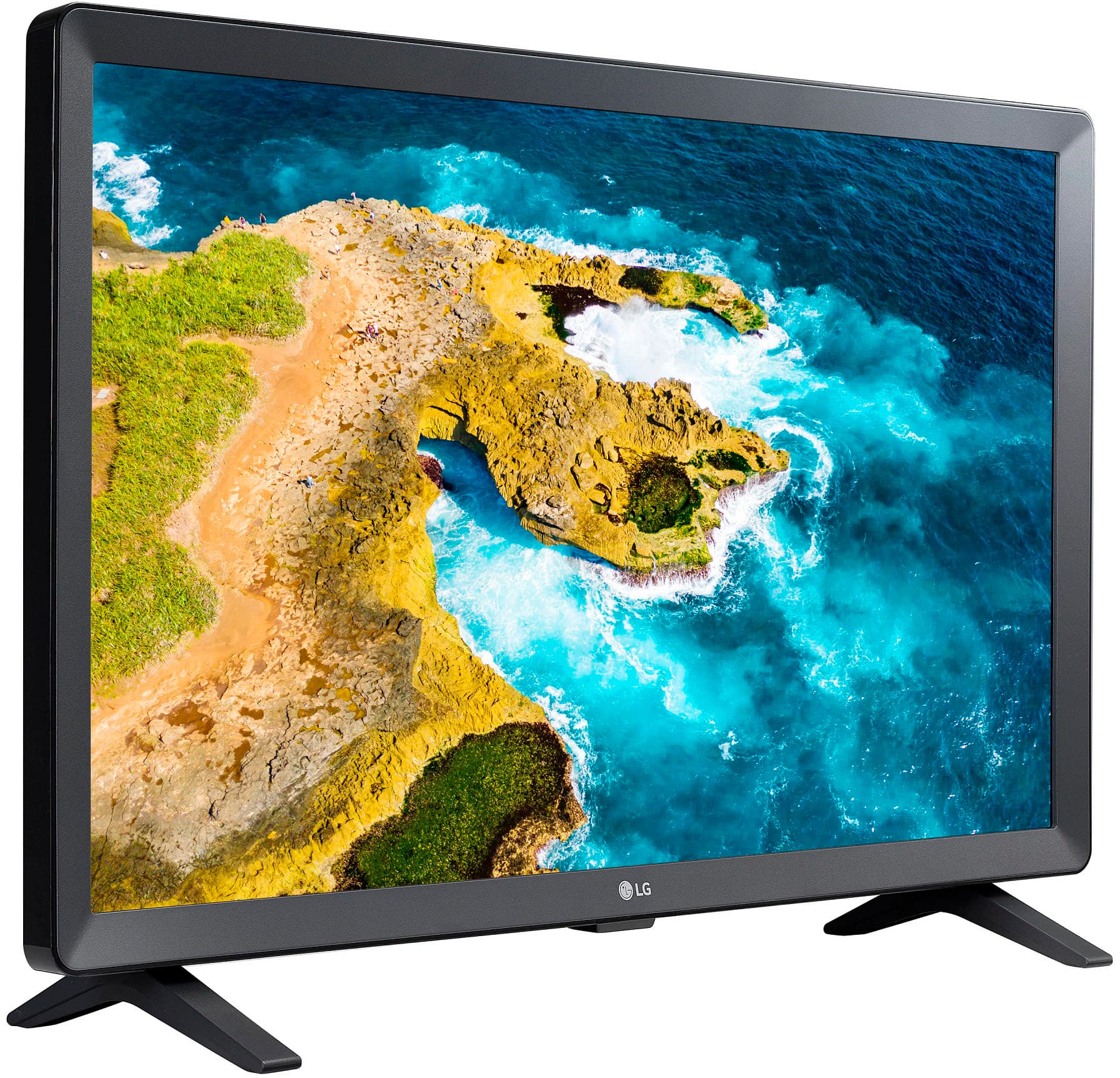
A:AnswerThank you for your interest in the LG Smart TV (24LQ520S-PU) model. The LG 24LQ520S-PU is a 24" HD Smart TV with webOS that delivers vibrant colors at wide vertical and horizontal viewing angles for a vivid picture while watching seated or standing. You can download its owner's manual through this link for more information: https://www.lg.com/us/support/product/lg-24LQ520S-PU.AUS. ^Cris
A:AnswerHello there! The 24LQ520S-PU TV does not come with a swivel stand by default. However, it can be used with a separate VESA-compatible mount or swivel stand, which can allow for movement while using your treadmill. When purchasing a swivel stand, please ensure it matches the VESA mount specifications of your TV for proper fit.
For further assistance or specific product recommendations, feel free to reach out to us via private message at @LGUSSupport.
Thank you for choosing LG!
—Avril
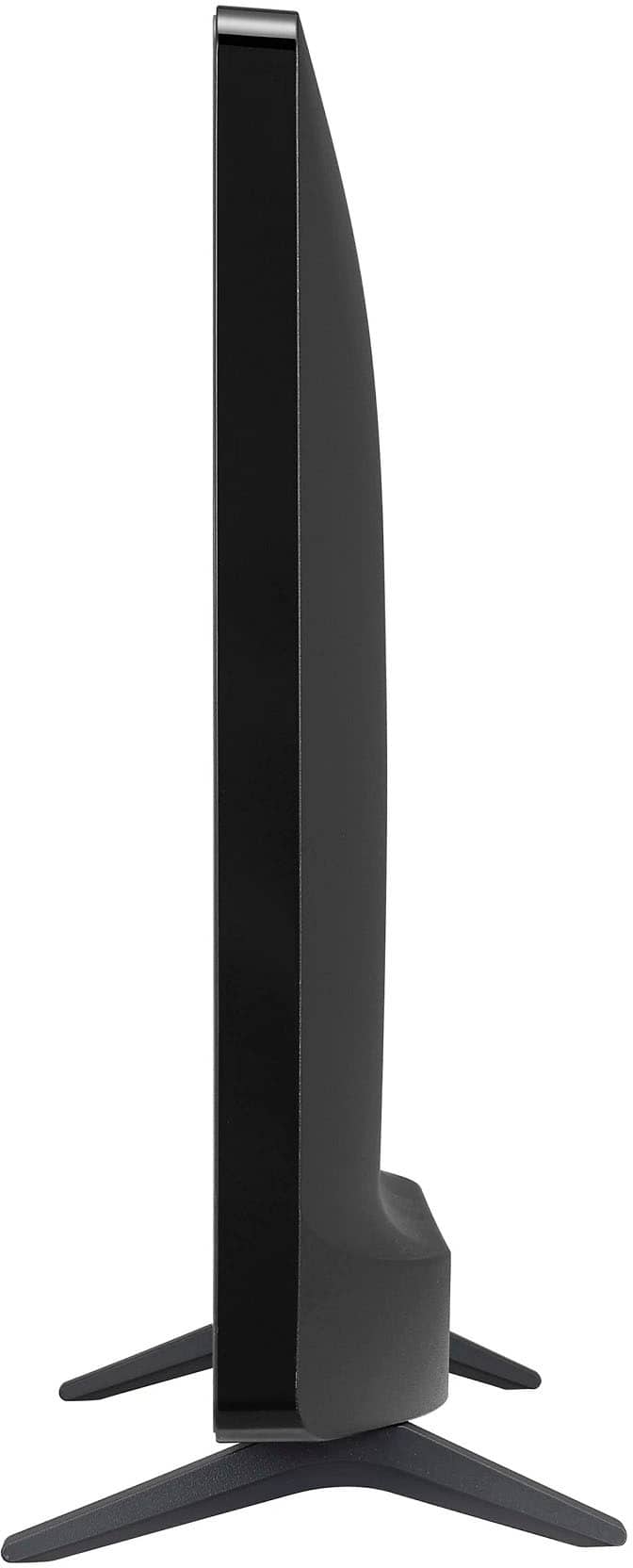
A:AnswerThank you for your interest in the LG Smart TV with webOS (24LQ520S-PU) model. The LG 24LQ520S-PU TV has a total height of 14.4 inches with the stand and 13.4 inches without the stand. You can download its owner's manual through this link for more information: https://www.lg.com/us/support/product/lg-24LQ520S-PU.AUS. ^Cris
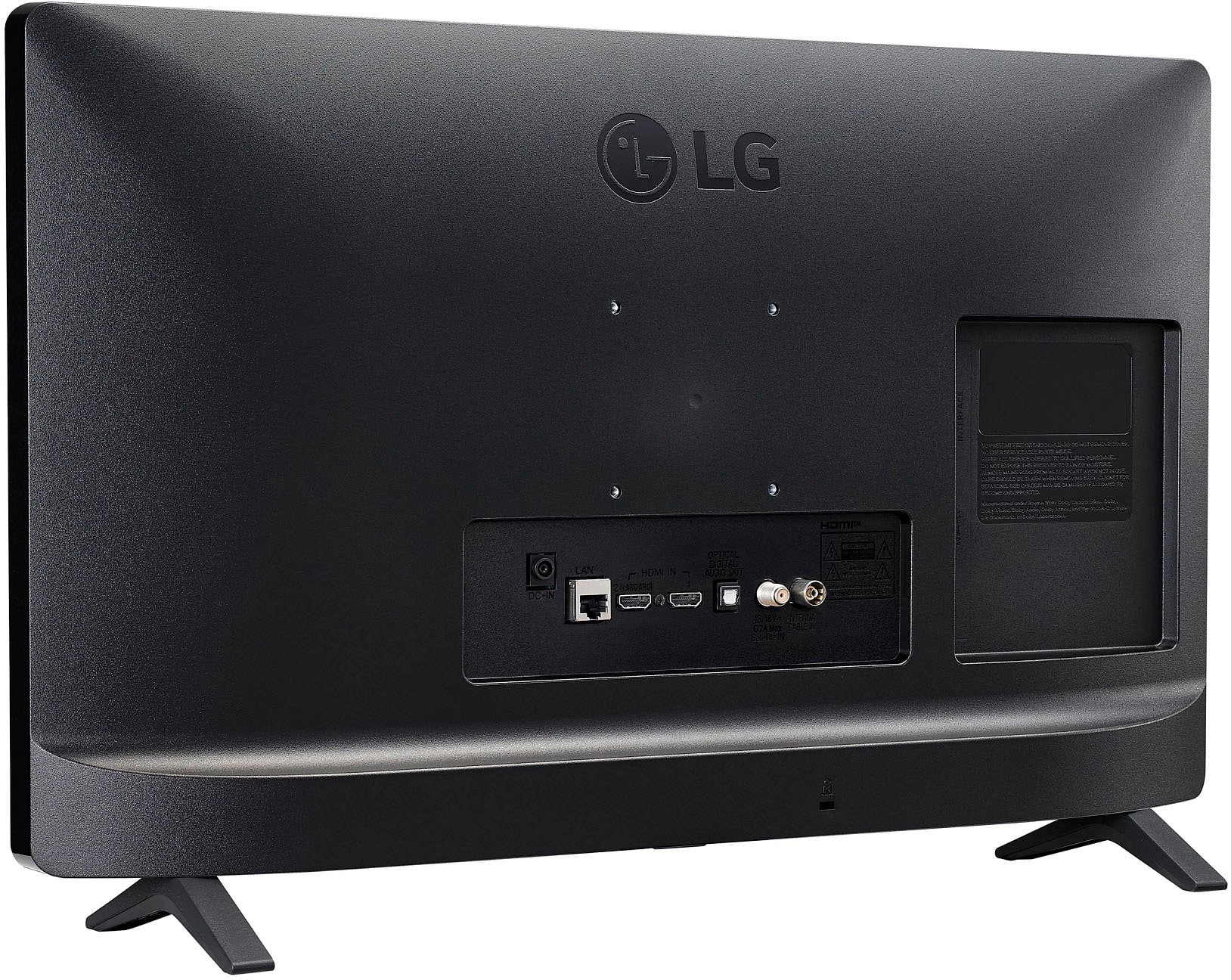
A:AnswerThank you for your interest in the LG 24” HD Smart TV with webOS (24LQ520S-PU) model. The distance between the legs of the LG 24LQ520S-PU TV is 18 1/4 inches across when measured at the furthest out edges of the stands. You can download its owner's manual through this link for more information: https://www.lg.com/us/support/product/lg-24LQ520S-PU.AUS. ^Cris
A:AnswerThank you for your interest in the LG 24” HD Smart TV with webOS (24LQ520S-PU) model. Yes, you can use wireless Bluetooth headphones with the LG 24LQ520S-PU TV. Here's how:
1. Press the settings icon on your remote control and select "All Settings."
2. Go to "Sound" → "Sound Out."
3. Choose "Use Wireless Speaker" → "Bluetooth Devices."
4. Select the Bluetooth device you want to connect to.
5. Make sure the Bluetooth device is turned on and discoverable by the TV. If it's not detected, turn it off and on again, then try connecting again.
You can download its owner's manual through this link for more information: https://www.lg.com/us/support/product/lg-24LQ520S-PU.AUS. ^Cris
A:AnswerThank you for your interest in the LG 24” HD Smart TV with webOS (24LQ520S-PU) model. Yes, the LG 24LQ520S-PU TV is Bluetooth capable. You can download its owner's manual through this link for more information: https://www.lg.com/us/support/product/lg-24LQ520S-PU.AUS. ^Cris
A:AnswerThank you for your interest in the LG 24” HD Smart TV with webOS (24LQ520S-PU) model. The LG 24LQ520S-PU TV with webOS does not natively support the Spectrum TV app. You can download its owner's manual through this link for more information: https://www.lg.com/us/support/product/lg-24LQ520S-PU.AUS. ^Cris
A:AnswerHi there! Thank you for your question regarding the dimensions of a 24-inch TV like the 24LQ520S-PU. Generally, a 24-inch TV will have a screen size that measures 24 inches diagonally. The overall dimensions can vary slightly by model, but typically a 24-inch TV will be around 21.3 inches in width and 14.4 inches in height without the stand. If you're considering this model, it’s important to check the specific product details for precise measurements.
If you have any further questions or need assistance with your TV, please feel free to send us a private message on Social Media @LGUSSupport. We're here to help with any additional information you may need. Thank you for choosing LG!
—Avril
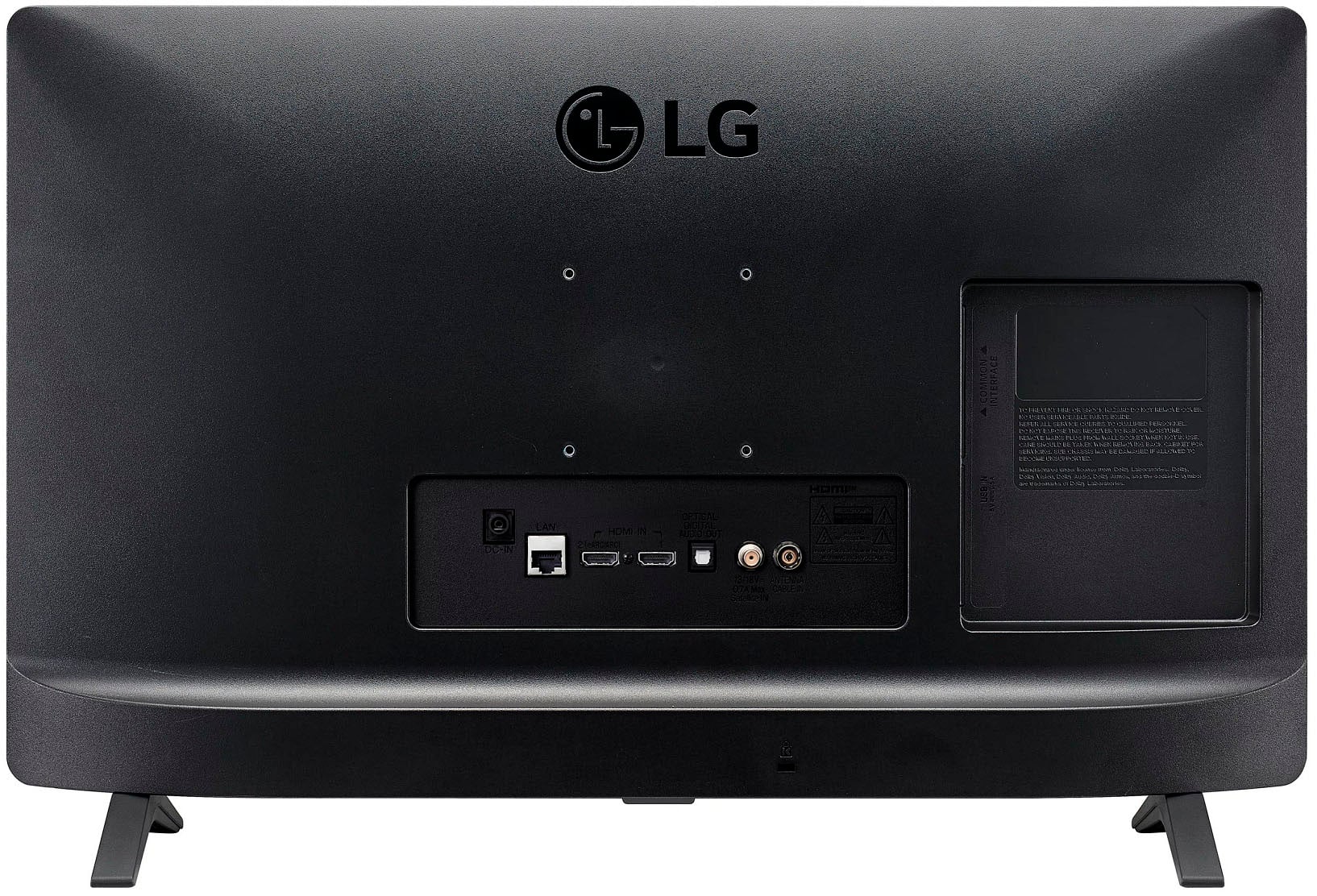
A:AnswerBased on the fact that the Apple TV box does have an HDMI output on it, it should be able to be connected to the TV using one of the two available HDMI inputs on the back.
A:AnswerThank you for your interest in the LG 24” HD Smart TV with webOS (24LQ520S-PU) model. Yes, if your LG 24LQ520S-PU TV/PC remote has caused a snowy screen, try these fixes:
1. Check the input source.
2. Reset the TV.
3. Check cable connections.
4. Try a different device.
5. Perform a factory reset (backup data first).
You can download its owner's manual through this link for more information: https://www.lg.com/us/support/product/lg-24LQ520S-PU.AUS. ^Cris
A:AnswerHi there. We understand your inquiry regarding the compatibility of a Roku stick with your LG - 24 Class LED HD Smart TV with webOS (2022).
We are happy to inform you that you can certainly use a Roku stick with this TV. This model is equipped with an HDMI input that allows you to connect external streaming devices, gaming consoles, or computers. Simply plug your Roku stick into the HDMI port on the back of the unit and switch the input source to enjoy your favorite content.
https://www.bestbuy.com/product/lg-24-class-led-hd-smart-tv-with-webos-2022/JJ8VPZ6YTT
For further assistance and any specific concerns you may have, please contact us on [email protected]. —Renzo