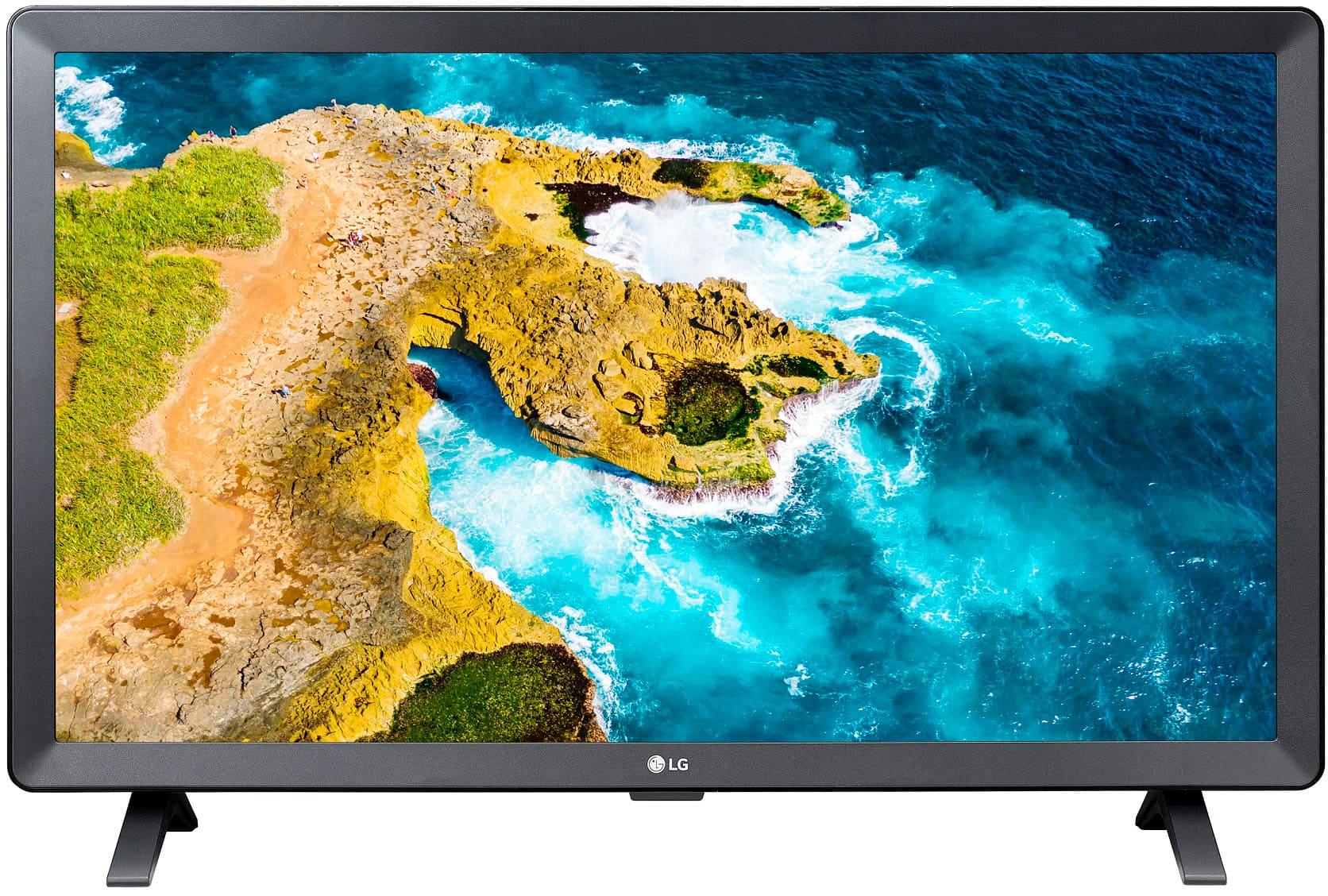
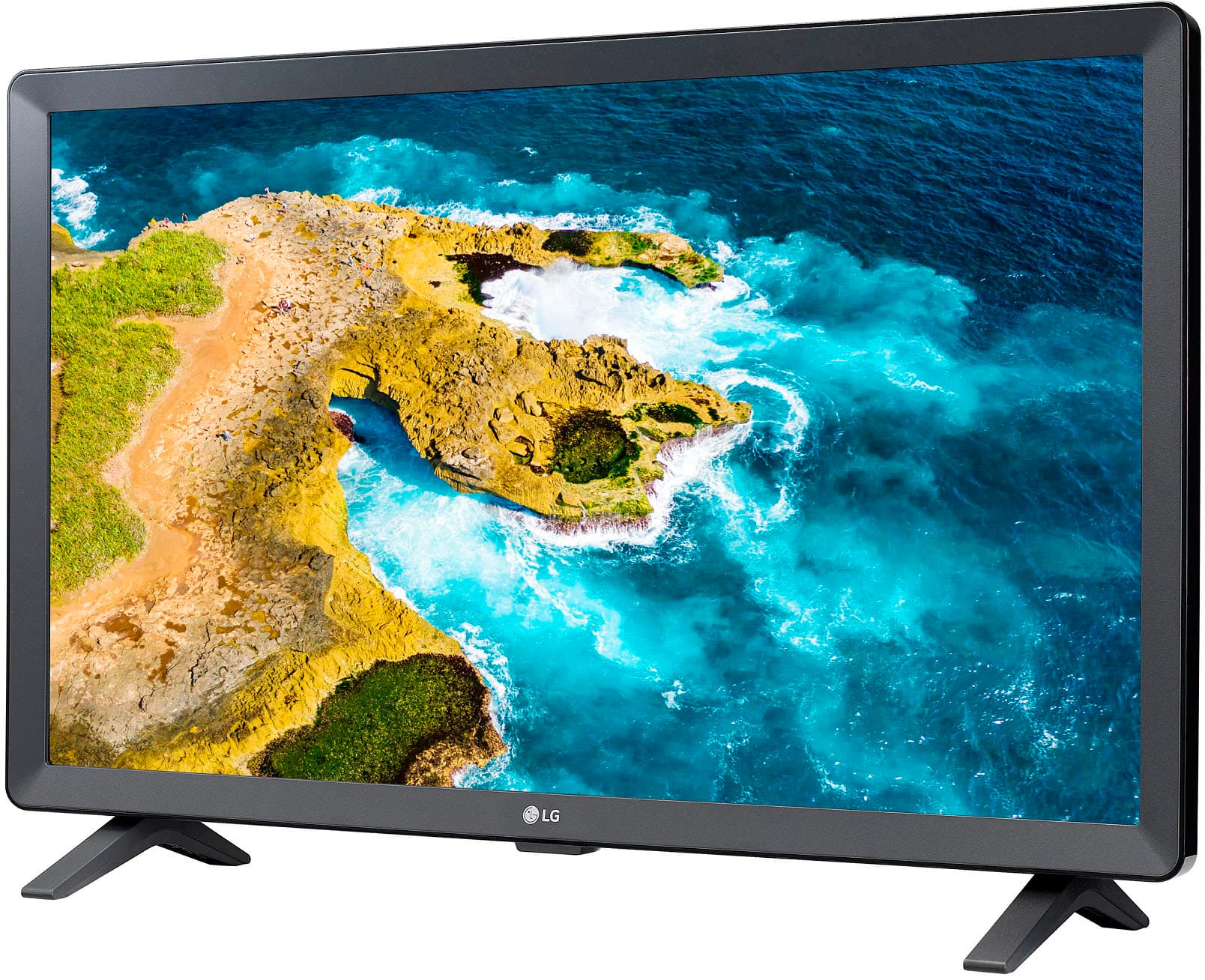
A:AnswerTry downloading the app from the LG Content Store (App Store). Press the Home button on the Remote control. Select the LG Content Store from the home page. Then choose the app you want to download to go to its dedicated screen. For a complete listing of available apps, please visit: https://us.lgappstv.com/main/tvapp. For further assistance, please reach out to our support team via private message on Facebook @LGUSSupport and use #VOC in your first message to our social media support team or call at 800-243-0000. ^Venette
A:AnswerTry downloading the app from the LG Content Store (App Store). Press the Home button on the Remote control. Select the LG Content Store from the home page. Then choose the app you want to download to go to its dedicated screen. For a complete listing of available apps, please visit: https://us.lgappstv.com/main/tvapp. For further assistance, please reach out to our support team via private message on Facebook @LGUSSupport and use #VOC in your first message to our social media support team or call at 800-243-0000. ^Venette
A:AnswerPlease reach out to our support team on Facebook at @LGUSSupport and use #VOC in your first message to our social media support team. Please be sure to provide your name, phone number, address, email, model/serial numbers, and date of purchase and we will be happy to assist you. There are policies and procedures in place to ensure resolutions are consistent and fair. I am confident that we will work to provide an agreeable resolution.^Venette
A:AnswerHello there, Mickey. Thank you for sharing your question with us. We understand your inquiry regarding the compatibility of the Xfinity Stream app with your 24LQ520S-PU.
We are happy to confirm that the 24LQ520S-PU is a smart TV equipped with the LG Content Store, which allows you to access and download a wide variety of premium applications and games. The Xfinity Stream app is available for download on our webOS platform, ensuring you can enjoy your favorite content directly on your device. To get started, you can simply navigate to the Home launcher on your screen, select the LG Content Store, and use the search function to locate and install the Xfinity Stream app. This unit is designed to provide a seamless and high-quality viewing experience with all your preferred streaming services, and we are confident you will enjoy the smart features integrated into this model.
https://www.bestbuy.com/product/lg-24-class-led-hd-smart-tv-with-webos-2022/JJ8VPZ6YTT
If you have any further questions about its features, please contact us on [email protected], and our team will be more than happy to assist you. —Renzo
A:AnswerHi Dcm. Thank you for reaching us regarding LG Smart TV with webOS. Here’s what you need to know about the LG 24LQ520S-PU and LG TVs in general:
1. You can control multiple LG TVs in the same room, but some setup is needed.
2. Use the "Set ID" feature to avoid remote interference:
• Go to Settings > Support > Additional Settings.
• Change the "Set ID" to a different number for each TV.
3. If your TV has the "Use Provided Remote Only" option, make sure to turn it off to allow both the original and standard remotes to work.
4. If the remotes still interfere, try covering the IR sensor on one TV when using the other.
As a last option, consider using TVs from different brands for easier independent control.
You can download its owner's manual through this link for more information: https://www.lg.com/us/support/product/lg-24LQ520S-PU.AUS. For additional assistance, please reach out to us on social media @LGUSSupport so we can help you further. ^Cris
A:AnswerThank you for your interest in the LG 24” HD Smart TV with webOS (24LQ520S-PU) model. The LG 24LQ520S-PU is a 24-inch HD Smart TV with webOS, which lets you access the internet. But there's no built-in keyboard. Don't worry though, you can still search the internet using the on-screen keyboard provided by webOS. Here's how:
1. Press the Home button on your remote to open the webOS dashboard.
2. Look for the Internet browser app in the app list and select it.
3. Use the remote to navigate to the search bar within the browser.
4. A virtual keyboard will appear on the screen. Simply use the remote to select letters and type your search query.
5. After entering your search query, select the search button to start the search.
That's it! Now you can freely browse the internet and search for content directly from your LG 24LQ520S-PU Smart TV using the webOS platform.
You can download its owner's manual through this link for more information: https://www.lg.com/us/support/product/lg-24LQ520S-PU.AUS. ^Cris
A:AnswerHello there! Thank you for sharing your inquiry with us regarding the LG 24" Class LED HD Smart TV with webOS (2022).
https://www.bestbuy.com/product/lg-24-class-led-hd-smart-tv-with-webos-2022/JJ8VPZ6YTT
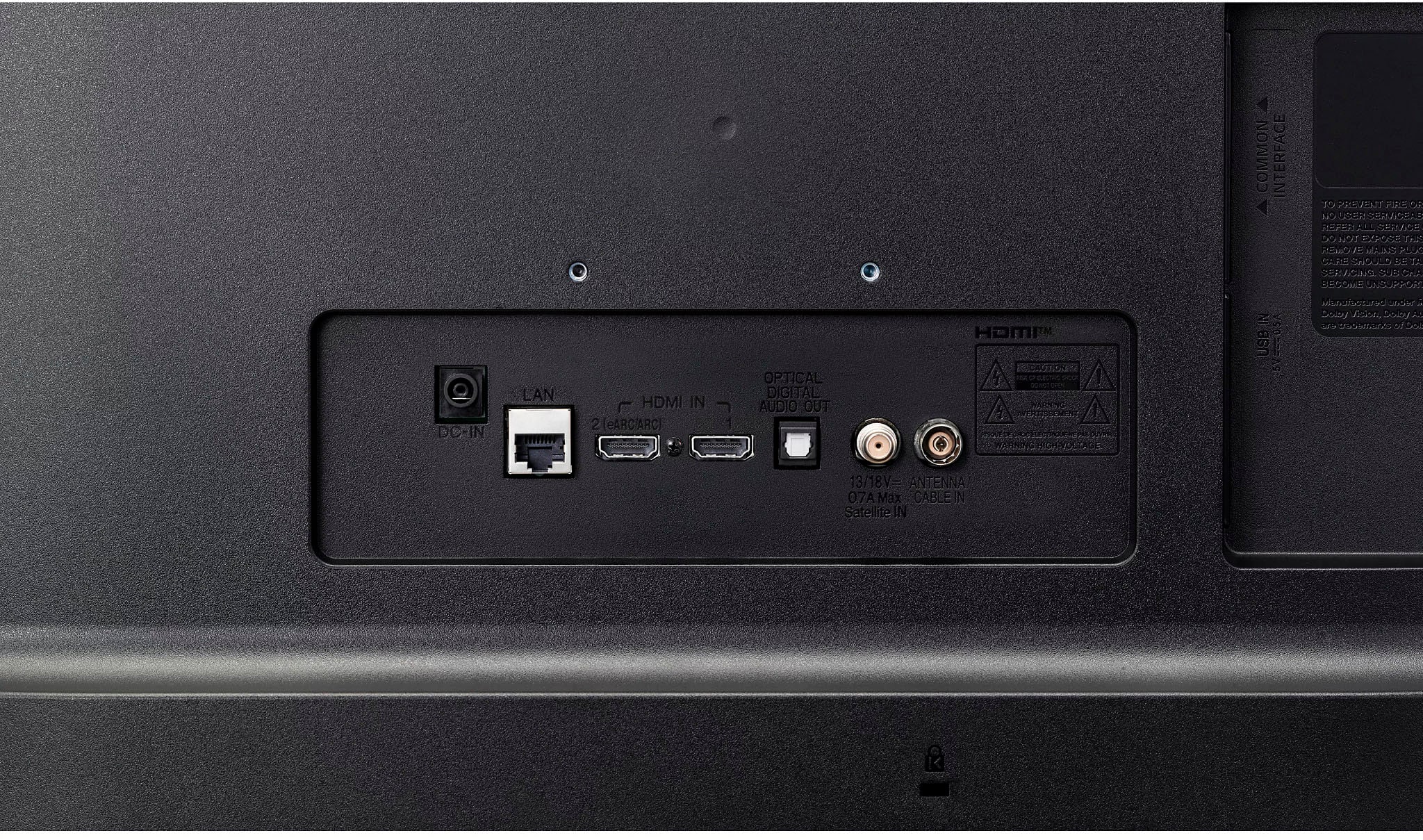
We understand your inquiry! The HDMI input on this model is designed to support standard digital resolutions, including 480i, allowing you to connect various media players or legacy devices. We want to ensure you have a seamless viewing experience with all your favorite content. For further assistance and any specific concerns you may have, please contact us on [email protected]. —Renzo