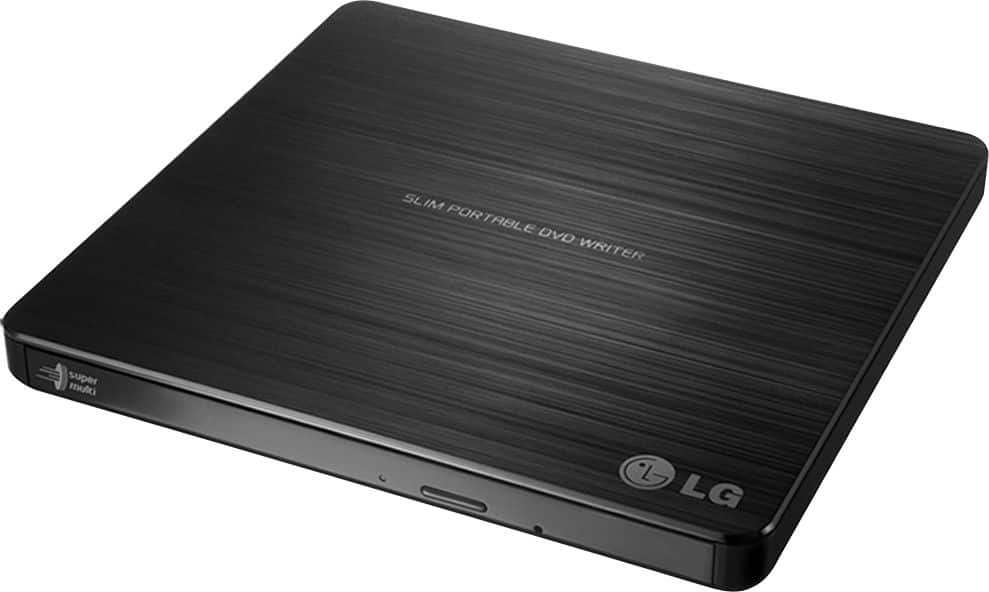
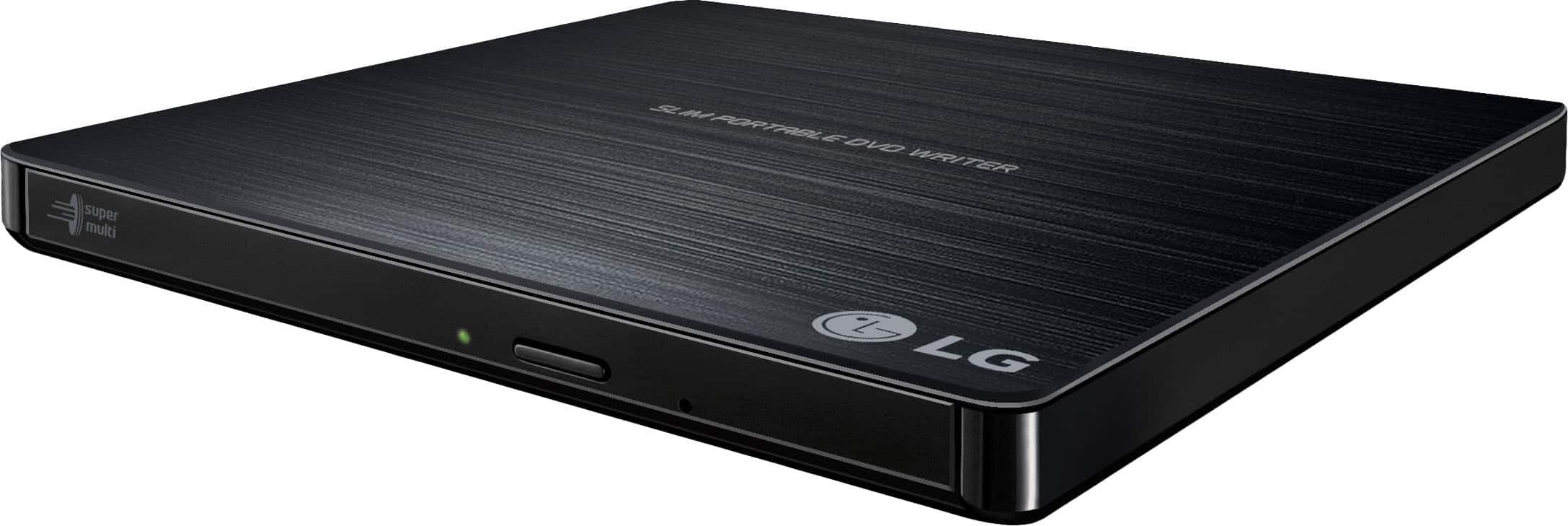
A:AnswerThe Super Multi Portable 8X DVD Rewriter with M-DISC™ Support, Model # GP60NB50 is compatible with the Windows 7, Windows Vista™, Windows XP, Windows 10, Mac OS® X v.10.5.4 or Higher, and Direct X 9.0 or Higher Operating Systems. ^CP
A:AnswerYes, you can watch DVD movies or listen to CDs with this drive. Windows 10 requires downloaded soft ware such as Real Player for free to utilize this for playing videos. Perfect.
A:AnswerThe USB cable is a Y type cable and has both the micro and standard. If you have additional questions regarding our disc drives, give our computer specialists a call at 800-243-0000. ^CP
A:AnswerHi there! The LG GP60NB50 is a versatile external DVD writer that supports a variety of CD and DVD formats for writing. Here are the types of discs you can use to write with this player:
CDs:
CD-R: Write once, readable by most CD/DVD players and drives.
CD-RW: Rewritable, can be written and erased multiple times.
DVDs:
DVD-R: Write once, compatible with most DVD players and drives.
DVD+R: Write once, with some differences in compatibility and recording process compared to DVD-R.
DVD-RW: Rewritable, can be written and erased multiple times.
DVD+RW: Rewritable, similar to DVD-RW but with some compatibility differences.
DVD-R DL: Dual-layer discs with more storage capacity (8.5GB) compared to standard single-layer DVDs.
DVD+R DL: Dual-layer, similar to DVD-R DL, but with different format specifications.
If you have more questions or need further assistance, please send us a private message on Social Media @LGUSSupport, and our team will be glad to assist you. We’re here to help you get the most out of your device! —Renzo
A:AnswerHey there! That's a great question. This LG Drive can Read, Write, and Copy CDs and DVDs (single and dual layer). The software with this drive can be found on our product page: https://shorturl.at/3gDbu. Our software comes with Cyberlink Media Suite, a media playback software. You can find more information on our page here: https://shorturl.at/maynX.
If you have any other questions, please feel free to reach out to us on social media @LGUSSupport. We'll be happy to help! *Joseph
A:AnswerThank you for your interest in the LG SUPER MULTI PORTABLE 8X DVD REWRITER WITH M-DISC™ SUPPORT (GP60NB50) model. No, the LG GP60NB50 external DVD writer is not officially compatible with Windows 11. You can download its owner's manual through this link for more information: https://www.lg.com/us/support/product/lg-GP60NB50.AVAR10B. ^Cris
A:AnswerHi, you can't play movie DVDs on Chromebook. You can use the connected DVD drive to access or read files from an appropriately formatted, recorded, and finalized DVD-R. Chrome OS does not support optical disks to let you play music or movies. The primary reason for this is that Chrome OS doesn’t come with codecs. Codecs are necessary to compress and decompress large files like DVD videos. ^Vanessa
A:AnswerHi George...the length is 23 inches. Not excessively long and it could have been a little longer but it was long enough for my setup.
Hope this helps!
MoparMike
A:AnswerThe LG 24x Write/24x Rewrite/24x Read CD - 8x Write DVD External USB 2.0 DVD-Writer Drive - Multi, Model # is compatible with Windows 10, Windows 7, Windows Vista™, Windows XP, and Mac OS® X Operating Systems and its System requirements are a Pentium IV 2.4 GHz or Higher(with USB 2.0) for basic performance (Recommended for optimal performance: Pentium IV 3.2 GHz or Higher) CPU, 256 MB or larger (Recommended: 512 MB) Memory, a Hard Disk Drive with 20 GB or more free space. (The free space needed for writing depends on the quantity of data.), and 64 MB (Recommended: 128 MB) Video Memory. It cannot work directly with your Sony camcorder. If you can connect your camcorder to a PC or Laptop, you can connect this drive to the PC or Laptop and use the drive to transfer or copy content from your camcorder that you have saved as files on the PC/Laptop...^IFV
A:AnswerThe LG - 24x Write/24x Rewrite/24x Read CD - 8x Write DVD External USB 2.0 DVD-Writer Drive - Multi, Model # GP60NB50 has a TV Connectivity mode that allows you to enjoy your media on your TVs. This product is defaulted to ODD (Optical Disc Drive) mode when it is powered on. To switch it to TV Connectivity mode, with the tray open, press and hold the ‘Eject’ button for 2 seconds (The LED indicator will turn on, switching to TV mode. You can press and hold the button again for 2 seconds with the tray open to return to ODD mode...^IFV
A:AnswerBlu-ray and DVD technologies are backward compatible, meaning that each format can play the formats that preceded it. The LG - 24x Write/24x Rewrite/24x Read CD - 8x Write DVD External USB 2.0 DVD-Writer Drive - Multi, Model # GP60NB50 is a DVD Player and since that technology preceded Blu-ray technology, it cannot play Blu-ray discs. It can play DVD and CD discs...^IFV