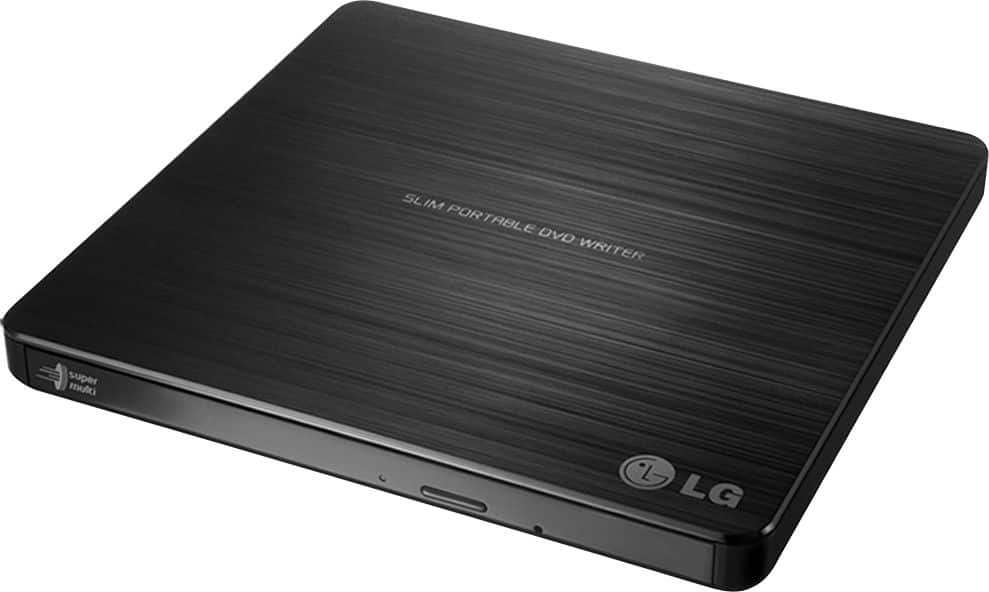
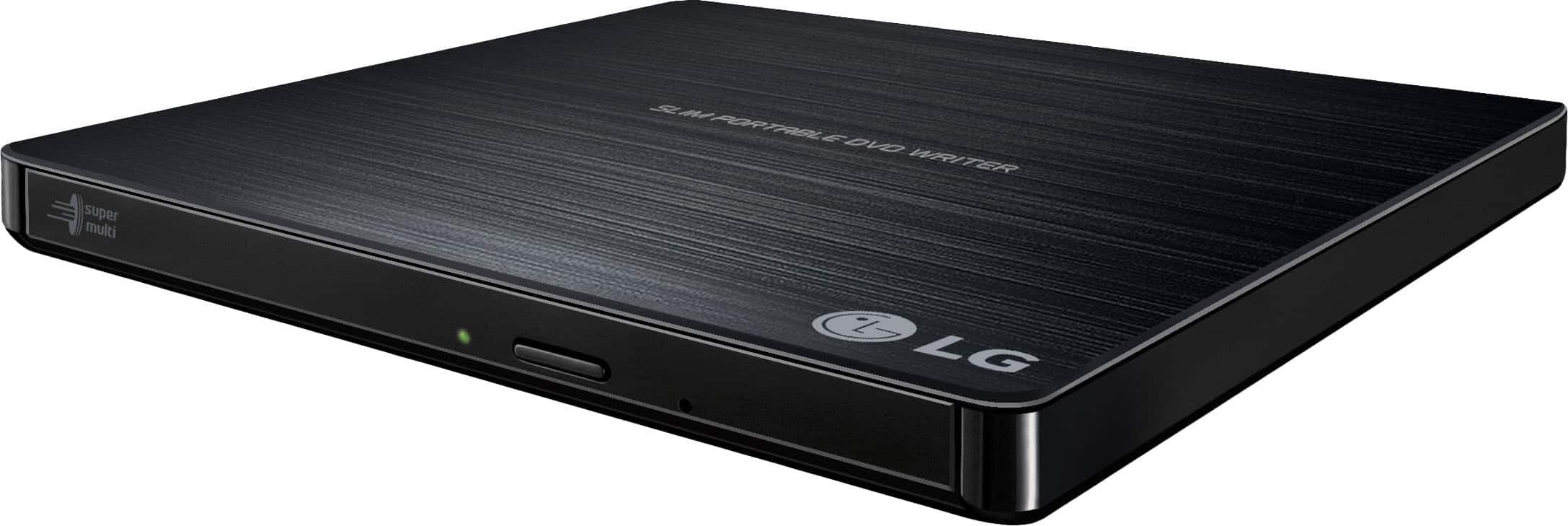
A:AnswerHi Serena. You will need to contact the manufacturer for your Chromebook to inquire if is compatible with external DVD Optical Drives. It is possible to connect the LG 24x Write/24x Rewrite/24x Read CD - 8x Write DVD External USB 2.0 DVD-Writer Drive - Multi, Model # GP60NB50 but there are limitations. You currently cannot watch DVD movies by default in Chrome OS. Unlike simple movie file formats that you might find online, playback of DVD Video requires special decoding software and codecs to work. Google has not licensed this software and included it with Chrome OS. A Chromebook will read the contents with no problem at all but there are some major limitations to using a Chromebook external DVD or CD drive. External devices are limited as to storage of readable files, and music files are not, without drivers, which cannot be installed on a Chromebook. Chrome OS can read files on these disks if they are a supported file formats such as
• CD
• CD-RW
• DVD
• DVD-RW
This means you can easily open image or audio files in ChromeOS from files on a CD or DVD. However, Chrome OS does not support optical disks to let you play music or movies. The primary reason for this is that Chrome OS doesn’t come with codecs. Codecs are necessary to compress and decompress large files like DVD videos. If you want to play DVDs on your Chromebook, you’ll need to install Linux. You can connect a CD or DVD player on a Chromebook and use it read data files if you have a disk written in data format mentioned above. You cannot play an audio CD or a movie on a DVD and you cannot write anything to a CD, DVD or Blu-ray disk...^IFV
A:AnswerWhen you connect the LG 24x Write/24x Rewrite/24x Read CD - 8x Write DVD External USB 2.0 DVD-Writer Drive - Multi, Model # GP60NB50 to a compatible laptop, the laptop recognizes it as another drive on the laptop and you can select files from a CD or DVD inserted in the drive to transfer it to your laptop...^IFV
A:AnswerThe LG 24x Write/24x Rewrite/24x Read CD - 8x Write DVD External USB 2.0 DVD-Writer Drive, Model # GP60NB50 cannot be used to play CDs in an automobile. IT is compatible with Windows 8, Windows 7, Windows Vista™, Windows XP, and Mac OS® X Operating Systems and its system requirements are a Pentium IV 2.4 GHz or Higher(with USB 2.0) for basic performance (Recommended for optimal performance: Pentium IV 3.2 GHz or Higher).and a Hard Disc Drive of 20 GB or more free space. (The free space needed for writing
depends on the quantity of data.). It comes with a Software Installation disc (for Windows only)...^IFV
A:AnswerHi Ingrid. The specifications for the LG - 24x Write/24x Rewrite/24x Read CD - 8x Write DVD External USB 2.0 DVD-Writer Drive - Multi, Model # GP60NB50 only list what Operating Systems the DVD drive is compatible with and the owner's manual will give you the recommended system requirements for the CPU, Hard Disc, Video Memory and Disc formats that can be used with the drive. You will need to look up the specifications for the 'slow downer' file to see what the requirements are for you to extract it with an optical drive. That information should come with the file if it is on a disc or you can look it up online or contact its manufacturer for advice...^IFV
A:AnswerNo, this disc drive does not have additional ports. You can connect your camera to your computer to upload the files and then transfer the files to a disc however. If you have additional questions regarding using our disc drive, give our computer specialists a call at 800-243-0000. ^CP
A:AnswerThis drive should not have an issue playing music and video. Should you need assistance our support team is available via Twitter @LGUSSupport or Facebook www.Facebook.com/LGSupportUSA ^CP
A:AnswerThe Super Multi Portable 8X DVD Rewriter with M-DISC™ Support, Model # GP60NB50 is compatible with the Windows 7, Windows Vista™, Windows XP, Windows 10, Mac OS® X v.10.5.4 or Higher, and Direct X 9.0 or Higher Operating Systems. If you have additional questions please reach out to a computer specialist directly by calling 800-243-0000. ^CP
A:AnswerThe LG 24x Write/24x Rewrite/24x Read CD - 8x Write DVD External USB 2.0 DVD-Writer Drive - Multi, Model # GP60NB50 is a true plug-and-play drive. It is USB-powered and does not require you to install any special drivers or software manually to get it working. You can simply plug it into a USB port on your Windows or Mac computer, regardless of the operating system, and it will be recognized automatically...^Ivan
A:AnswerCheck the specifications for PI OS to see if it supports Plug and Play.
The LG 24x Write/24x Rewrite/24x Read CD - 8x Write DVD External USB 2.0 DVD-Writer Drive - Multi, Model # GP60NB50, is a Plug and Play drive.
You can connect it to your computer using the included USB cable, and it will immediately recognize the hardware without requiring any manual driver downloads or software installations.
The drive draws its power directly from your computer’s USB port. No wall outlet or secondary power adapter is necessary.
It relies on a standard USB 2.0 interface. If you are plugging it into a modern thin laptop that only has USB-C ports, you will need a basic USB-A to USB-C adapter...^Ivan.
A:AnswerThe CD Tray for the LG 24x Write/24x Rewrite/24x Read CD - 8x Write DVD External USB 2.0 DVD-Writer Drive - Multi, Model # GP60NB50, will accommodate 8 cm discs without the need for an adapter.
Like most standard tray-loading optical drives, the LG GP60NB50 features a molded plastic tray with two distinct circular grooves. The larger outer ring holds standard 120 mm (12 cm) discs, while the smaller inner indentation is specifically molded to hold 80 mm (8 cm) mini-discs perfectly in place...^Ivan.
A:AnswerThe LG - 24x Write/24x Rewrite/24x Read CD - 8x Write DVD External USB 2.0 DVD-Writer Drive - Multi, Model # GP60NB50, will write to DVD+RW, DVD-RAM, DVD+R, DVD+R (DL), and M-DISC™ discs...^Ivan.