DoorBOOsters are hereExclusions apply. Ends 11/2/25.Shop now

Skip to content
Gift Ideas
26 Cypress St
Williston, VT 05495
Open until 8 pm
Find Another Store
Main Content

Questions & Answers

Page Showing 21-40 of 210 questions
  • QuestionCan I play a dvd in PAL format on this player?

    Asked by Sam.

    • Answer This drive supports region playback control Phase II. ^CP

      Answered by LG Digital Customer Care

  • QuestionIs this drive compatible with a MacBook pro

    Asked by Tito.

    • Answer The Super Multi Portable 8X DVD Rewriter with M-DISC™ Support, Model # GP60NB50 is compatible with the Windows 7, Windows Vista™, Windows XP, Windows 10, Mac OS® X v.10.5.4 or Higher, and Direct X 9.0 or Higher Operating Systems. ^CP

      Answered by LG Digital Customer Care

  • QuestionCan I burn pictures on to this drive to a DVD??

    Asked by Homie.

    • Answer Yes, you can burn pictures to this drive on a DVD.

      Answered by darlenecom

  • Questionwill this play dvds

    Asked by dgav.

    • Answer It certainly does!

      Answered by RayB

  • QuestionThe disk drive in my Dell computer quit working. Will this allow me to read disks that I have or is it just an external writer?

    Asked by ragstoy.

    • Answer Yes, I use it on my ASUS laptop for the same reason and it works great even though the one in my laptop doesn't work

      Answered by inspectorEd

  • QuestionThe Surface only has one USB port and I am looking for a DVD player for my wife to attach that can run with both power and connection with one USB input. Will this work?

    Asked by STM.

    • Answer The USB cable is a Y type cable and has both the micro and standard. If you have additional questions regarding our disc drives, give our computer specialists a call at 800-243-0000. ^CP

      Answered by LG Digital Customer Care

  • QuestionDoes this drive play DVDS (especially DVDS with movies)?

    Asked by lhansonz.

    • Answer Yes, this disc drive can read both CDs and DVDs. ^CP

      Answered by LG Digital Customer Care

  • QuestionDoes this device require one USB2.0 port or two?

    Asked by smo.

    • Answer One USB port

      Answered by Careerformation

  • Questionwhat types of CD and DVD discs can be used to write with this player?

    Asked by CeferinoG.

    • Answer Hi there! The LG GP60NB50 is a versatile external DVD writer that supports a variety of CD and DVD formats for writing. Here are the types of discs you can use to write with this player: CDs: CD-R: Write once, readable by most CD/DVD players and drives. CD-RW: Rewritable, can be written and erased multiple times. DVDs: DVD-R: Write once, compatible with most DVD players and drives. DVD+R: Write once, with some differences in compatibility and recording process compared to DVD-R. DVD-RW: Rewritable, can be written and erased multiple times. DVD+RW: Rewritable, similar to DVD-RW but with some compatibility differences. DVD-R DL: Dual-layer discs with more storage capacity (8.5GB) compared to standard single-layer DVDs. DVD+R DL: Dual-layer, similar to DVD-R DL, but with different format specifications. If you have more questions or need further assistance, please send us a private message on Social Media @LGUSSupport, and our team will be glad to assist you. We’re here to help you get the most out of your device! —Renzo

      Answered by LG Digital Customer Care

  • Question1) to be sure, can this read / write DVD, copy DVD, copy CD? 2) what software comes with the device? 3) how do I play the created / copied DVD in my Windows laptop. My laptop doesn't seem to have a DVD player app.

    Asked by cgg.

    • Answer Hey there! That's a great question. This LG Drive can Read, Write, and Copy CDs and DVDs (single and dual layer). The software with this drive can be found on our product page: https://shorturl.at/3gDbu. Our software comes with Cyberlink Media Suite, a media playback software. You can find more information on our page here: https://shorturl.at/maynX. If you have any other questions, please feel free to reach out to us on social media @LGUSSupport. We'll be happy to help! *Joseph

      Answered by LG Digital Customer Care

  • QuestionWill it work with windows 11

    Asked by harvey988.

    • Answer Thank you for your interest in the LG SUPER MULTI PORTABLE 8X DVD REWRITER WITH M-DISC™ SUPPORT (GP60NB50) model. No, the LG GP60NB50 external DVD writer is not officially compatible with Windows 11. You can download its owner's manual through this link for more information: https://www.lg.com/us/support/product/lg-GP60NB50.AVAR10B. ^Cris

      Answered by LG Digital Customer Care

  • QuestionIs this compatible with Crome books?

    Asked by Billy.

    • Answer Hi, you can't play movie DVDs on Chromebook. You can use the connected DVD drive to access or read files from an appropriately formatted, recorded, and finalized DVD-R. Chrome OS does not support optical disks to let you play music or movies. The primary reason for this is that Chrome OS doesn’t come with codecs. Codecs are necessary to compress and decompress large files like DVD videos. ^Vanessa

      Answered by LG Digital Customer Care

  • Questionis this compatable with dell i need to load programs from a disc

    Asked by Mamarose.

    • Answer Yes, I'm using it with my Dell Vostro desktop.

      Answered by Anonymous

  • QuestionWhat is the cable length?

    Asked by George.

    • Answer Hi George...the length is 23 inches. Not excessively long and it could have been a little longer but it was long enough for my setup. Hope this helps! MoparMike

      Answered by MoparMike

  • QuestionCan I use Turbo Tax CD with this?

    Asked by Lulu.

    • Answer Yes, this drive is compatible with the Windows 10 software and should have no problem downloading external software. ^Daphane

      Answered by LG Digital Customer Care

  • QuestionWill it read pc games

    Asked by Anonymous.

    • Answer Yes, This DVD Reader will read all PC games on CD and DVD. ^Daphane

      Answered by LG Digital Customer Care

  • QuestionCan I transfer videos from a Sony camcorder on to this?

    Asked by Wawee53.

    • Answer The LG 24x Write/24x Rewrite/24x Read CD - 8x Write DVD External USB 2.0 DVD-Writer Drive - Multi, Model # is compatible with Windows 10, Windows 7, Windows Vista™, Windows XP, and Mac OS® X Operating Systems and its System requirements are a Pentium IV 2.4 GHz or Higher(with USB 2.0) for basic performance (Recommended for optimal performance: Pentium IV 3.2 GHz or Higher) CPU, 256 MB or larger (Recommended: 512 MB) Memory, a Hard Disk Drive with 20 GB or more free space. (The free space needed for writing depends on the quantity of data.), and 64 MB (Recommended: 128 MB) Video Memory. It cannot work directly with your Sony camcorder. If you can connect your camcorder to a PC or Laptop, you can connect this drive to the PC or Laptop and use the drive to transfer or copy content from your camcorder that you have saved as files on the PC/Laptop...^IFV

      Answered by LG Digital Customer Care

  • QuestionThis was the portable DVD player recommended by Best Buy for the Sony Bravia tv, which I also bought there, but it seems not to be compatible. Plays on laptops but not the tv. Anyone have any advice? Can't find info online. Thanks.

    Asked by dime.

    • Answer The LG - 24x Write/24x Rewrite/24x Read CD - 8x Write DVD External USB 2.0 DVD-Writer Drive - Multi, Model # GP60NB50 has a TV Connectivity mode that allows you to enjoy your media on your TVs. This product is defaulted to ODD (Optical Disc Drive) mode when it is powered on. To switch it to TV Connectivity mode, with the tray open, press and hold the ‘Eject’ button for 2 seconds (The LED indicator will turn on, switching to TV mode. You can press and hold the button again for 2 seconds with the tray open to return to ODD mode...^IFV

      Answered by LG Digital Customer Care

  • QuestionCan I watch Blurays?

    Asked by Khaleesi.

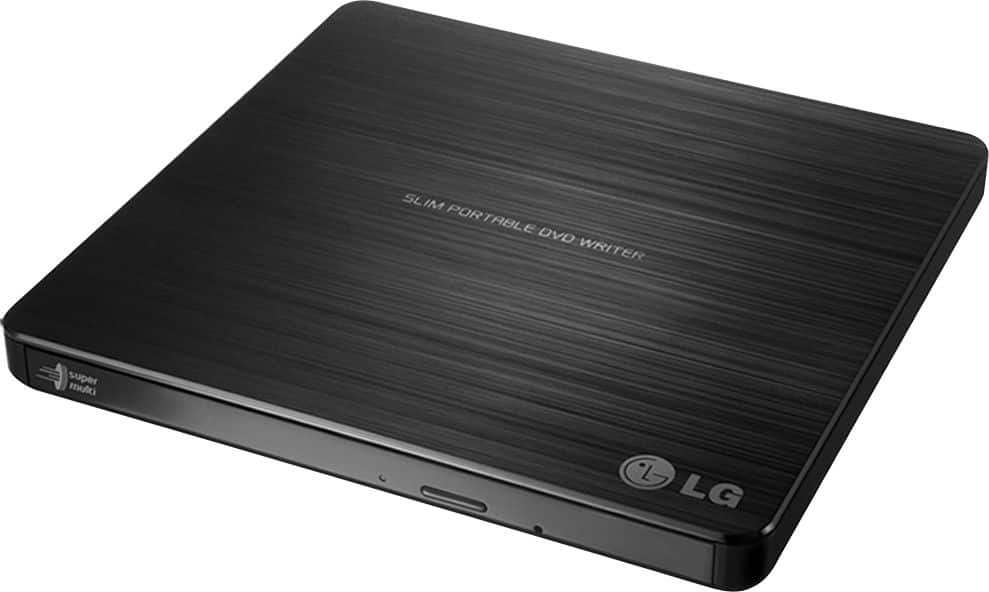
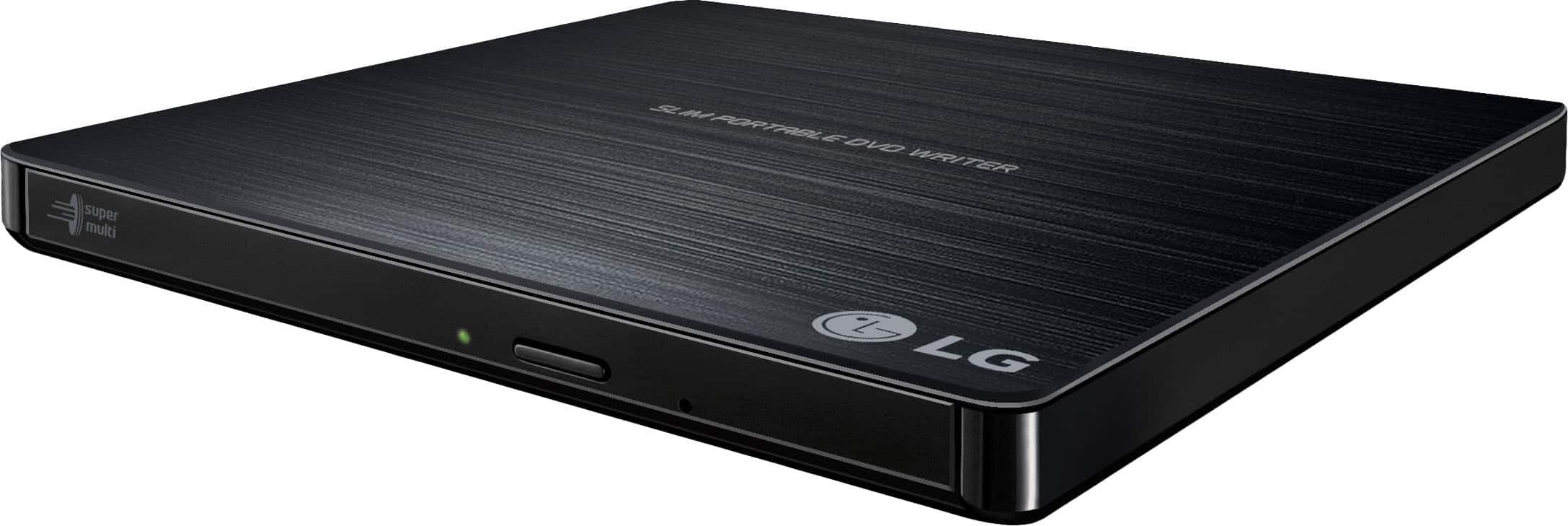
    • Answer Blu-ray and DVD technologies are backward compatible, meaning that each format can play the formats that preceded it. The LG - 24x Write/24x Rewrite/24x Read CD - 8x Write DVD External USB 2.0 DVD-Writer Drive - Multi, Model # GP60NB50 is a DVD Player and since that technology preceded Blu-ray technology, it cannot play Blu-ray discs. It can play DVD and CD discs...^IFV
      Answered by LG Digital Customer Care

  • Questiondoes it work with chromebook

    Asked by serena.

    • Answer Hi Serena. You will need to contact the manufacturer for your Chromebook to inquire if is compatible with external DVD Optical Drives. It is possible to connect the LG 24x Write/24x Rewrite/24x Read CD - 8x Write DVD External USB 2.0 DVD-Writer Drive - Multi, Model # GP60NB50 but there are limitations. You currently cannot watch DVD movies by default in Chrome OS. Unlike simple movie file formats that you might find online, playback of DVD Video requires special decoding software and codecs to work. Google has not licensed this software and included it with Chrome OS. A Chromebook will read the contents with no problem at all but there are some major limitations to using a Chromebook external DVD or CD drive. External devices are limited as to storage of readable files, and music files are not, without drivers, which cannot be installed on a Chromebook. Chrome OS can read files on these disks if they are a supported file formats such as • CD • CD-RW • DVD • DVD-RW This means you can easily open image or audio files in ChromeOS from files on a CD or DVD. However, Chrome OS does not support optical disks to let you play music or movies. The primary reason for this is that Chrome OS doesn’t come with codecs. Codecs are necessary to compress and decompress large files like DVD videos. If you want to play DVDs on your Chromebook, you’ll need to install Linux. You can connect a CD or DVD player on a Chromebook and use it read data files if you have a disk written in data format mentioned above. You cannot play an audio CD or a movie on a DVD and you cannot write anything to a CD, DVD or Blu-ray disk...^IFV

      Answered by LG Digital Customer Care