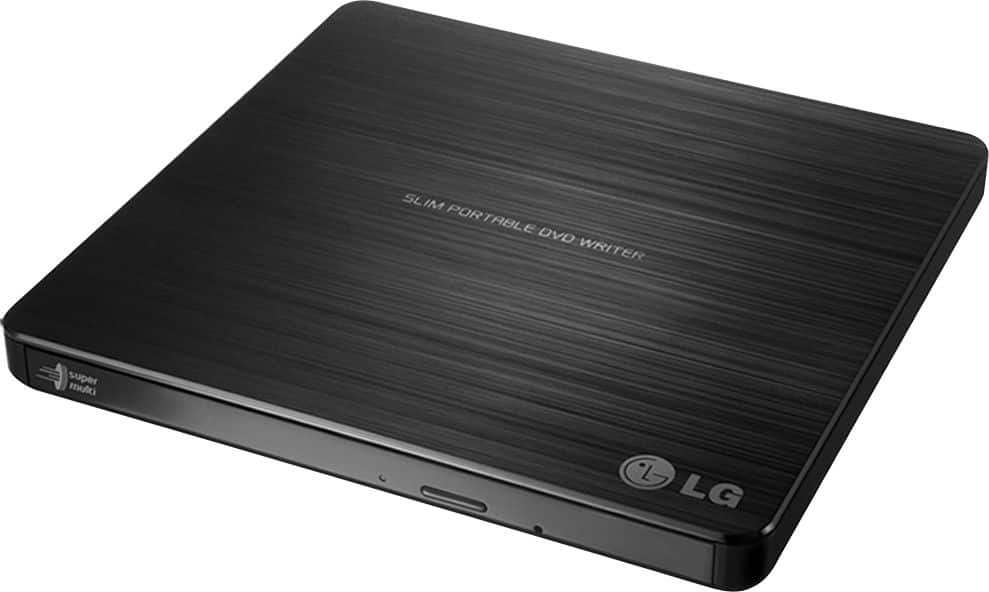
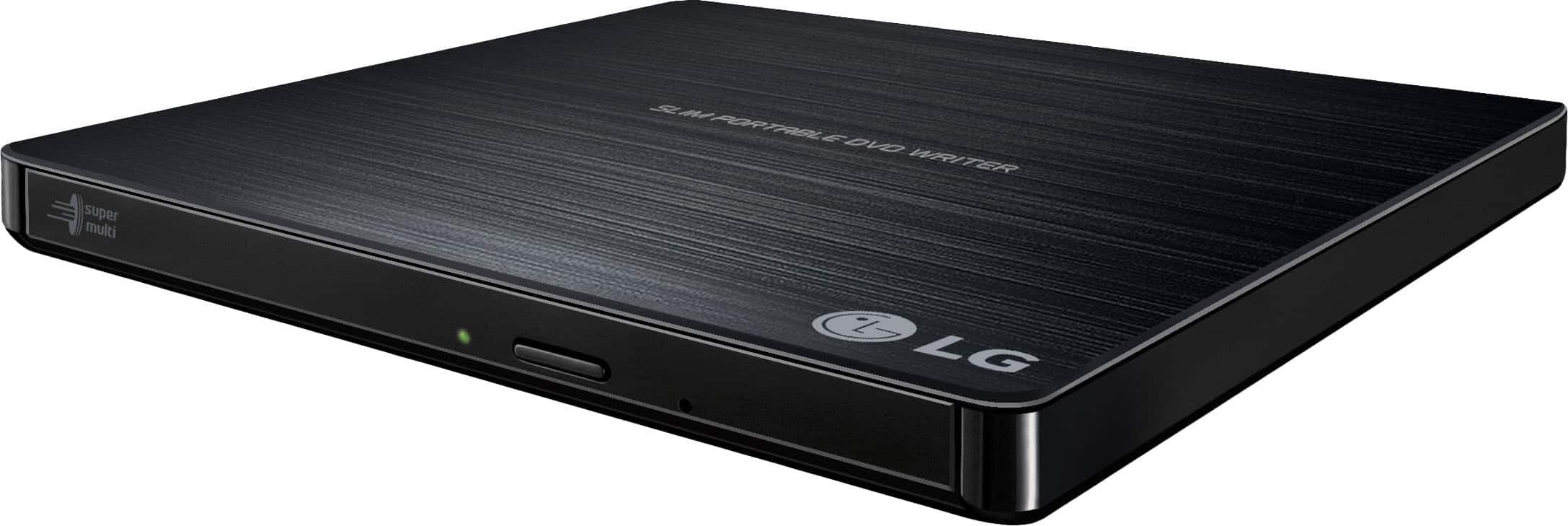
A:AnswerThank you for your interest in the LG SUPER MULTI PORTABLE 8X DVD REWRITER WITH M-DISC™ SUPPORT (GP60NB50) model. The LG GP60NB50 external DVD drive is not fully compatible with Windows 11. The firmware of the drive may not support Windows 11, leading to compatibility issues. You can download its owner's manual through this link for more information: https://www.lg.com/us/support/product/lg-GP60NB50.AVAR10B. ^Cris
A:AnswerThank you for your interest in the LG SUPER MULTI PORTABLE 8X DVD REWRITER WITH M-DISC™ SUPPORT (GP60NB50) model. Yes, the LG GP60NB50 DVD burner can burn CD-G (karaoke) songs. It is a super-multi portable DVD rewriter with M-DISC support that can read and write a wide range of disc formats, including DVD+R, RW DVD-R, RW DVD-RAM, and CD-R/RW. You can download its owner's manual through this link for more information: https://www.lg.com/us/support/product/lg-GP60NB50.AVAR10B. ^Cris
A:AnswerThank you for your interest in the LG SUPER MULTI PORTABLE 8X DVD REWRITER WITH M-DISC™ SUPPORT (GP60NB50) model. No, the LG GP60NB50 Ultra Slim Portable DVD Rewriter cannot burn CD-G (karaoke) songs to a disc. Although it can read and write various DVDs and CDs, it does not support the CD-G format. You can download its owner's manual through this link for more information: https://www.lg.com/us/support/product/lg-GP60NB50.AVAR10B. ^Cris
A:AnswerHello there. Thank you for reaching out to us. We understand your inquiry regarding the LG - 24x Write/24x Rewrite/24x Read CD - 8x Write DVD External USB 2.0 DVD-Writer Drive - Multi.
https://www.bestbuy.com/product/lg-24x-write-24x-rewrite-24x-read-cd-8x-write-dvd-external-usb-2-0-dvd-writer-drive-multi/JXTZZLCVW7
Yes, this external drive is compatible with Windows 8.1. It also supports other versions of Windows including Windows 10, 8, 7, Vista, and XP, as well as Mac OS X. For further assistance and any specific concerns you may have, please contact us on lgdigitalcare@lg.sprinklrsupport.com. —Renzo
A:AnswerHello there, Steve. We understand your inquiry regarding the playback capabilities of the LG External USB 2.0 DVD-Writer Drive. This device is designed to be connected to a computer to play or write CDs and DVDs; it does not have a built-in earphone jack for standalone use.
https://www.bestbuy.com/product/lg-24x-write-24x-rewrite-24x-read-cd-8x-write-dvd-external-usb-2-0-dvd-writer-drive-multi/JXTZZLCVW7
For further assistance and any specific concerns you may have, please contact us on lgdigitalcare@lg.sprinklrsupport.com. —Renzo
A:AnswerThe Super Multi Portable 8X DVD Rewriter with M-DISC™ Support, Model # GP60NB50 is compatible with the Windows 7, Windows Vista™, Windows XP, Windows 10, Mac OS® X v.10.5.4 or Higher, and Direct X 9.0 or Higher Operating Systems. It is not compatible with android . ~Tanisha
A:AnswerHello there! We understand your inquiry regarding using the LG External USB 2.0 DVD-Writer Drive to copy software from a CD to a PC running Windows 11. To answer your question directly, this drive is a plug-and-play device that is compatible with Windows 11, allowing your computer to read the data files on your software CDs. We understand how important it is to ensure your legacy software and data remain accessible on your modern devices.
https://www.bestbuy.com/product/lg-24x-write-24x-rewrite-24x-read-cd-8x-write-dvd-external-usb-2-0-dvd-writer-drive-multi/JXTZZLCVW7
To proceed, simply connect the drive to an available USB port on your PC, insert your software CD, and your computer should recognize the disc. You can then open the drive's folder in File Explorer to access the setup or installation files. Please note that while the drive can read the data, the software itself must be compatible with the Windows 11 operating system to run successfully. For further assistance and any specific concerns you may have, please contact us on lgdigitalcare@lg.sprinklrsupport.com. —Renzo
A:AnswerHello there Bobby. Yes. After you have installed the Windows 11 upgrade, there is a 10-day period where you can move back to Windows 10 while keeping files and data that you brought along with you. `Jai.
A:AnswerHi, Gep! Thanks for the question! It might have limitations. External devices are limited as to storage of readable files, and music files are not, without drivers, which cannot be installed on a Chromebook. ChromeOS users may best best off using an SD Card or External Hard drive. To know more about the specs of this SUPER MULTI PORTABLE 8X DVD REWRITER WITH M-DISC™ SUPPORT (GP60NB50), you may check out this link: lg.com/us/burners-drives/lg-GP60NB50-external-dvd-drive ^Jolly
A:AnswerHello there. Thanks for reaching out. For the LG- 24x Write/24x Rewrite Read CD - 8x Write DVD External USB 2.0 DVD Writer Drive model: #GP60NB50 is 12" `Jai.
A:AnswerThanks for the question! It might have limitations. External devices are limited as to storage of readable files, and music files are not, without drivers, which cannot be installed on a Chromebook. ChromeOS users may best off using an SD Card or External Hard drive. Chrome OS can read files on CD, CD-RW, DVD, DVD-RW, Blu-Ray and Blu-ray RW if the discs are a supported file formats. This means you can easily open image or audio files in Chrome OS from files on a CD or DVD. However, there are some limitations. You cannot play an audio or movie on a DVD or Blu-ray, and you cannot write anything to aCD, DVD, or Blu-ray disc. You may reach out to your Chromebook manufacturer for advice. ^Jolly