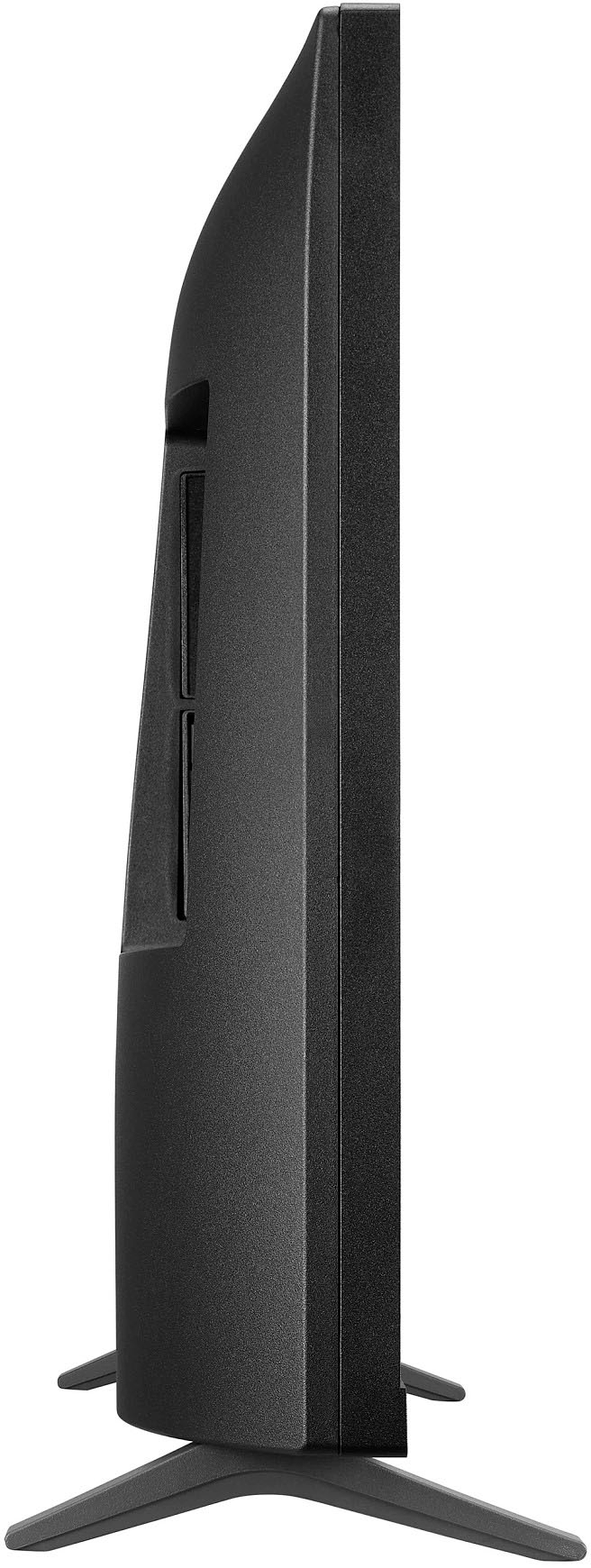
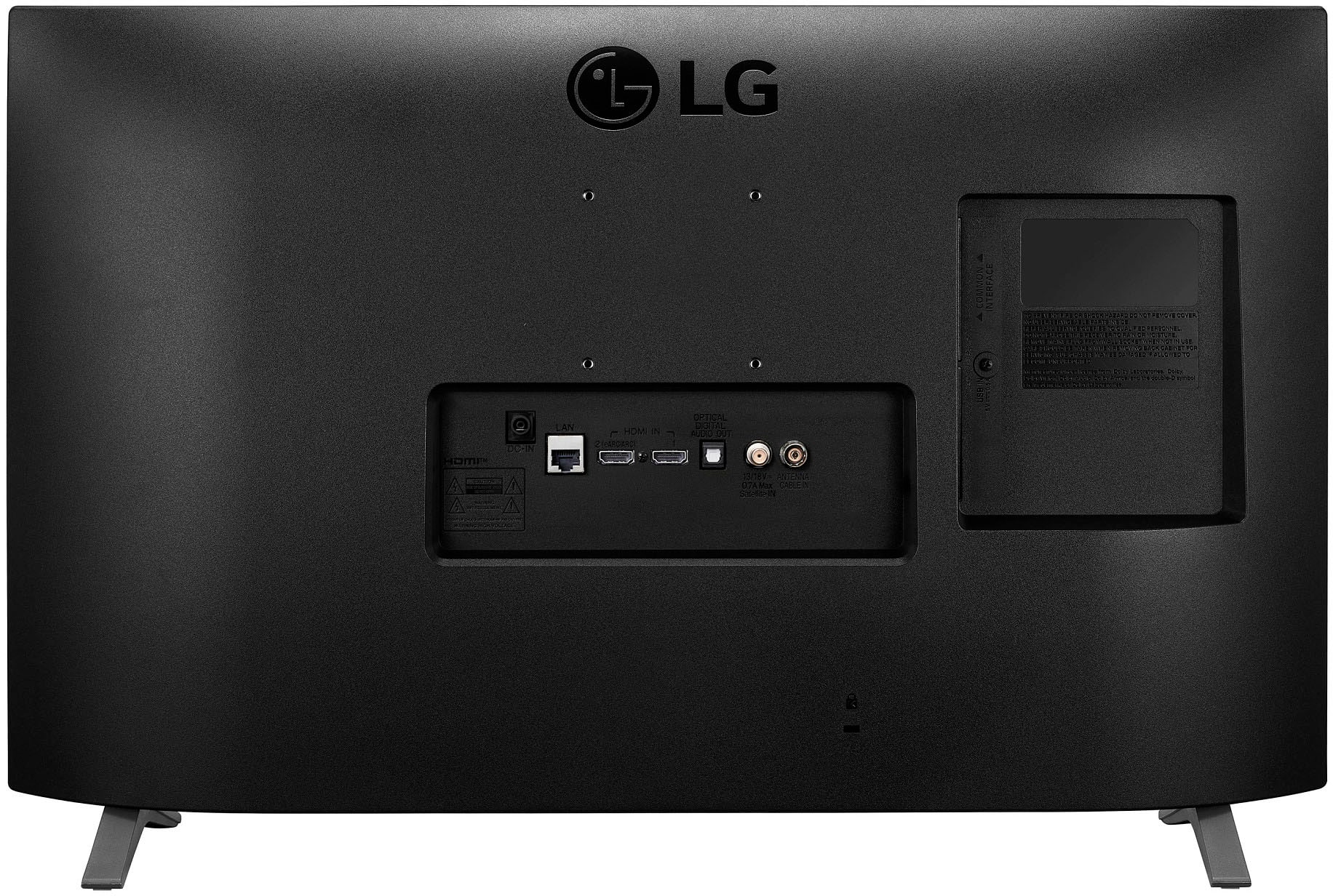
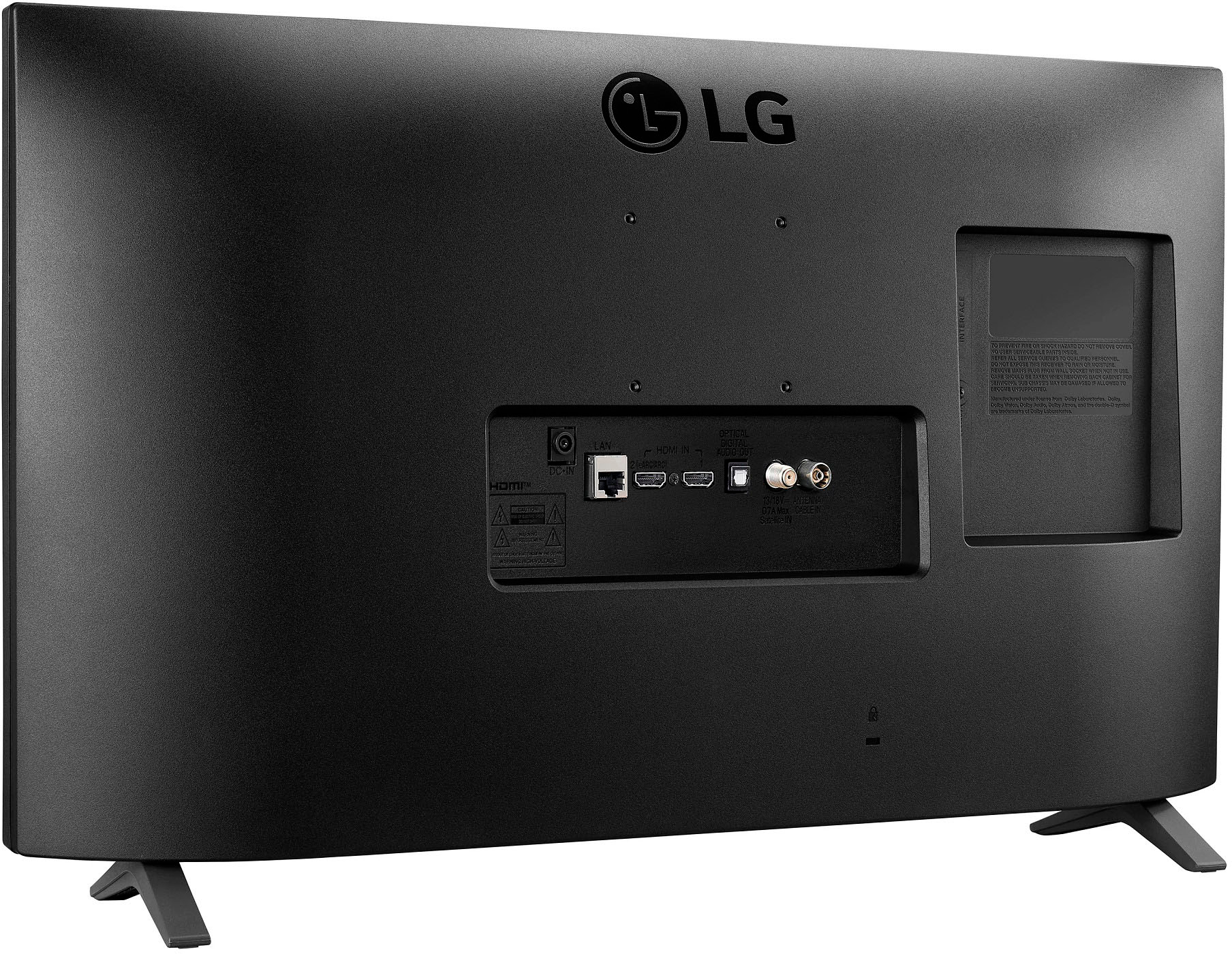
A:AnswerHi there. Make sure to use screws and wall mounts that meet the VESA
standard. Wall mount 29x29 inches. Standard screws M4xL10. Number of screws 4, you can use wall mount bracket part number LSW149. ^Vanessa
A:AnswerYes it does. I just set it up on my tv today. I did have to shut down both the tv and my phone, then restart both to get it working initially, but it has been working perfectly since the reset.
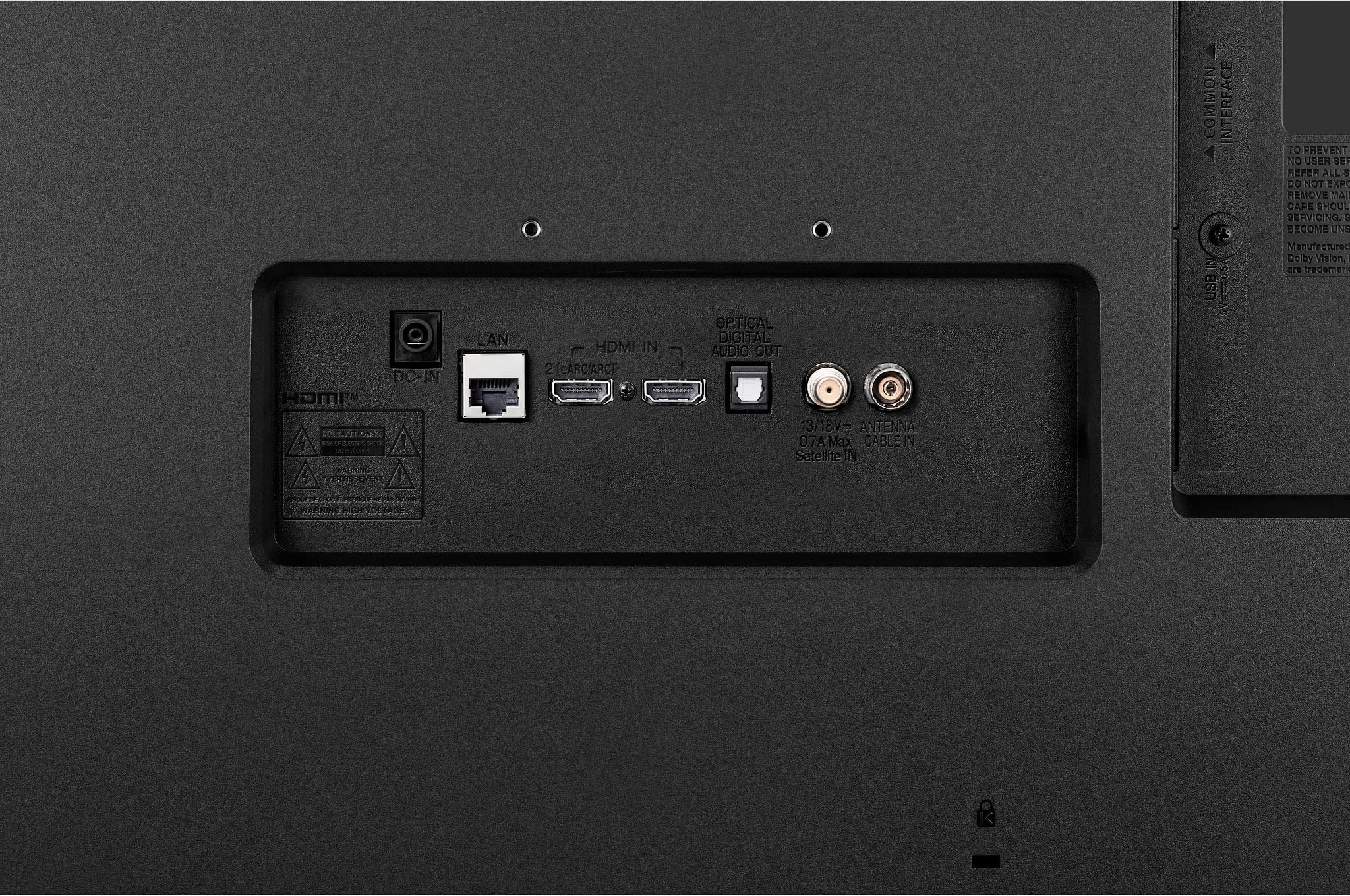
A:AnswerI've always used the 3.5 mm audio output to drive computer speakers with subwoofer with my kitchen TV. The pic quality of this set is so good that I wanted to make that work. I learned that an HDMI/ARC audio extractor works. It MUST have ARC compatibility to work with the TV volume control. I purchased the CAMWAY Digital to Analog Audio Converter HDMI/ARC model. Not expensive.
A:AnswerHi there. If no Wi-Fi or internet connection is required to mirror your phone screen onto your smart TV. (Miracast only supports Android, not Apple devices.) Using an HDMI cable can achieve similar results.You can share your mobile screen to a compatible LG TV using an HDMI or Micro HDMI cable. Firstly, ensure that your android device, cable and LG TV support MHL or a SlimPort alternative. Please check this link for refeence https://www.lg.com/us/support/help-library/lg-tv-how-to-screen-share-CT10000018-20150637965681. ^Vanessa