A:AnswerHello, Joe. Thank you for reaching out to us. Yes, on the LG TV model 27LQ625S-P, you can organize the apps to your personal preferences and delete apps as needed. To organize or delete apps, follow these steps:
1. Press the Home button on your remote.
2. Navigate to the app you want to move or delete.
3. Press and hold the Select button until a menu appears.
4. Choose "Move" to reposition the app or "Delete" to remove it.
If you have any further questions or need assistance, please send us a private message on our social media platform via @LGUSSupport. We appreciate your patience. ^Sam
A:AnswerHello there. Thank you for your interest in the LG 27LQ625S-PU TV. This model supports 1080p resolution and is equipped with smart TV capabilities. Regarding compatibility with Brightspeed internet and its WiFi system, we recommend checking the TV's specifications or contacting Brightspeed directly to confirm compatibility details. For more information or assistance, feel free to send us a private message via @LGUSSupport on our social media platform. We're here to help you make the most out of your LG TV experience! ^Sam
A:AnswerHi there Renee. We appreciate you asking us this question. We want to ensure that you get the best quality experience with using your TV in your apartment home! We recommend contacting your cable or internet provider as to why this is happening and some steps on getting this resolved. ^Anthony
A:AnswerHey Renee! Thank you for your question. 4K UHD, which stands for Ultra High Definition, is a term used to describe a higher resolution format for televisions. It refers to a display resolution of 3840 by 2160 pixels, which is four times the resolution of Full HD (1920x1080 pixels). This means that 4K UHD TVs offer a much sharper and more detailed picture quality compared to traditional Full HD TVs. With 4K UHD, you can expect to see greater clarity, more nuances of light and shadow, and a more immersive viewing experience. - Anthony
A:AnswerHello there,
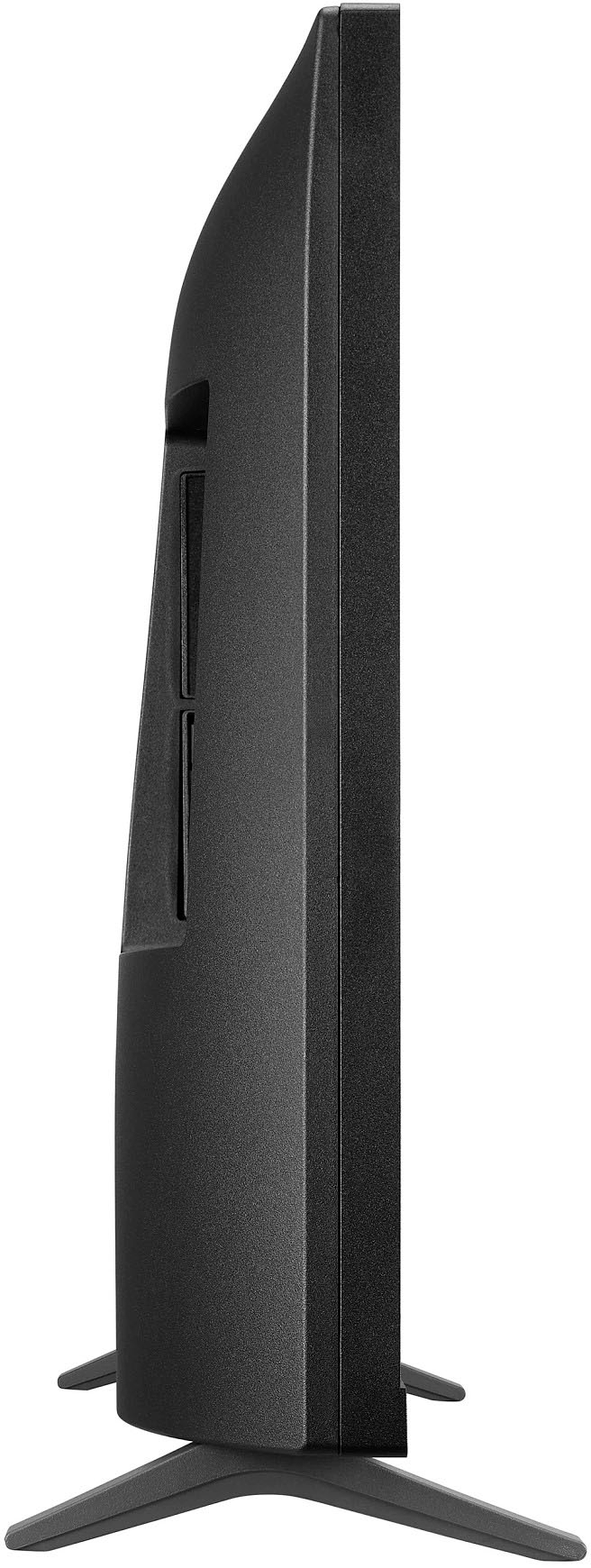
Thank you for sharing your experience with the LG model 27LQ625S-PU. We understand that the dimensions may not have met your expectations. Your feedback is valuable to us, and we appreciate your input. To assist you further, we recommend ensuring the unit is placed in a suitable location with ample space, as this can affect perception of size. Please send us a private message on Social Media @LGUSSupport, and our team will gladly explore any additional questions or concerns you may have. Thank you for choosing LG.
—Renzo
A:AnswerThank you for reaching us regarding LG Smart TV with webOS. To set up TV stations on your LG 27LQ625S-PU monitor:
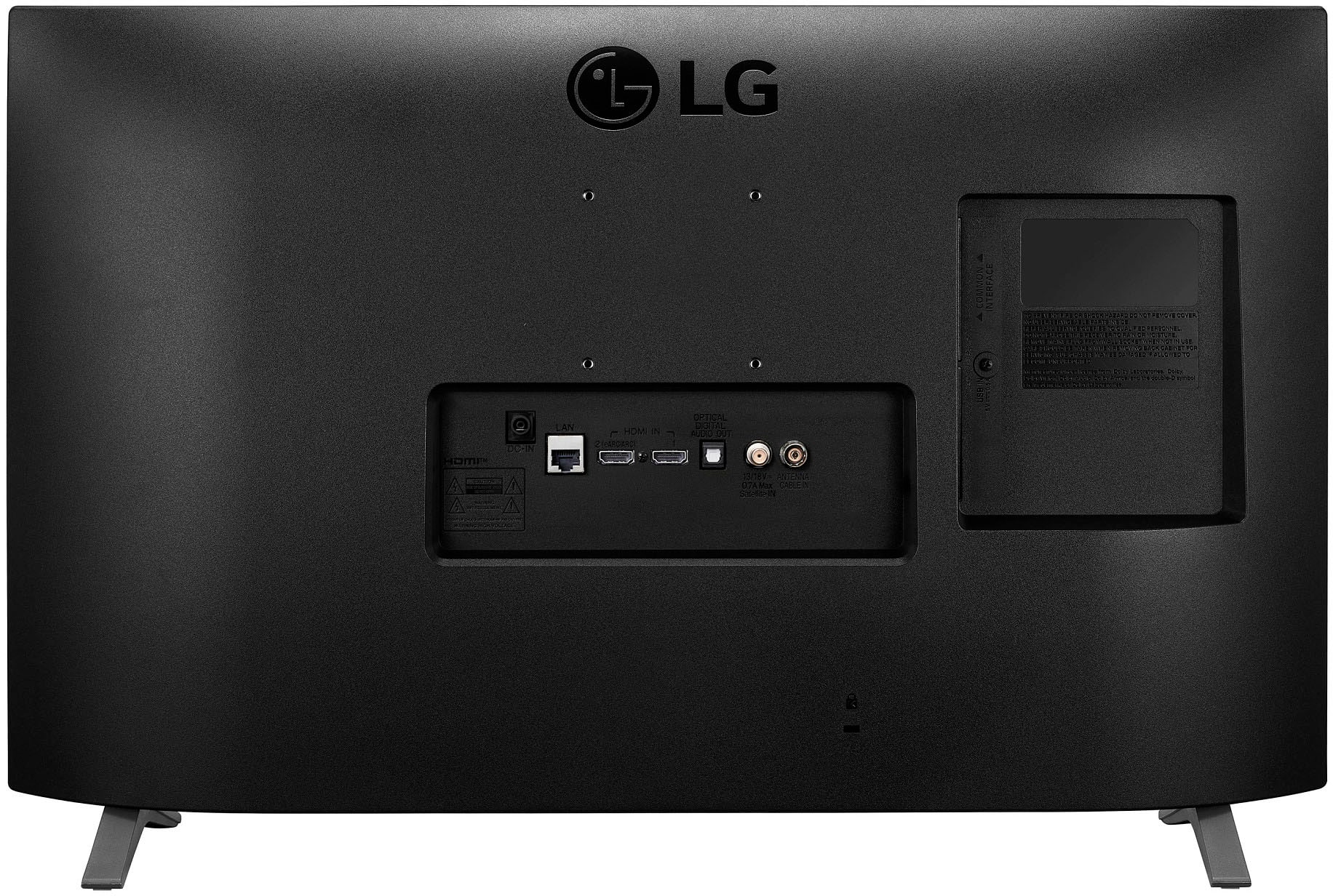
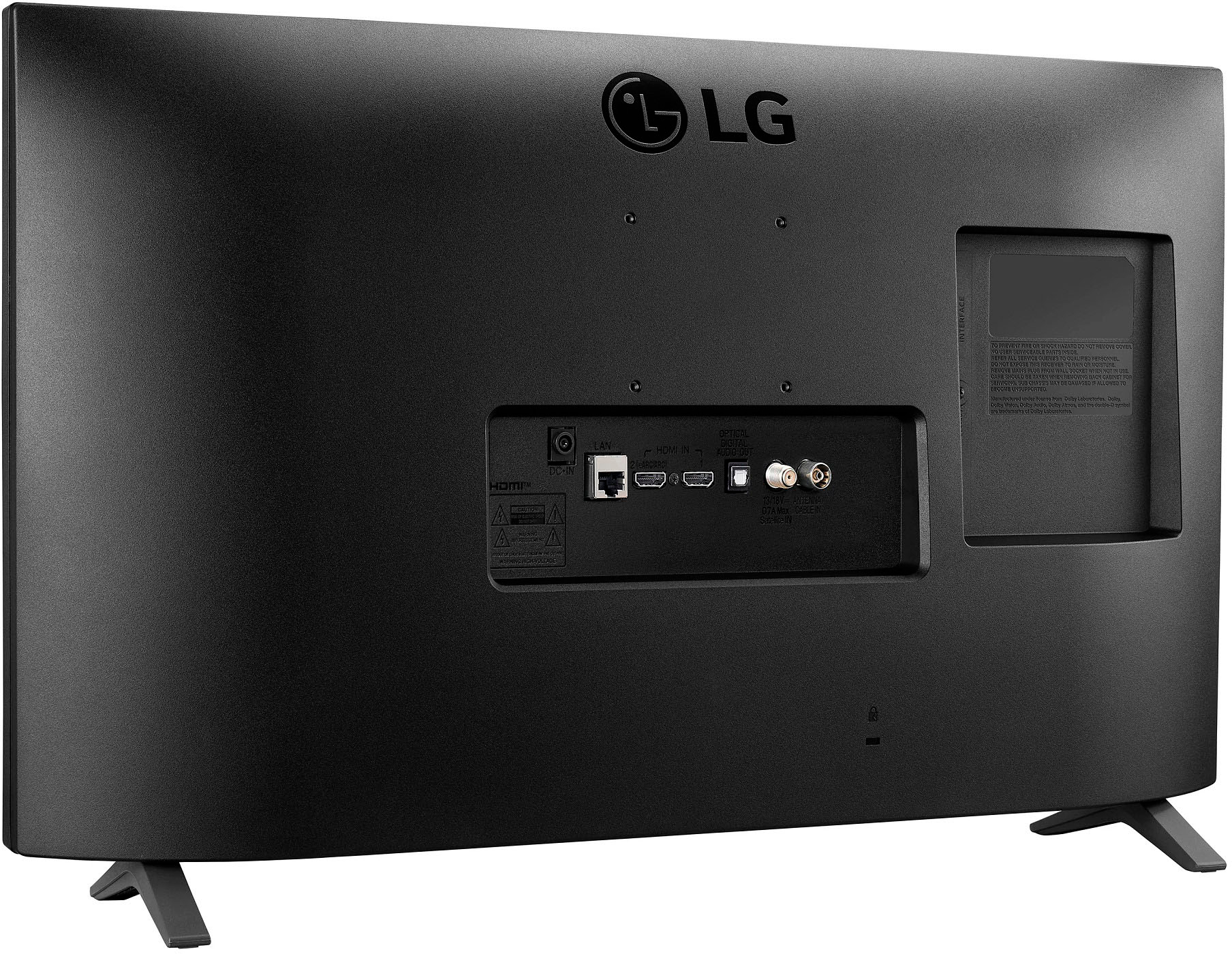
1. Press the button on the back of the monitor to access the menu.
2. Go to "Channel" or "Settings" and select "Programme Tuning & Settings".
3. The monitor will automatically scan for channels. Wait for it to finish.
4. Once done, you'll see a list of detected channels in the channel menu.
5. You can organize, rename, or skip channels as needed.
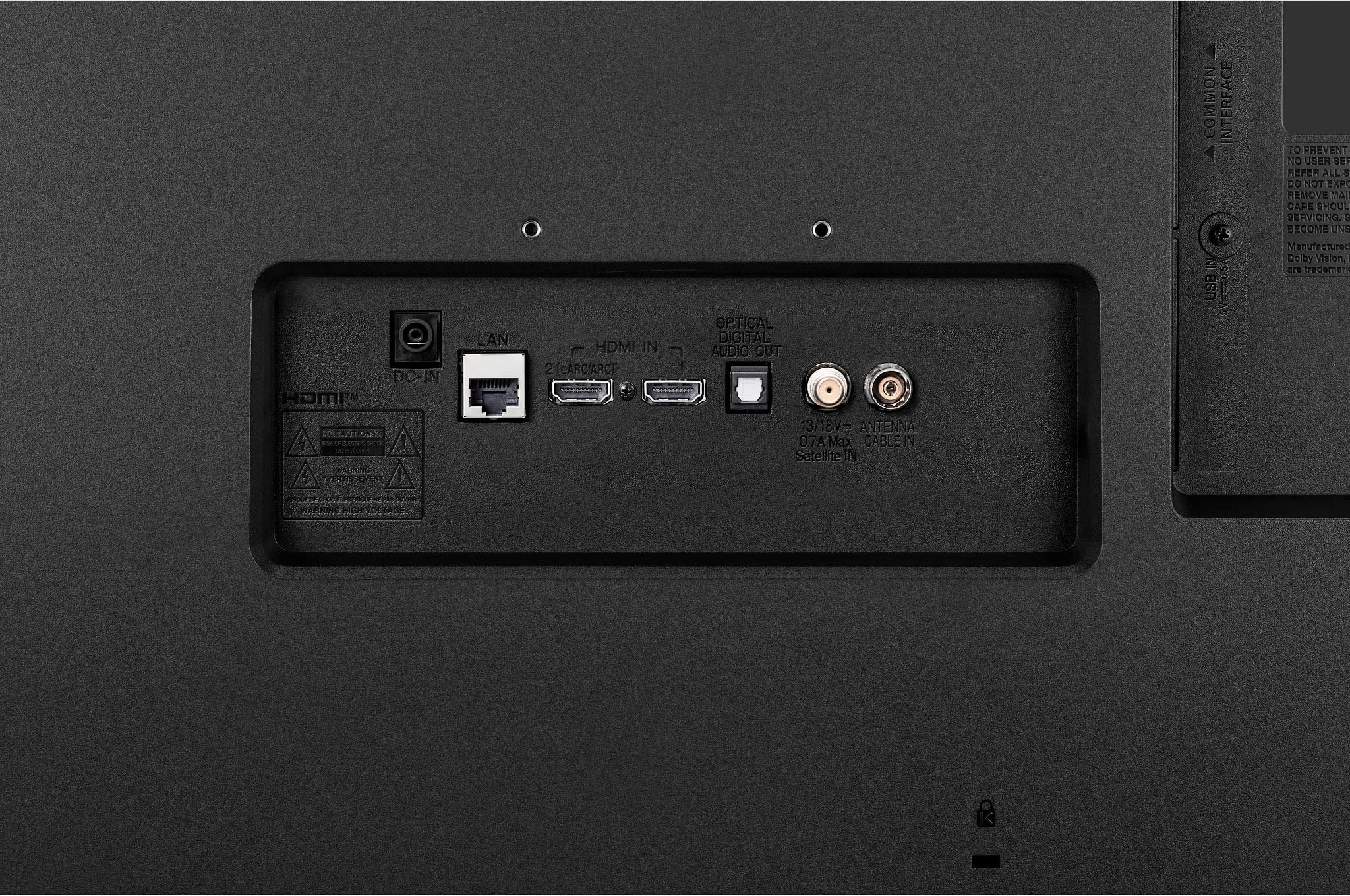
Note: Make sure your satellite box is properly connected and configured if you're using one. If you're still having issues, try a factory reset of the monitor. You can download its owner's manual through this link for more information: https://www.lg.com/us/support/product/lg-27LQ625S-PU.AUS. For additional assistance, please reach out to us on social media @LGUSSupport so we can help you further. ^Cris
A:AnswerThank you for reaching us regarding LG Smart TV with webOS. The mounting screw size you need for wall-mounting the LG 27LQ625S-PU monitor is M4, based on its 75x75 mm VESA mount pattern size listed in the specifications. M4 screws are the standard for securely attaching VESA mounts to displays with this 75x75 mm hole configuration. You can download its owner's manual through this link for more information: https://www.lg.com/us/support/product/lg-27LQ625S-PU.AUS. For additional assistance, please reach out to us on social media @LGUSSupport so we can help you further. ^Cris
A:AnswerHi, Dockie. Thank you for reaching out with your question about connecting your DVD/VCR combo to your LG TV model 27LQ625S-PU. To connect RCA cables to your TV, you can use an RCA to HDMI converter. This device will allow you to connect the RCA cables from your DVD/VCR combo to the converter, and then use an HDMI cable to connect the converter to your TV. If you need further assistance or have any other questions, please send us a private message on our social media platform via @LGUSSupport. We are here to help! ^Sam
A:AnswerHello there, thank you for reaching out about the 27LQ625S-PU monitor. This model operates on a power supply of 240 volts. If you have any further questions or need assistance, please feel free to send us a private message on Social Media @LGUSSupport. We're here to help!
—Avril
A:AnswerThank you for reaching us regarding LG Smart TV with webOS. No, the LG 27LQ625S-PU TV does not have the DirecTV Stream app available. You can download its owner's manual through this link for more information: https://www.lg.com/us/support/product/lg-27LQ625S-PU.AUS. For additional assistance, please reach out to us on social media @LGUSSupport so we can help you further. ^Cris
A:AnswerHello there! Thank you for reaching out and sharing your experience with your LG TV model 27LQ625S-PU. The issue you're describing could be related to several factors, such as the power supply, internal components, or connectivity. Here are a few troubleshooting steps you can try: https://www.lg.com/us/support/help-library/lg-tv-why-does-my-tv-have-no-power--1441914332865#:~:text=Check%20the%20power%20outlet,Repair%20page%20to%20schedule%20service. -Junel
A:AnswerThank you for reaching us regarding LG Smart TV. Yes, the LG 27LQ625S-PU TV is wall mountable. You can download its owner's manual through this link for more information: https://www.lg.com/us/support/product/lg-27LQ625S-PU.AUS. For additional assistance, please reach out to us on social media @LGUSSupport so we can help you further. ^Cris
A:AnswerHello. We appreciate your inquiry. When it comes to the warranty for an open box item, there are specific units that still come with a warranty even if they are open box. The availability of warranty would vary based on the place of purchase. We recommend verifying this information before making a purchase to ensure clarity. If you have any more questions, feel free to reach out to us via direct message @LGUSSupport on Facebook or X.^Con
A:AnswerThank you for your interest in the LG Smart TV. The LG 27LQ625S-PU does not support the next-generation ATSC 3.0 system. You can download its owner's manual through this link for more information: https://www.lg.com/us/support/product/lg-27LQ625S-PU.AUS. For additional assistance, please reach out to us on social media @LGUSSupport so we can help you further. ^Cris