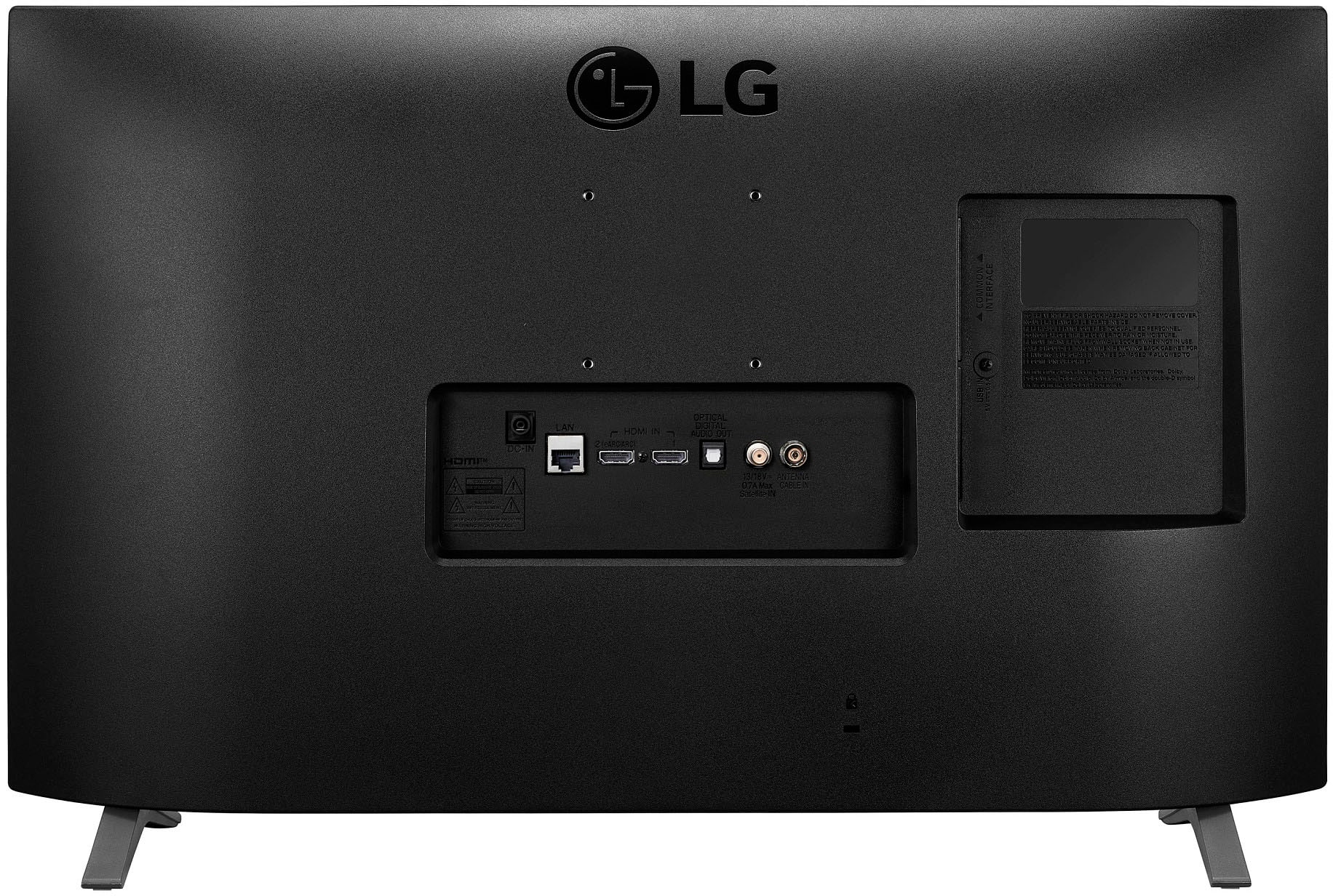
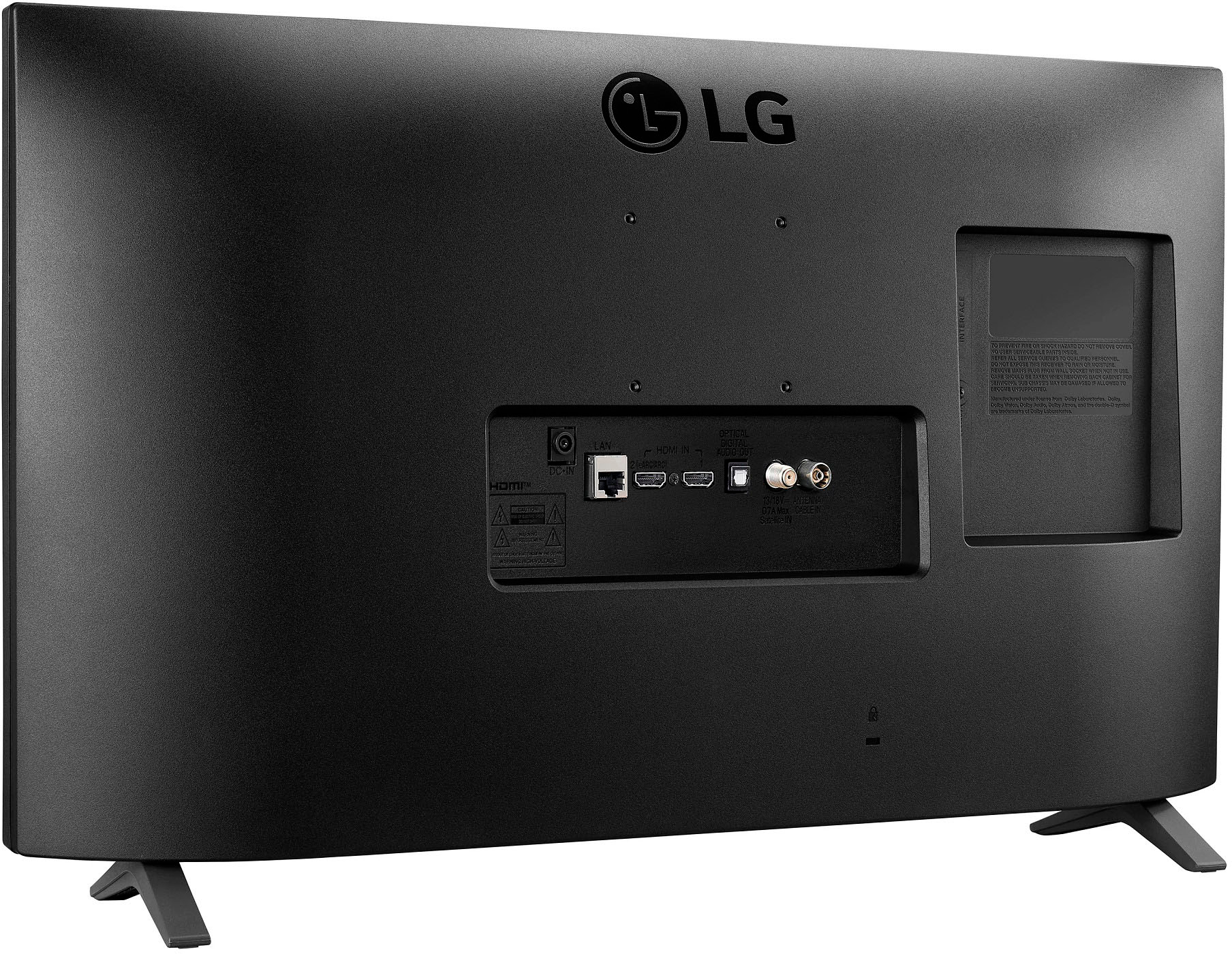
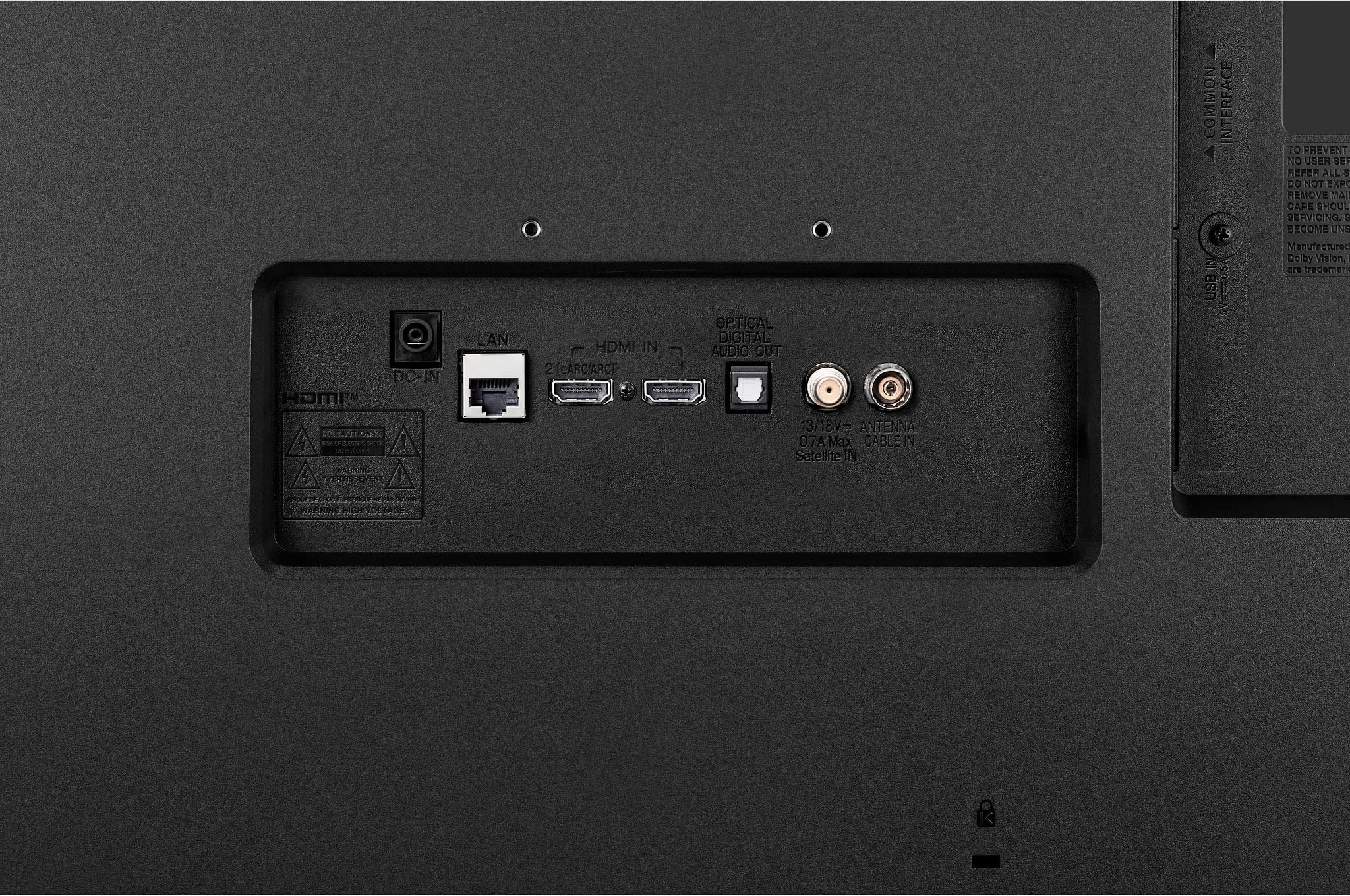
A:AnswerCertainly. You don't need to use the "smart" functions on this or any other Smart TV. Simply connect your desired device to an HDMI port and switch to that input. I use Roku and Nvidia Shield players on all of my Smart TVs. I have never found the TV's internal apps to work any better than an external player.
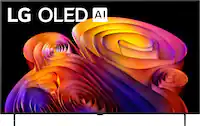
A:AnswerThis TV will work with any HDMI capable device. You can connect a Chromecast, Roku, Nvidia Shield, or any other streaming player. The LG operating system is not based on Google or Android, so any connectivity with Google Home would likely depend on internal functionality. Since I don't use Google Home, I have no idea how to check for such functionality.
A:AnswerThe USB port is not a media feed on some TVs. I haven't tested this particular TV, so I can't say if this one would support it. But if by PPT you are referring to a PowerPoint presentation, no the TV will not display a PowerPoint file. If the embedded video is supported, then you could possibly extract the video from the PPT file and save it separately and play it that way.
A:AnswerYour DirecTV box has an HDMI output, unless it's extremely old. This TV will work with any device with an HDMI output.
If your DTV box doesn't have an HDMI output, you should contact DirecTV and request a replacement. I received new boxes for my Mom just by contacting them.
A:Answer"Can it work with a terrestrial antenna?"
Yes, you can connect a coaxal cable from an external antenna and receive OTA channels.
Oui, vous pouvez connecter un câble coaxial à partir d'une antenne externe et recevoir des chaînes OTA.
A:AnswerI never saw a signal meter on mine." Also, when doing a TV scan, can I do a partial scan? Because I need to orientate my antenna at 2 different directions to receive all the TV channels." There is a manual tuning process that I believe you could use to add channels .
A:AnswerRoku is an operating system, same as WebOS. You can't install one over the other.
Roku does offer an app for some TVs that provide "The Roku Channel" to these TVs. However, TRC is not the same as a Roku player. You can't install other apps/channels on TRC. So even if Roku someday adds an app for TRC for the WebOS, it won't provide the same functionality as an actual Roku player connected to the TV.
A:AnswerYes, you can connect a Roku (or any other HDMI equipped device) and use it.
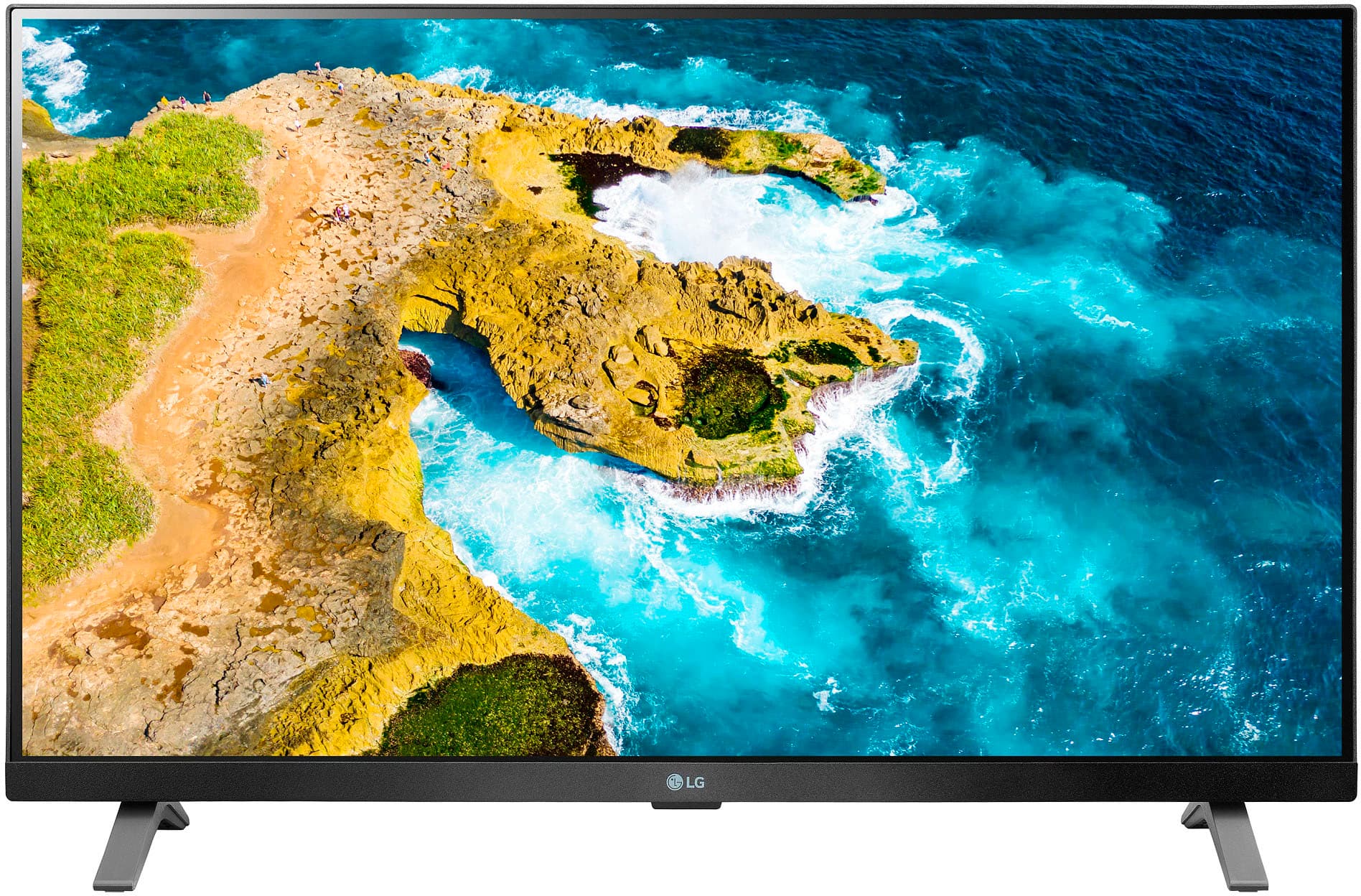
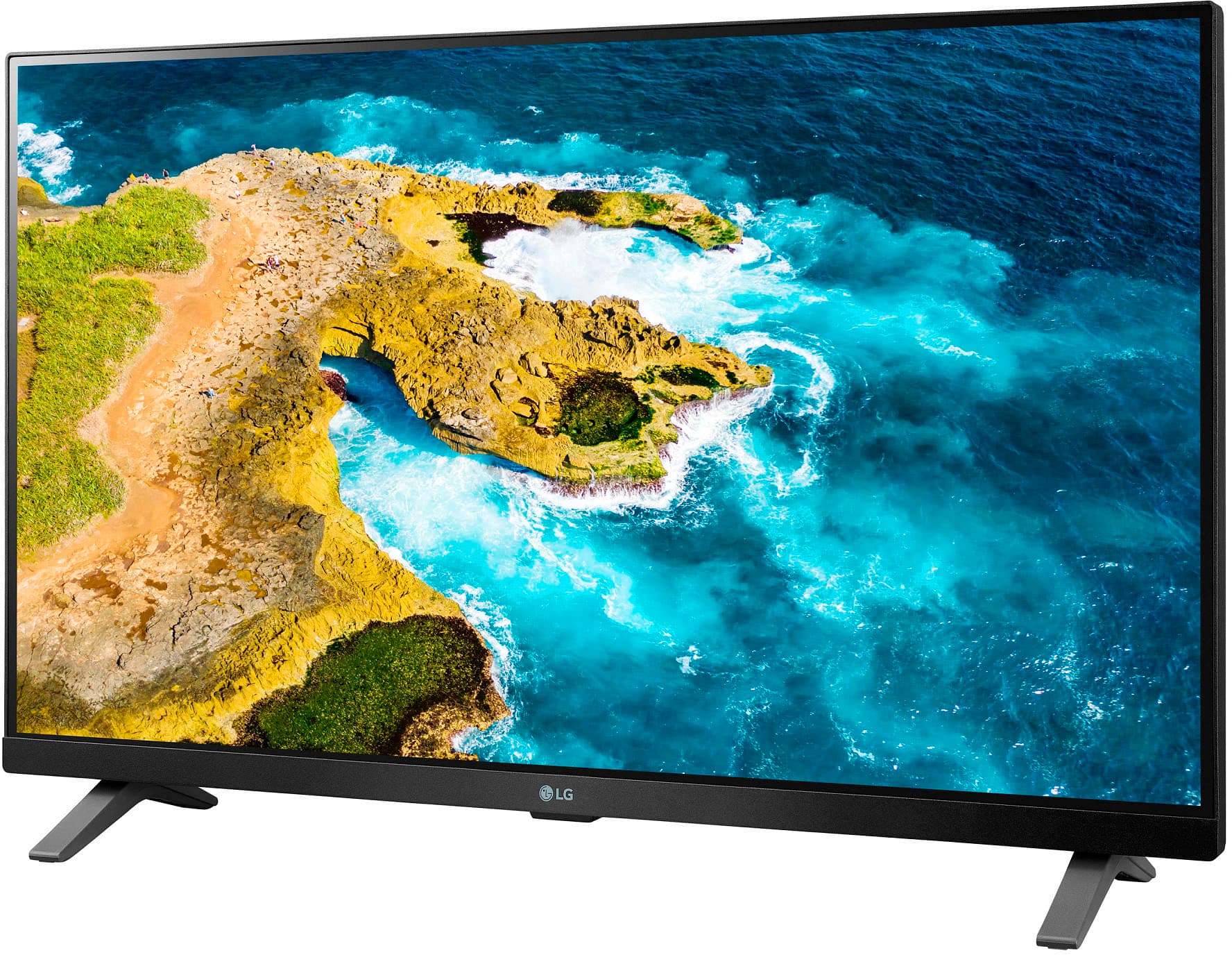
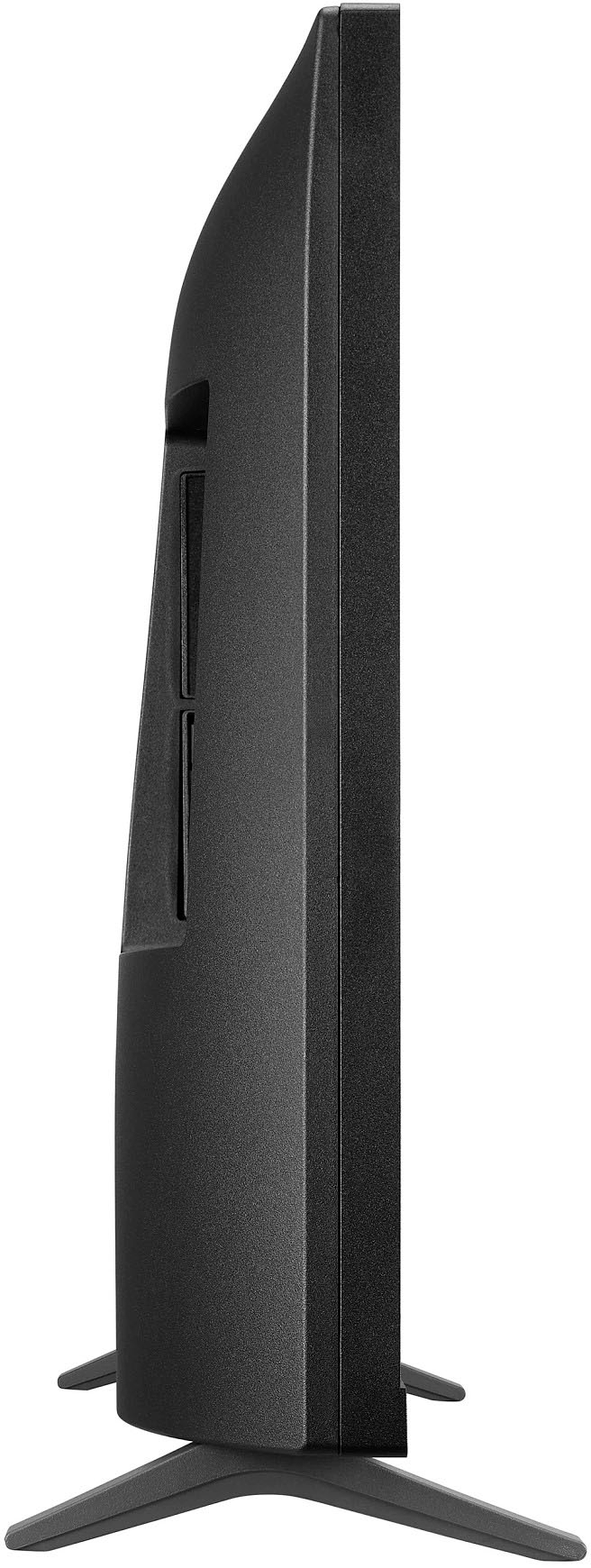
The TV has two legs, but it's really just a single "set". One leg goes on each end of the TV base.
A:AnswerNo, those buttons are not programmable. They simply provide functionality for any device (usually a game console) that is already designed to use them.