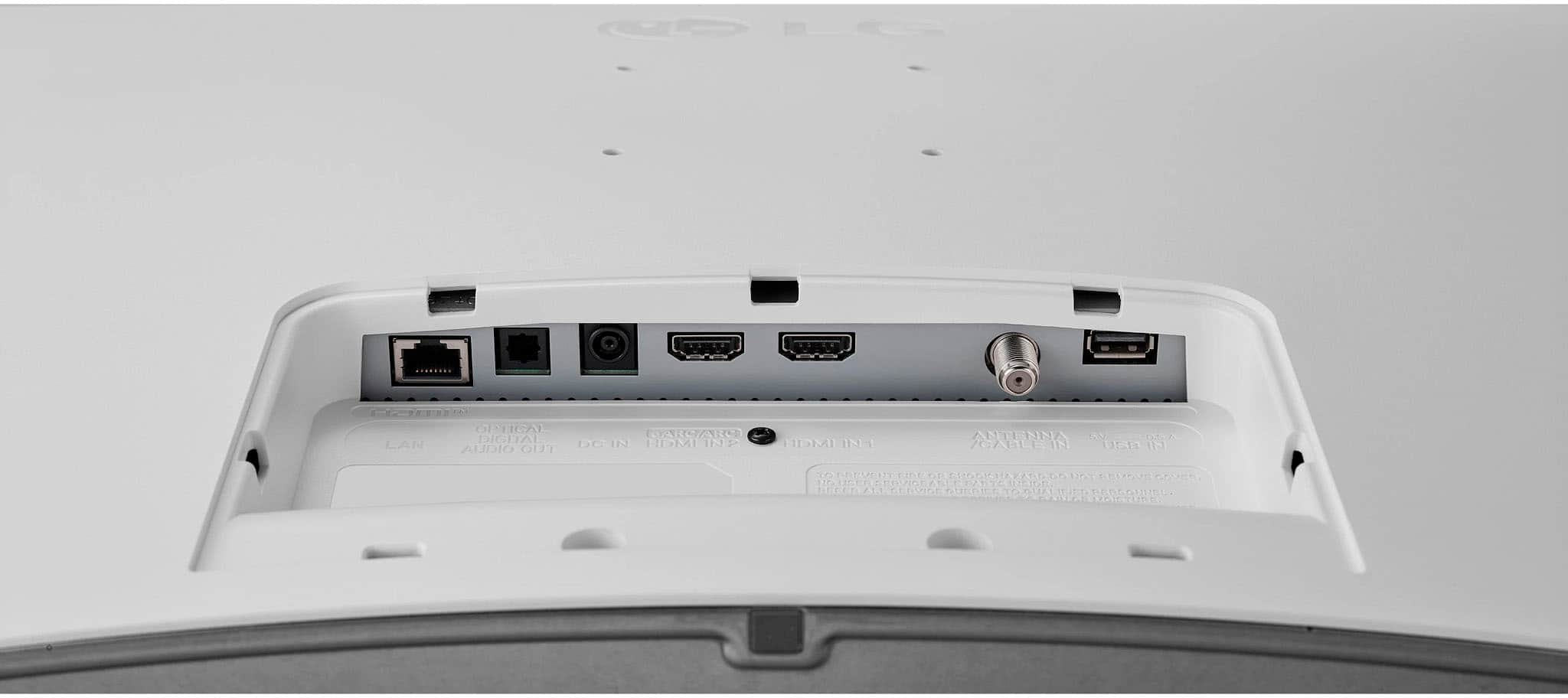
A:AnswerHi, Please check the specs for connectivity, this model has Media Share - Network File Browser, Google Dial, ARC-Video 16:9, Original, 4:3, Vertical Zoom, 4-Way Zoom, has bluetooth, HDMI, USB and Optical Out. ^Vanessa
A:AnswerAs you have noted, the LG 27" Class LED Full HD Smart webOS TV with Countertop Design (2022)
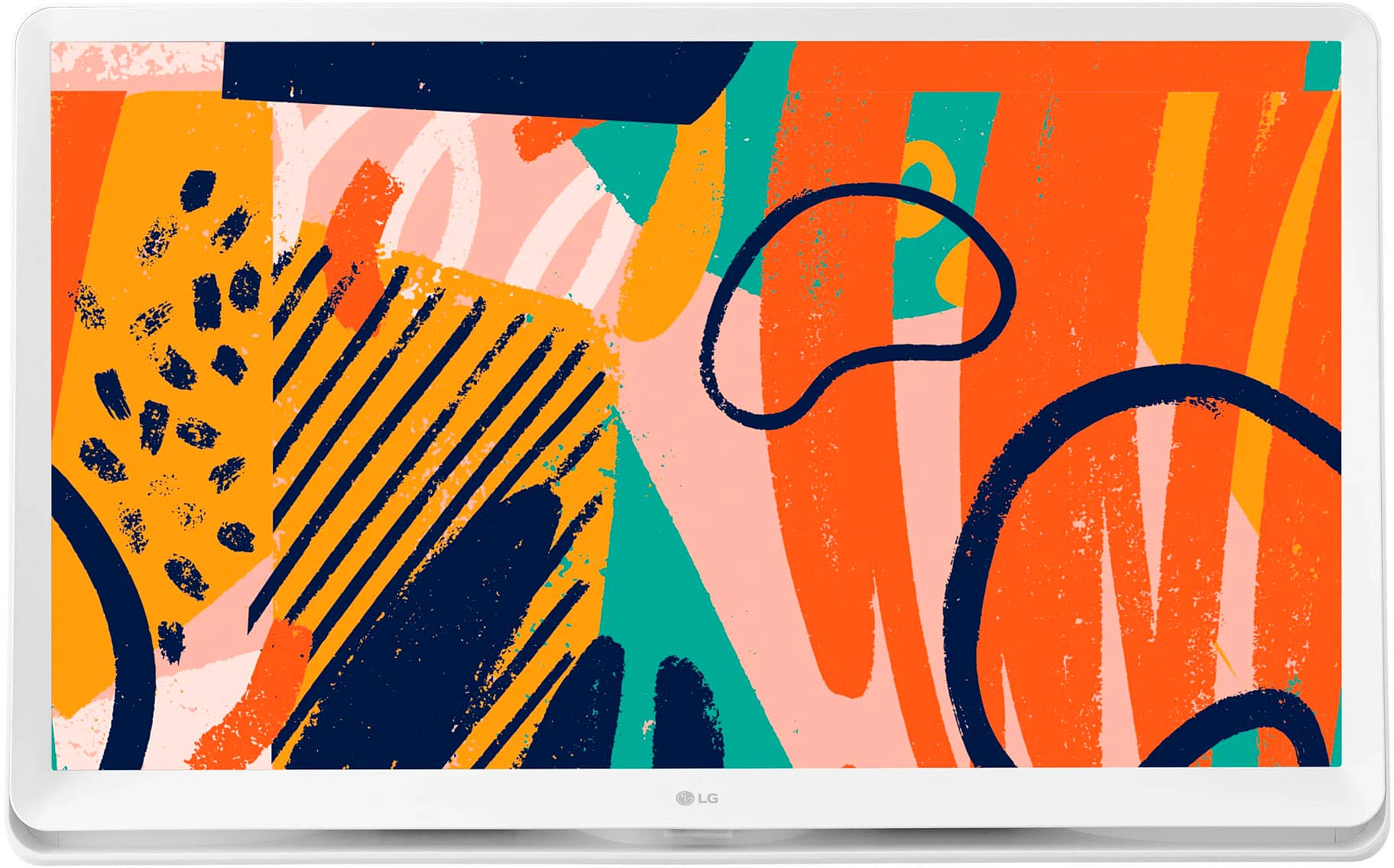
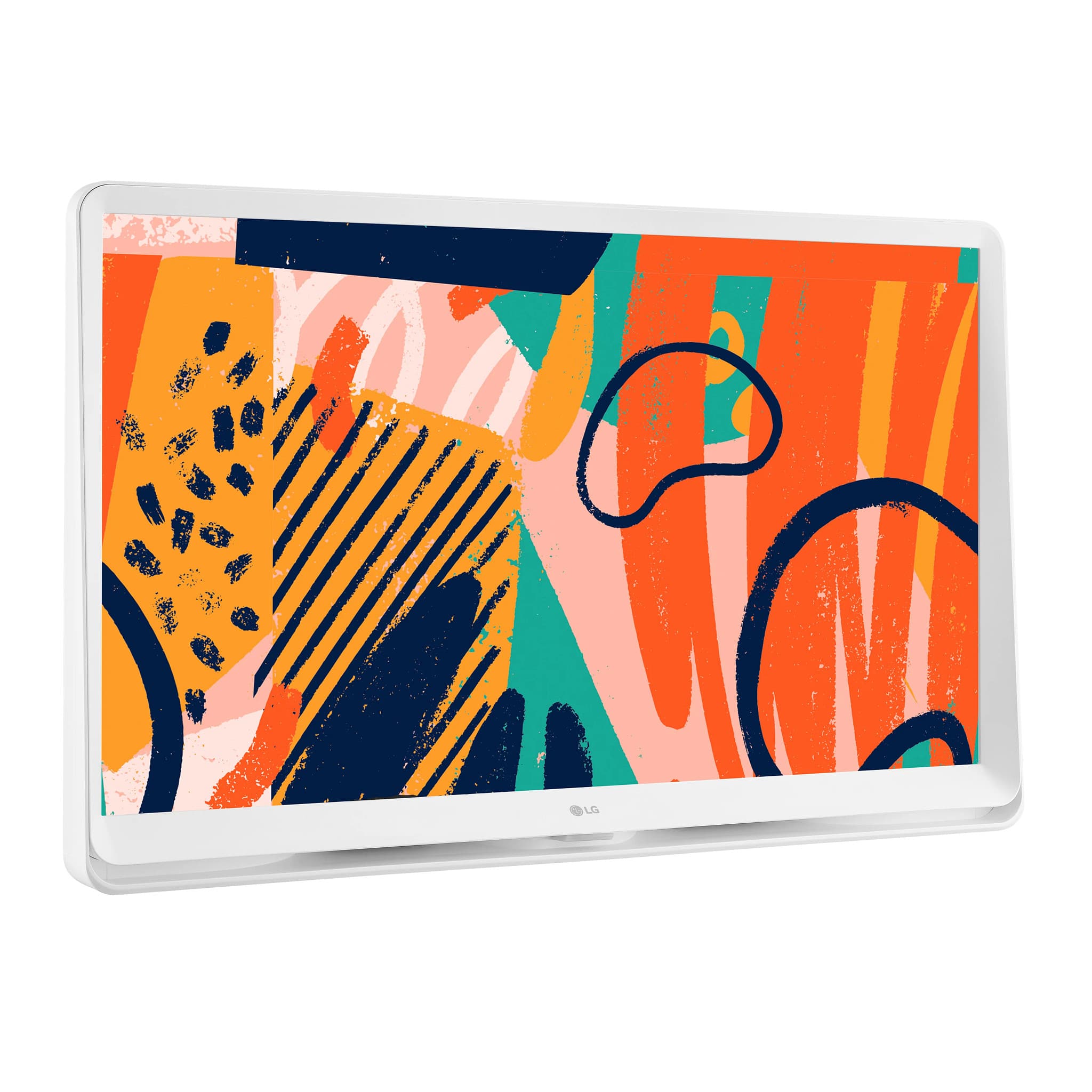
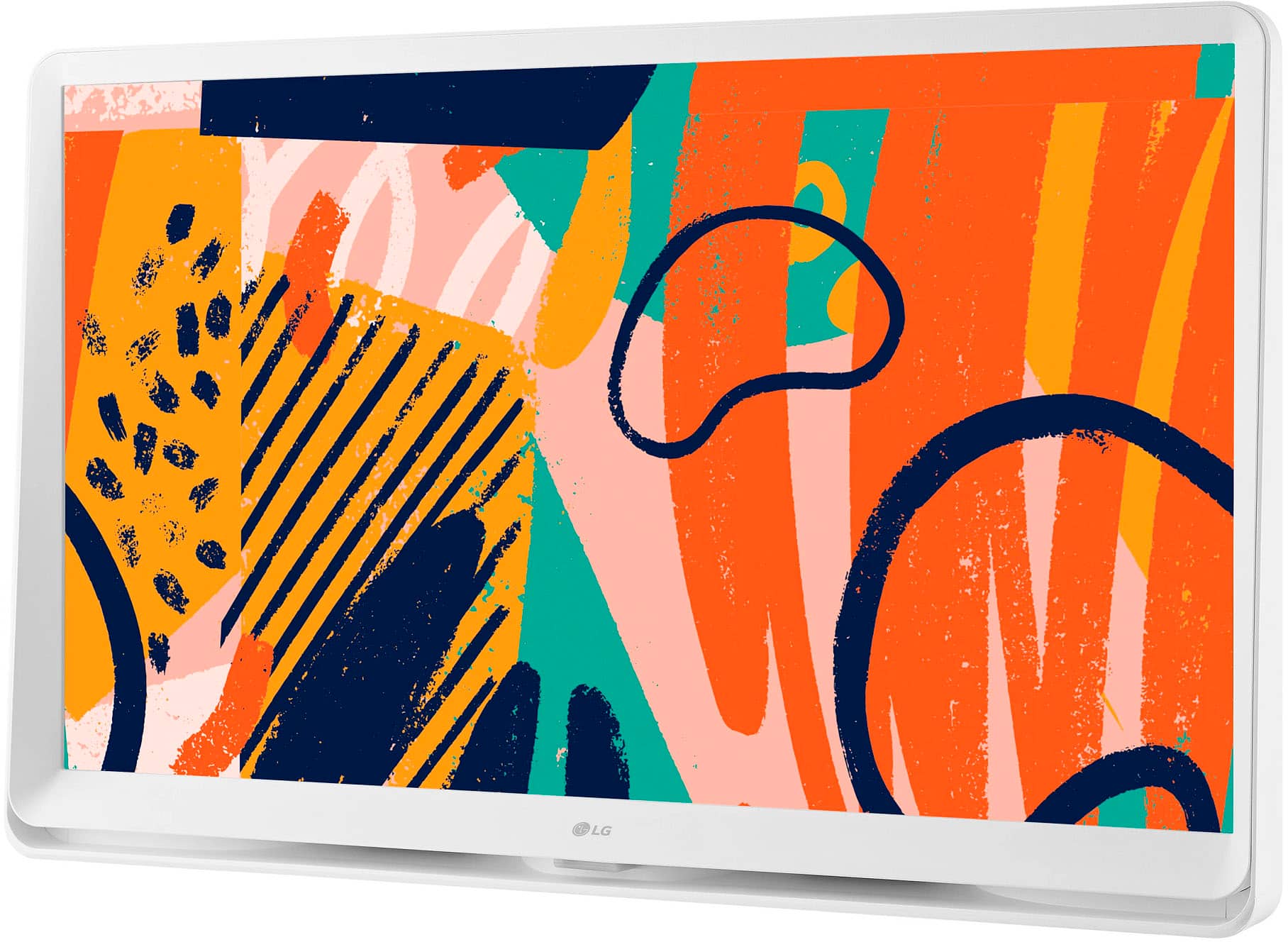
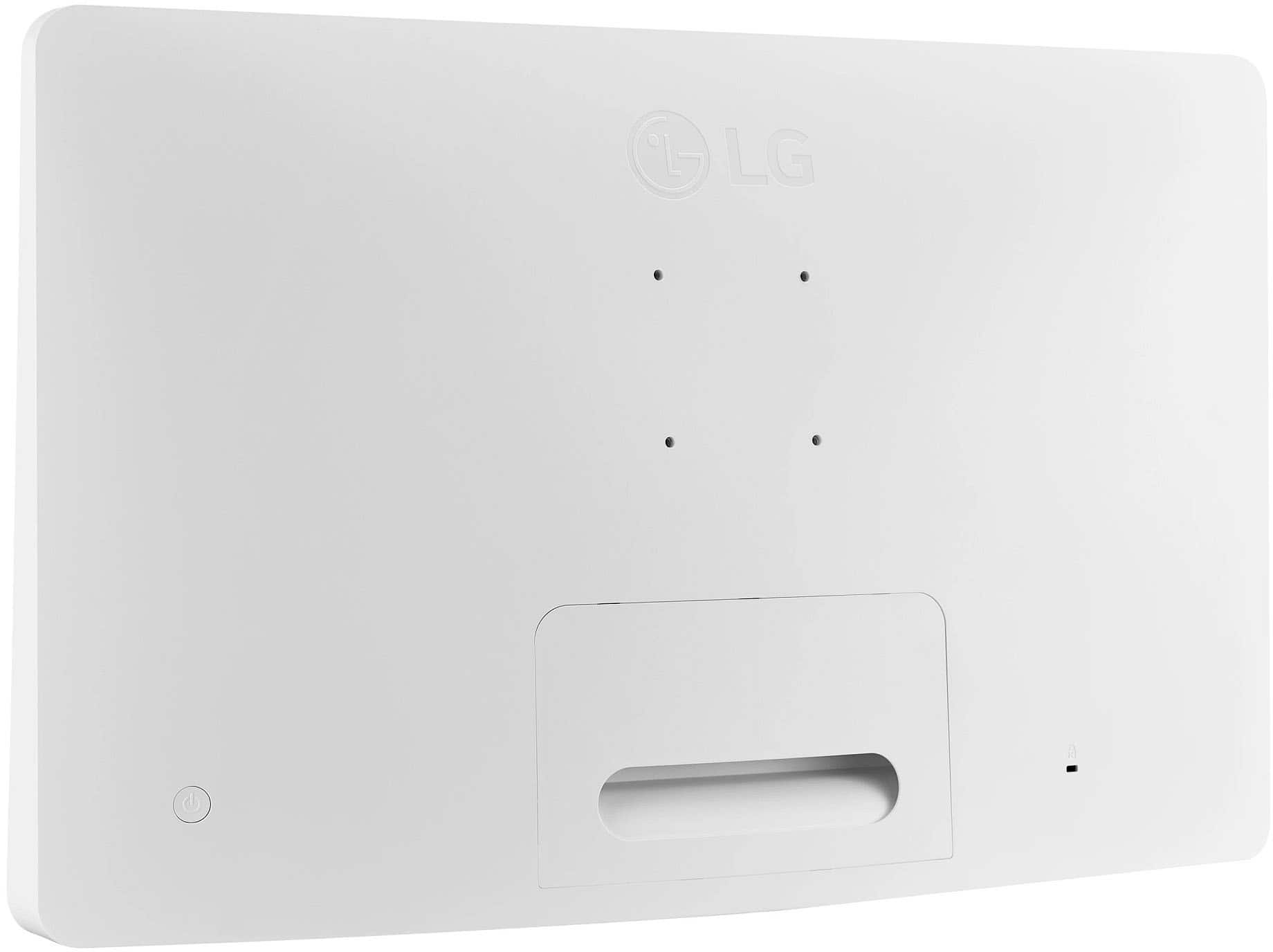
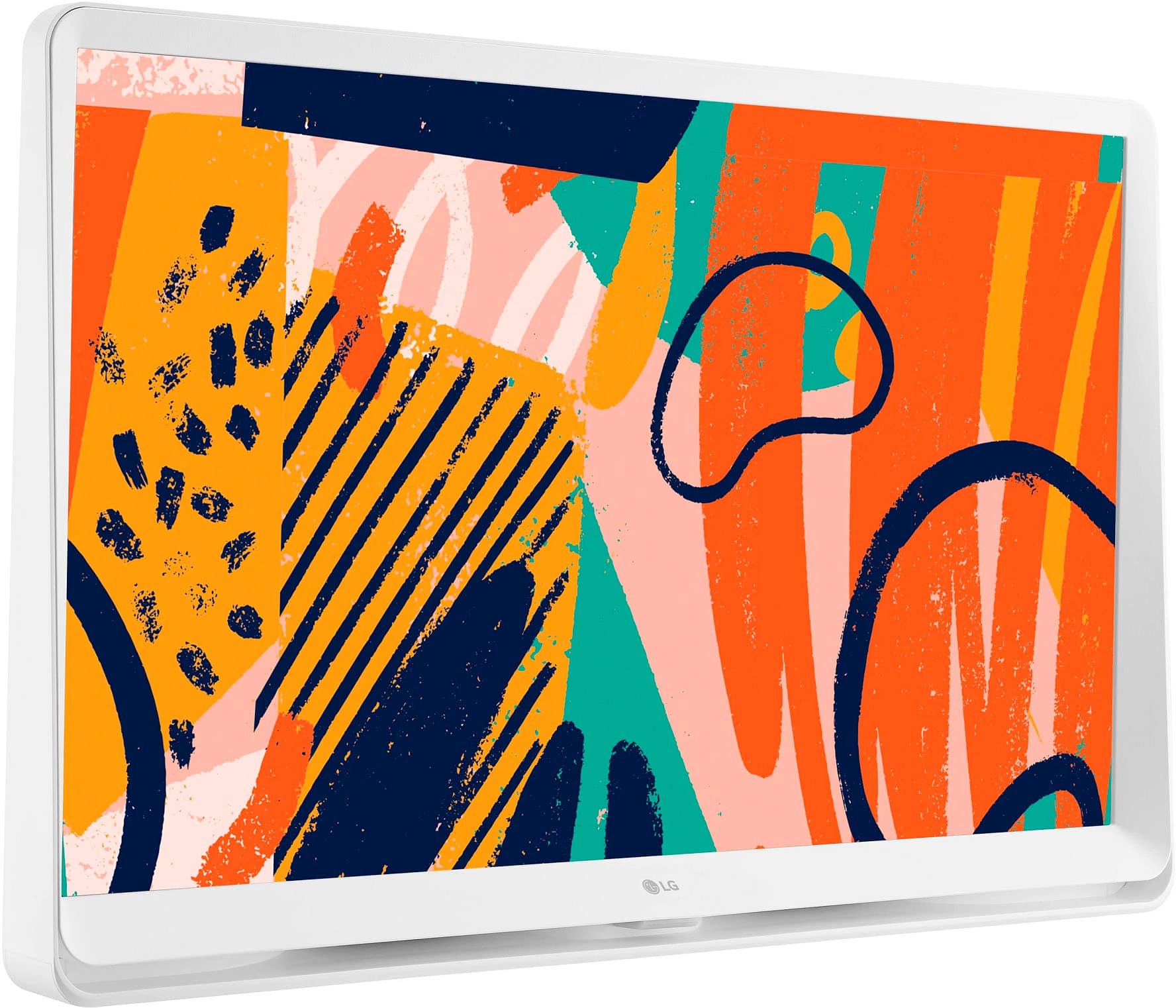
Model # 27LQ600S-WU, sits on its bottom edge; however, if you look carefully at the images of the TV, you will notice that the "bottom edge" that you are referring to is the frame around the panel, but there is a gap between the panel and the "bottom edge" that you are referring to, where the slots for the bottom-firing speakers are located. The built-in speakers are located under the panel, so as bottom-firing speakers, like on most, if not all, LG TVs, the bottom-firing speakers "push sound downward" even though the TV sits on a surface. It's sitting on the frame around the panel, not on the panel! Technically, you could say the sound is coming from the front, since bottom-firing TV speakers project sound downwards, relying on reflection off surfaces like a TV stand or cabinet to direct audio toward the viewer...^Ivan.
A:AnswerThe LG 27" Class LED Full HD Smart webOS TV with Countertop Design (2022), Model # 27LQ600S-WU, does not have a web browser that allows you to navigate to the Google Calendar website and sign in to your account so you can view and manage your calendar directly from the browser...^Ivan.
A:AnswerI have mine on a shelf…the tv cables are taut behind it so it won’t fall forward…you could probably put it on a stool if you don’t have kids around and you secure it well. It’s a really nice tv
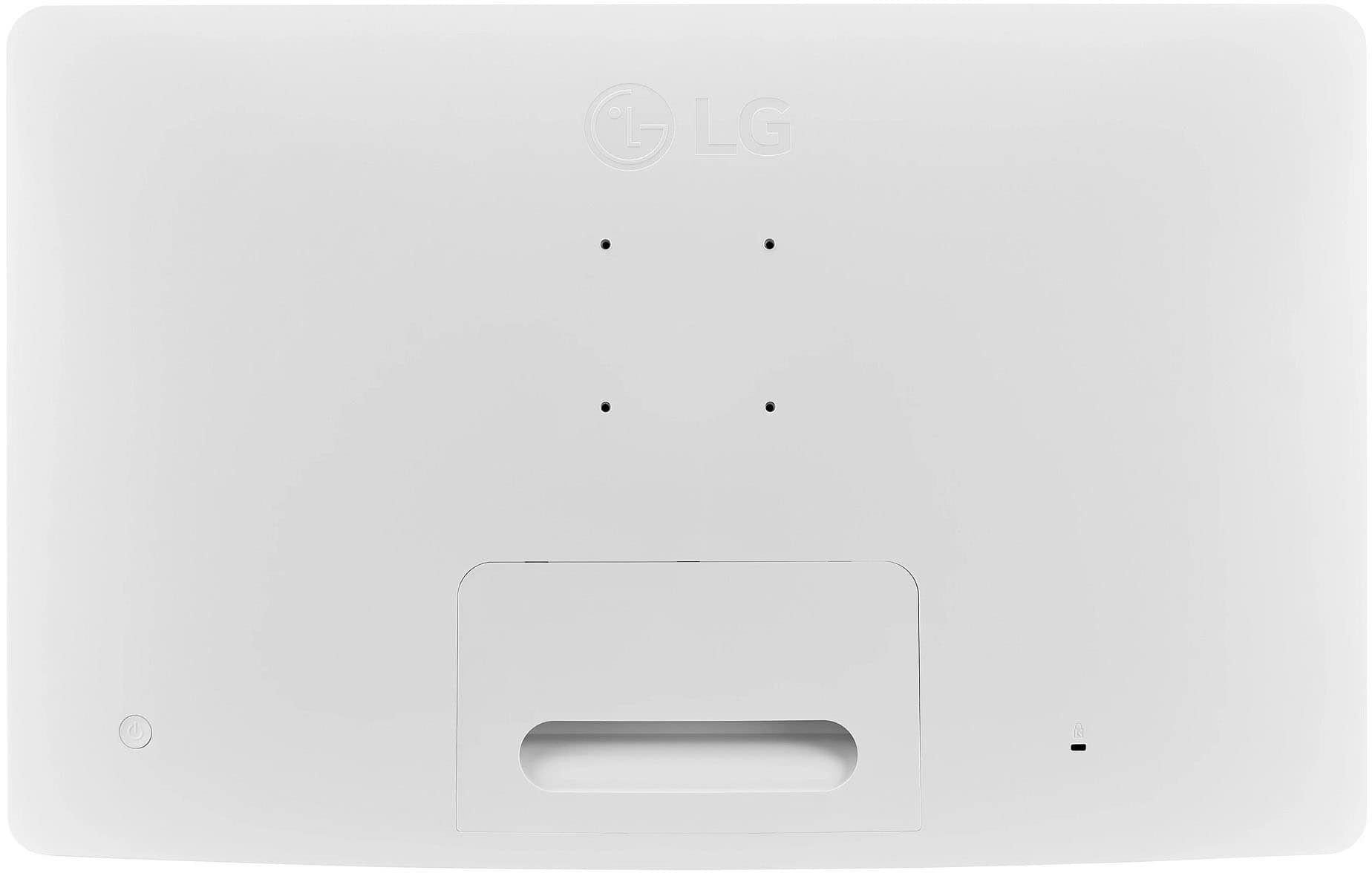
A:AnswerYes. You can buy a stand for LG's 27" Class LED Full HD Smart webOS TV with Countertop Design model, 27LQ600S-WU. The VESA stand size is 24x24. ^Danee
A:AnswerThe LG 27" Class LED Full HD Smart webOS TV with Countertop Design (2022), Model # 27LQ600S-WU, is a VESA-Compliant display with a 75 x 75 mm VESA Mount Pattern, and as guaranteed by the industry standard VESA compliance, any VESA-compliant wall mount, regardless of type, brand, or manufacturer that supports the TV's VESA Mount Pattern can be used to mount the TV...^Ivan.
A:AnswerHello, Bing! Thank you for sharing your question to us about the LG TV (27LQ600S‑WU). No, this model does not come with traditional stand legs; instead, it features a built‑in wide countertop base that allows it to sit securely on a desk or table. For mounting flexibility, the unit is also compatible with any standard 75 × 75 mm VESA desk stand or wall mount, so you can use universal monitor arms or wall brackets if you prefer an adjustable setup. You can explore the full feature list and support details here: https://www.bestbuy.com/product/lg-27-class-led-full-hd-smart-webos-tv-with-countertop-design-2022/JJ8VPZ62F5.
If you’d like more guidance on compatible stands or mounts, please email us at lgdigitalcare@lg.sprinklrsupport.com and we’ll be glad to assist further.
— Avril
A:AnswerThe LG 27" Class LED Full HD Smart webOS TV with Countertop Design (2022), Model # 27LQ600S-WU, has the same height as the height listed in the specifications as Product Height Without Stand.
The LG 27LQ600S-WU features an integrated, wide flat base built directly into the unit. It does not come with traditional stand legs or a separate stand attachment; instead, the bottom of the monitor is widened to function as the stand, allowing it to sit flat on a countertop or desk...^Ivan.
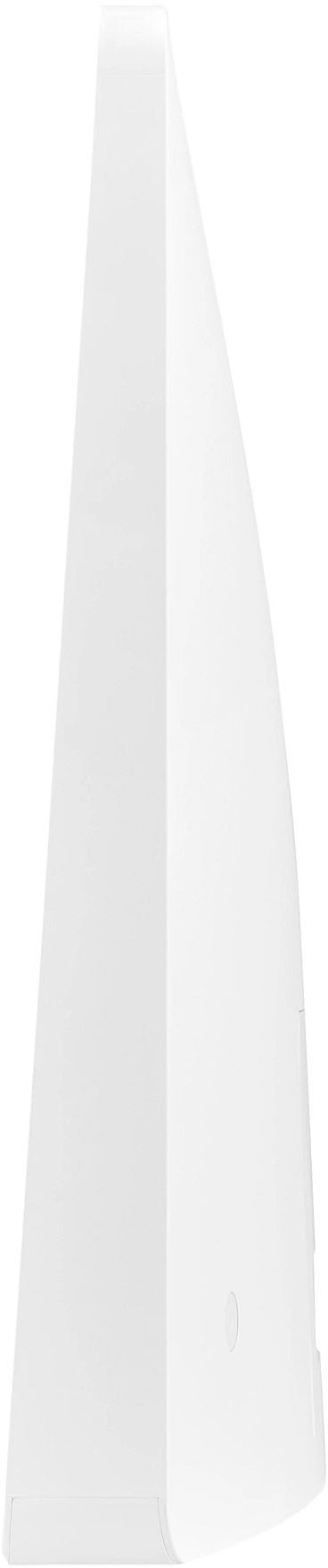
A:AnswerThe LG 27 Inch Full HD IPS LED TV Monitor, Model # 27LQ600S-WU, does not use traditional legs or an attachable monitor stand. Instead, it features a wide, wedge-shaped bottom casing that serves as a stable base to sit flat on surfaces like a desk or kitchen counter. The case and the stand are integrated. The monitor/TV features a built-in, wide flat wraparound base that acts directly as the stand, so it can sit securely on a desk or countertop right out of the box without requiring separate attachable legs or a wall mount.
The integrated base is roughly 3 to 3.5 inches wide, providing a sturdy foundation. Because of this all-in-one design, the "stand" is essentially an extended part of the lower casing rather than a traditional pedestal...^Ivan.
A:AnswerHi, Wrigley! Thank you for sharing your question to us about the LG TV (27LQ600S‑WU). No, this model does not come with stand legs or a traditional two‑point stand. The wide integrated base shown in the product images is the actual stand for the TV — it’s built into the design and serves as the support for tabletop placement. You can explore the full feature list and support details here: https://www.bestbuy.com/product/lg-27-class-led-full-hd-smart-webos-tv-with-countertop-design-2022/JJ8VPZ62F5.
If you’d like help reviewing mounting or setup options, feel free to reach out to us at lgdigitalcare@lg.sprinklrsupport.com.
— Avril
A:AnswerHello, BitsyDiva! Thank you for sharing your question to us with the LG TV (27LQ600S‑WU).
This model does include a Sleep Timer, which you can access through these quick steps: • Settings. • General. • Timers menu. From there, you can choose how long the TV stays on before it powers down automatically. You can explore the full feature list and support details here: https://www.bestbuy.com/product/lg-27-class-led-full-hd-smart-webos-tv-with-countertop-design-2022/JJ8VPZ62F5.
If you ever need more help exploring the settings, feel free to email us at lgdigitalcare@lg.sprinklrsupport.com.
— Avril
A:AnswerHi, there! Thank you for sharing your question to us about the LG TV (27LQ600S‑WU).
No — this 27" LG Full HD IPS TV/Monitor is designed with an integrated wide flat base built directly into the unit. It does not use separate attachable stand legs, and it can sit upright on a countertop, desk, or shelf right out of the box without requiring a wall mount.
You can explore the full feature list and support details here:
https://www.bestbuy.com/product/lg-250-sq-ft-6000-btu-doe-portable-air-conditioner-white/J7G5655587.
If you need further support, feel free to email us at lgdigitalcare@lg.sprinklrsupport.com
— Avril
A:AnswerAs with any other TV, you cannot watch TV and use the LG - 27" Class LED Full HD Smart webOS TV with Countertop Design (2022), Model # 27LQ600S-WU, as a PC monitor at the same time.
You have to change the inputs to watch one or the other...^Ivan.