Questions & Answers

- Model:
- 27LQ600S-WU
- |
- SKU:
- 6506776
Q: QuestionCan you plug in earbuds
Asked by Joy10.
- A:Answer Hi there, Joy! Thanks for reaching out about the LG TV (27LQ600S‑WU). It’s great that you’re checking into connectivity options, and we're glad to share that this monitor does not support plugging in wired earbuds directly, as it doesn’t include a headphone jack. You can explore the full feature list and support details here: https://www.bestbuy.com/product/lg-27-class-led-full-hd-smart-webos-tv-with-countertop-design-2022/JJ8VPZ62F5. If you need further assistance, feel free to email us at lgdigitalcare@lg.sprinklrsupport.com. - Avril
Answered by LG Digital Customer Care
Q: QuestionWill Best Buy installers connect this tv to my AT&T cable box?
Asked by Peanut.
- A:Answer Best Buy Geek Squad technicians will connect your TV to a cable or satellite set-top box as part of their standard TV setup and mounting services. This service is included with their professional TV mounting or standard setup packages, which can be booked through Best Buy...^Ivan.
Answered by LG Digital Customer Care
Q: QuestionCan you use without power cord
Asked by Anonymous.
- A:Answer Hello, there! Thank you for sharing your question to us about the LG TV (27LQ600S). We appreciate you checking on how the 27LQ600S‑WU operates. This model does require a power cord to function, as it needs an active power source for display performance and features. You can explore the full feature list and support details here: https://www.bestbuy.com/product/lg-27-class-led-full-hd-smart-webos-tv-with-countertop-design-2022/JJ8VPZ62F5. If you need further assistance, please feel free to email us at lgdigitalcare@lg.sprinklrsupport.com. - Avril
Answered by LG Digital Customer Care
Q: QuestionDoes it come with a stand for tabletop?
Asked by Anonymous.
- A:Answer Hi, there! Thank you for sharing your question to us regarding the LG TV Monitor (27LQ600S). The 27LQ600S is designed to support a tabletop stand; however, a stand is not included in the box. You can explore the full feature list and support details here: https://www.bestbuy.com/product/lg-27-class-led-full-hd-smart-webos-tv-with-countertop-design-2022/JJ8VPZ62F5. If you need anything else, feel free to email us at lgdigitalcare@lg.sprinklrsupport.com. - Avril
Answered by LG Digital Customer Care
Q: QuestionIs this a touch screen?
Asked by Aims.
- A:Answer Hi there, Aims. Thank you for sharing your question with us. We understand your inquiry regarding the display capabilities of the 27LQ600S-W monitor. To answer your question directly, this 27" IPS Full HD model does not feature touch screen functionality. https://www.bestbuy.com/product/lg-27-class-led-full-hd-smart-webos-tv-with-countertop-design-2022/JJ8VPZ62F5 If you have any further questions about its features or connectivity, please contact us on lgdigitalcare@lg.sprinklrsupport.com, and our team will be more than happy to assist you. —Renzo
Answered by LG Digital Customer Care
Q: Questioncan I connect an antenna to this tv?
Asked by Anonymous.
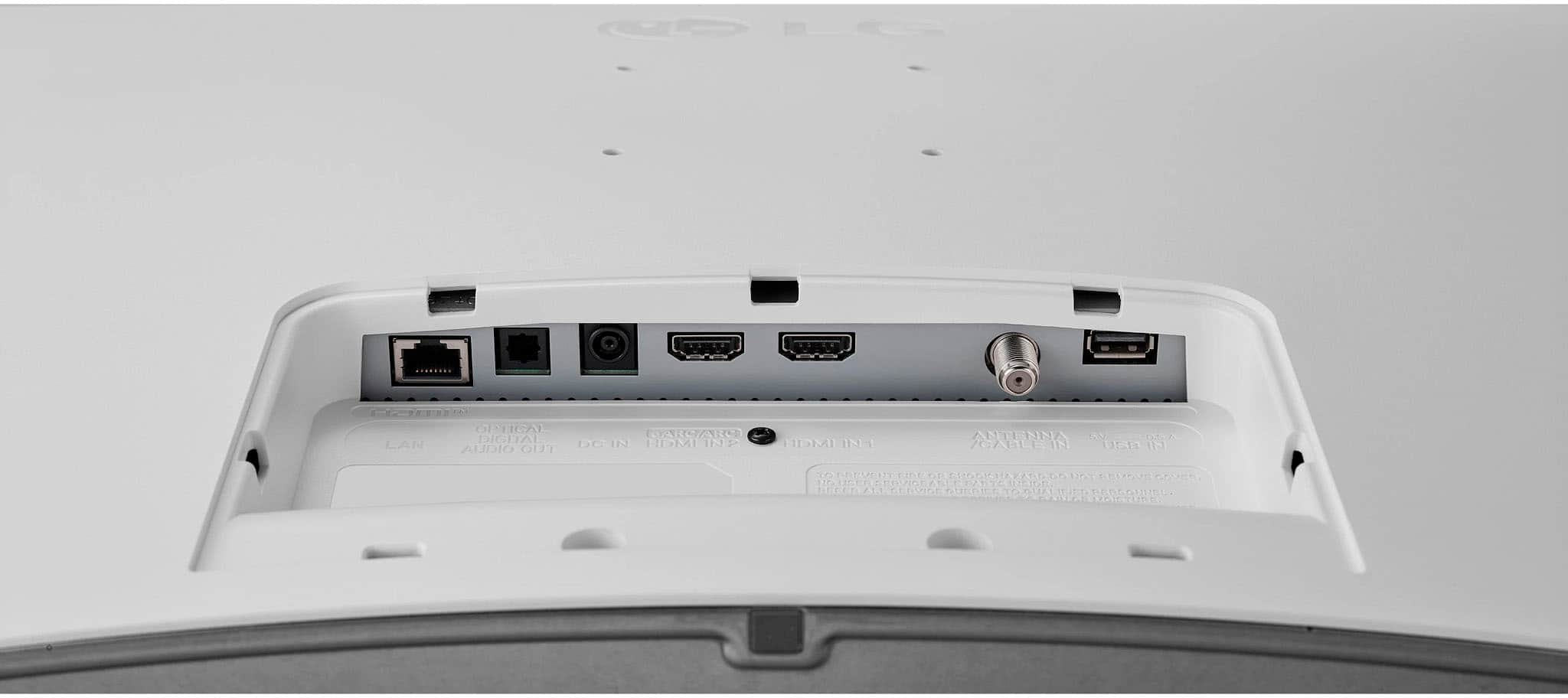
- A:Answer Hi there. Thank you for sharing your question with us. We understand your inquiry regarding of connecting an antenna to your LG 27LQ600S-W. To answer your question directly based on the official specifications, yes, you can connect an antenna to this TV. This unit is equipped with built-in Analog (NTSC) and Digital (ATSC) tuners, which allow you to receive over-the-air broadcast channels once a compatible antenna is connected to the television. https://www.bestbuy.com/product/lg-27-class-led-full-hd-smart-webos-tv-with-countertop-design-2022/JJ8VPZ62F5 Your feedback is important, and we'd like to assist you further. If you have any further questions about its features, please contact us on lgdigitalcare@lg.sprinklrsupport.com, and our team will be more than happy to assist you. —Renzo
Answered by LG Digital Customer Care
Q: QuestionCan you use as a computer monitor
Asked by Anonymous.
- A:Answer As with most TVs, regardless of brand or manufacturer, or screen size, the LG 27" Class LED Full HD Smart webOS TV with Countertop Design (2022), Model # 27LQ600S-WU, can be used as a monitor when a PC/Laptop's HDMI Out is connected to the TV Monitor's HDMI Input...^Ivan.
Answered by LG Digital Customer Care
Q: QuestionIS IT COMPATIBLE WITH XFINITY?
Asked by COMCAST.
- A:Answer Hello there. Thank you for reaching out to us. We understand your inquiry regarding the 27LQ600S-W. Yes, this model is compatible with Xfinity! You can easily connect your Xfinity cable box or streaming device directly to the monitor using the available HDMI port to enjoy your favorite channels and content. https://www.bestbuy.com/product/lg-27-class-led-full-hd-smart-webos-tv-with-countertop-design-2022/JJ8VPZ62F5 Your feedback is important, and we'd like to assist you further. If you have any further questions about its features or connections, please contact us on lgdigitalcare@lg.sprinklrsupport.com, and our team will be more than happy to assist you. —Renzo
Answered by LG Digital Customer Care
Q: QuestionHow to use as desk mount?
Asked by Anonymous.
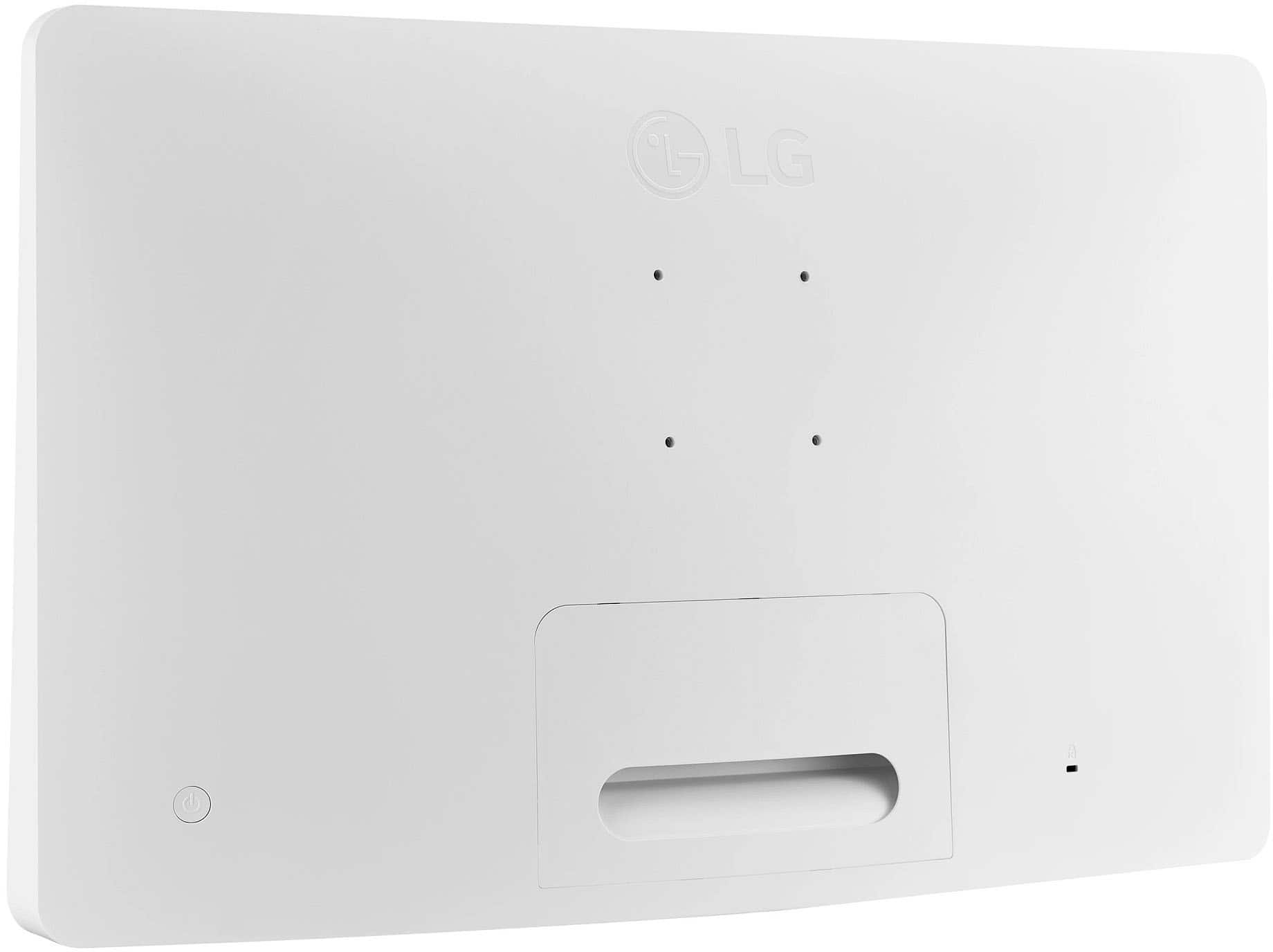
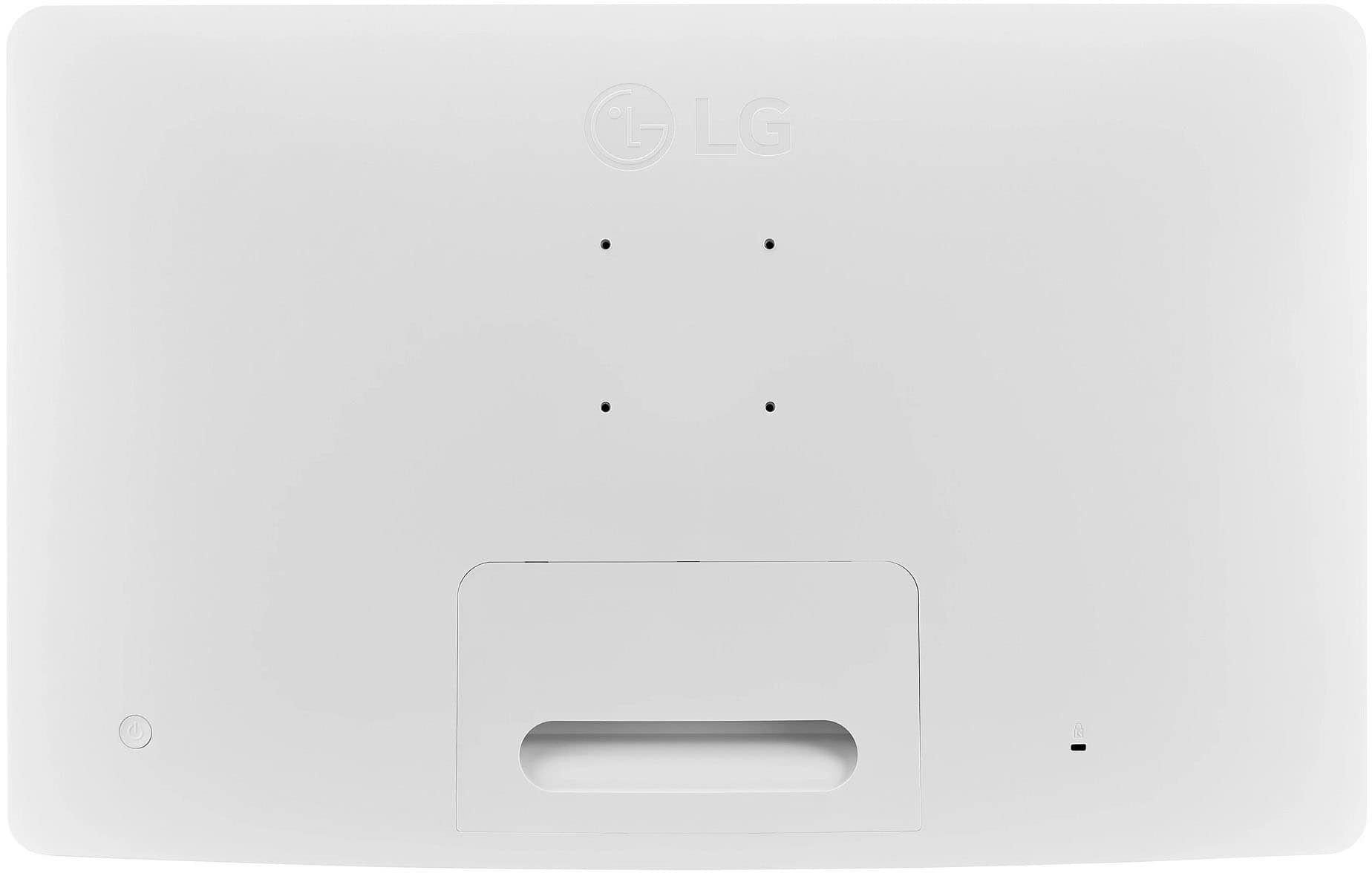
- A:Answer The LG - 27" Class LED Full HD Smart webOS TV with Countertop Design (2022), Model # 27LQ600S-WU, is a VESA-compliant display with a 75 x 75 mm VESA Mount Pattern. You can use any VESA-compliant Desk Mount that supports its VESA Mount Pattern to desk mount it...^Ivan.
Answered by LG Digital Customer Care
Q: QuestionIs this TV compatible with magic remote?
Asked by Mike.
- A:Answer I'm not familiar with the magic remote
Answered by DanielS
Q: QuestionCan this tv be used as a computer monitor?
Asked by RJgirl.
- A:Answer Yes
Answered by DanielS
Q: QuestionWhat does counter top design mean
Asked by Kidmando.
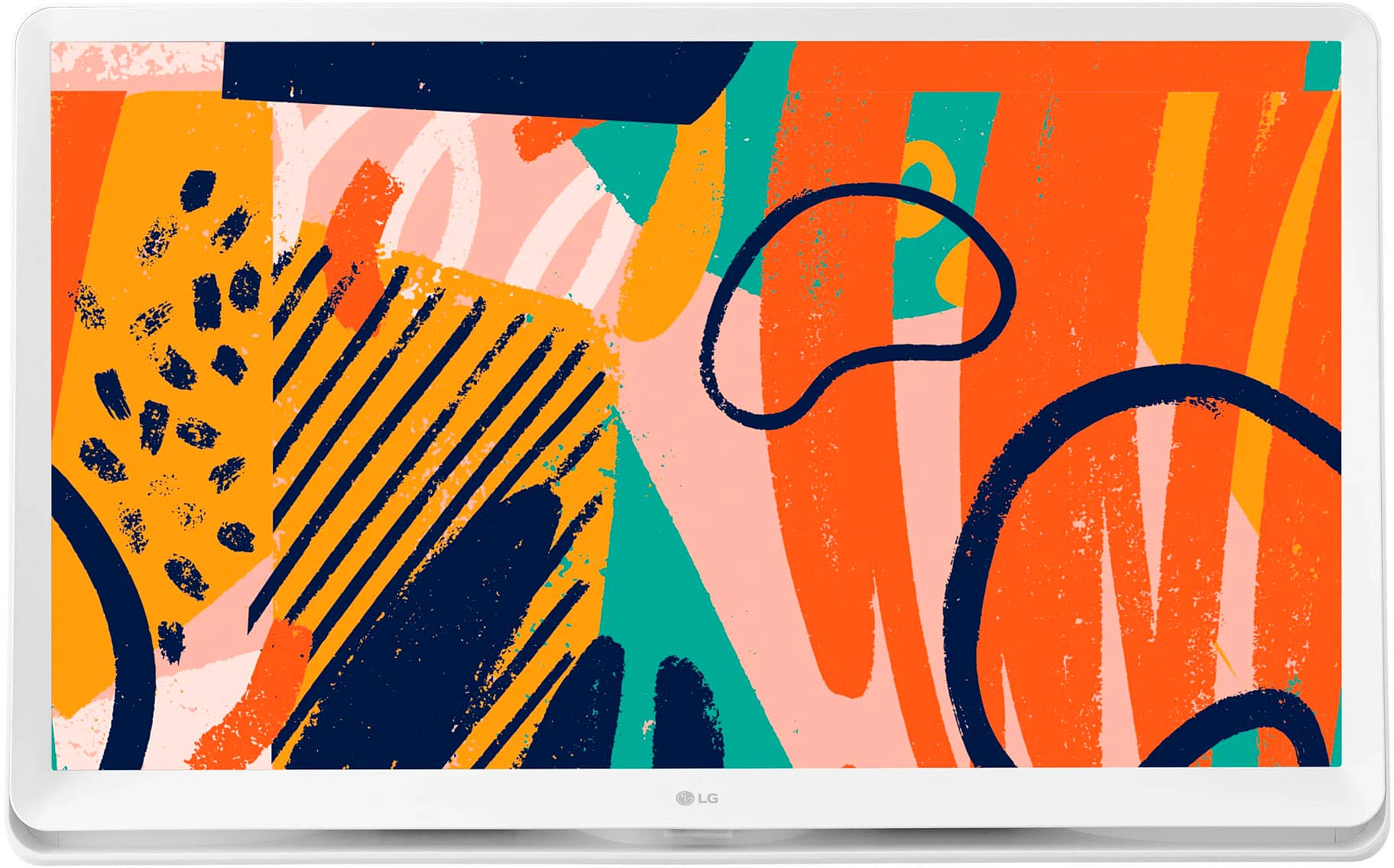
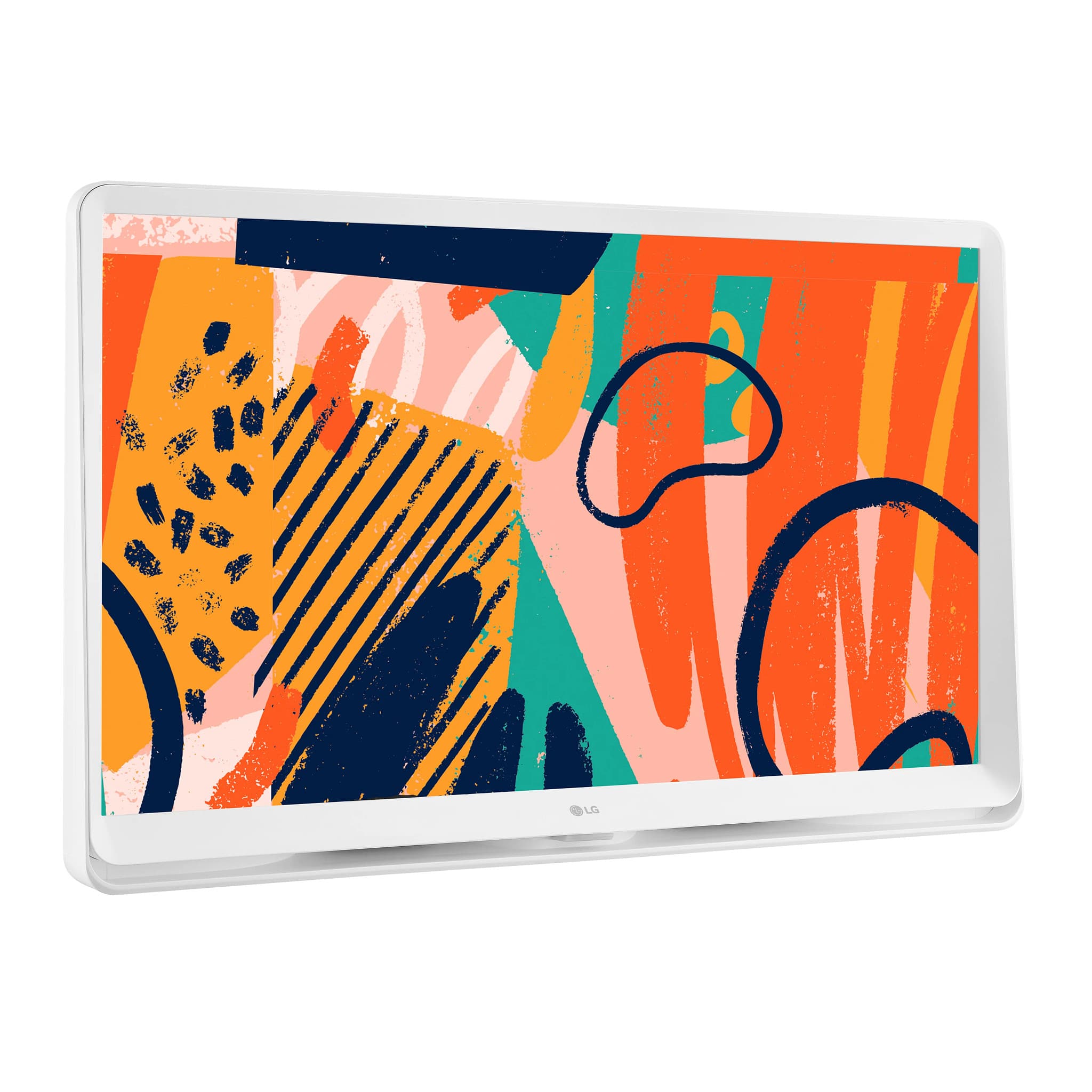
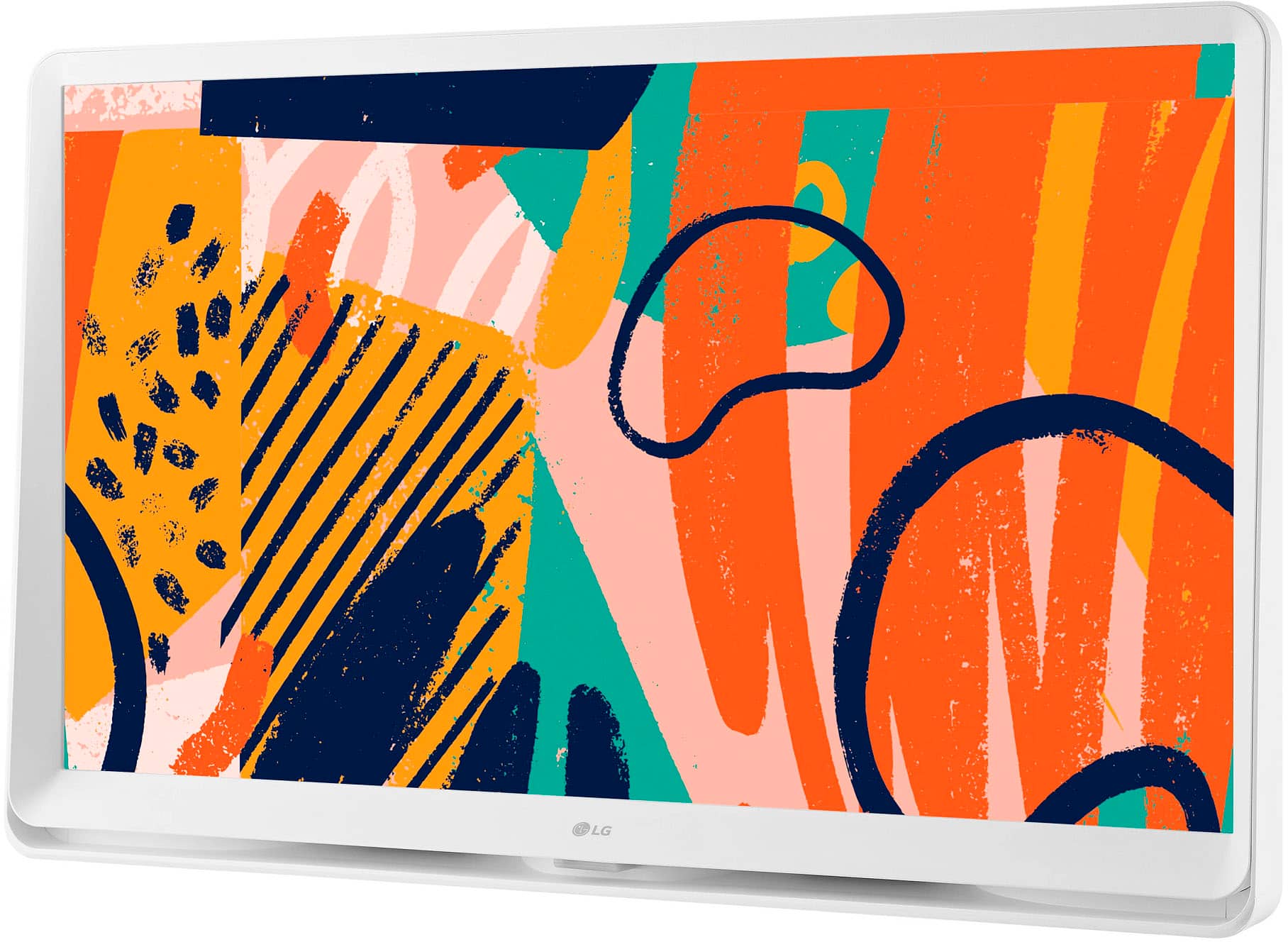
- A:Answer The TV rest conveniently on a kitchen counter
Answered by DanielS
Q: QuestionIs it cordless. Like run on battery
Asked by Brandon.
- A:Answer No, this is not a cordless TV
Answered by DanielS
Q: QuestionCan you use wireless headphones with this tv?
Asked by Cdws.
- A:Answer Hi there. Thank you for sharing your experience with us. We understand your inquiry regarding the connectivity features of the LG TV Monitor, Model #27LQ600S-W. To answer your question, this specific model does not support Bluetooth connectivity, so you cannot use wireless headphones with it directly. It is designed with an Optical Audio Output for your audio needs. https://www.bestbuy.com/product/lg-27-class-led-full-hd-smart-webos-tv-with-countertop-design-2022/JJ8VPZ62F5 If you have any further questions about its features, please contact us on lgdigitalcare@lg.sprinklrsupport.com, and our team will be more than happy to assist you. —Renzo
Answered by LG Digital Customer Care
Q: QuestionCan this be used outside?
Asked by Beans.
- A:Answer Hello there, Beans. Thank you for your question. We understand your inquiry regarding the usage environment of the 27LQ600S-W. Please note that this unit is designed for indoor use only and is not weatherproof; exposing it to outdoor elements such as moisture, extreme temperatures, or direct sunlight may damage the device. https://www.bestbuy.com/product/lg-27-class-led-full-hd-smart-webos-tv-with-countertop-design-2022/JJ8VPZ62F5 If you have any further questions about its features, please contact us on lgdigitalcare@lg.sprinklrsupport.com, and our team will be more than happy to assist you. —Renzo
Answered by LG Digital Customer Care
Q: QuestionIs there an Undermount bracket available?
Asked by Maize.
- A:Answer Hi there, Maize. Thank you for reaching out to us regarding the LG TV Monitor, Model # 27LQ600S-W. We understand you are inquiring about the availability of an undermount bracket. Please be advised that LG does not manufacture a specific undermount bracket for this model. However, the monitor is VESA mount compatible (75 x 75 mm). You may be able to utilize a third-party undermount bracket that supports this specific VESA pattern and can hold the weight of the monitor (approximately 12.6 lbs without the stand). https://www.bestbuy.com/product/lg-27-class-led-full-hd-smart-webos-tv-with-countertop-design-2022/JJ8VPZ62F5 If you have any further questions about its features, please contact us on lgdigitalcare@lg.sprinklrsupport.com, and our team will be more than happy to assist you. —Renzo
Answered by LG Digital Customer Care
Q: Questionlcan this tv sit on a table? Is it compatible with DISH satttelite
Asked by dkbk.
- A:Answer Hello there. Thank you for your interest in the LG 27LQ600S-W. We understand your inquiry regarding the setup and compatibility of this unit. To answer your questions, yes, this model includes a stand and is designed to sit on a table. Regarding DISH Satellite compatibility, this TV Monitor is equipped with an HDMI port and a built-in tuner (ATSC/NTSC), making it compatible with satellite receivers that use these connections. https://www.bestbuy.com/product/lg-27-class-led-full-hd-smart-webos-tv-with-countertop-design-2022/JJ8VPZ62F5 If you have any further questions about its features, please contact us on lgdigitalcare@lg.sprinklrsupport.com, and our team will be more than happy to assist you. —Renzo
Answered by LG Digital Customer Care
Q: QuestionIs this monitor a touchscreen? I thought it was but am not seeing it in the description
Asked by Murphdog.
- A:Answer The LG 27" Class LED Full HD Smart webOS TV with Countertop Design (2022), Model # 27LQ600S-WU, is a TV, and it does not have a touchscreen...^Ivan.
Answered by LG Digital Customer Care
Q: QuestionDoes this tv come with what is needed to use on a tabletop?
Asked by will.
- A:Answer Hello there, Will.Thank you for your interest in the LG Smart TV Monitor (Model # 27LQ600S-W). We understand your inquiry regarding the setup options for this unit. To answer your question, yes, this model comes with the necessary stand to use it on a tabletop or desk. The specifications confirm dimensions "With Stand" (24.9" x 15.7" x 3.6"), ensuring it is ready for tabletop placement right out of the box. https://www.bestbuy.com/product/lg-27-class-led-full-hd-smart-webos-tv-with-countertop-design-2022/JJ8VPZ62F5 If you have any further questions about its features, please send us a private message on Social Media @LGUSSupport, and our team will be more than happy to assist you. —Renzo
Answered by LG Digital Customer Care
